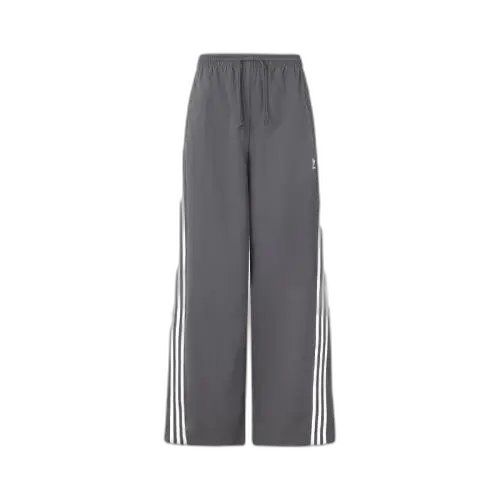
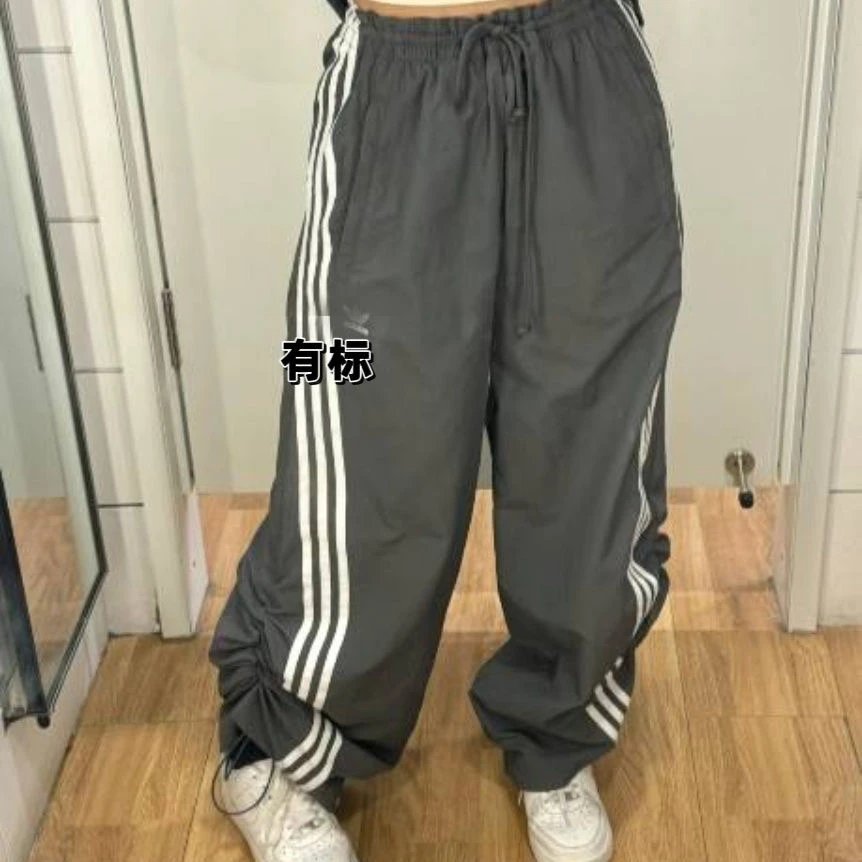
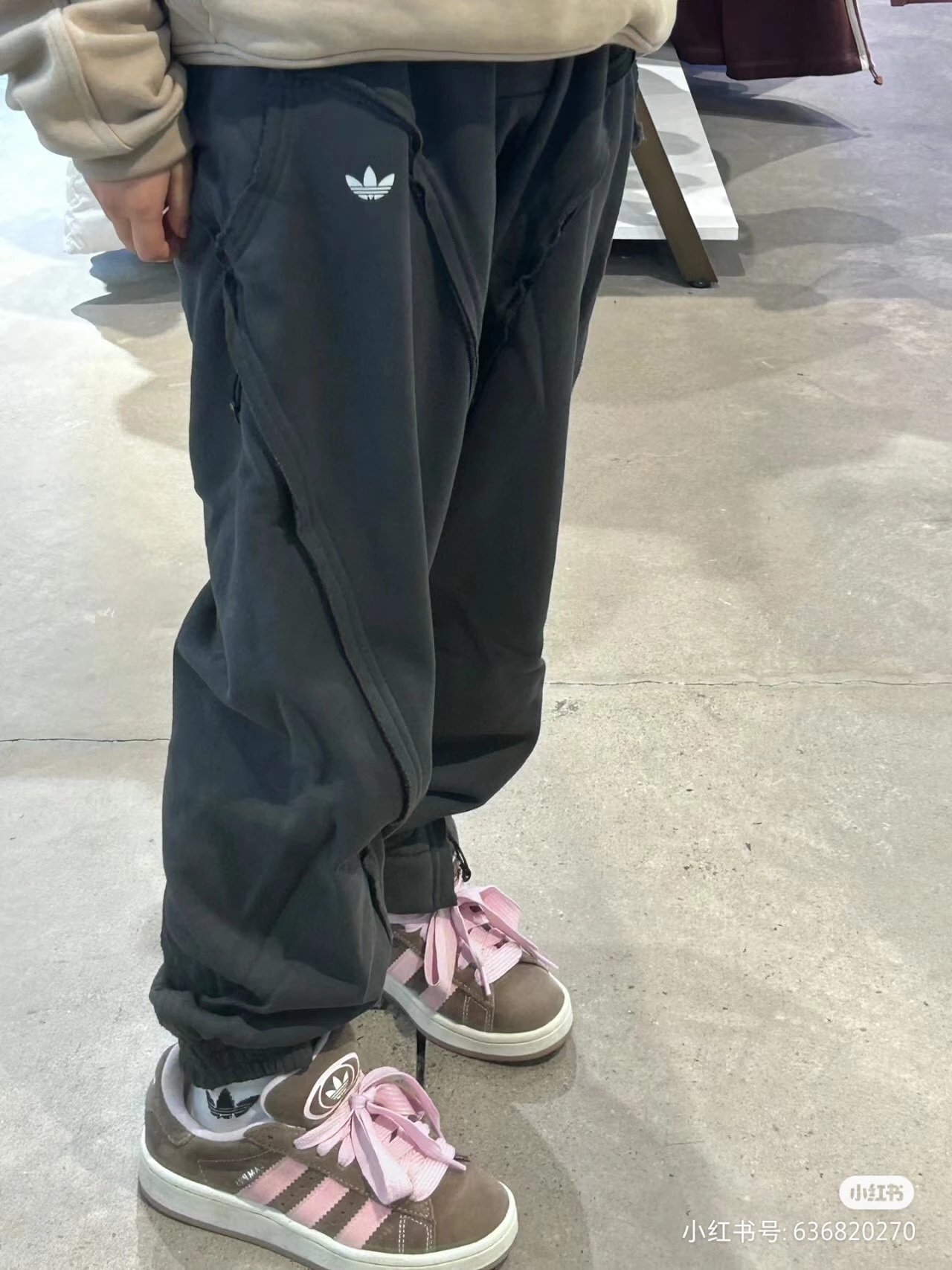
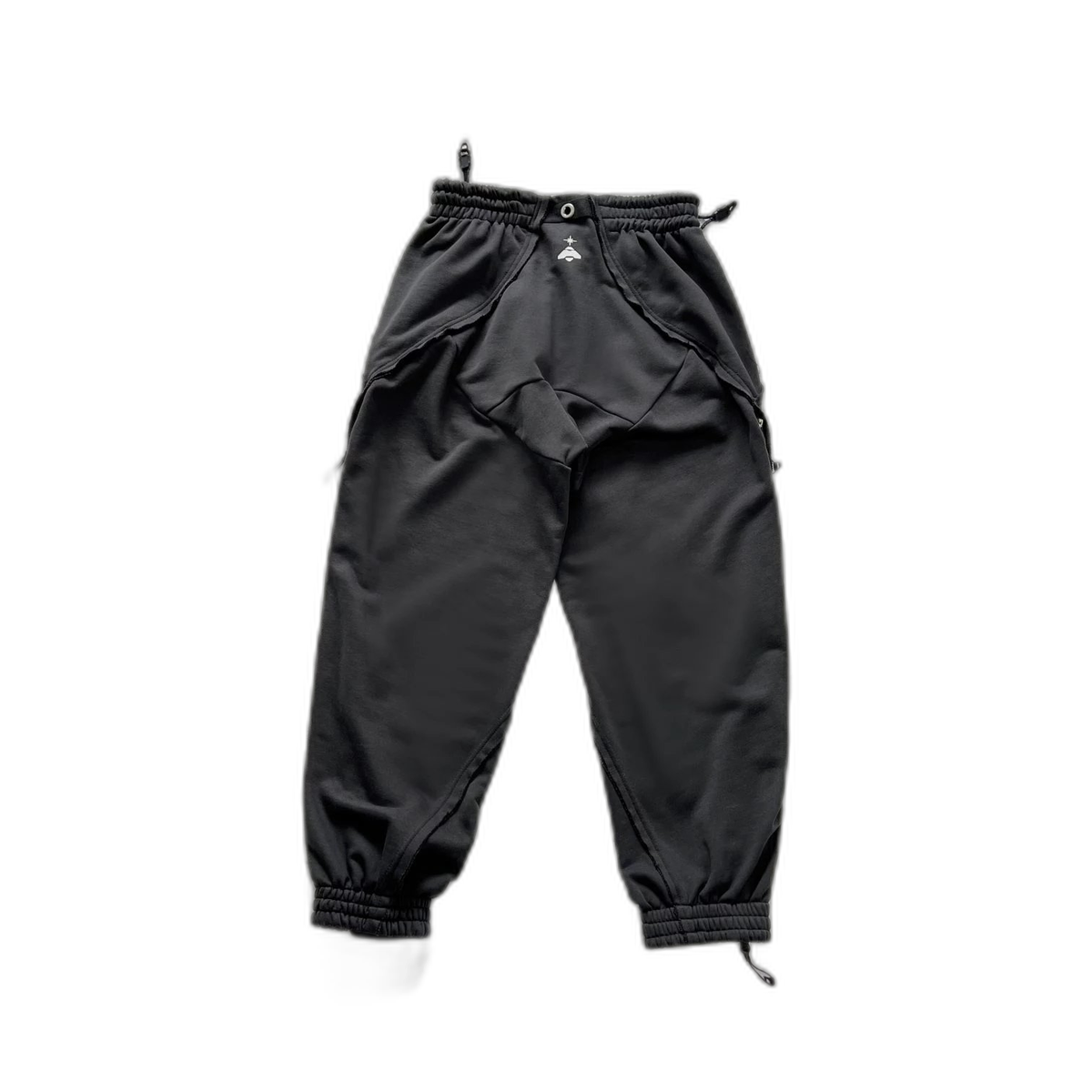
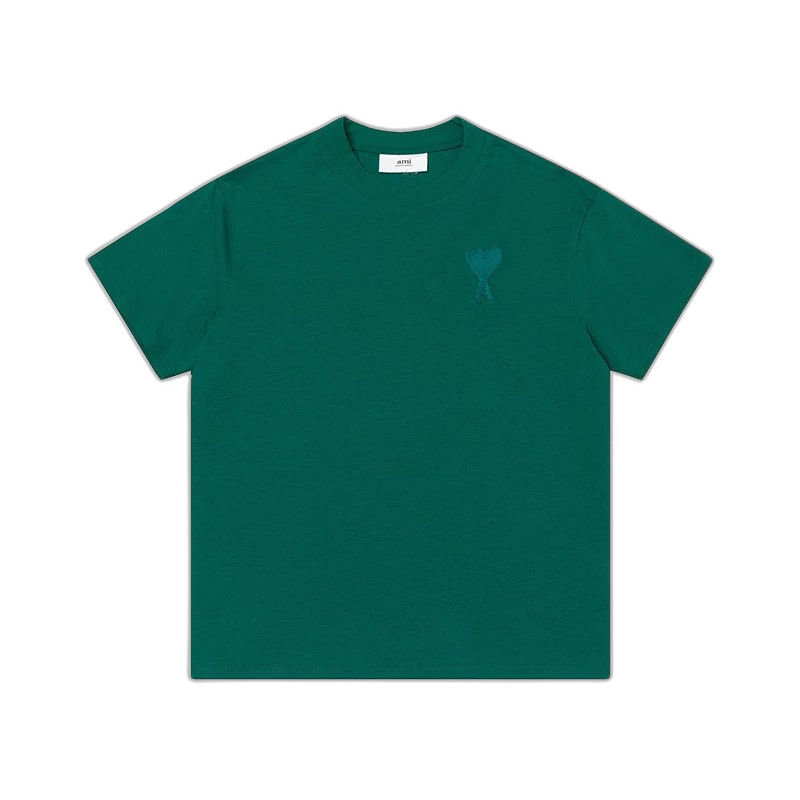
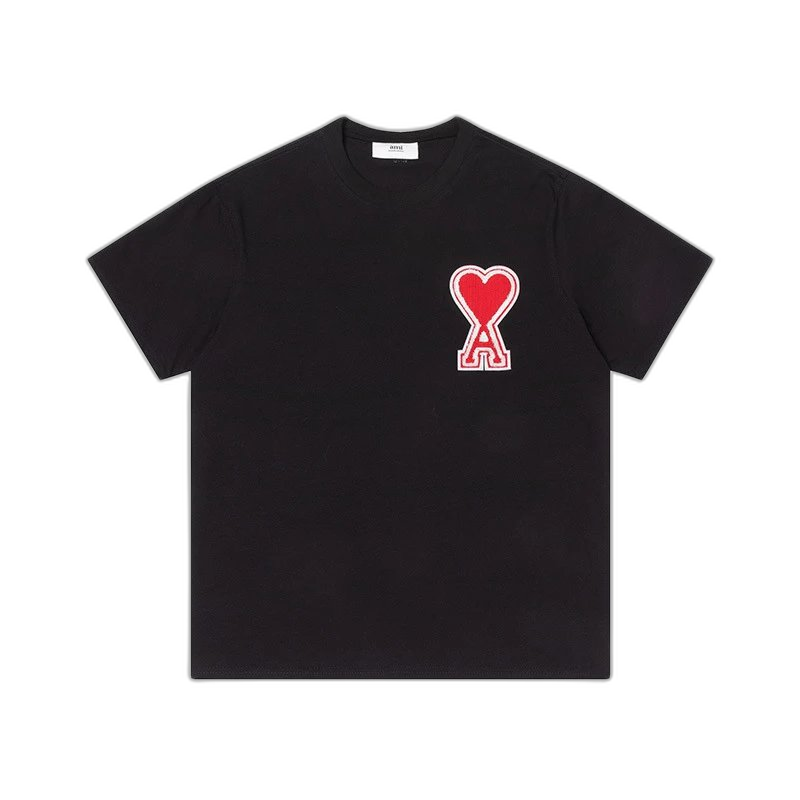
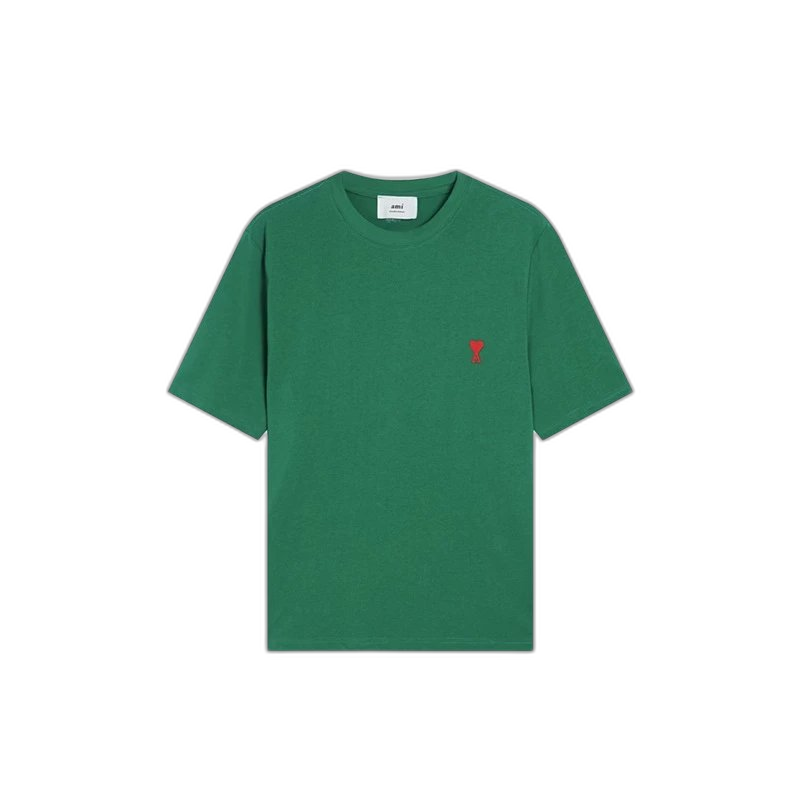
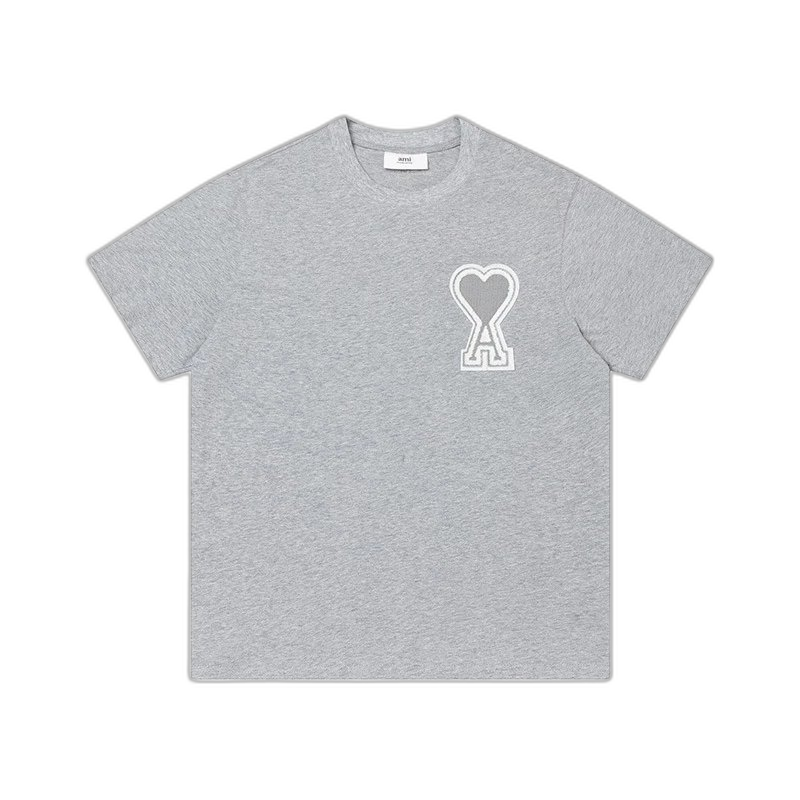
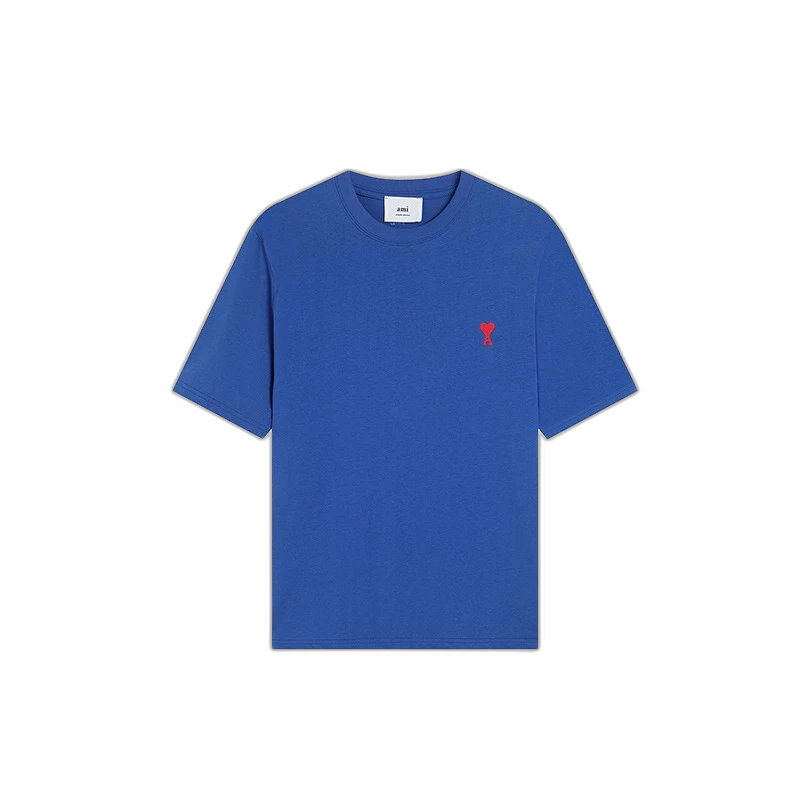
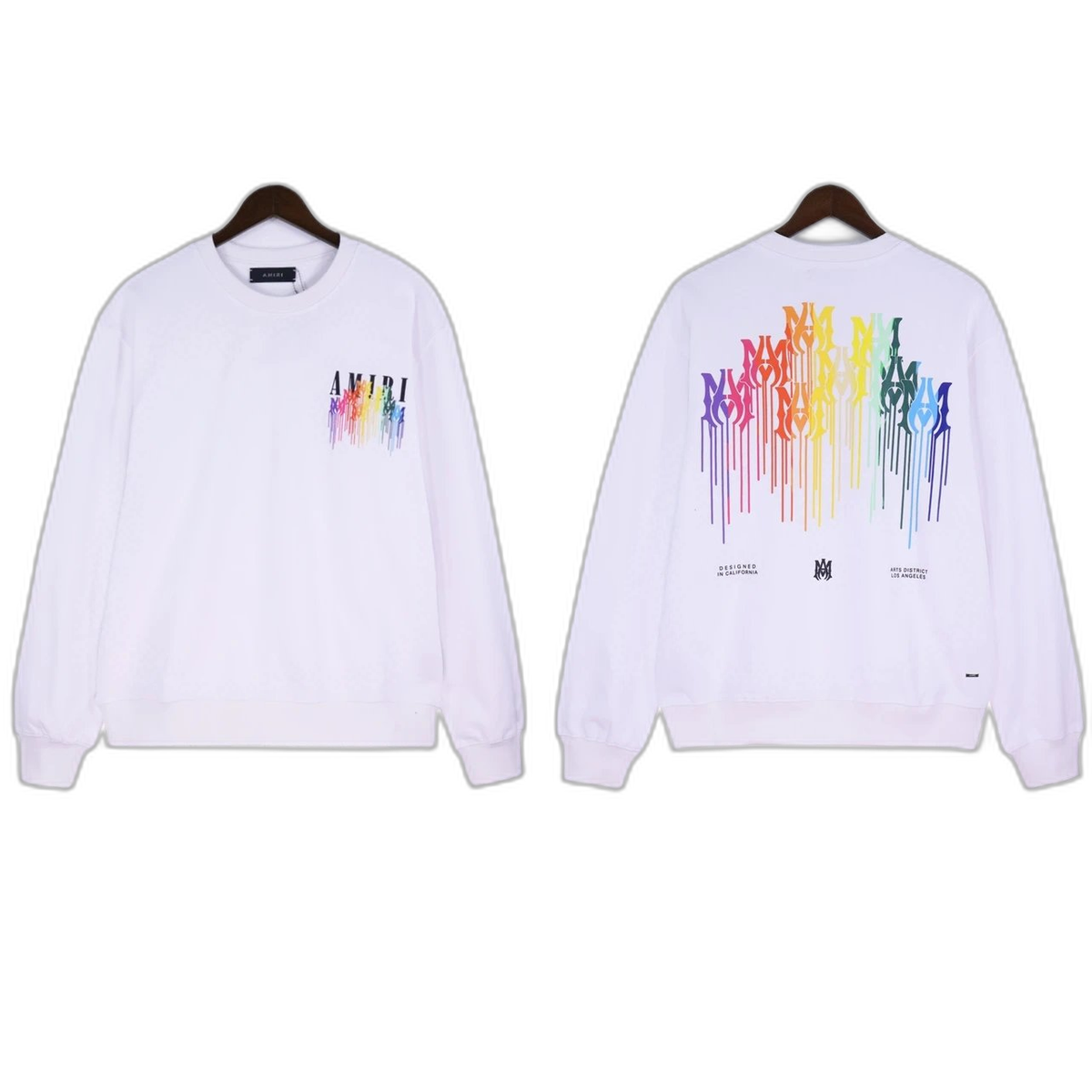
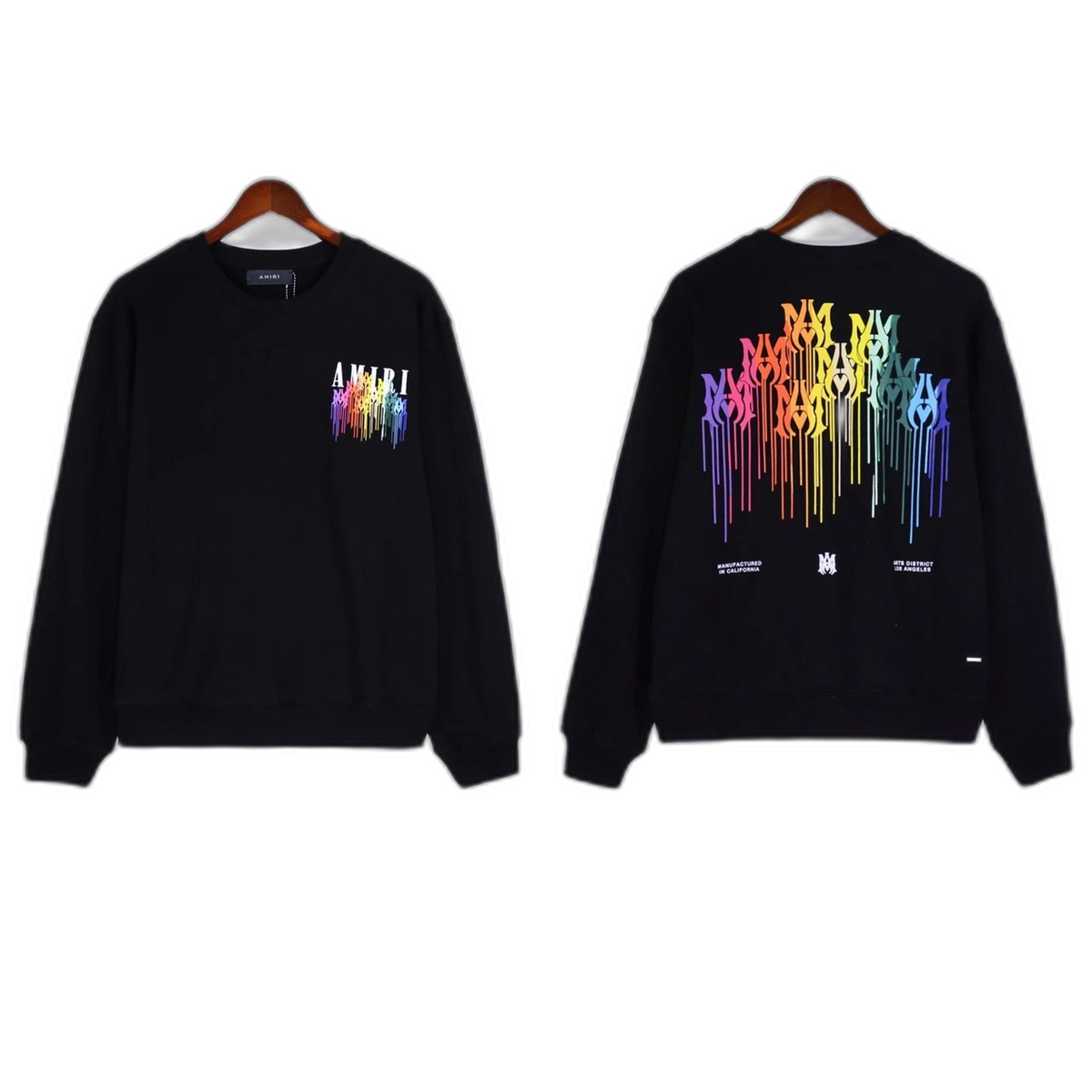
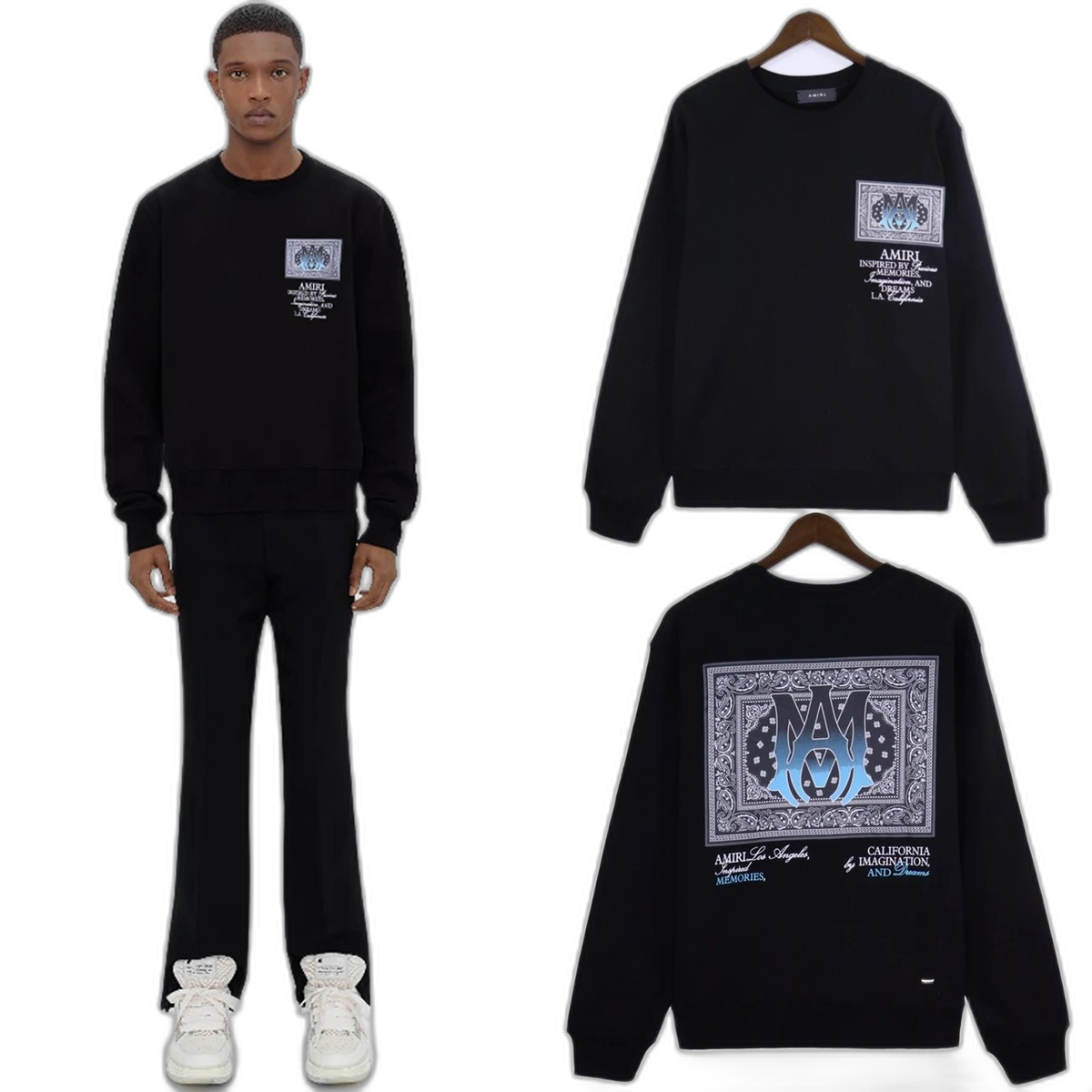
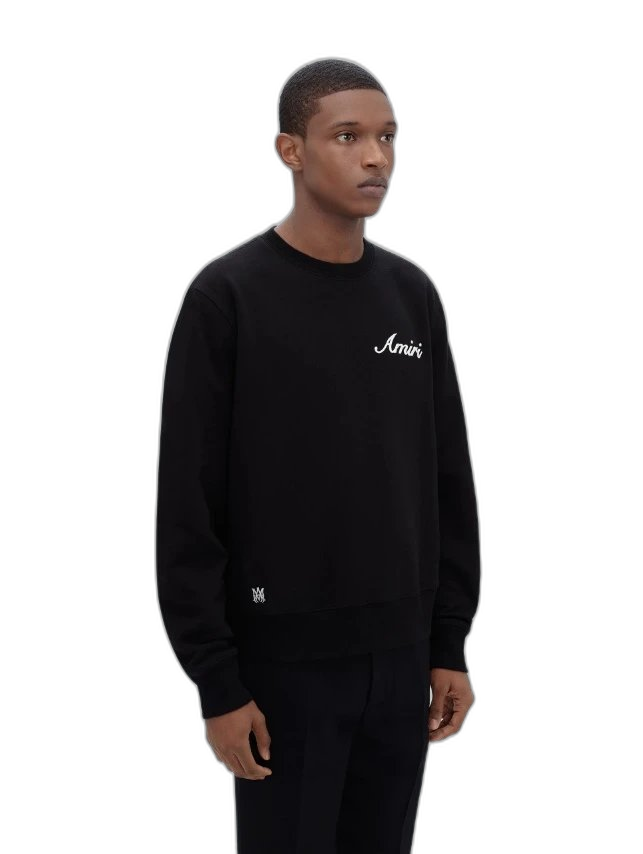
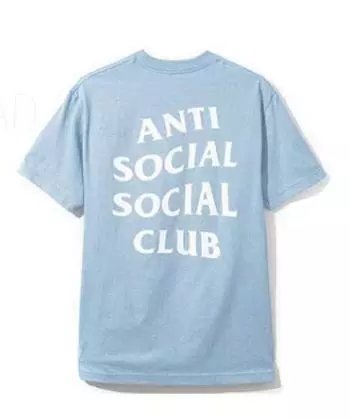
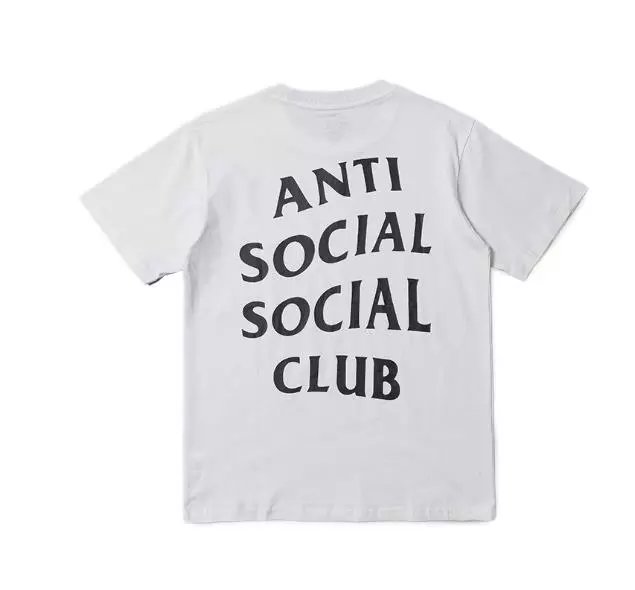
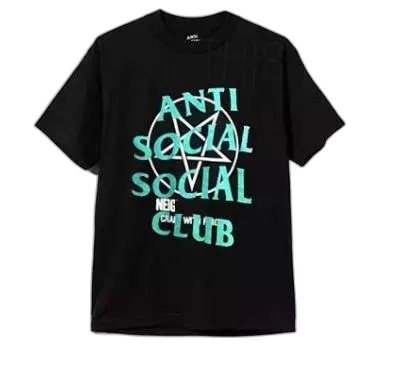
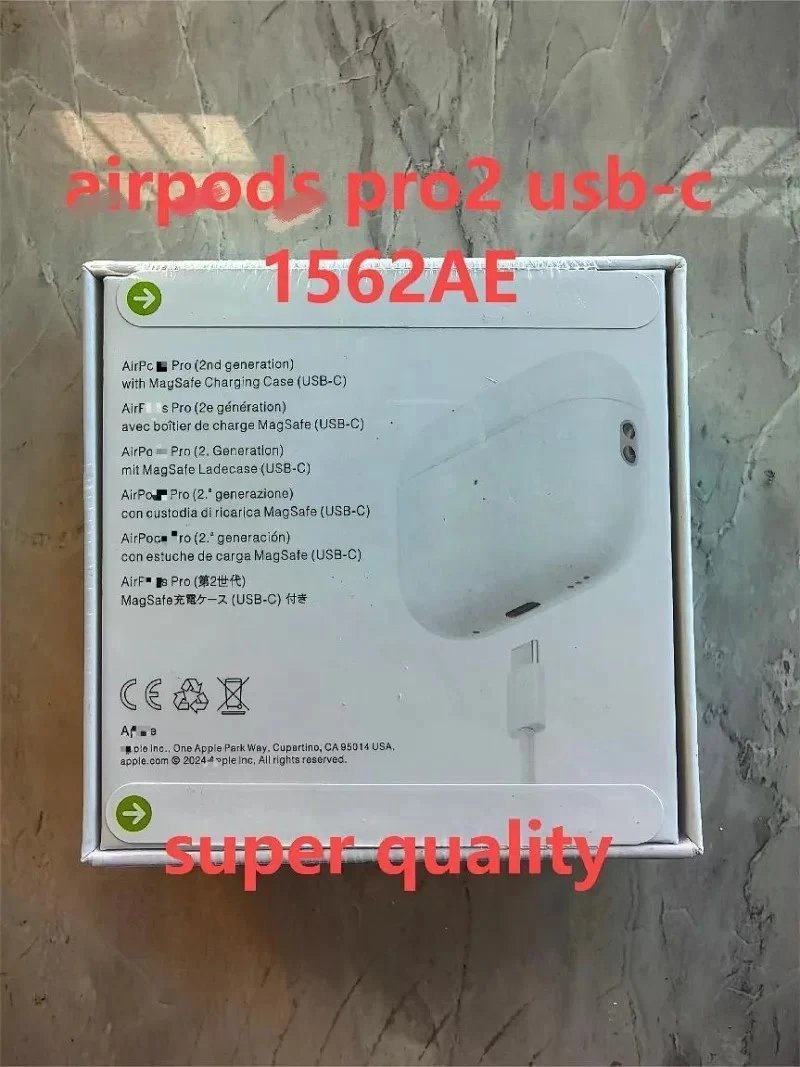
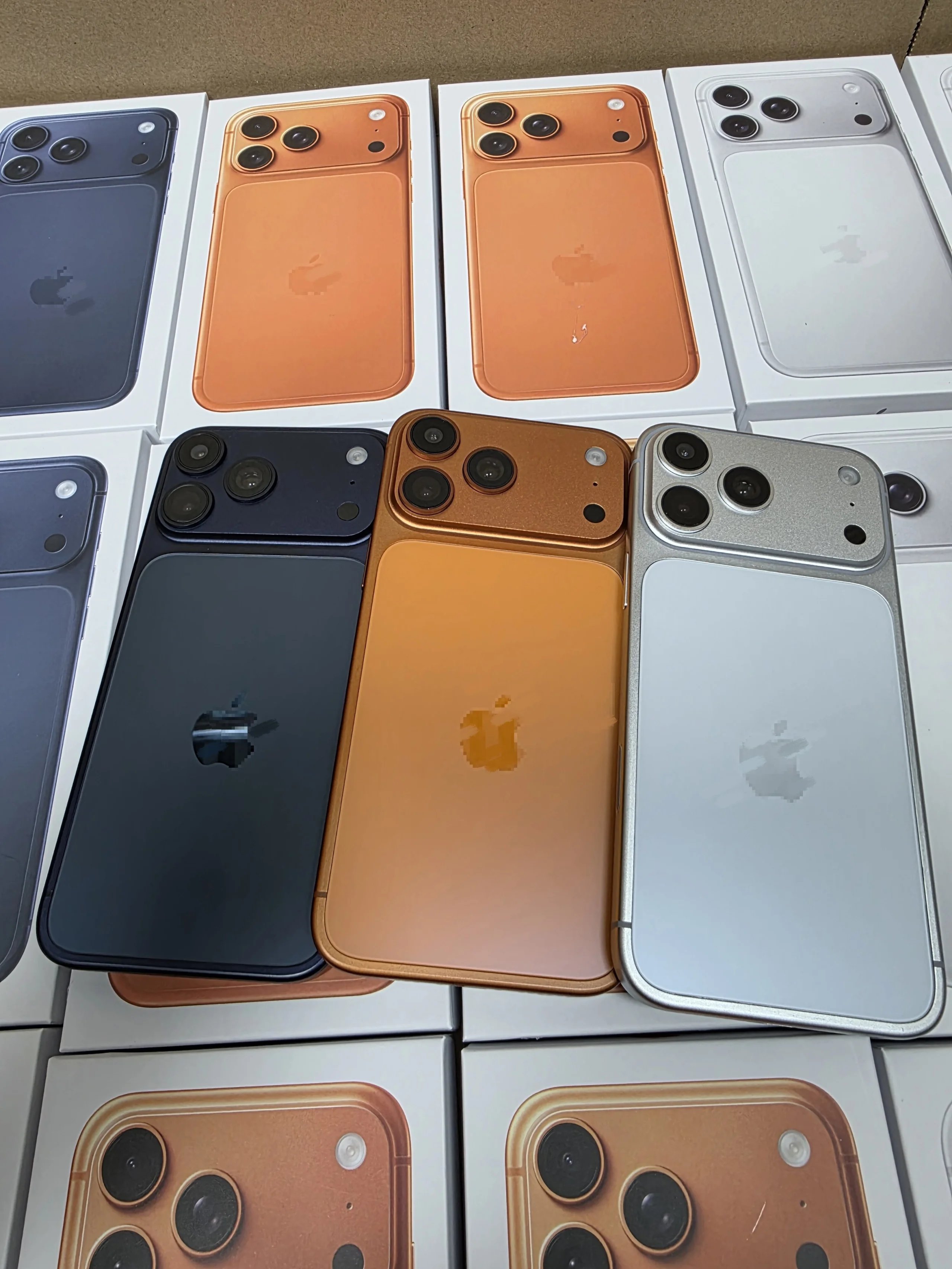
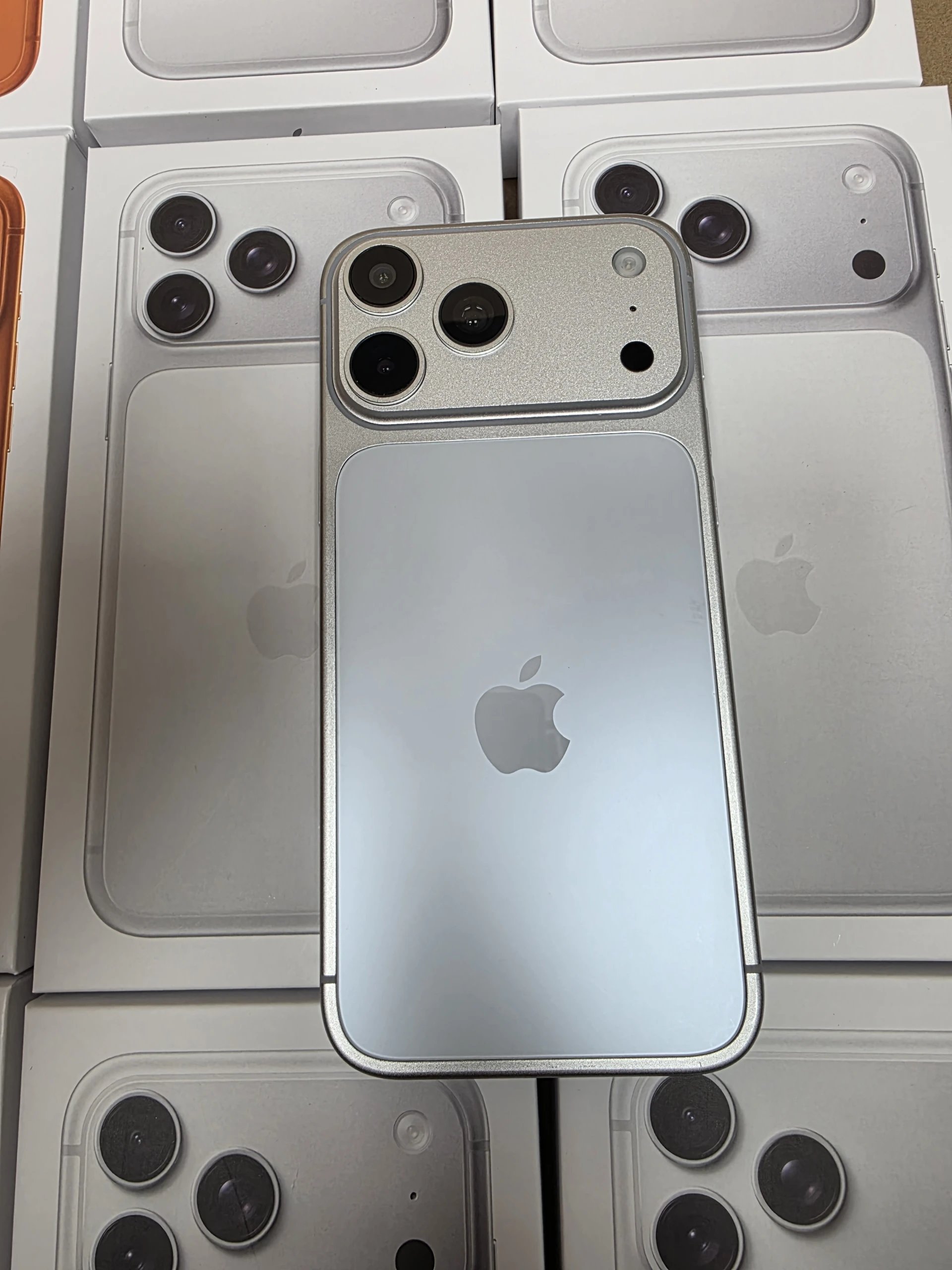
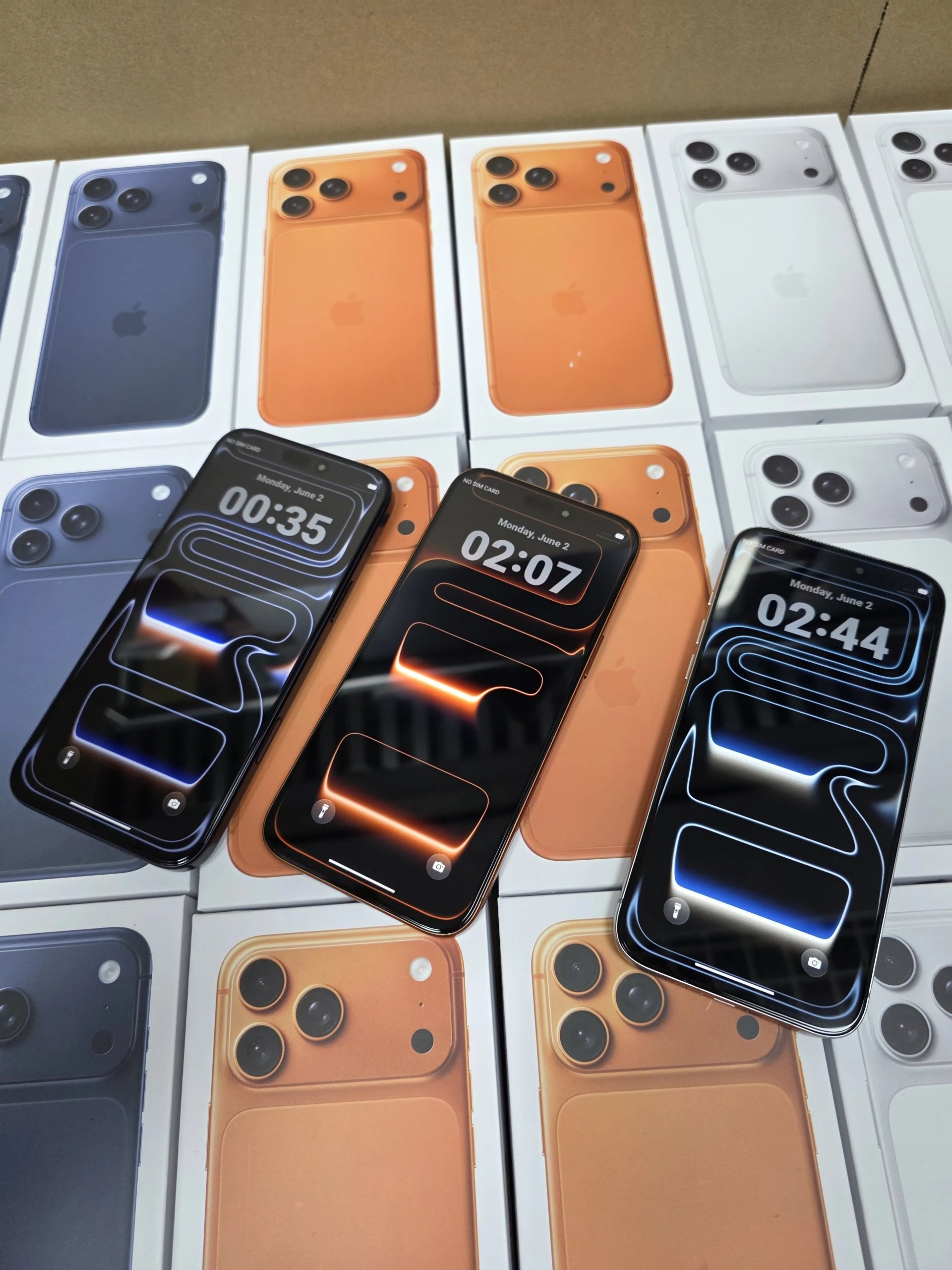
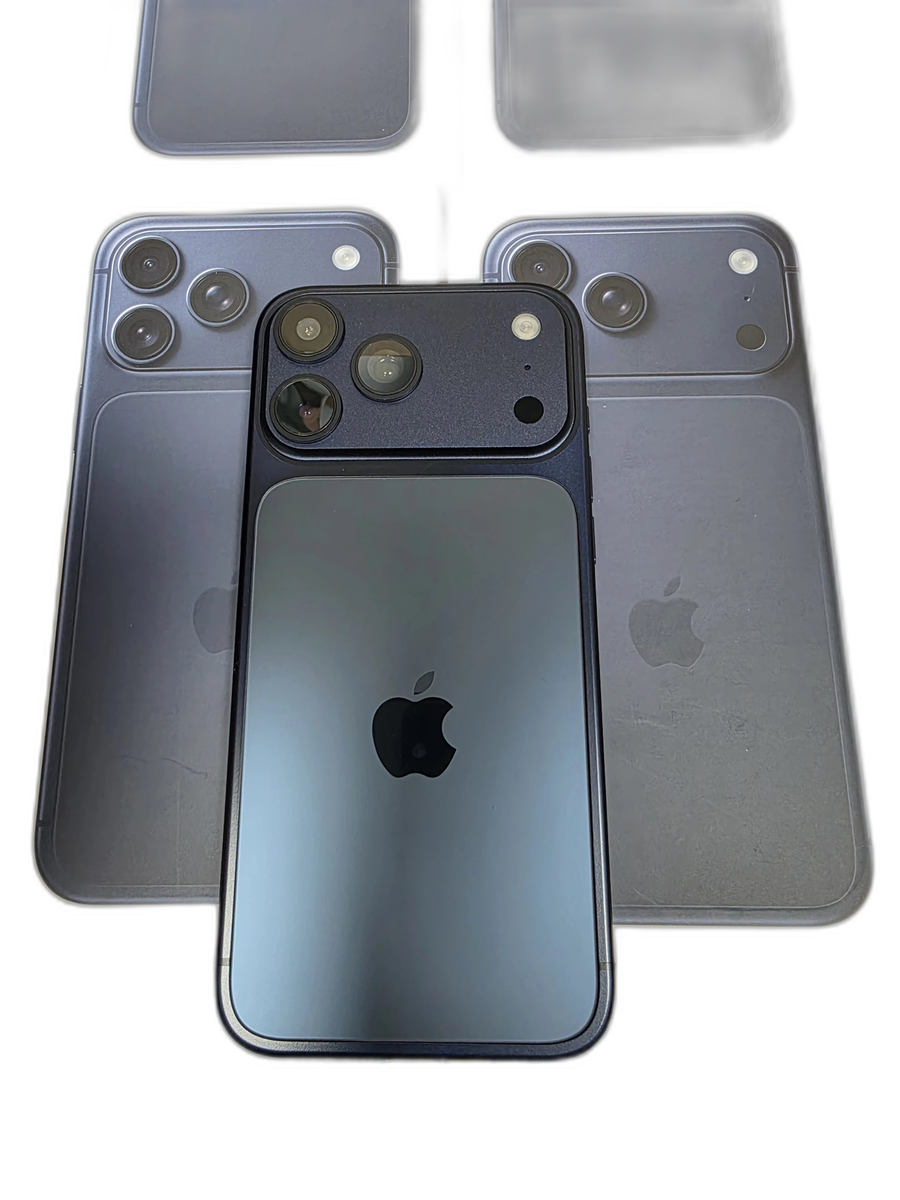
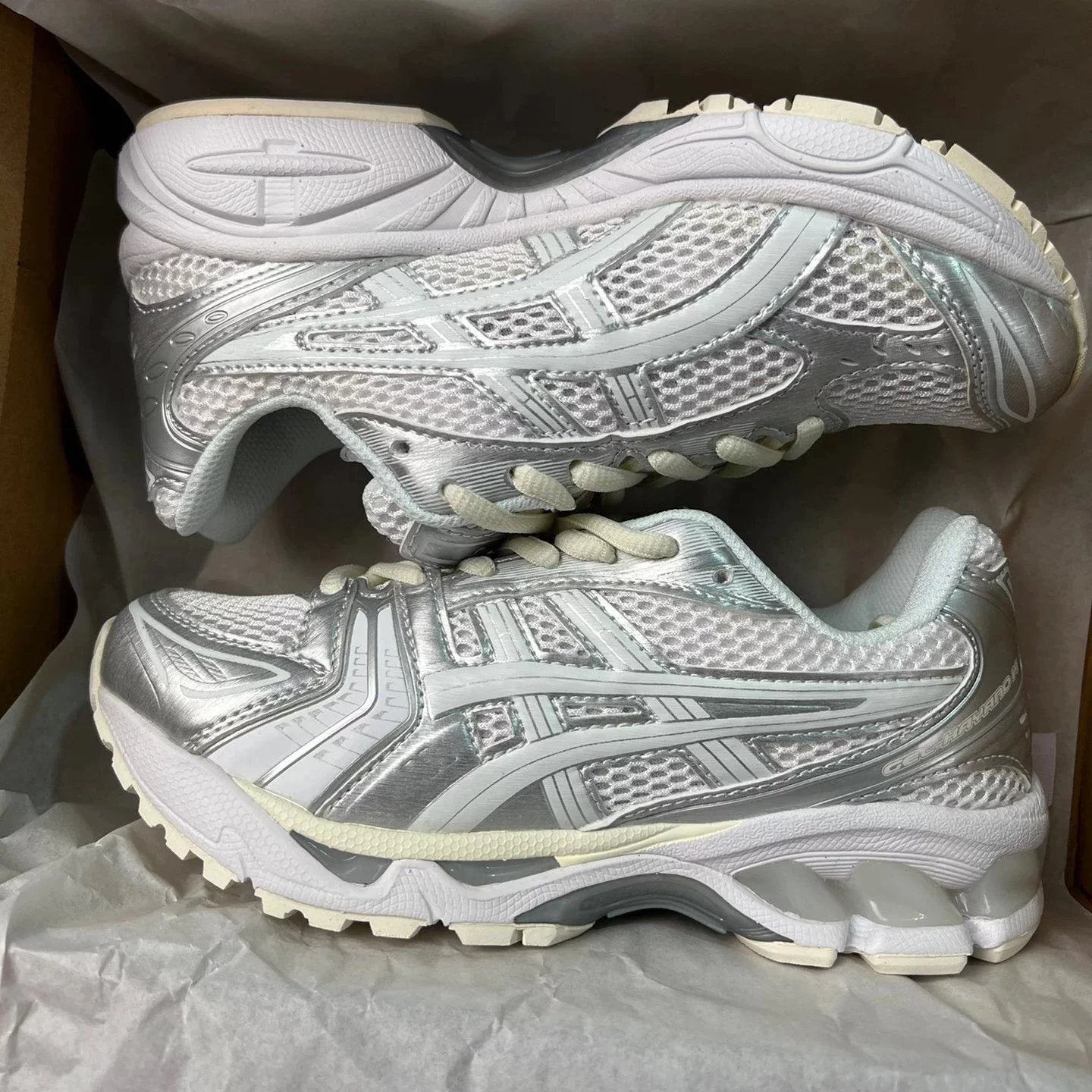
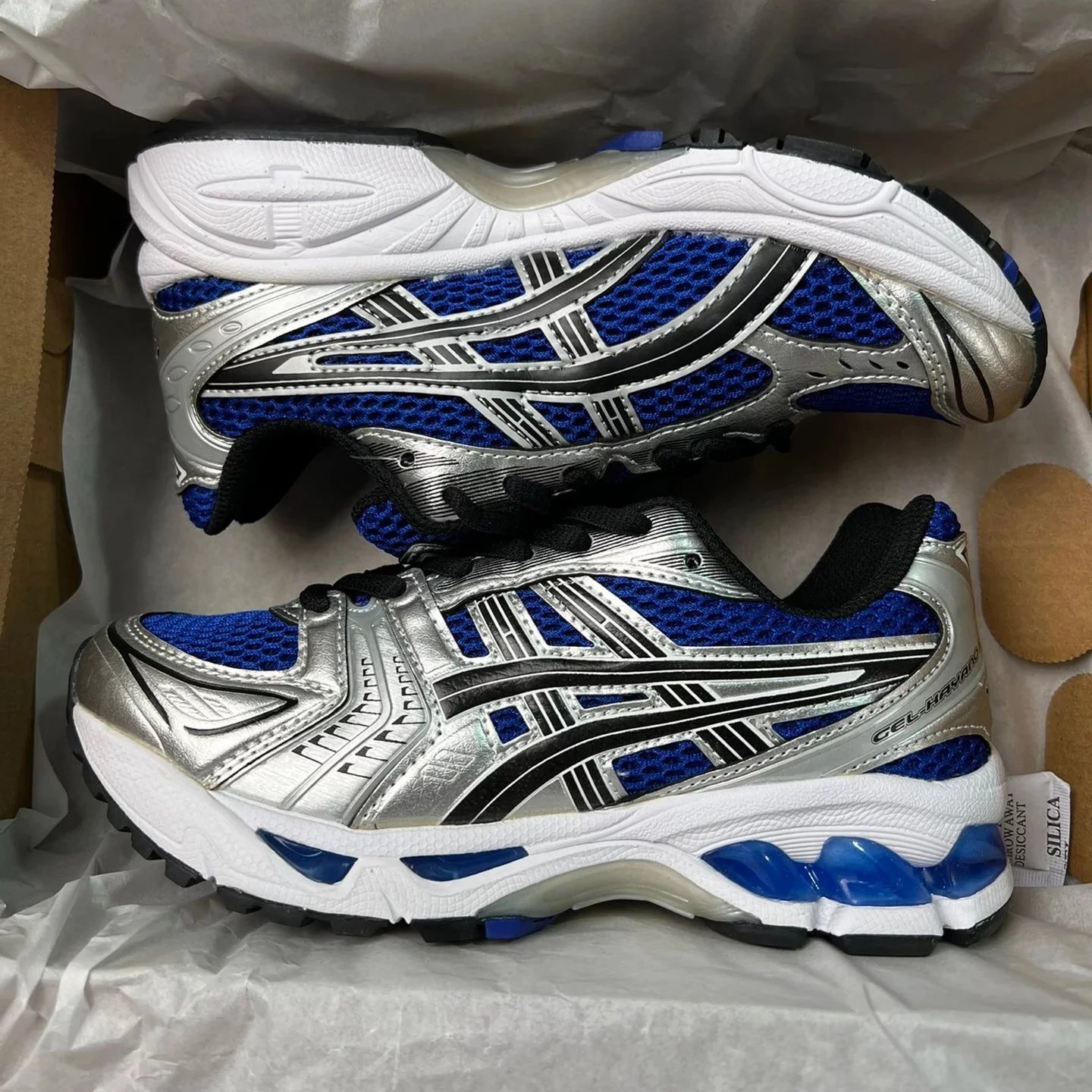
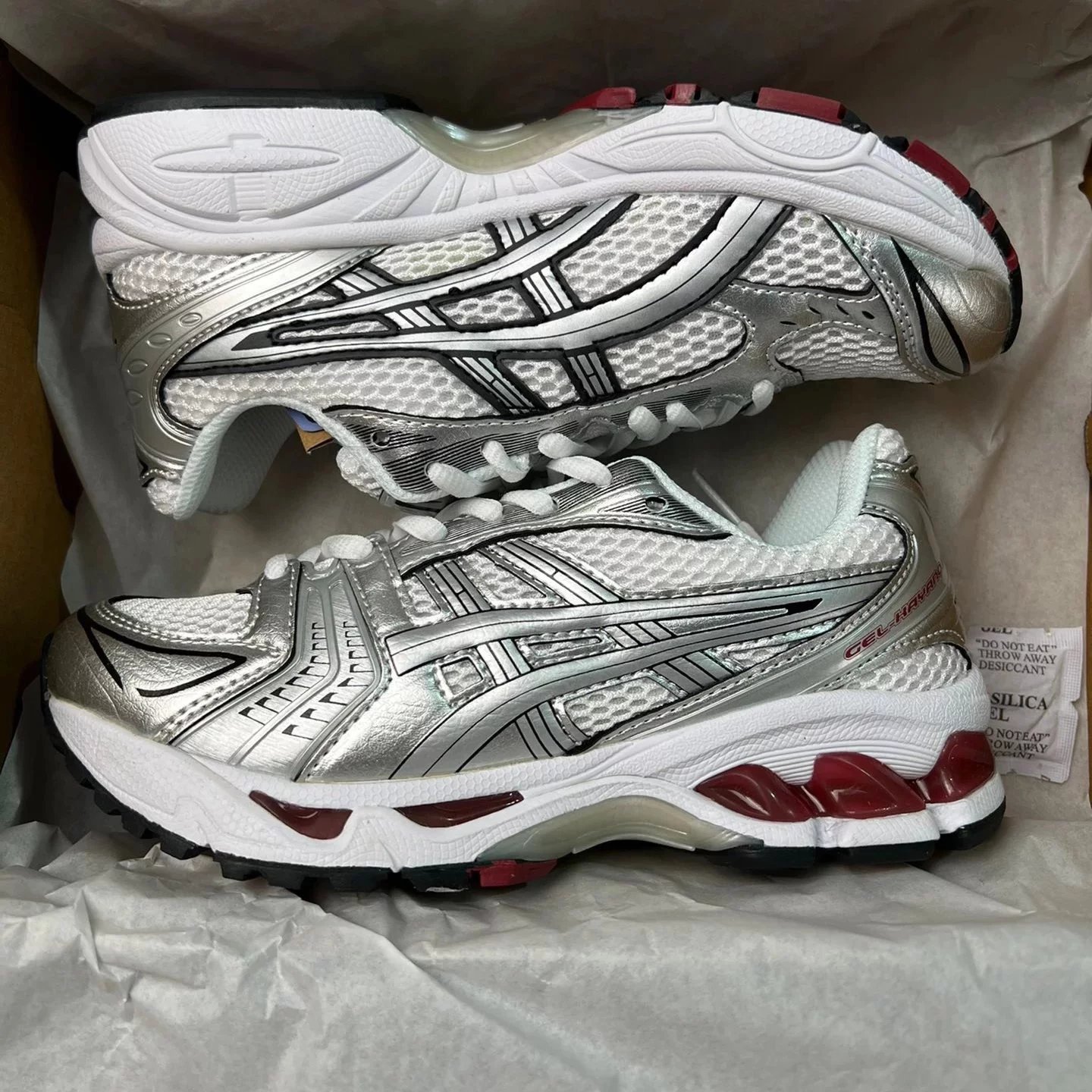
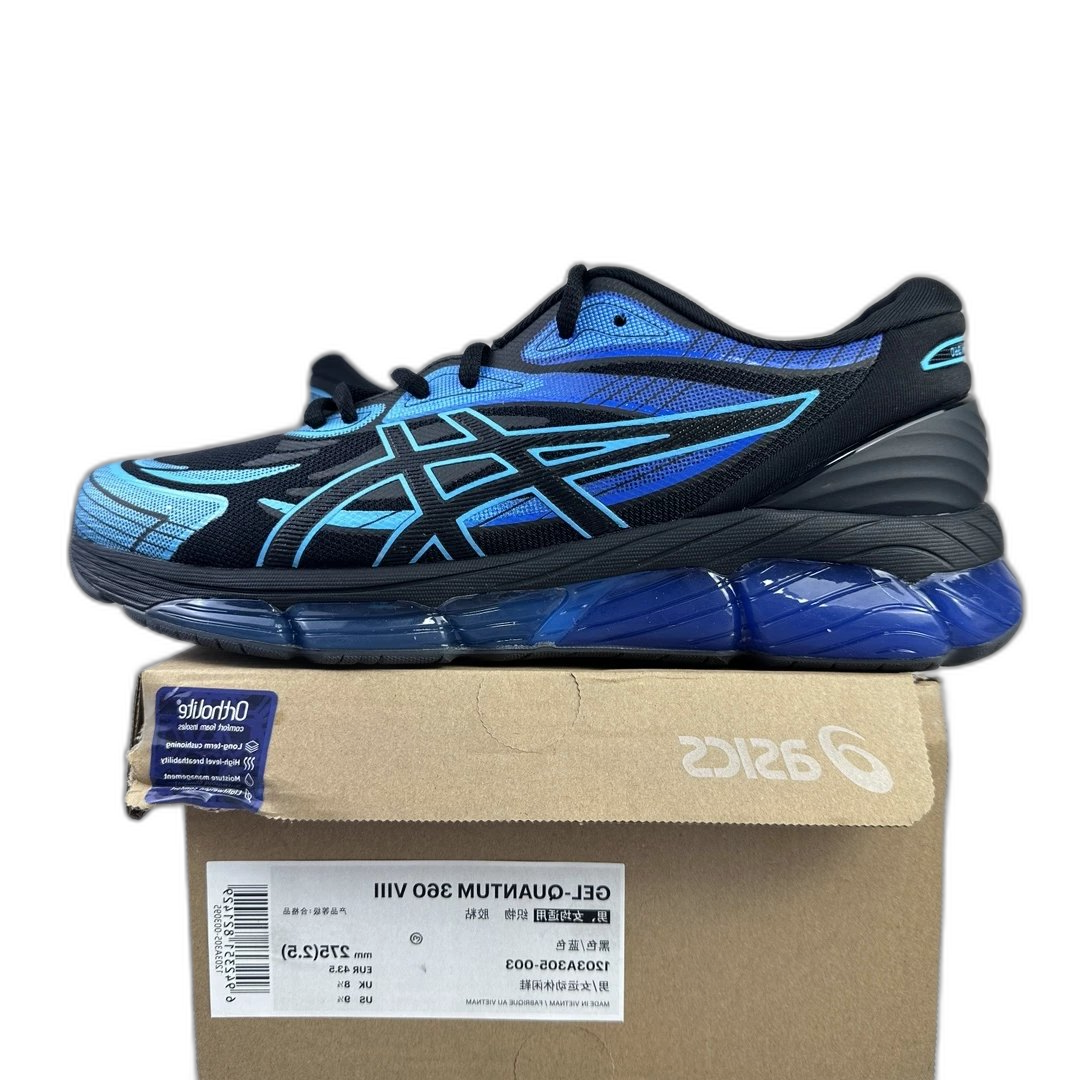
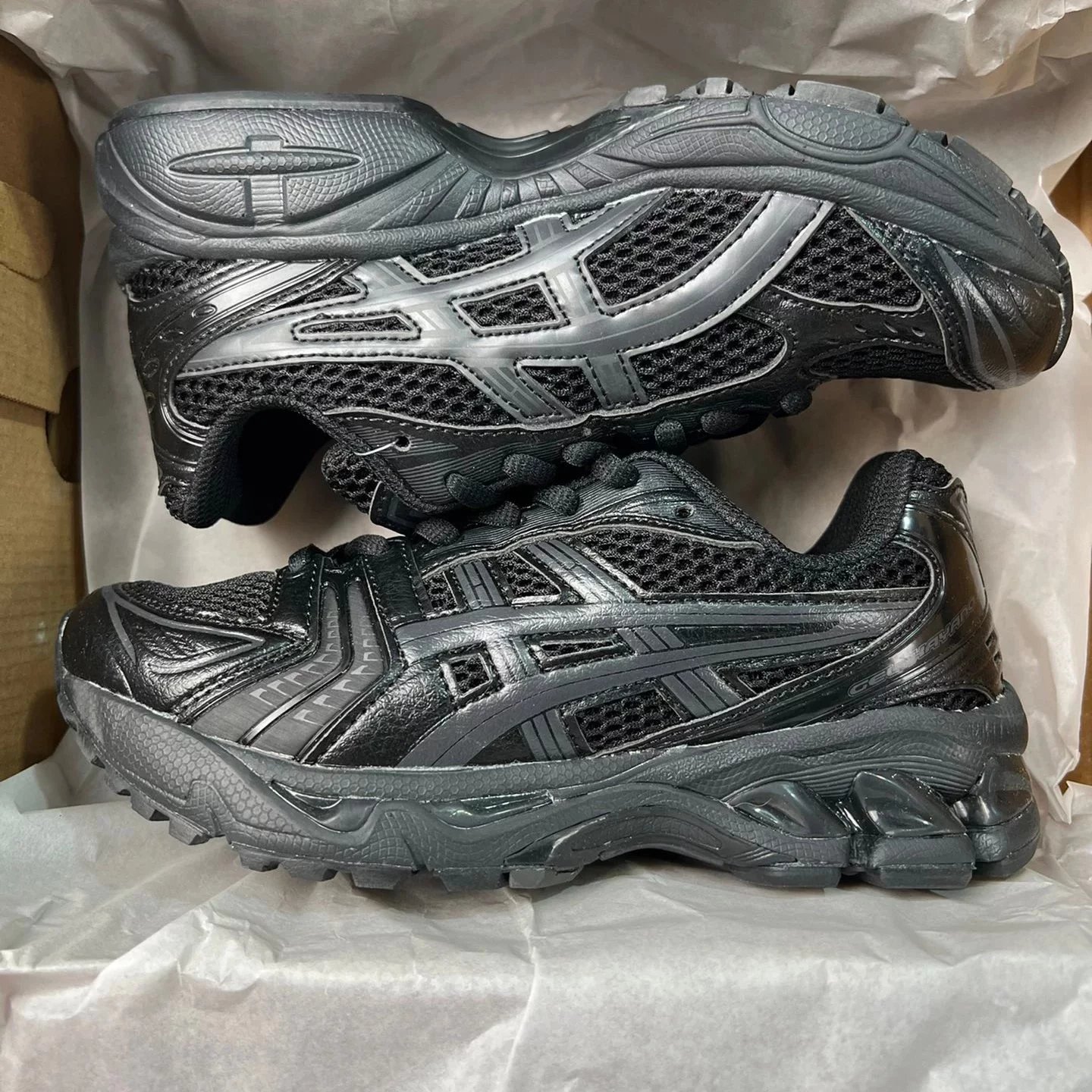
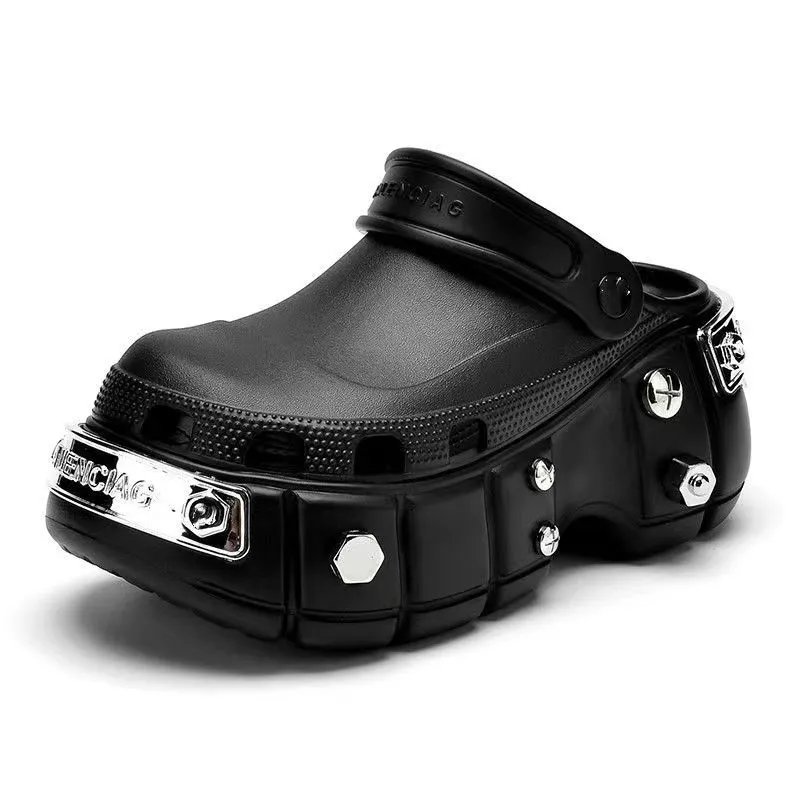
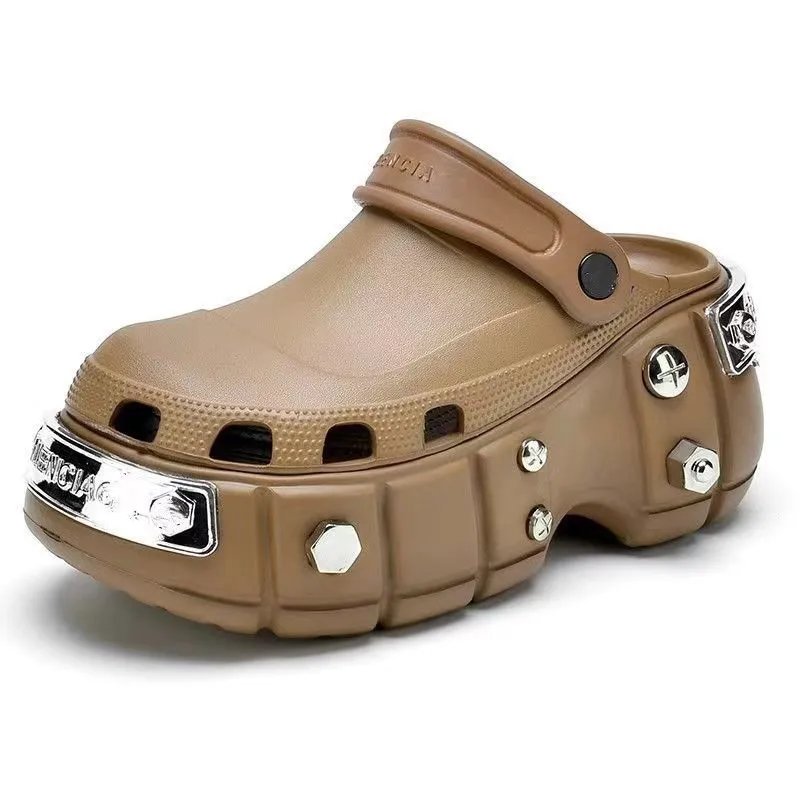
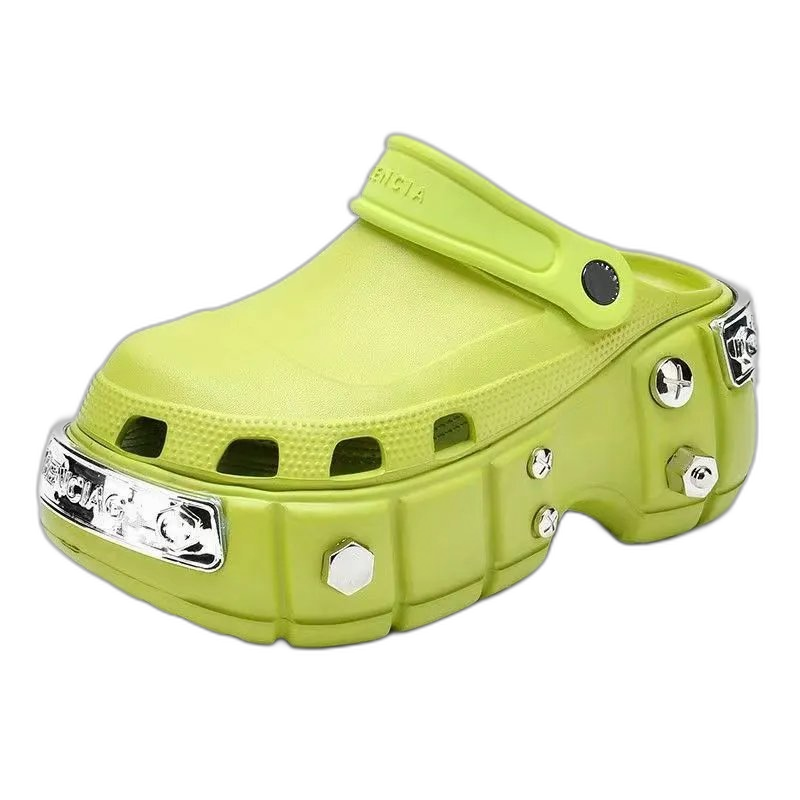
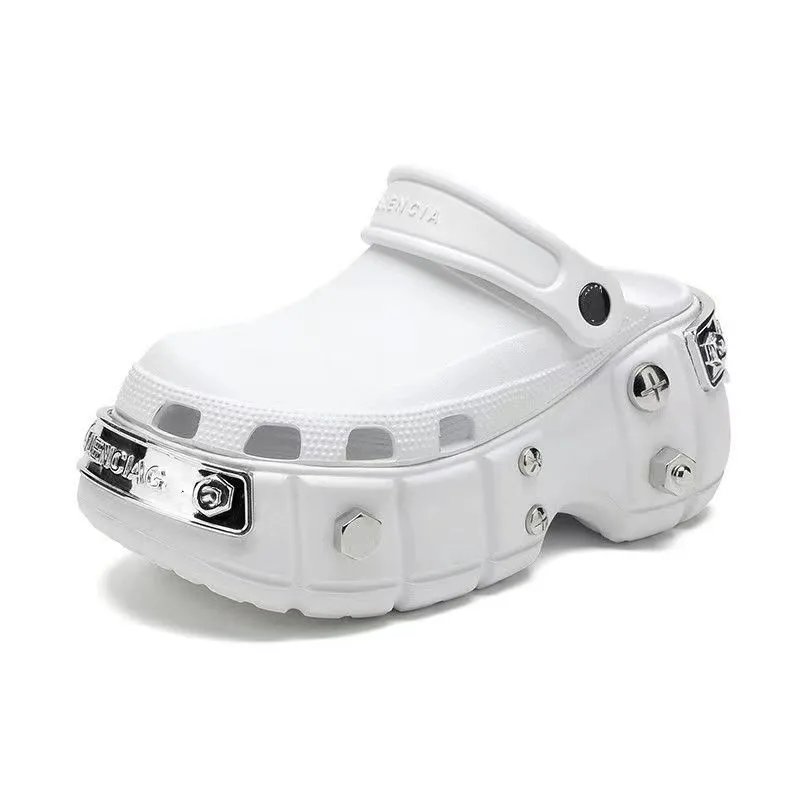
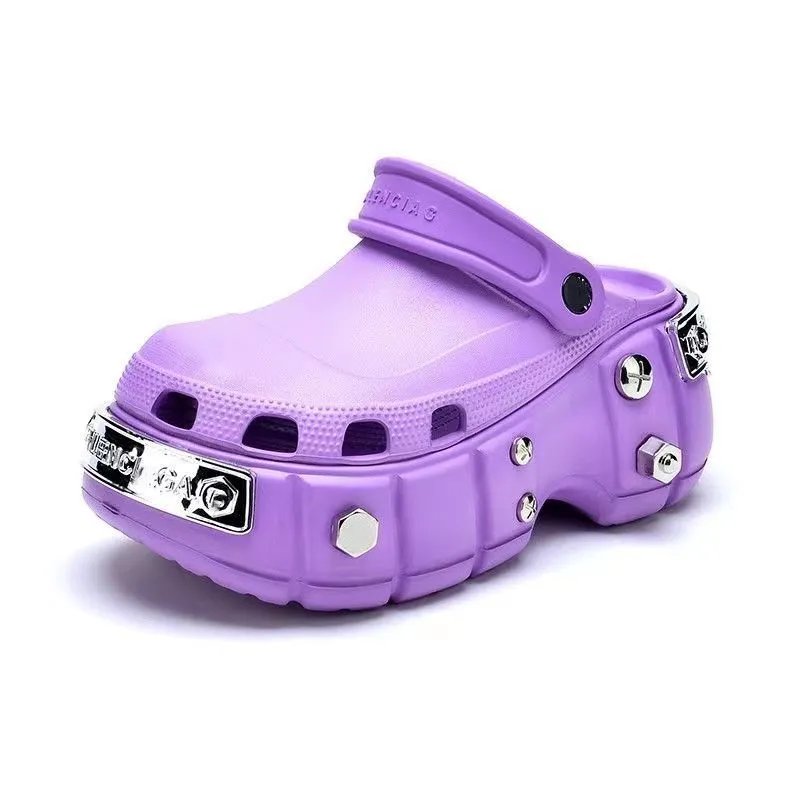
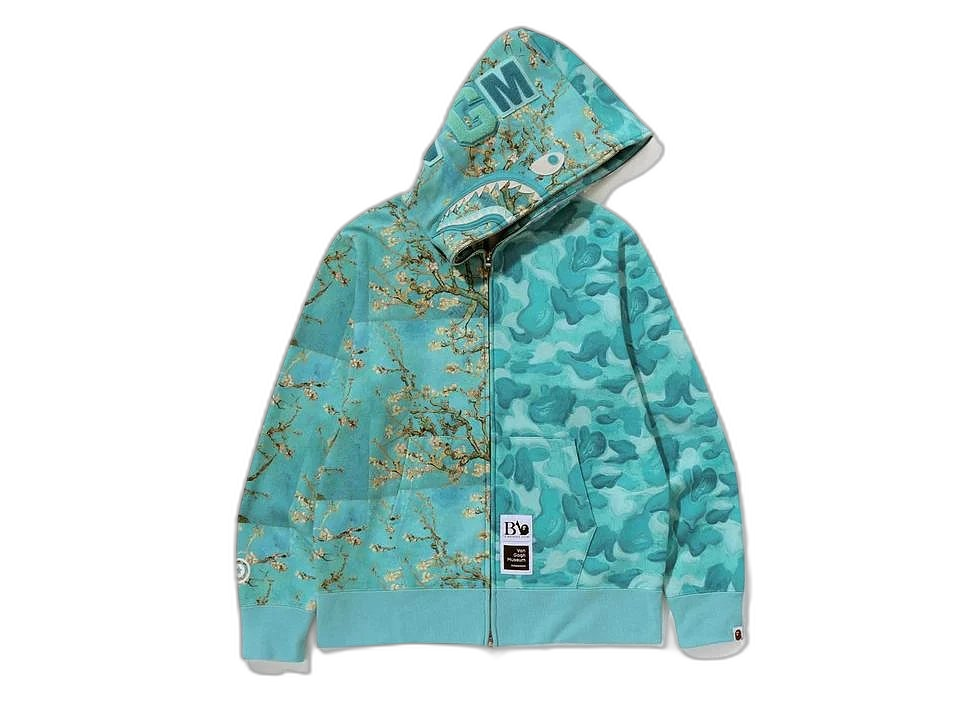
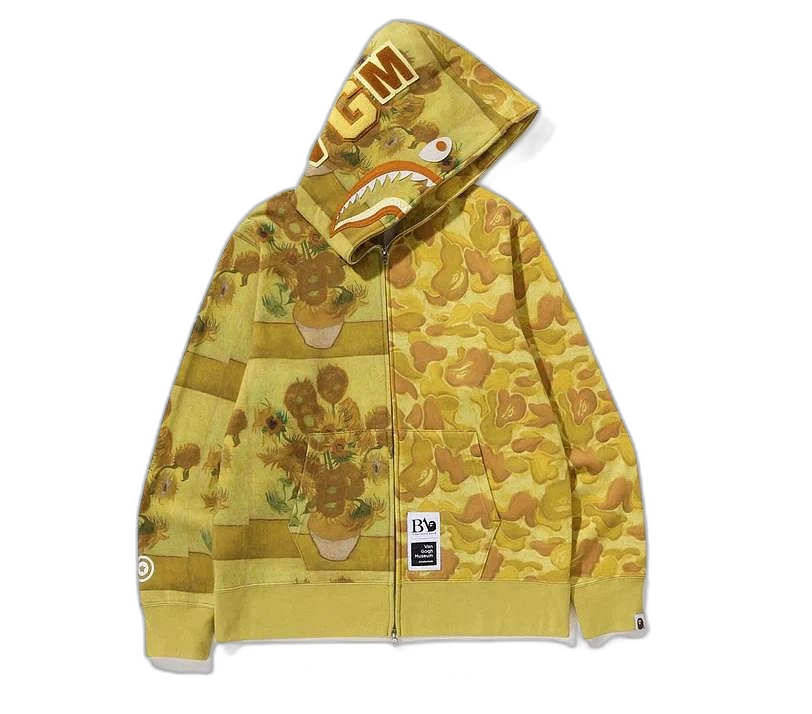
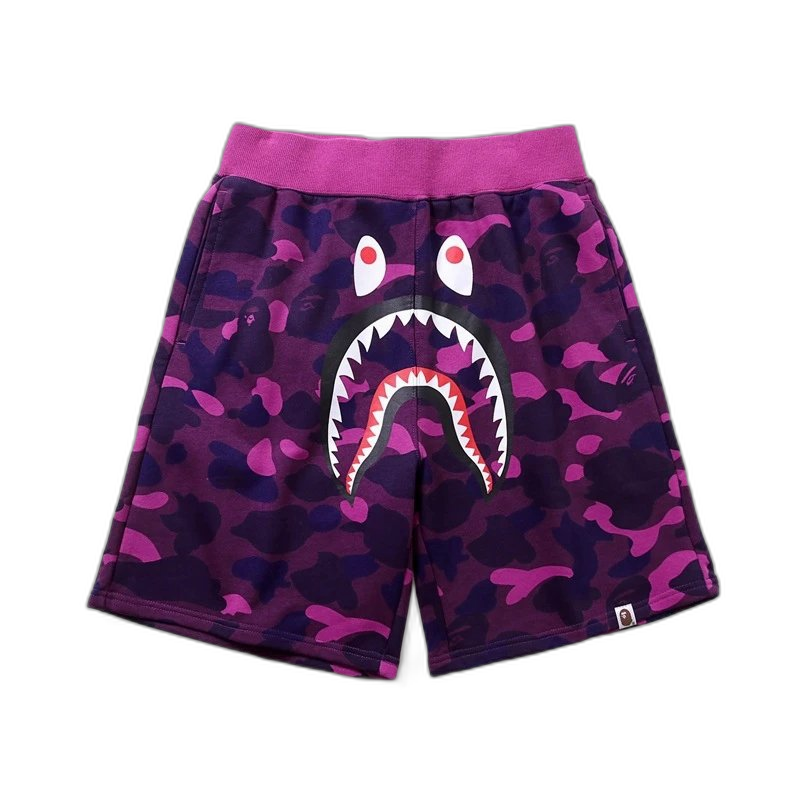
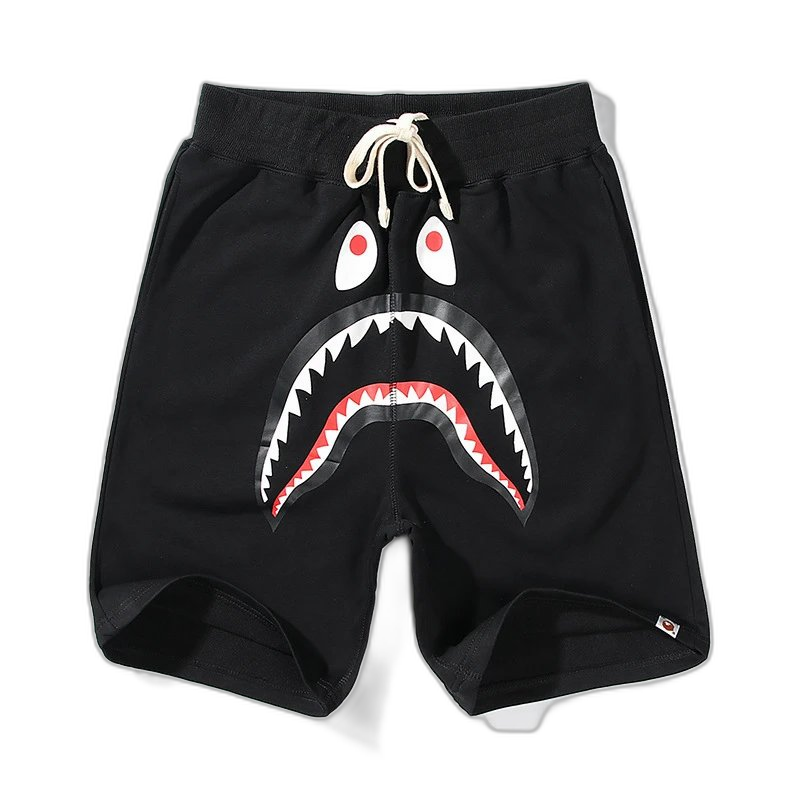
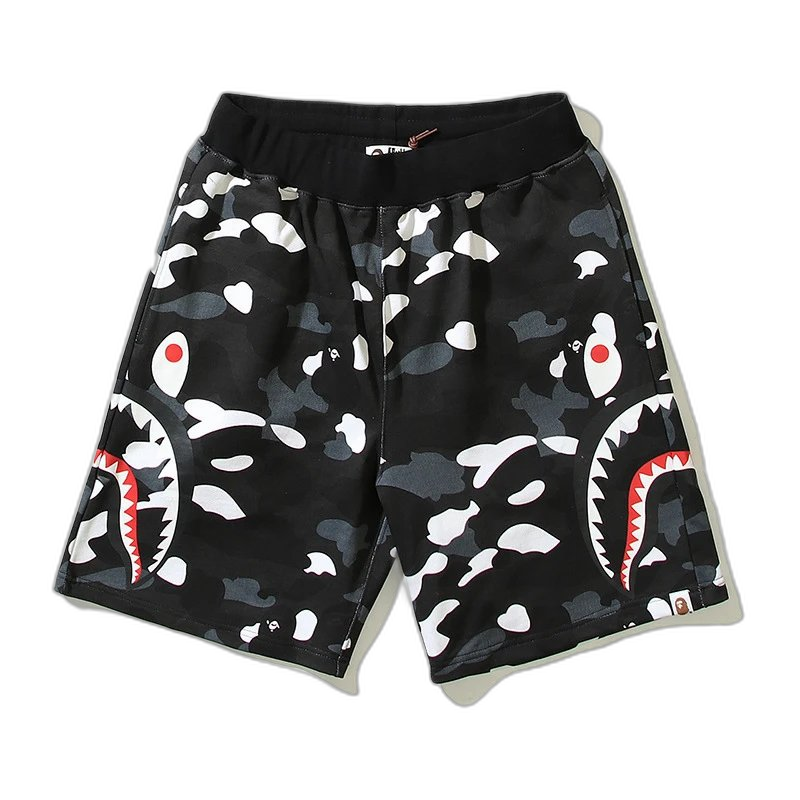
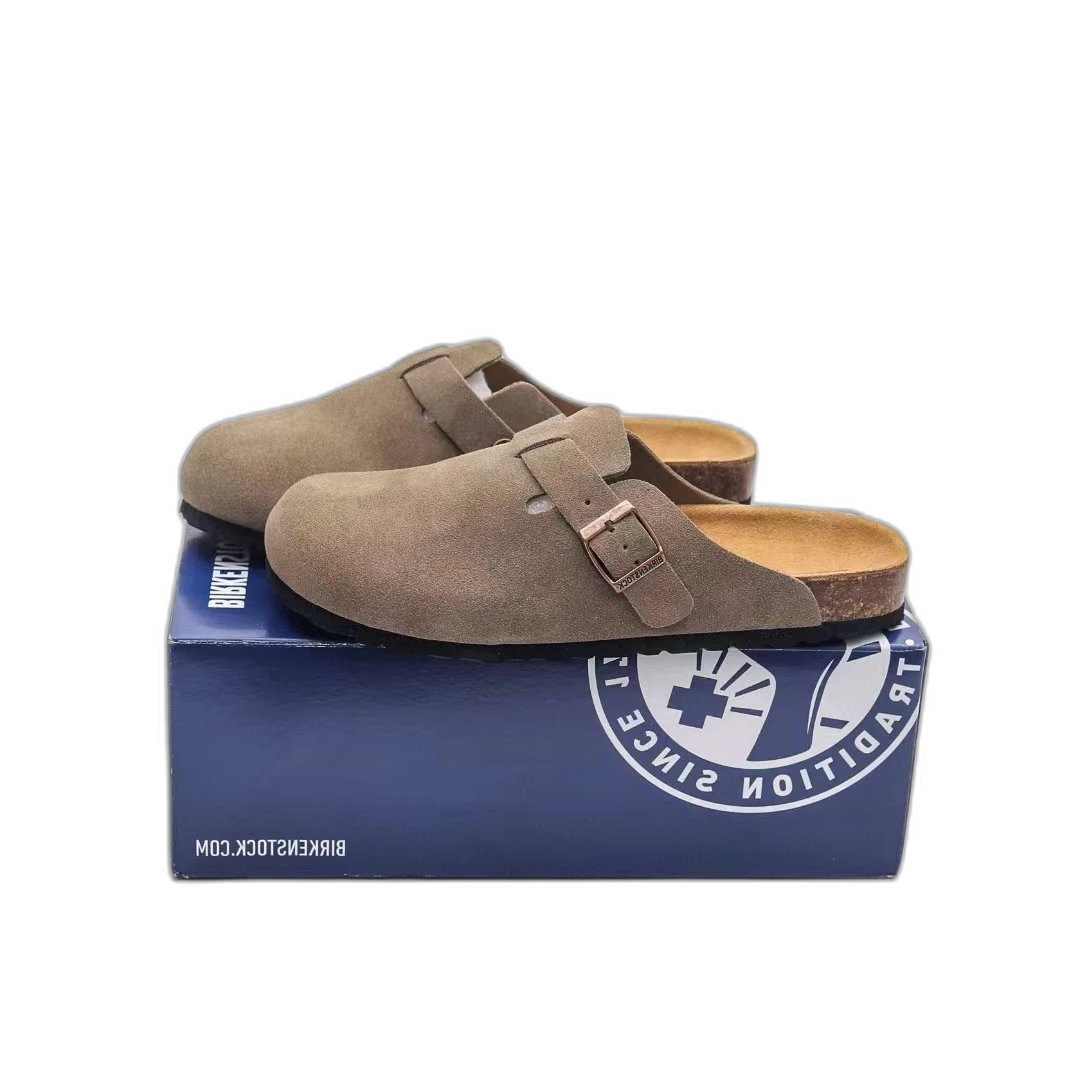
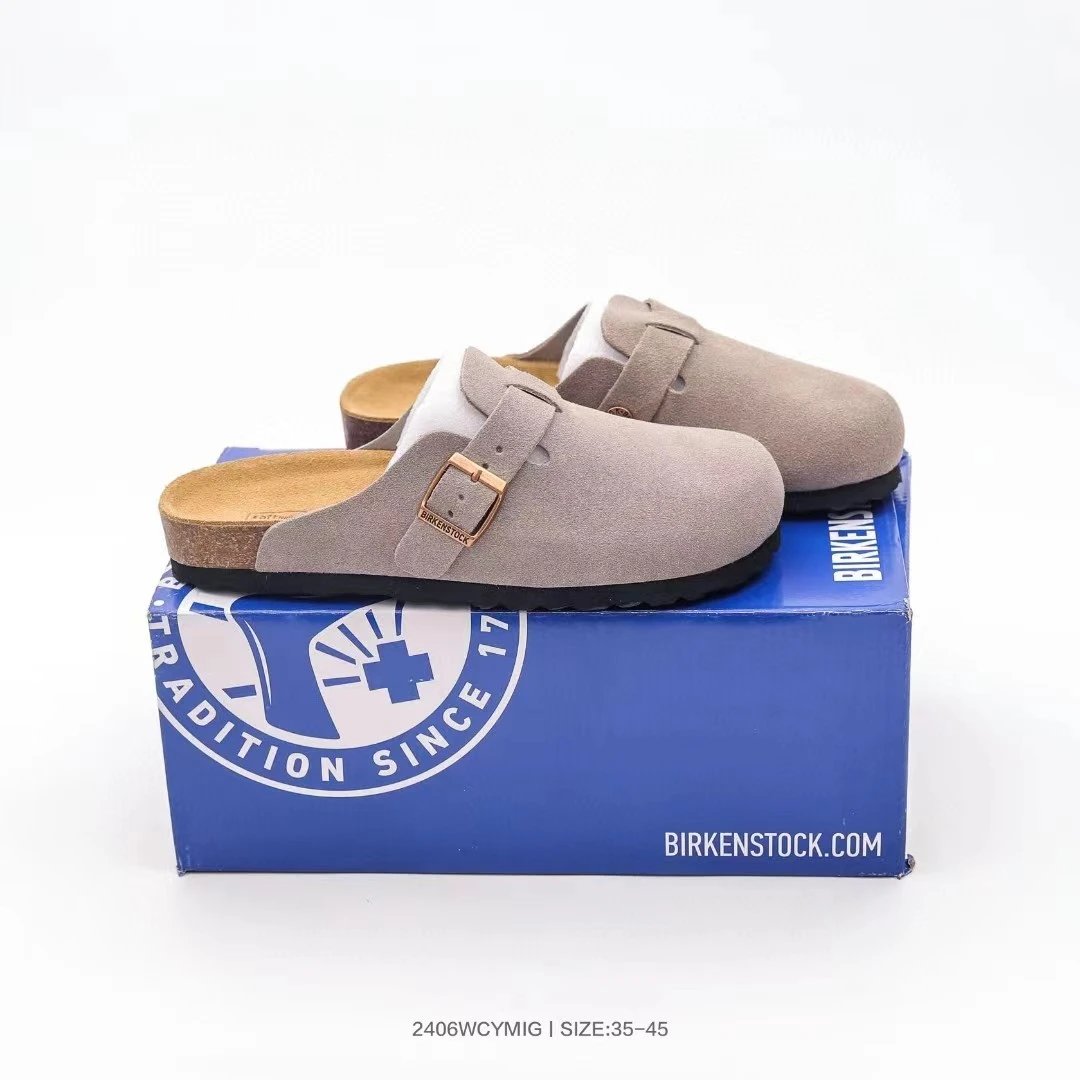
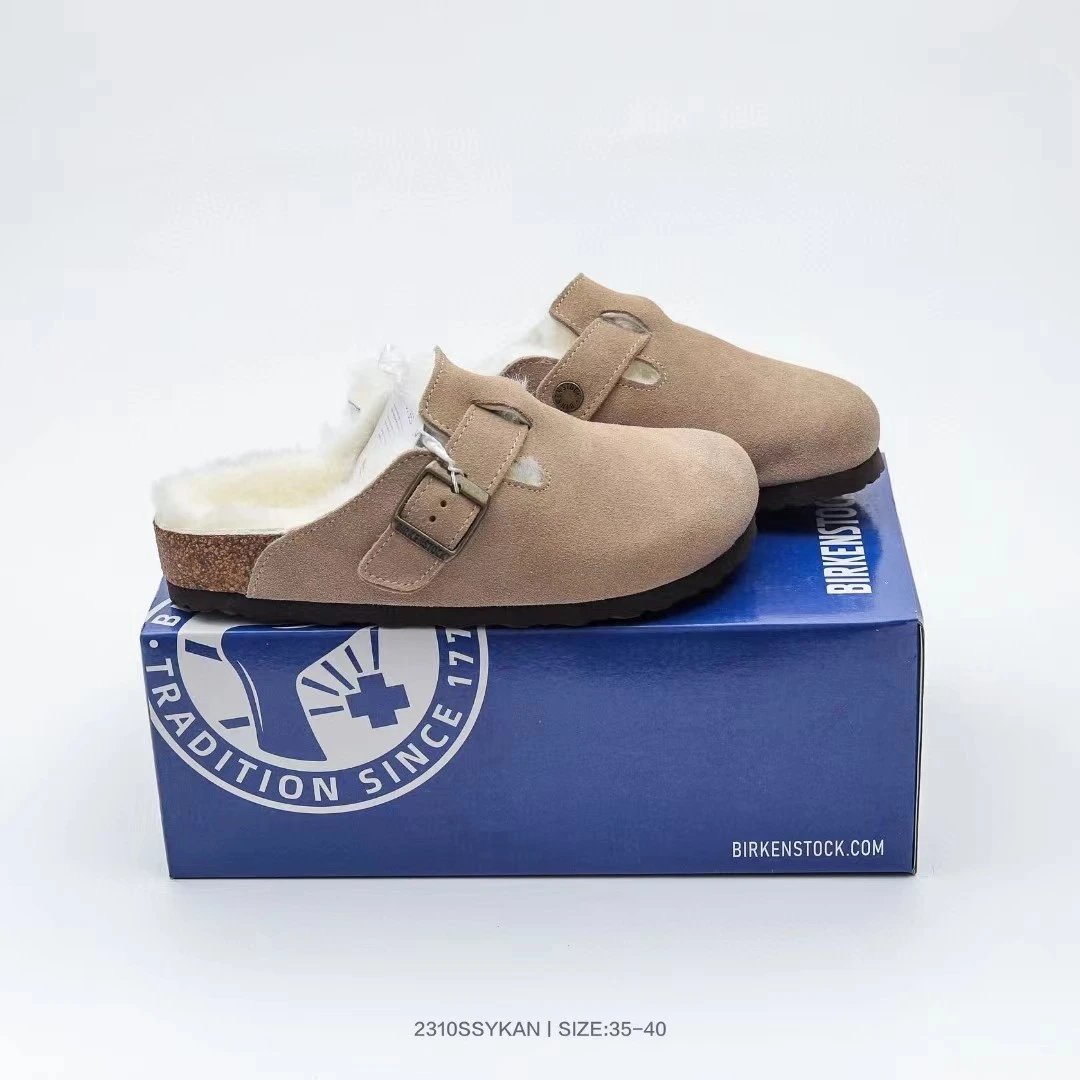
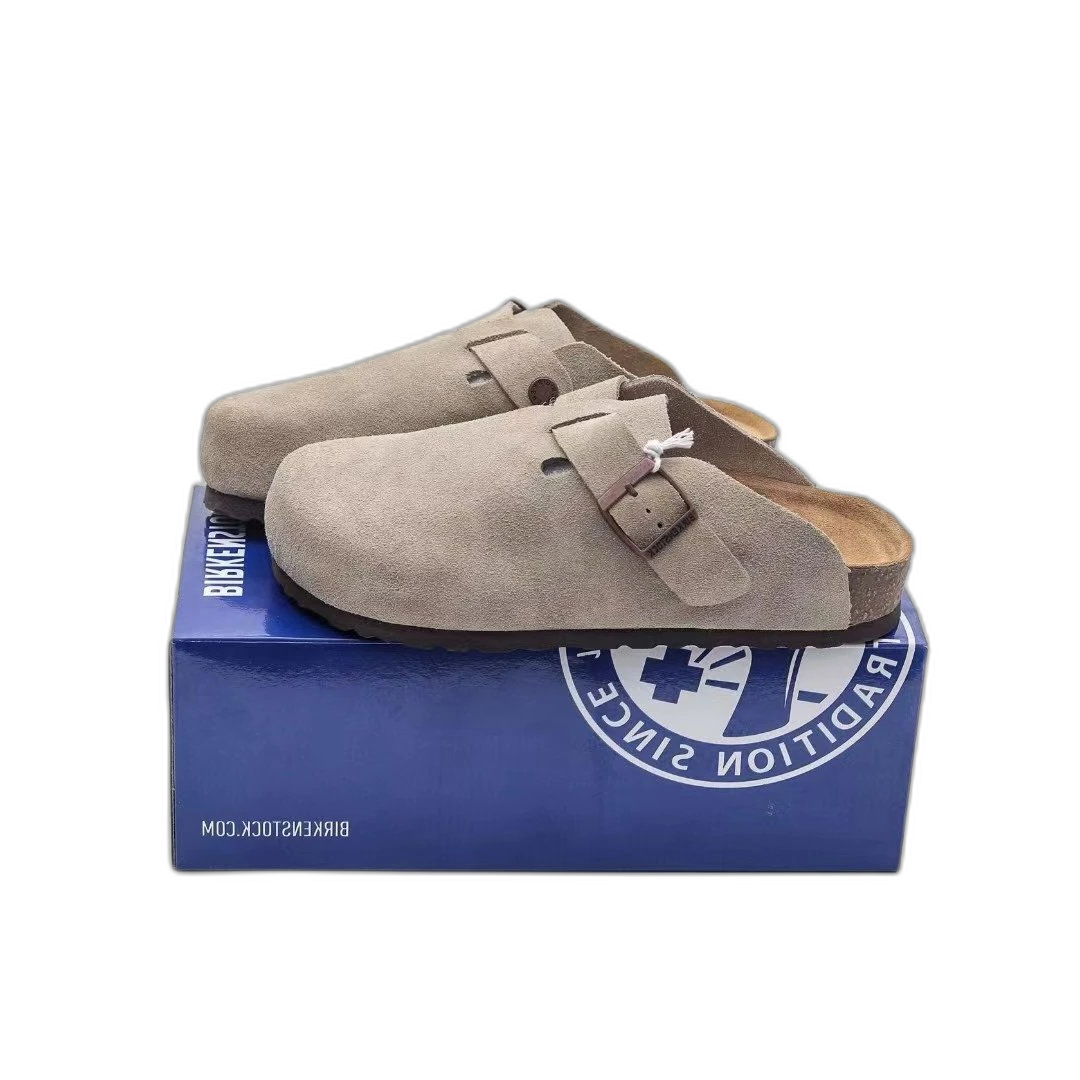
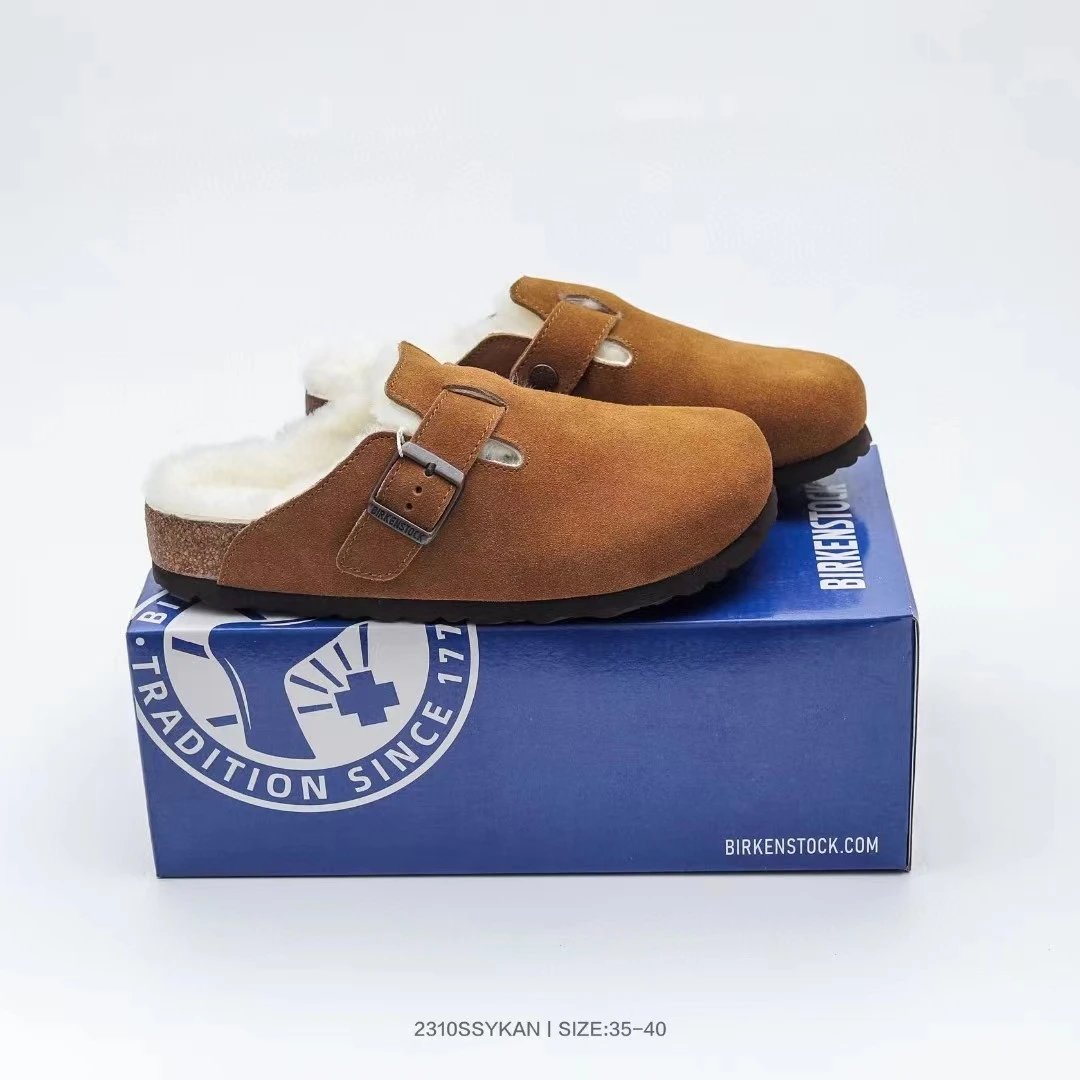
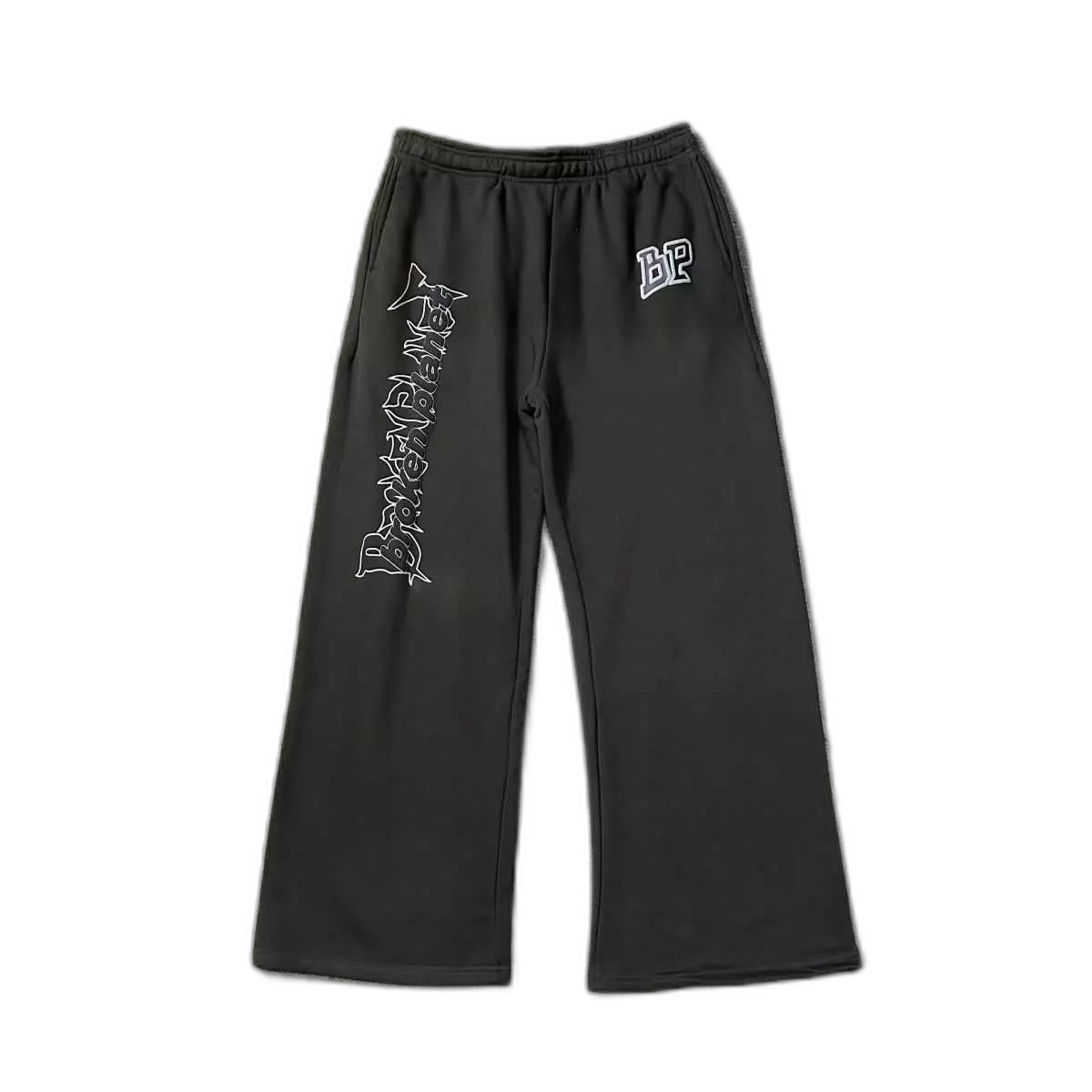
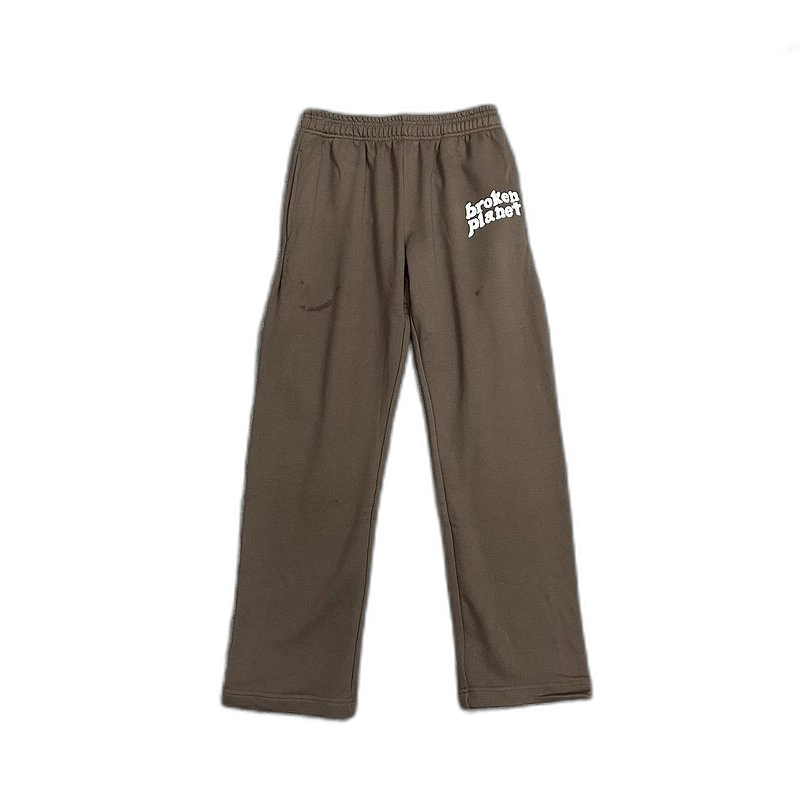
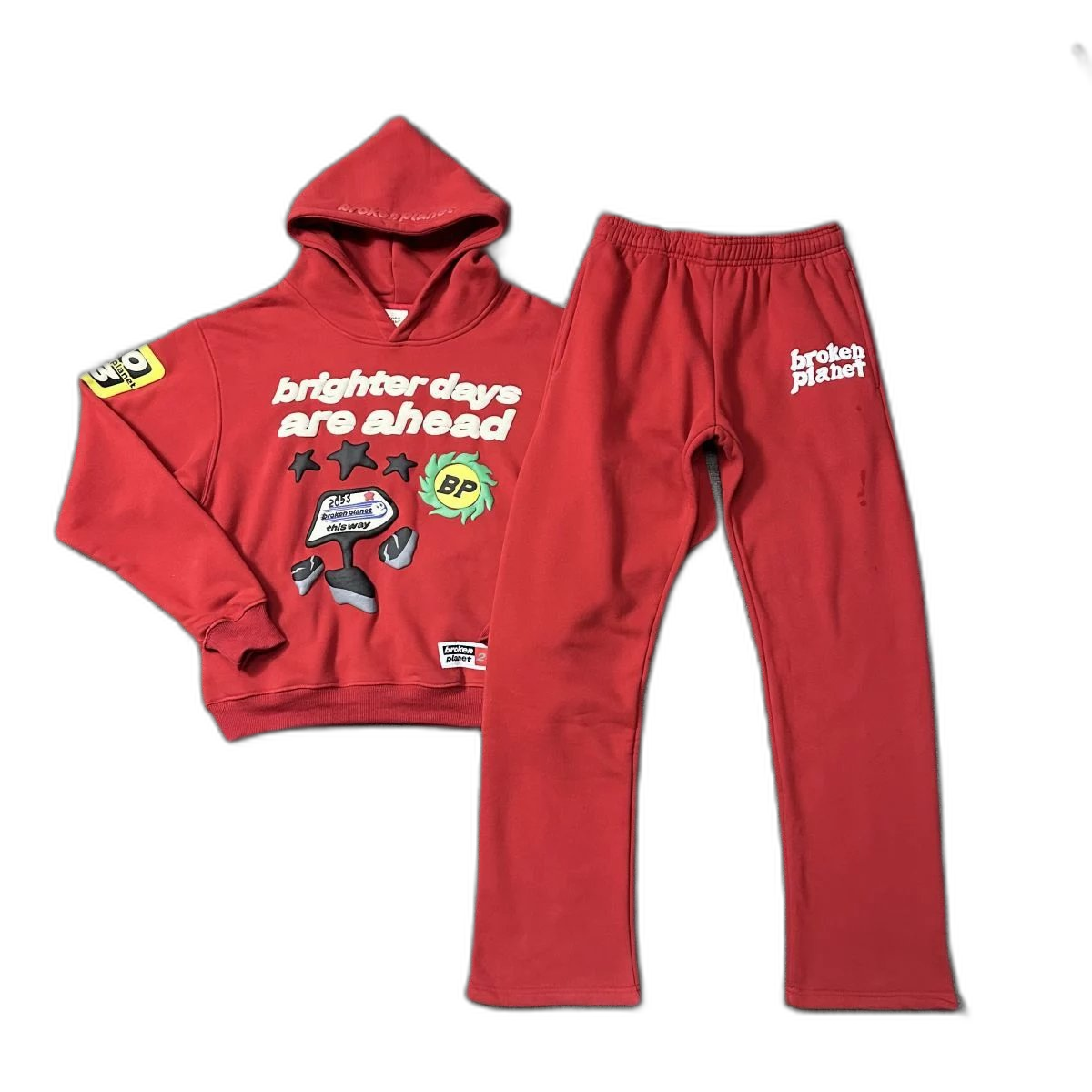
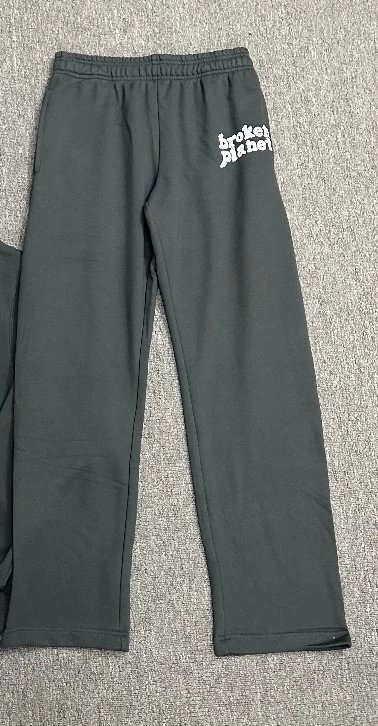
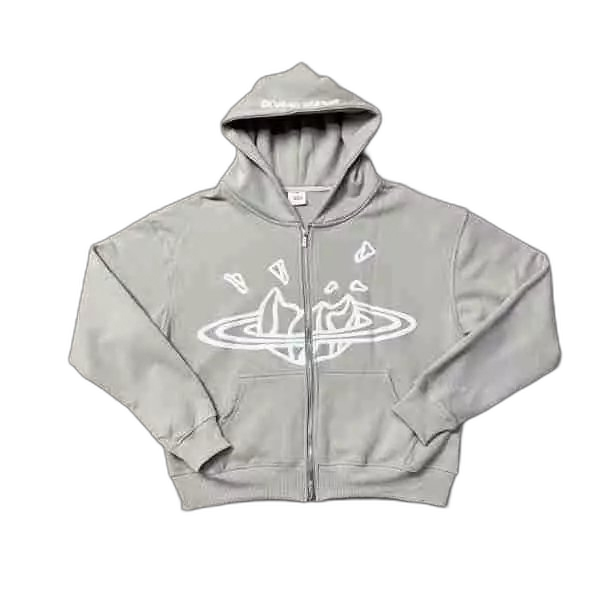
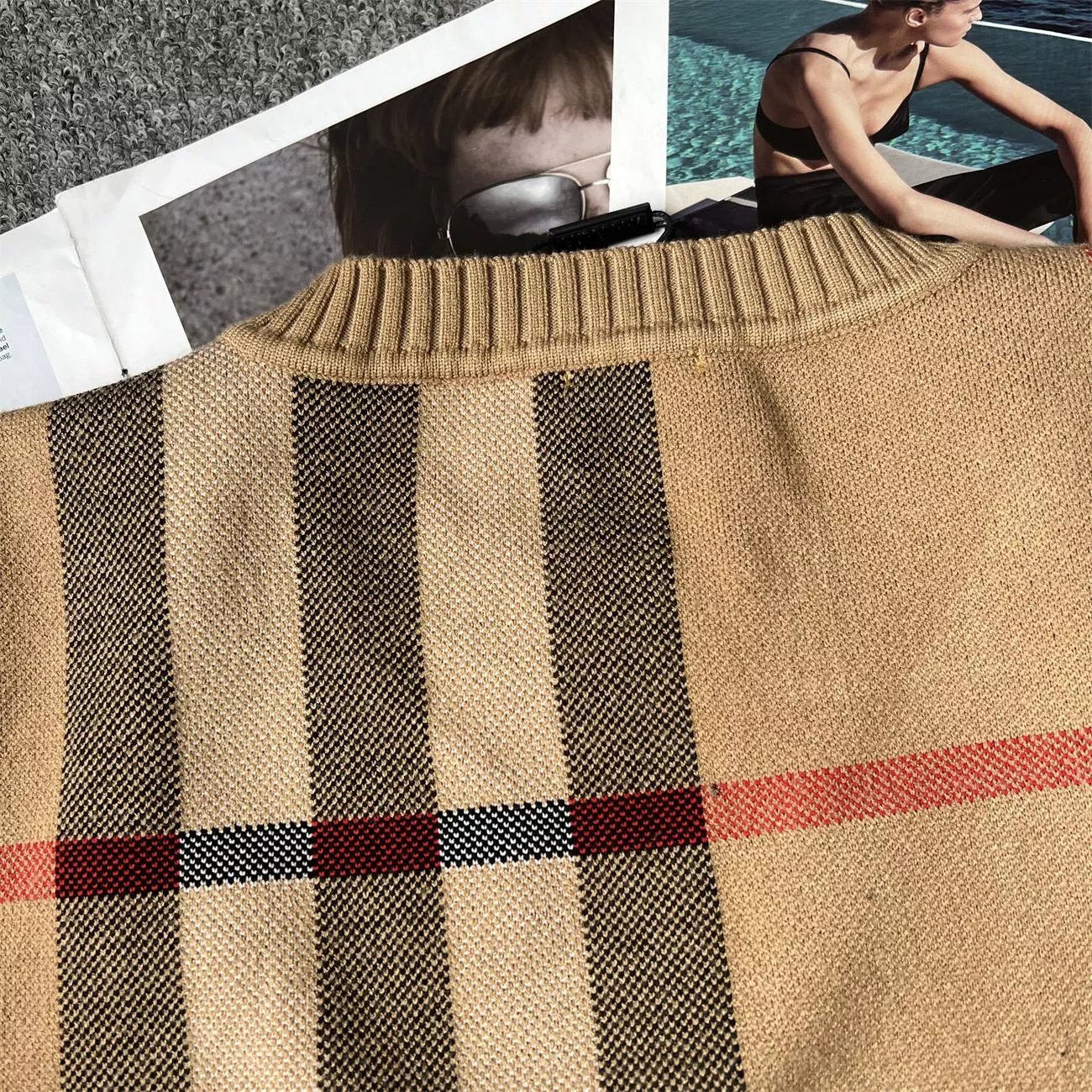
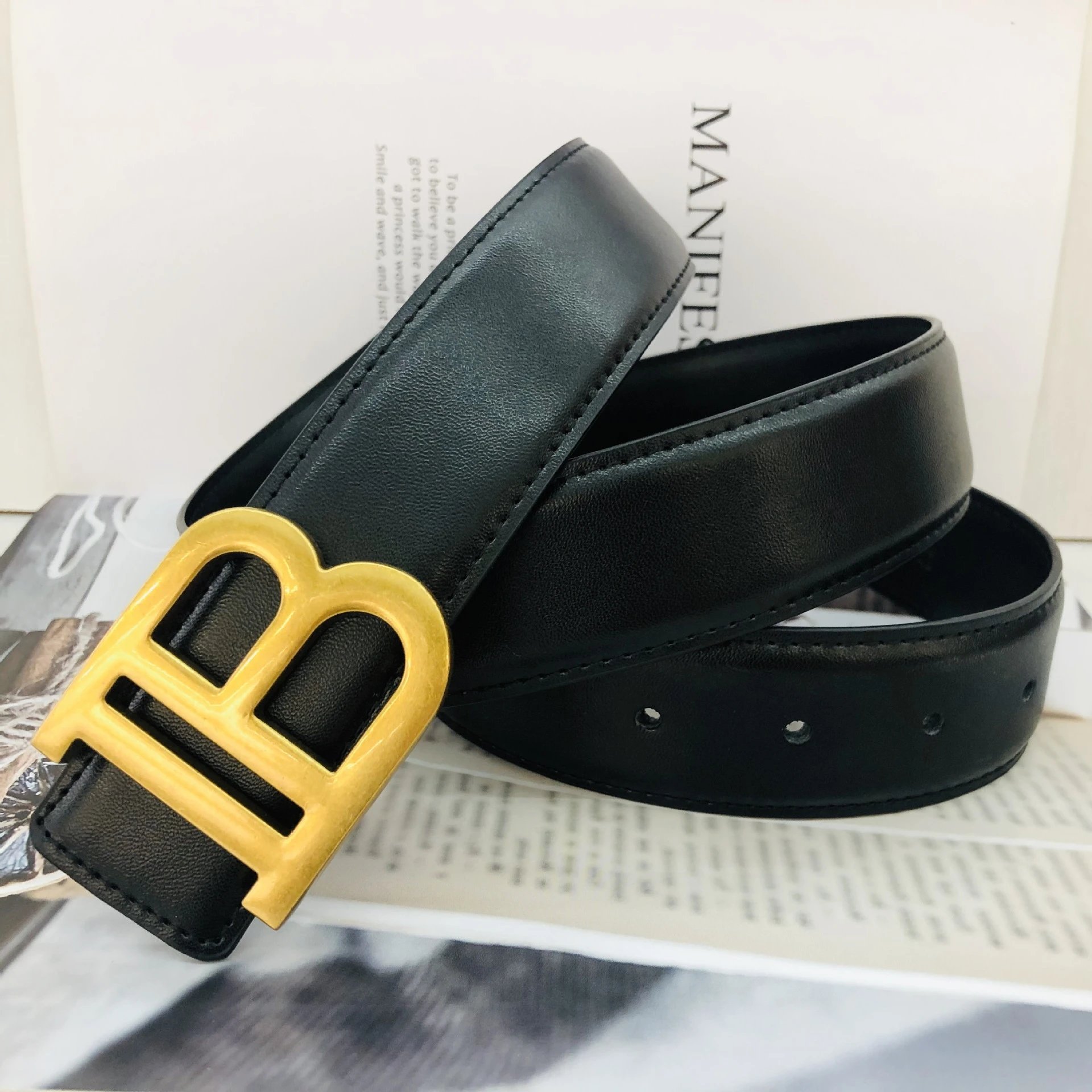
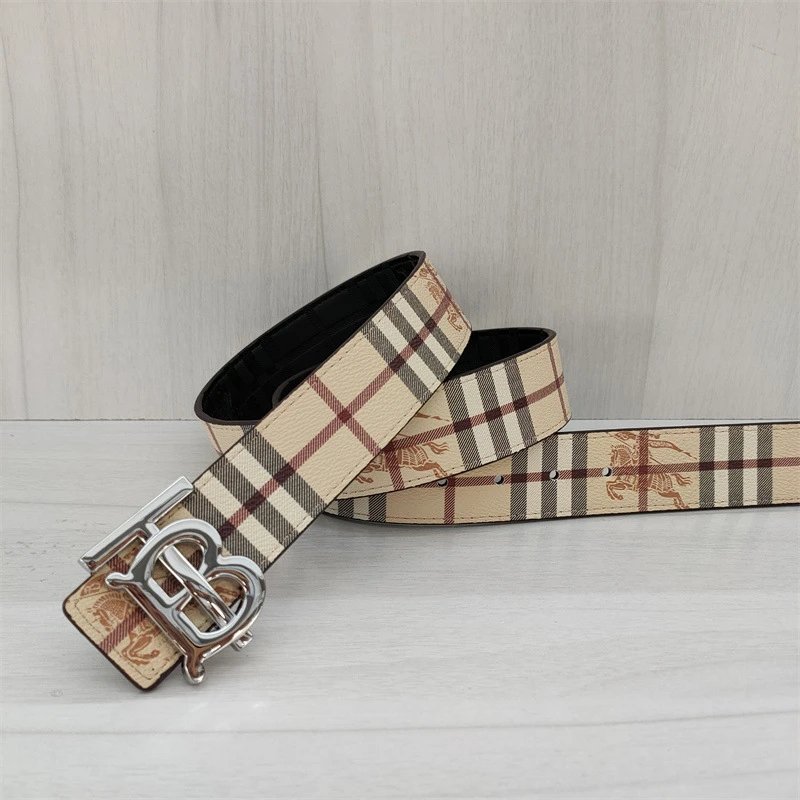
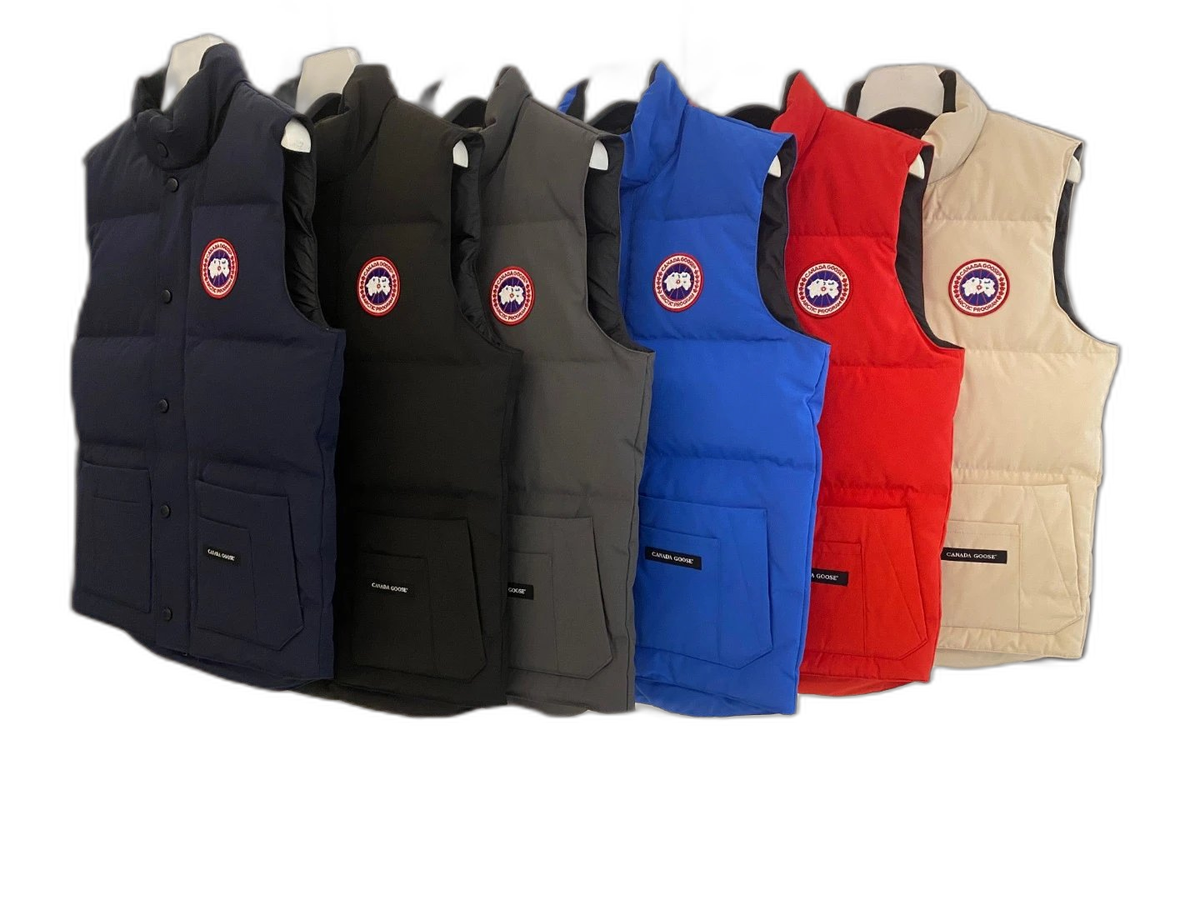
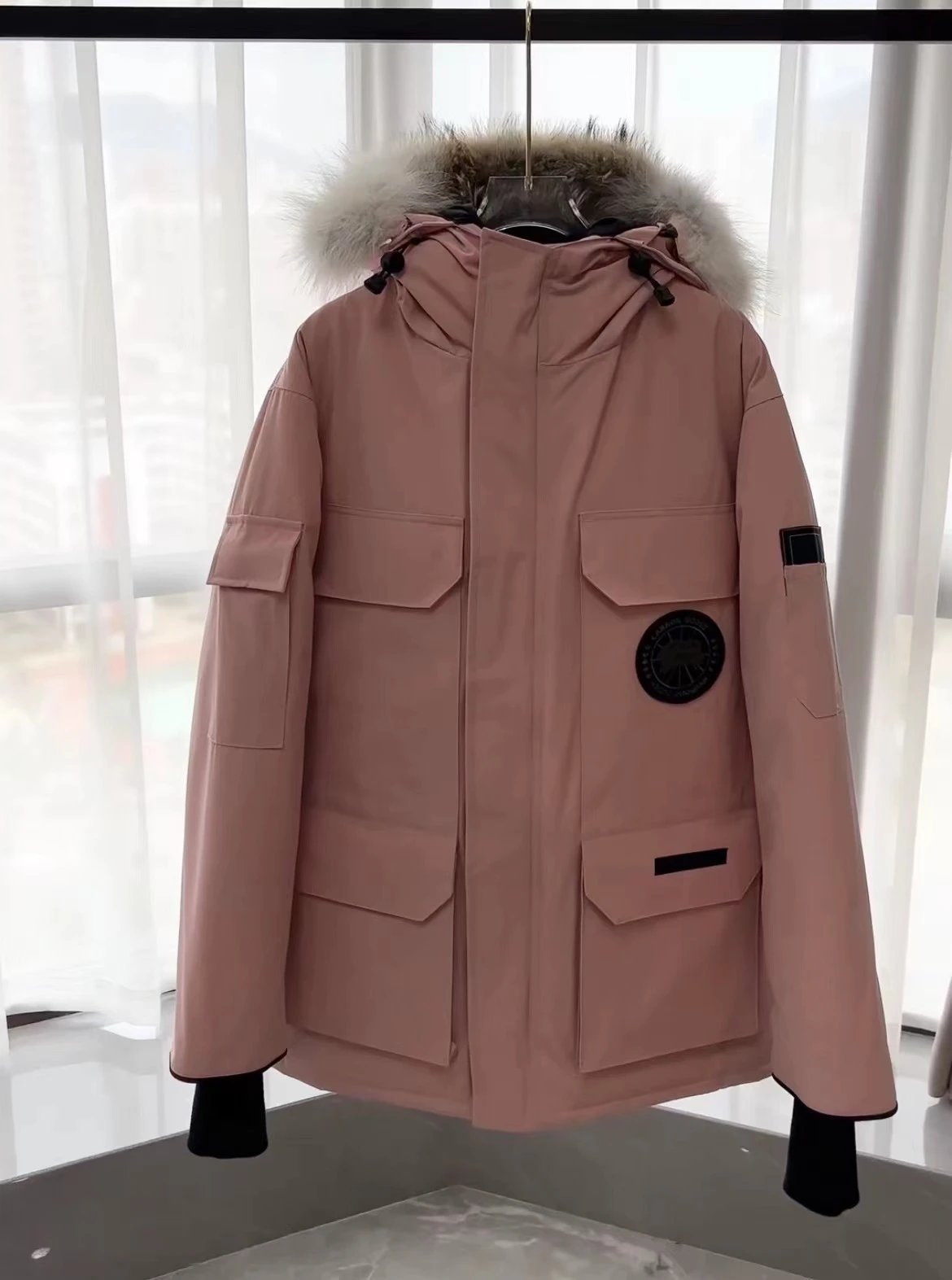
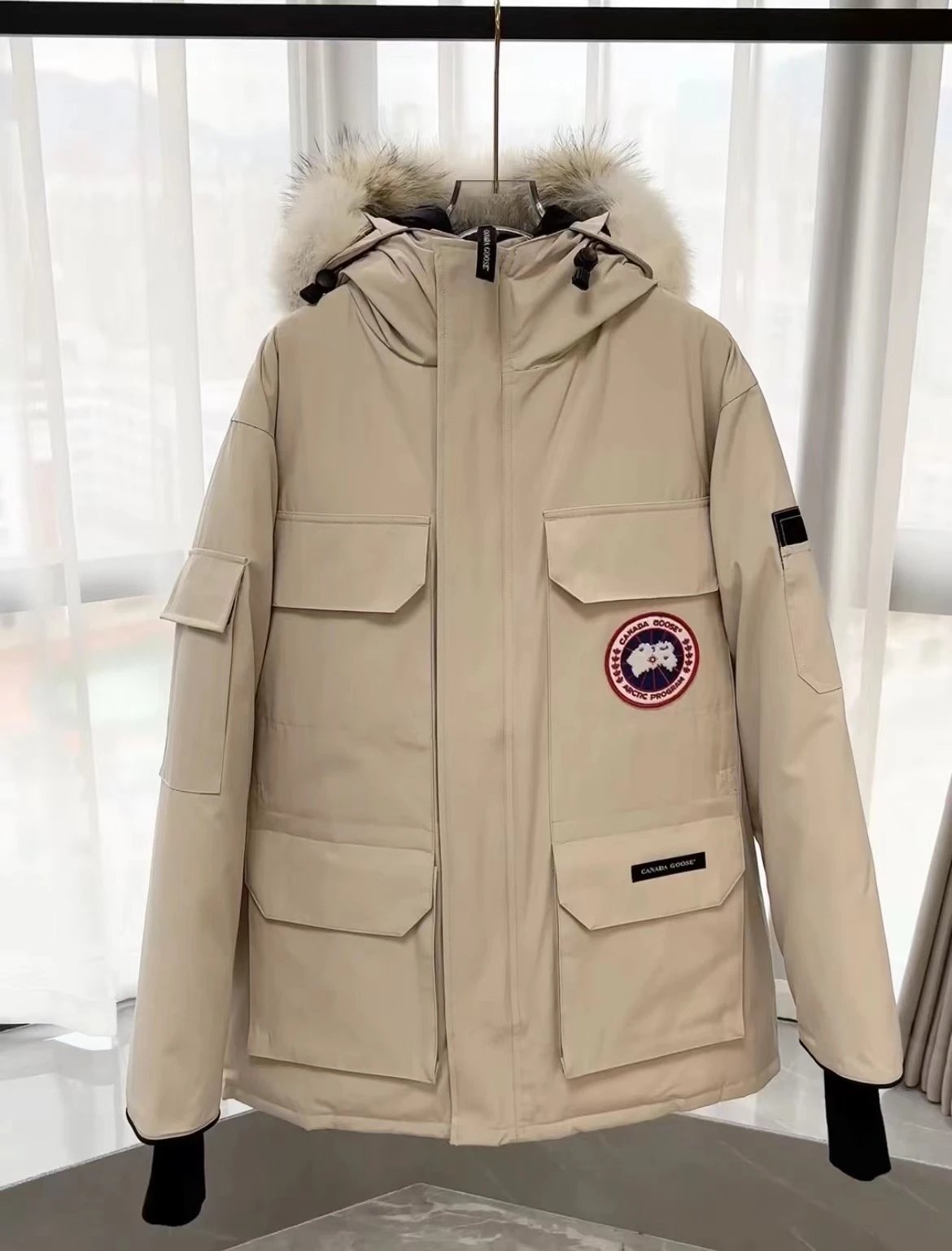
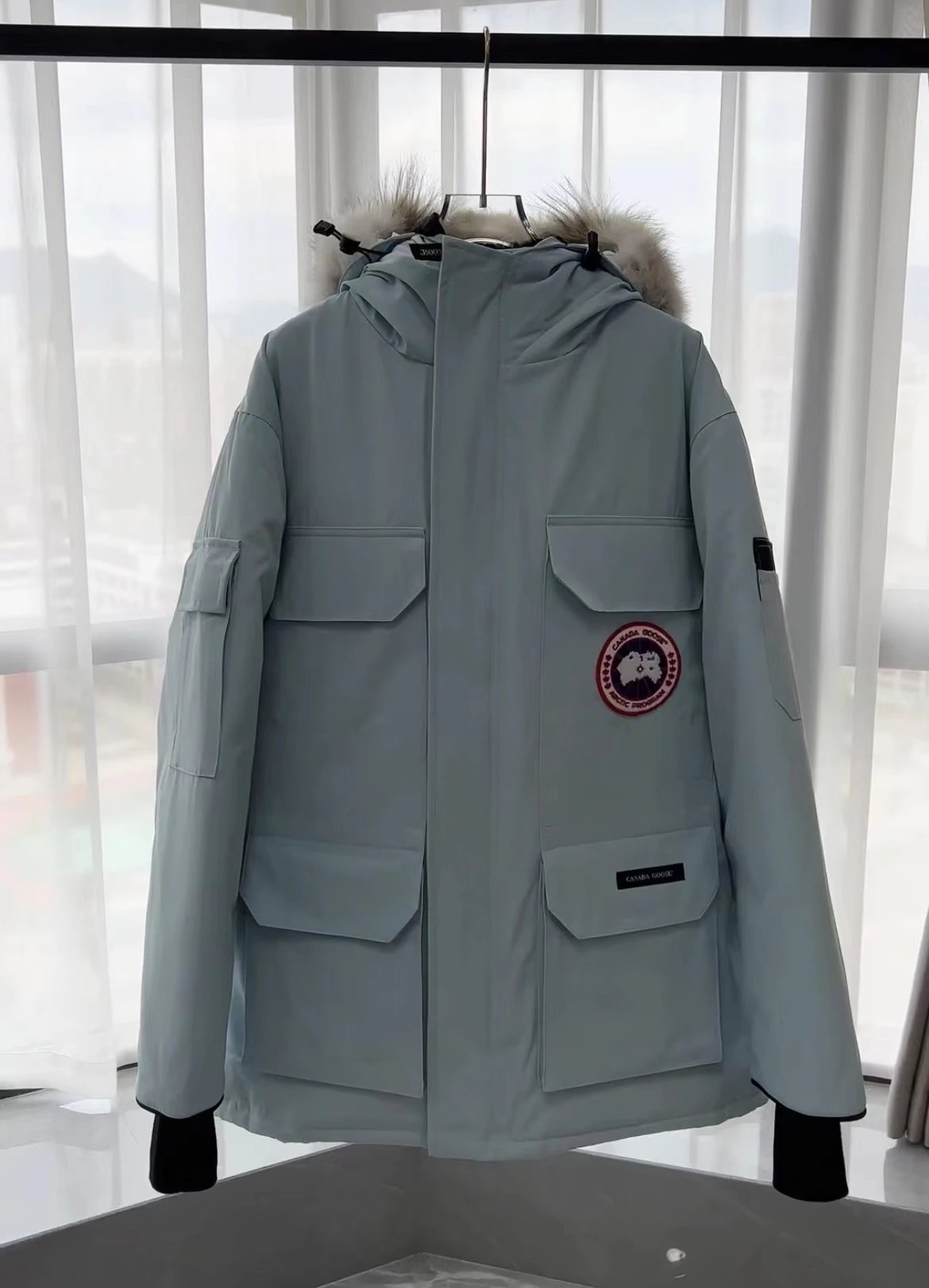
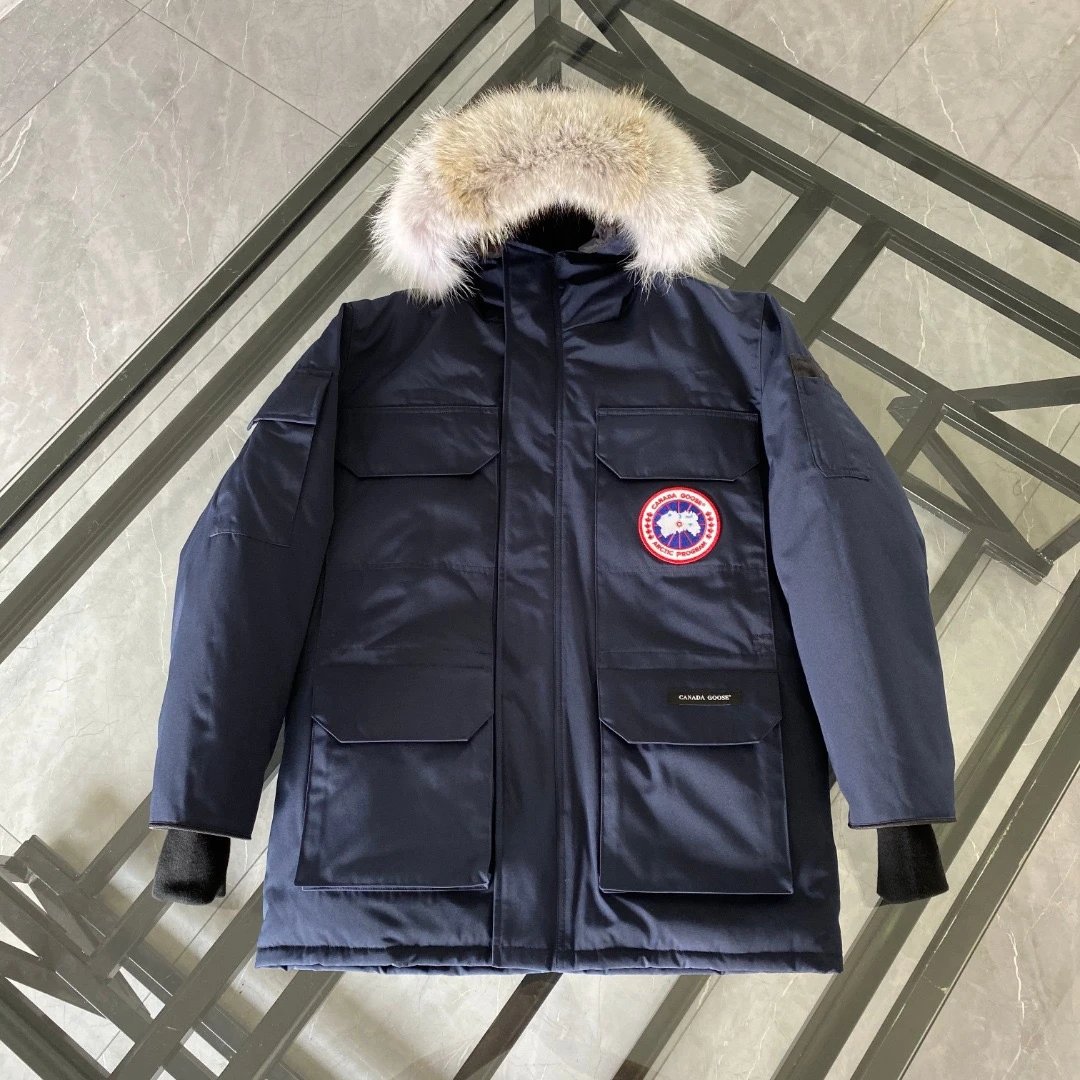
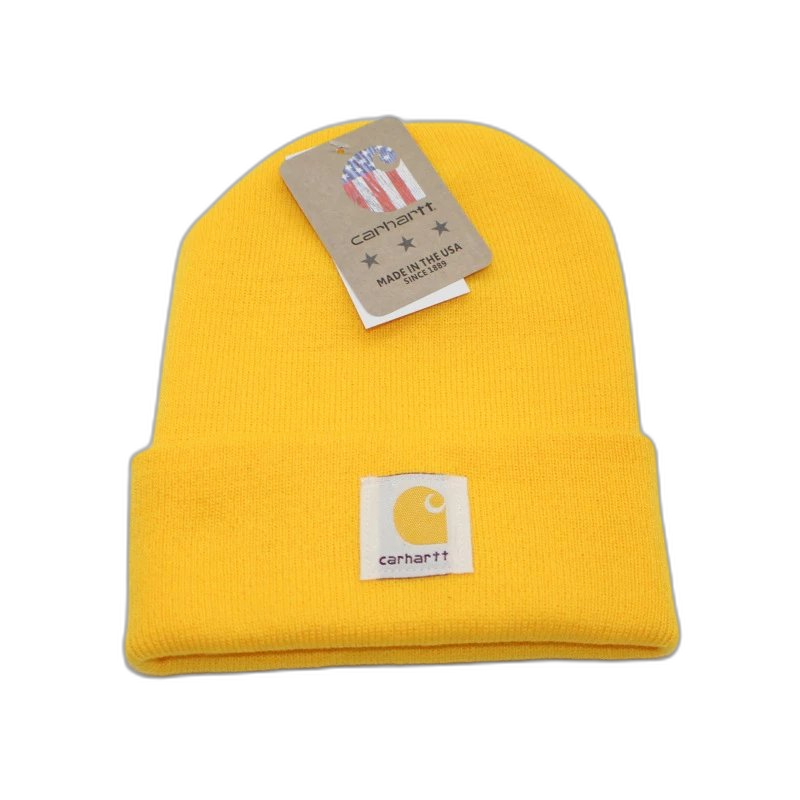
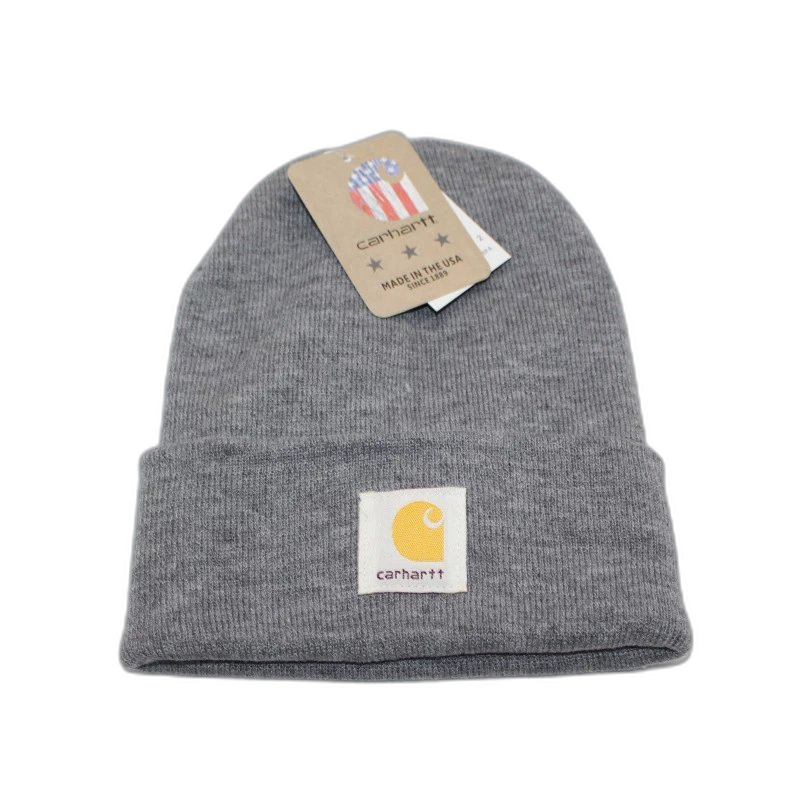
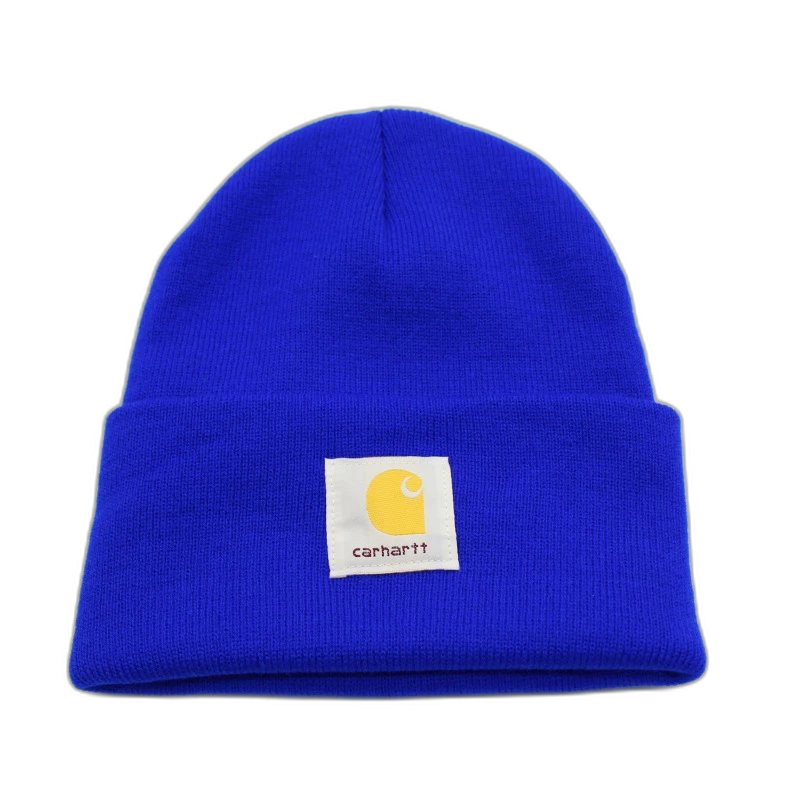
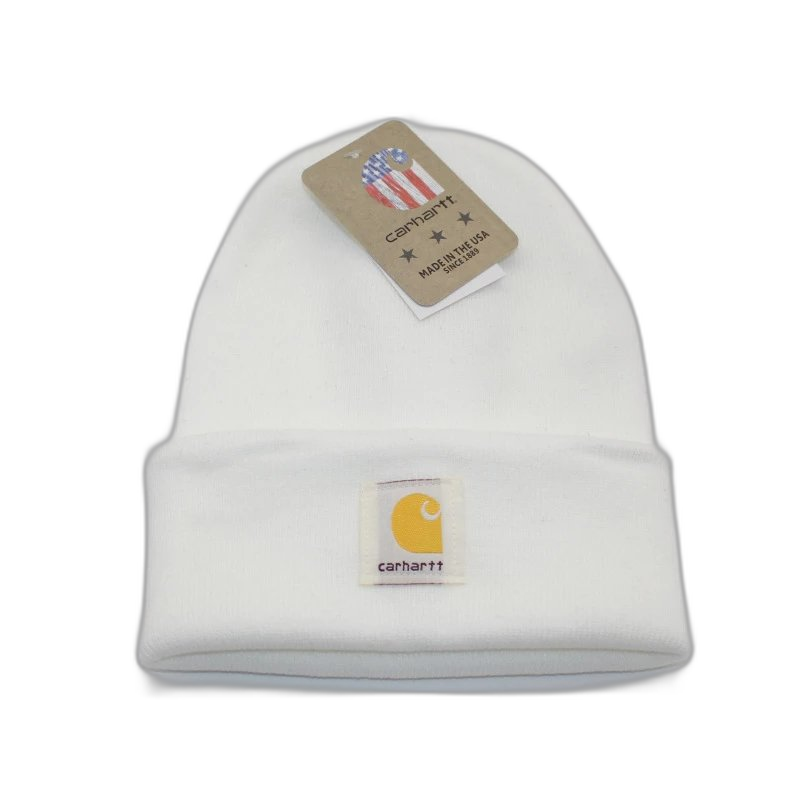
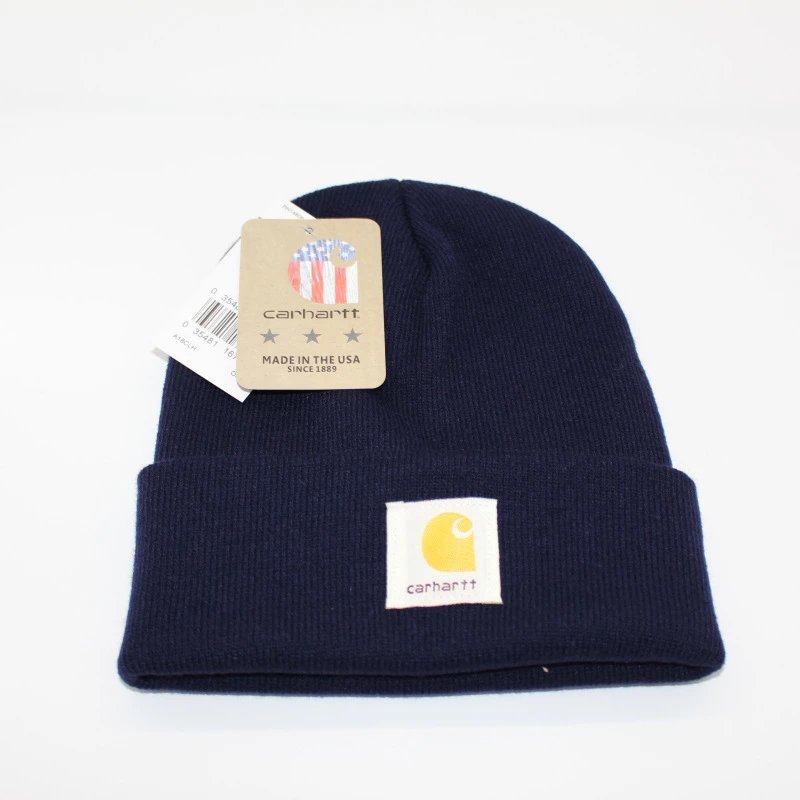
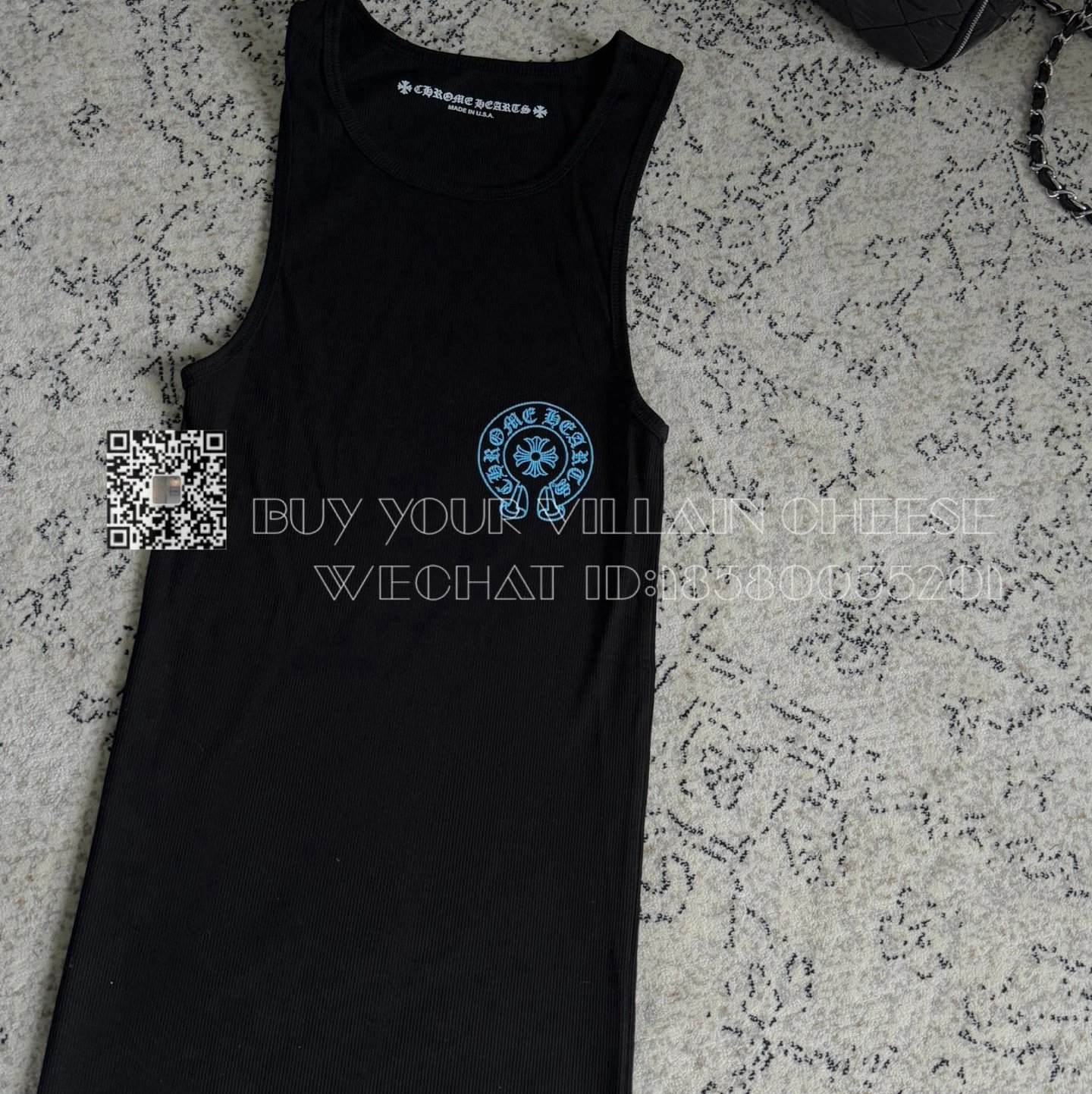
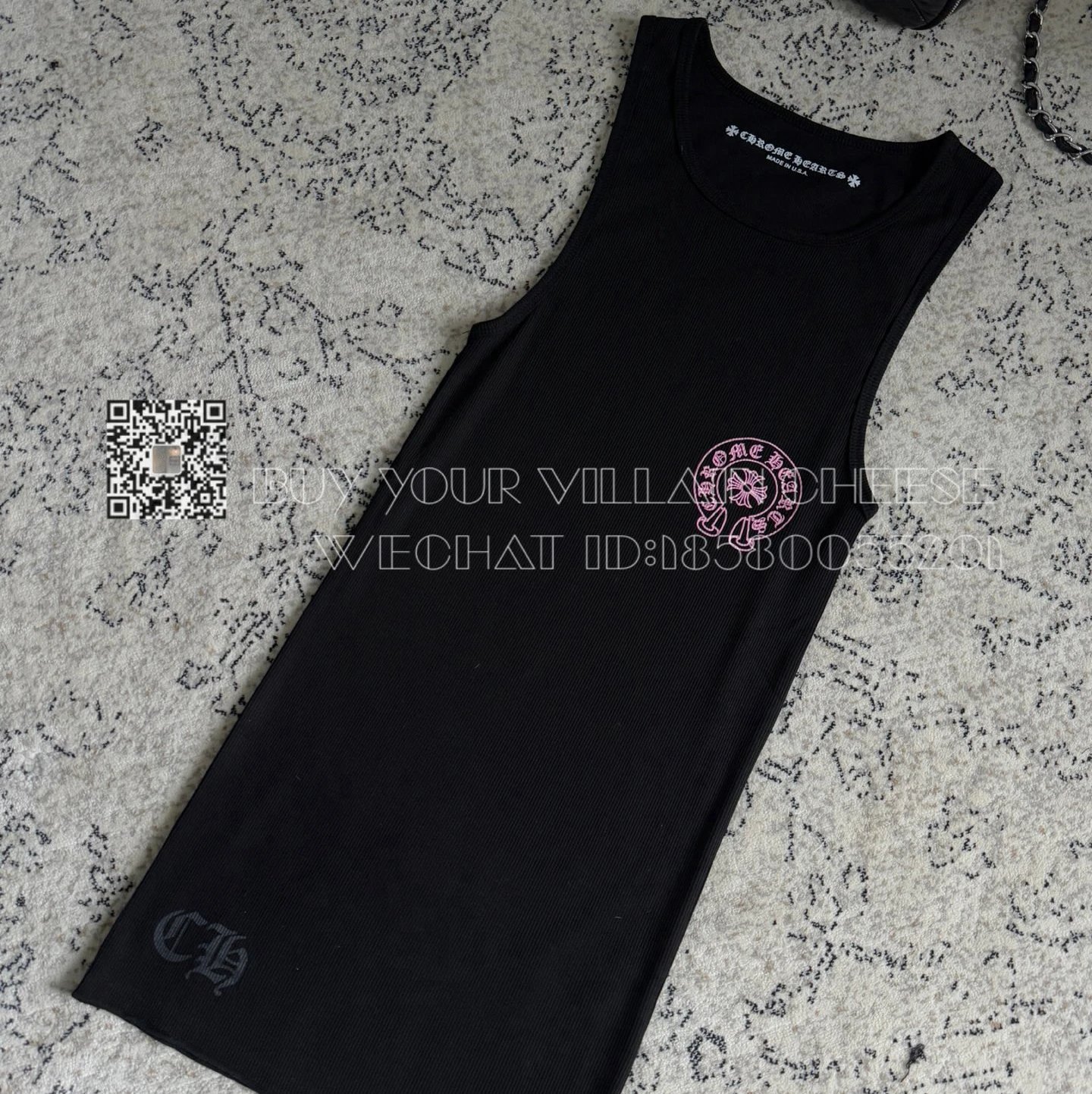
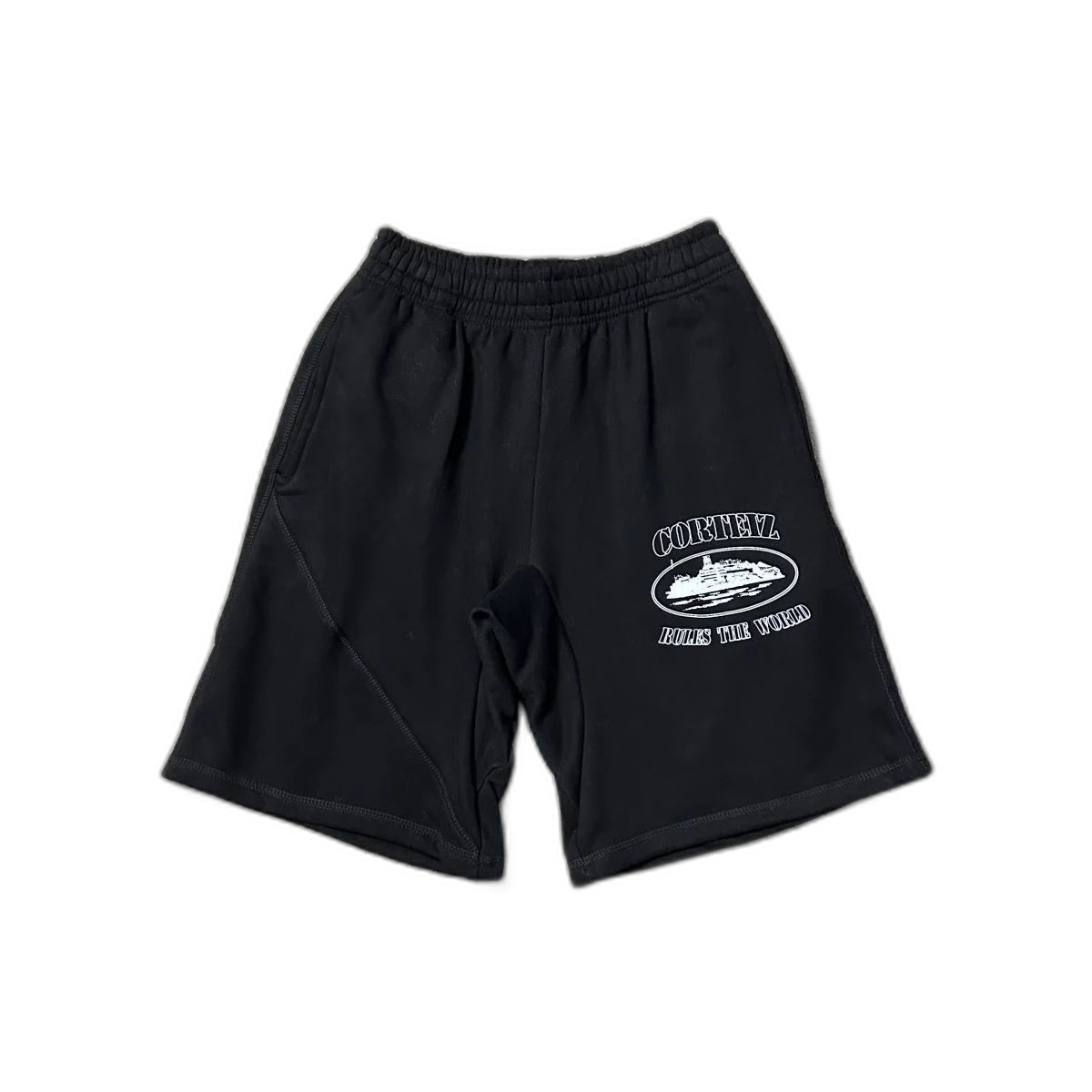
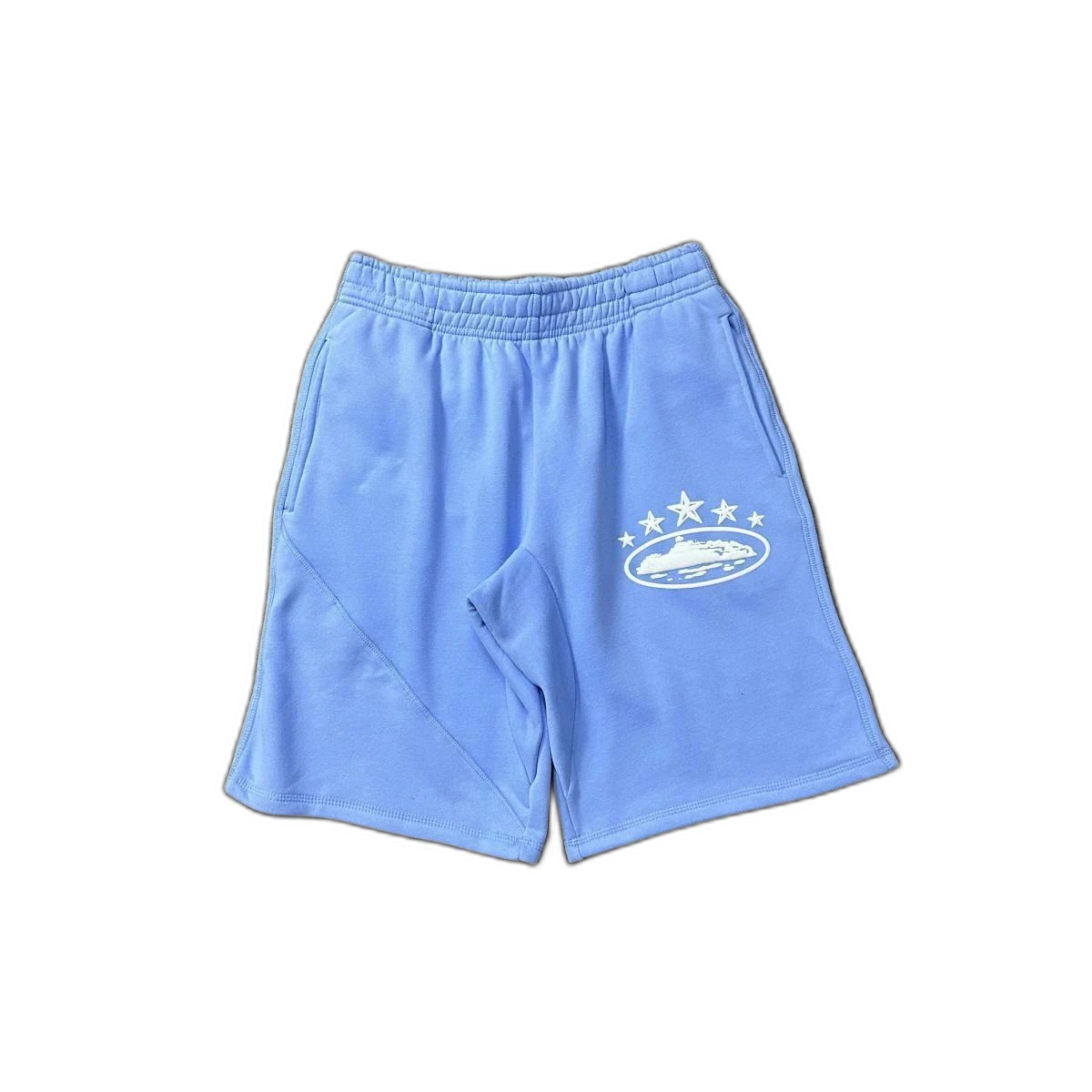
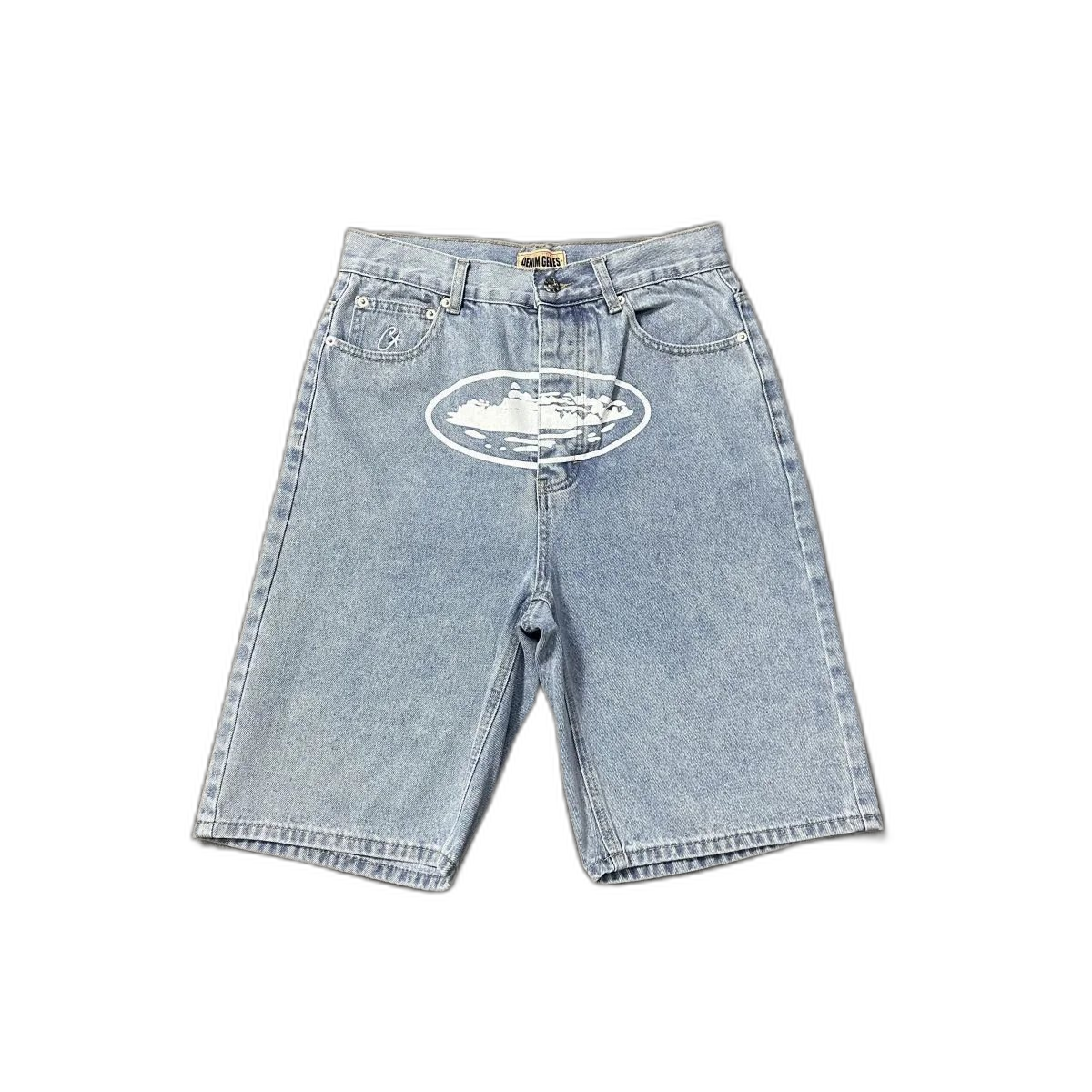
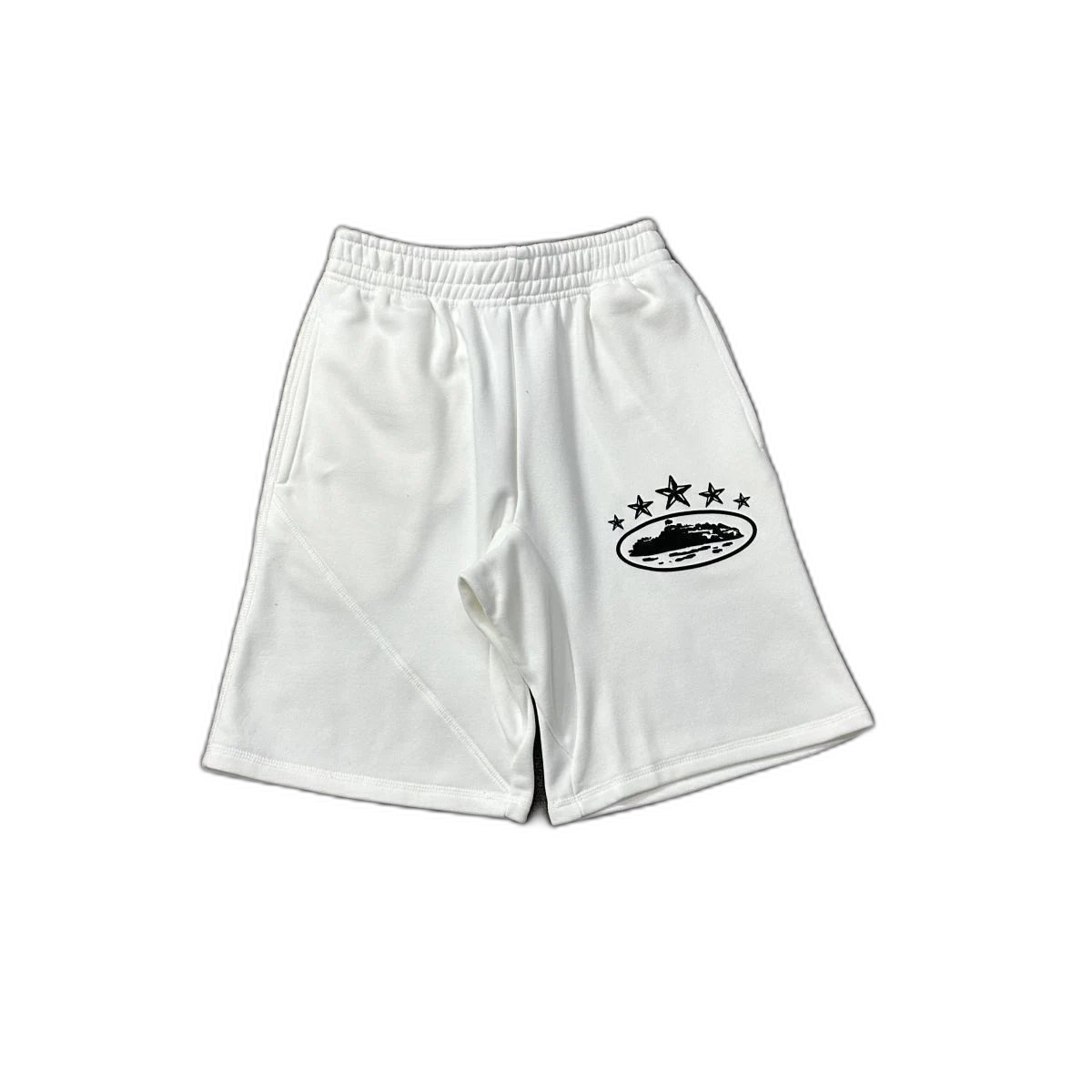
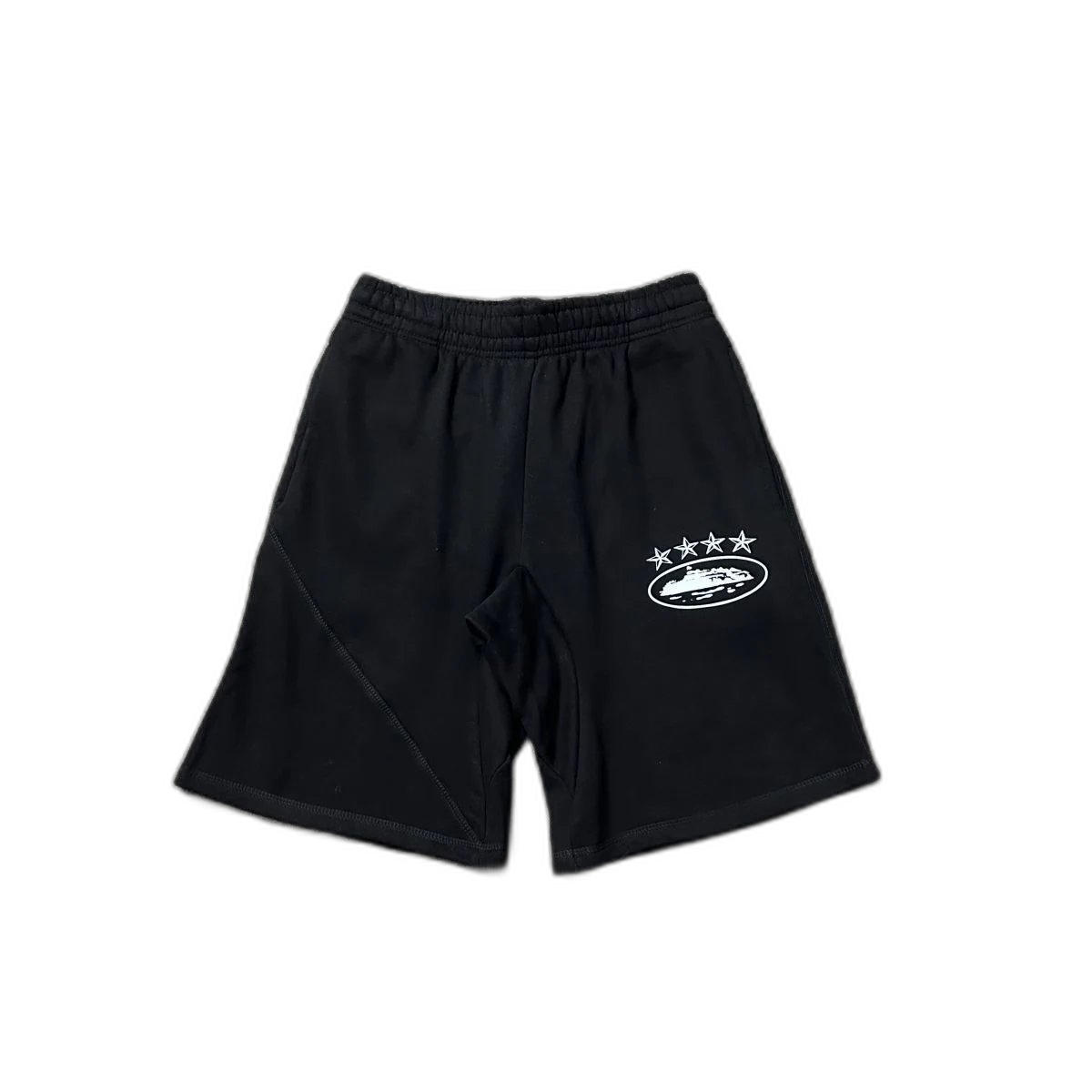
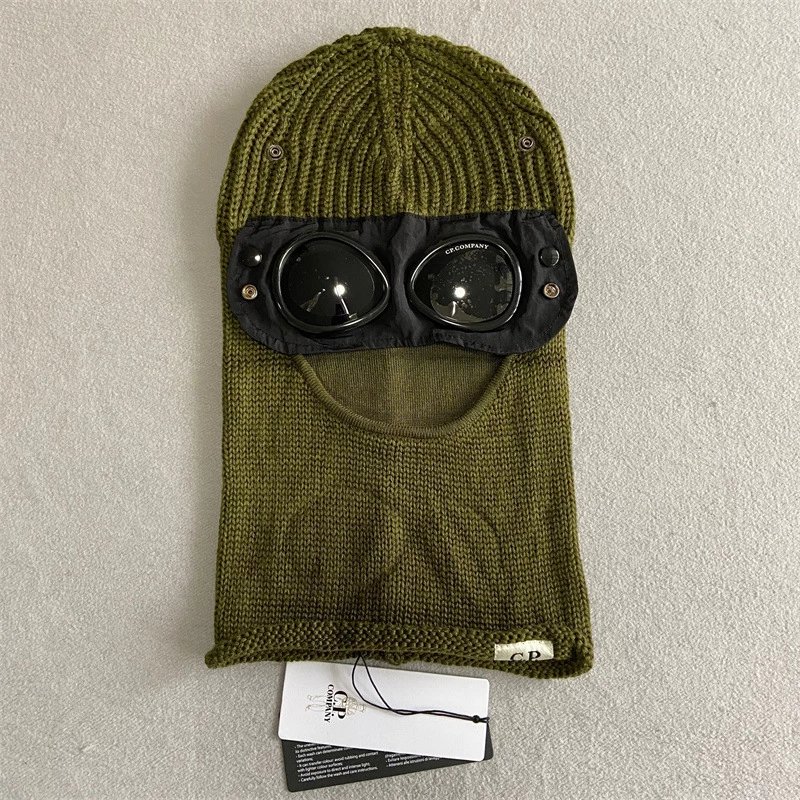
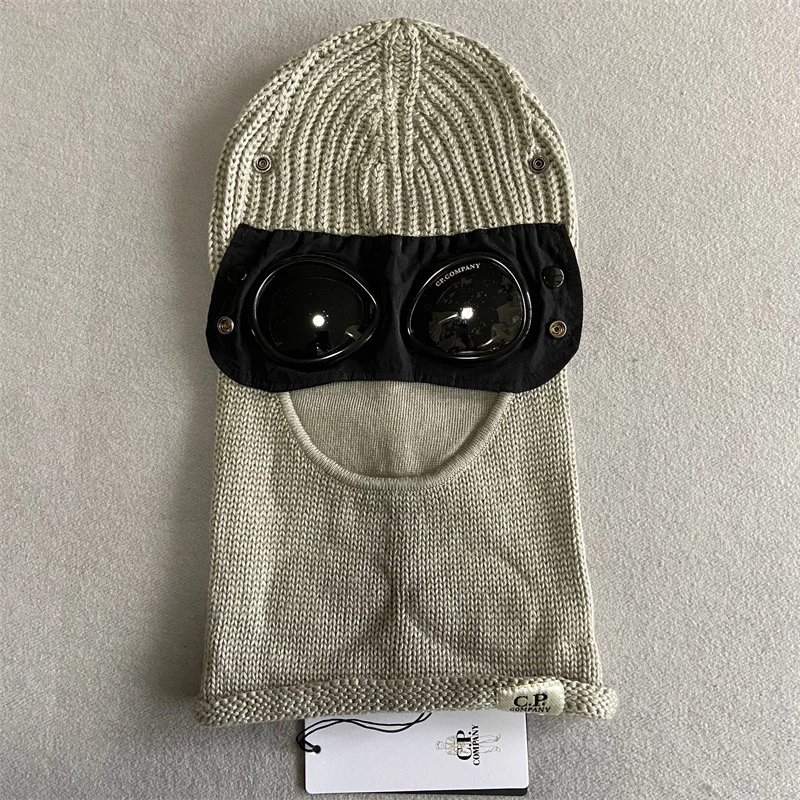
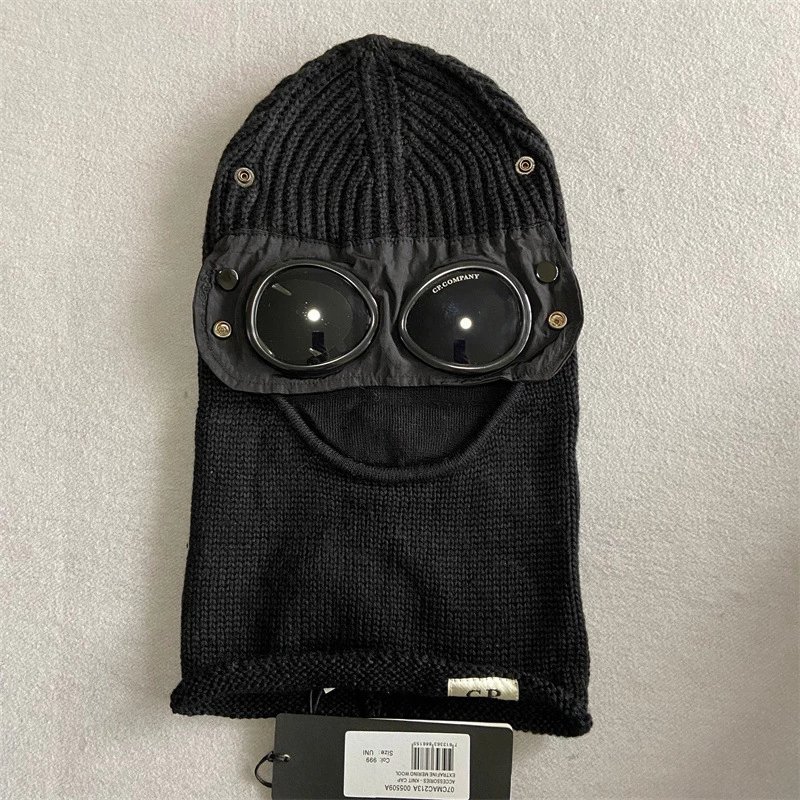
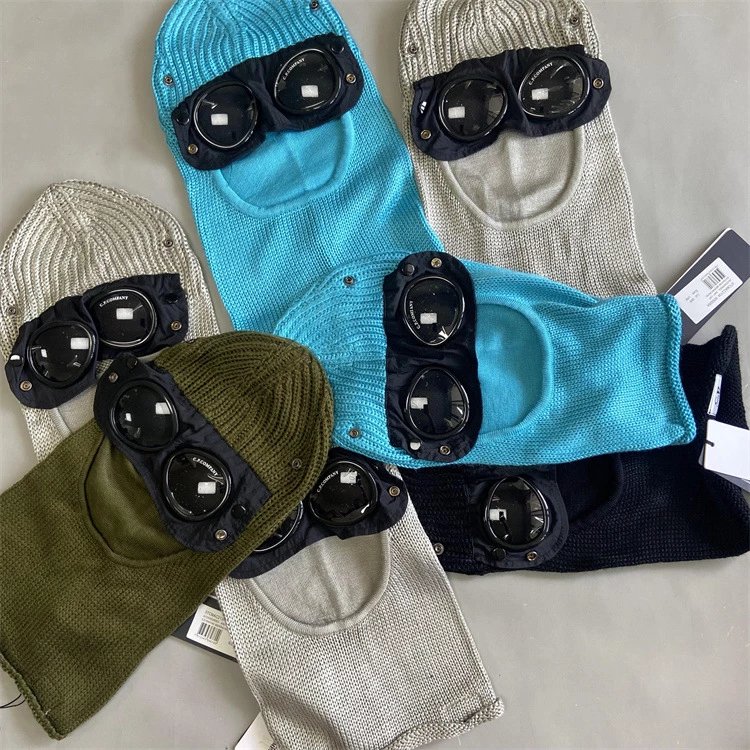
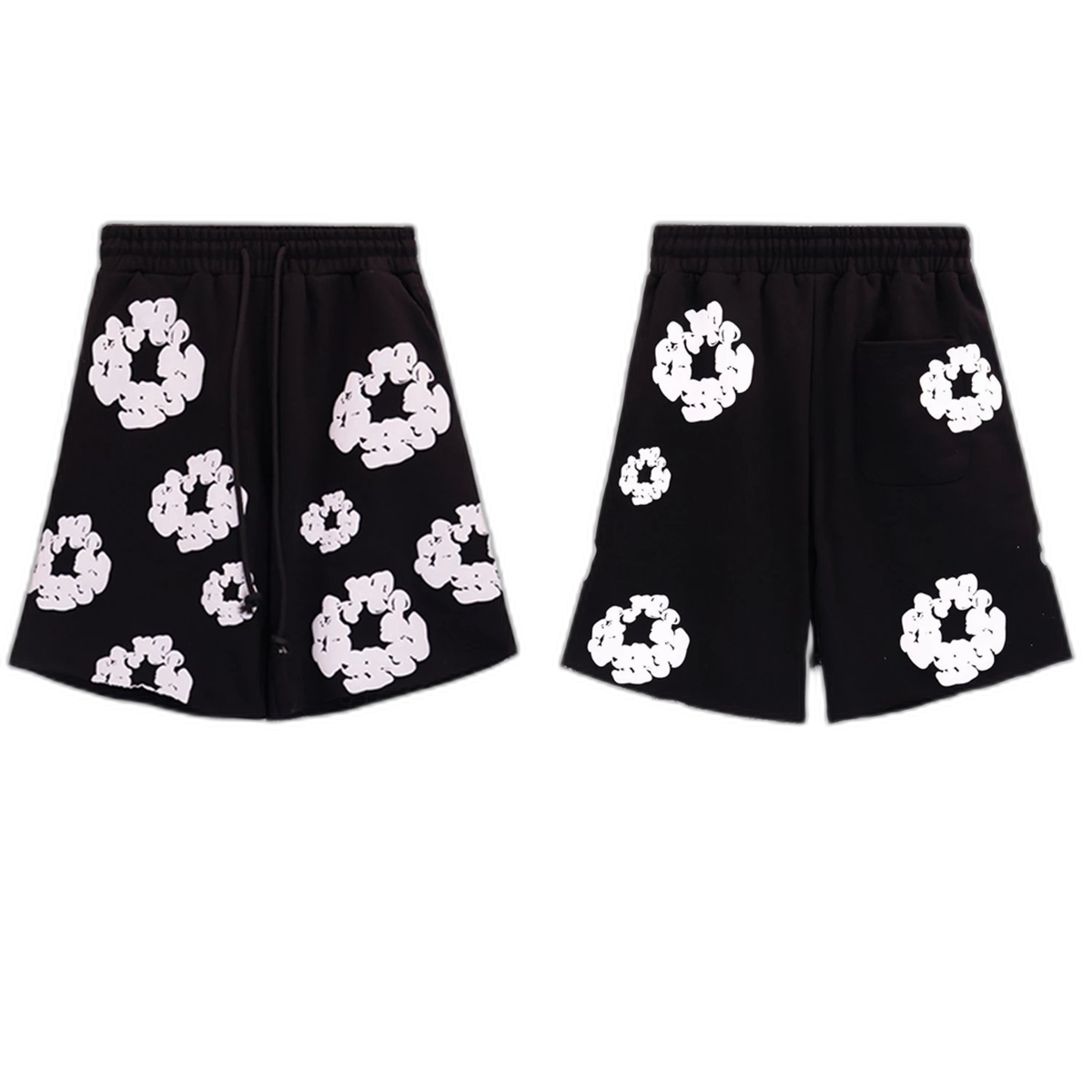
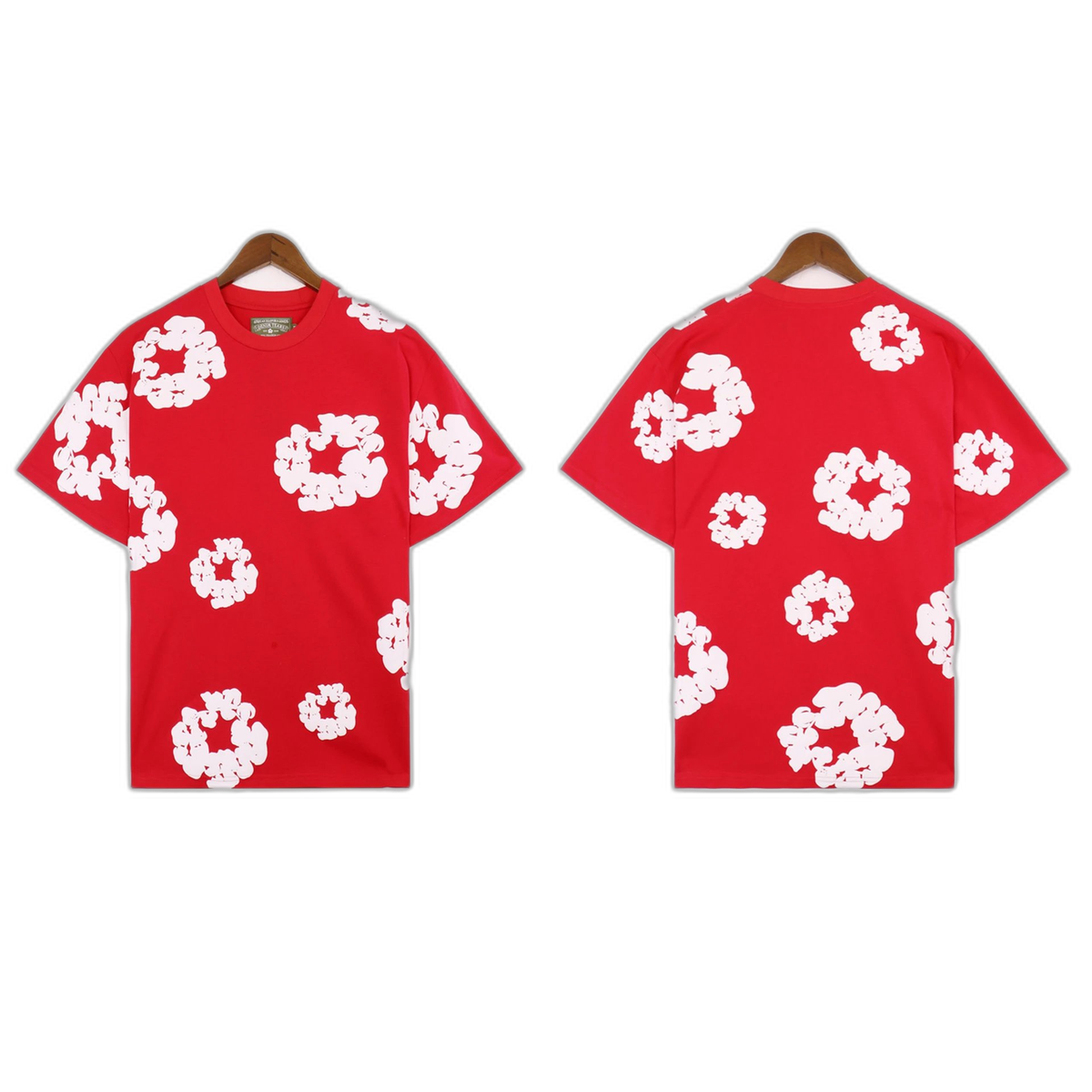
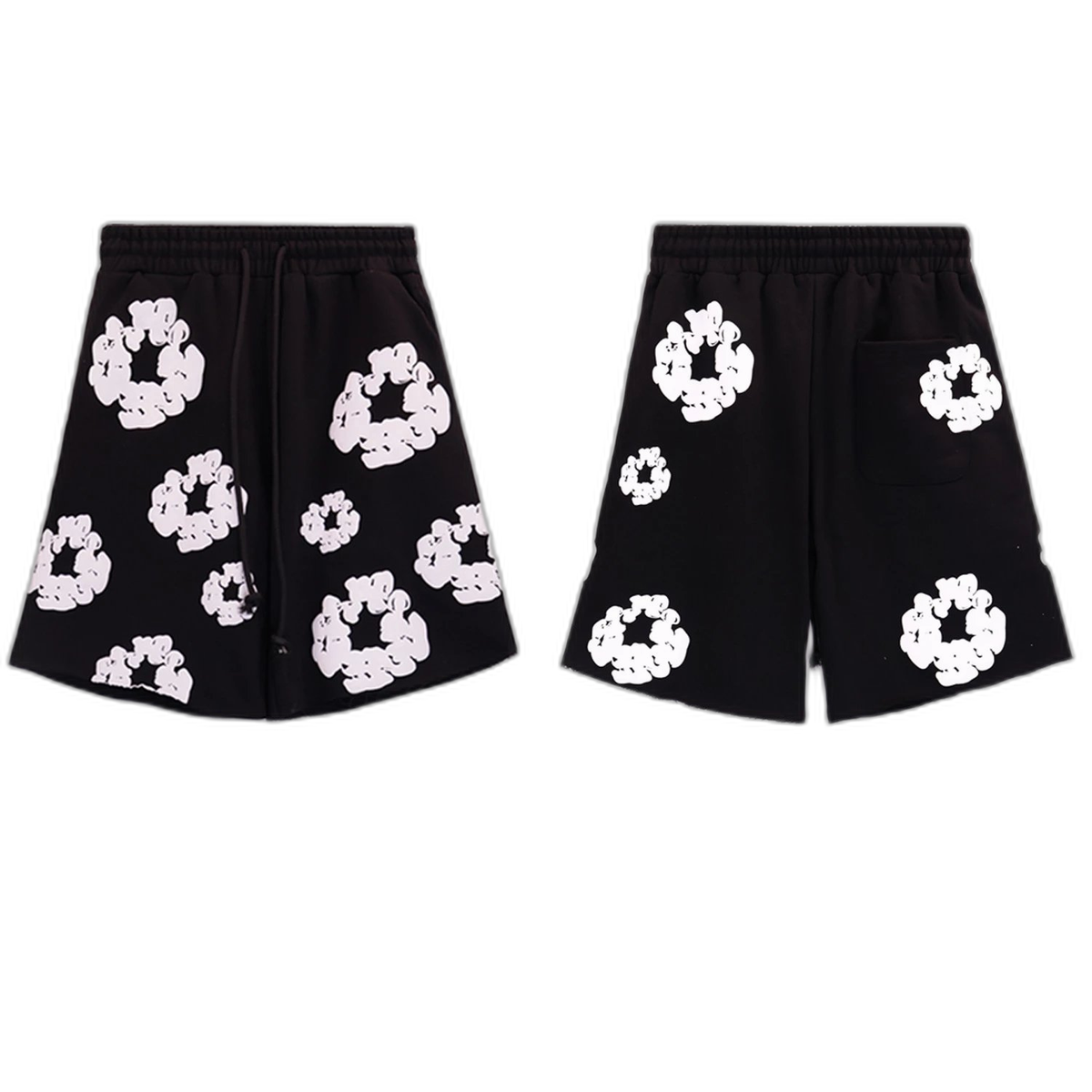
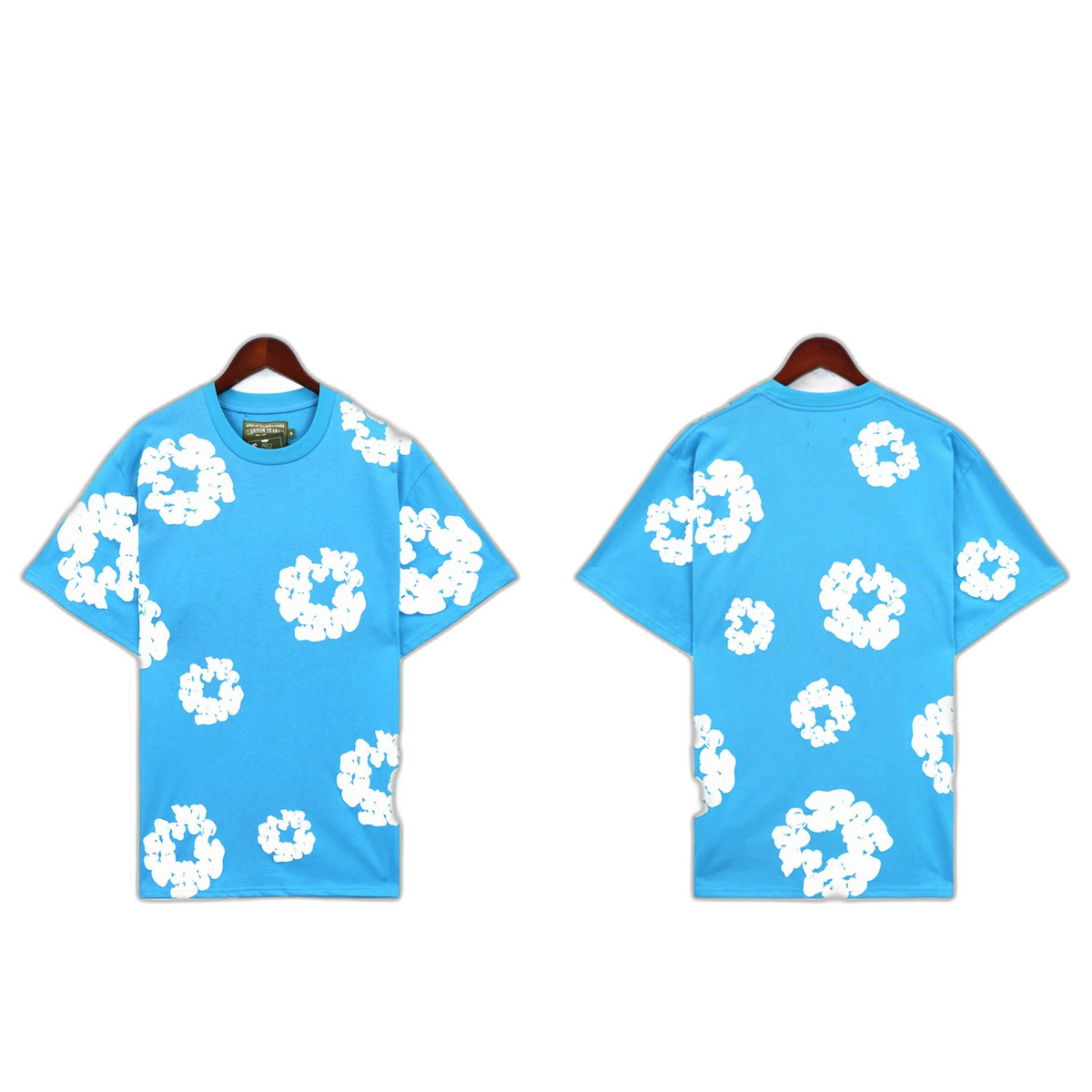
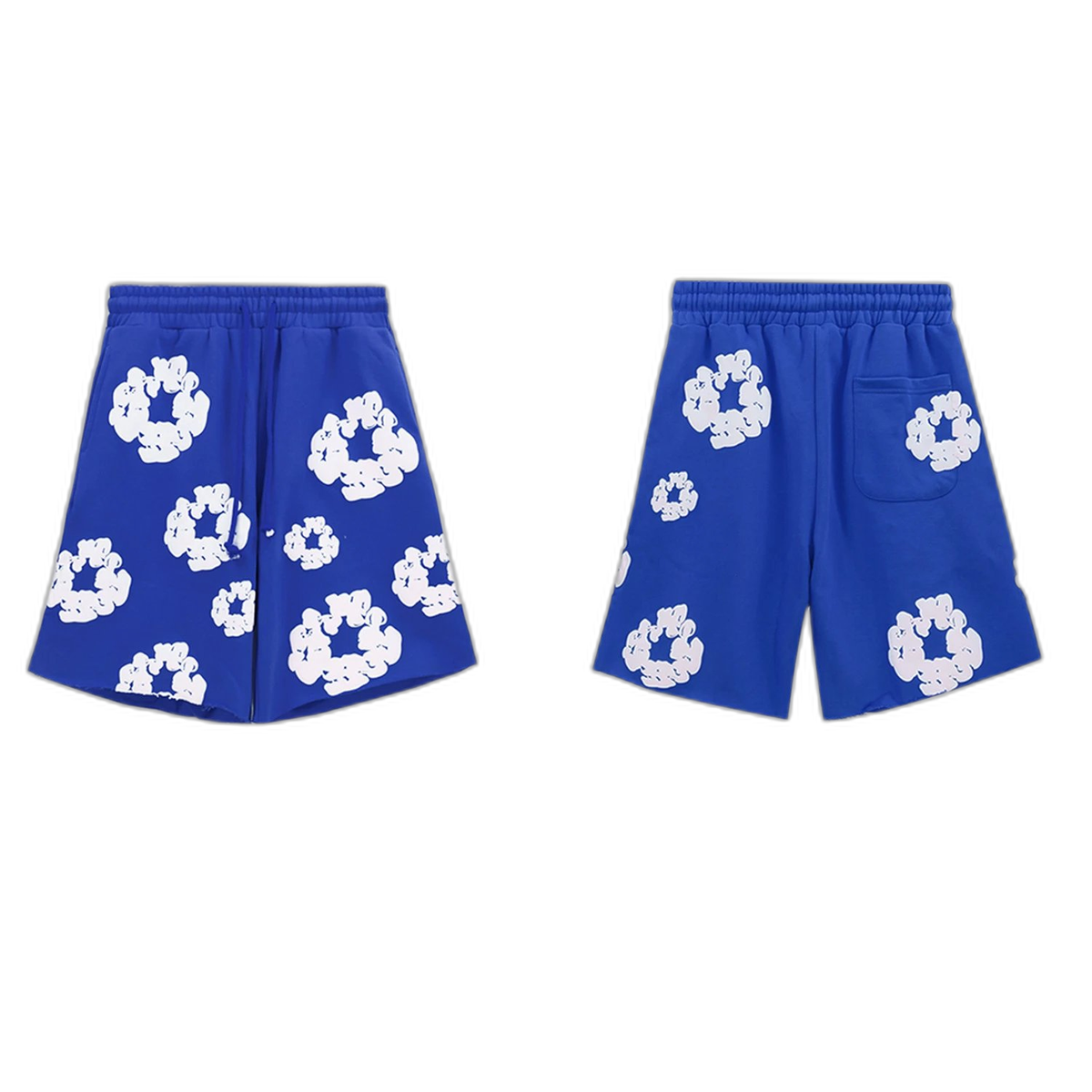
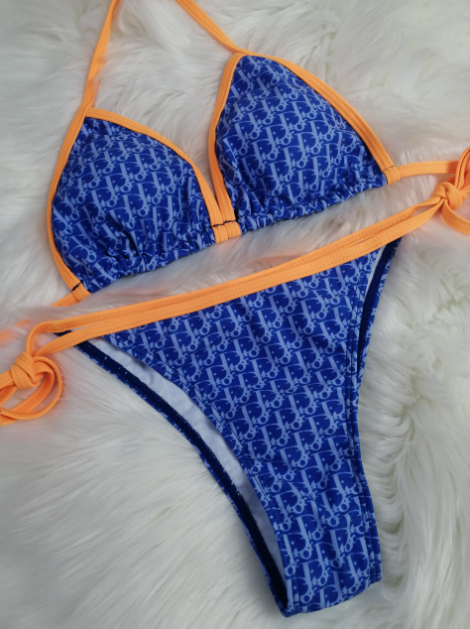
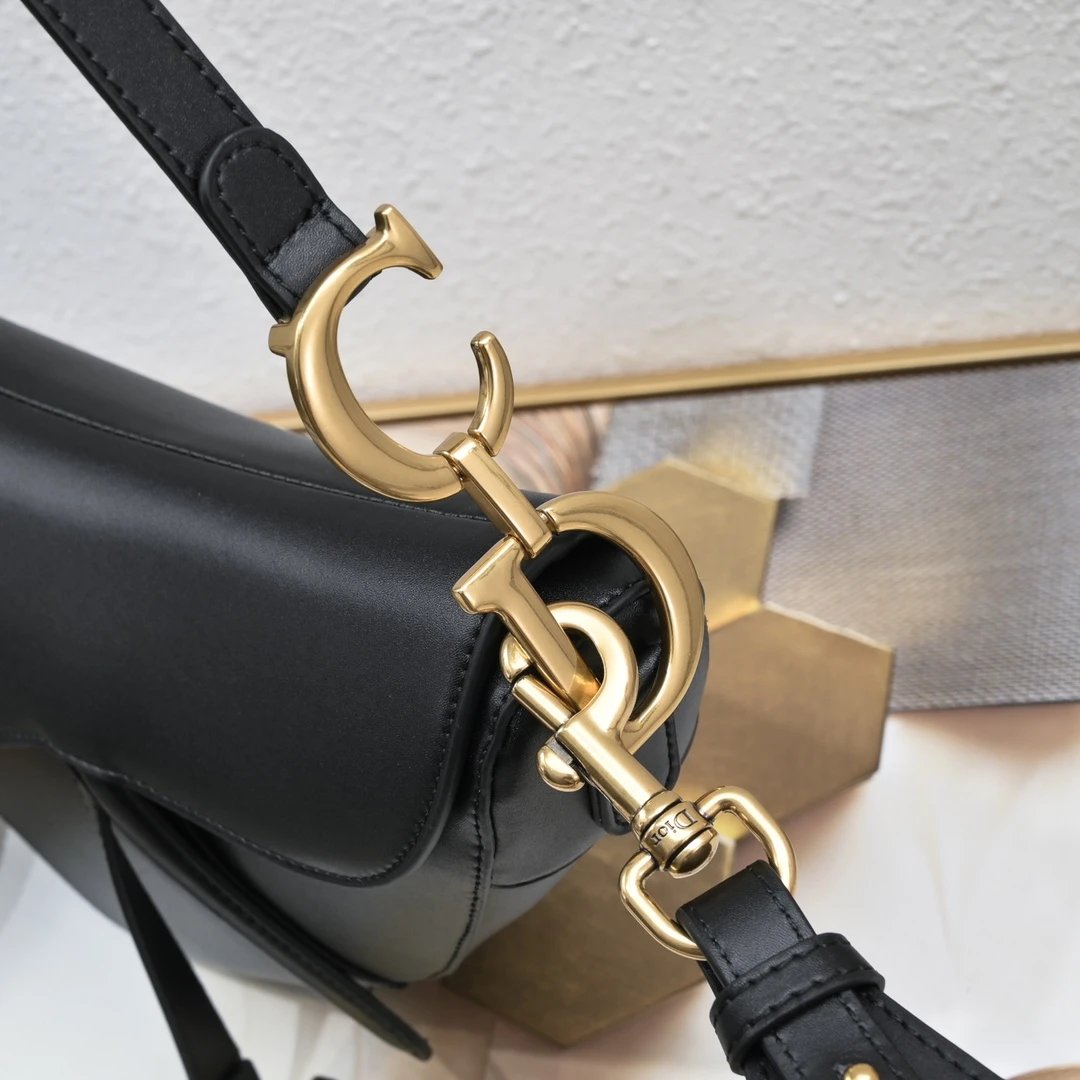
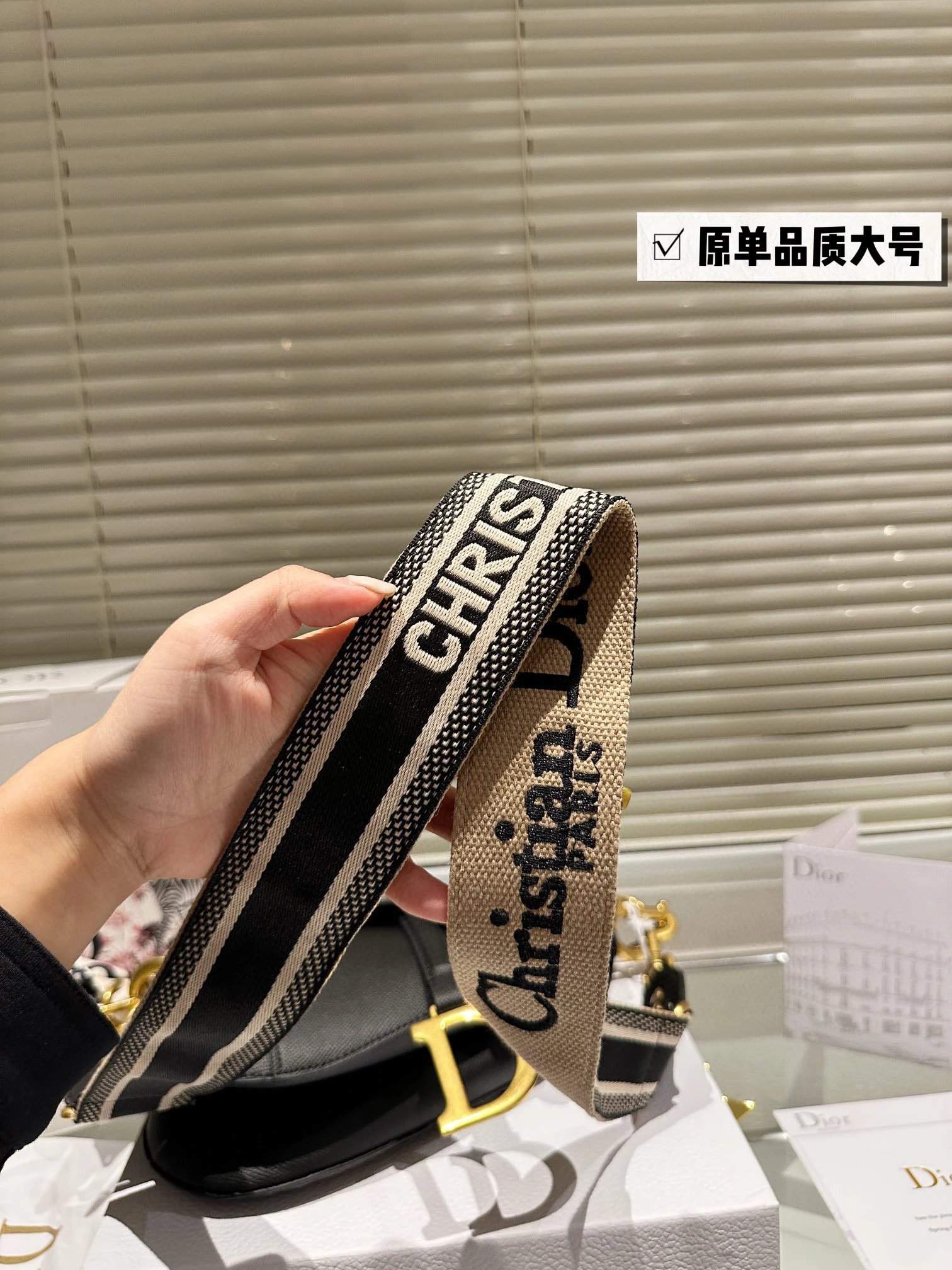
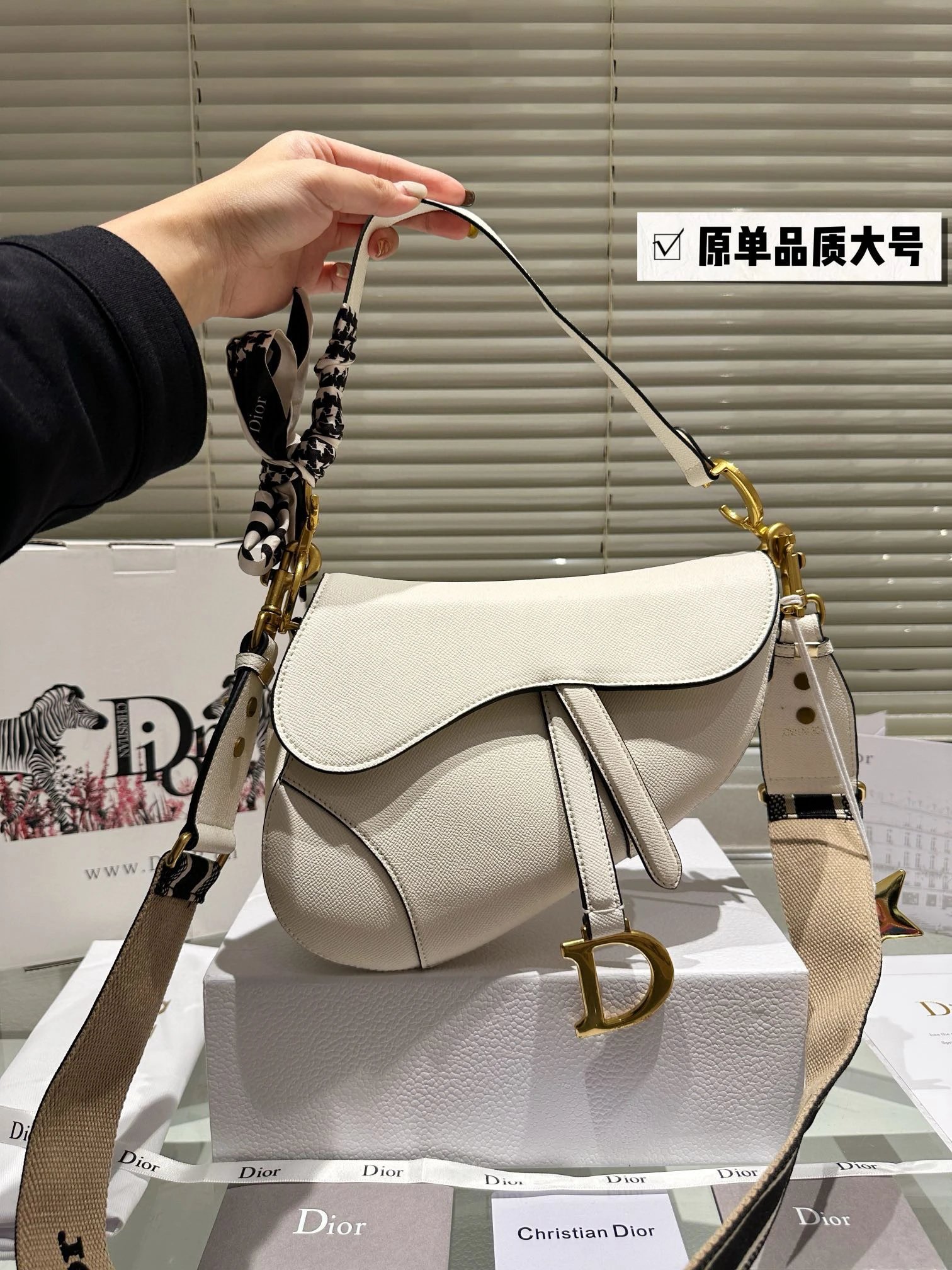
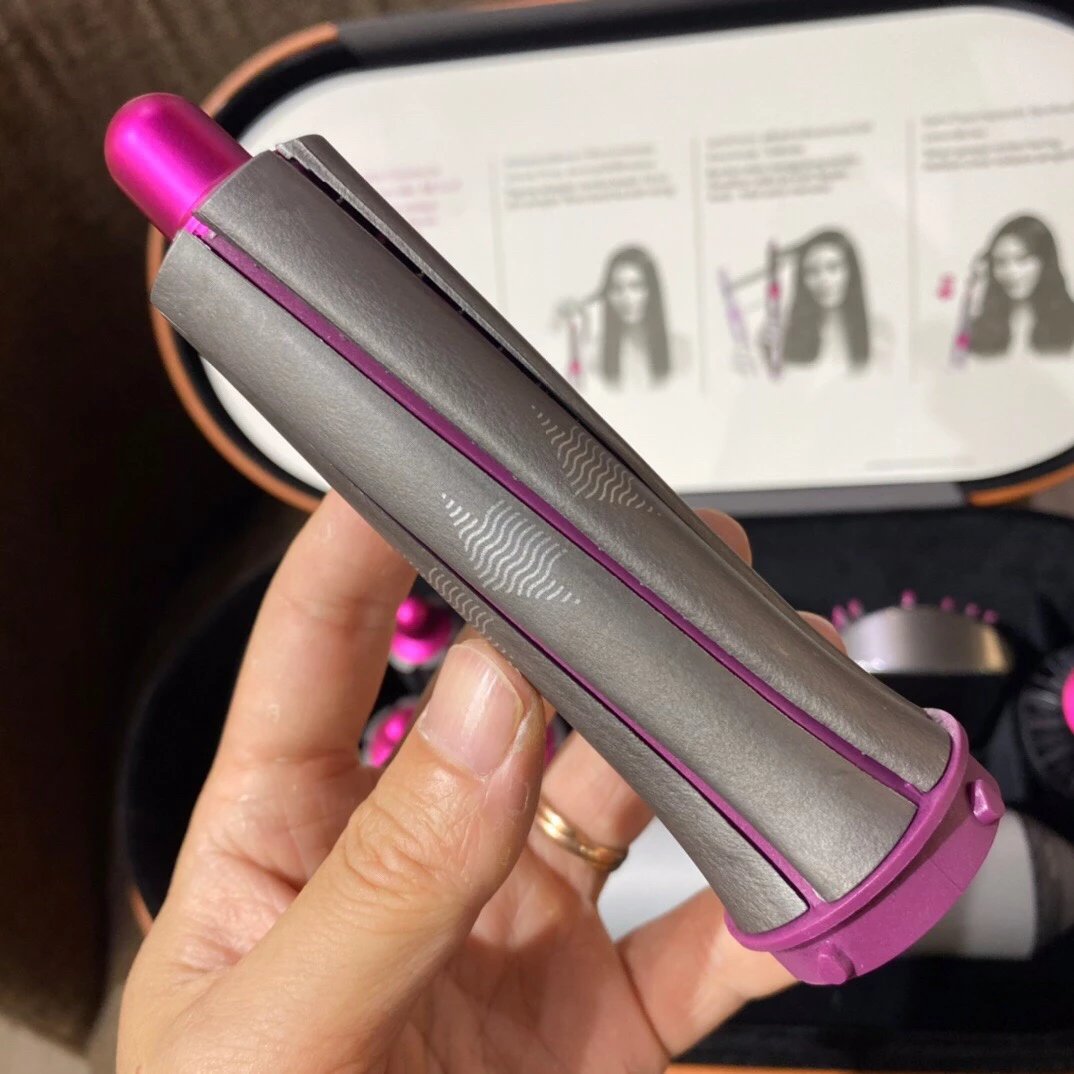
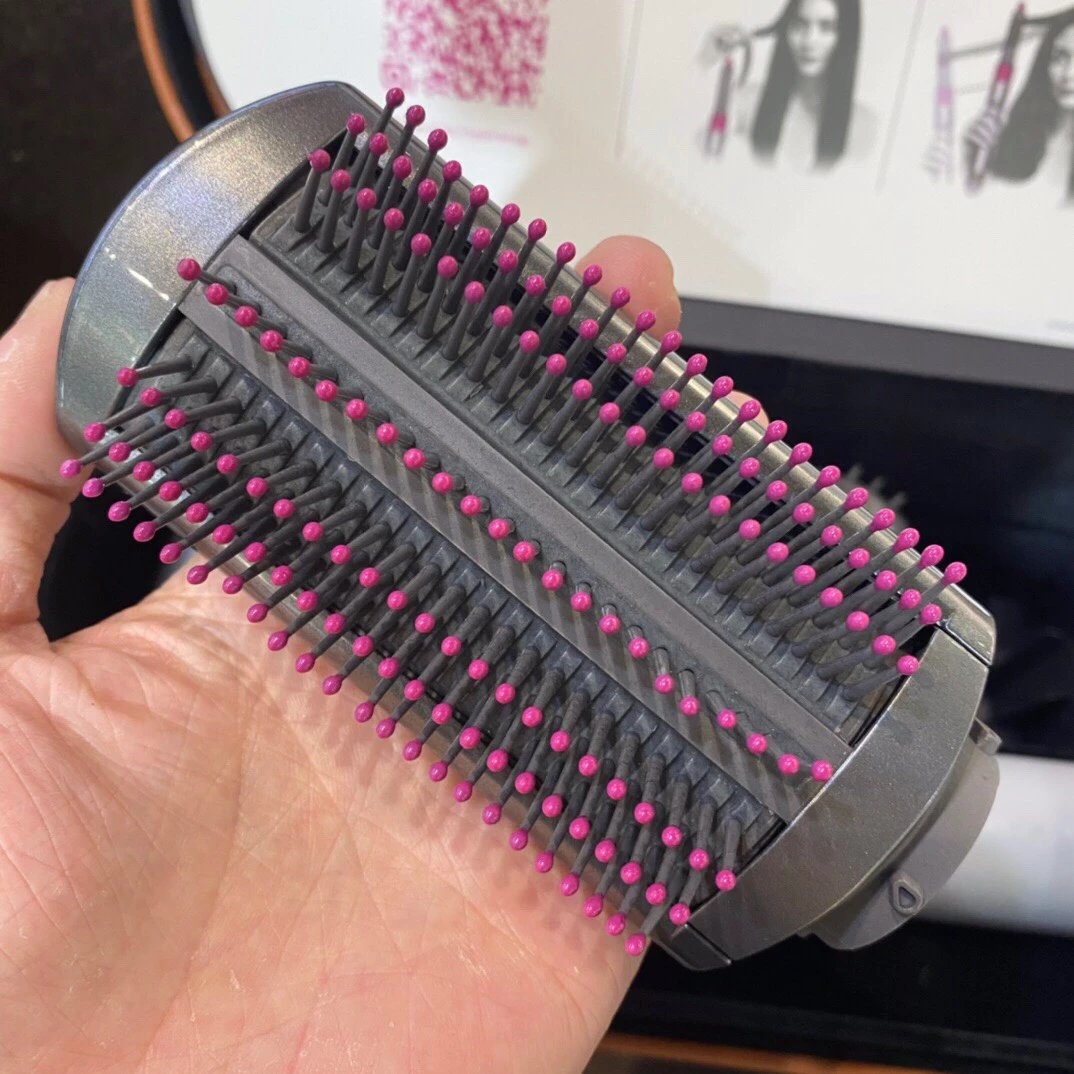
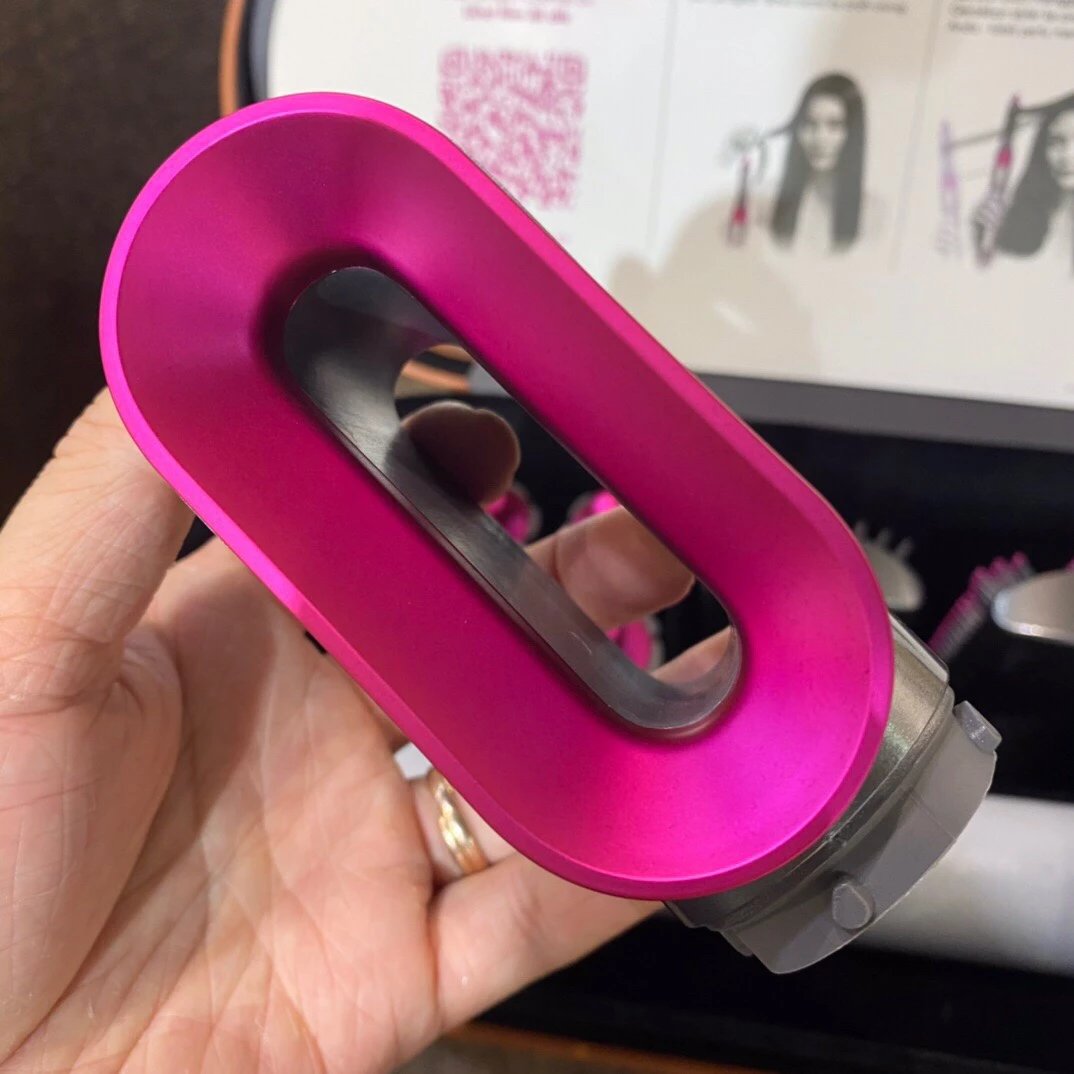
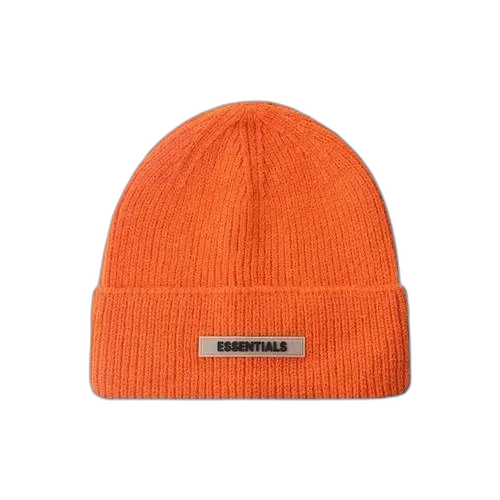
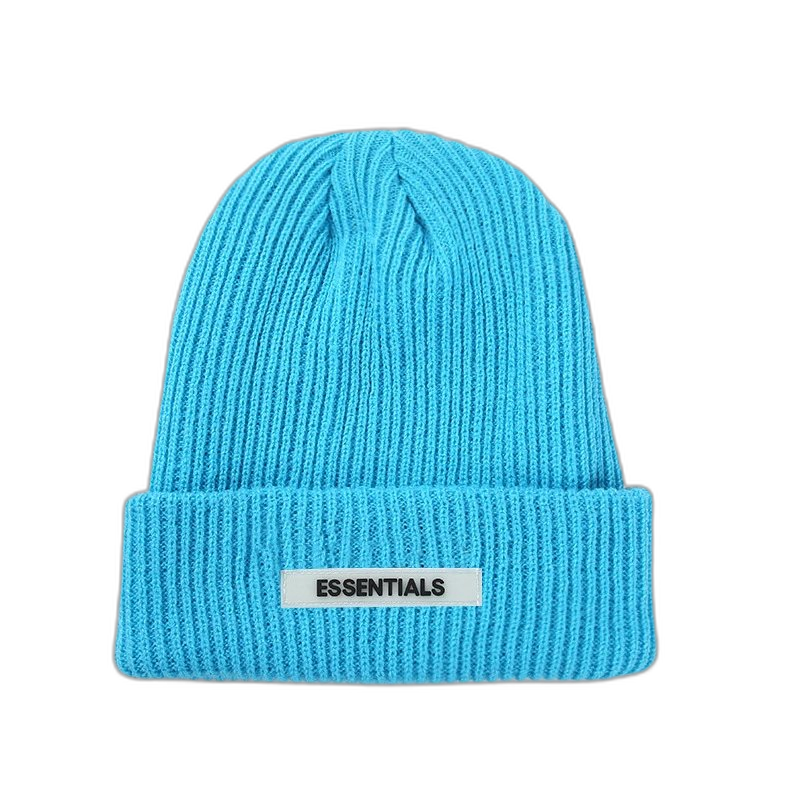
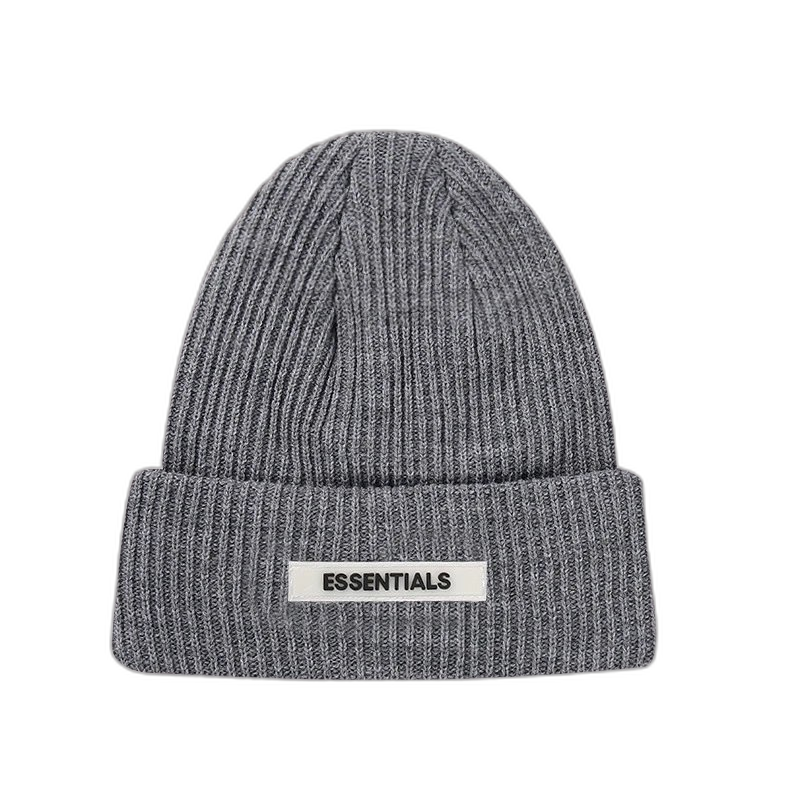
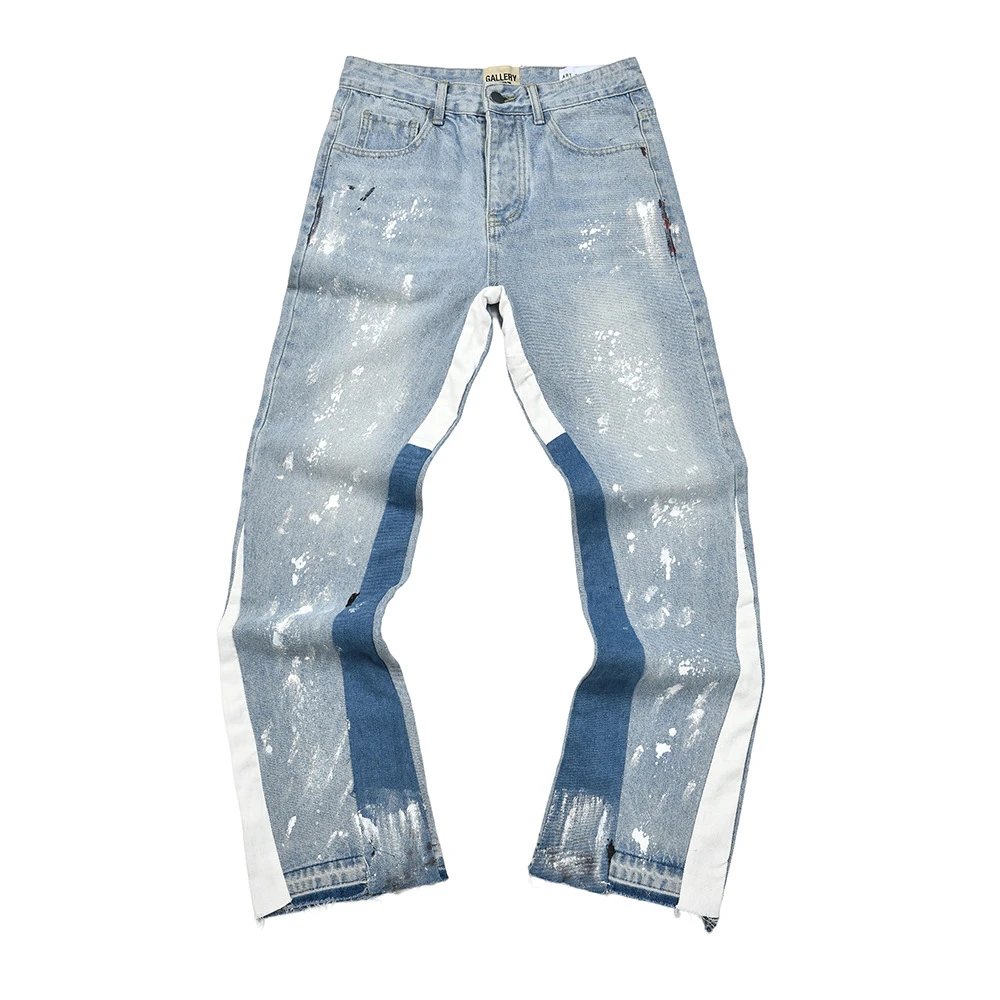
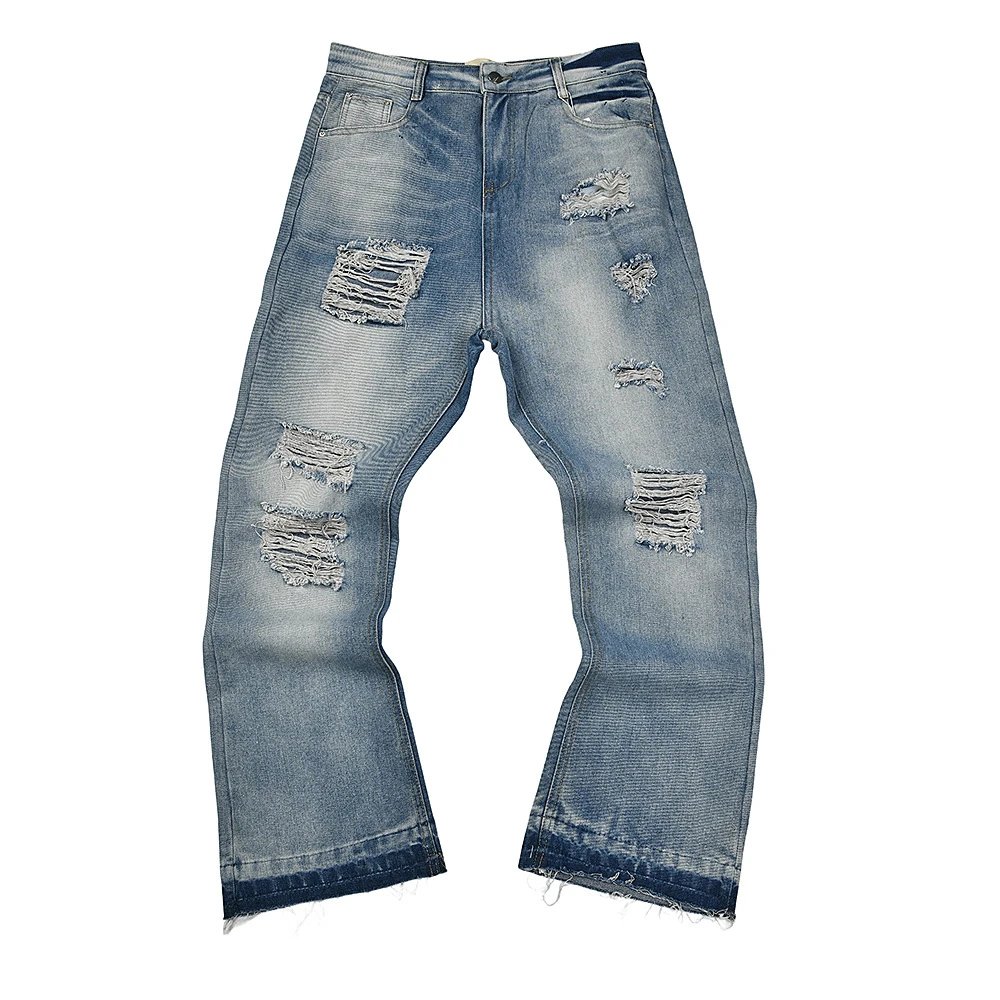
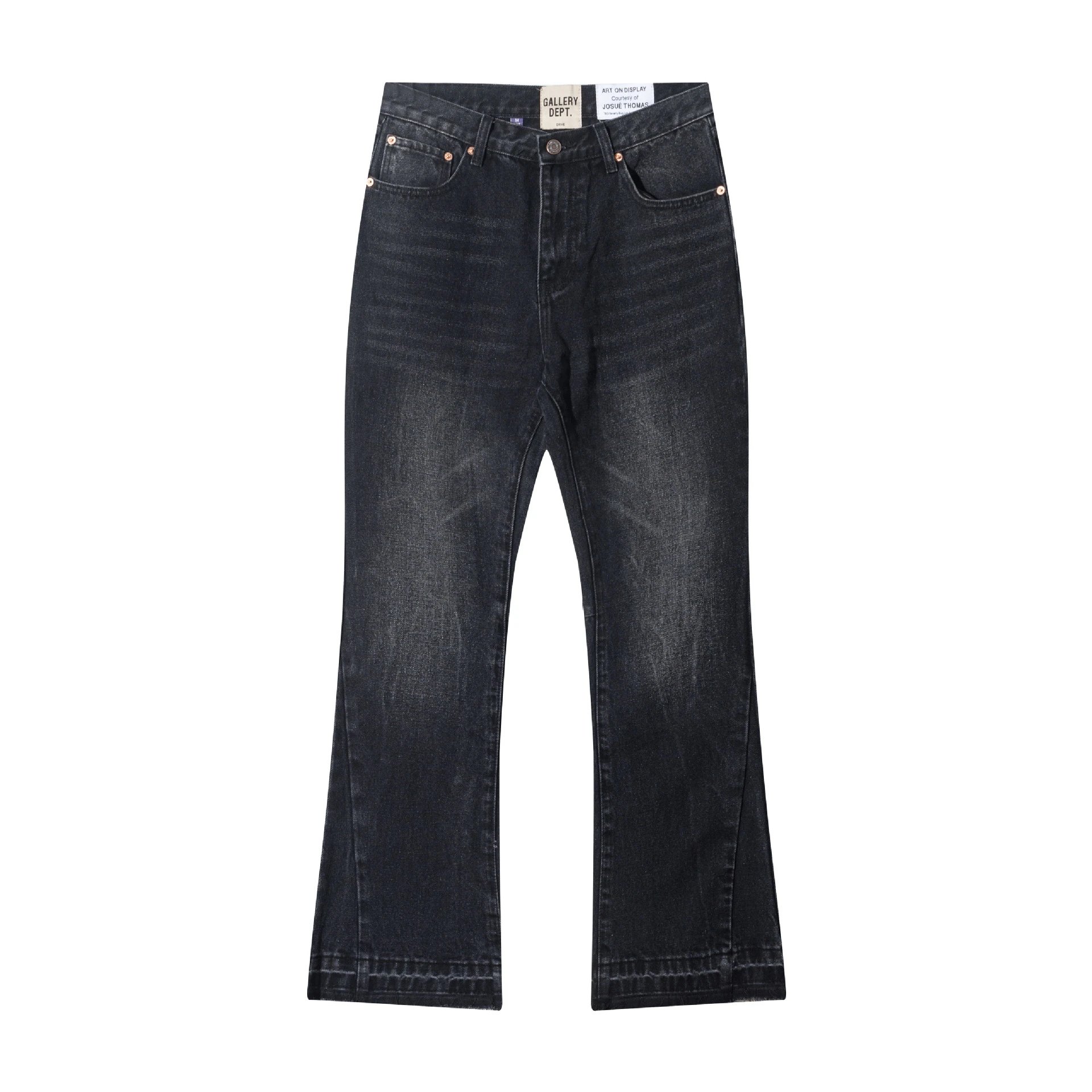
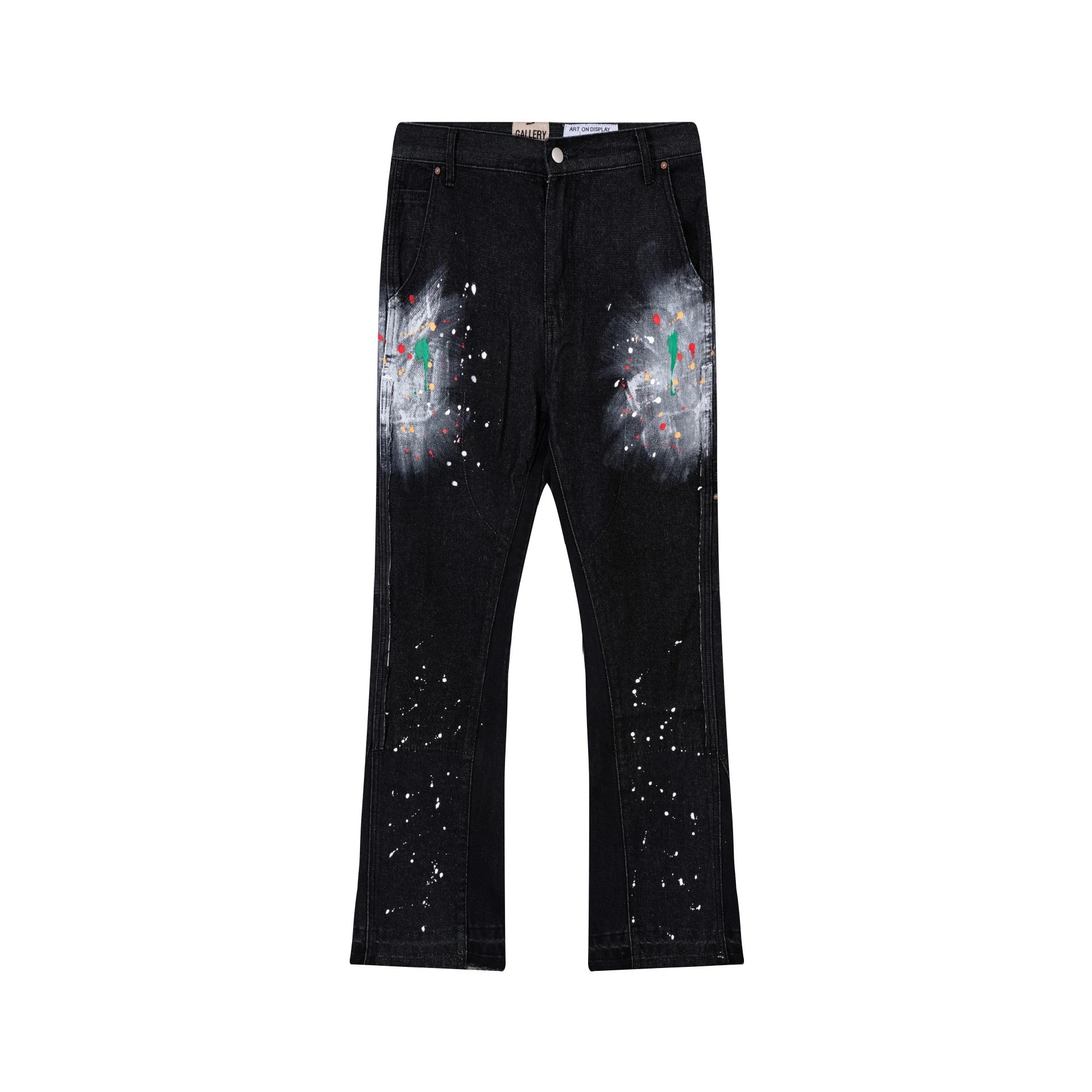
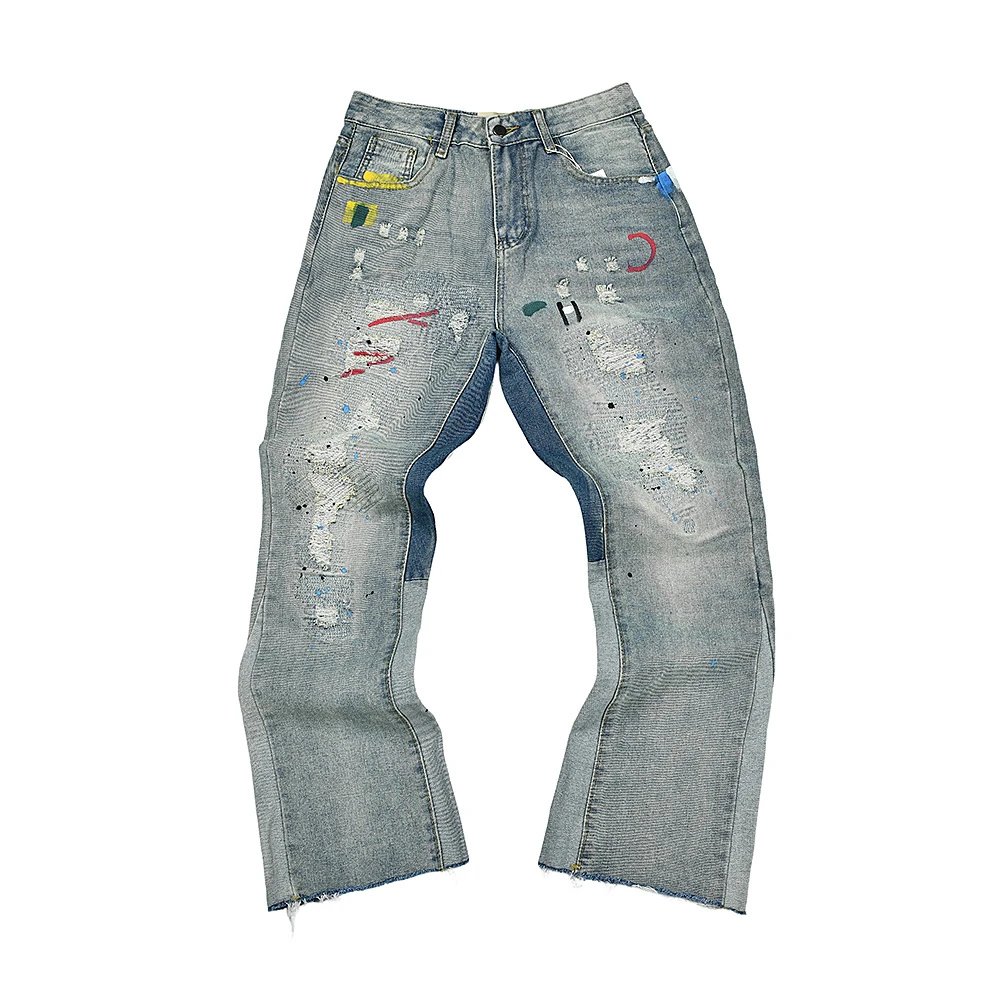
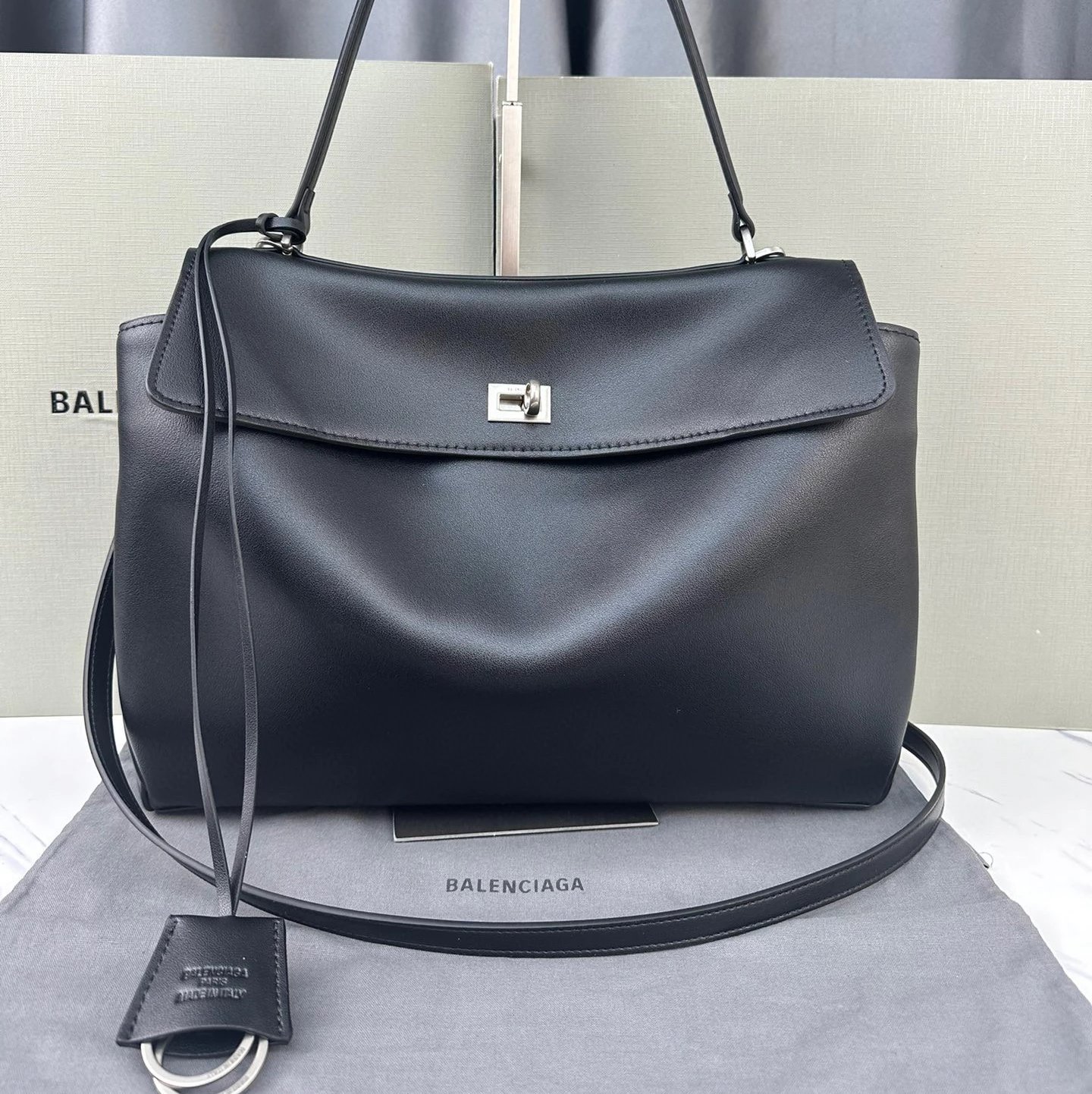
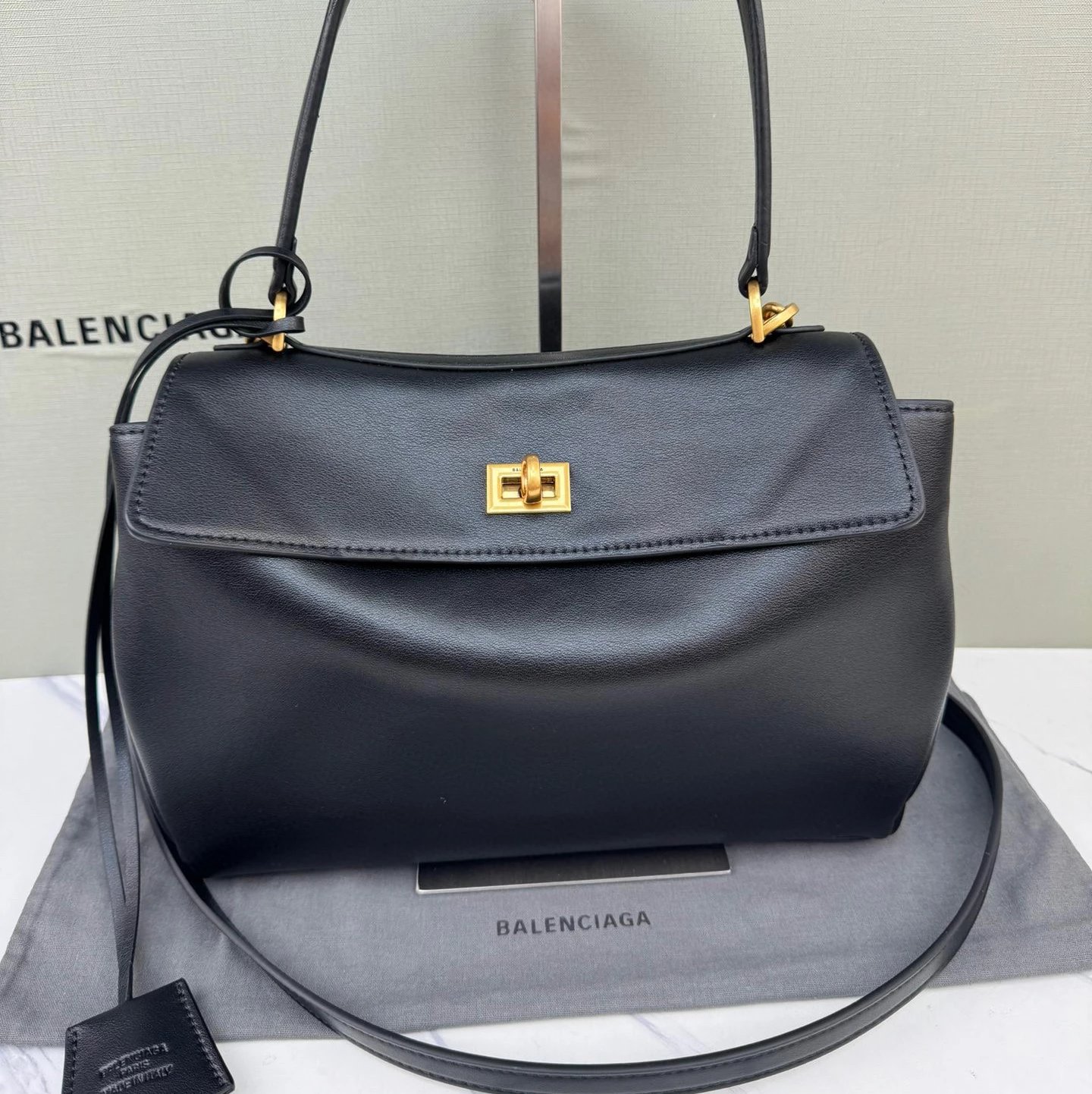
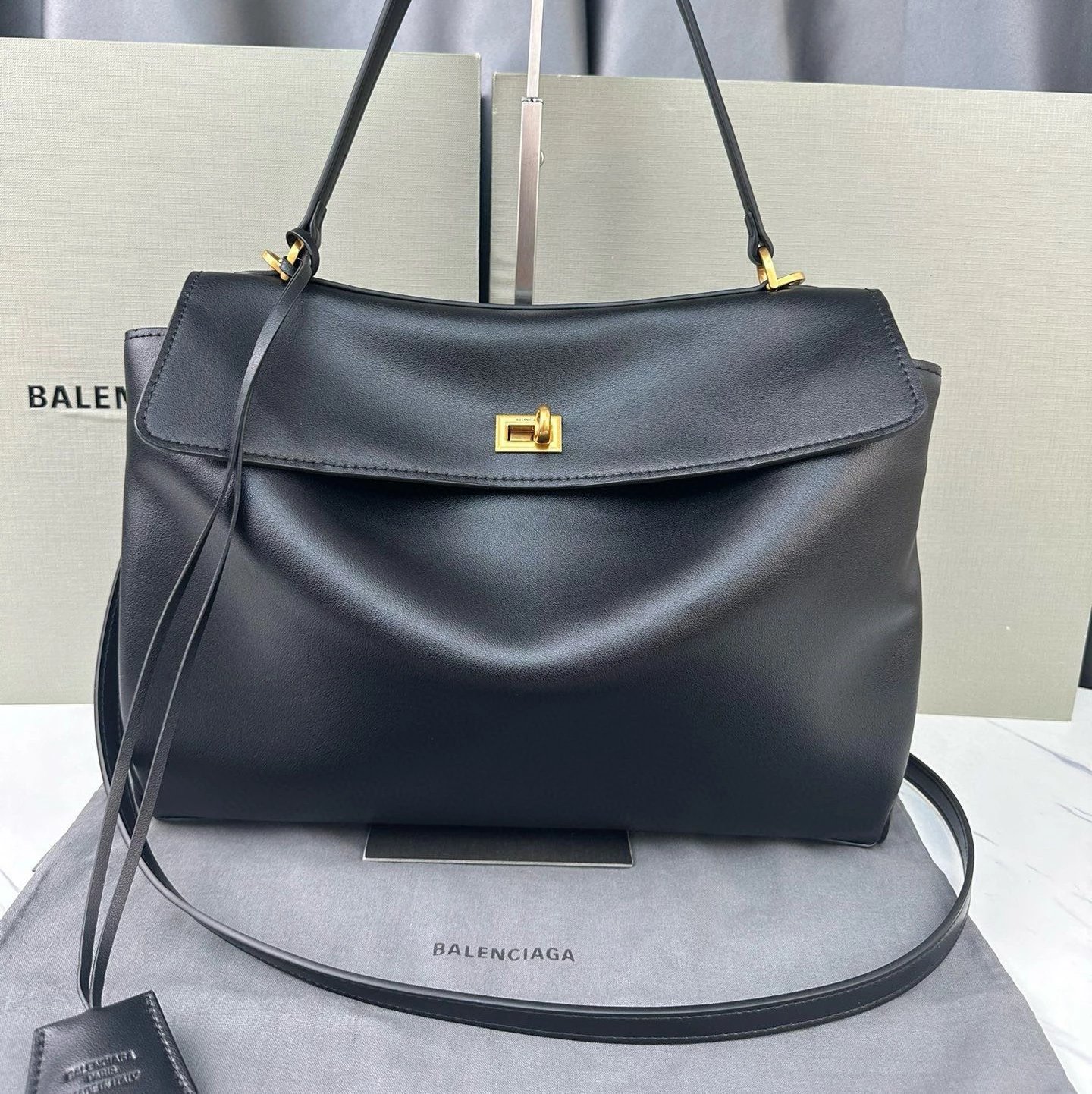
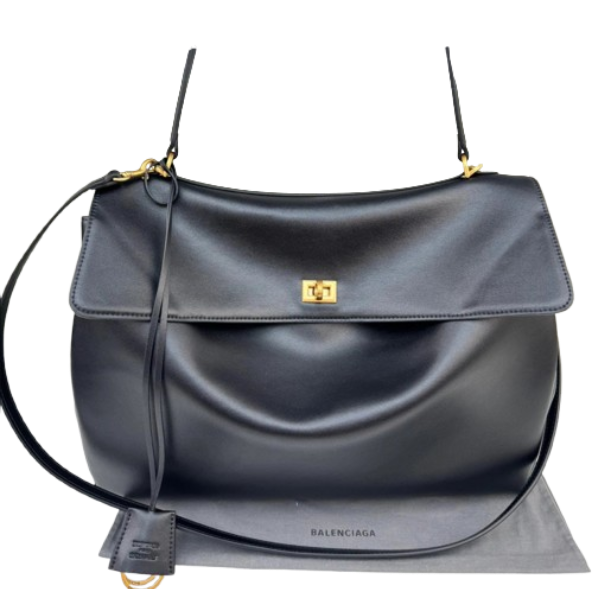
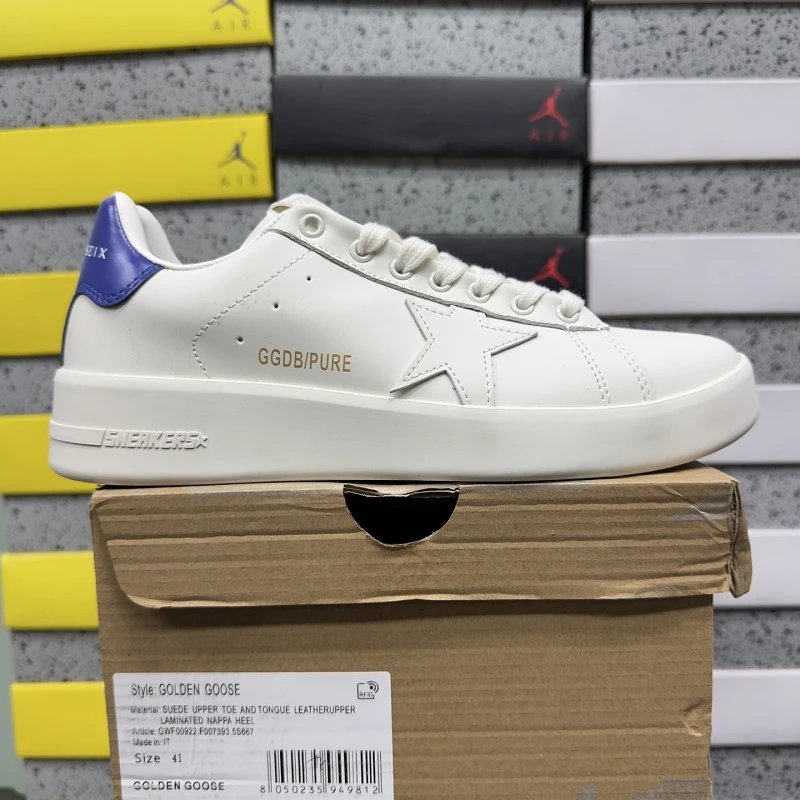
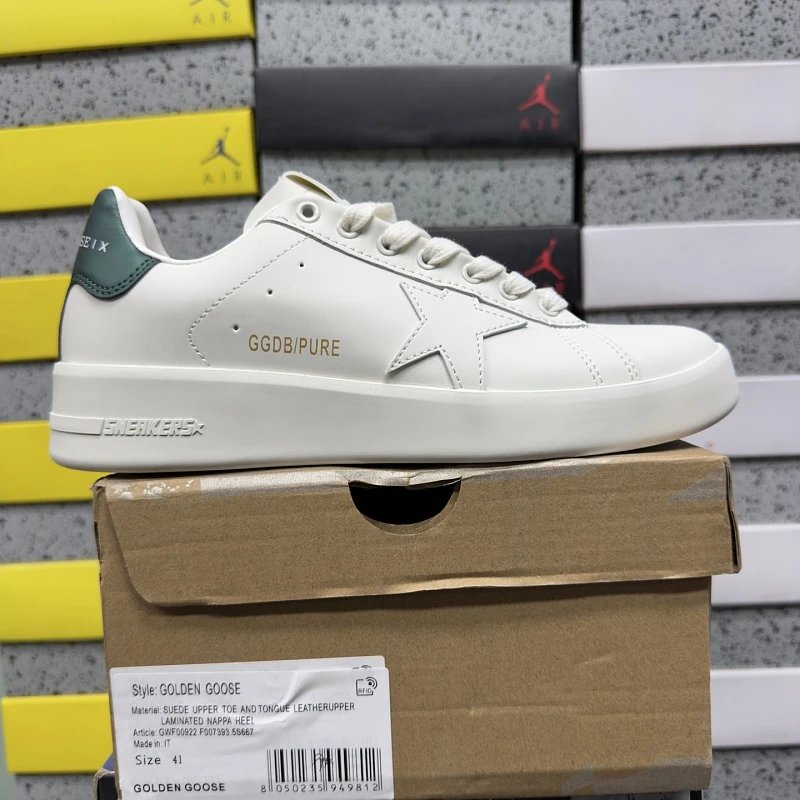
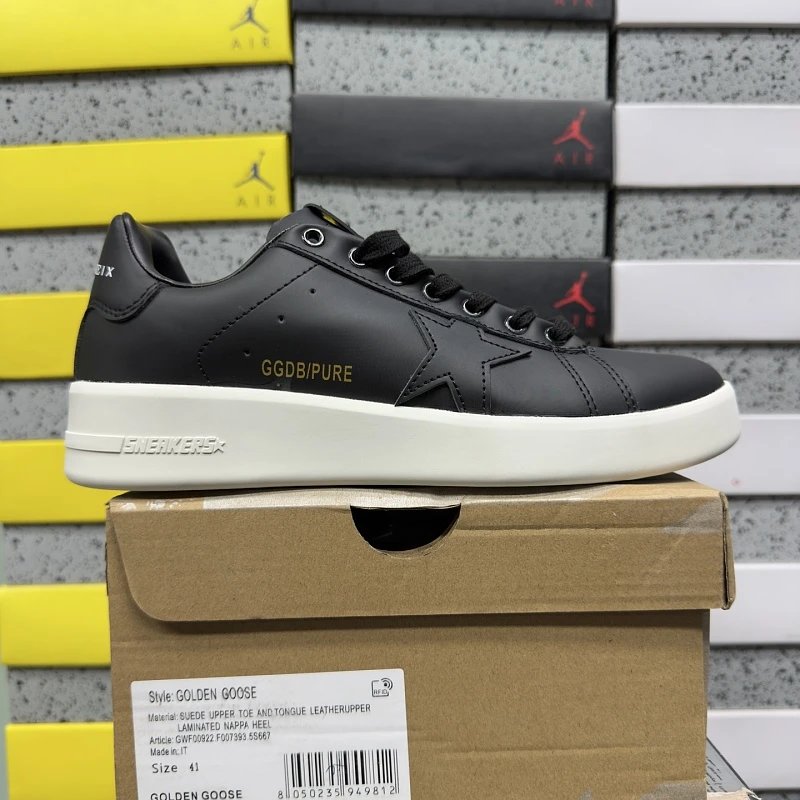
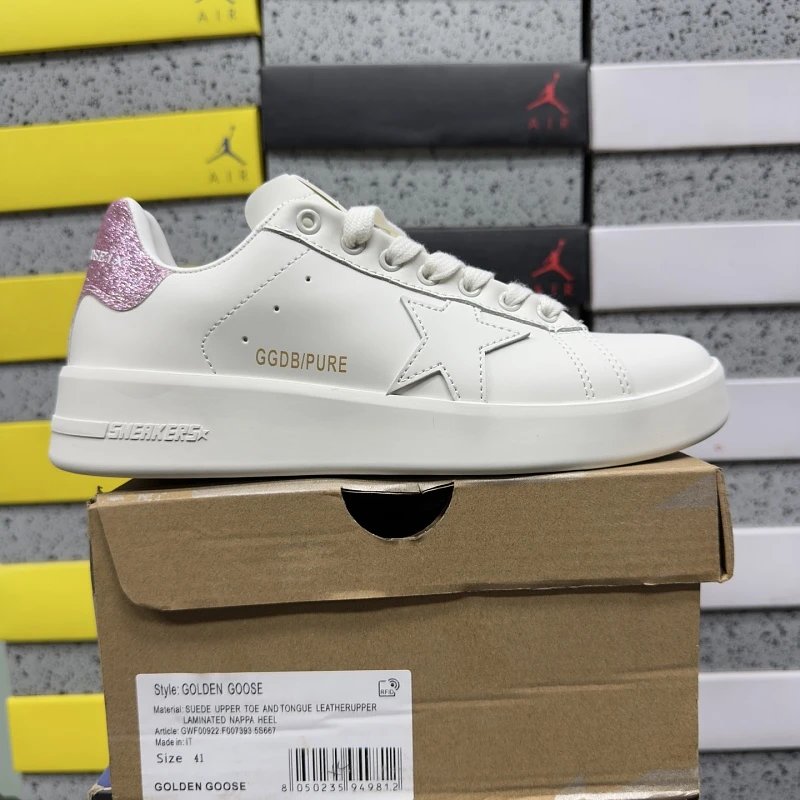
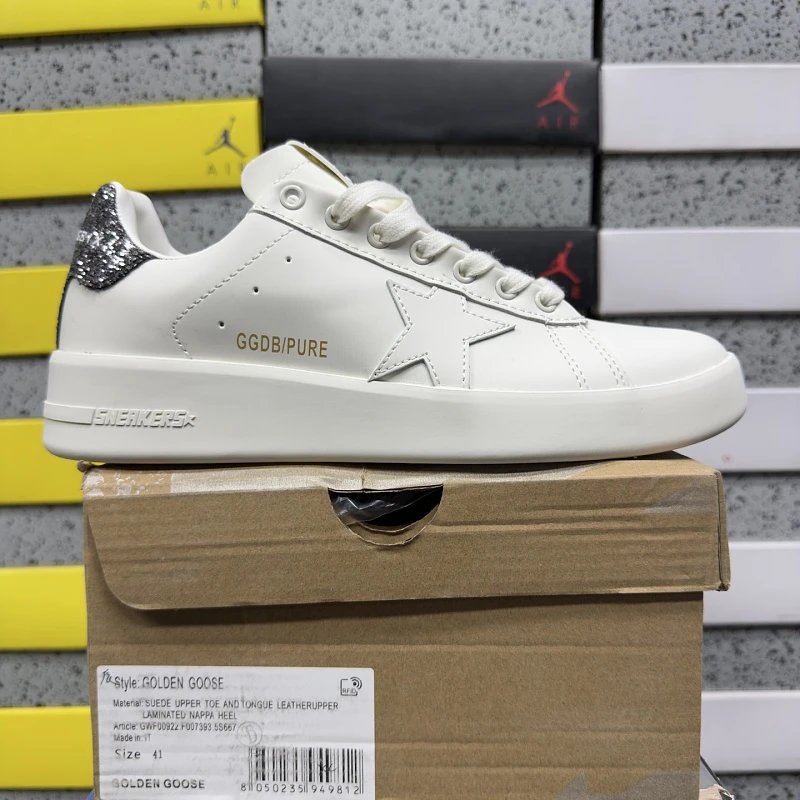
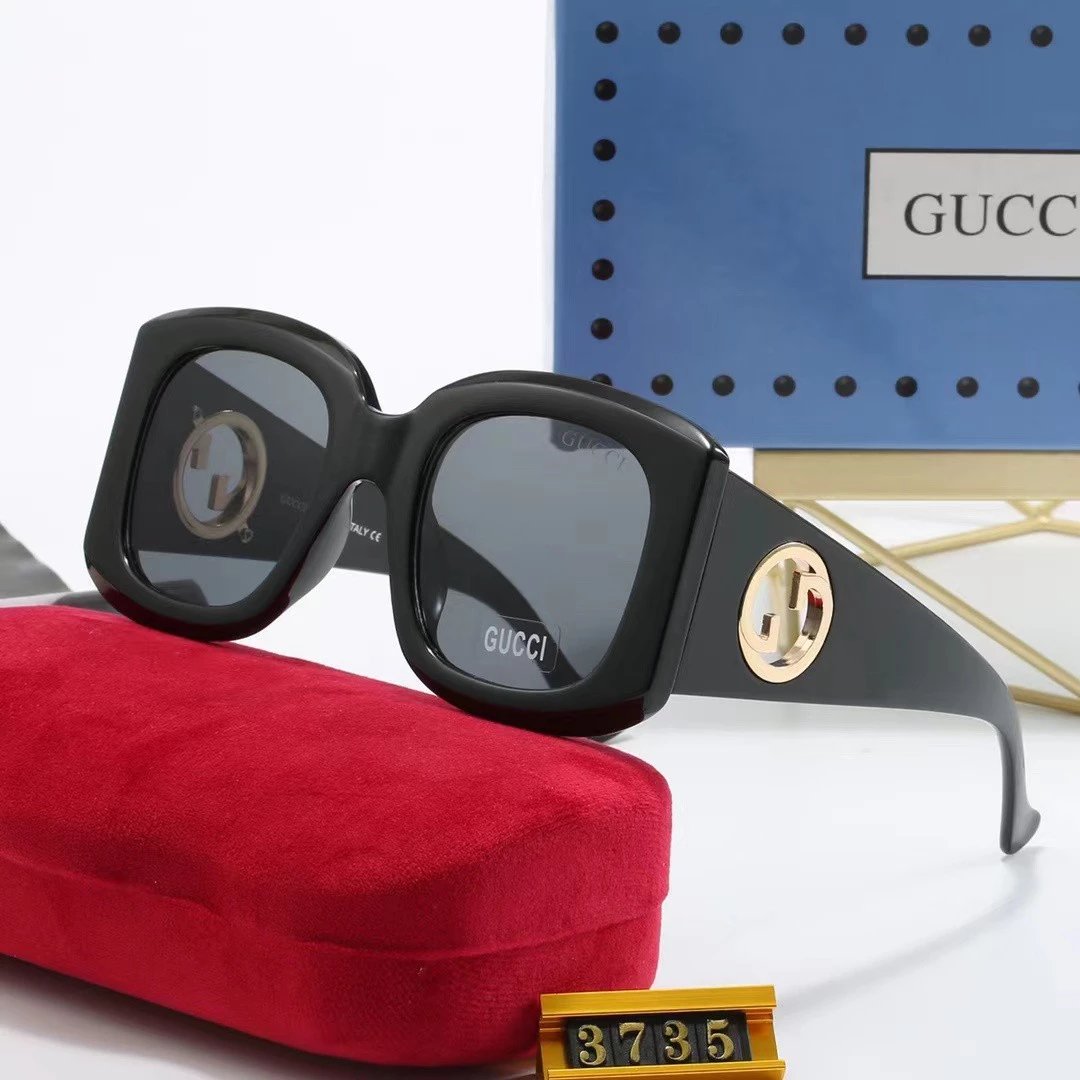
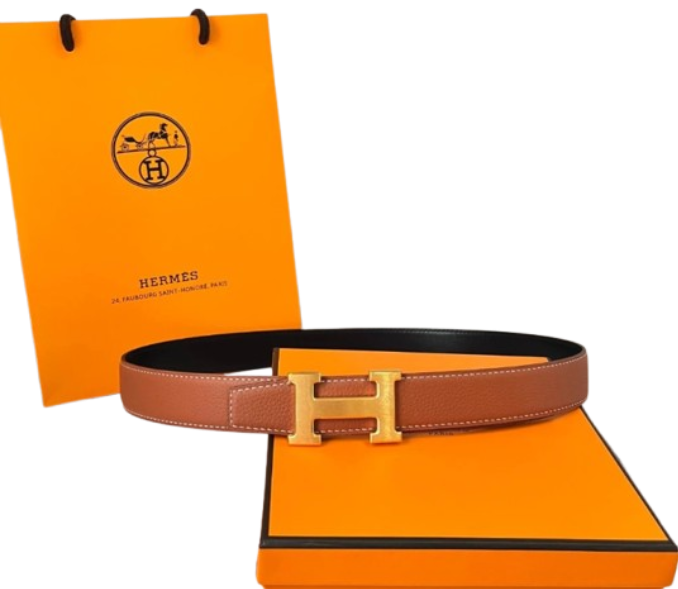
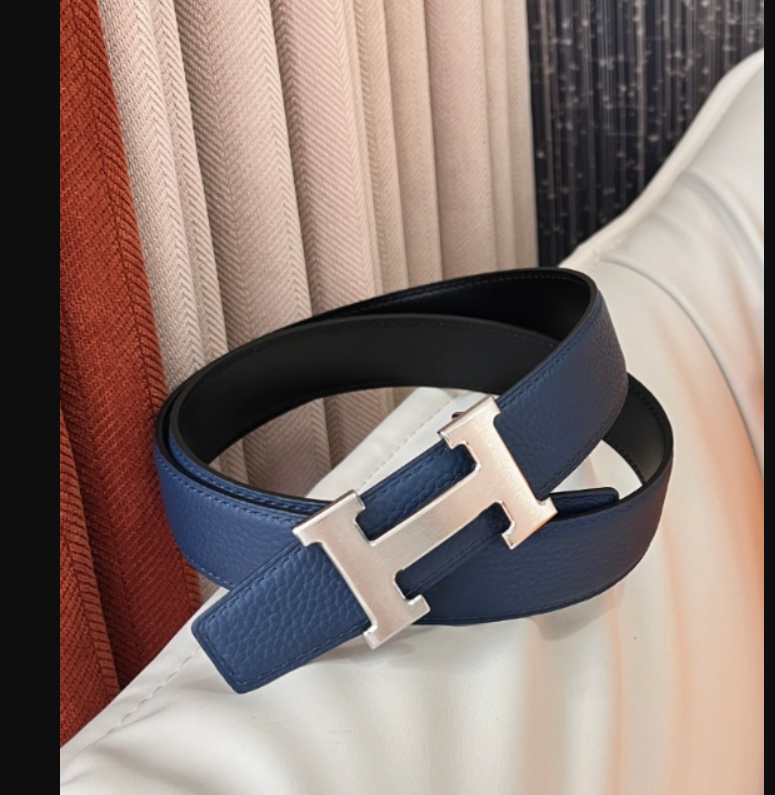
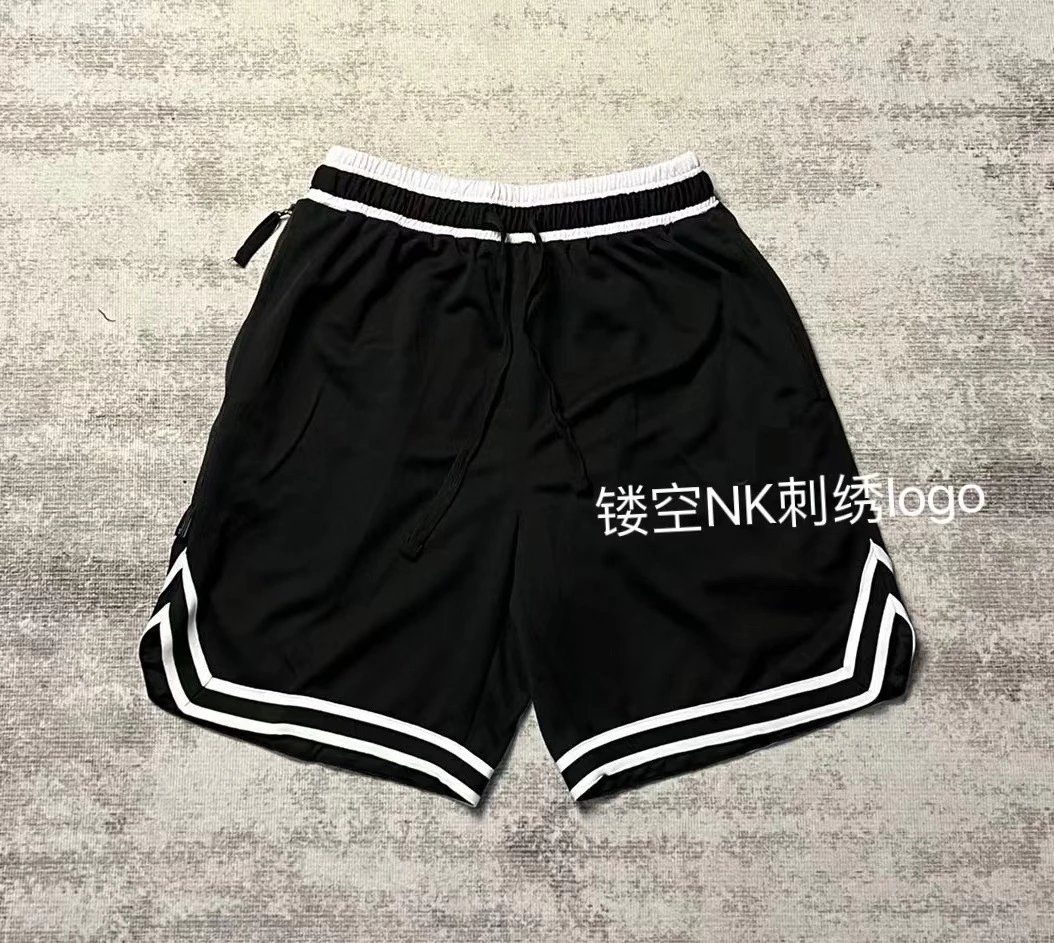
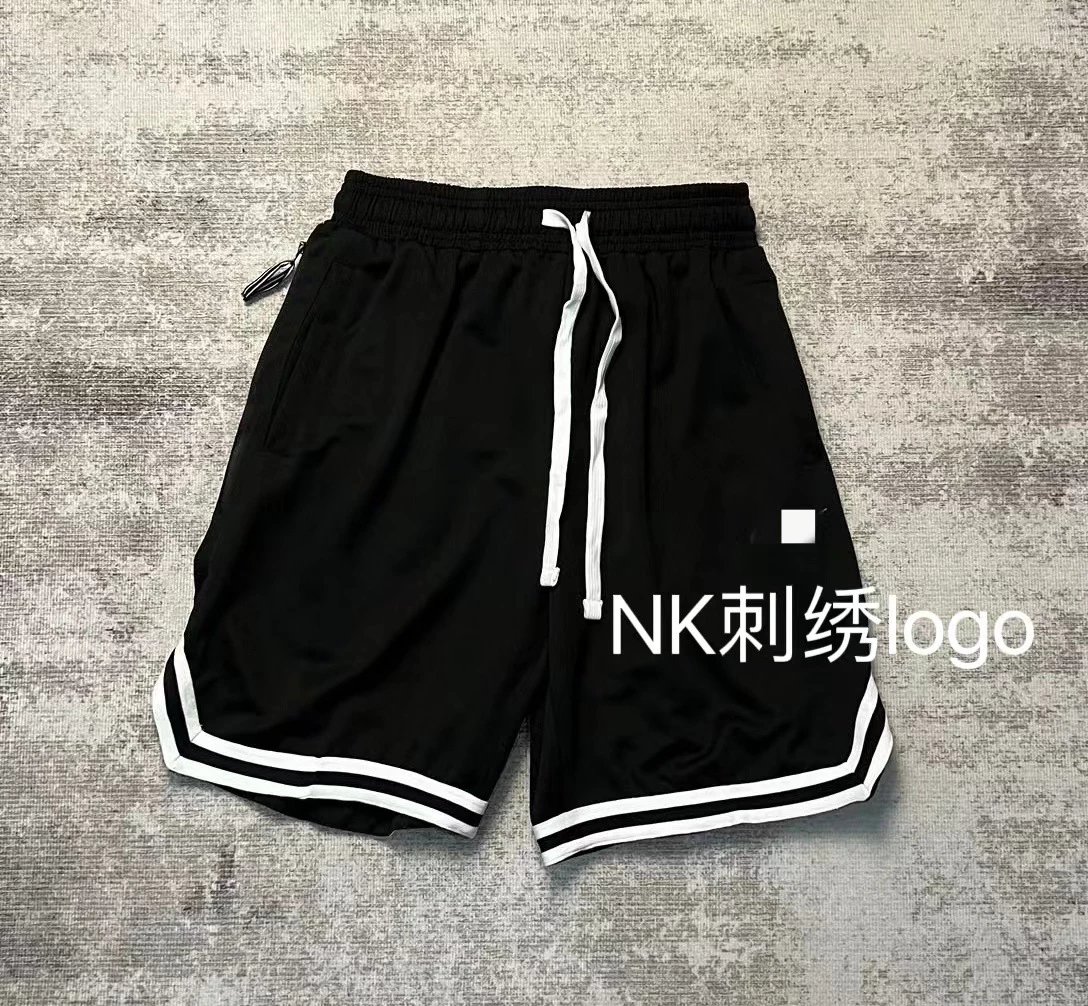
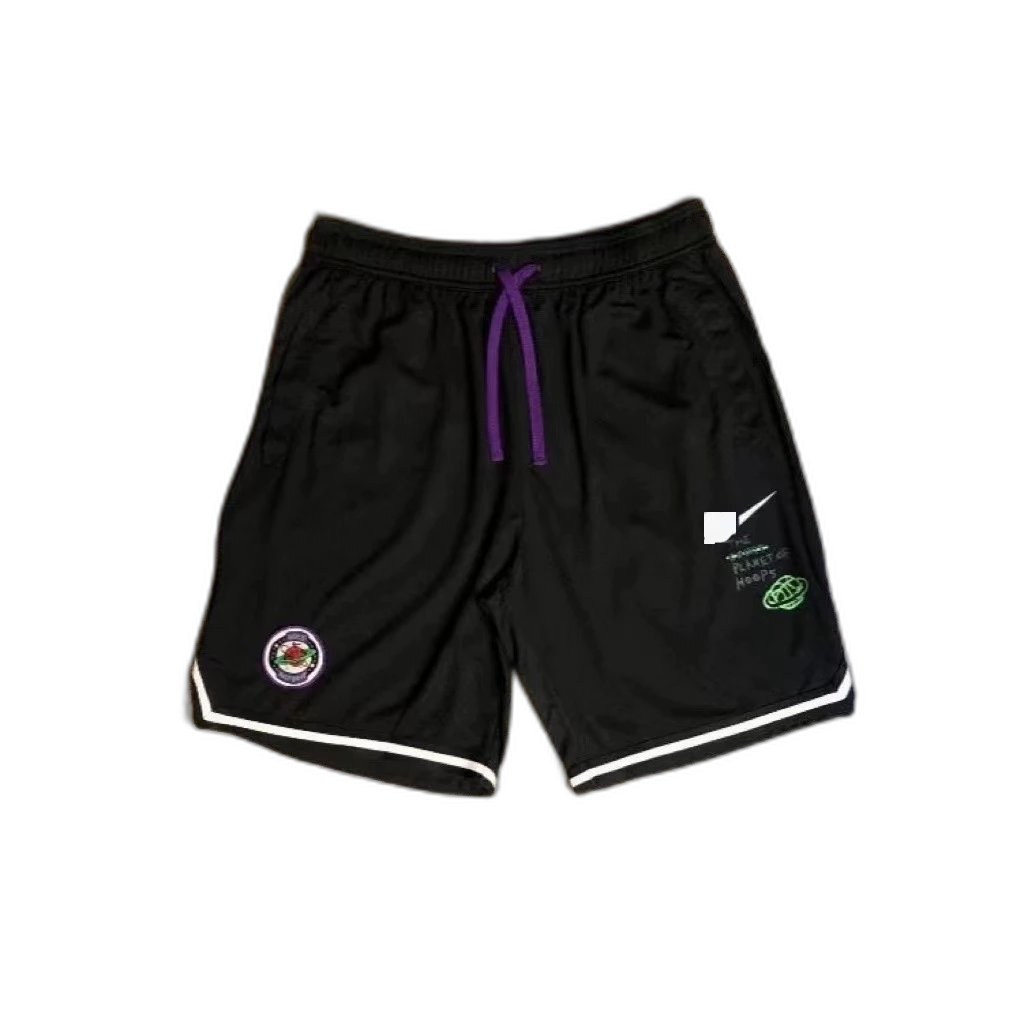
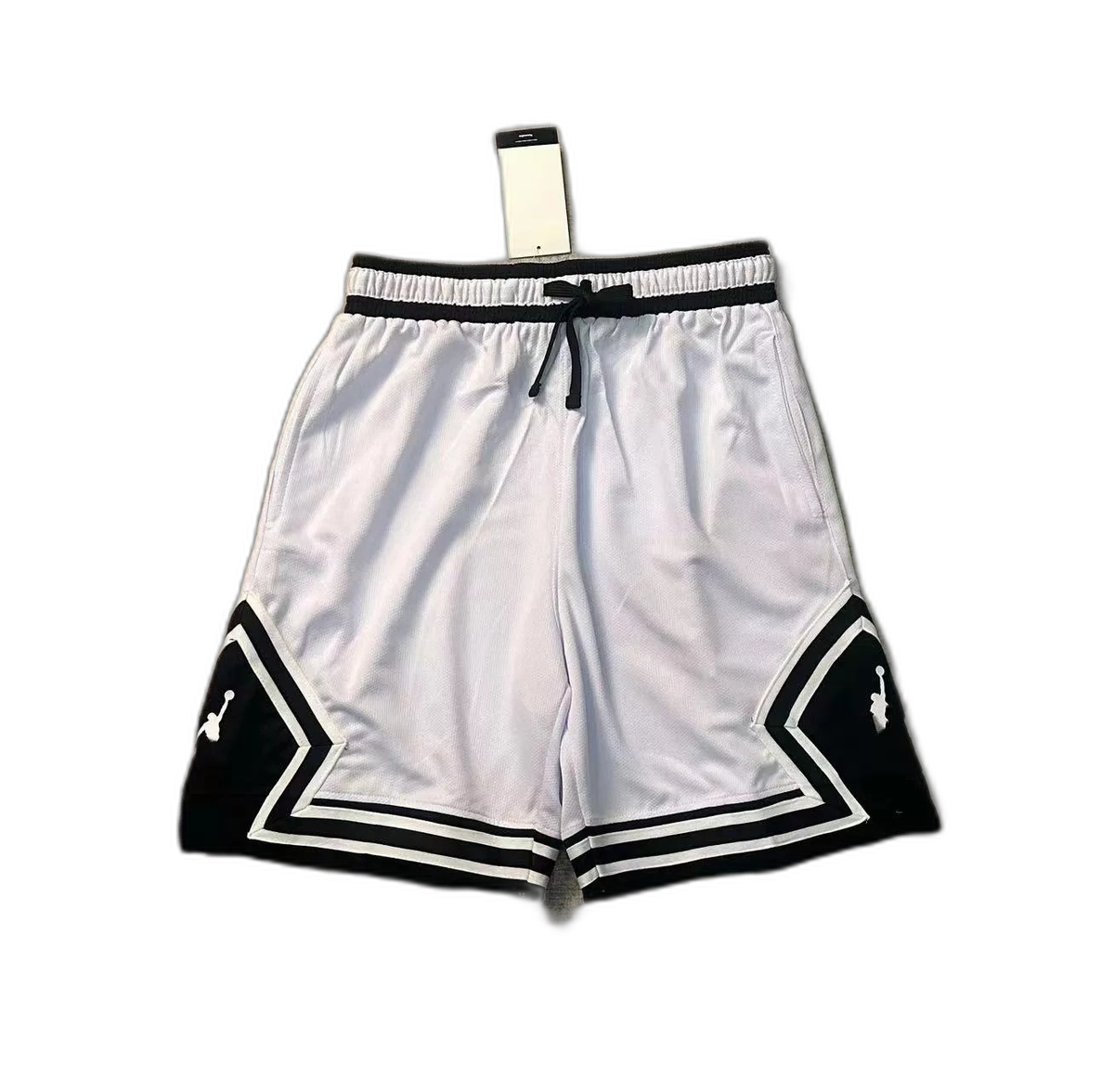
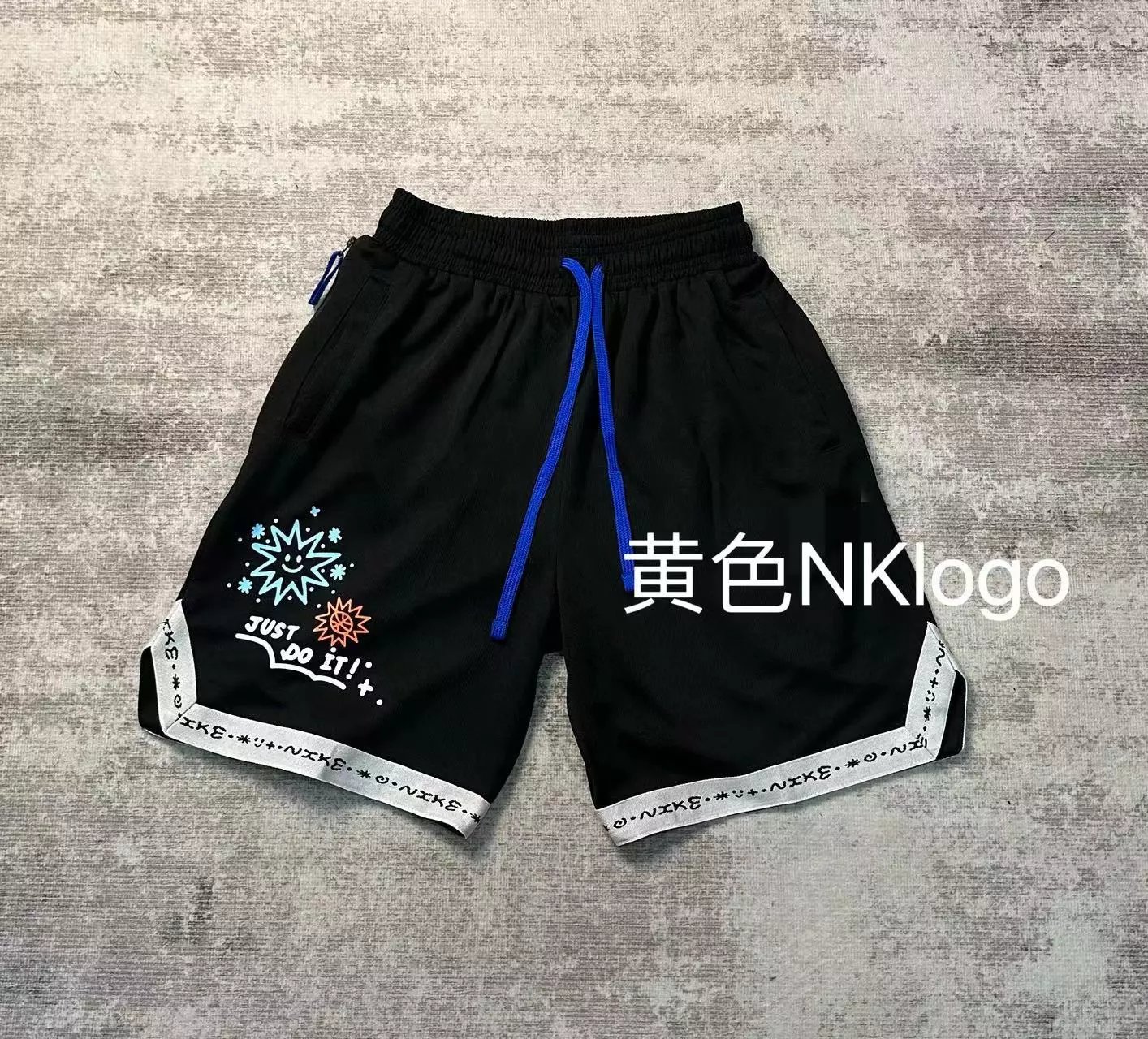
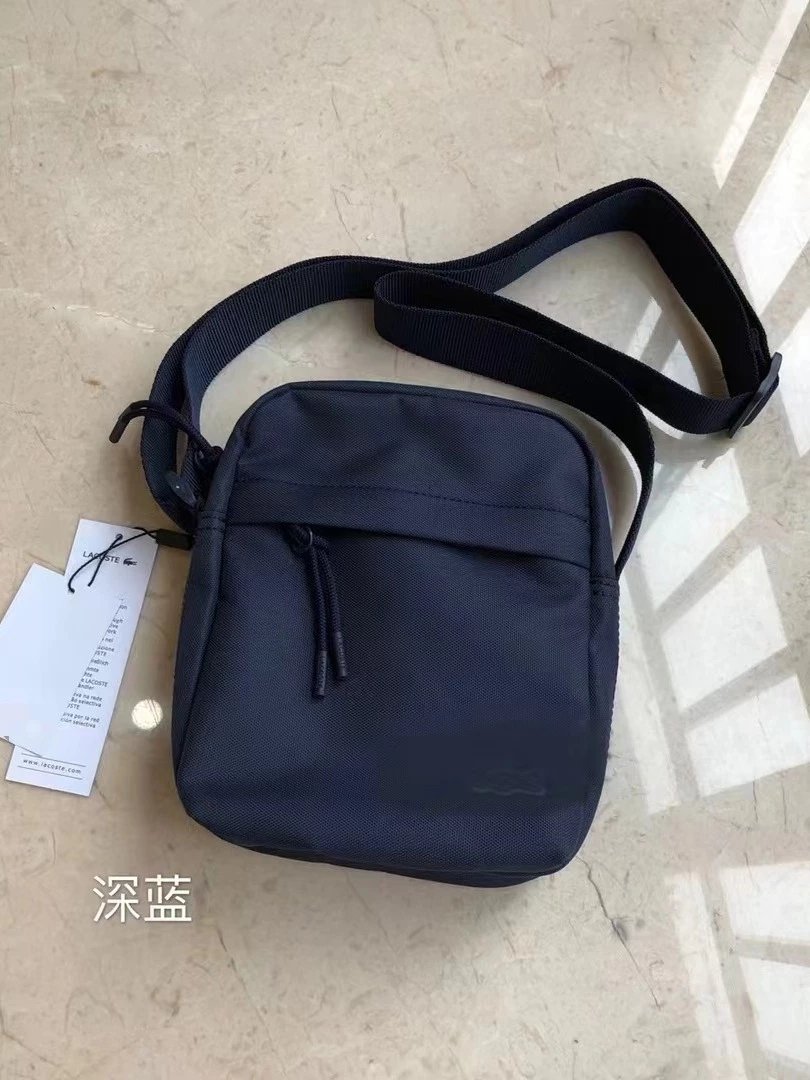
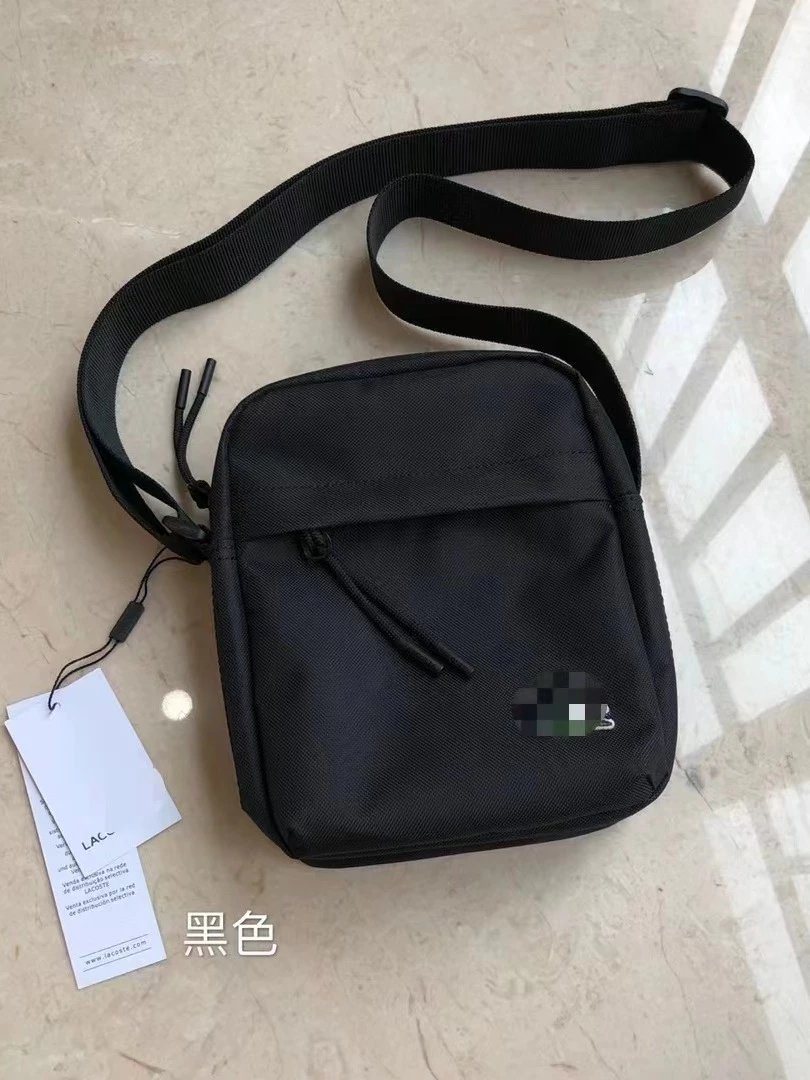
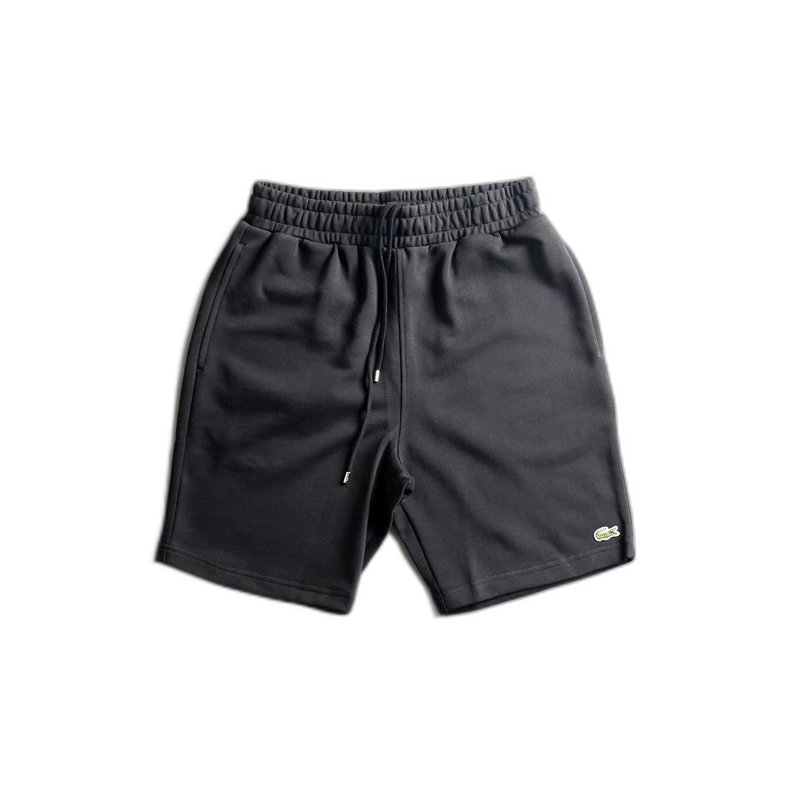
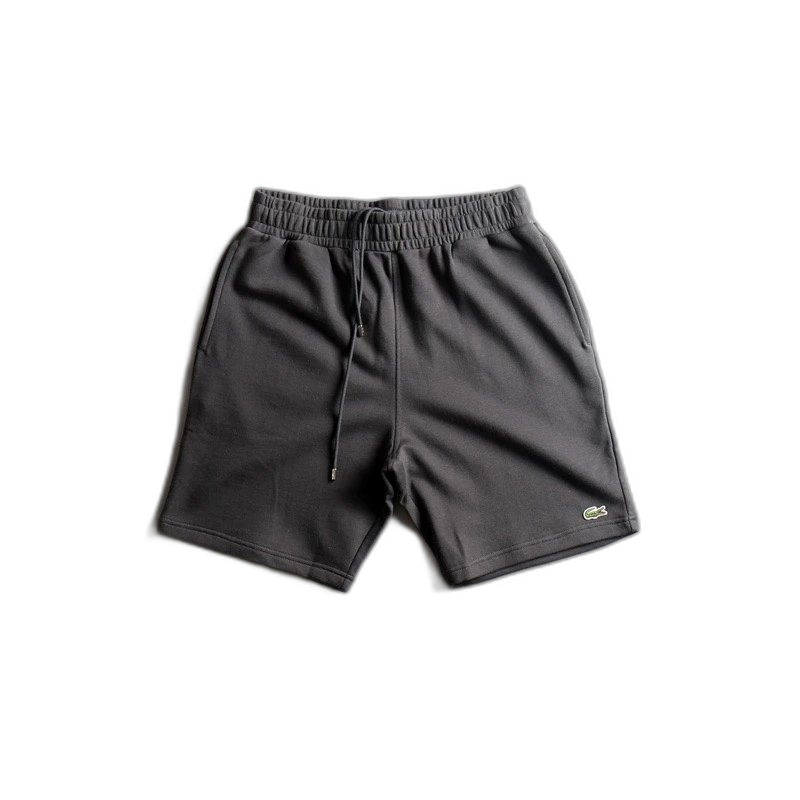
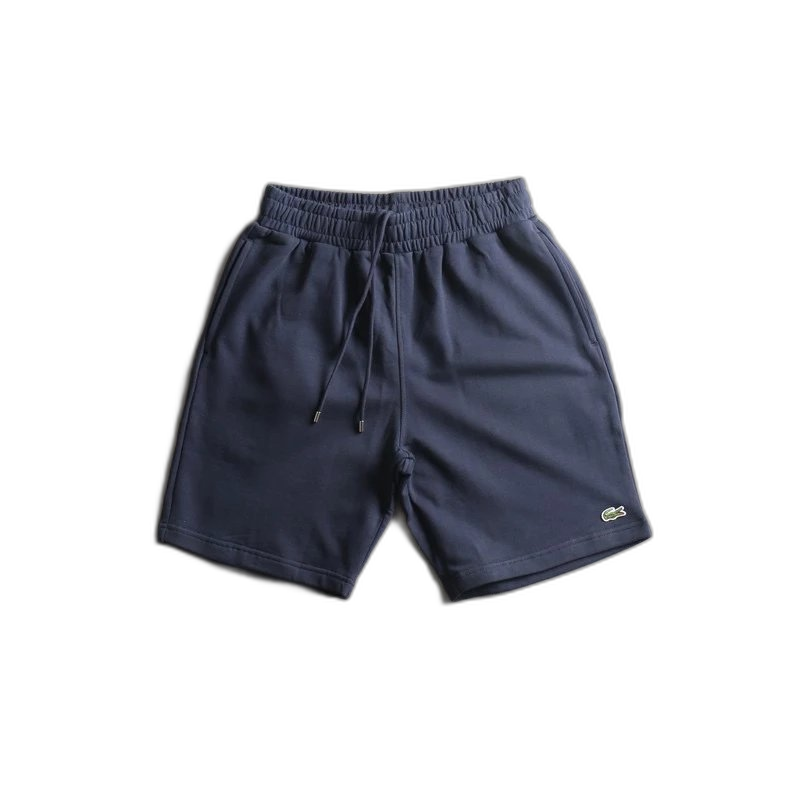
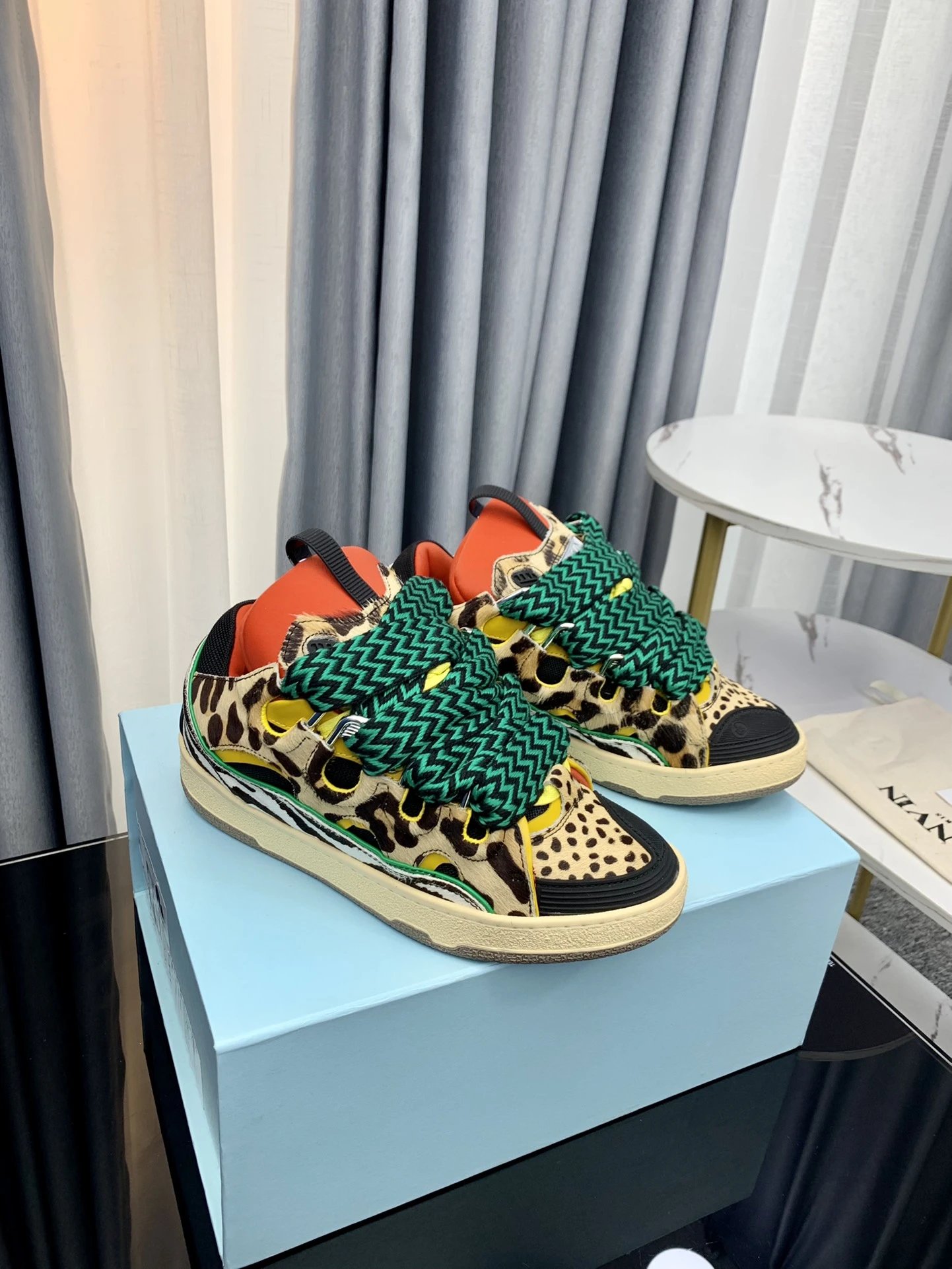
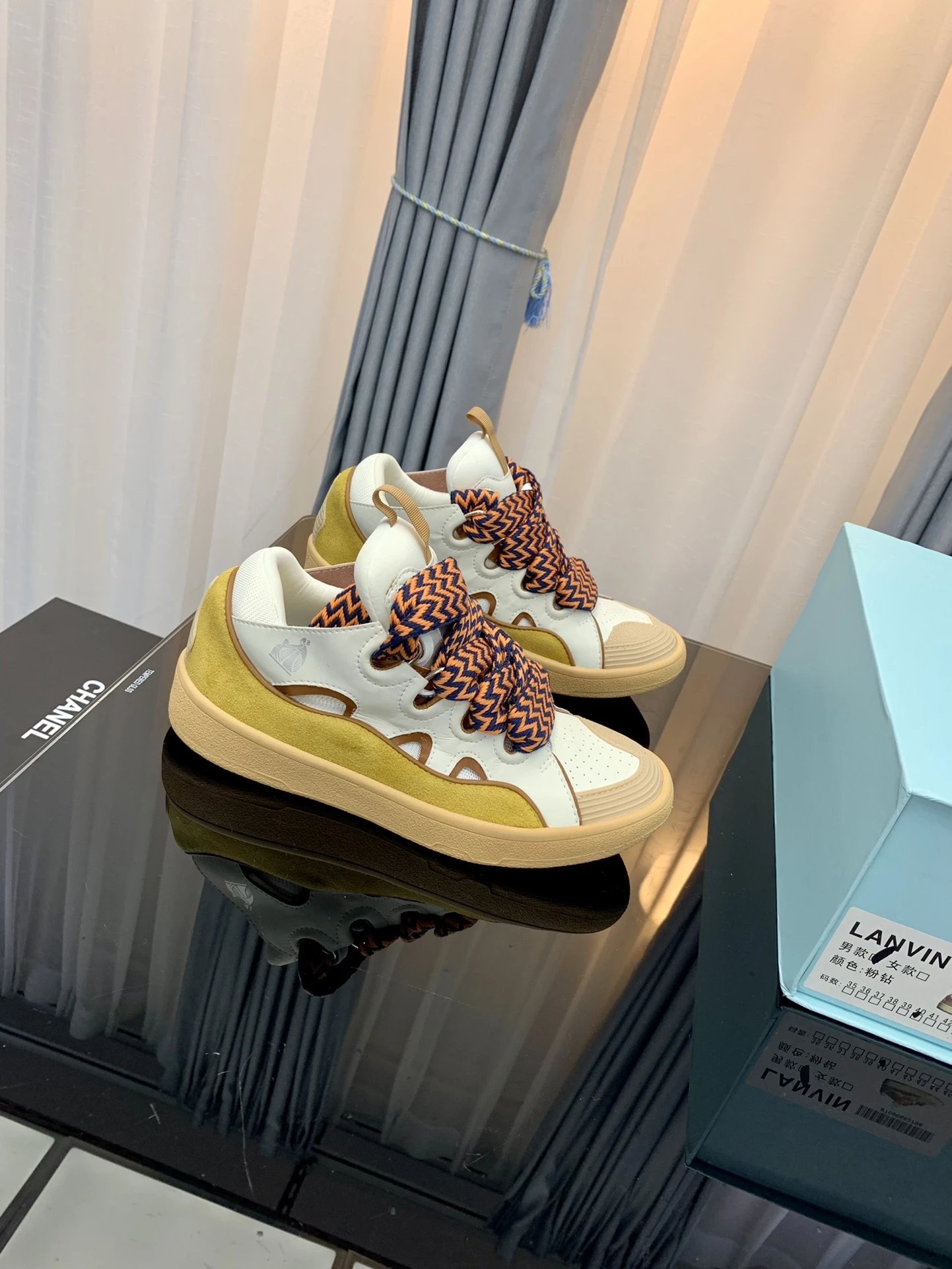
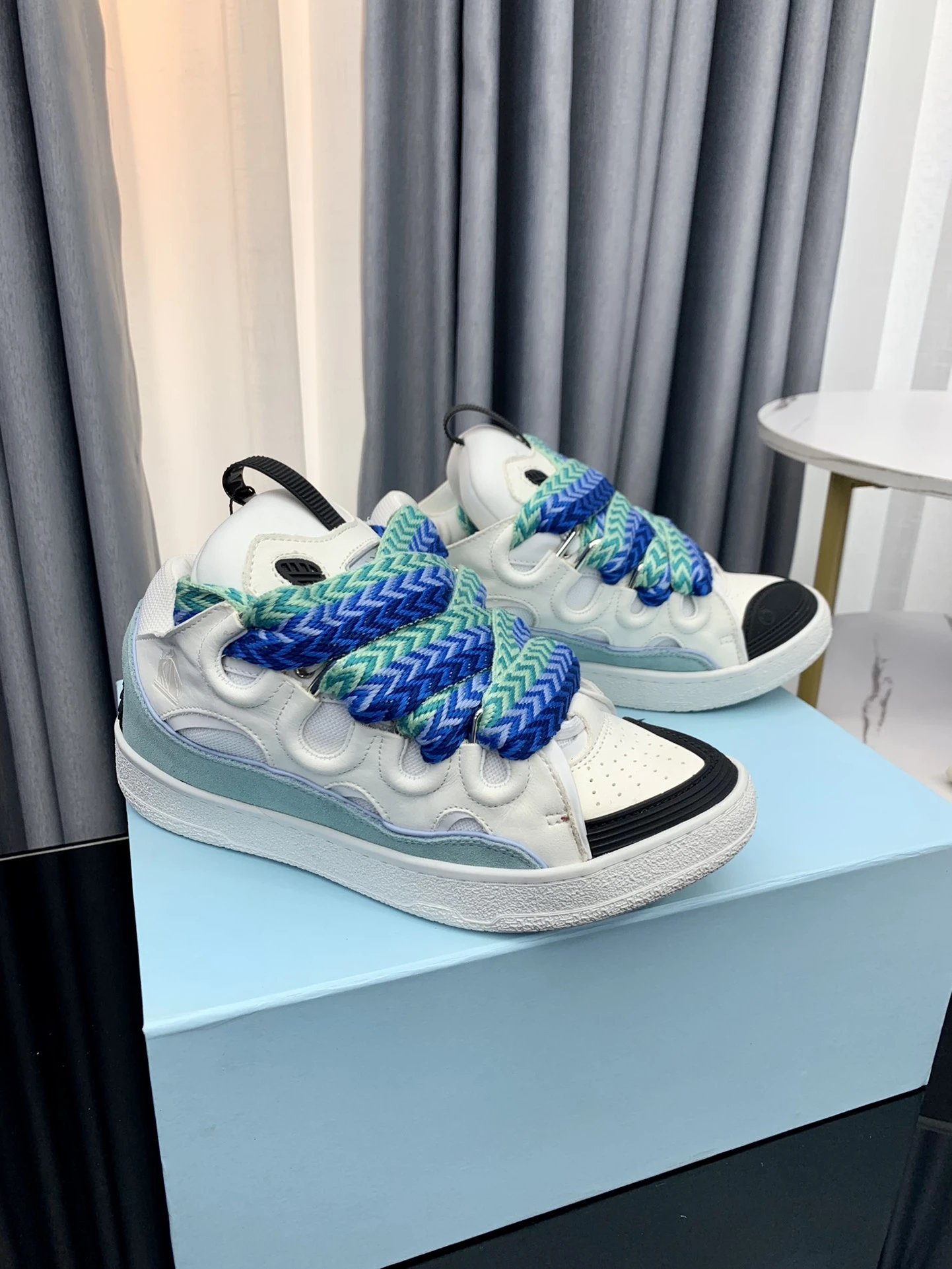
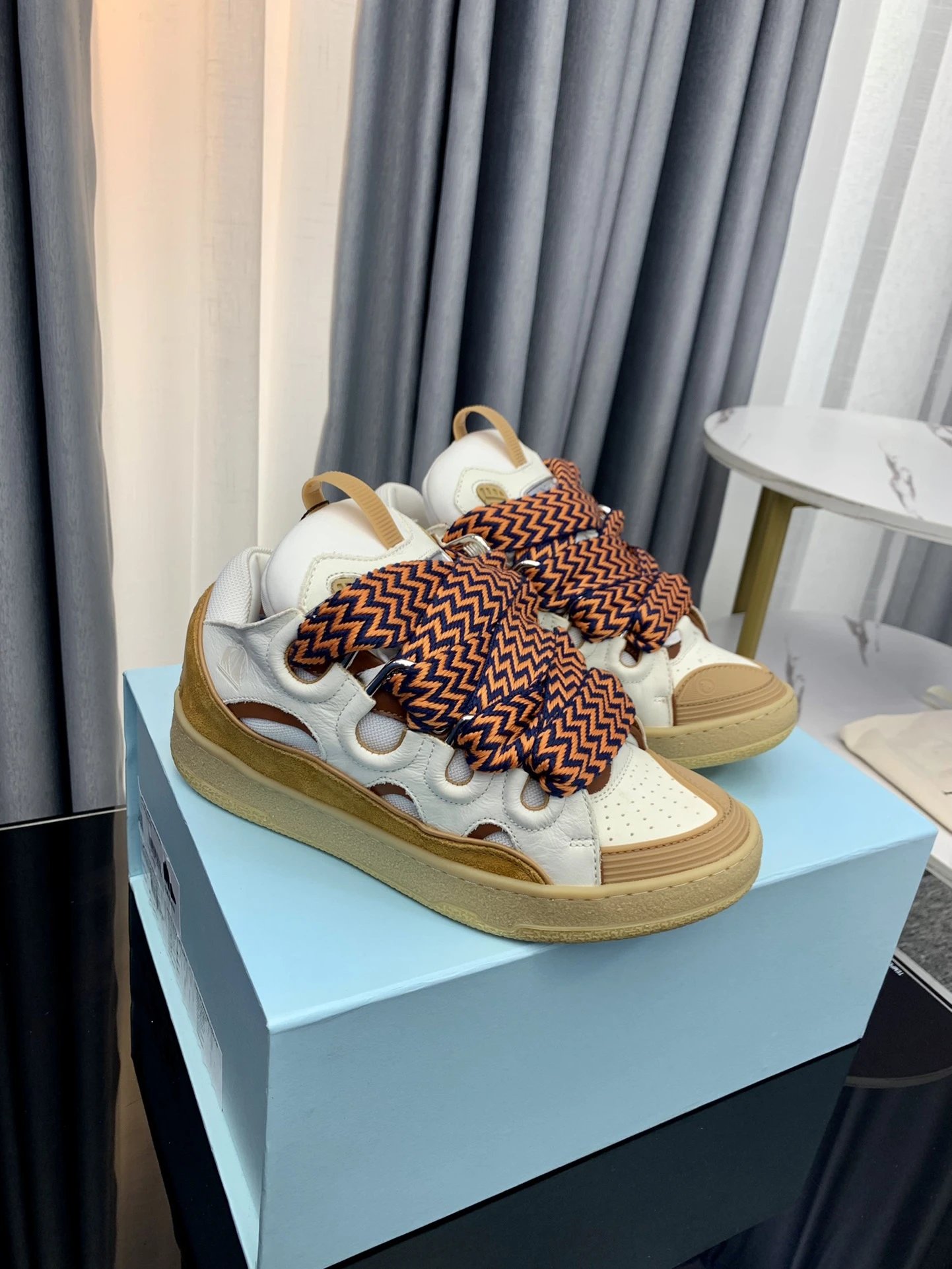
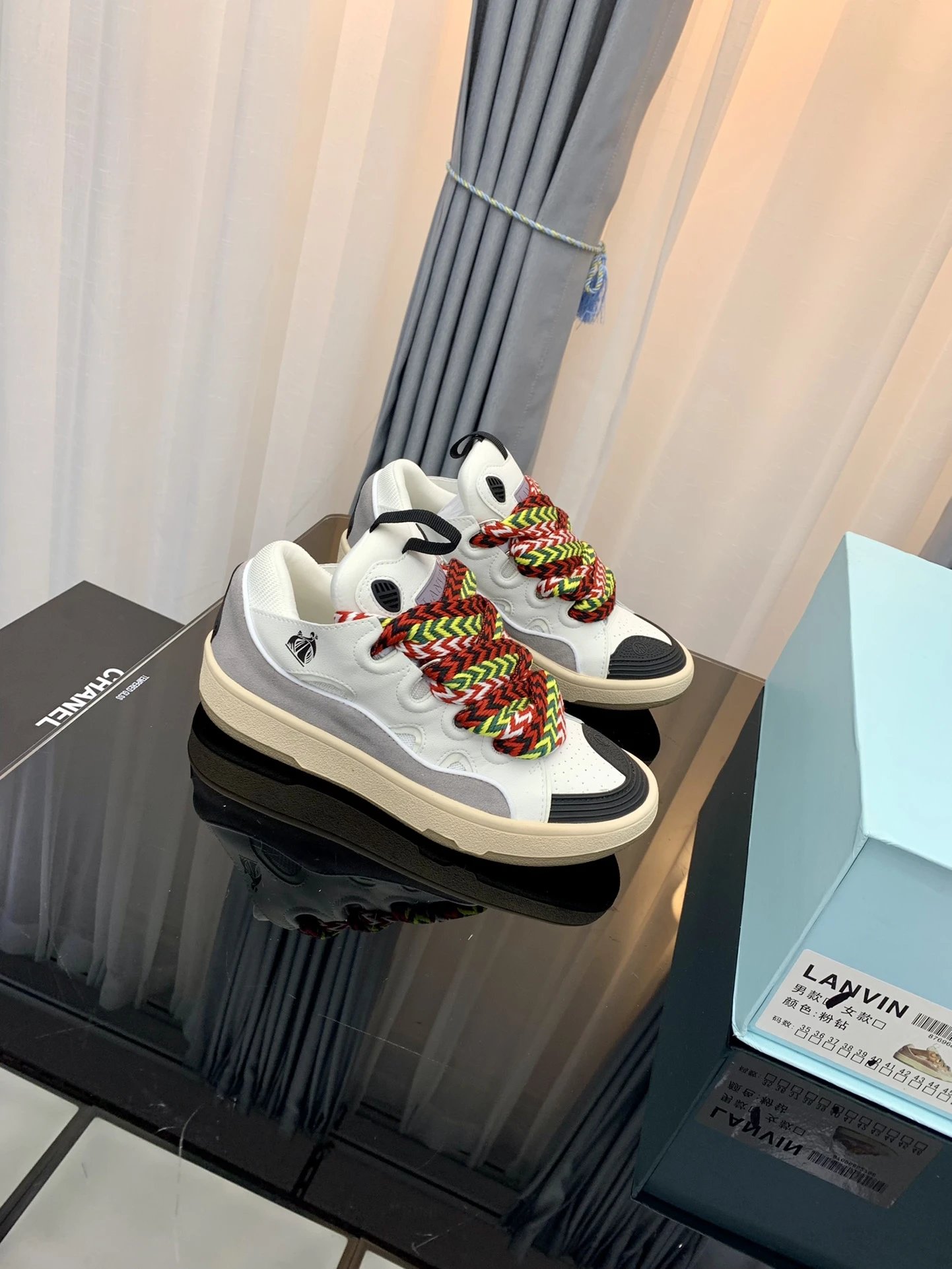
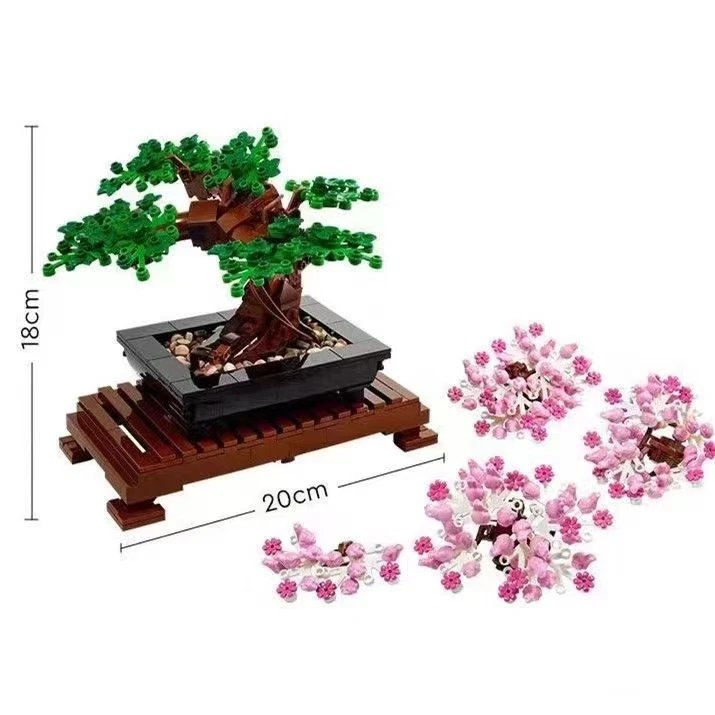
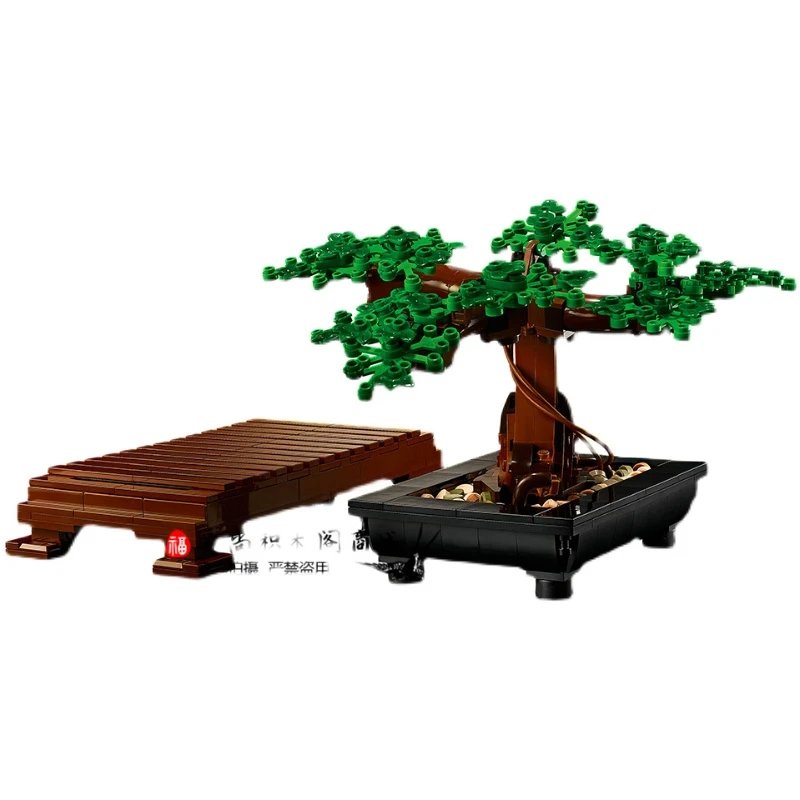
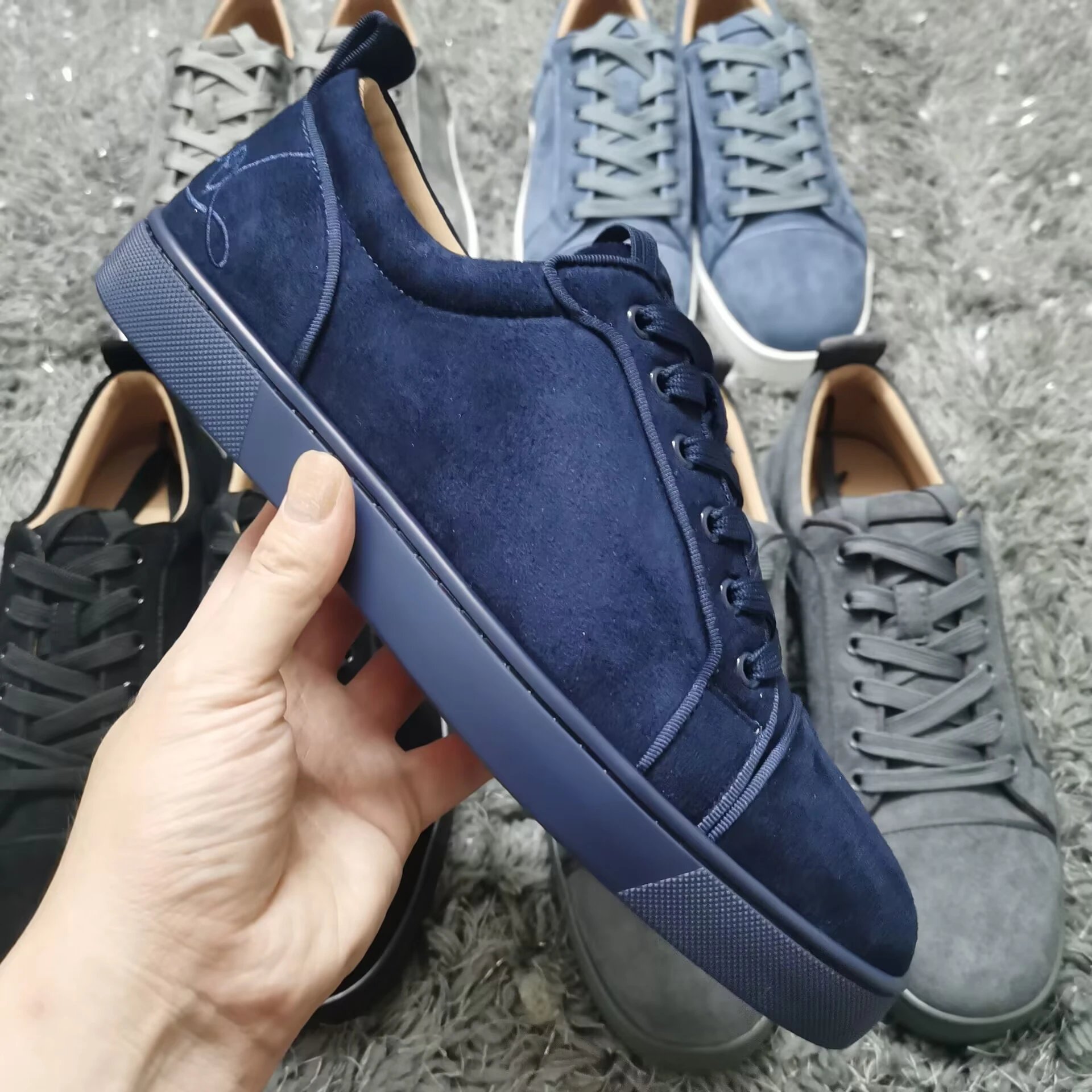
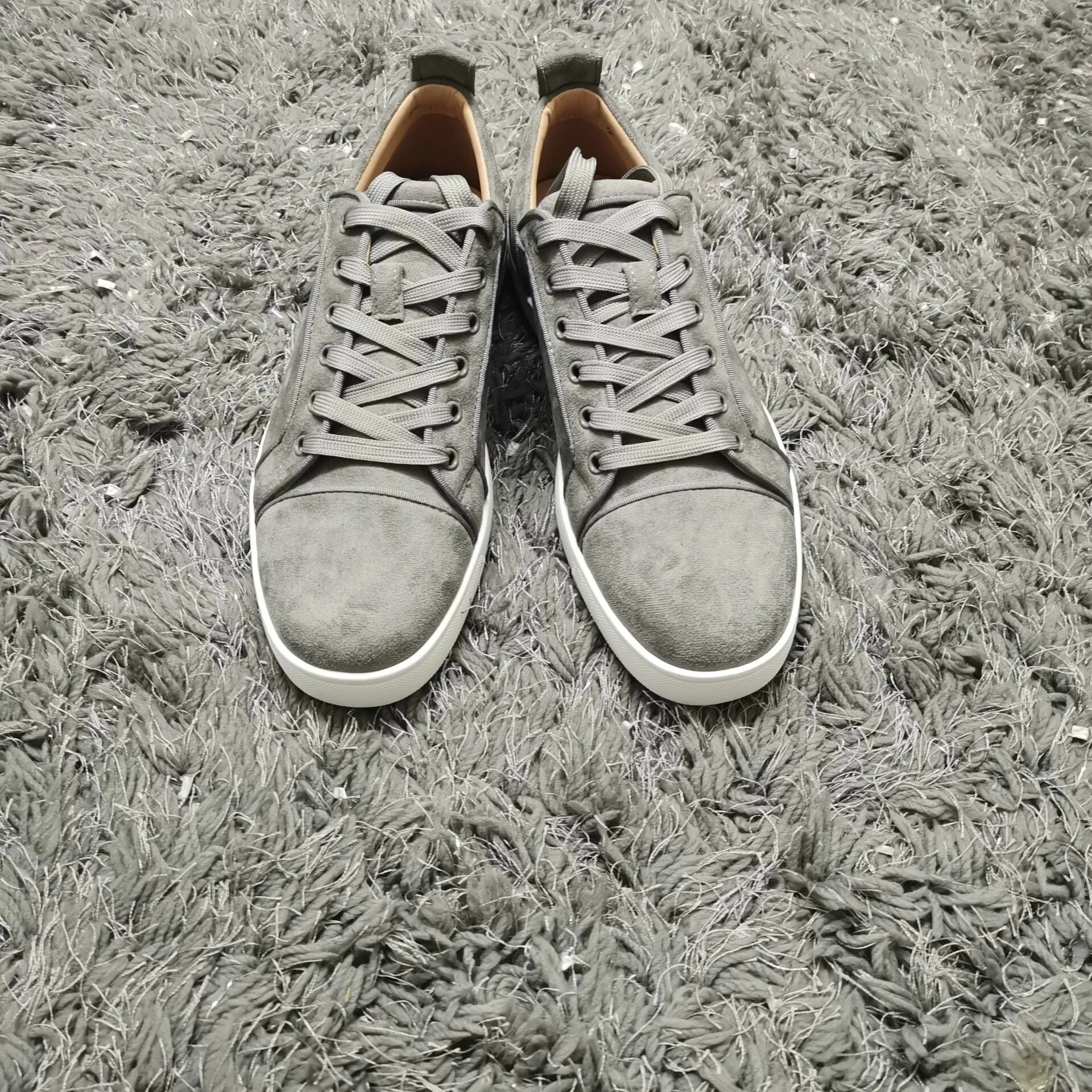
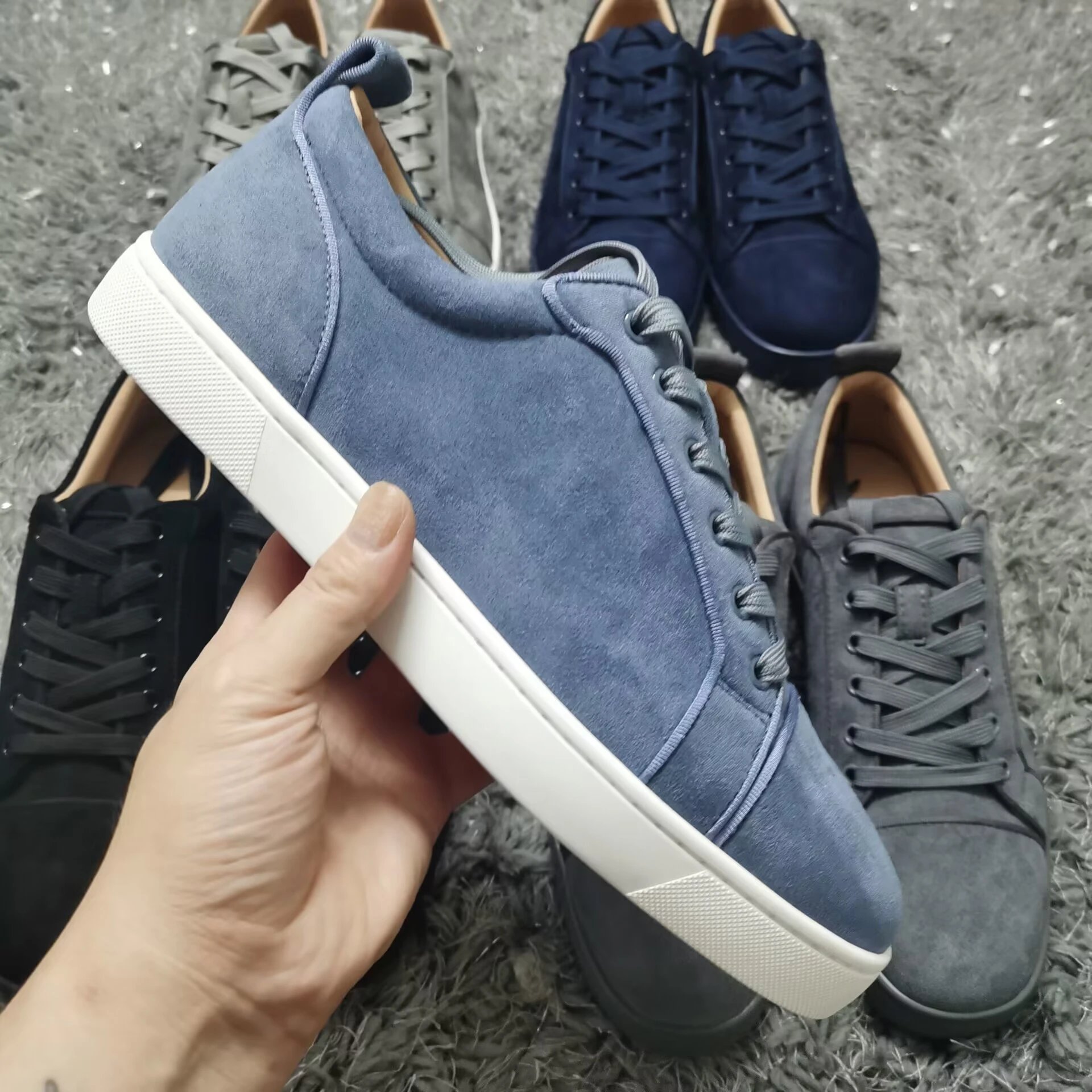
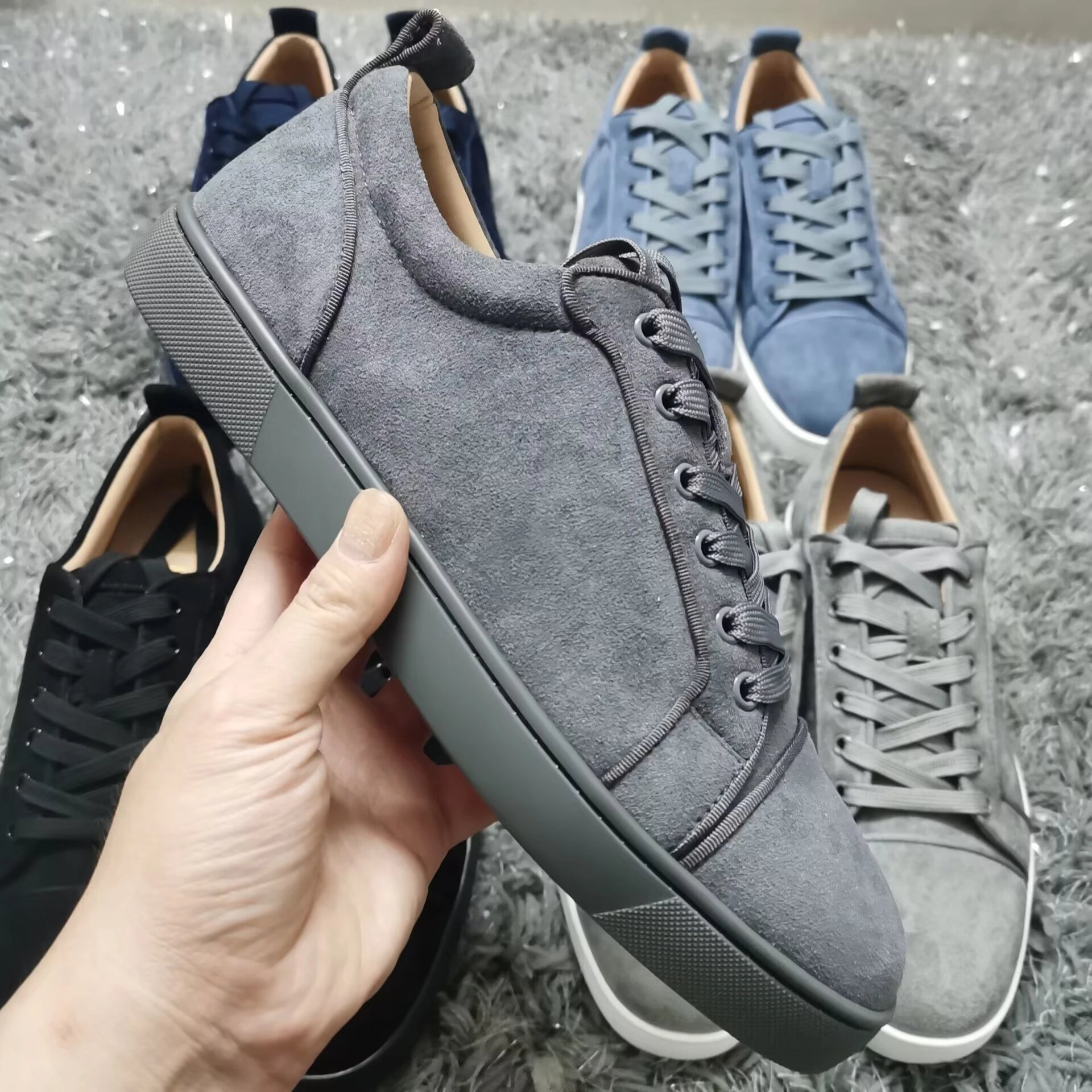
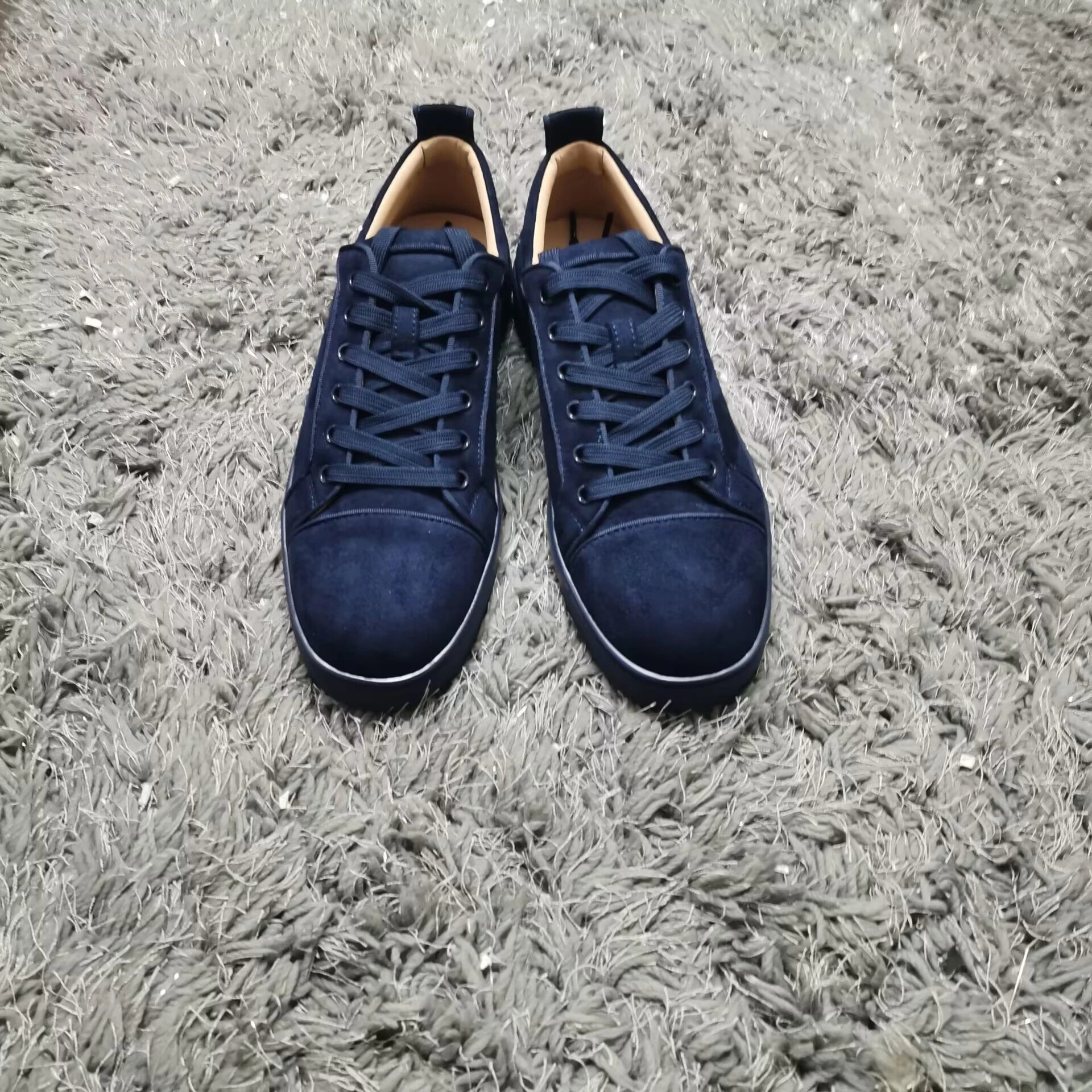
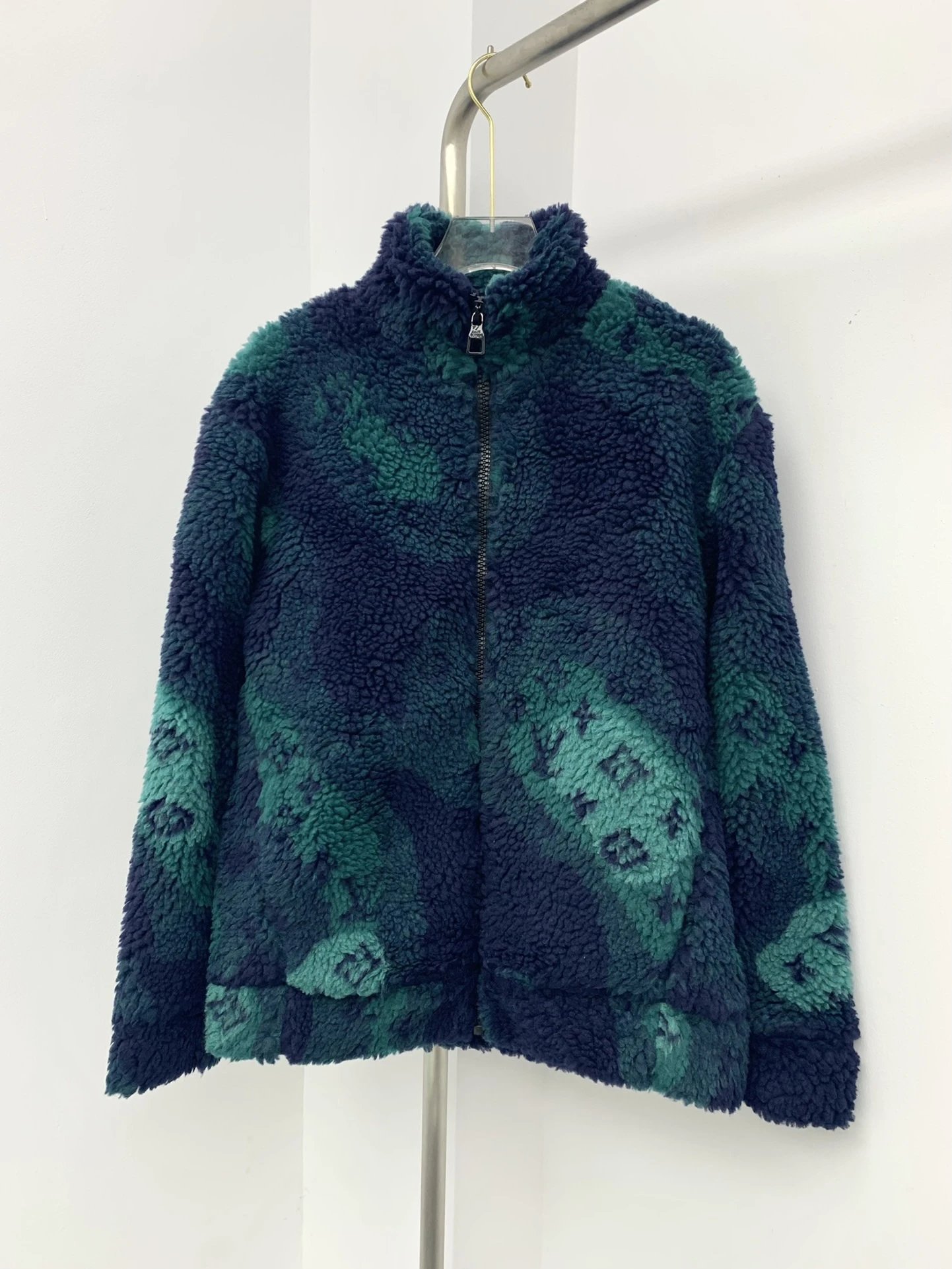
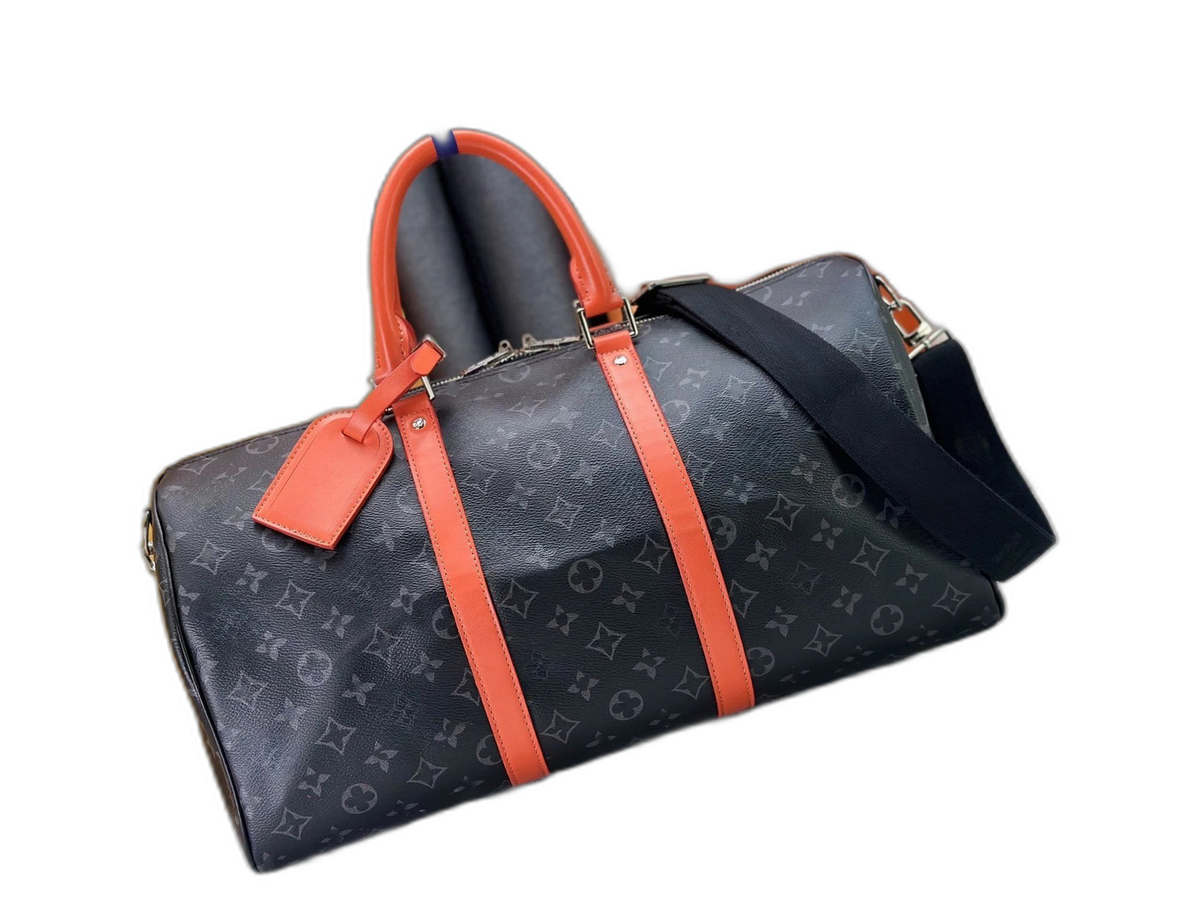
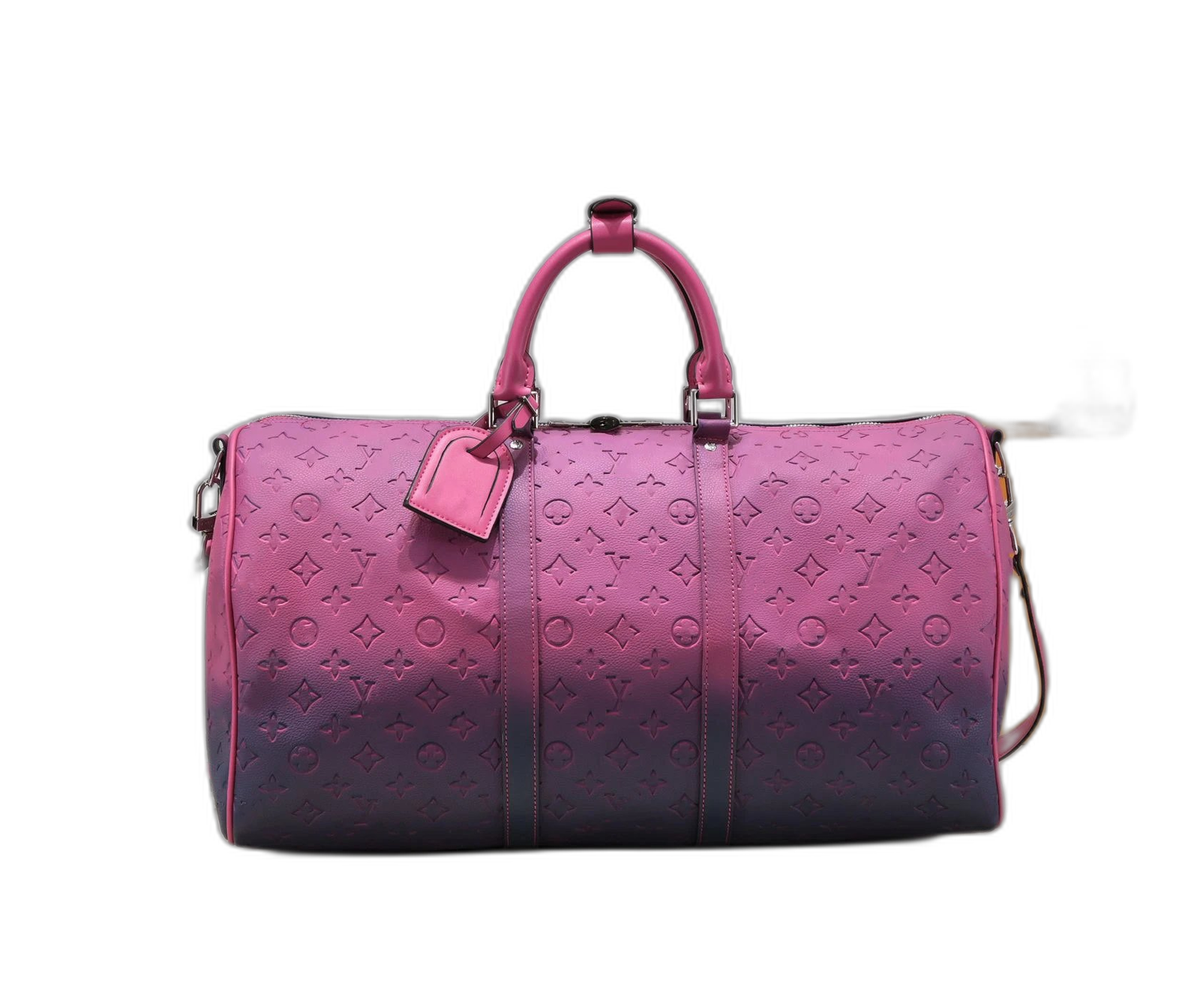
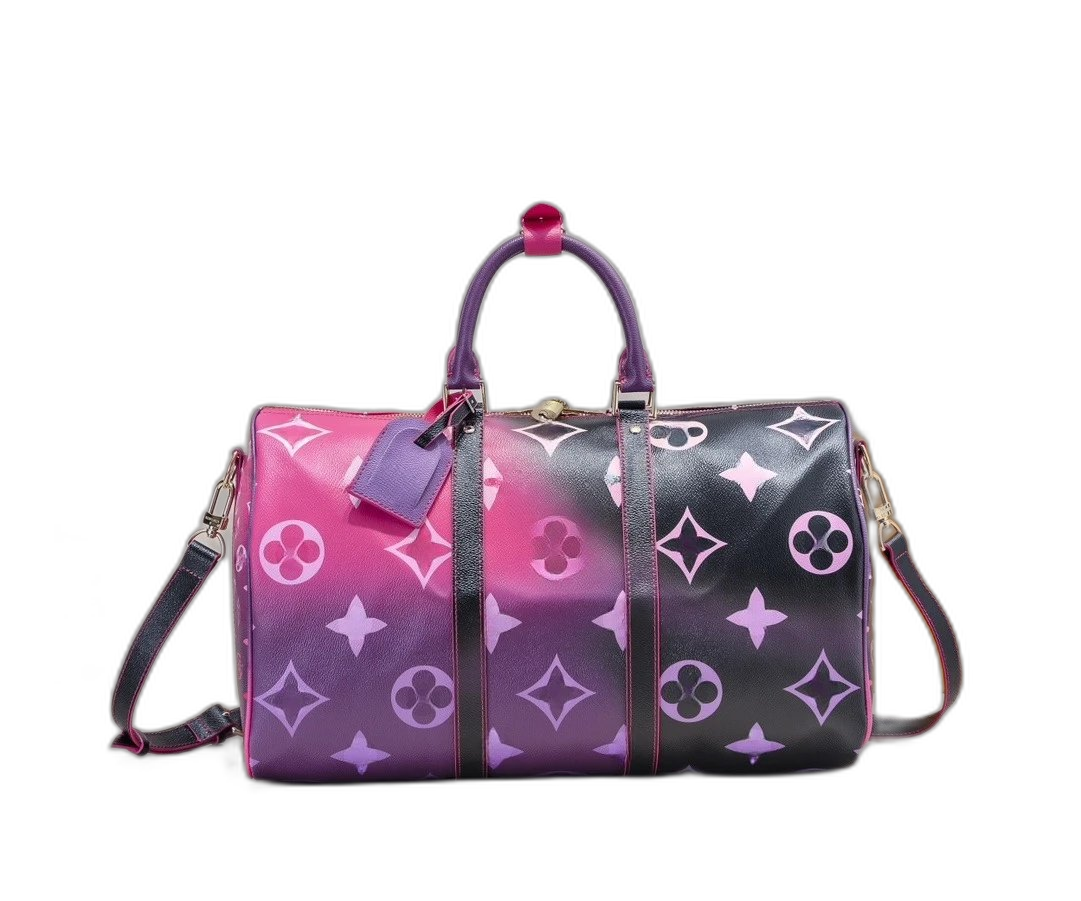
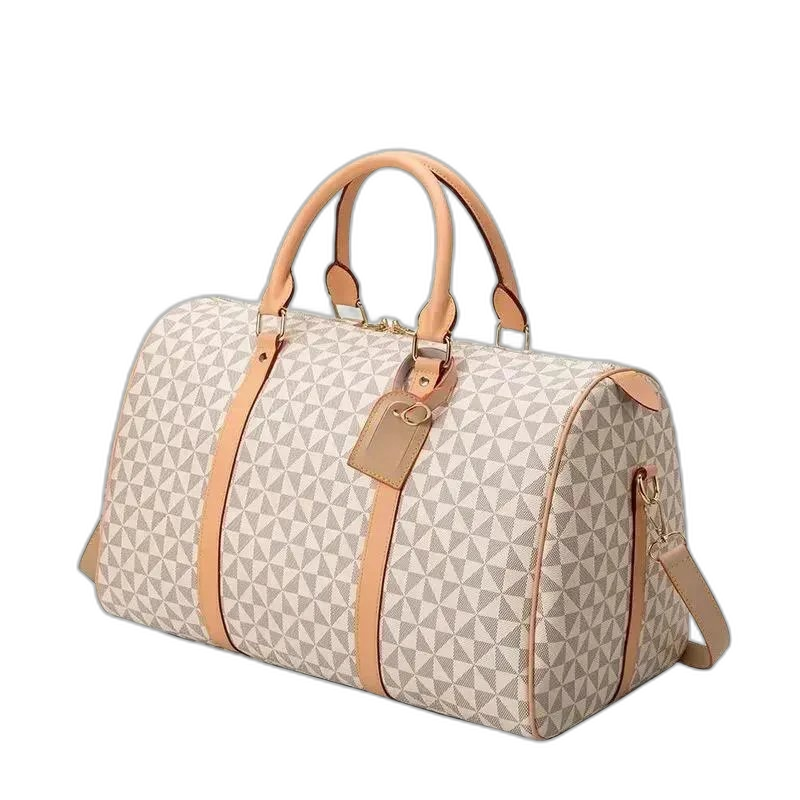
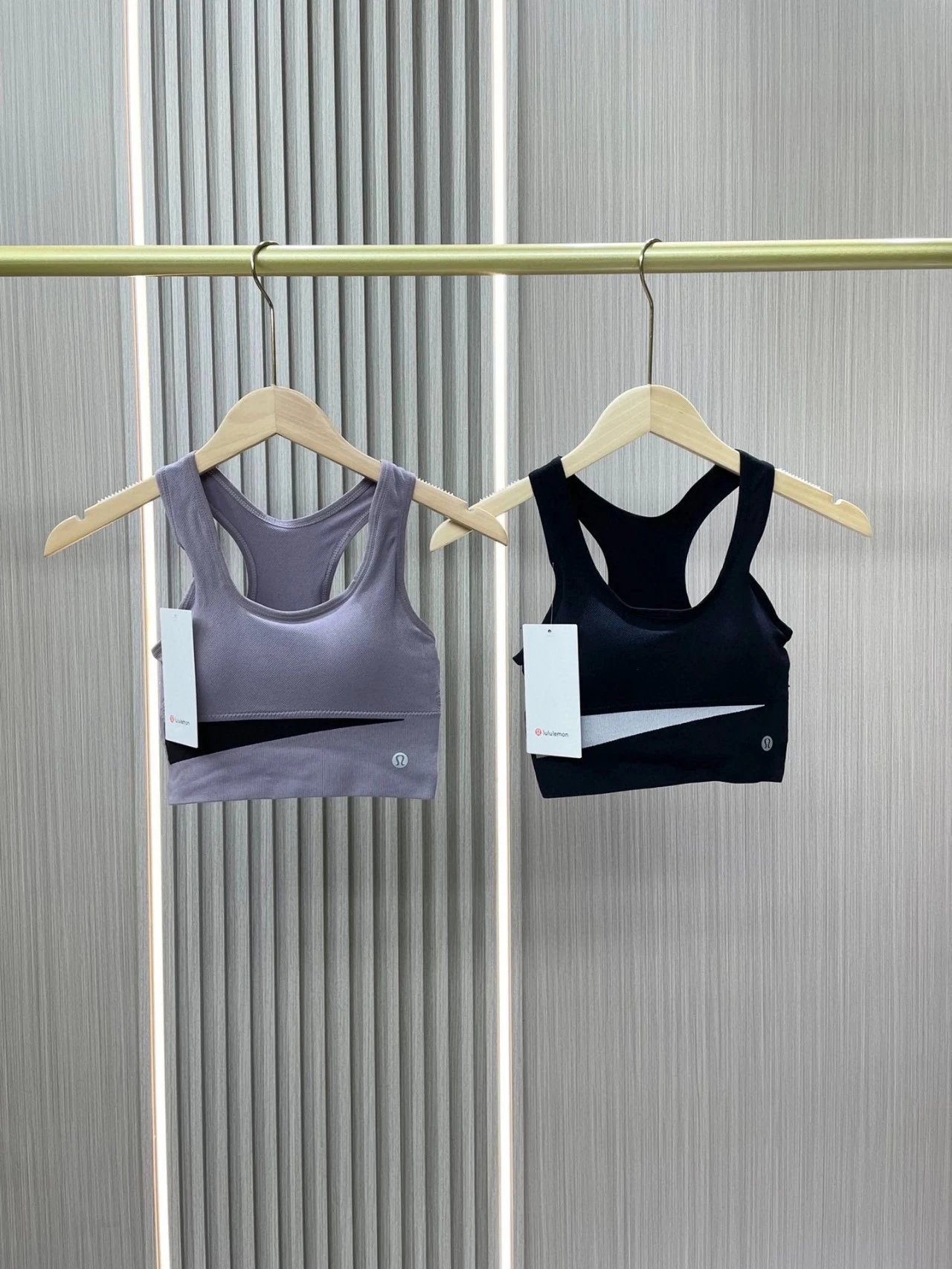
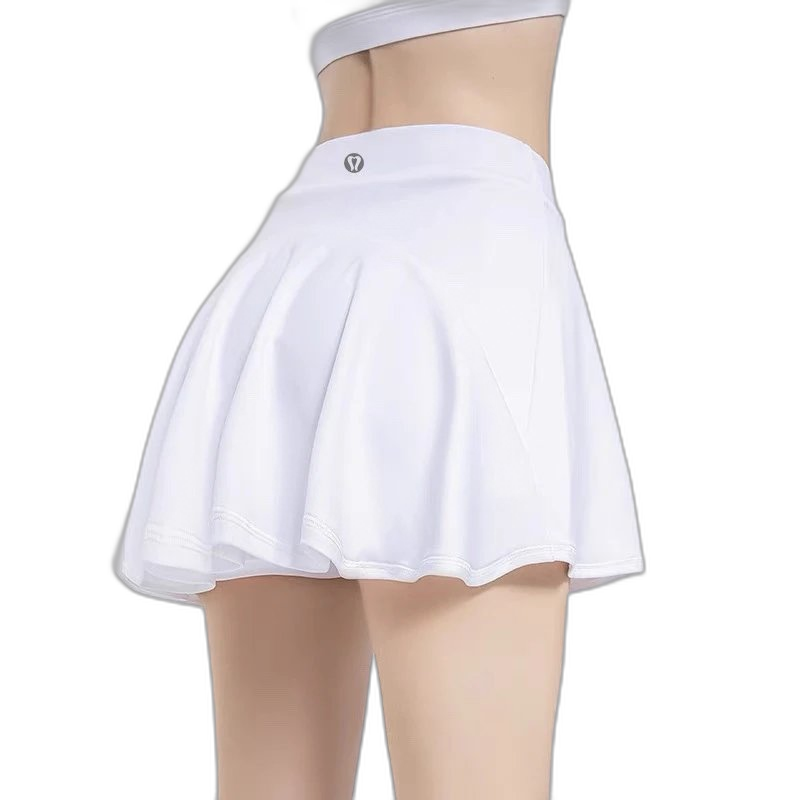
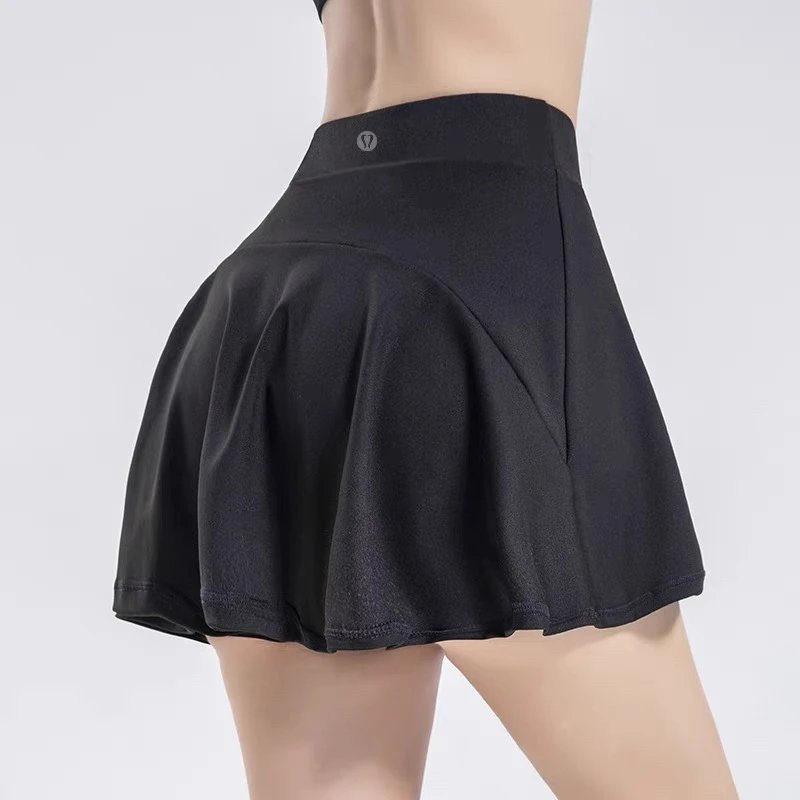
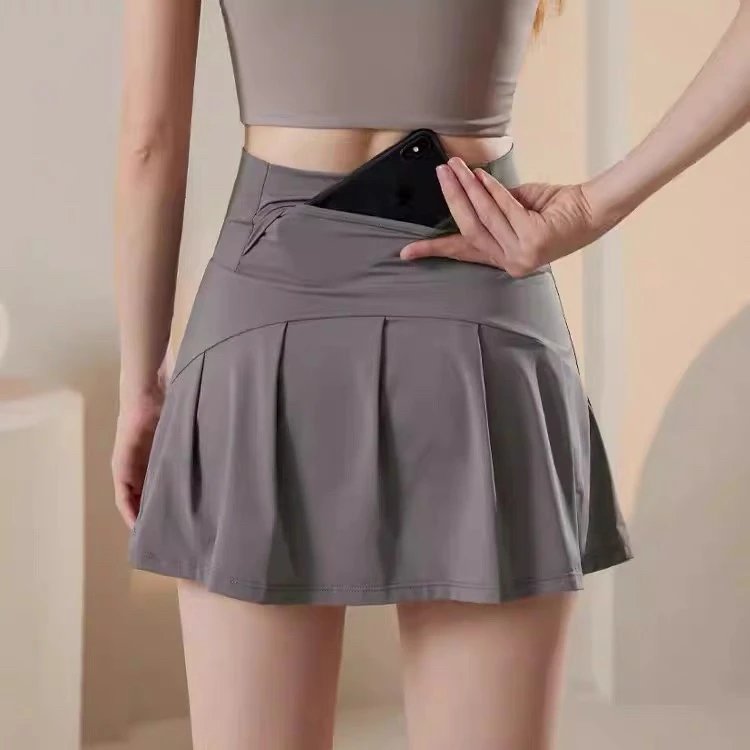
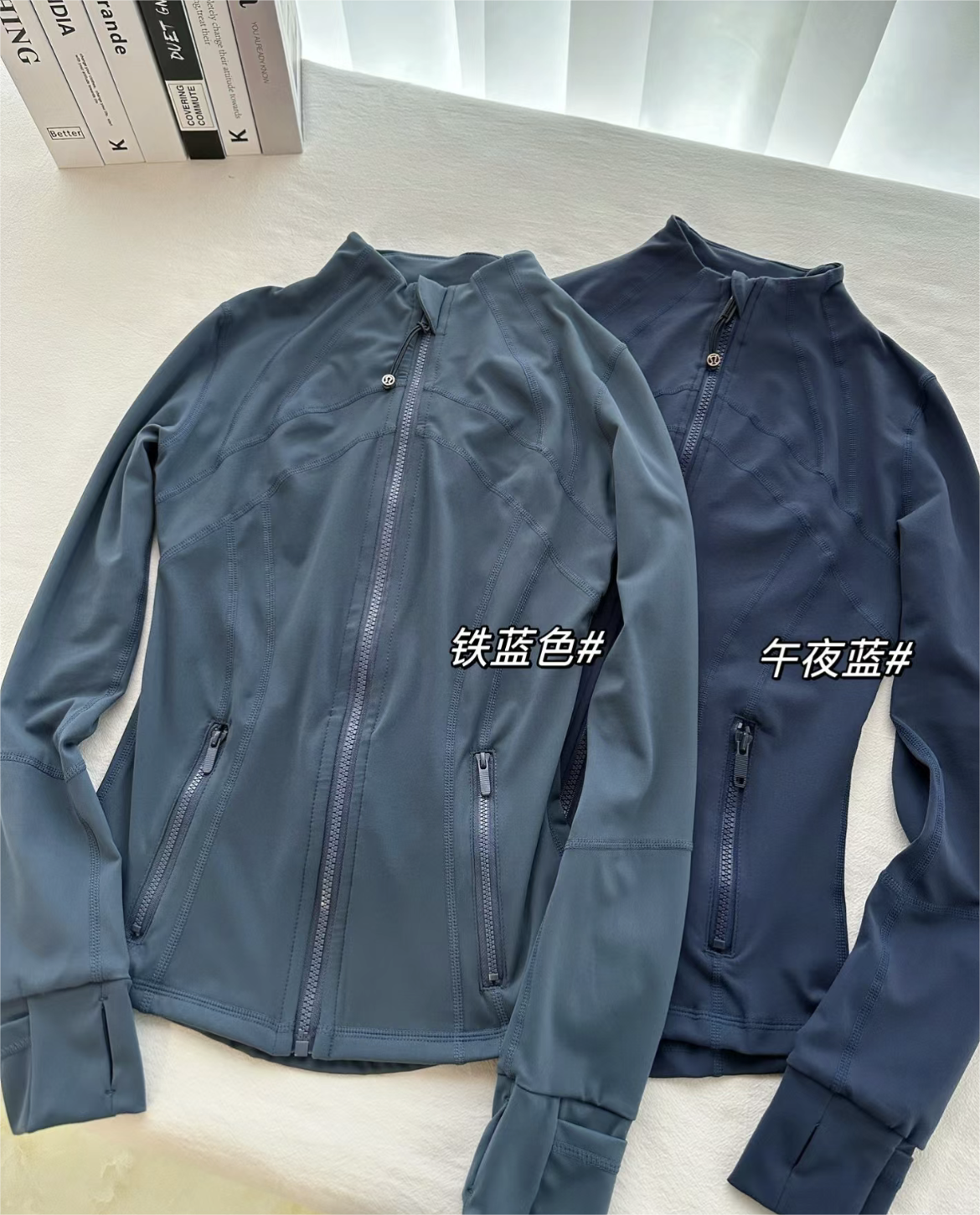
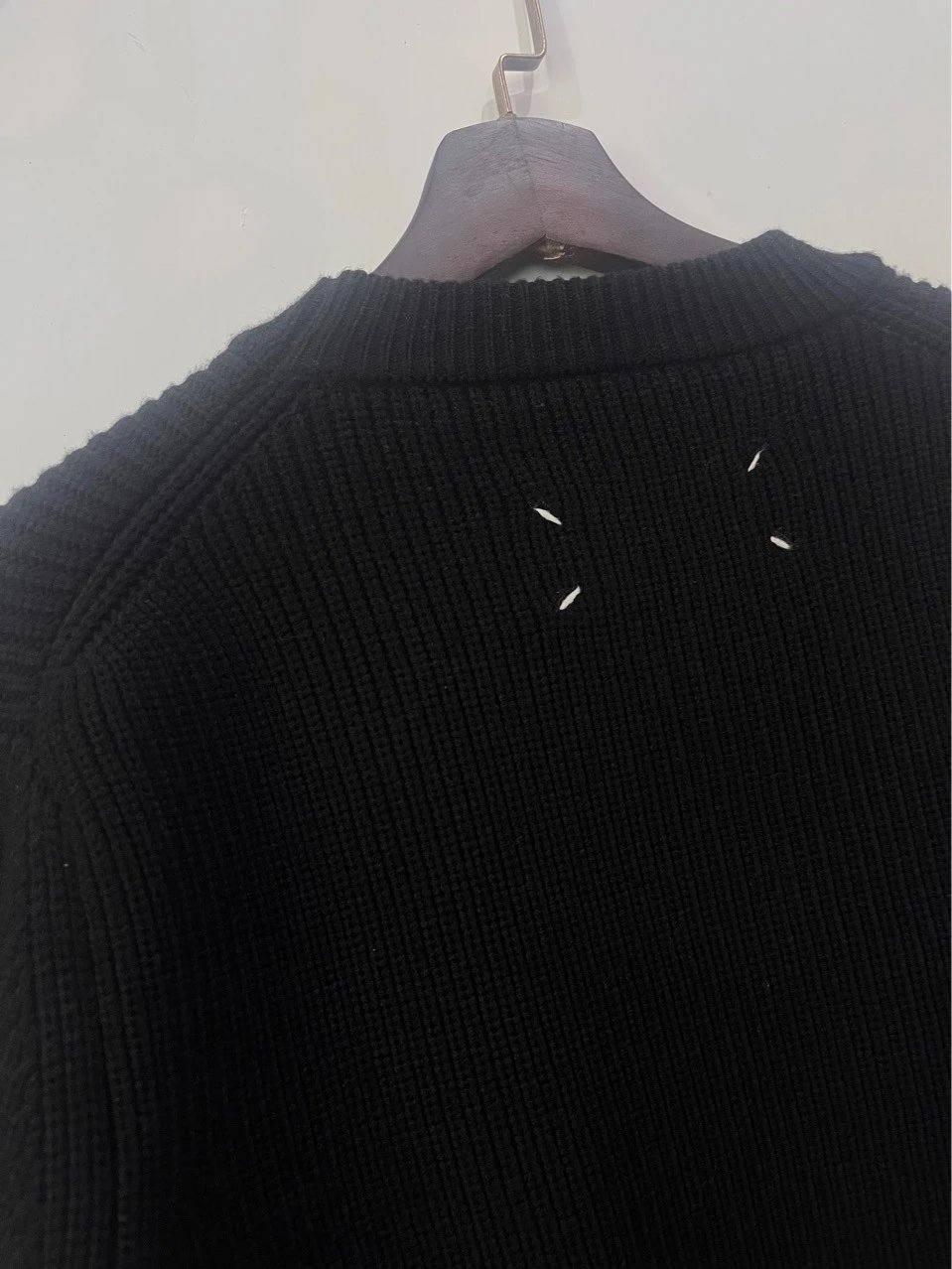
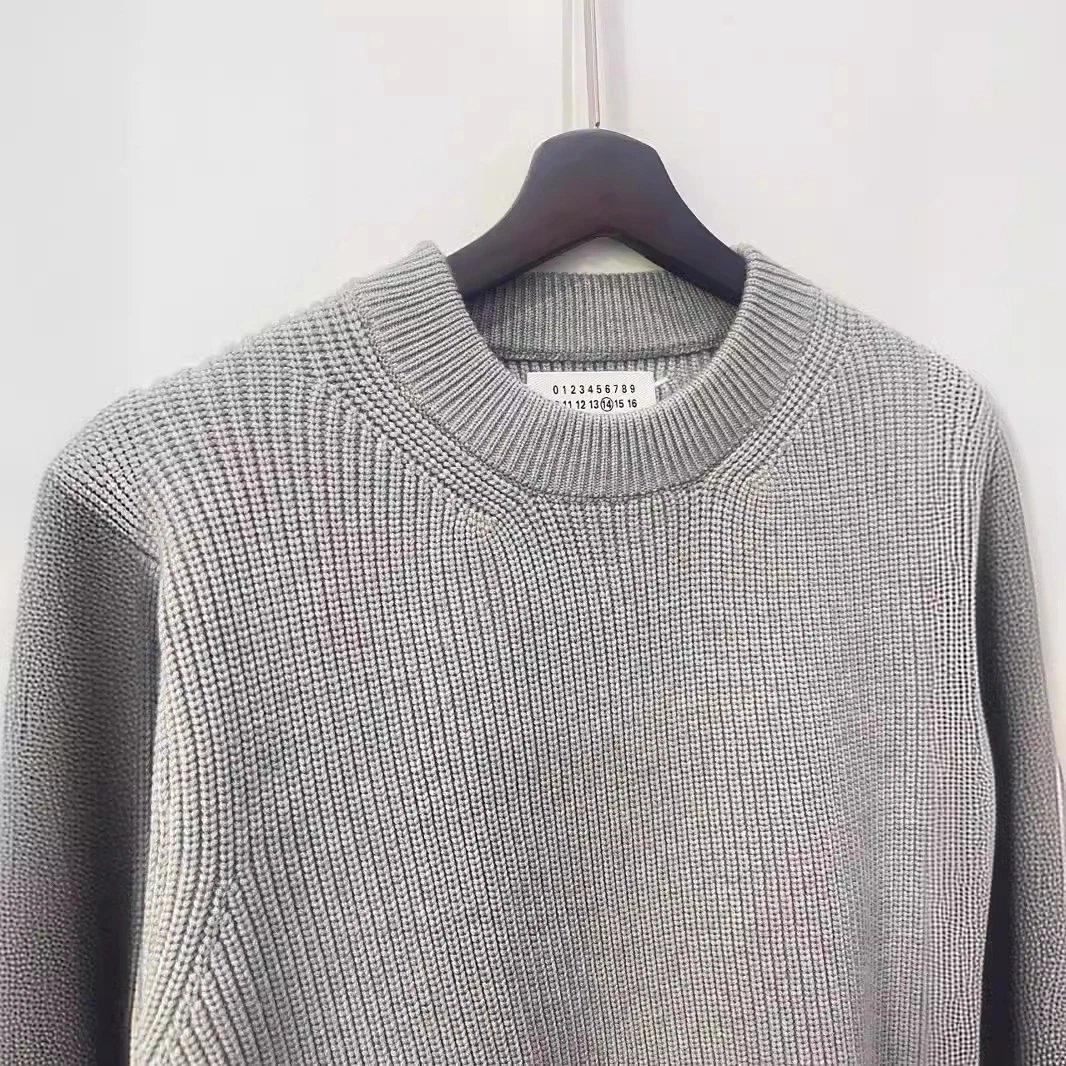
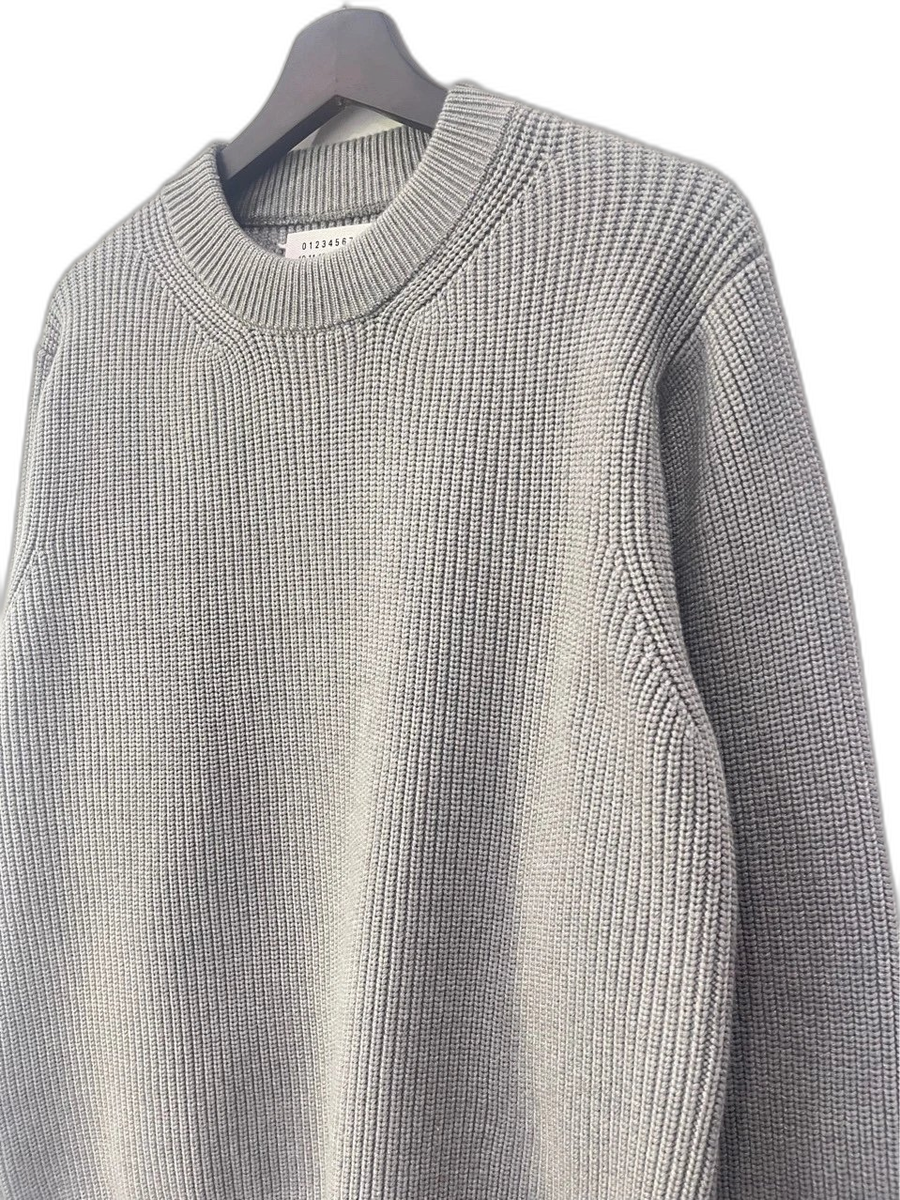
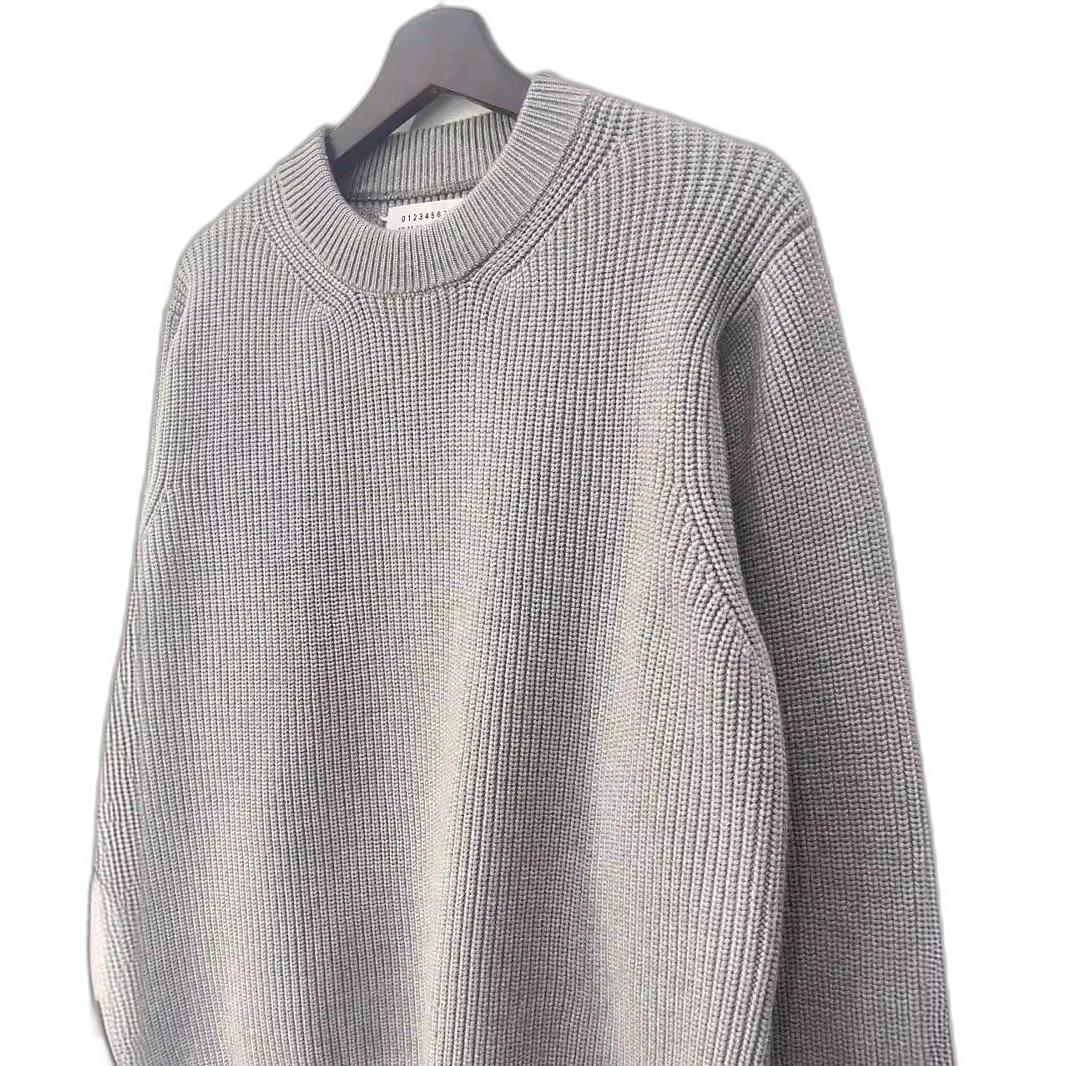
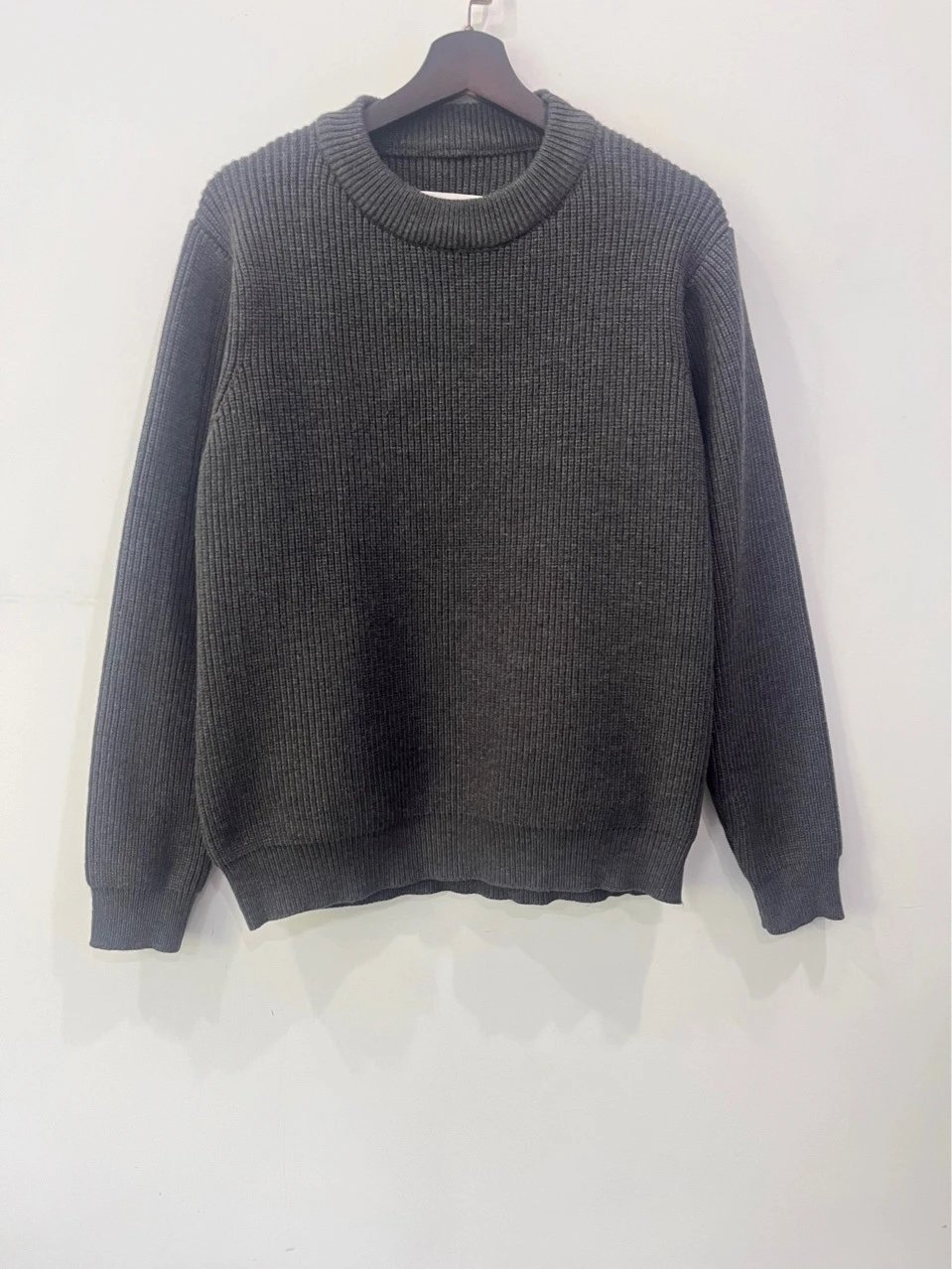
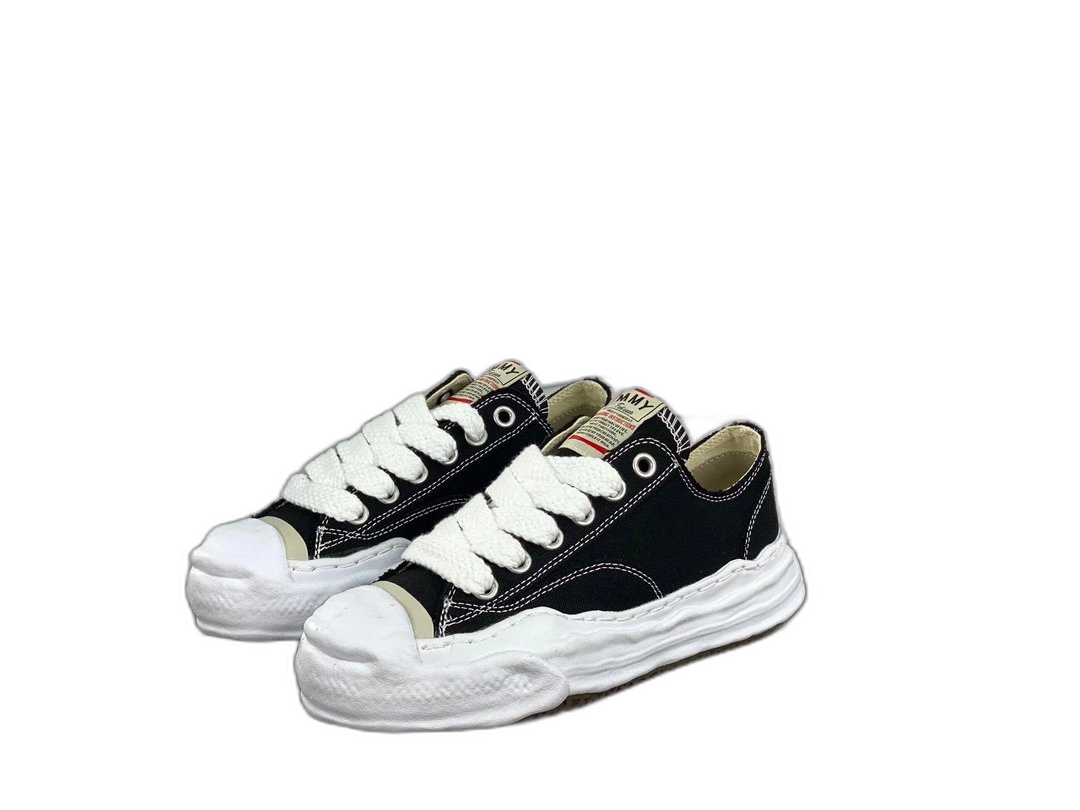
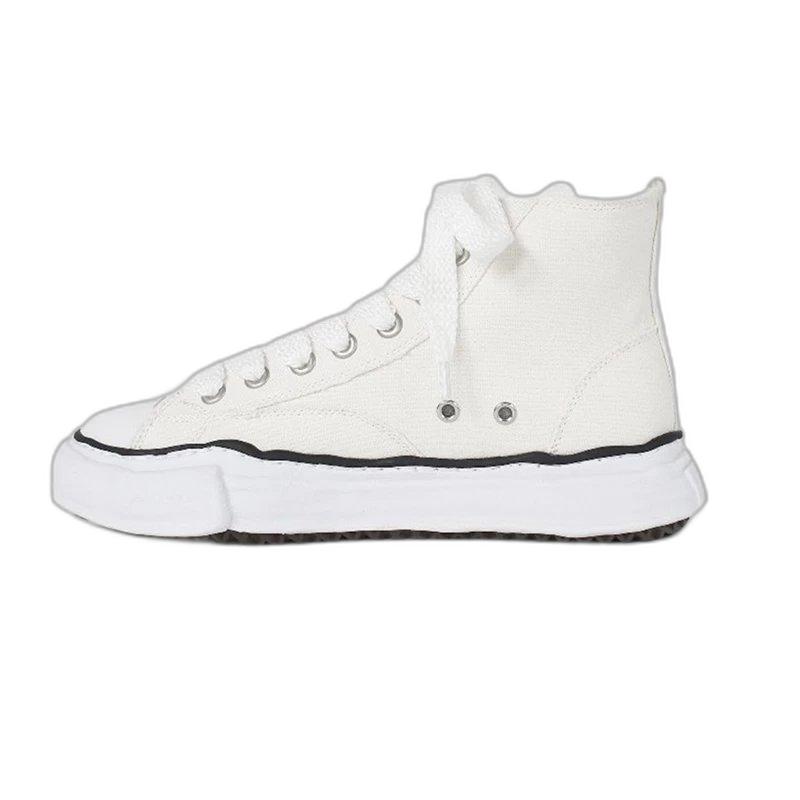
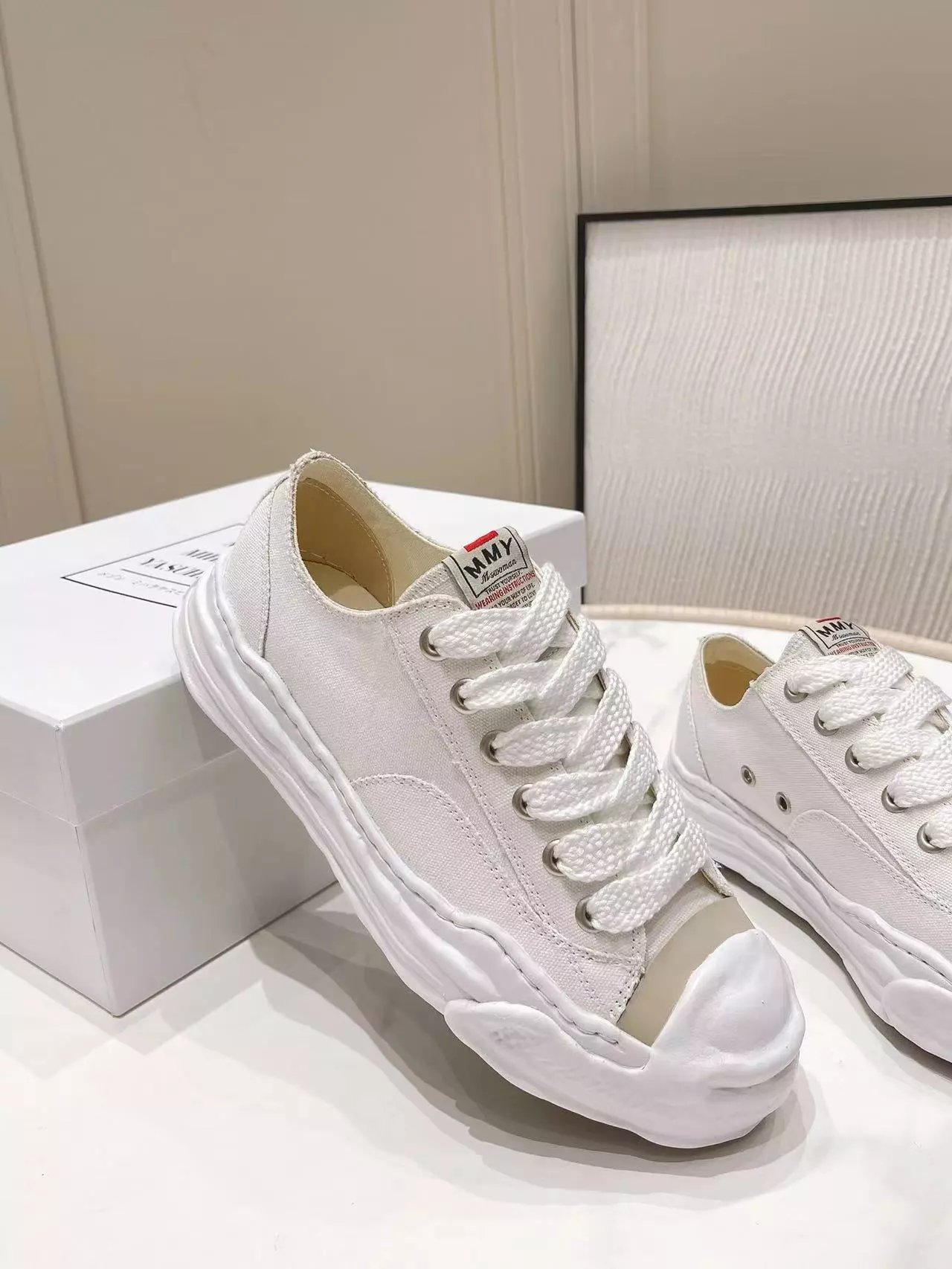
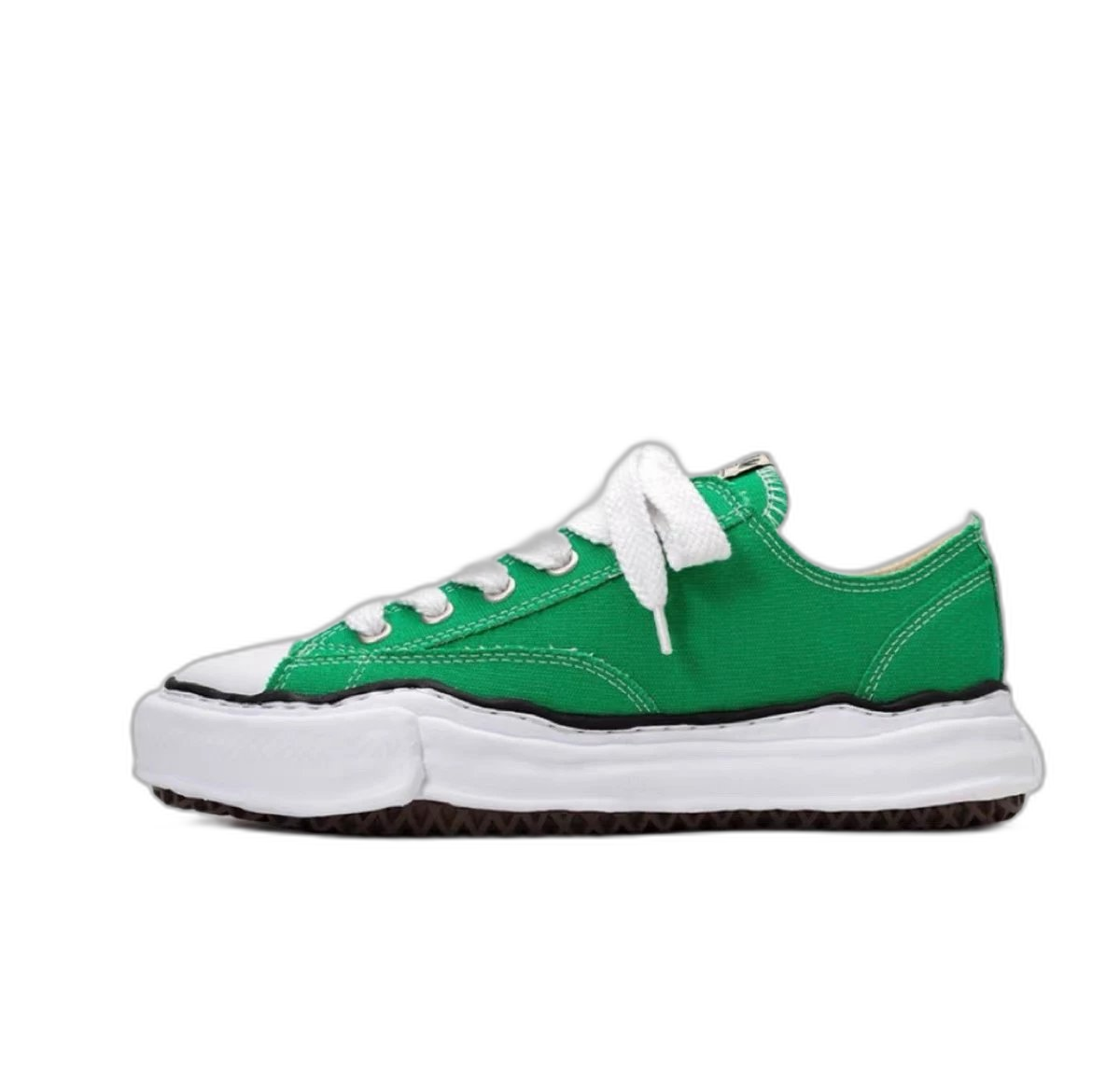
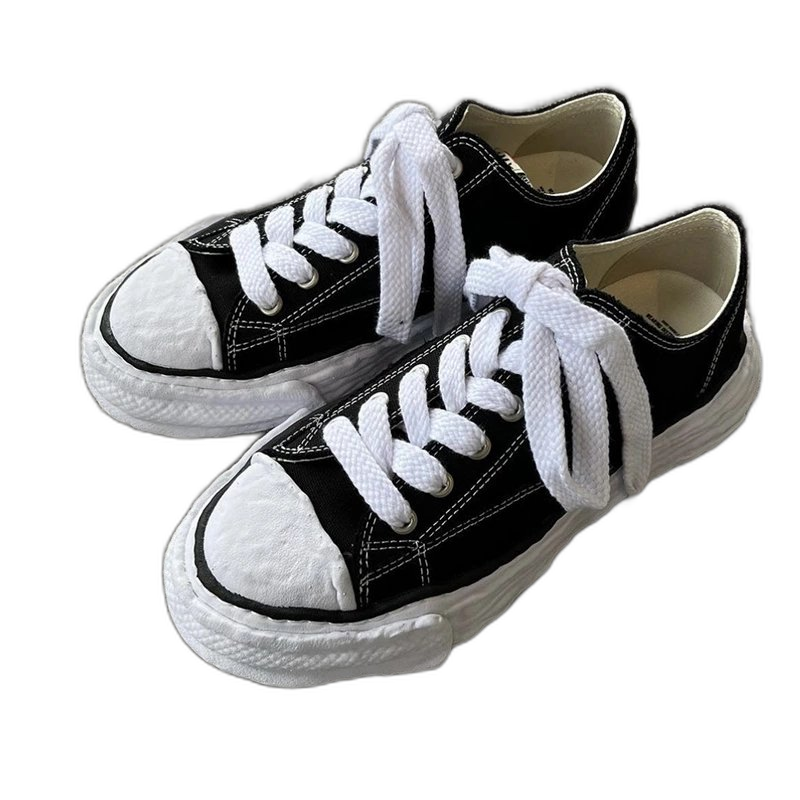
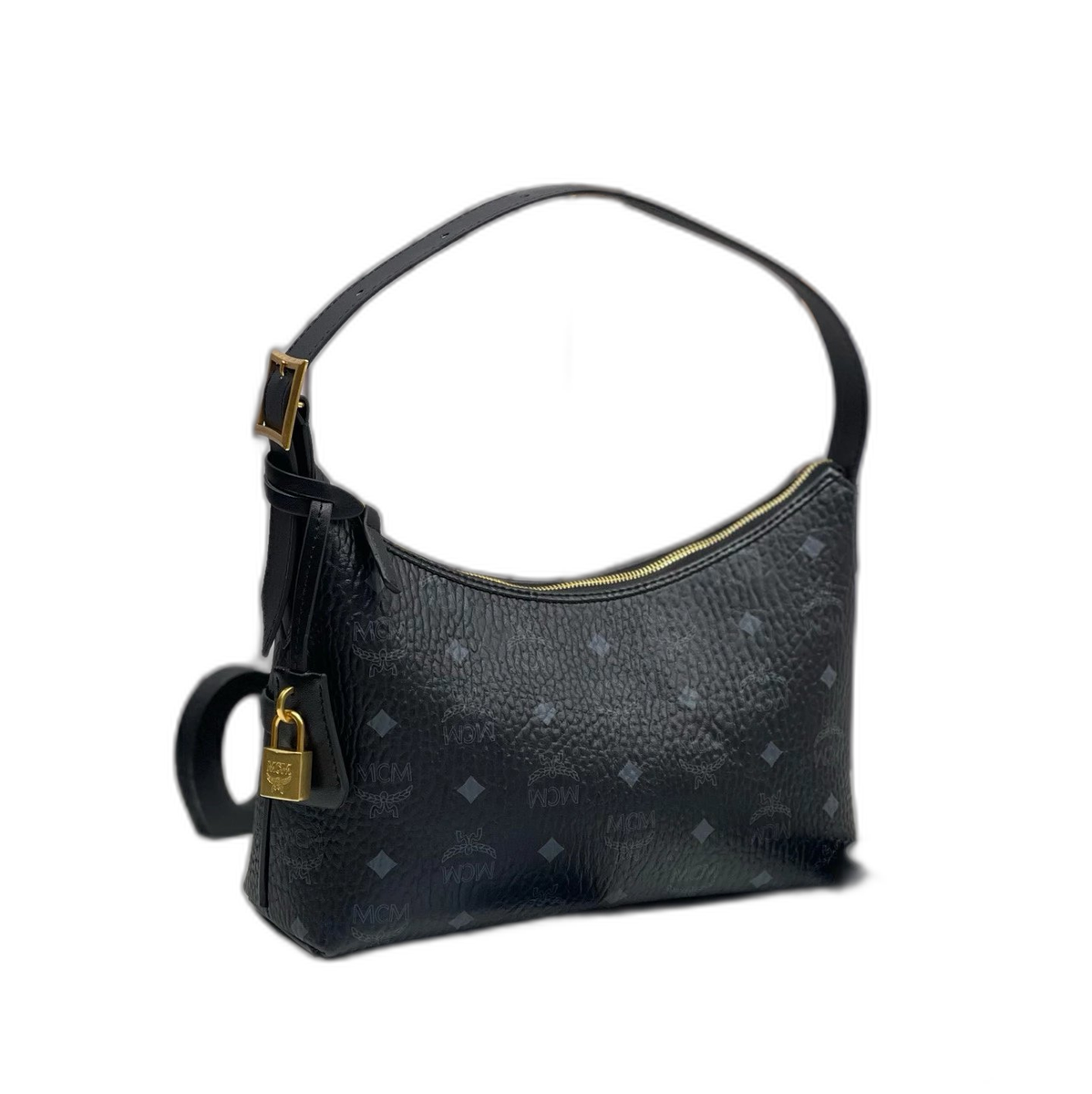
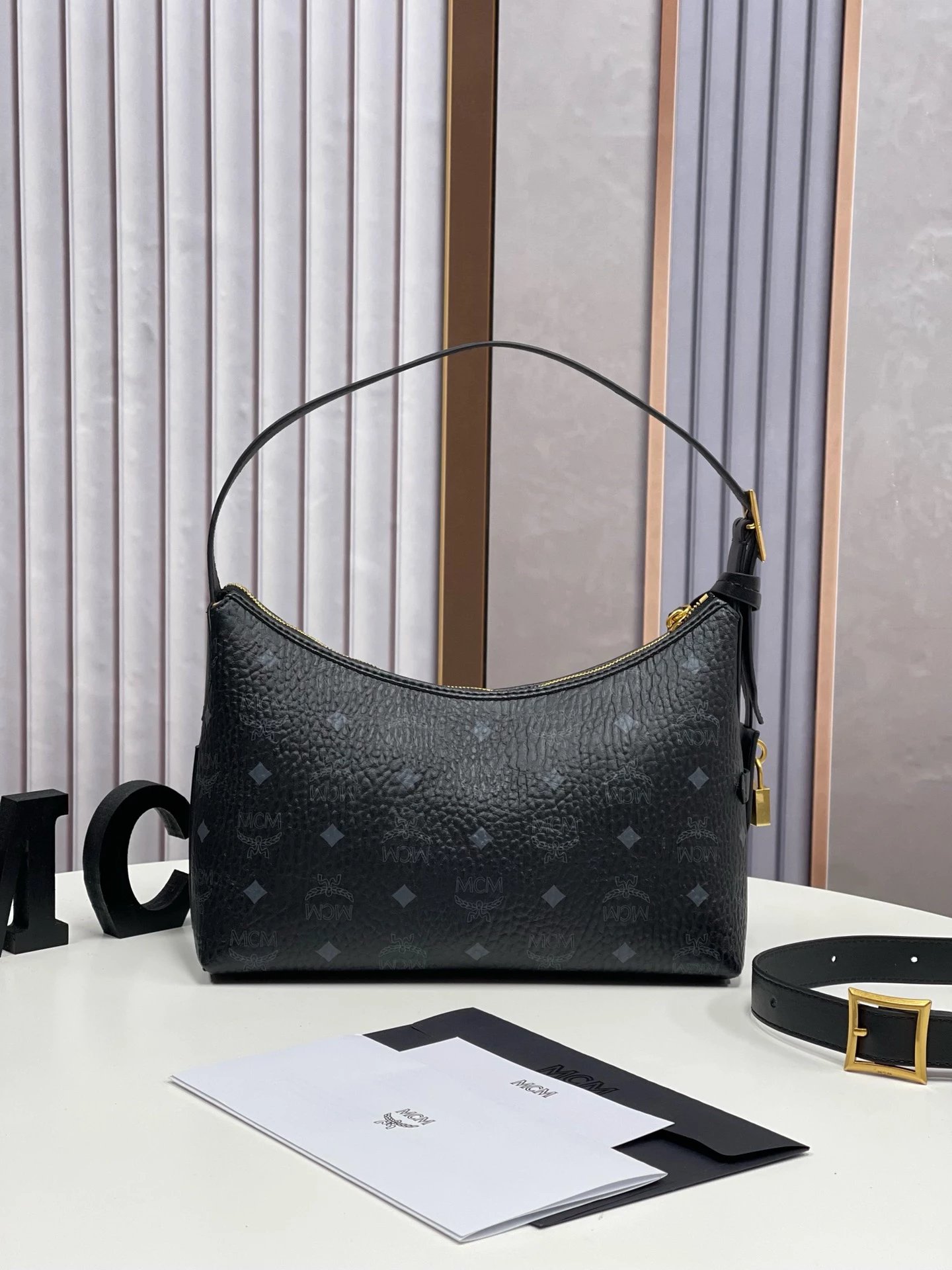
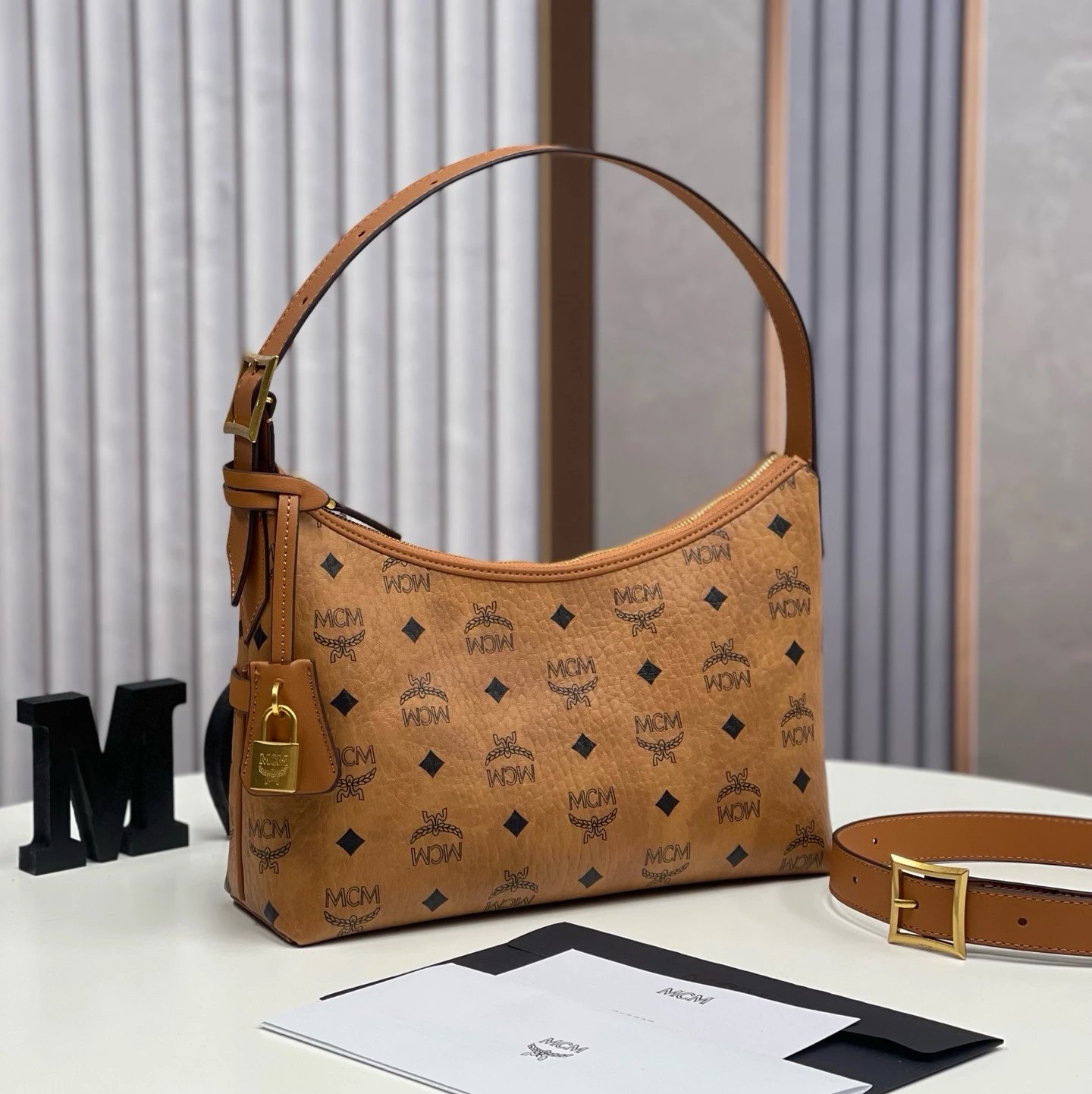
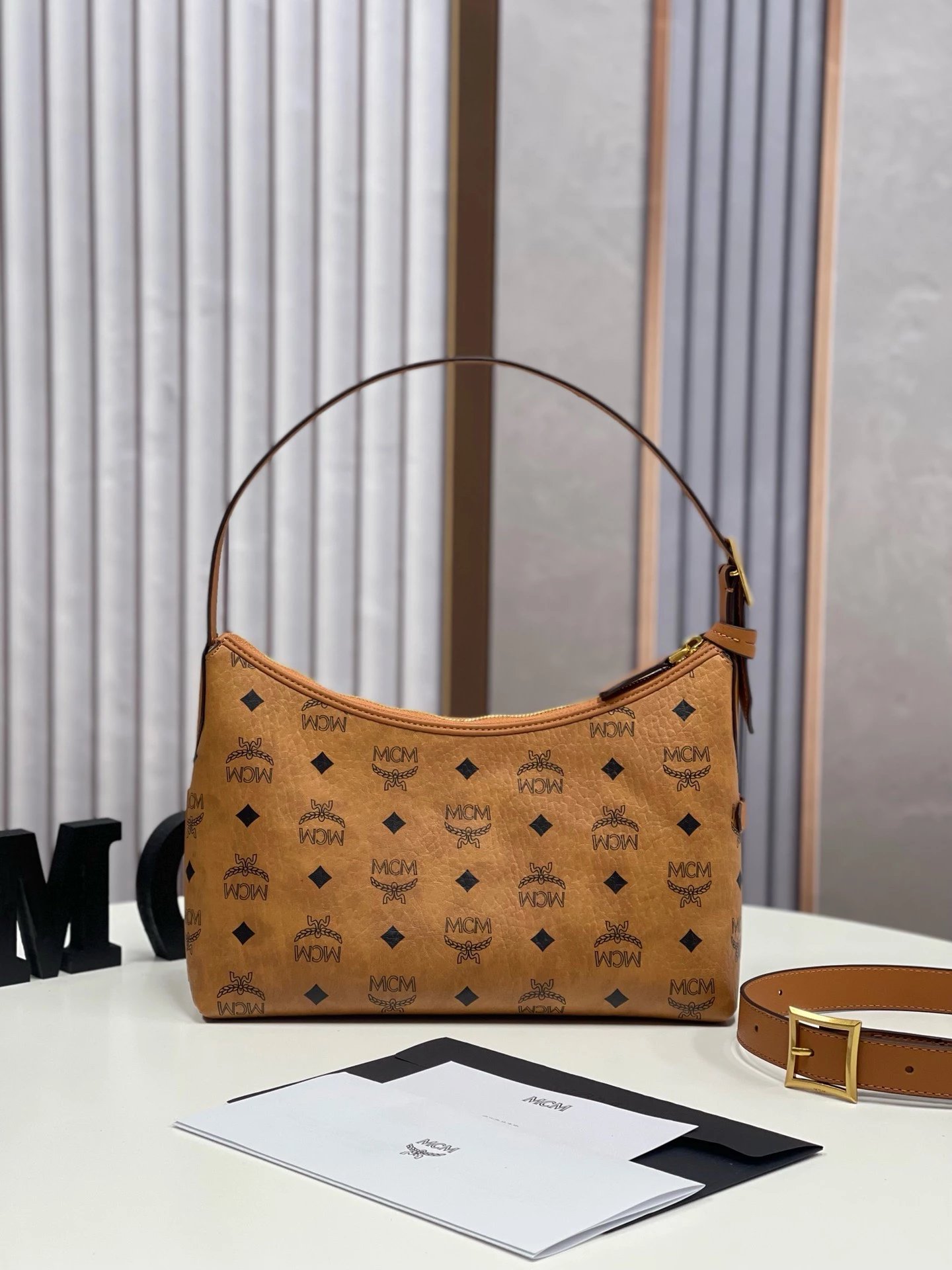
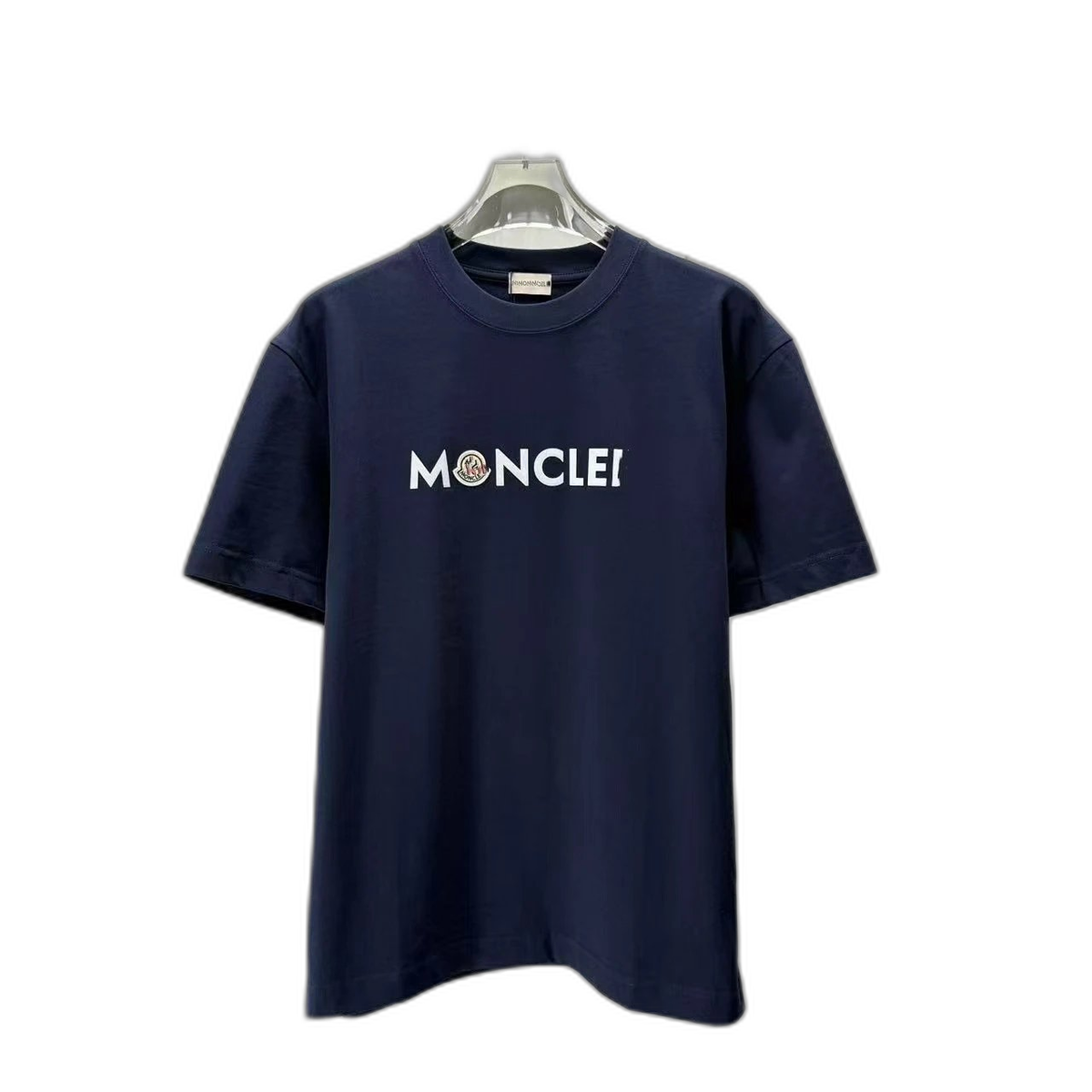
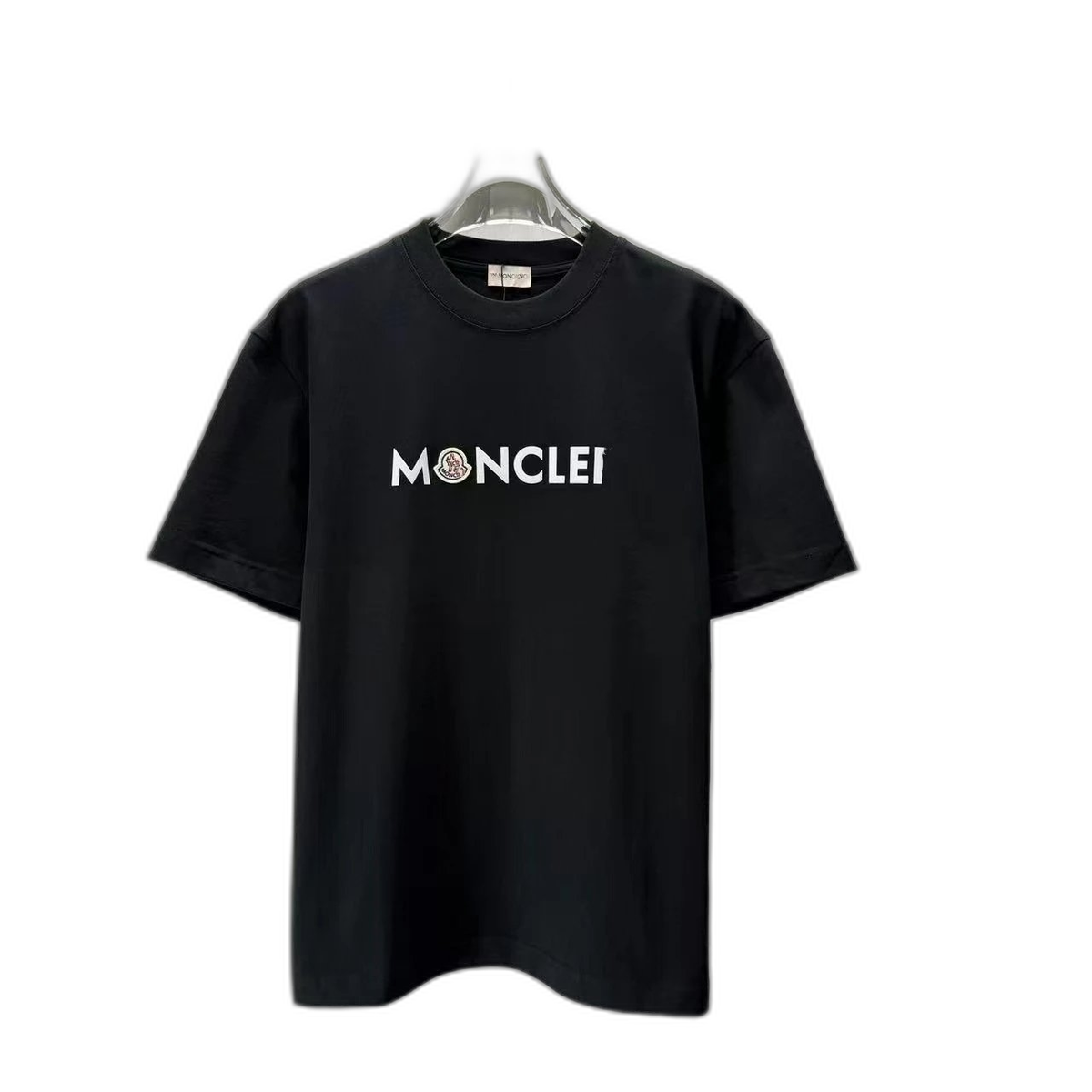
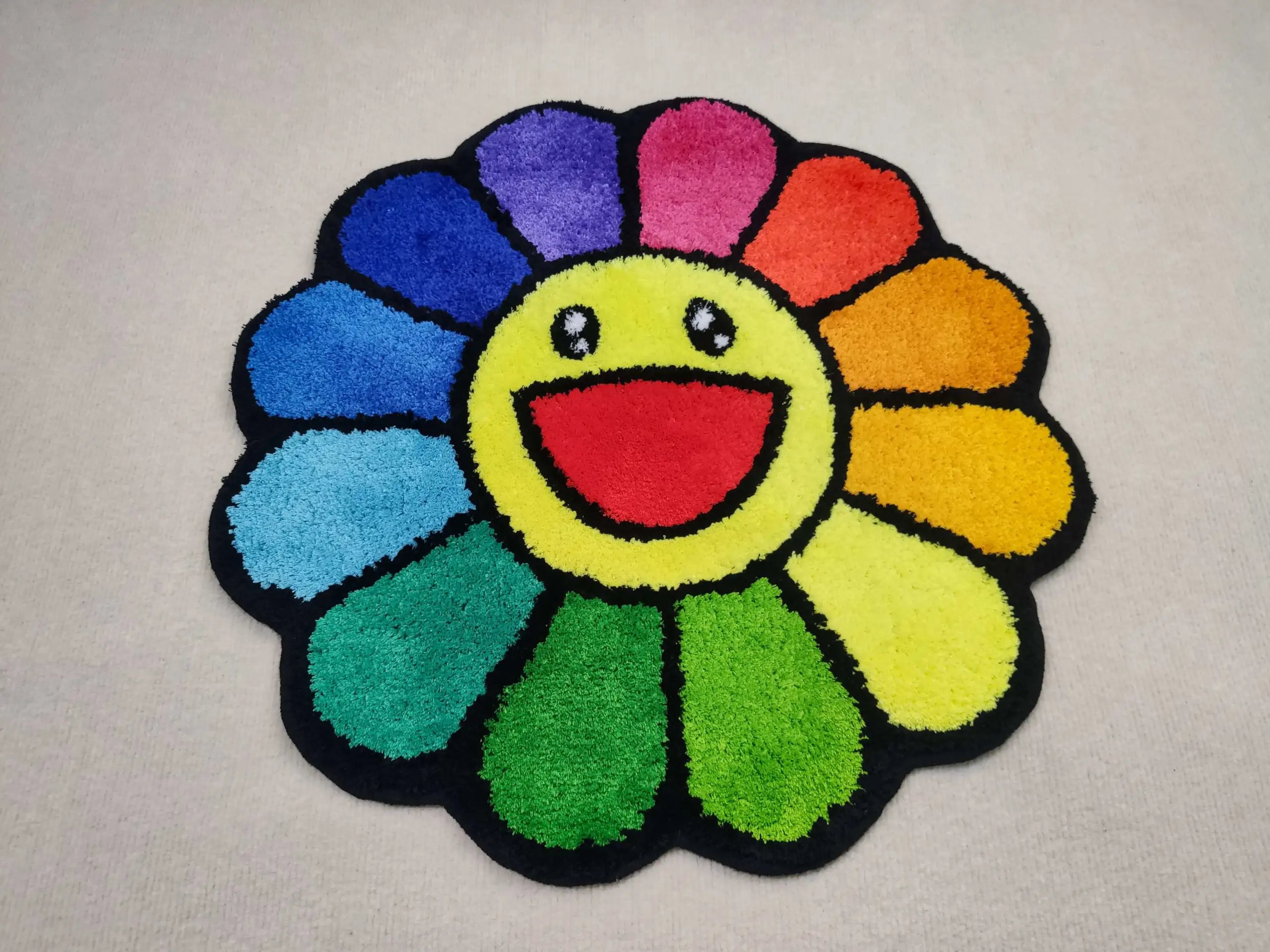
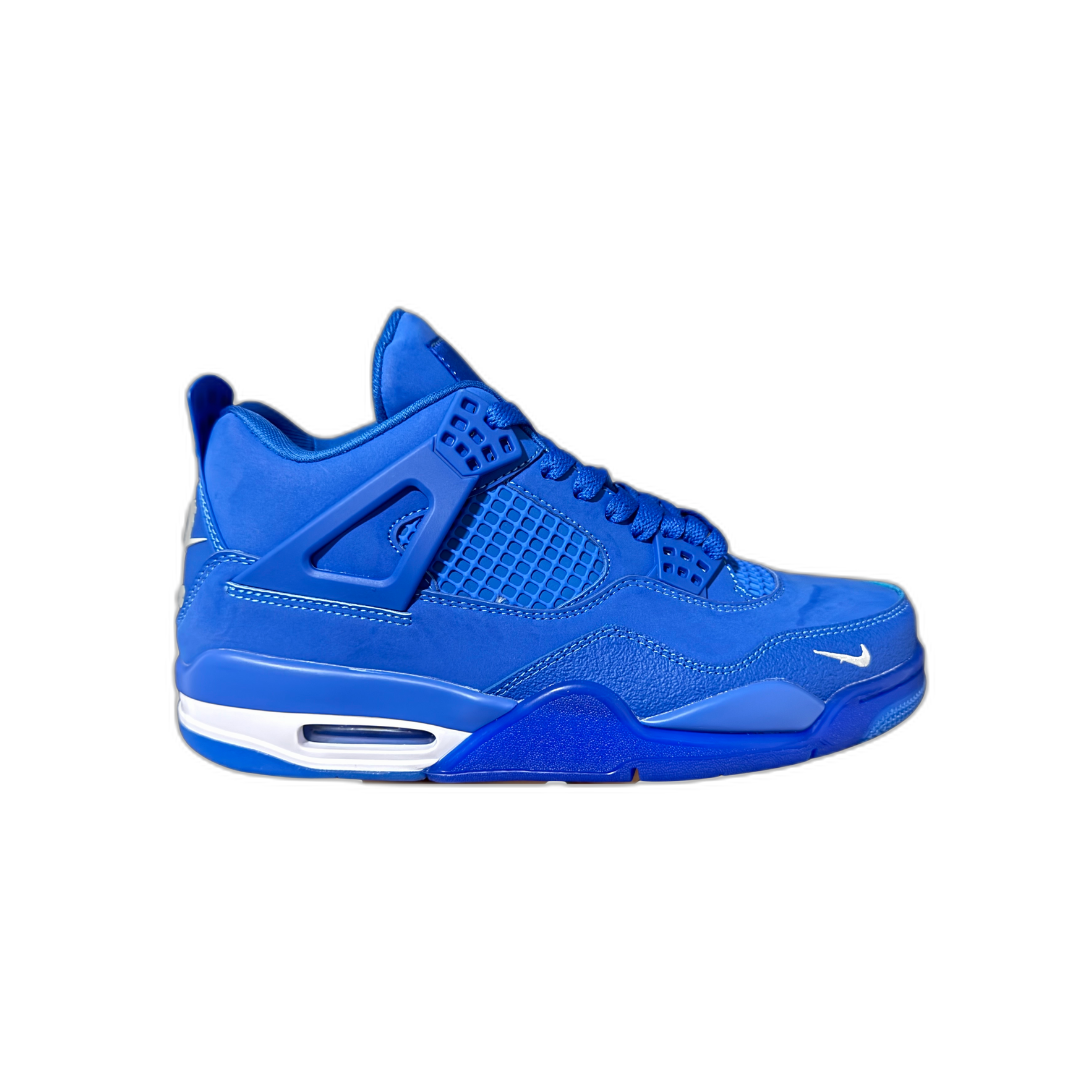
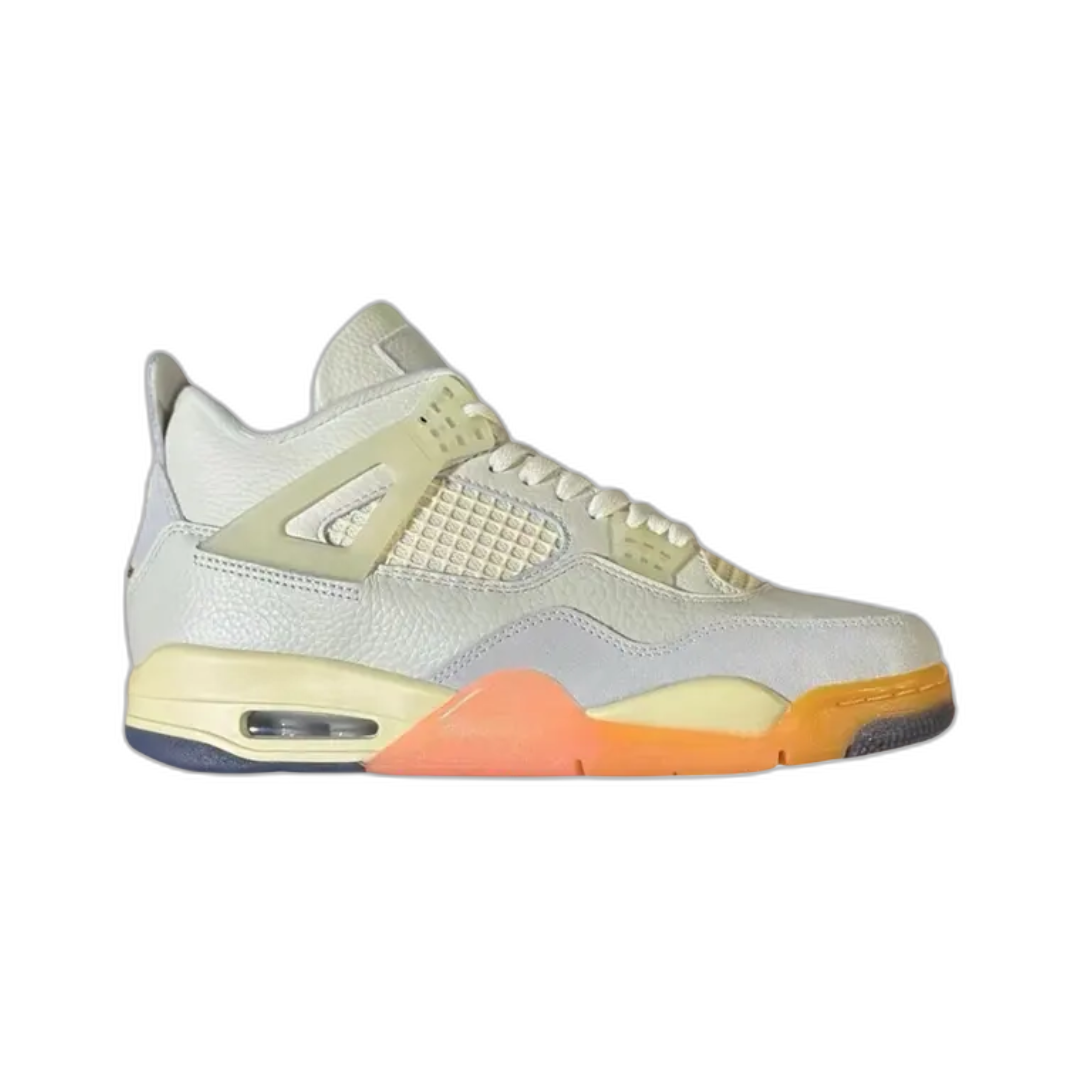
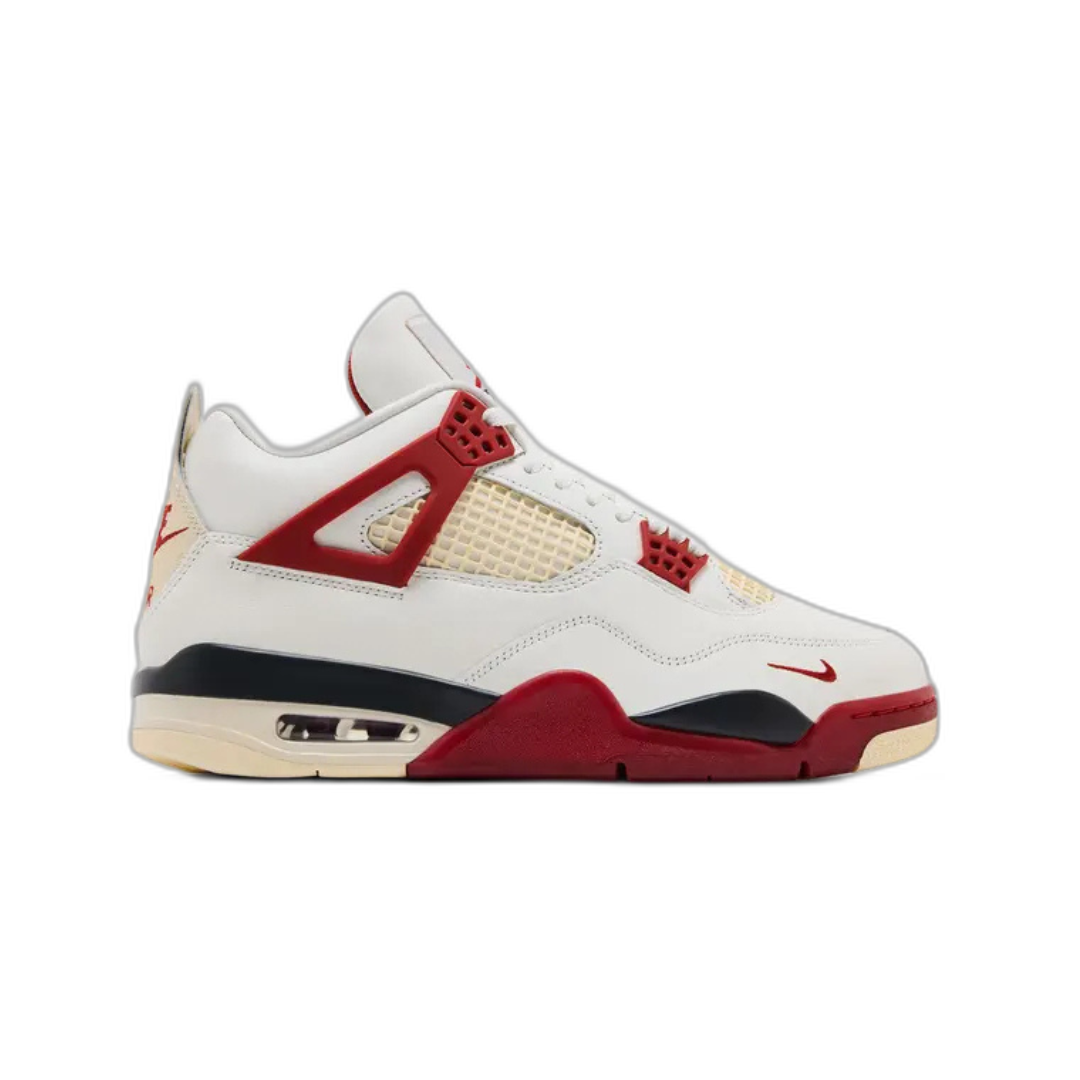
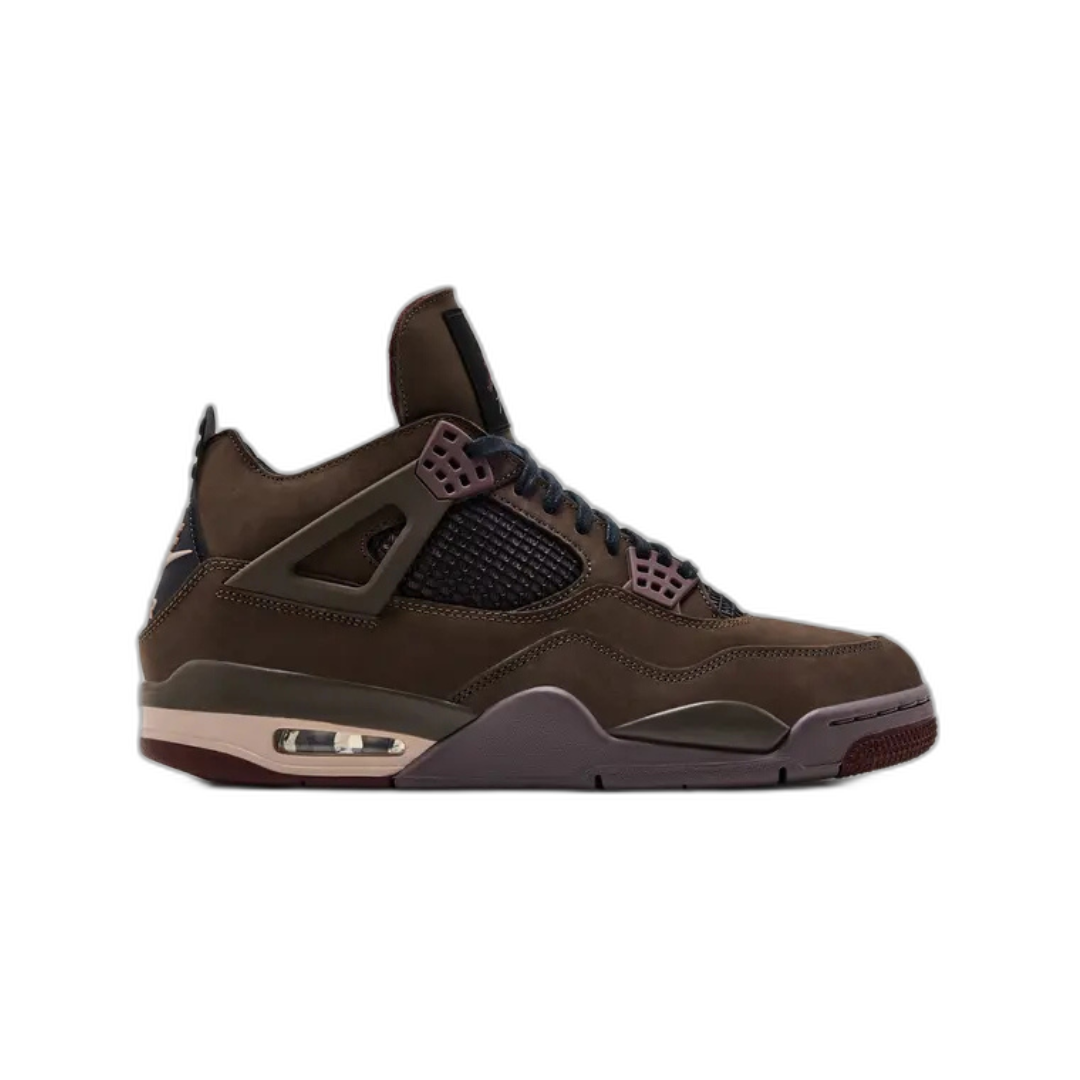
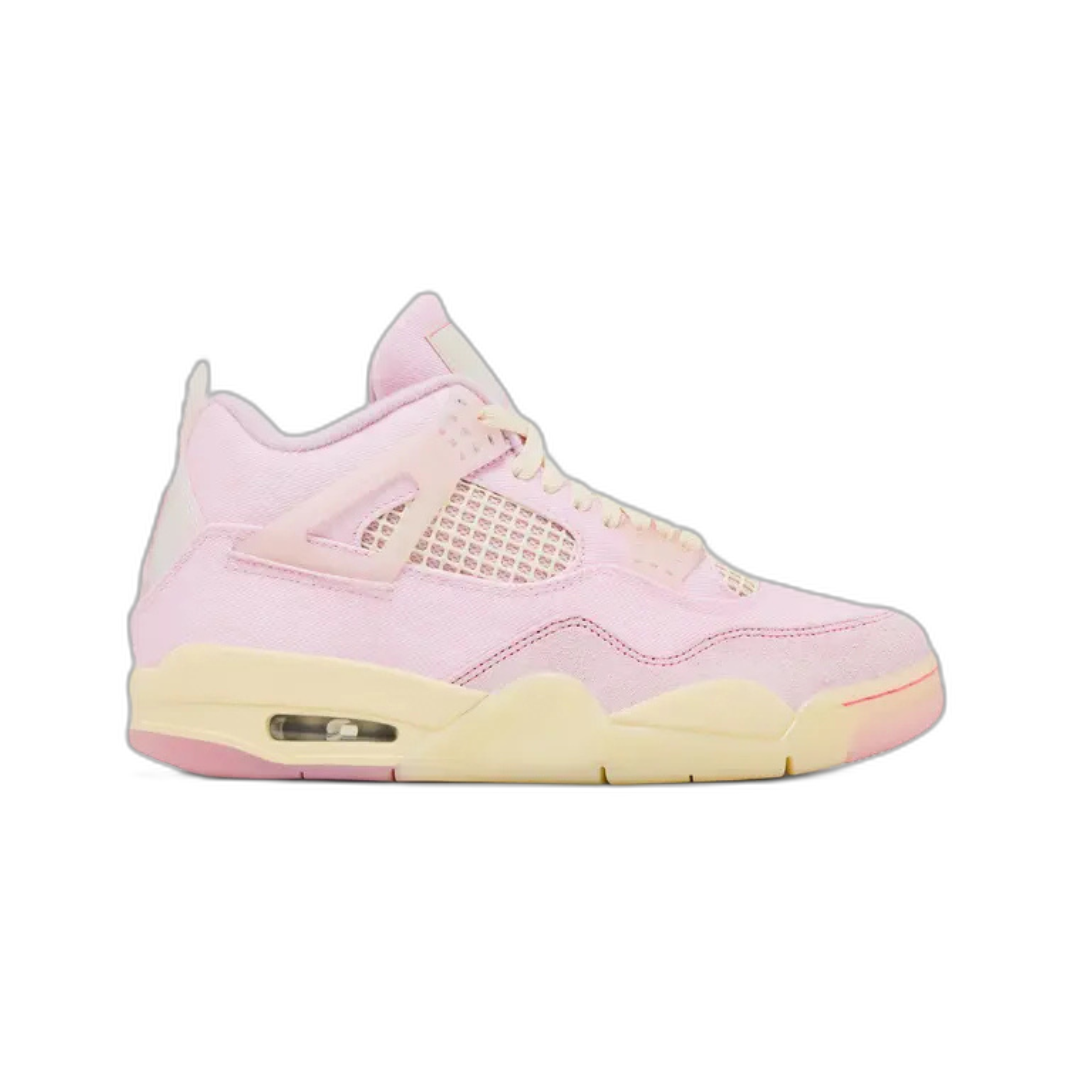
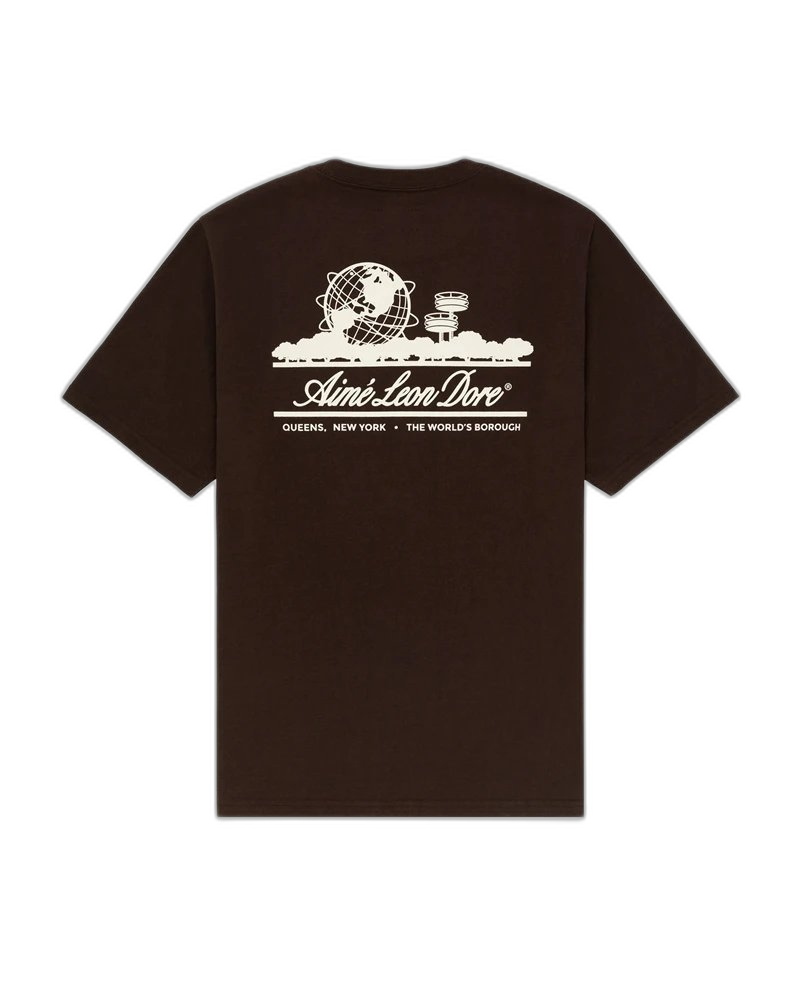
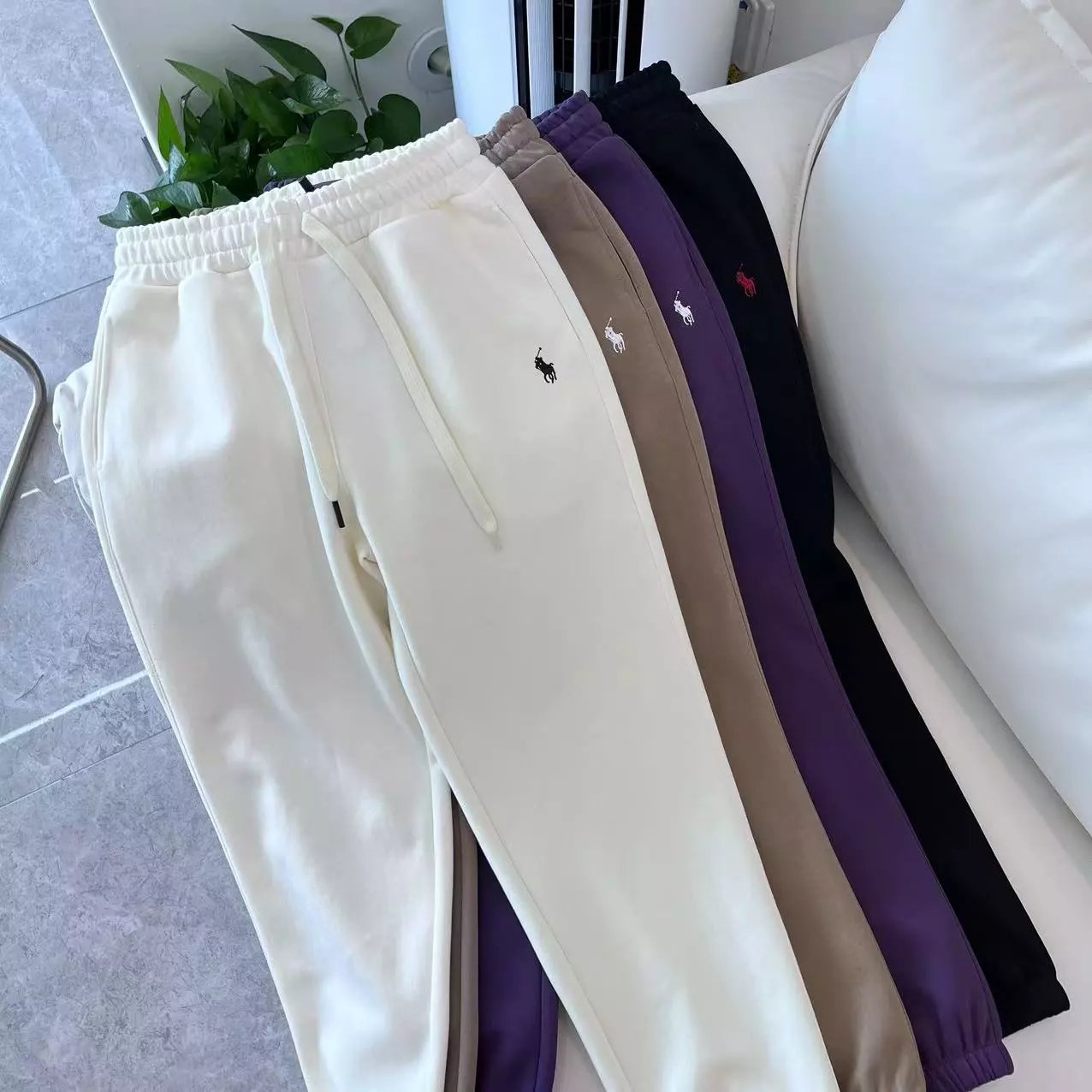
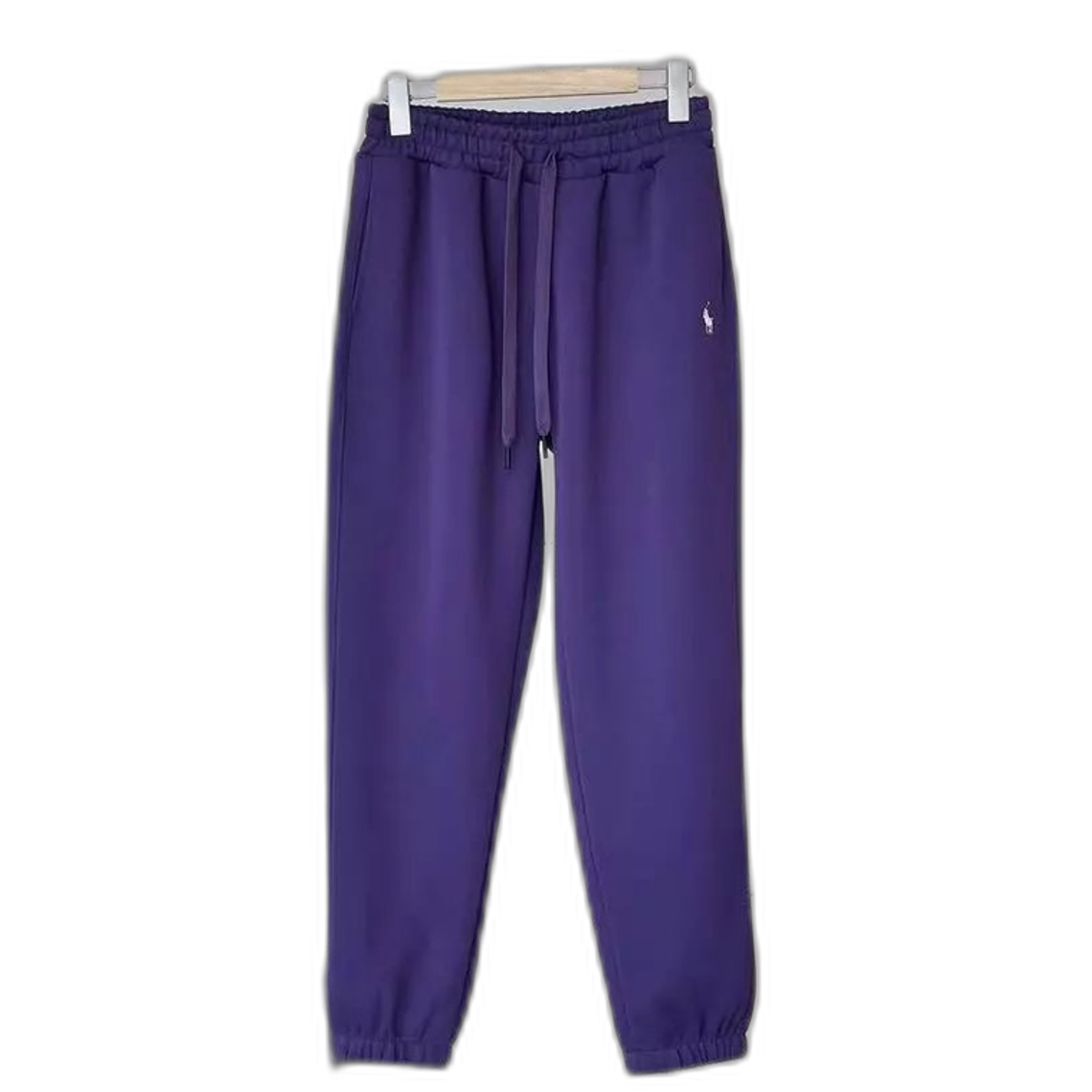
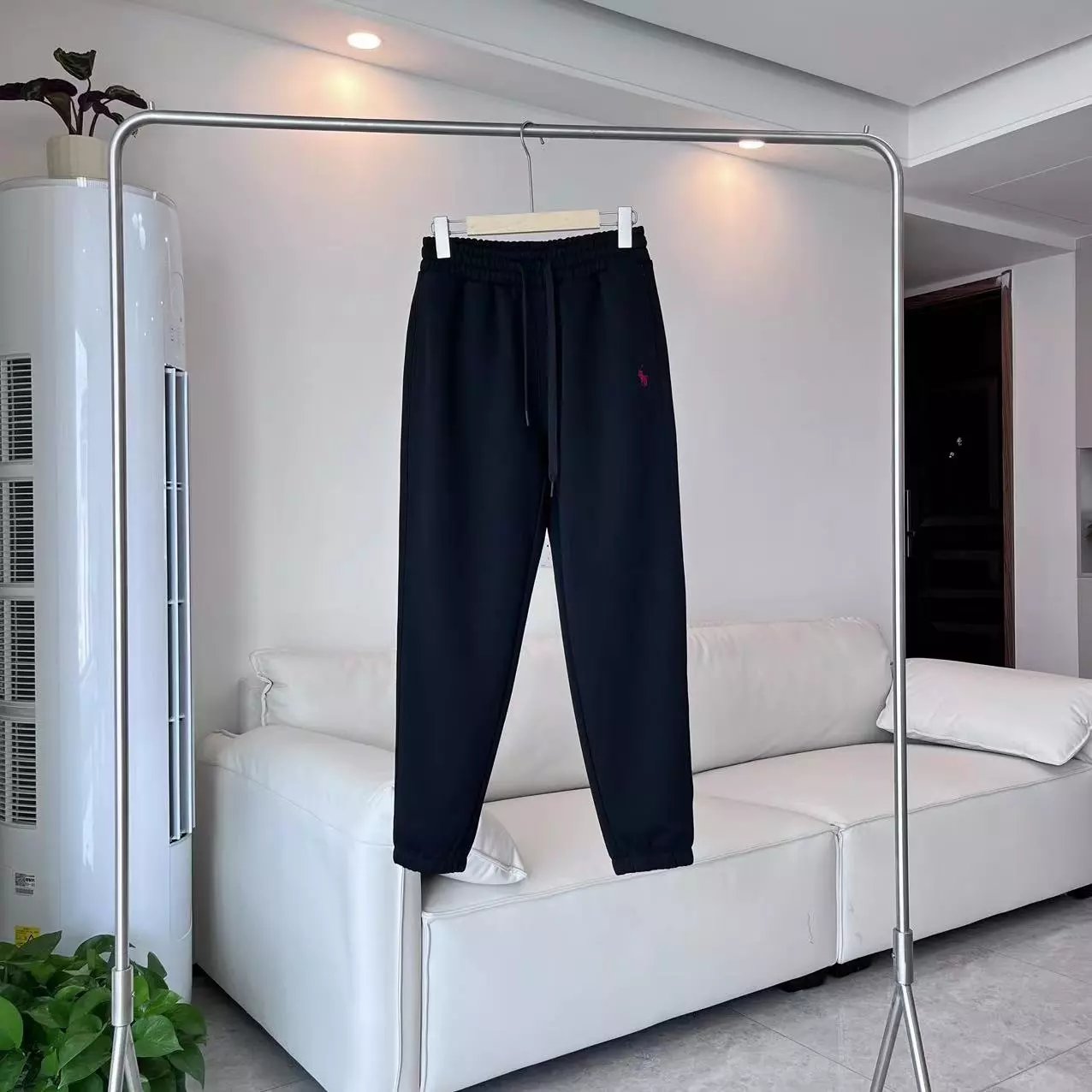
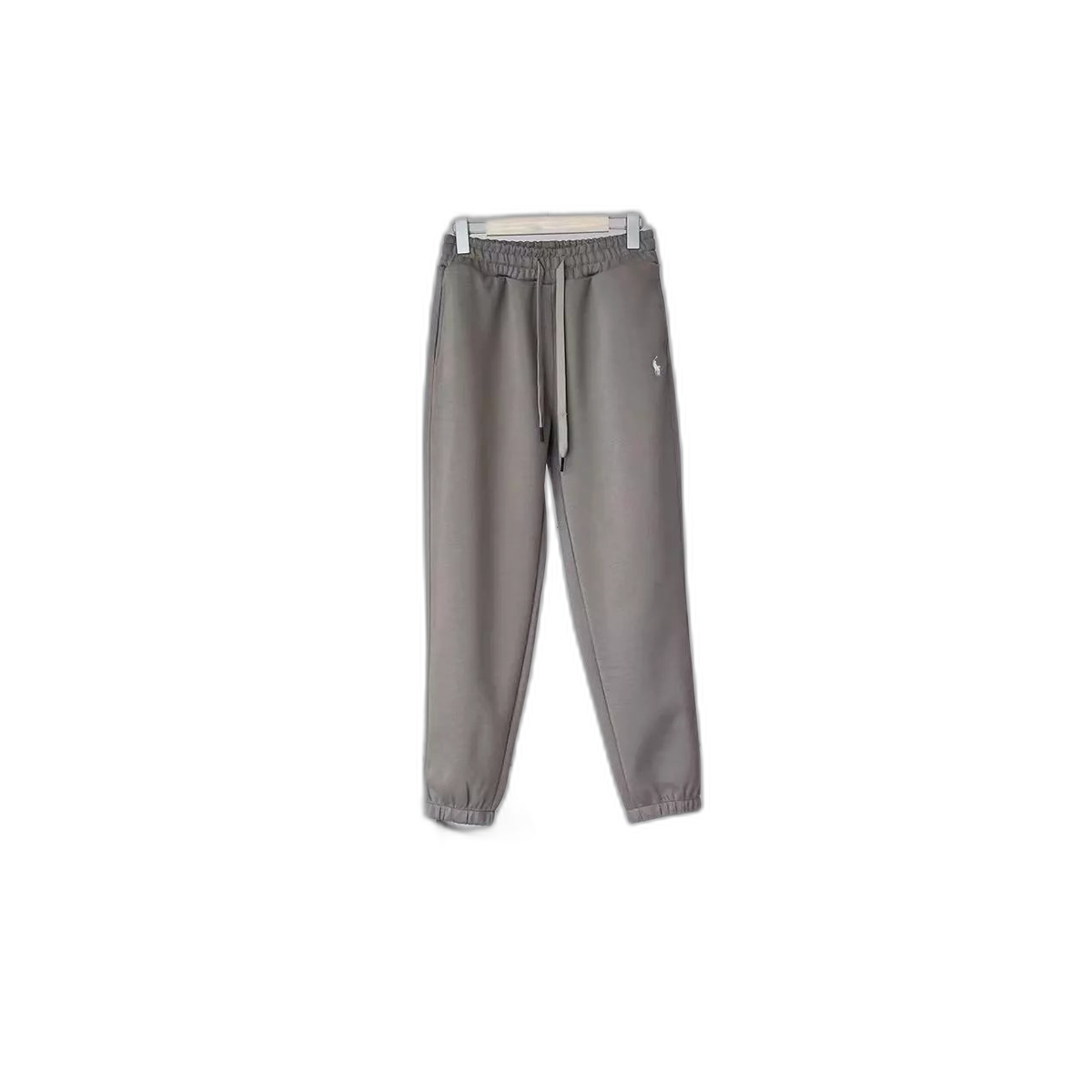
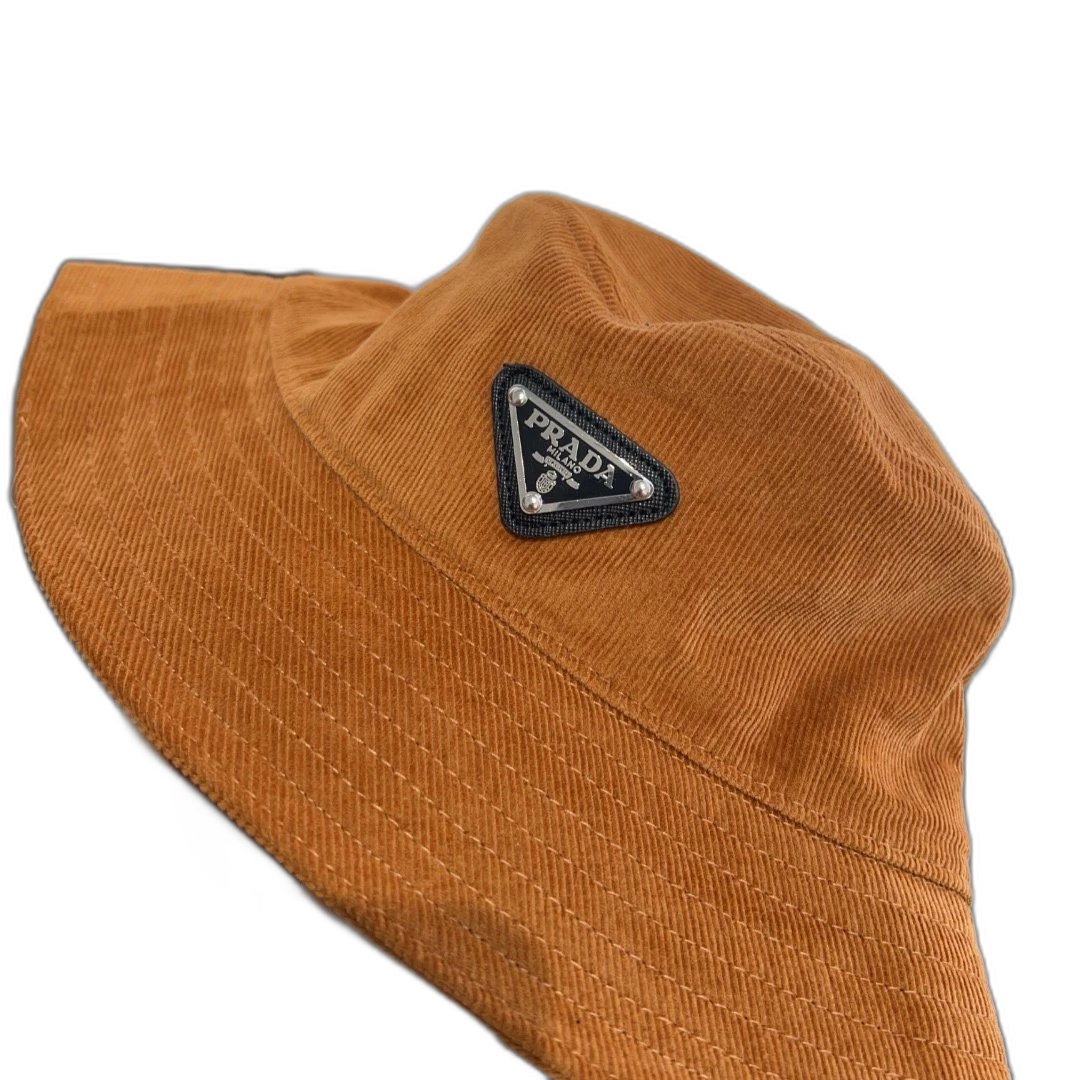
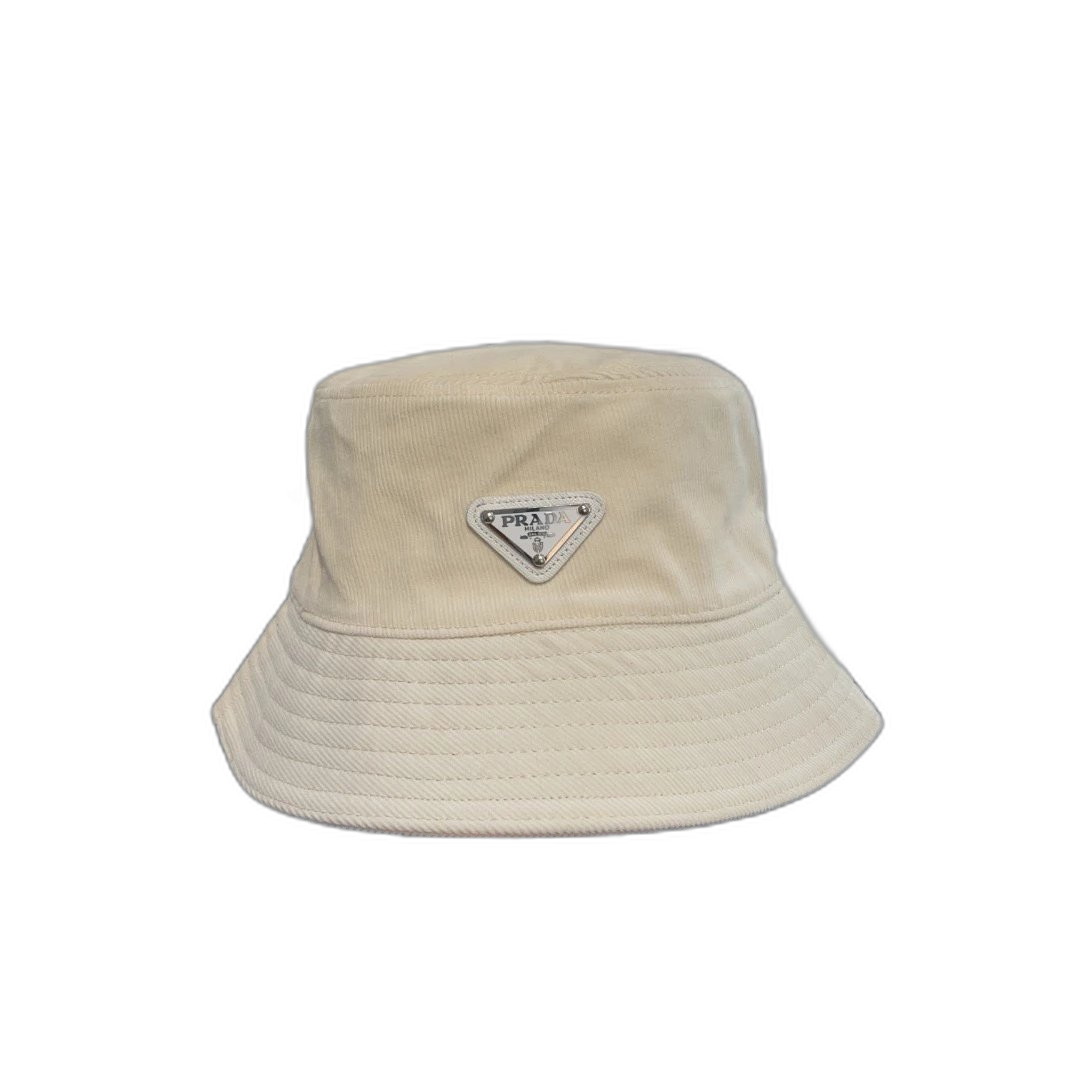
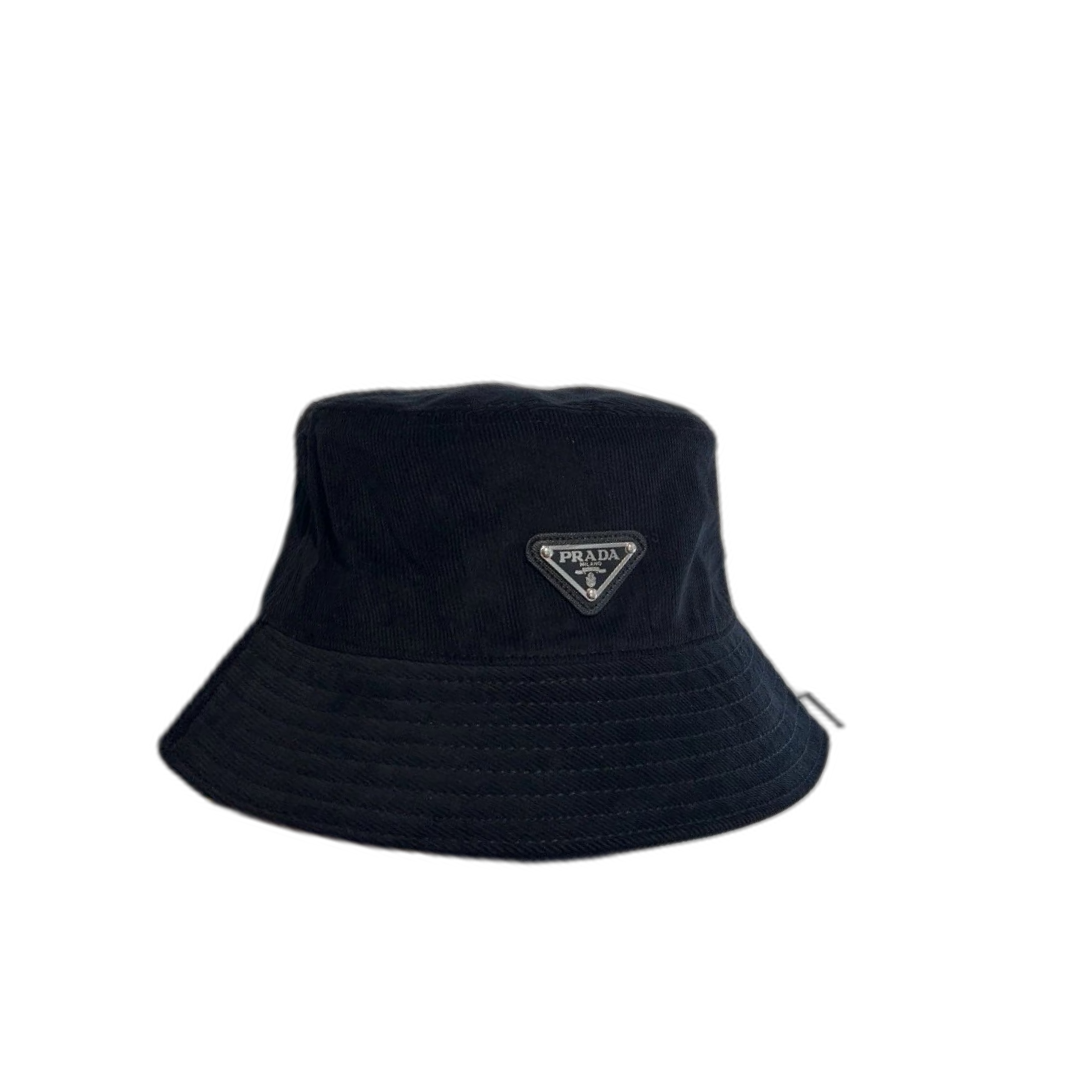
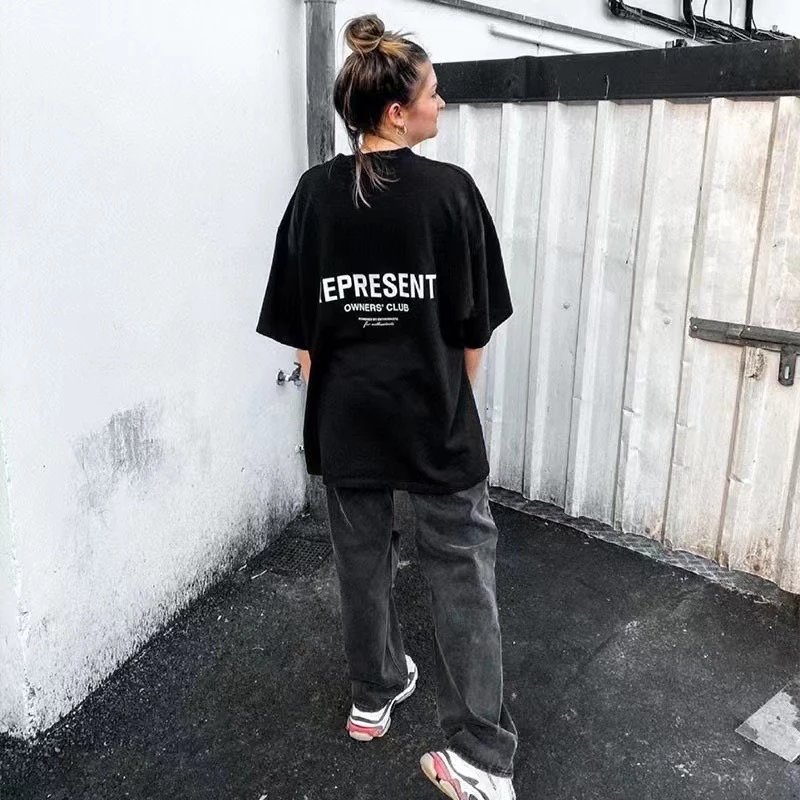
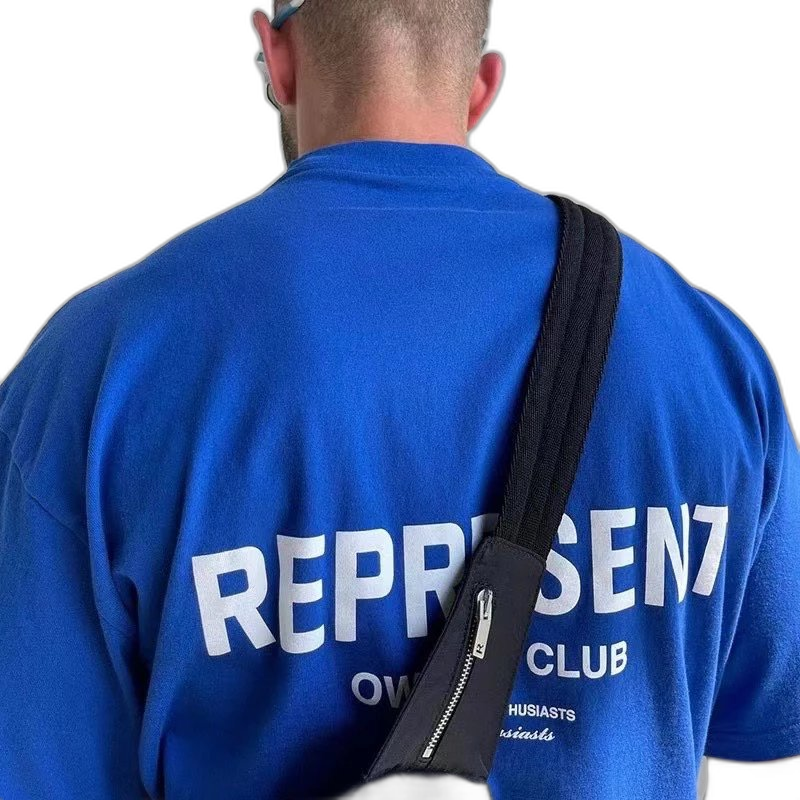
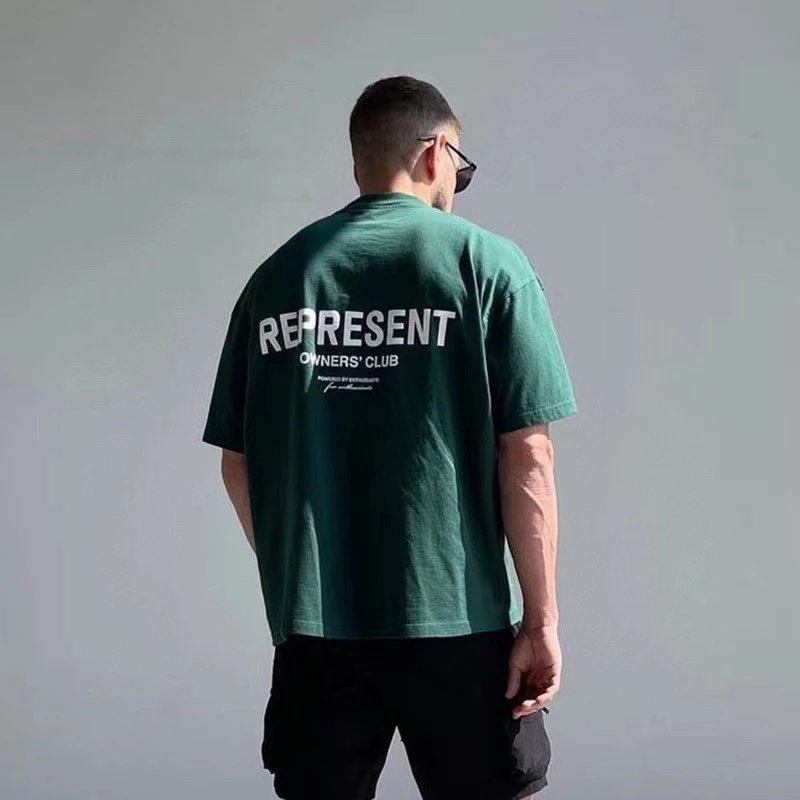
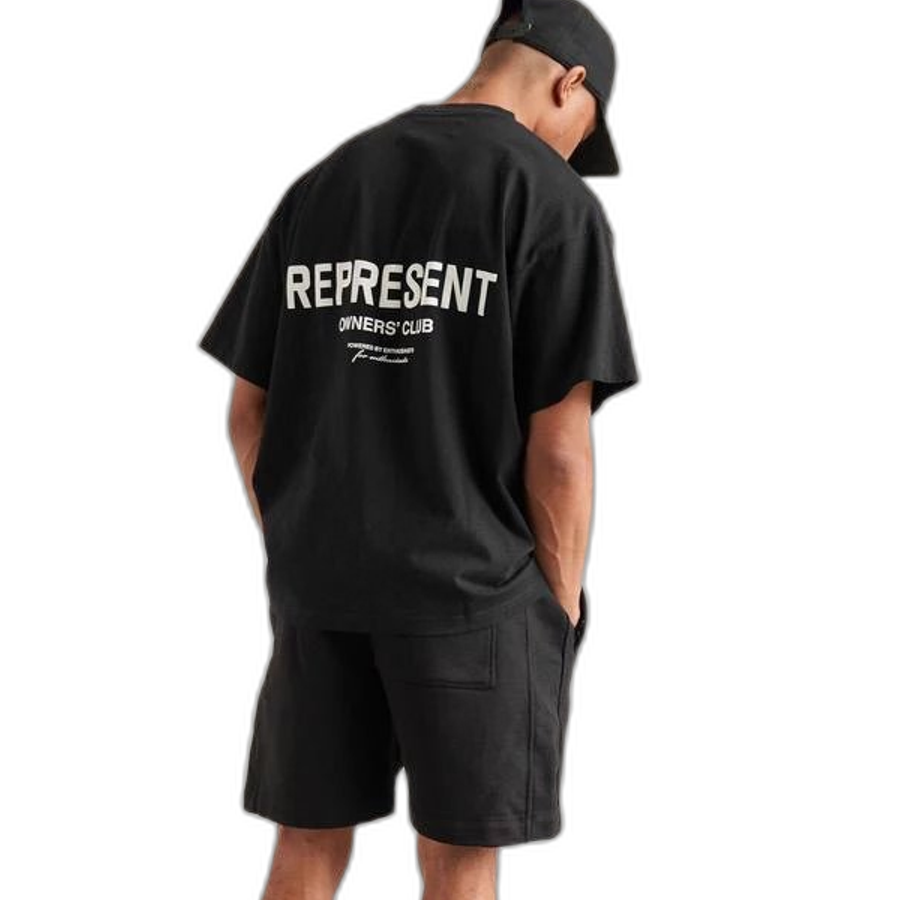
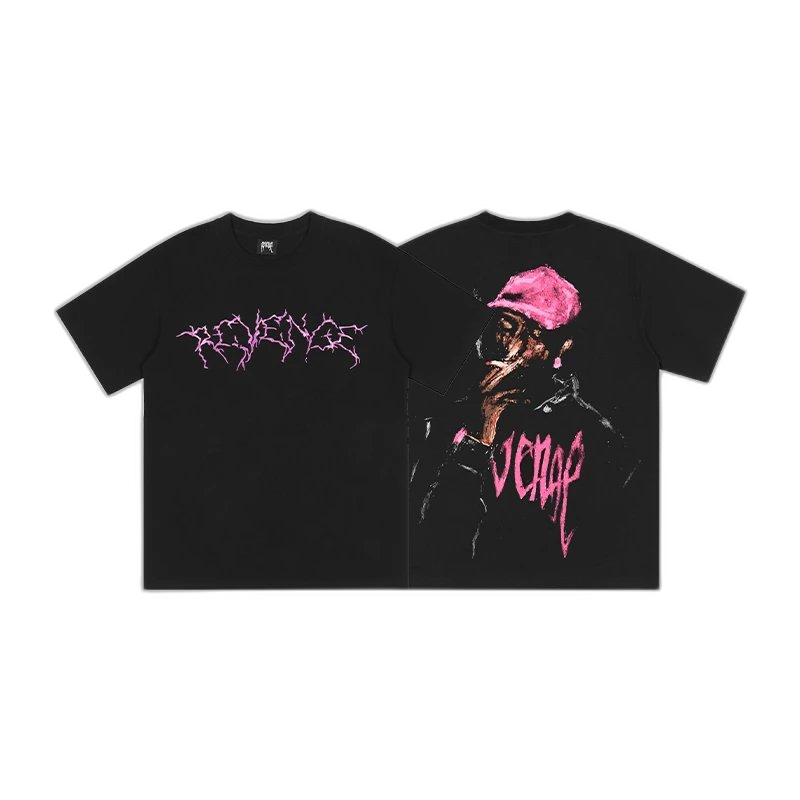
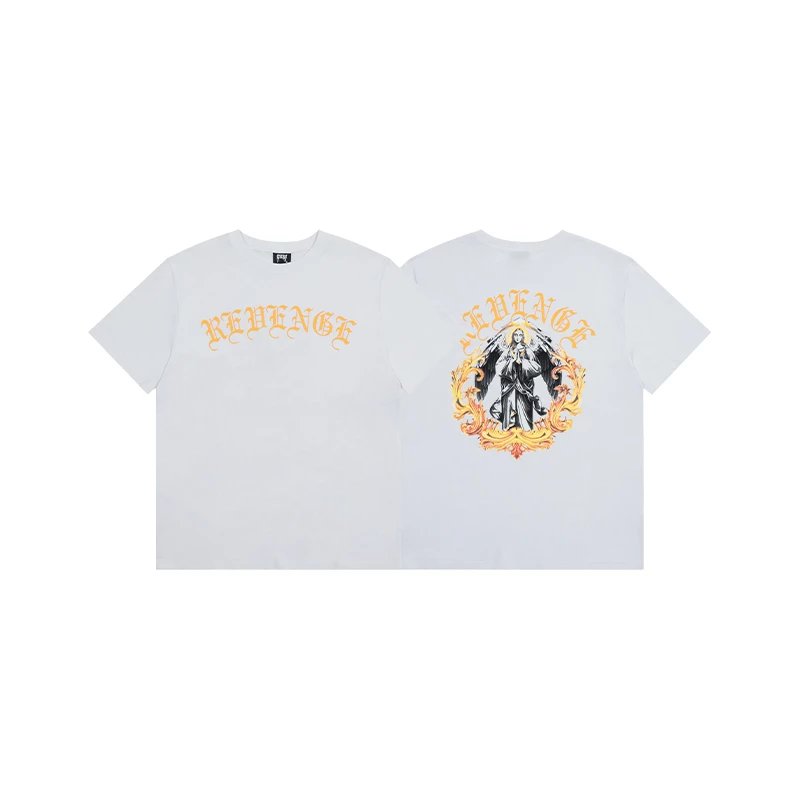
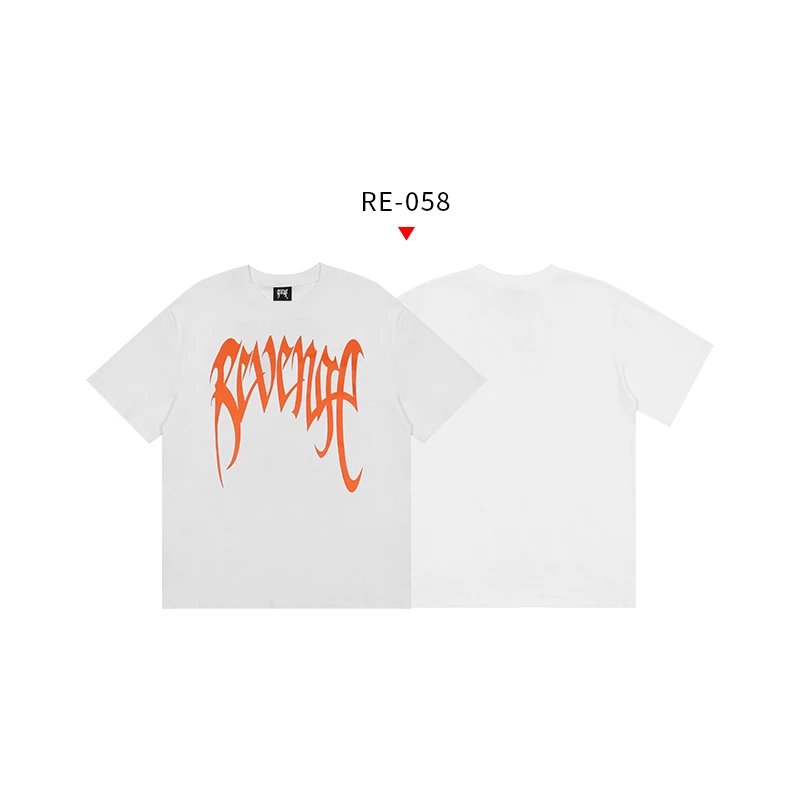
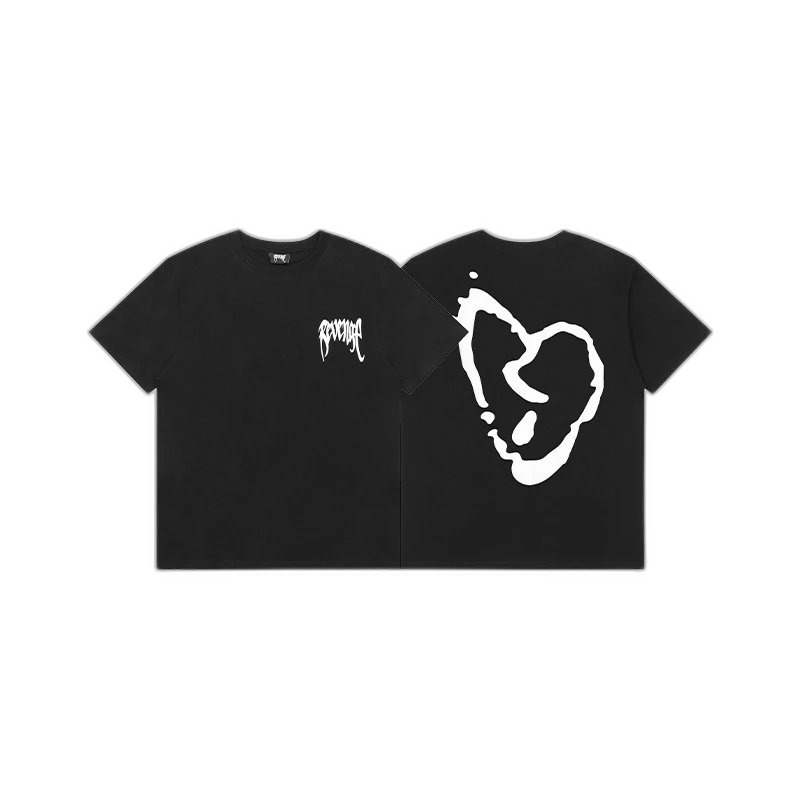
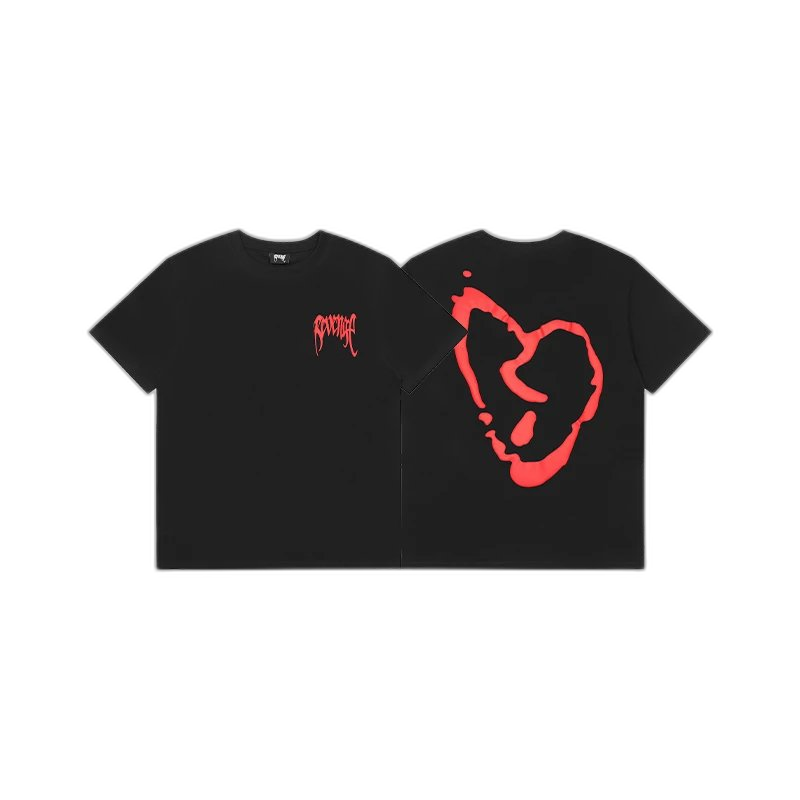
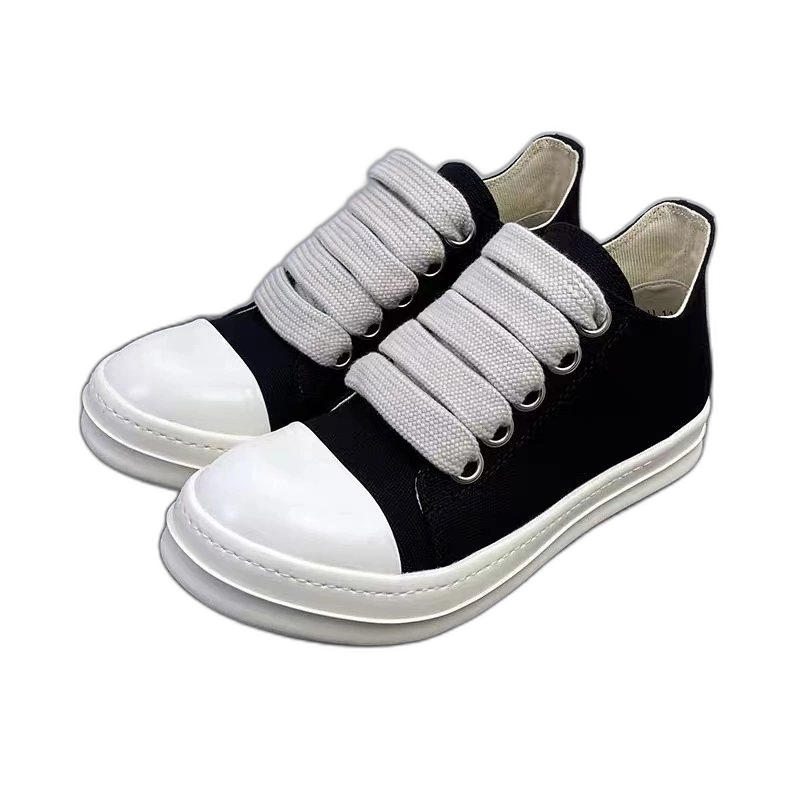
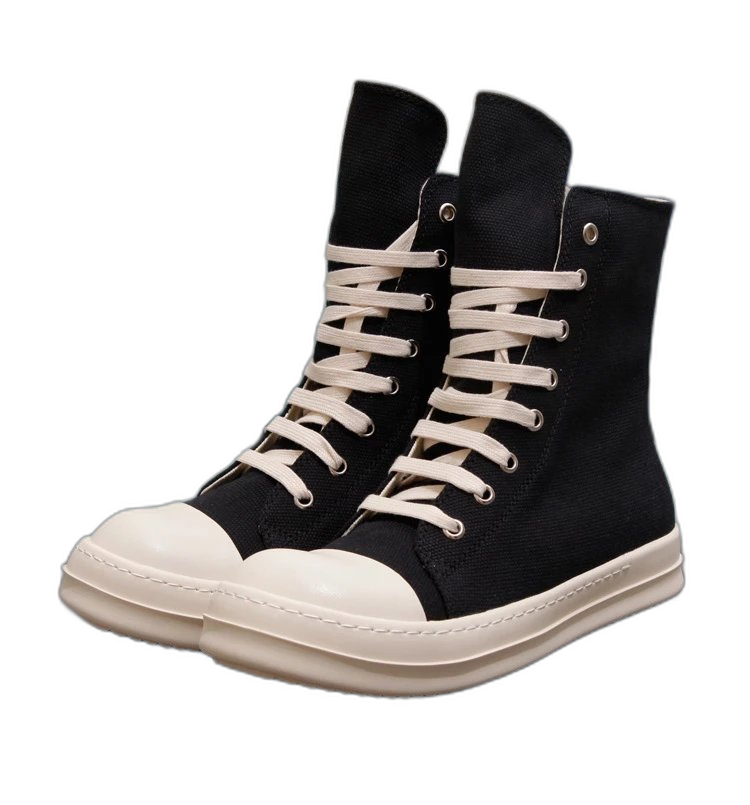
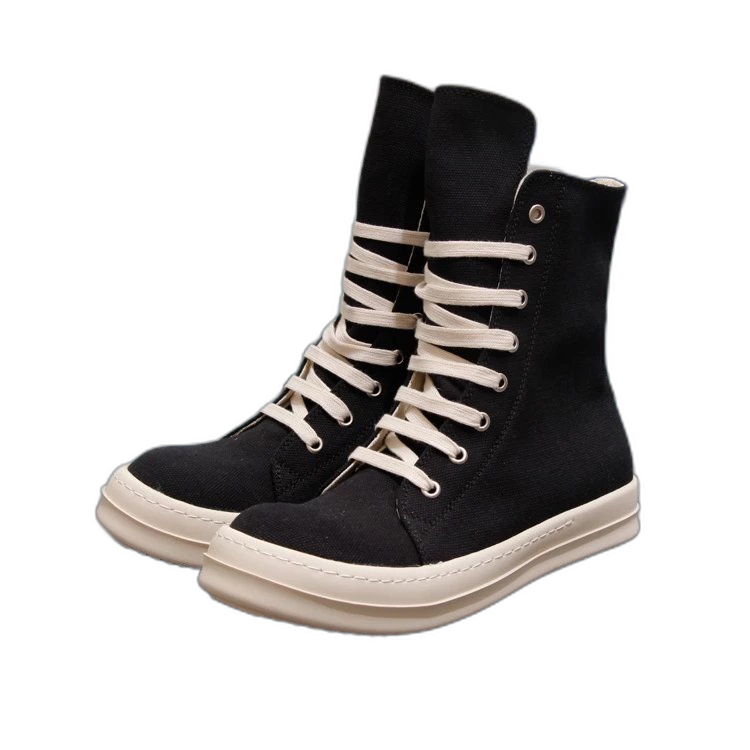
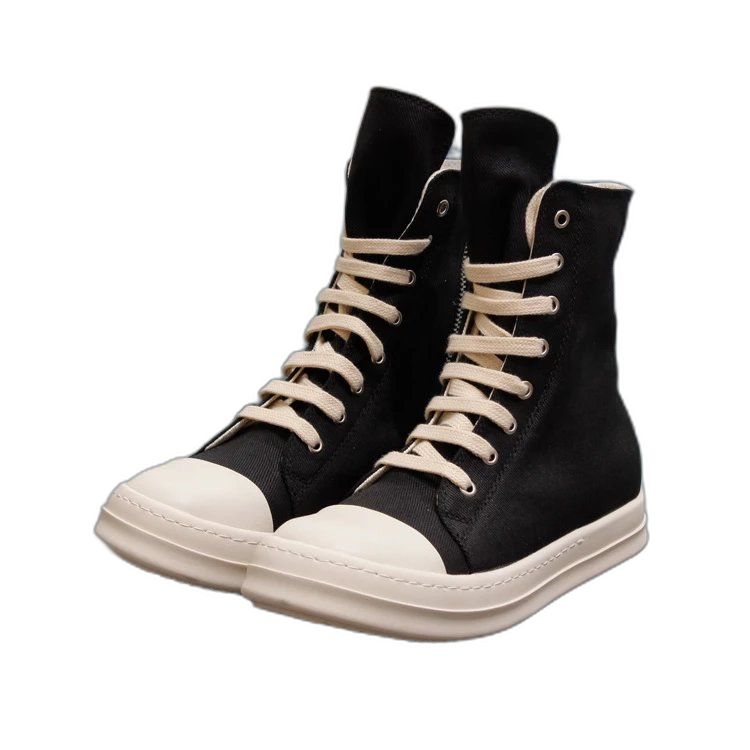
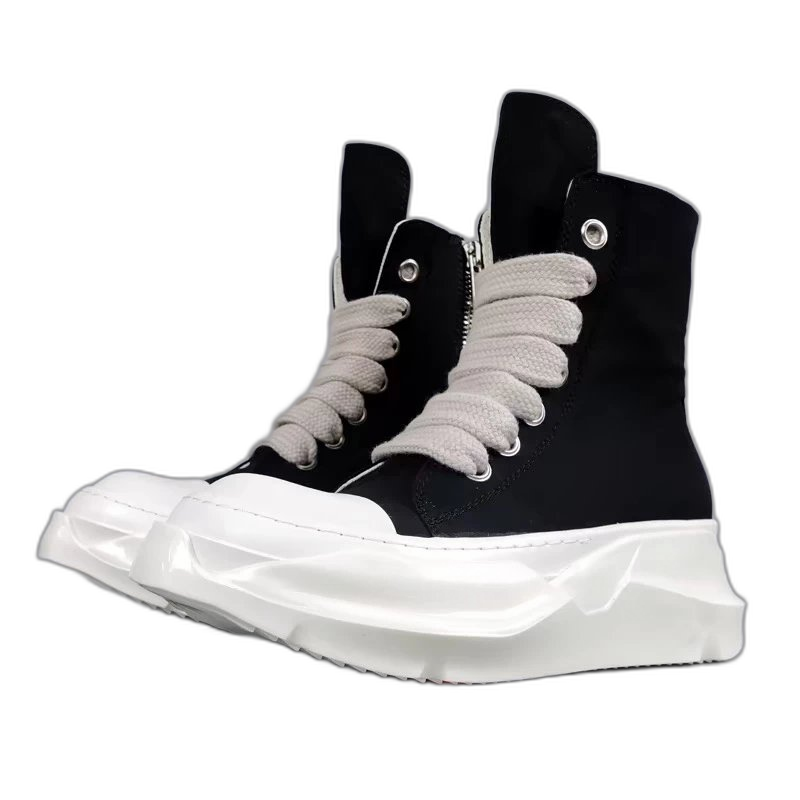
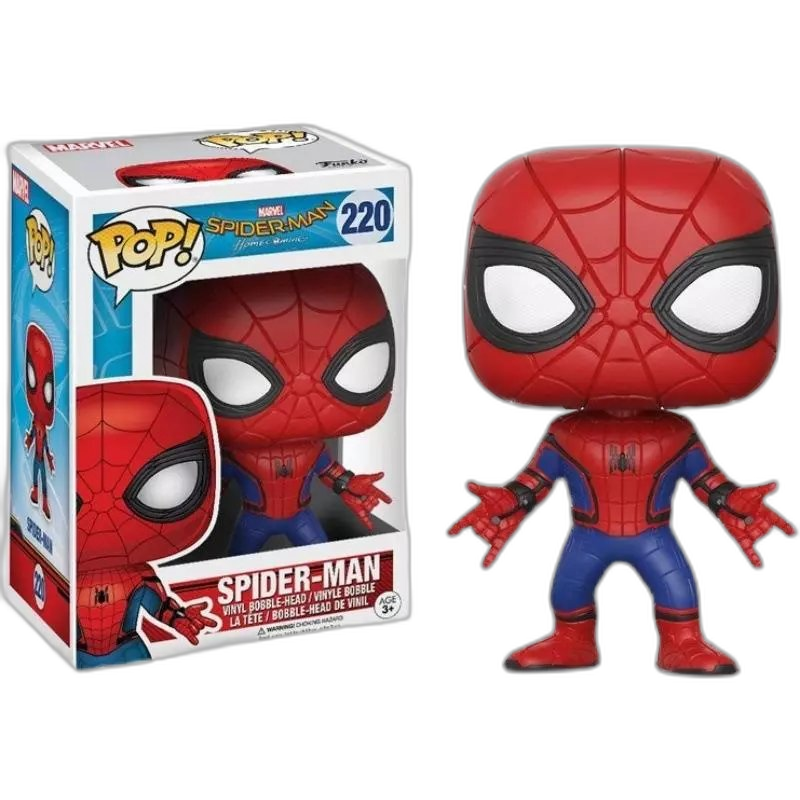
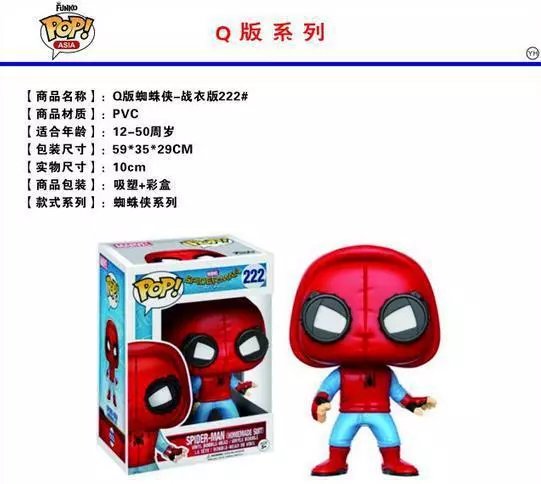
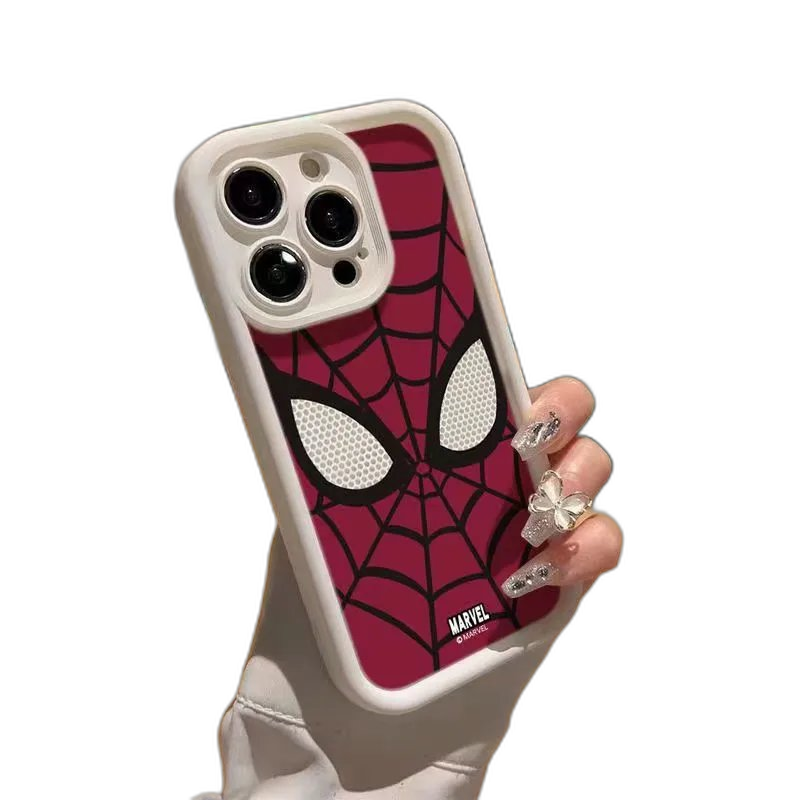
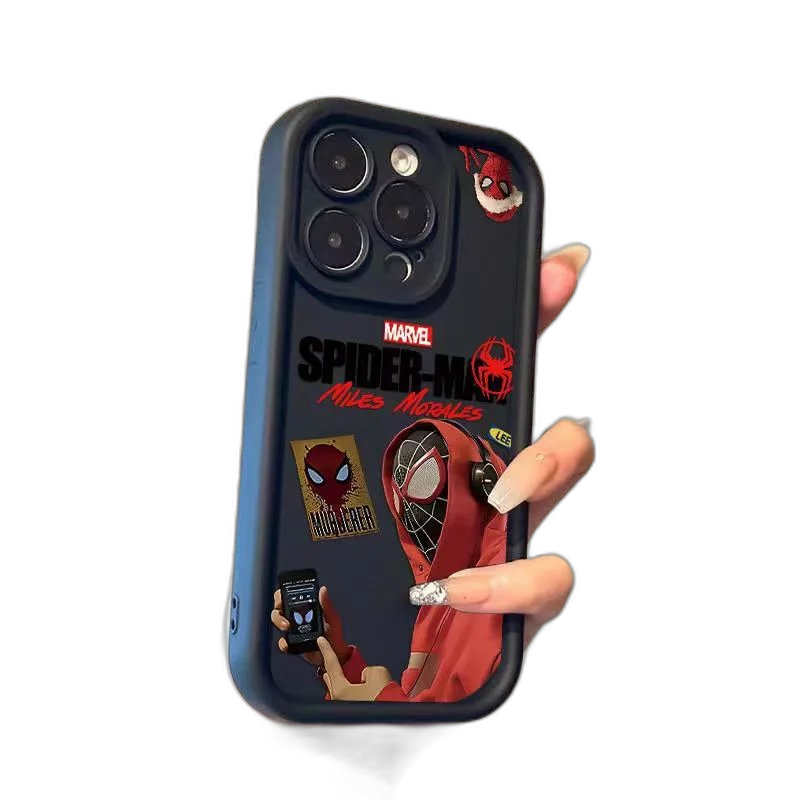
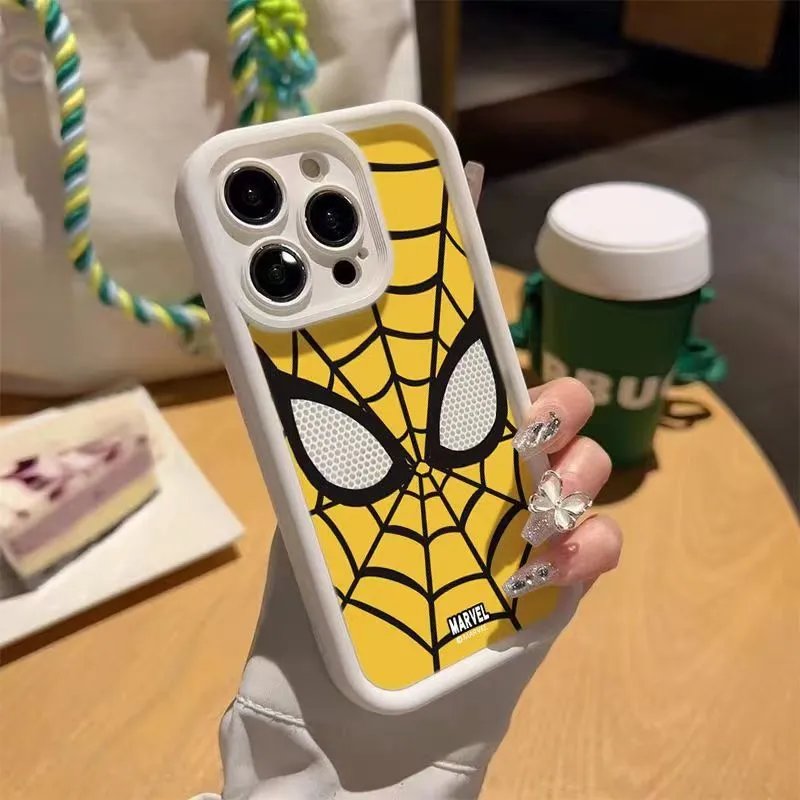
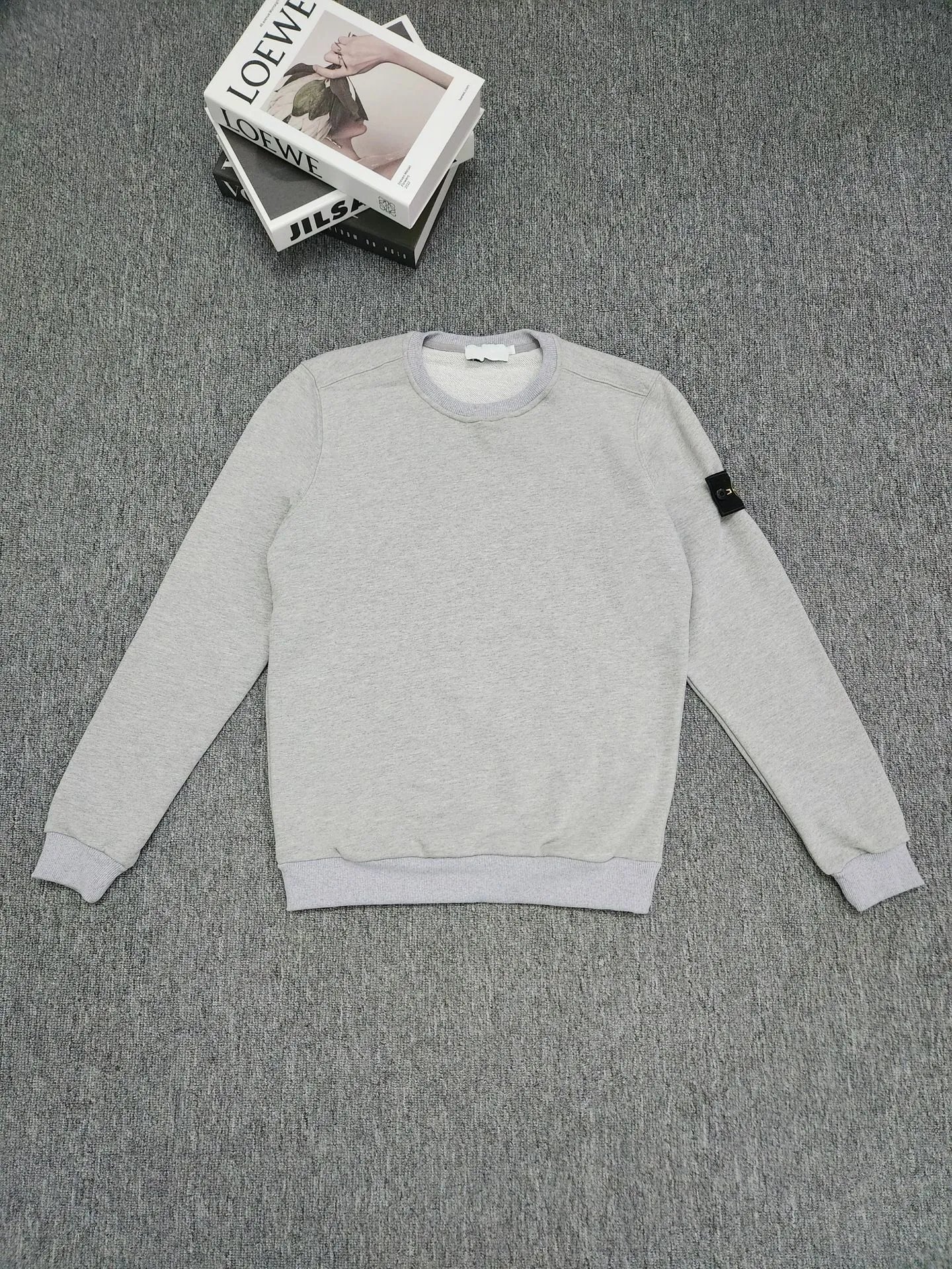
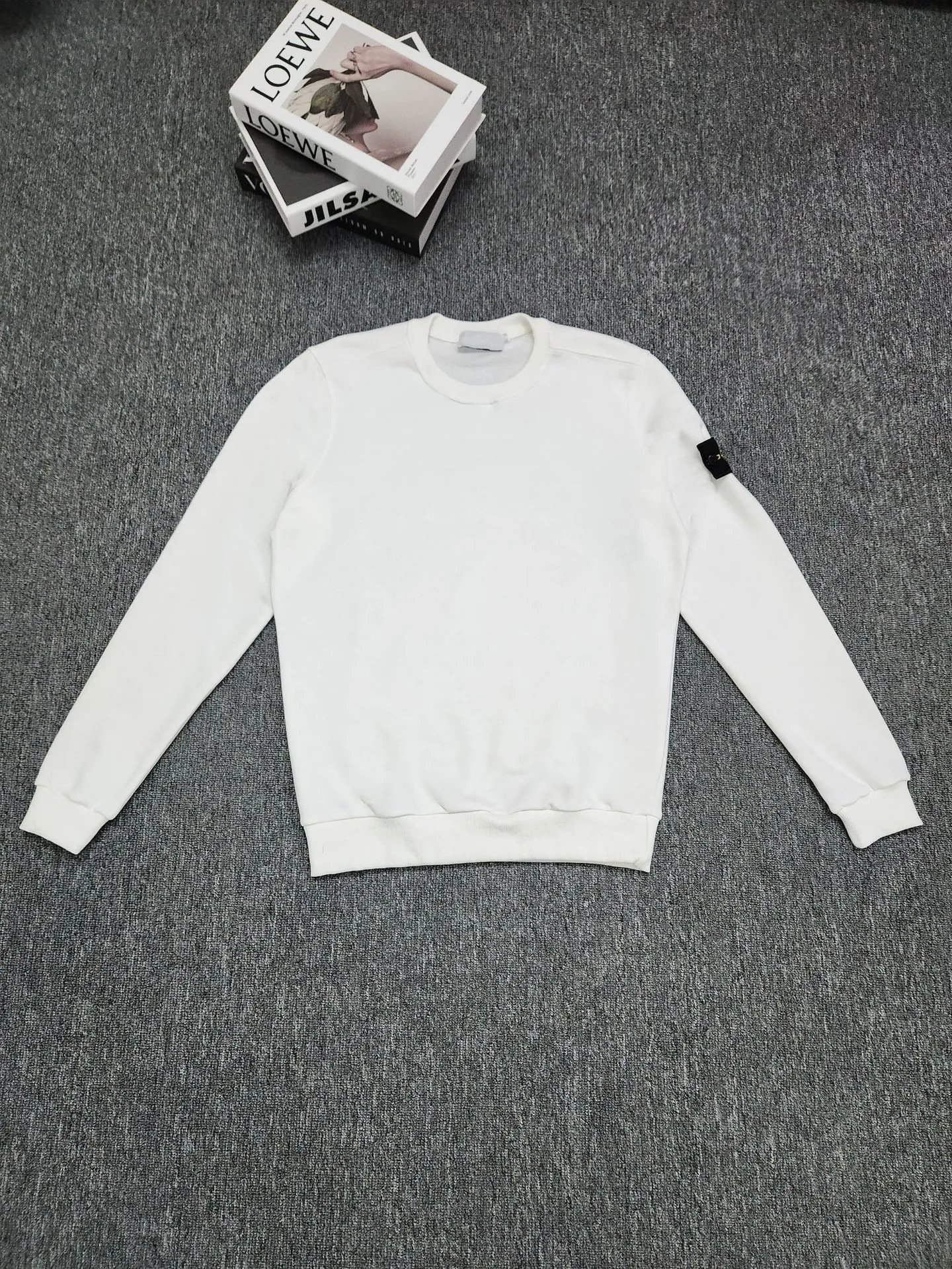
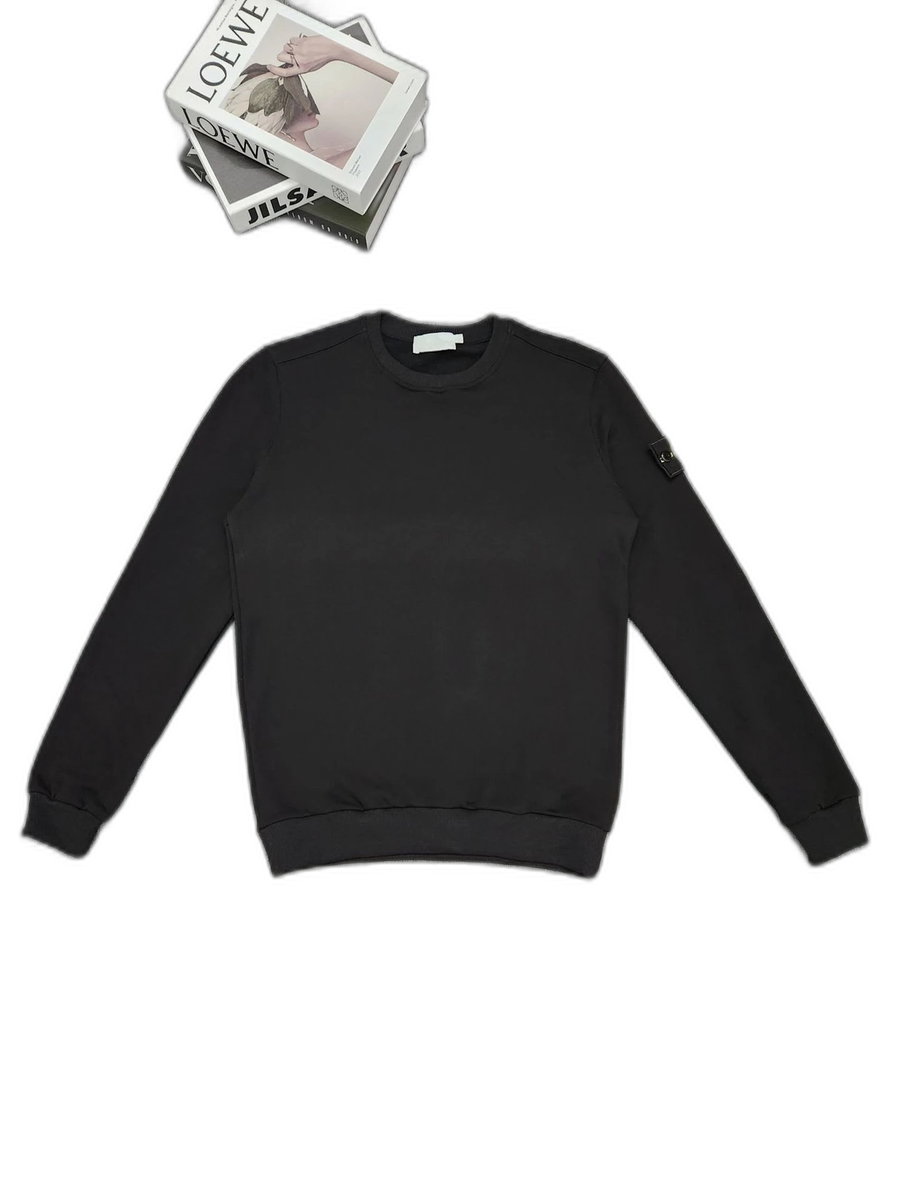
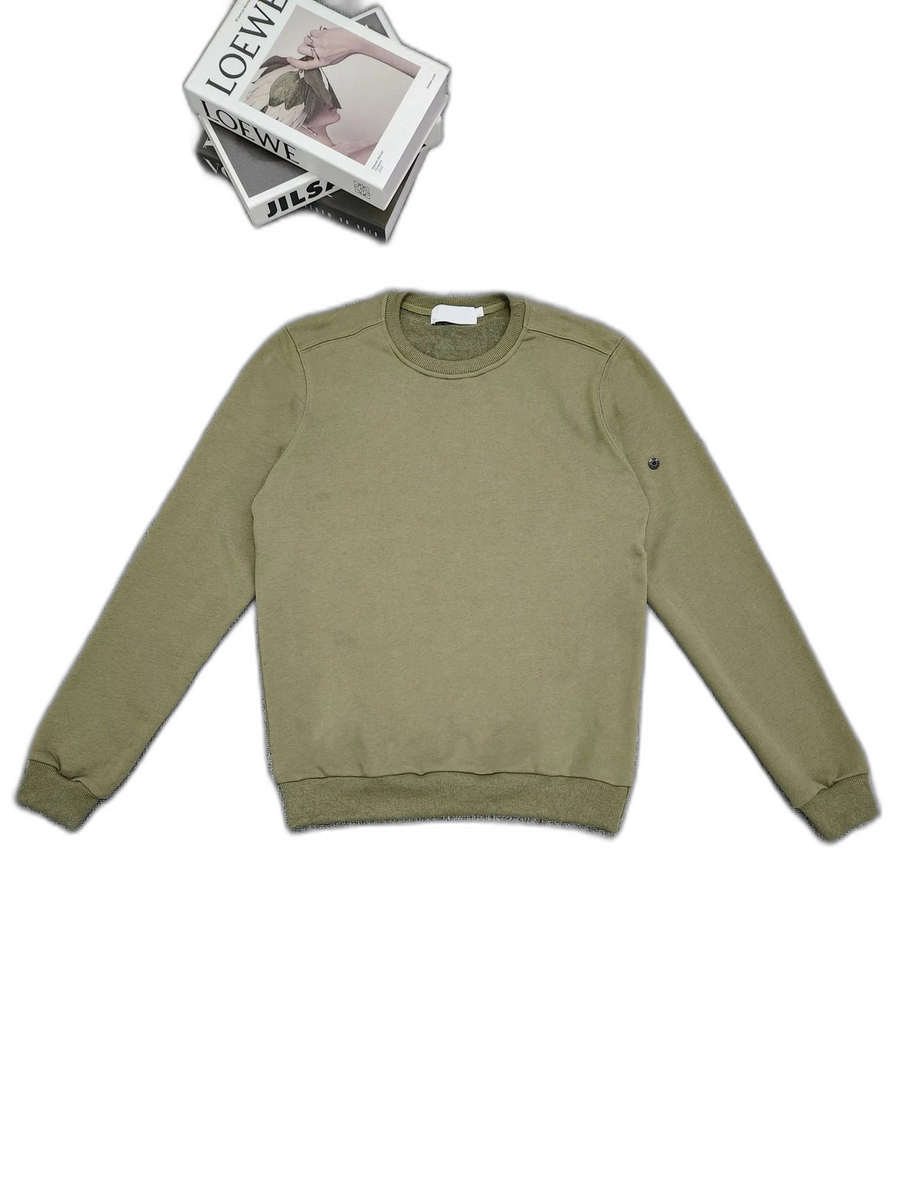
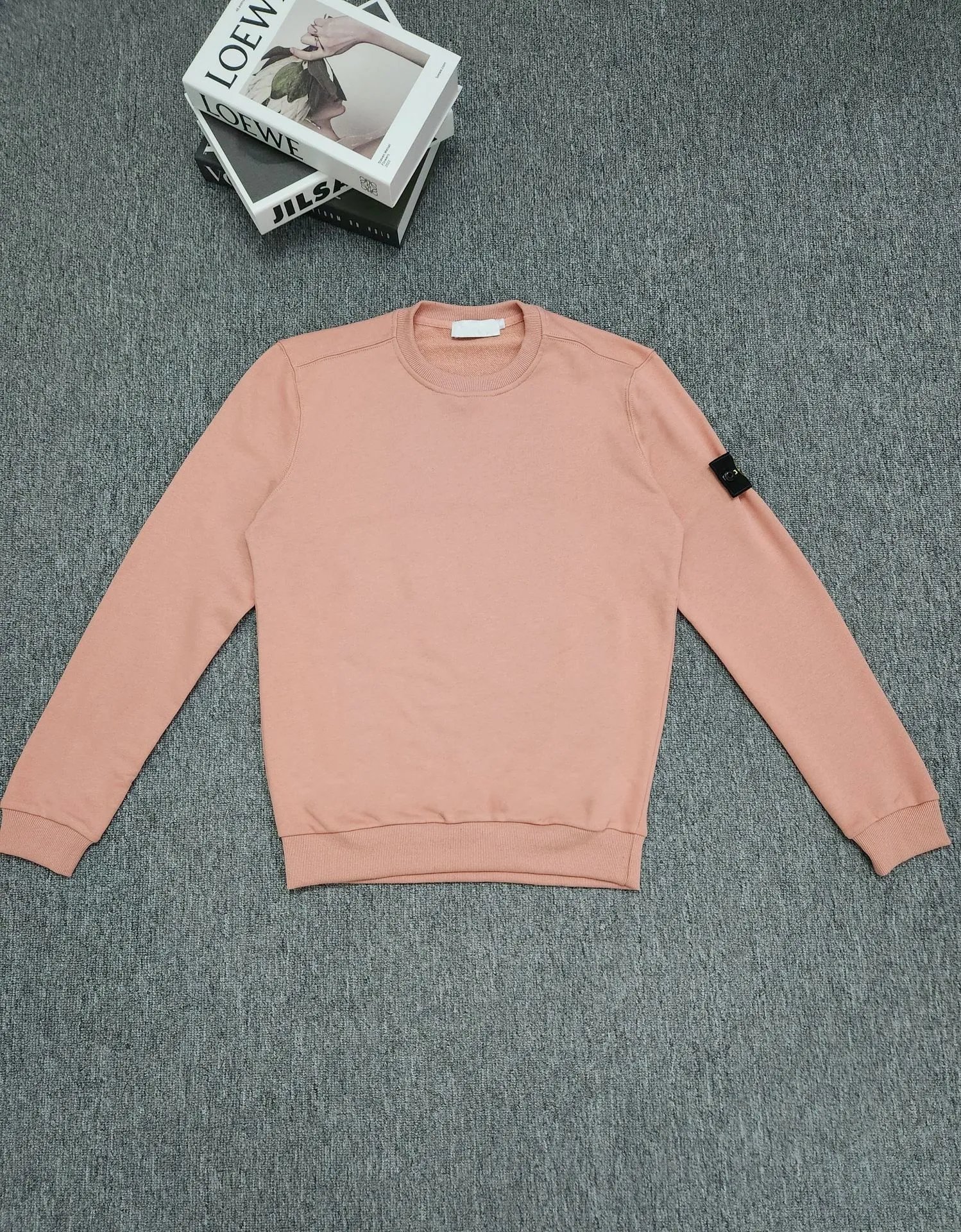
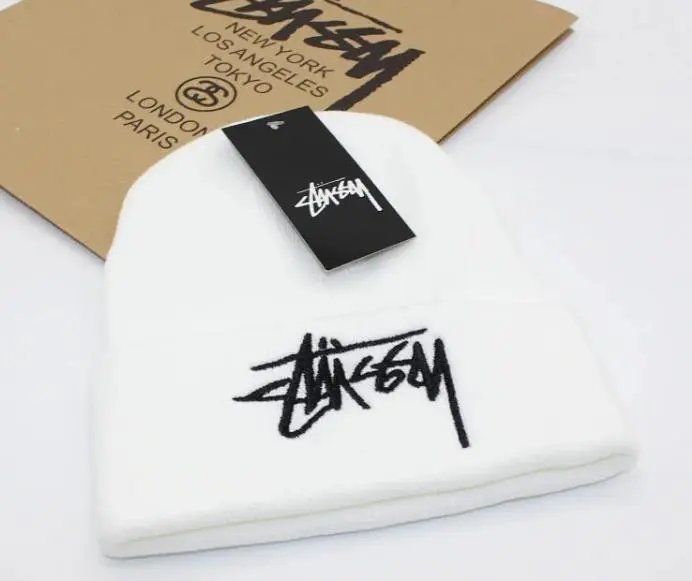
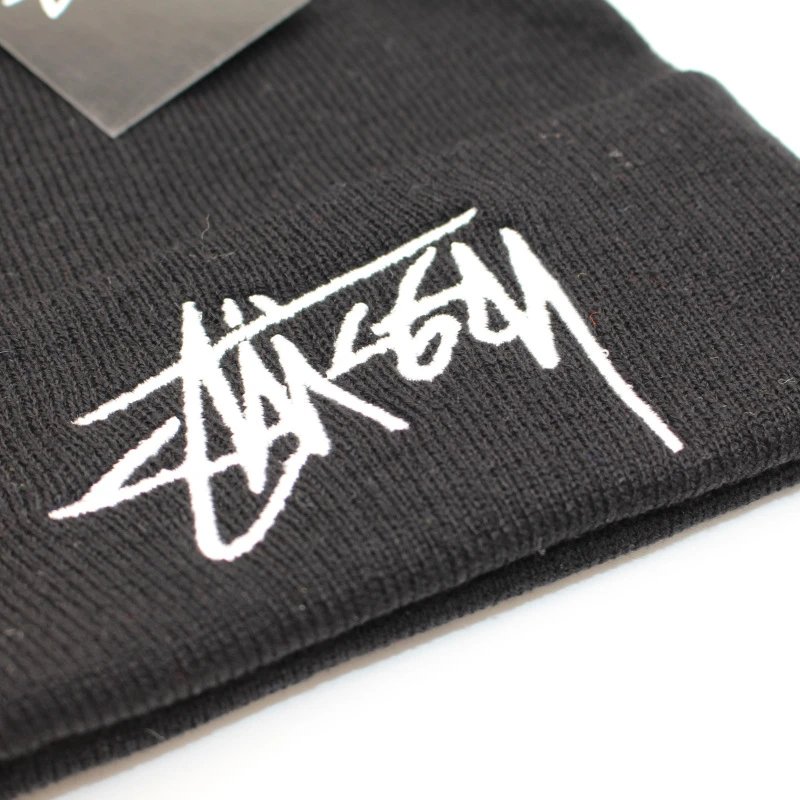
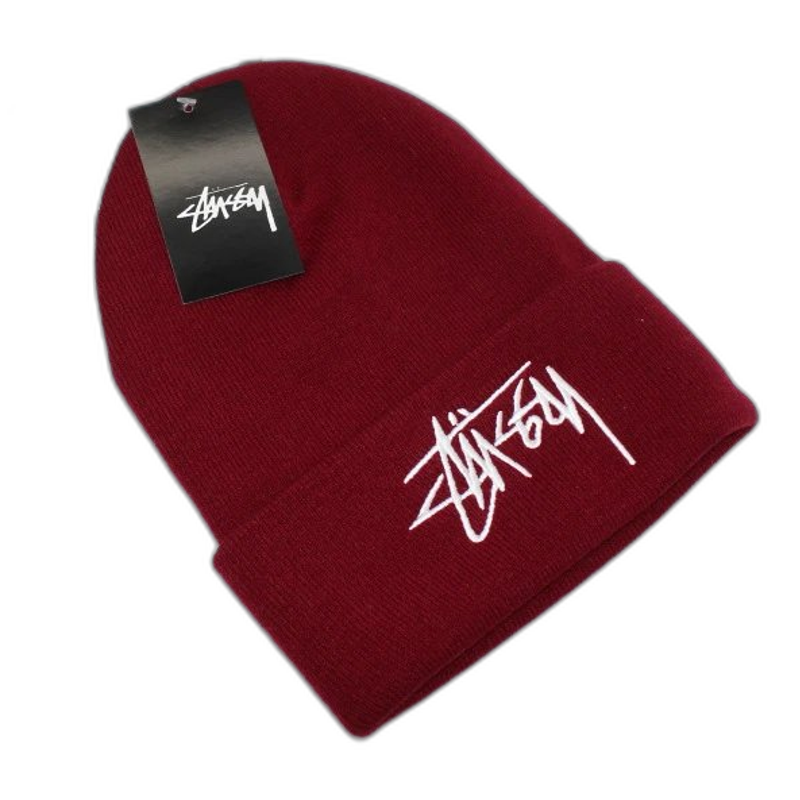
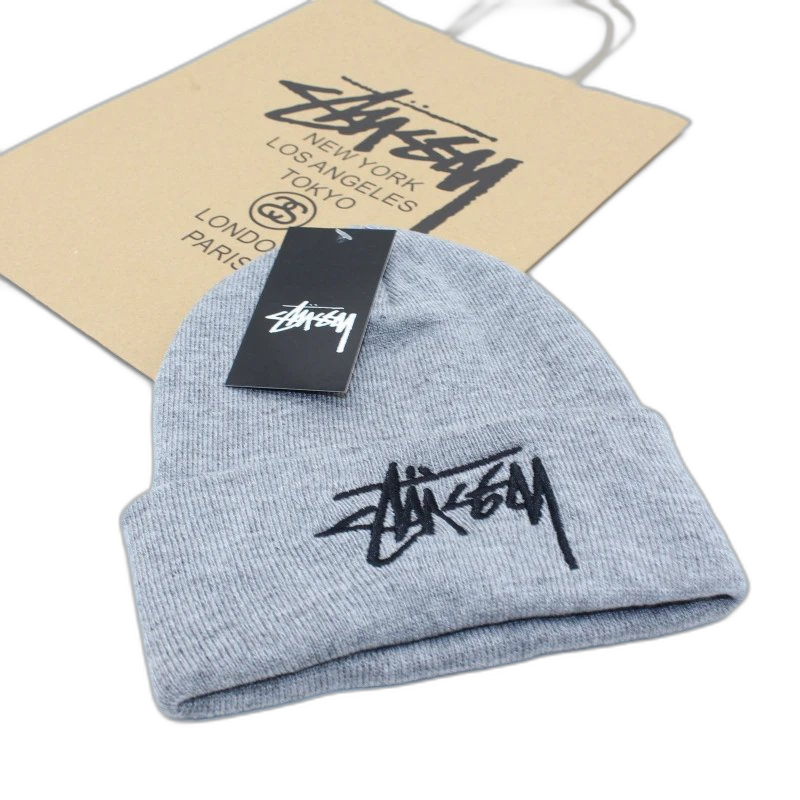
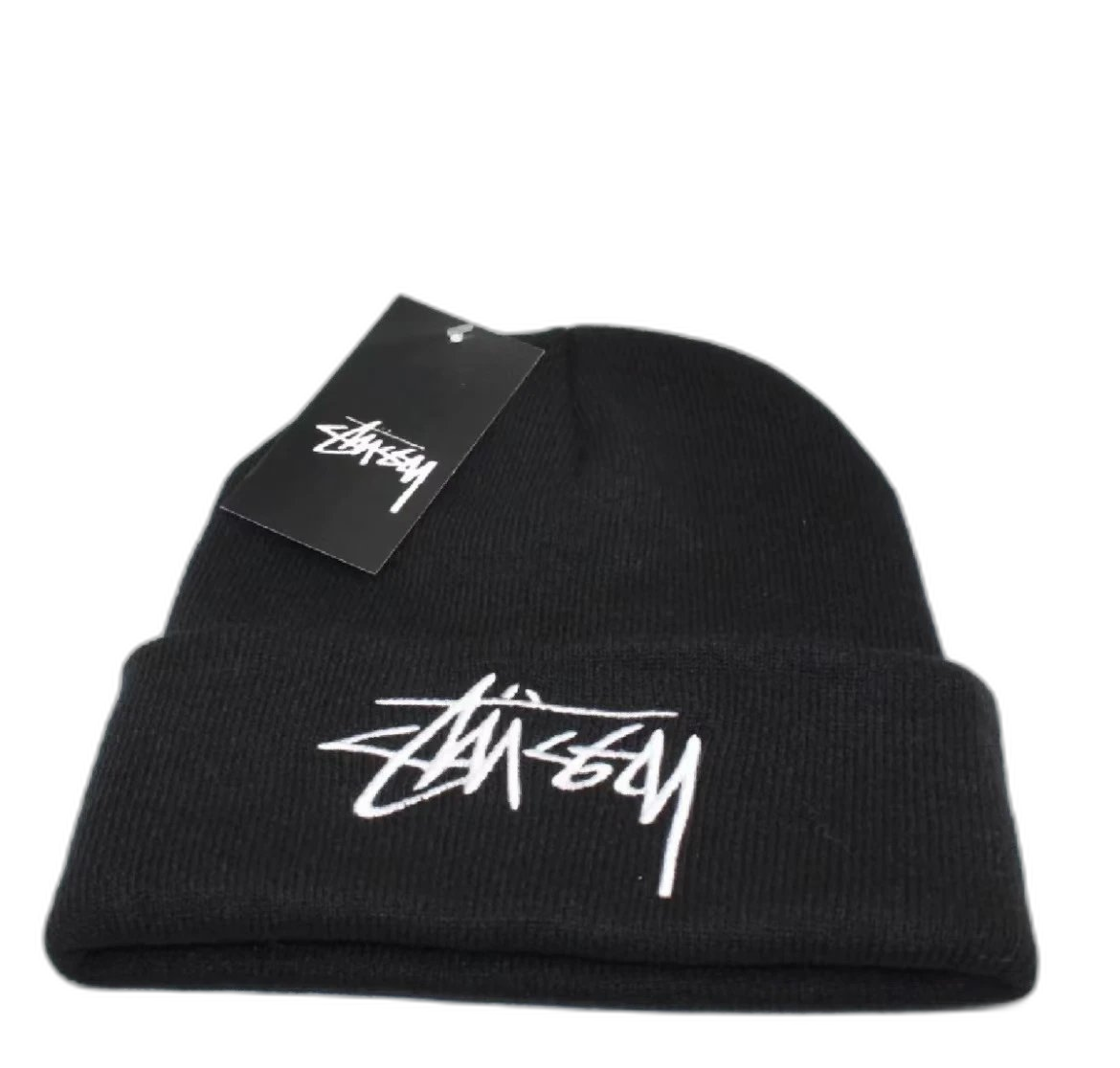
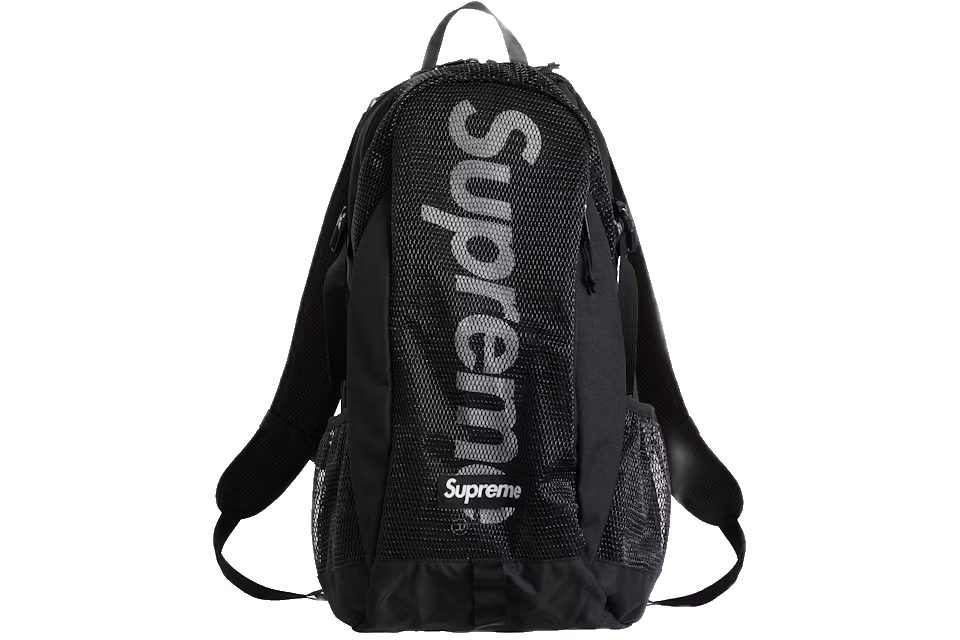
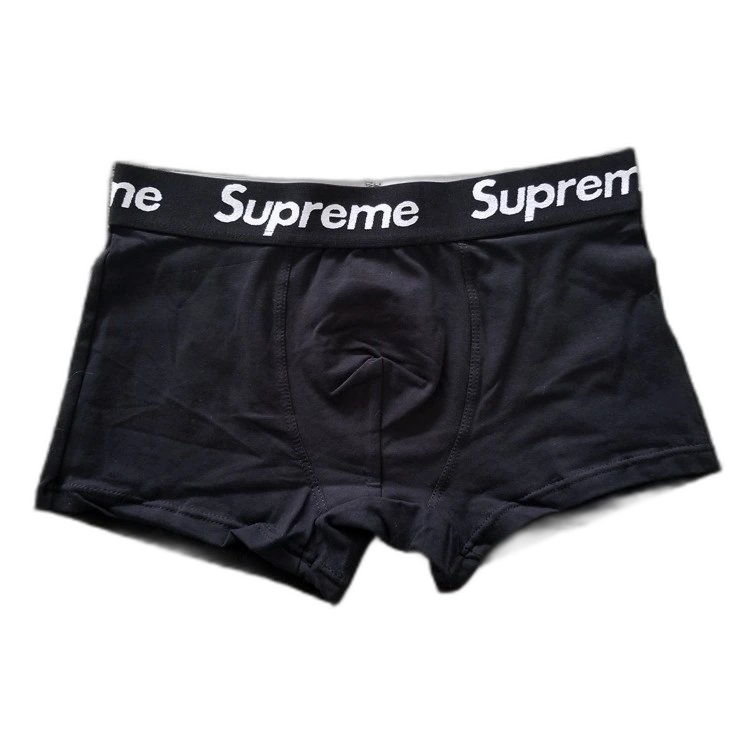
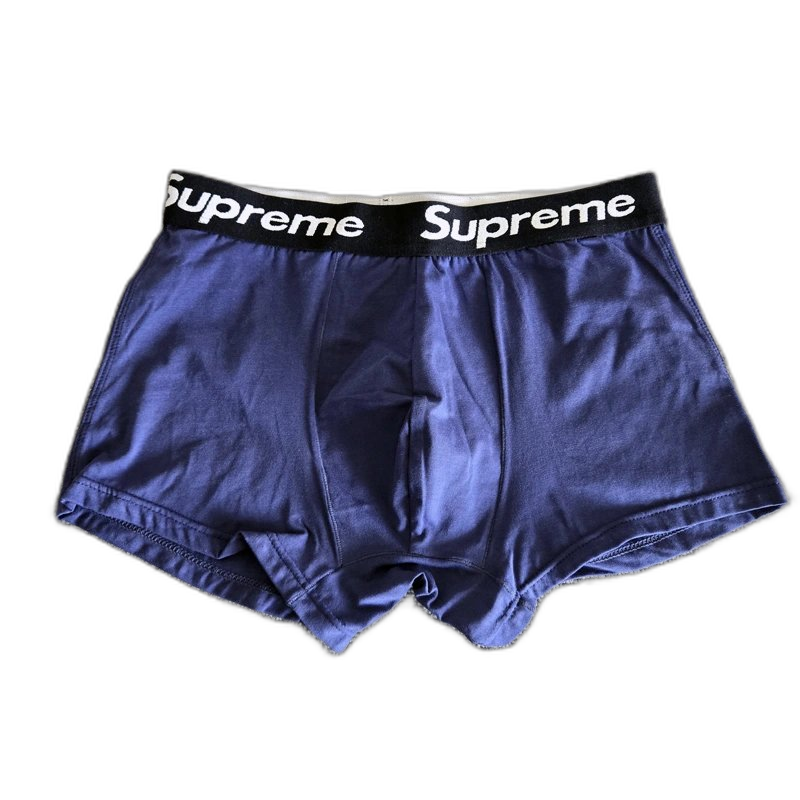
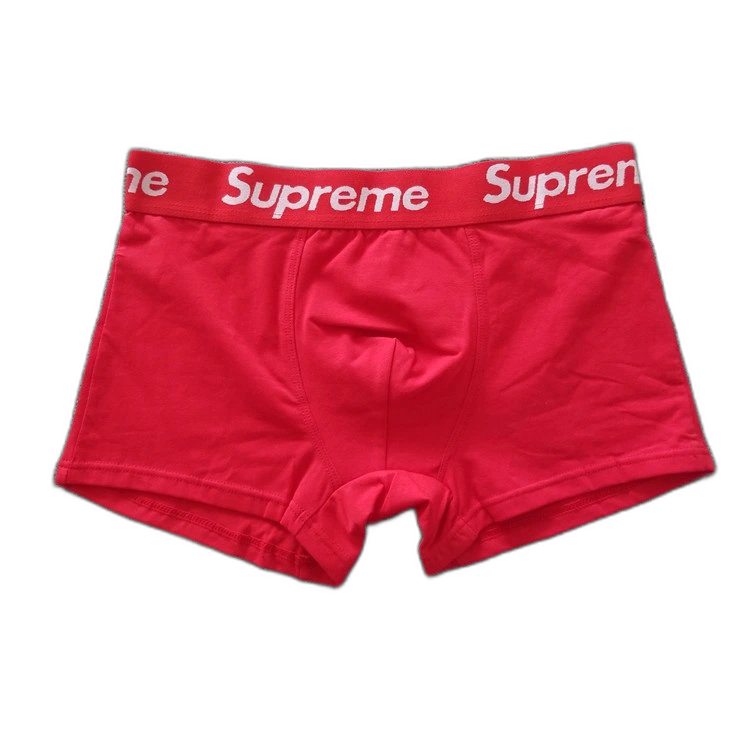
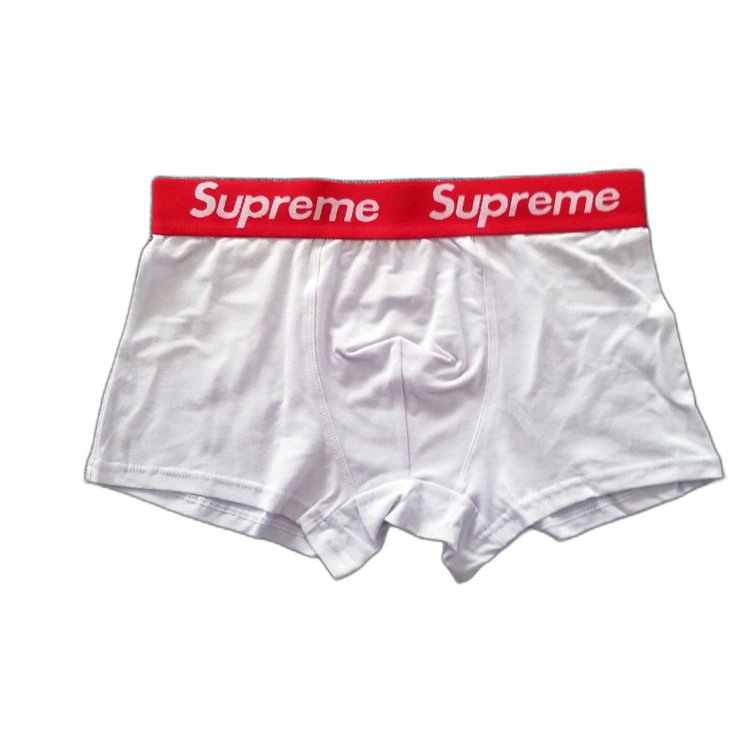
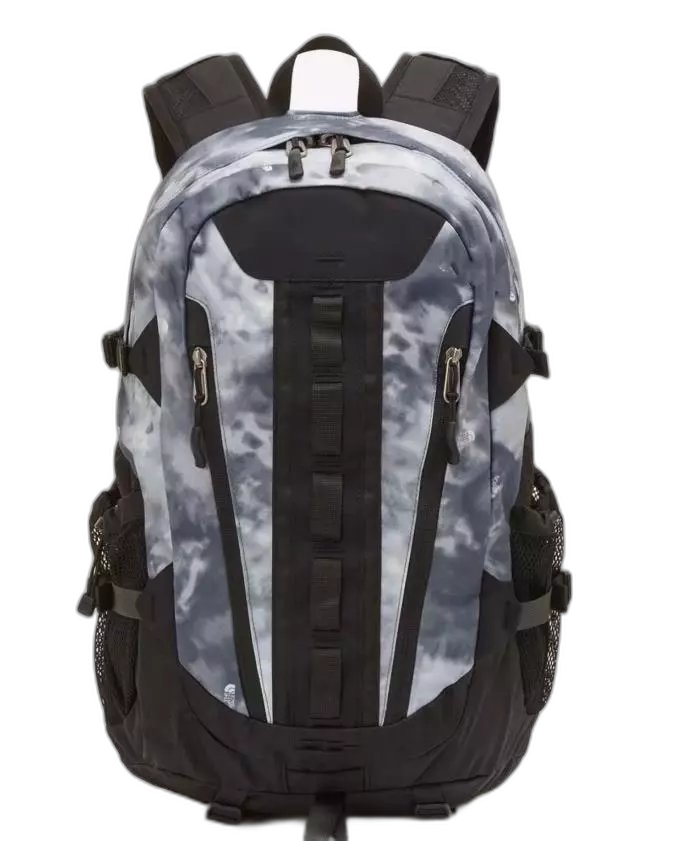
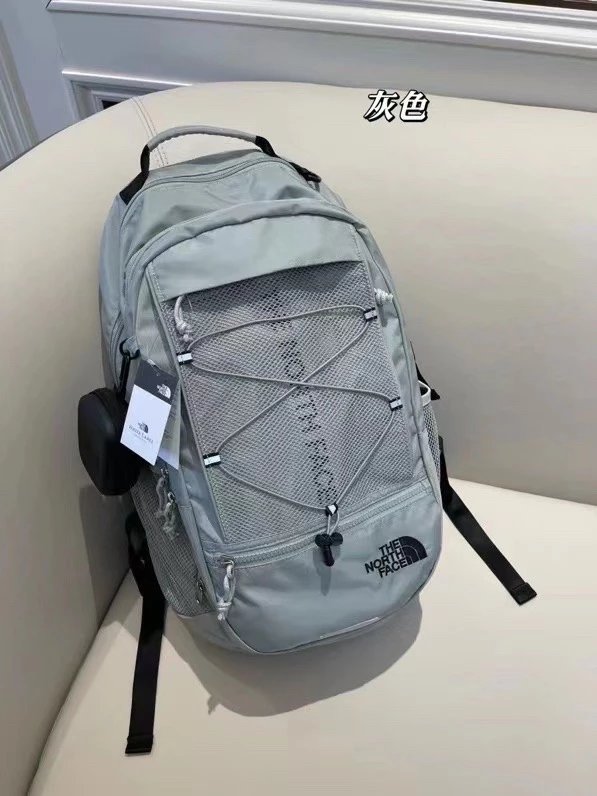
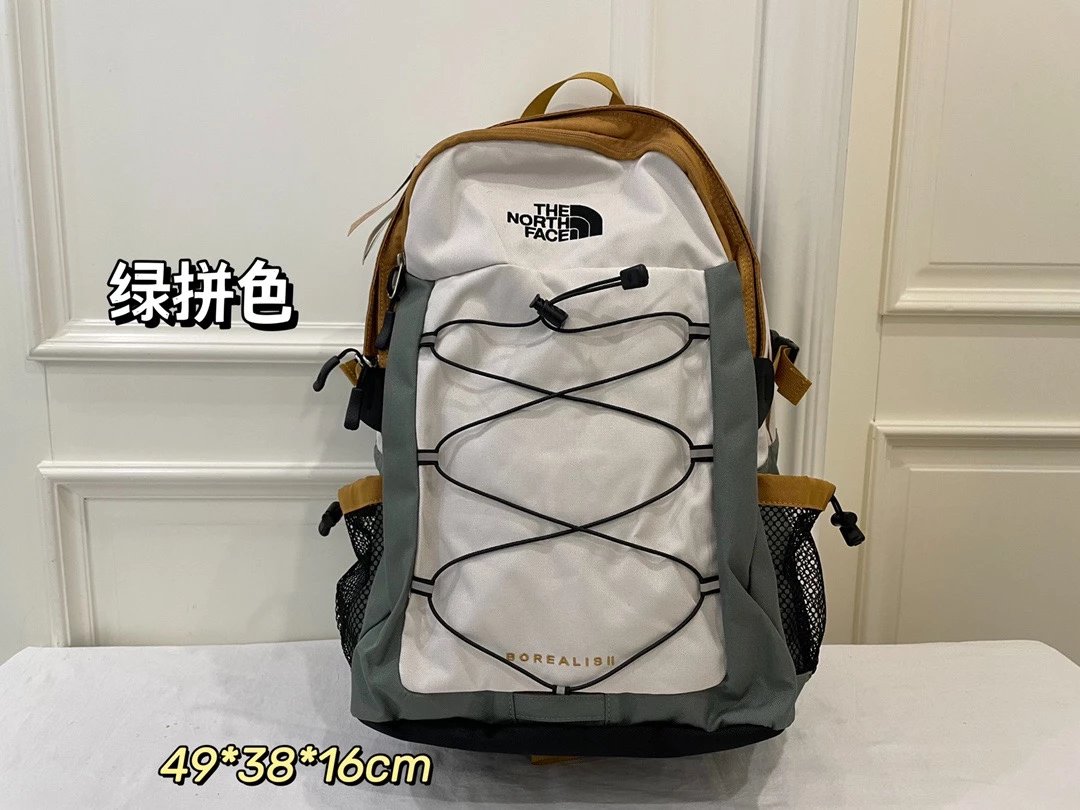
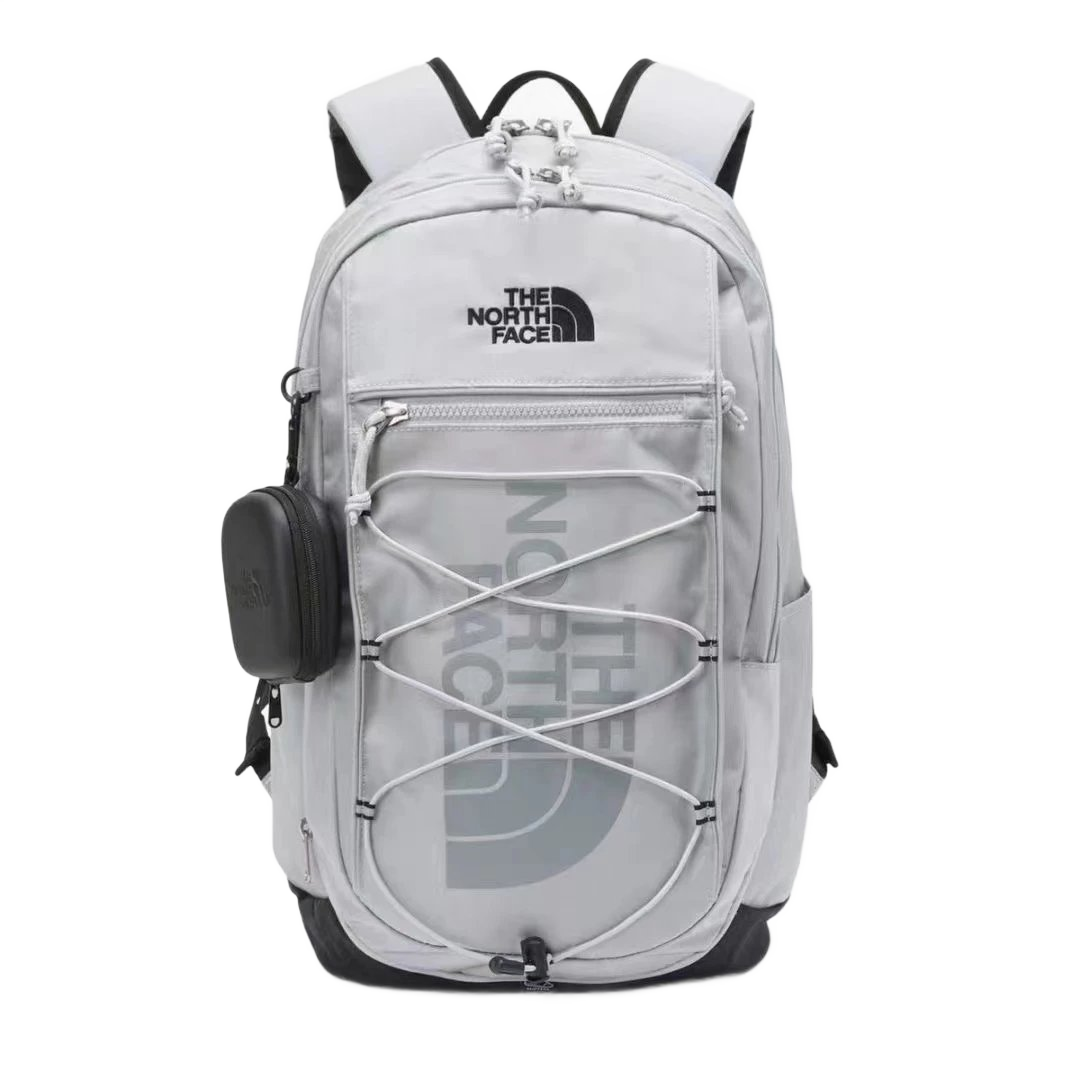
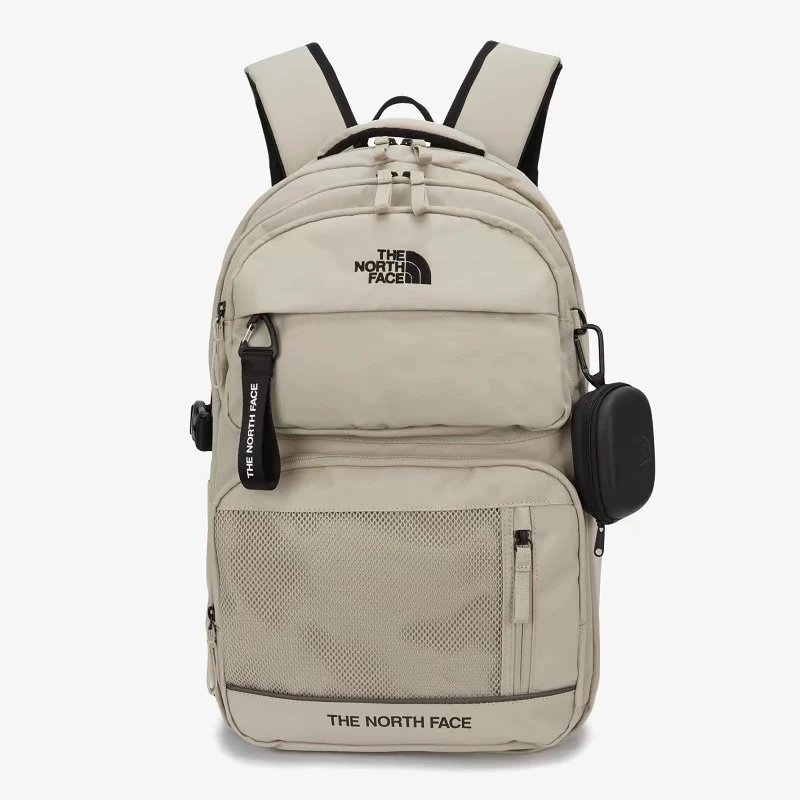
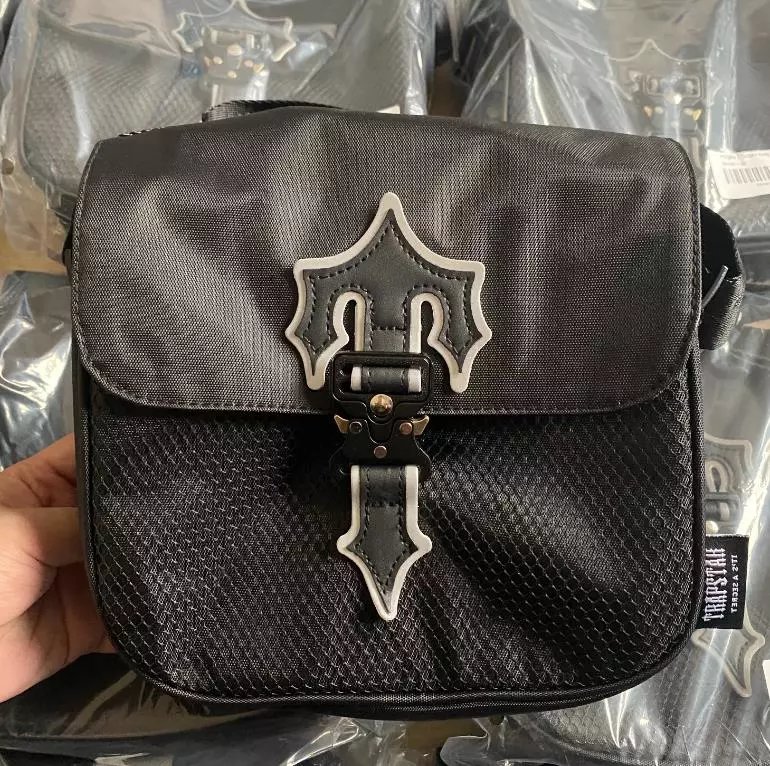
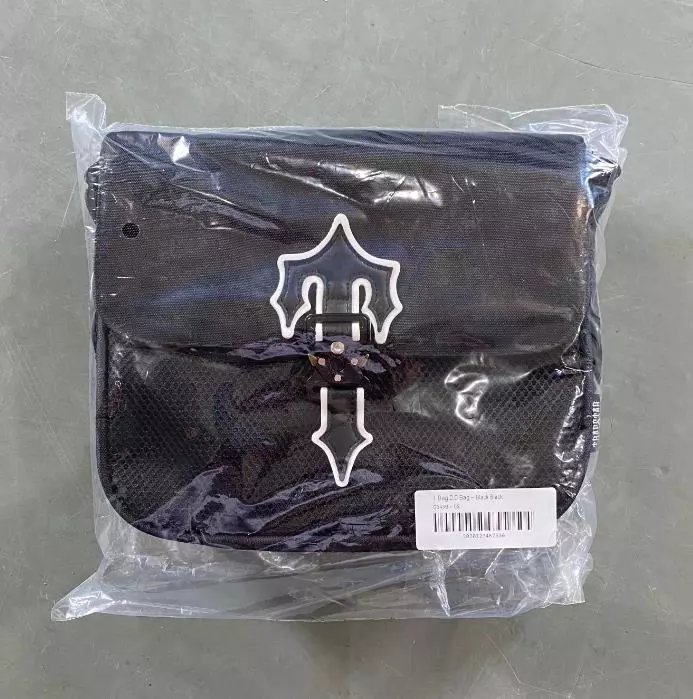
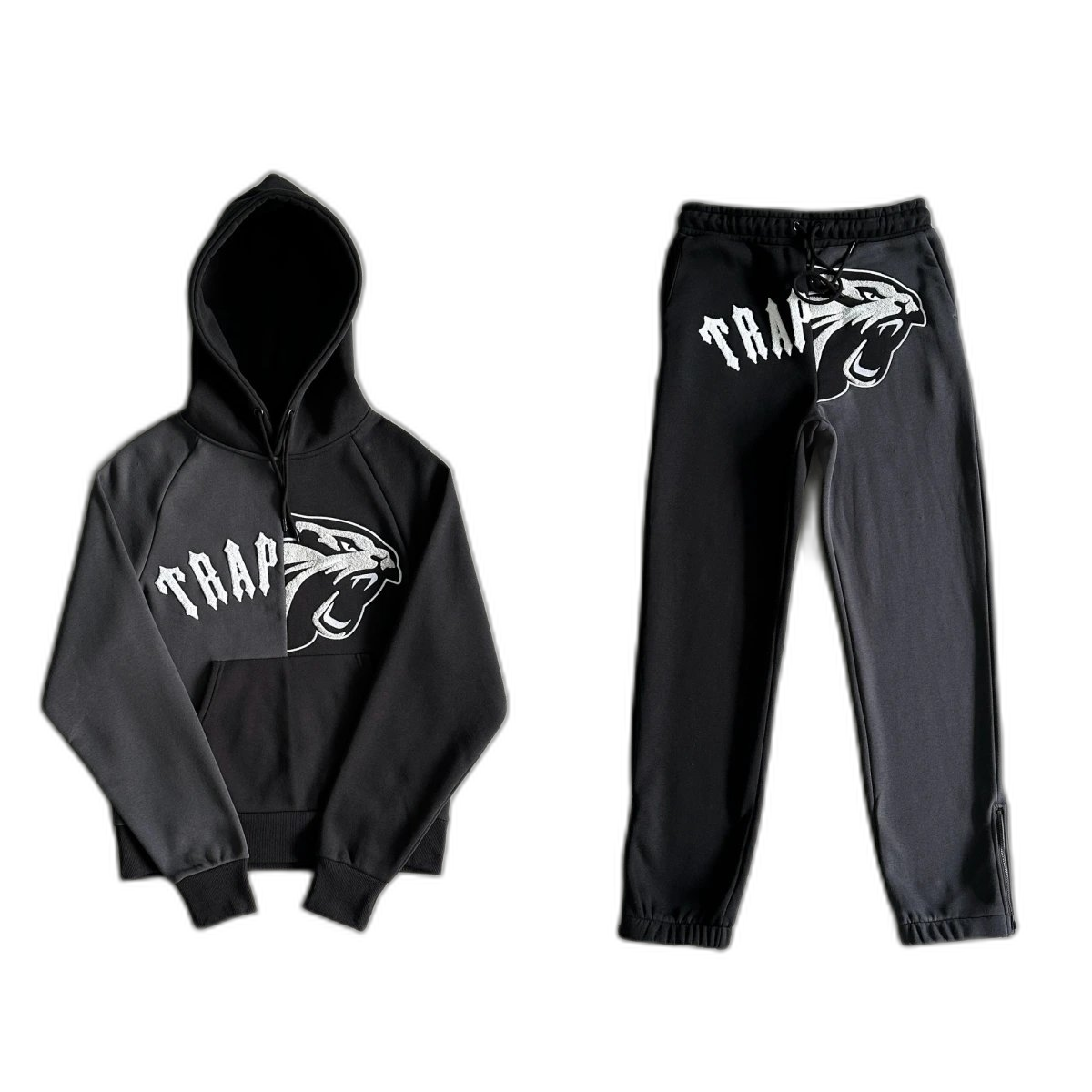
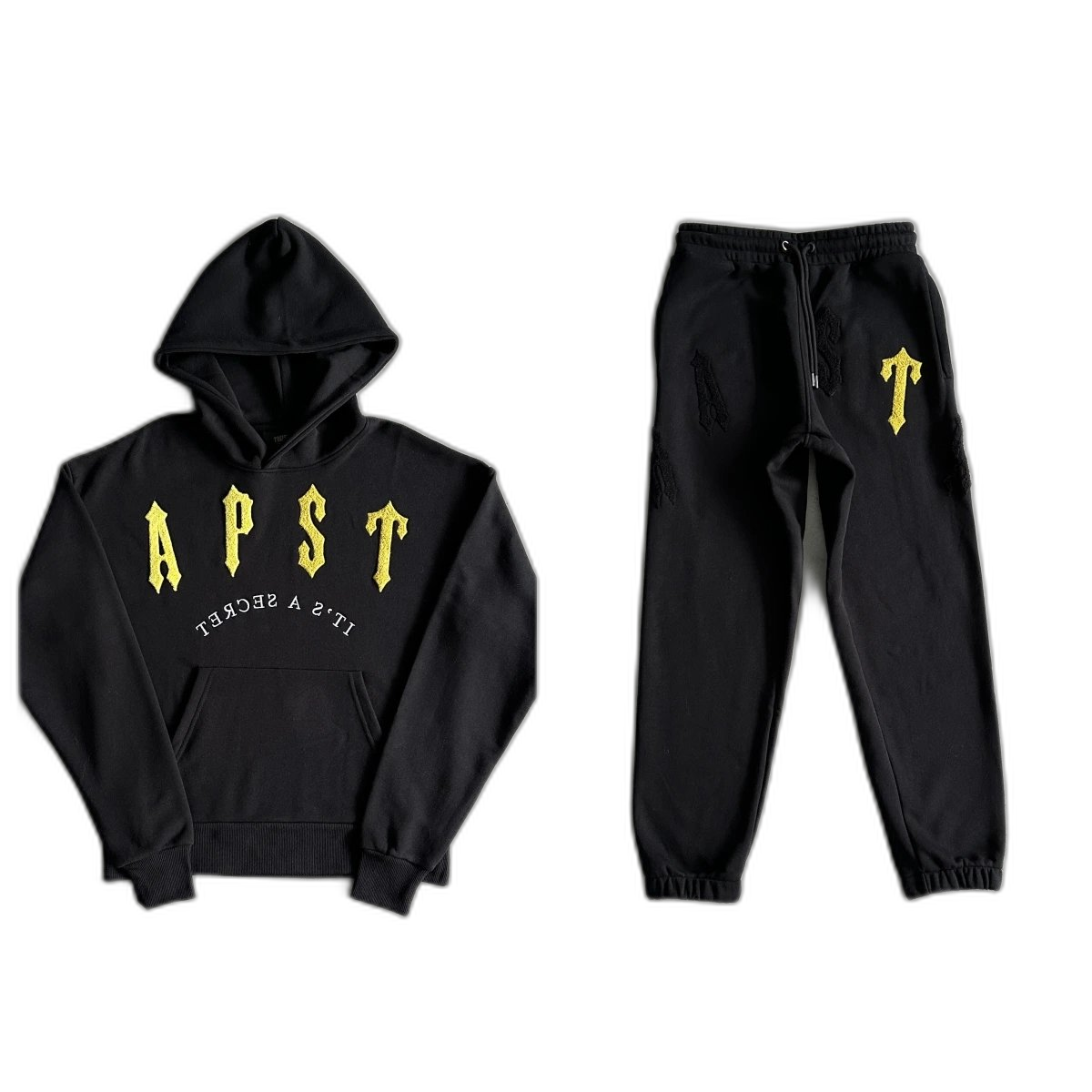
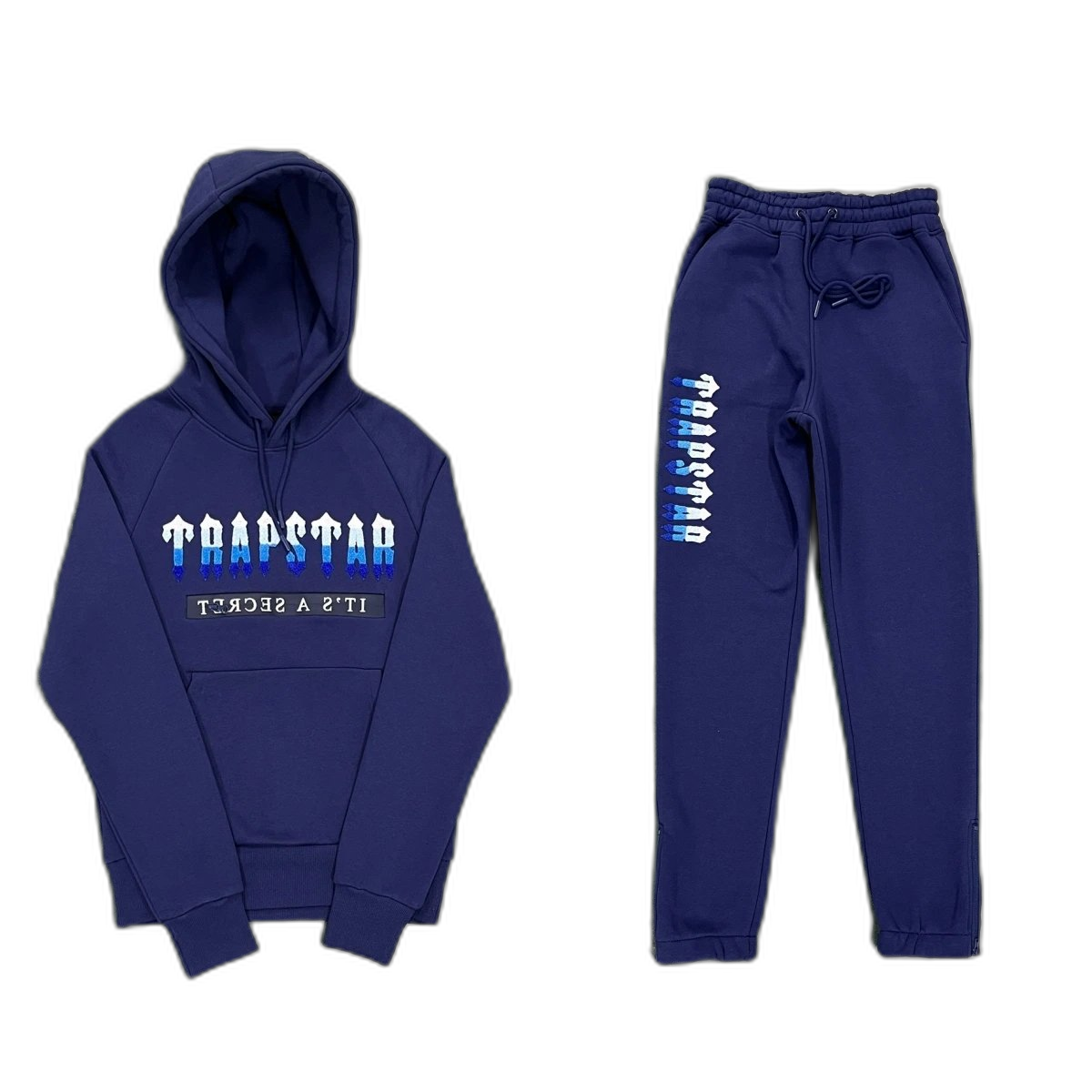
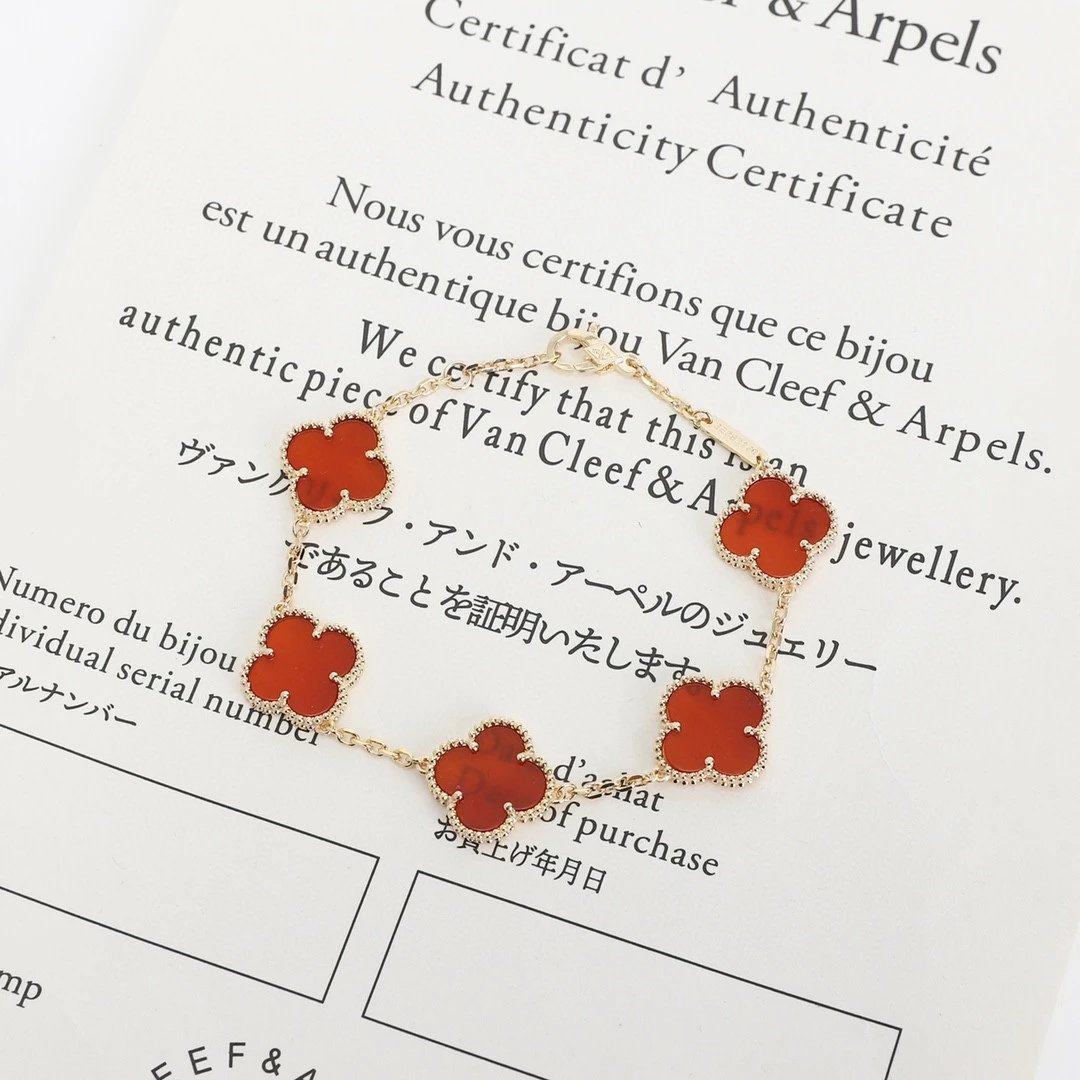
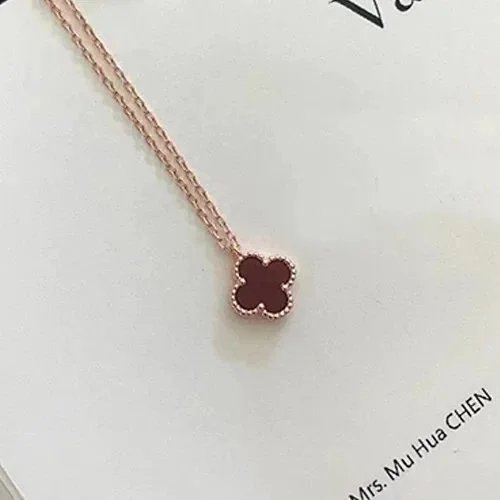
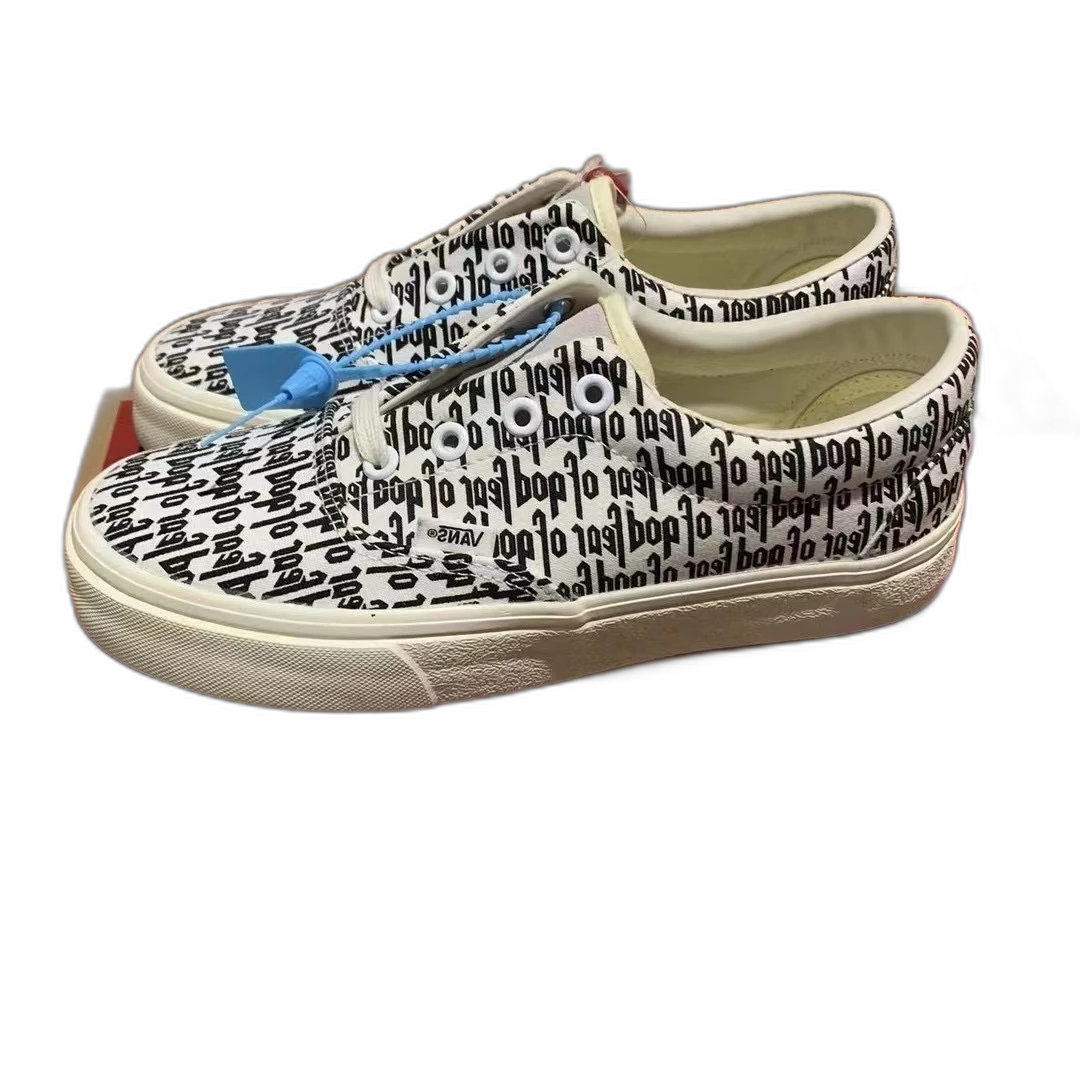
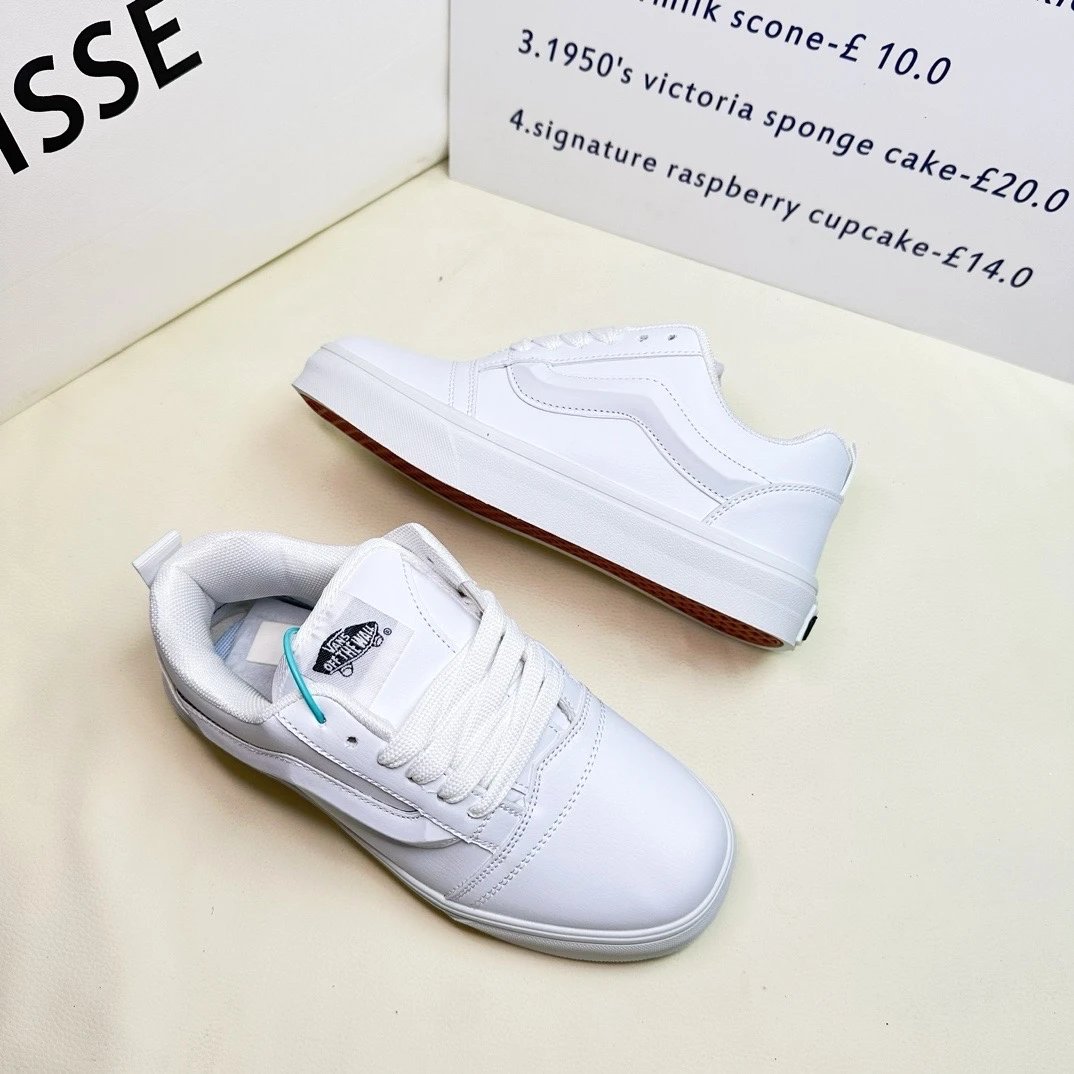
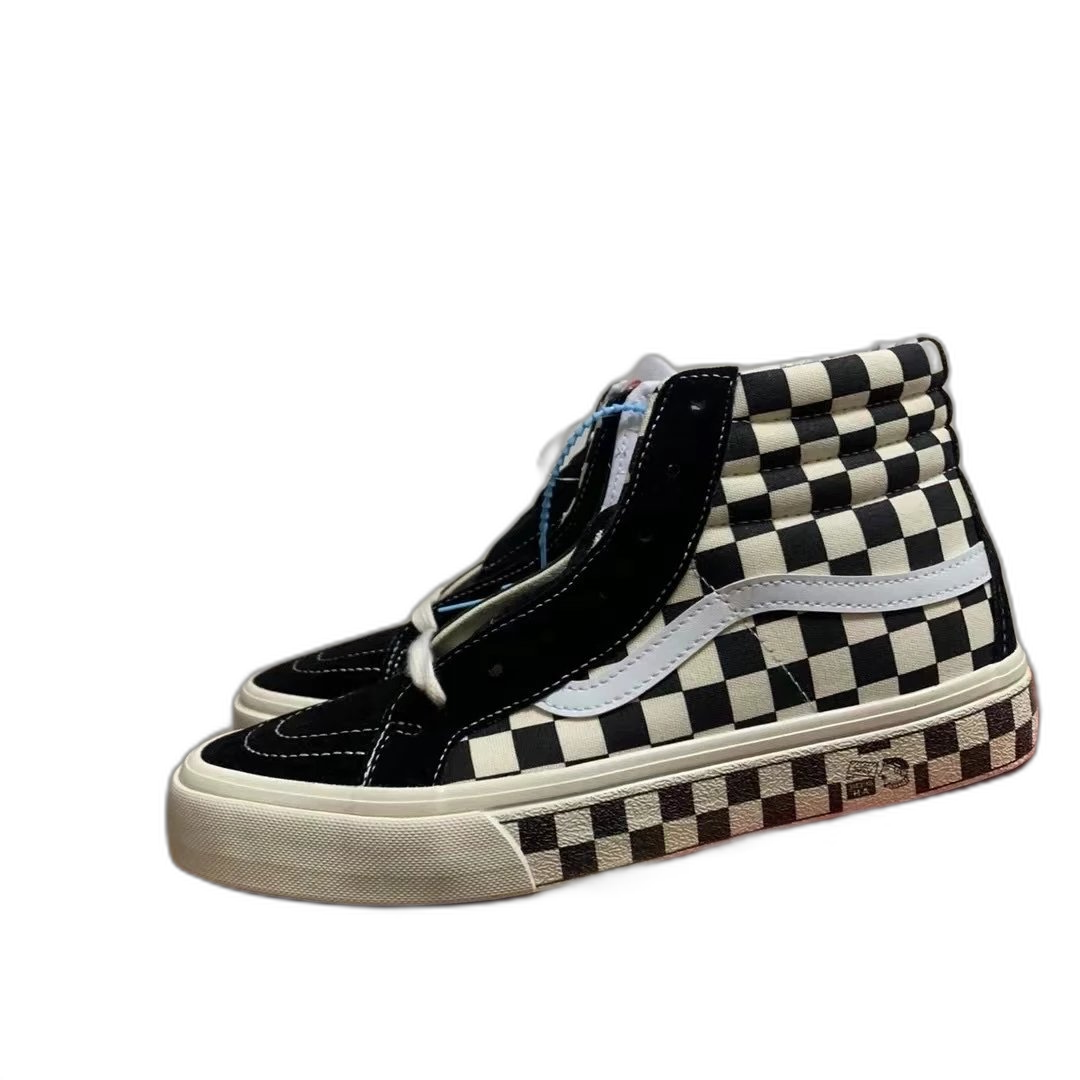
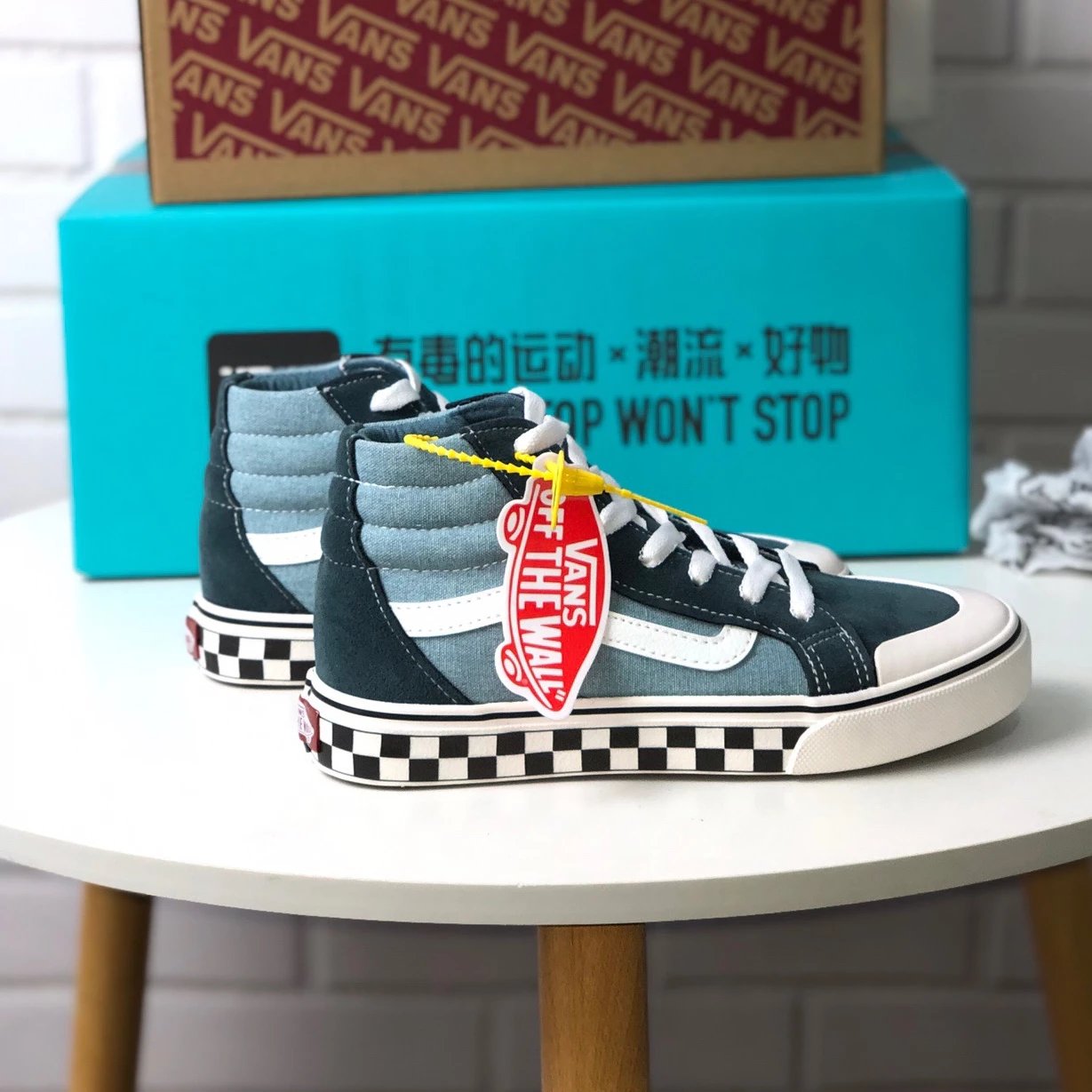
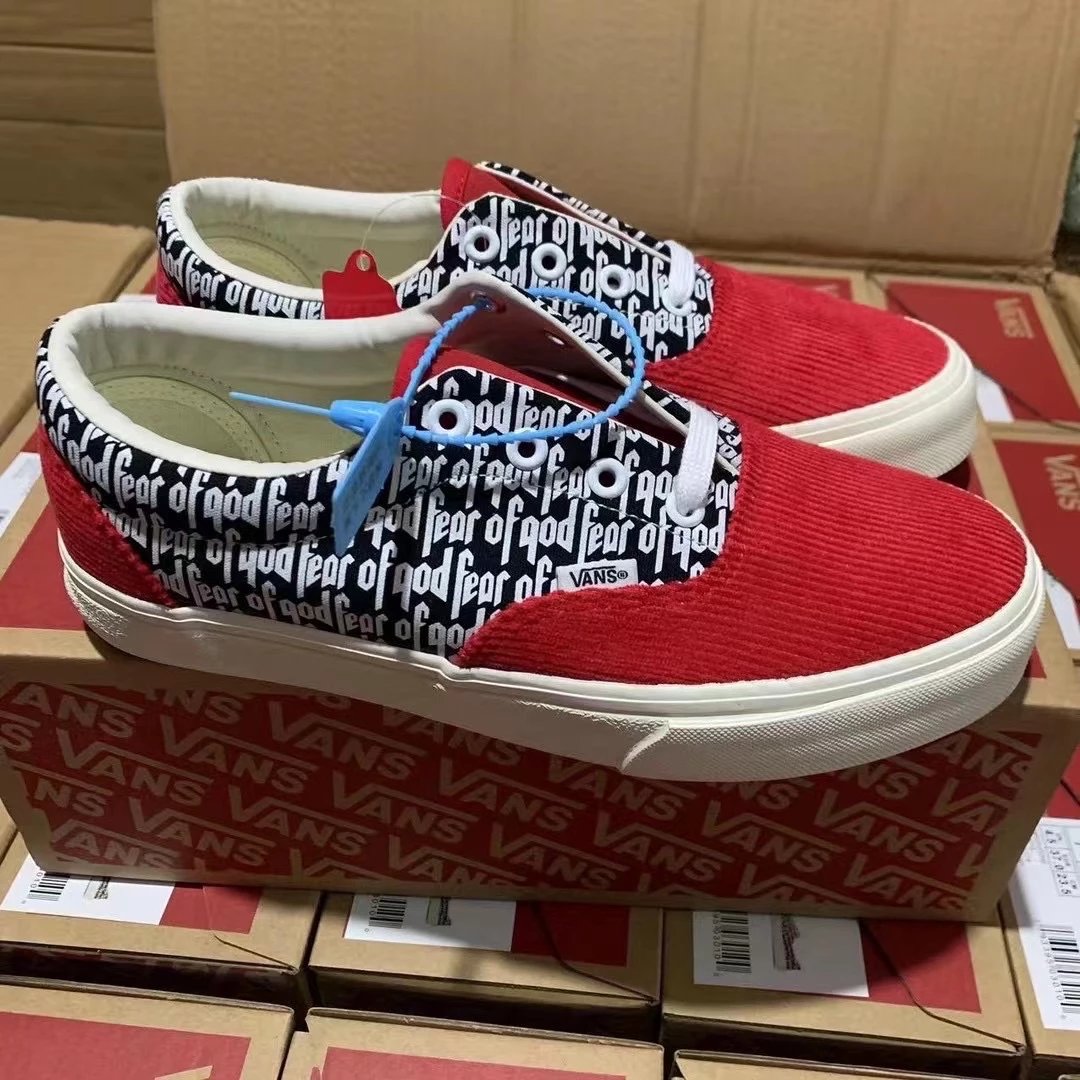
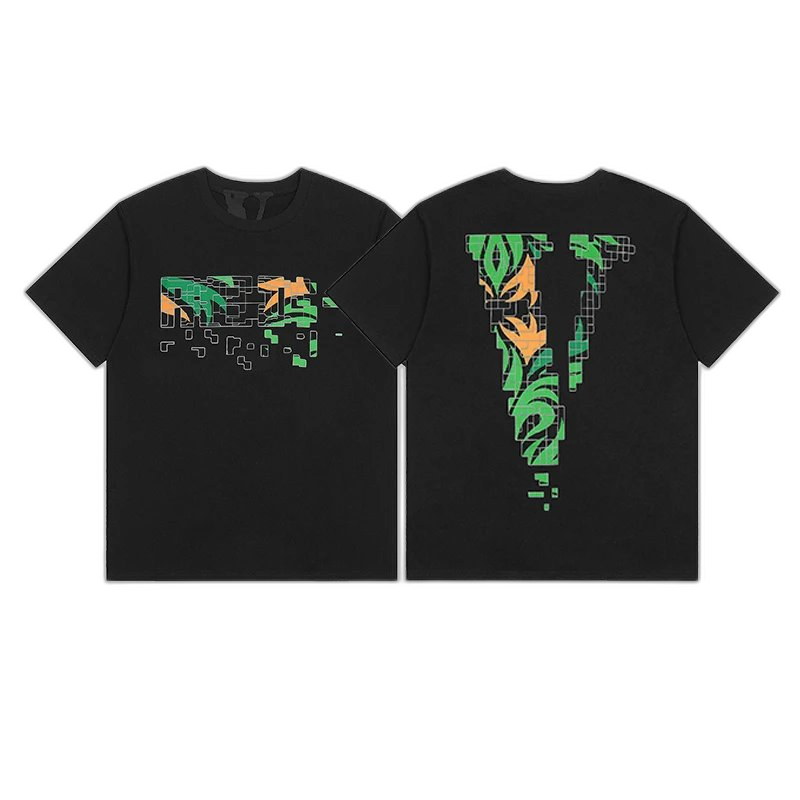
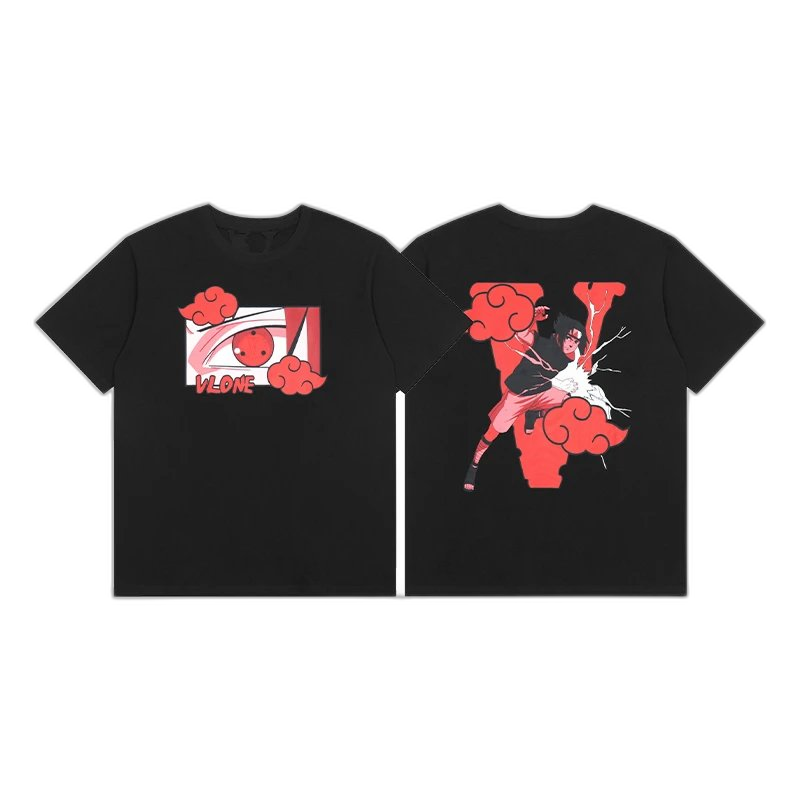
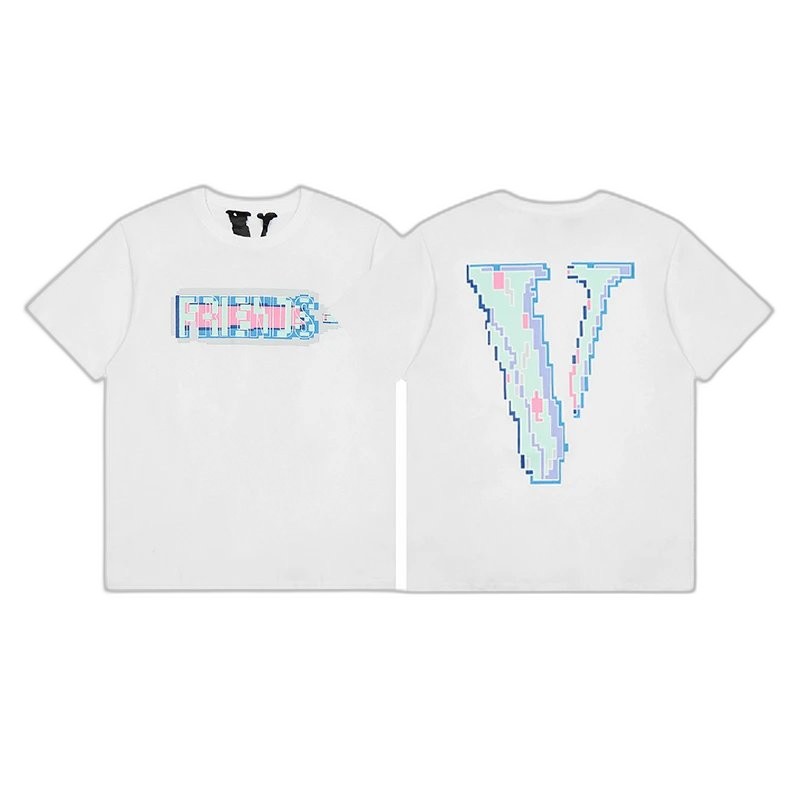
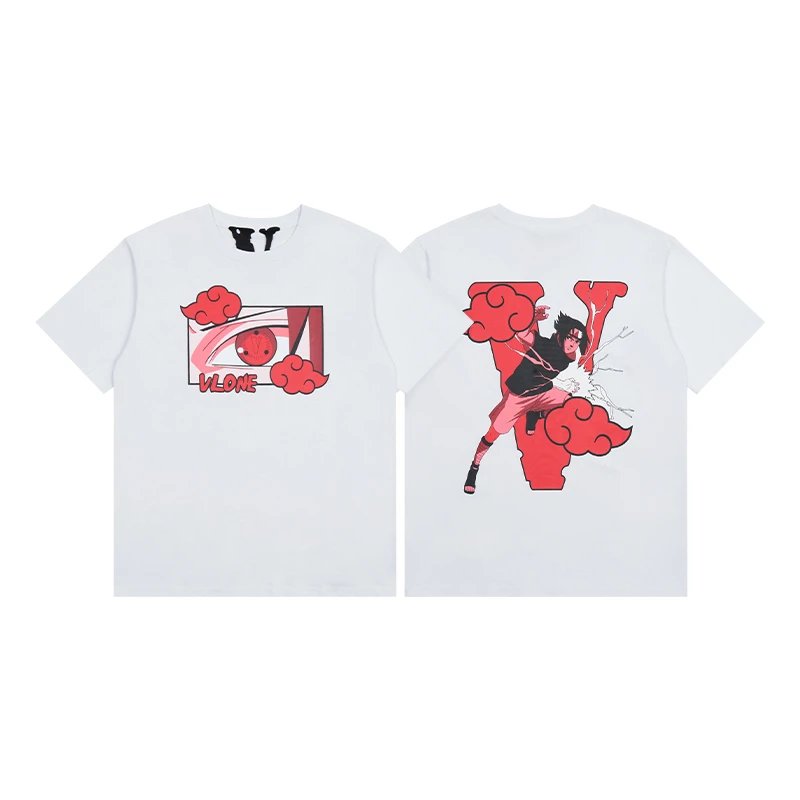
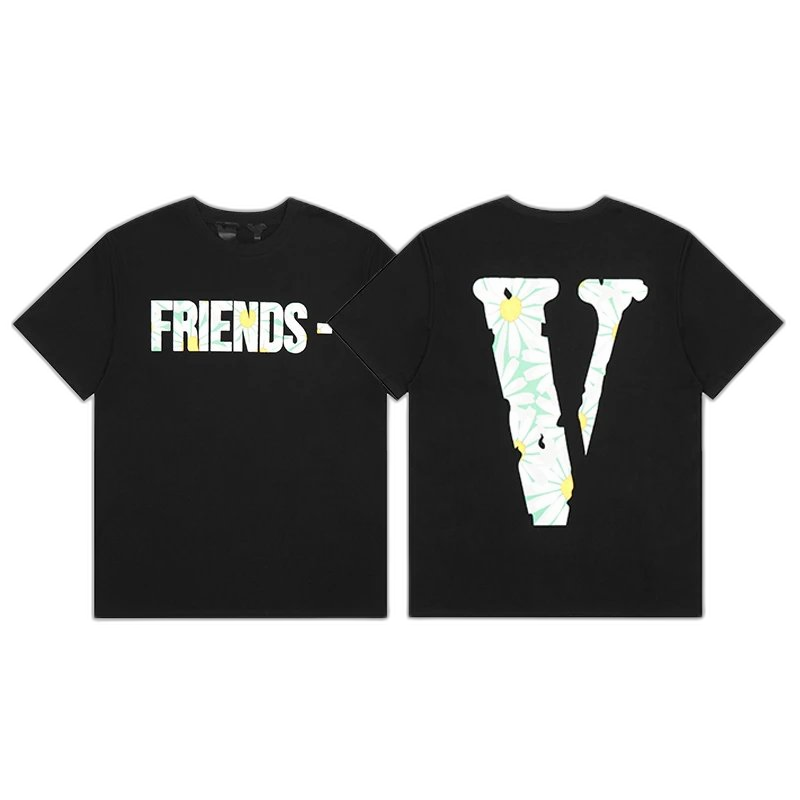
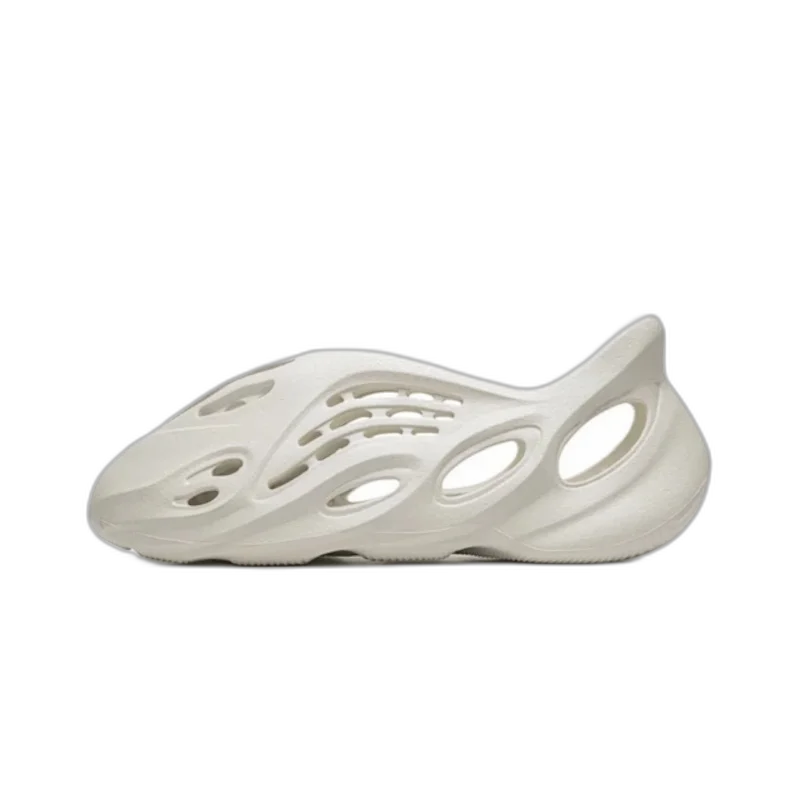
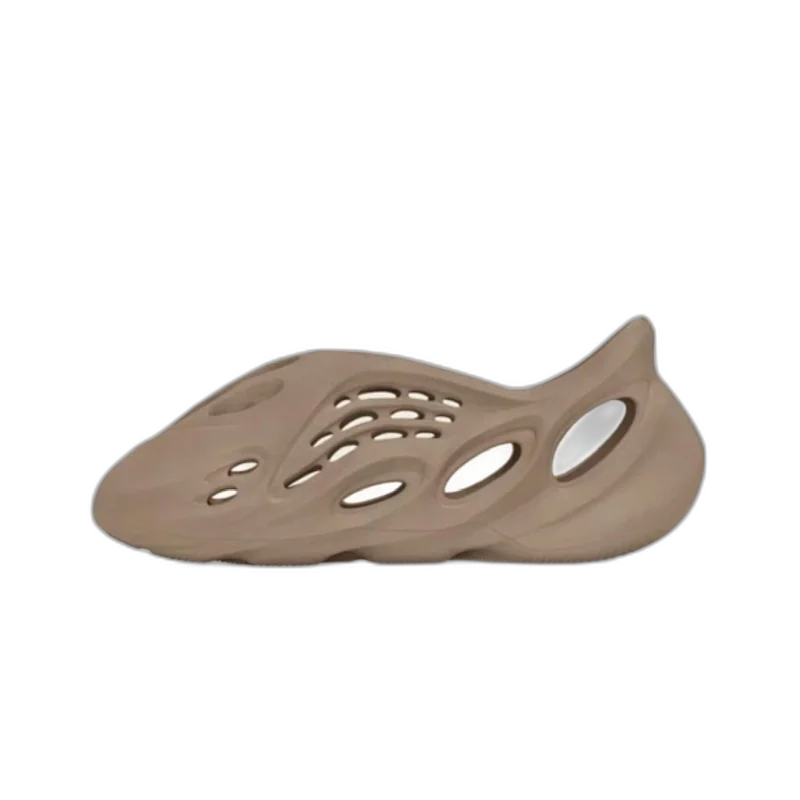
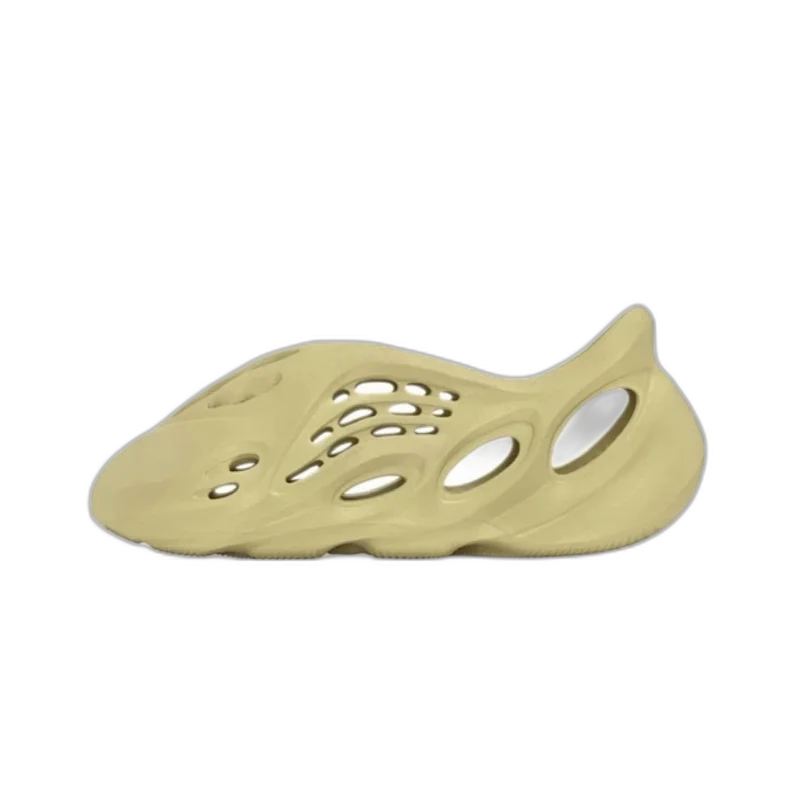
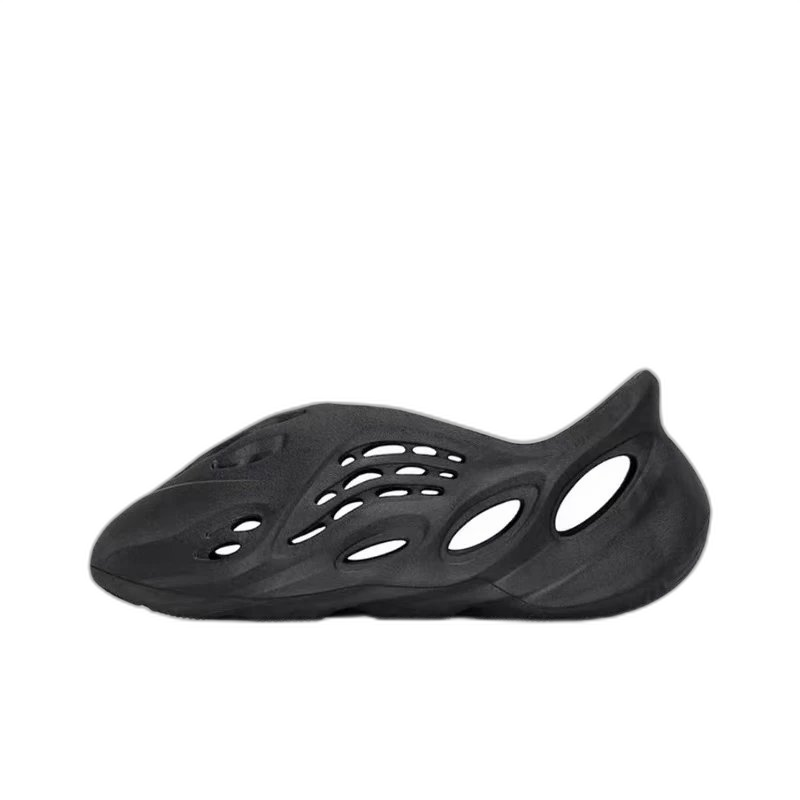
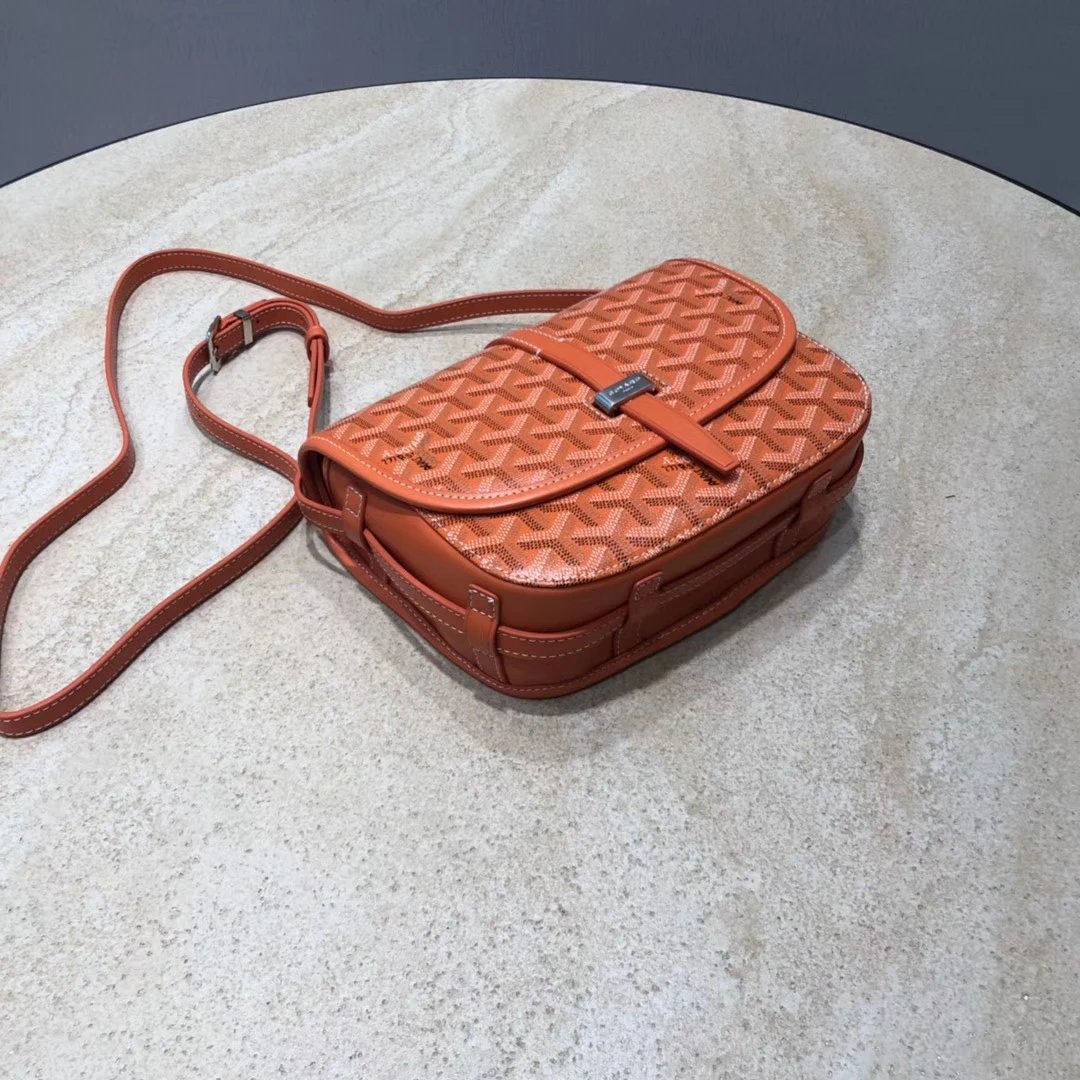
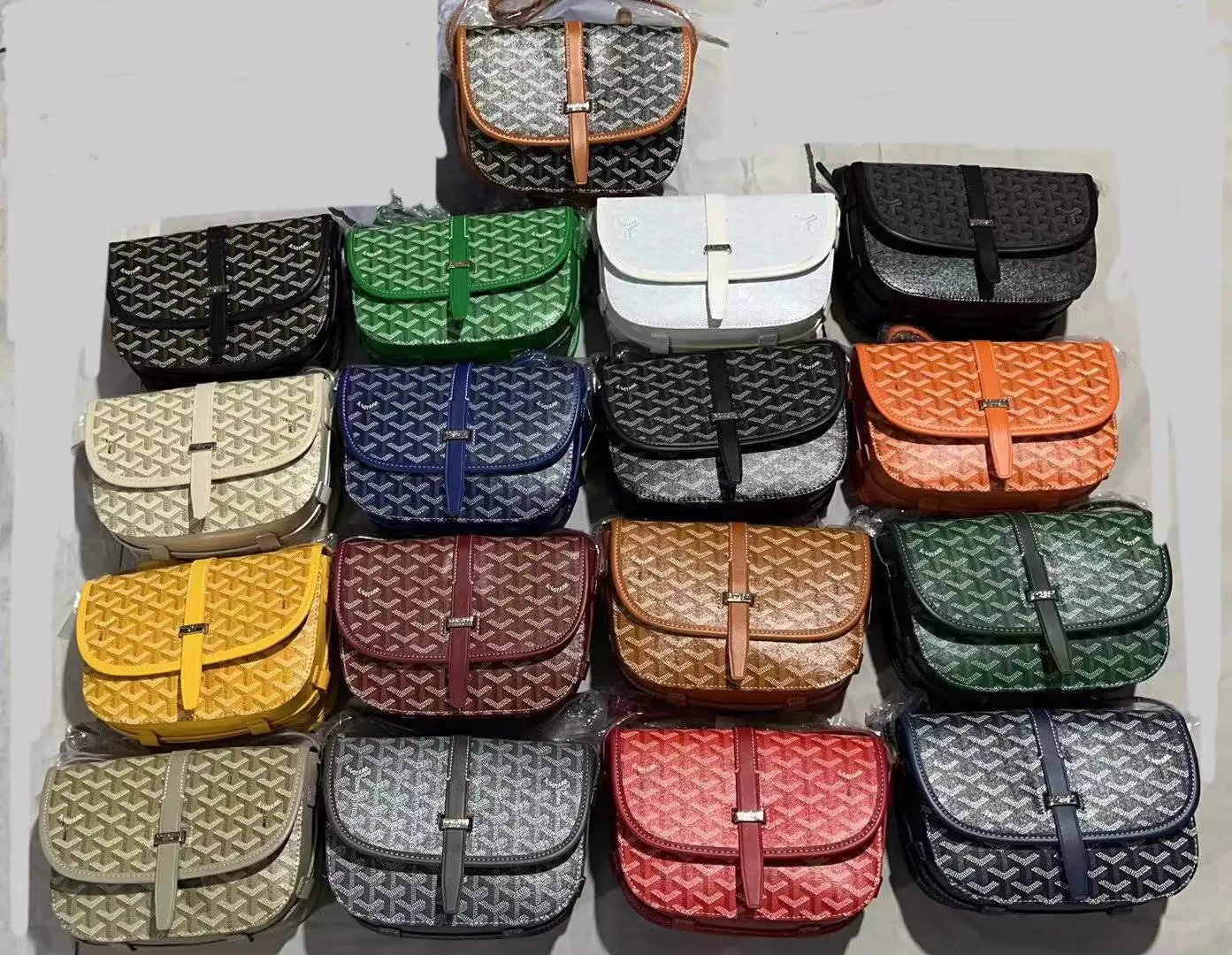
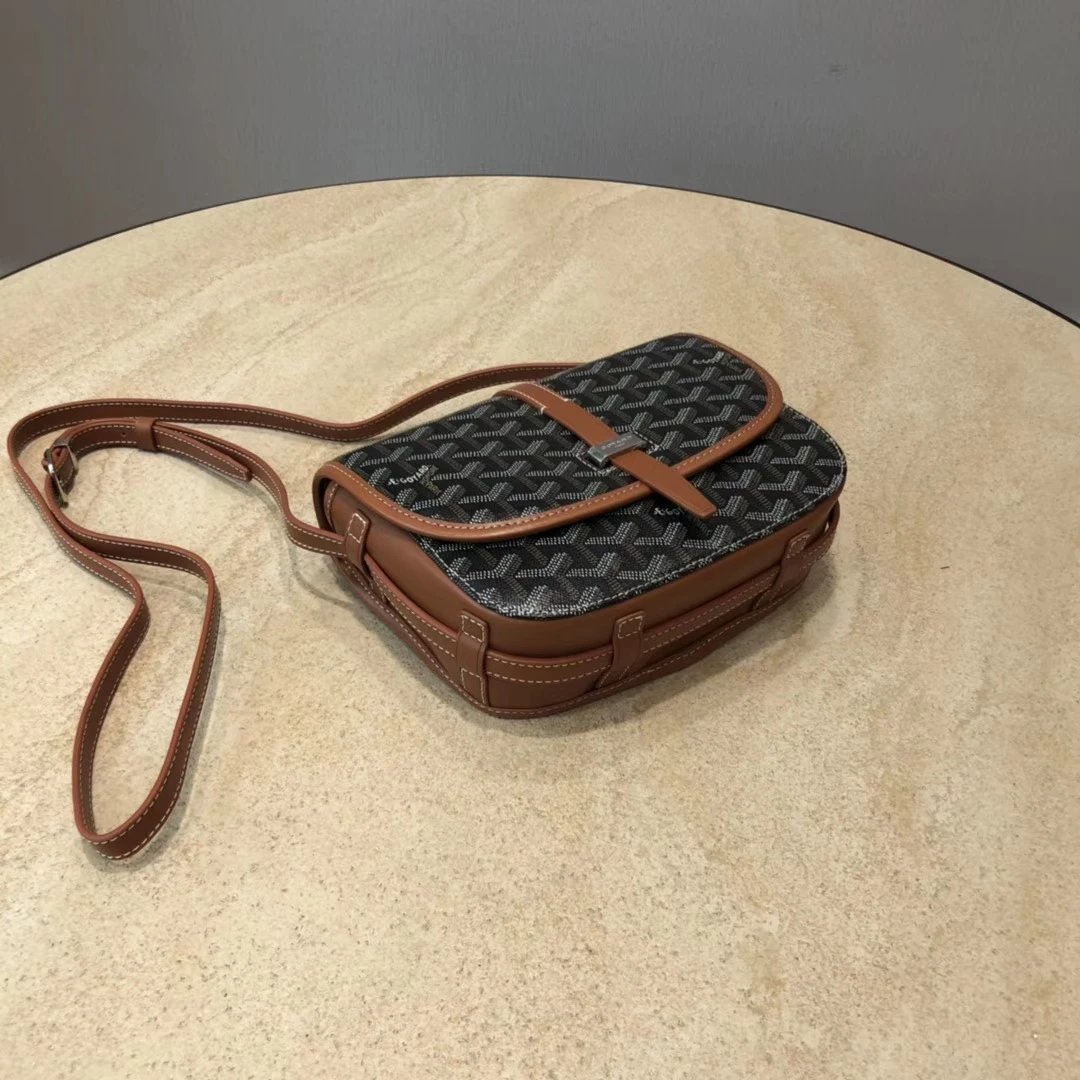
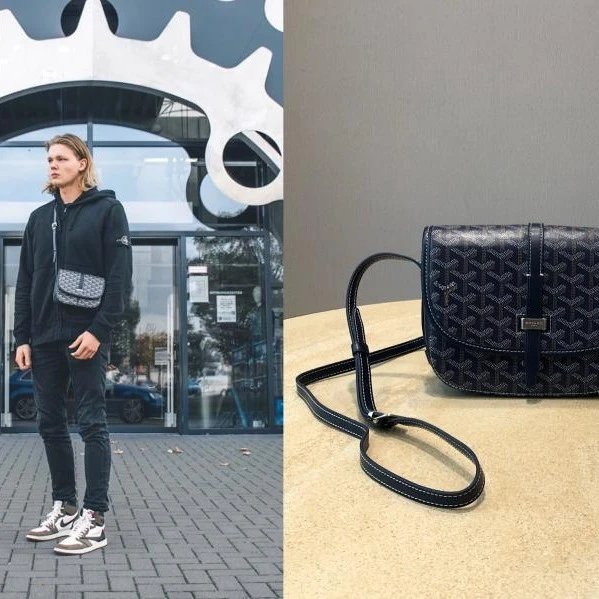
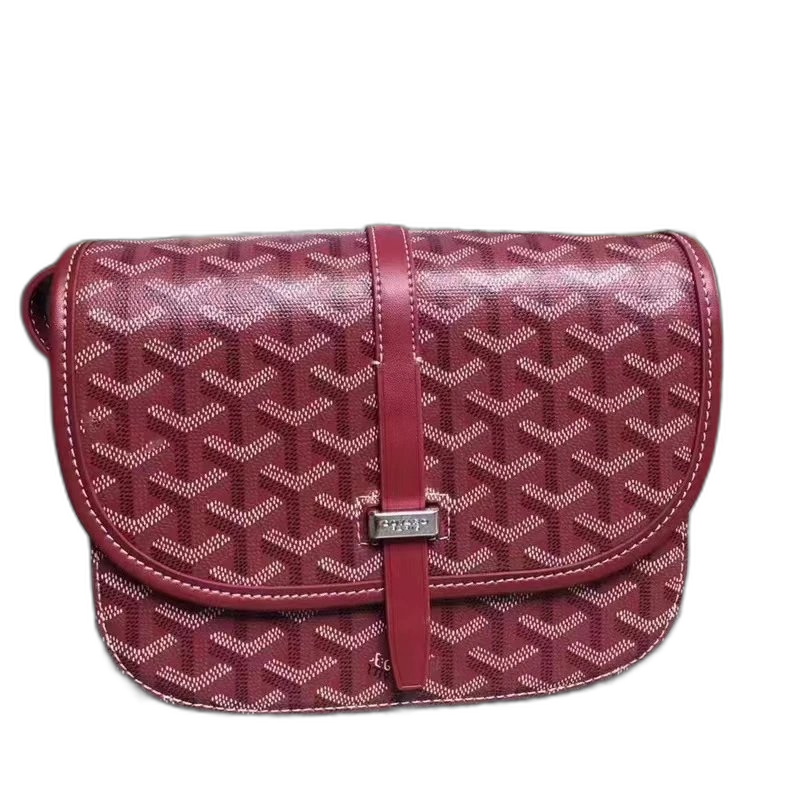
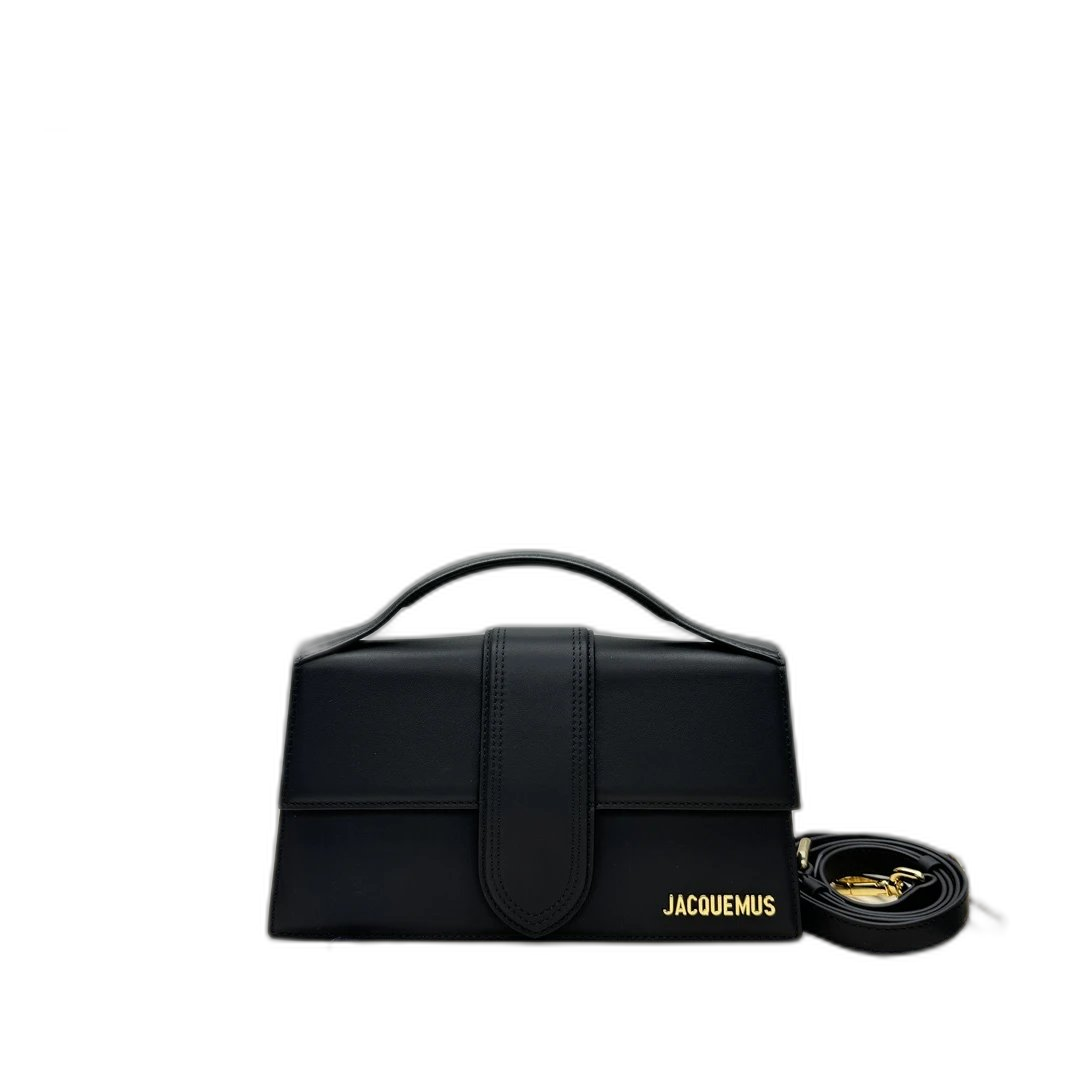
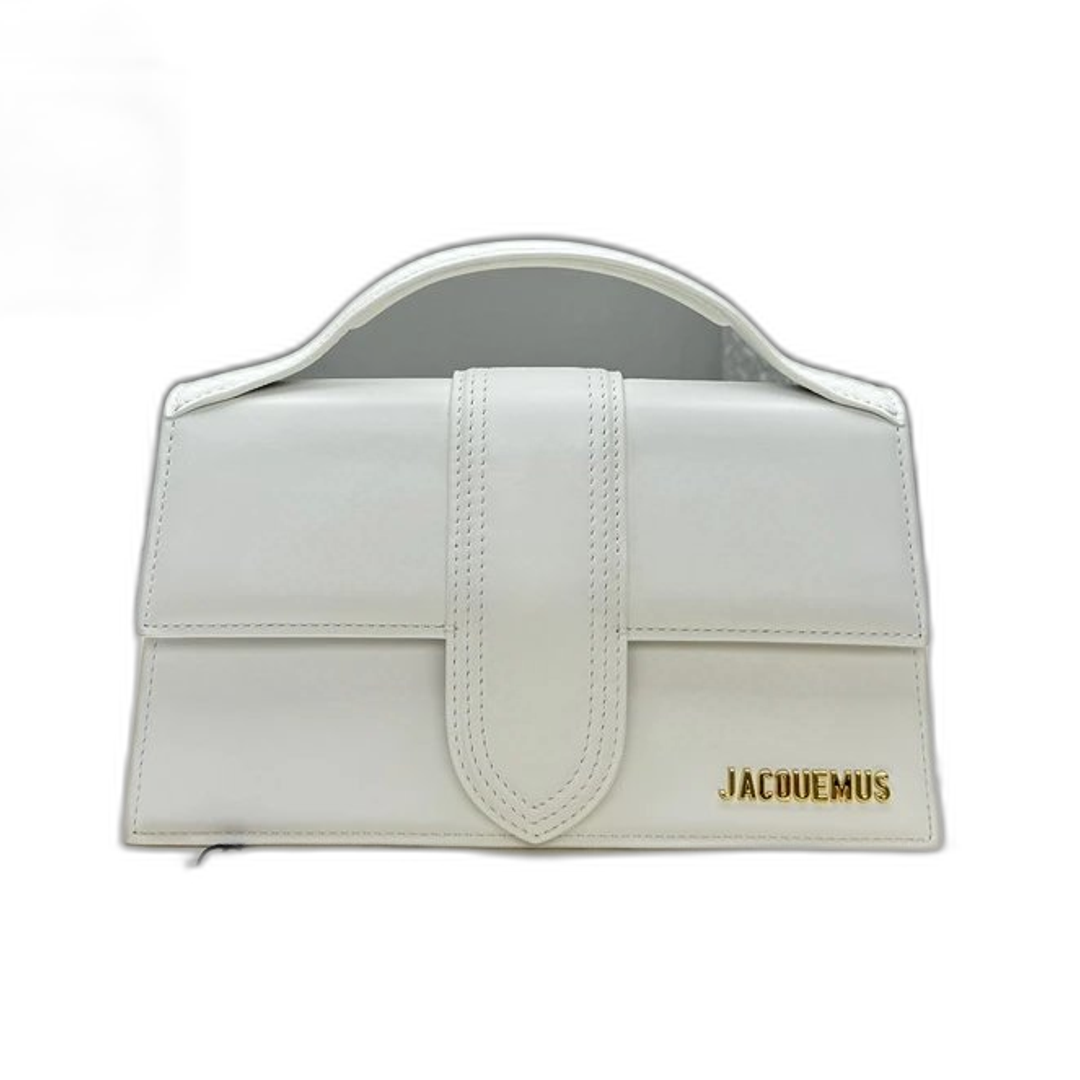
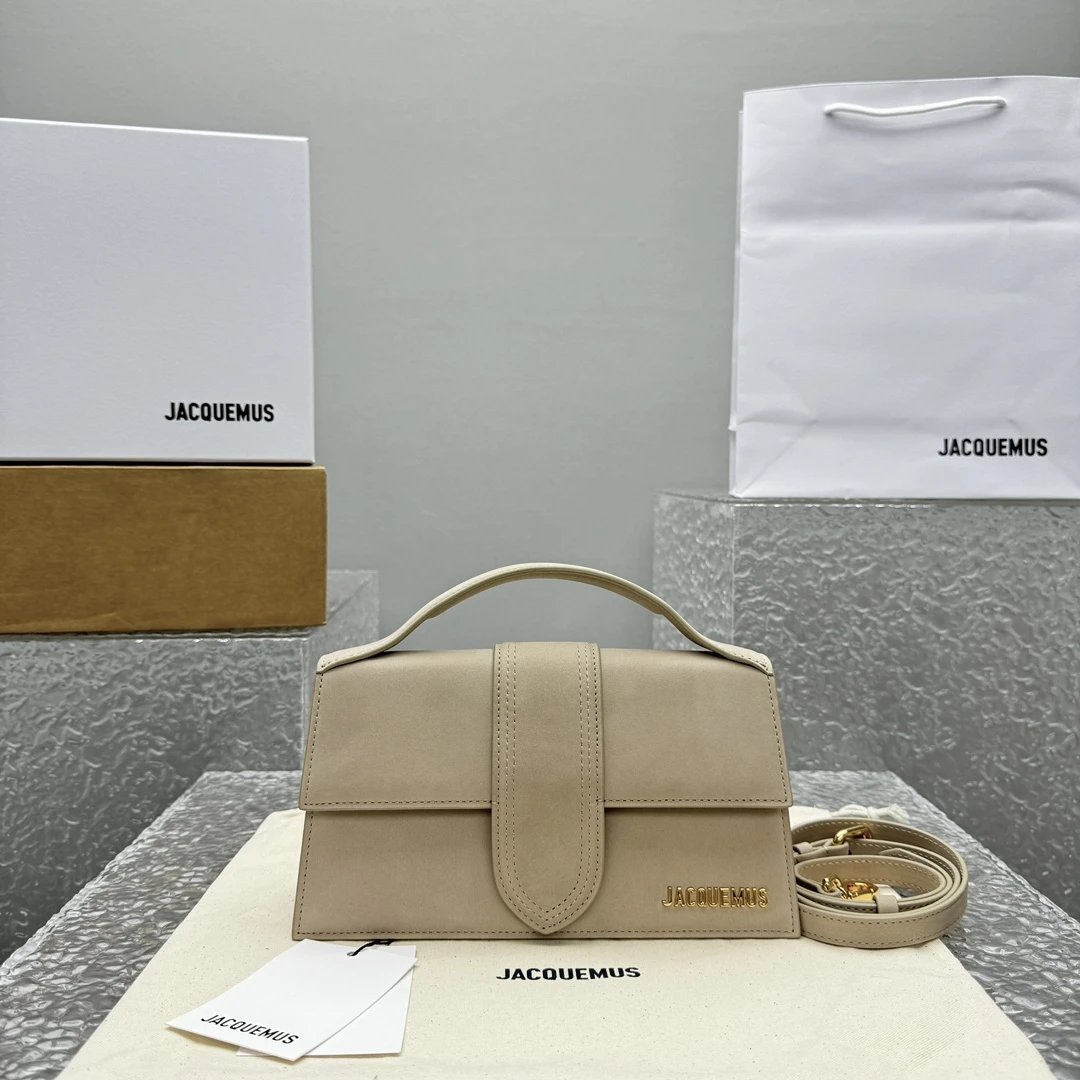
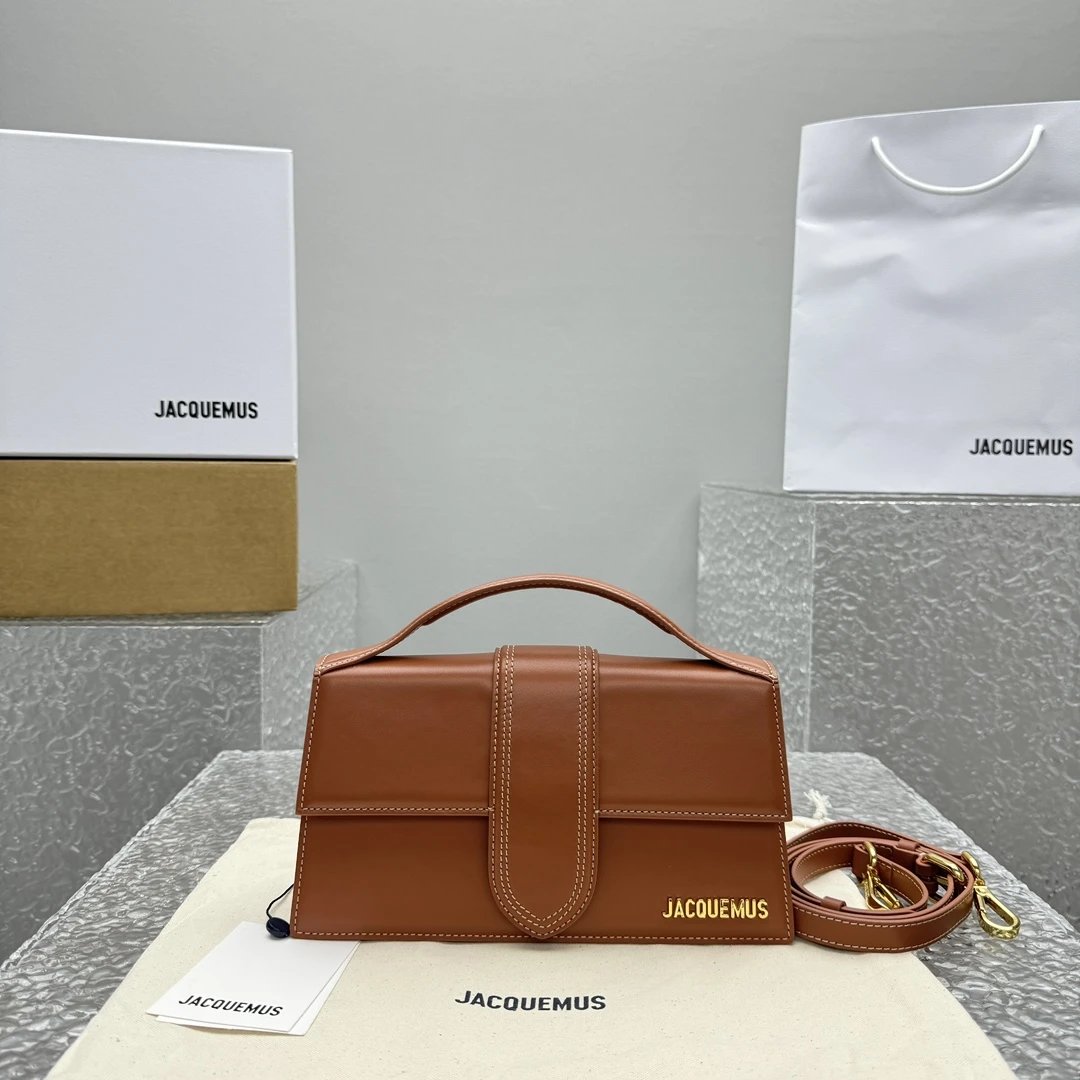
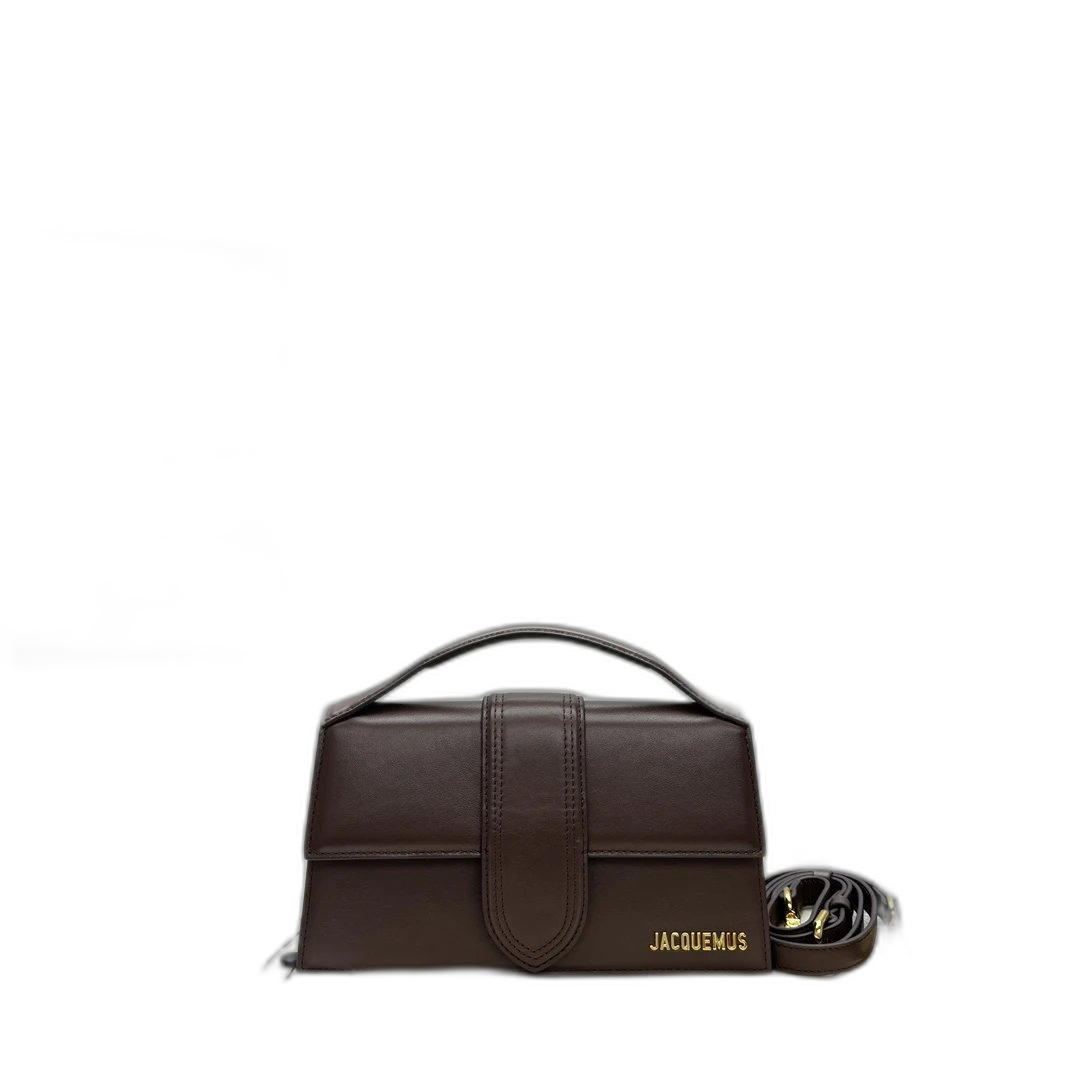
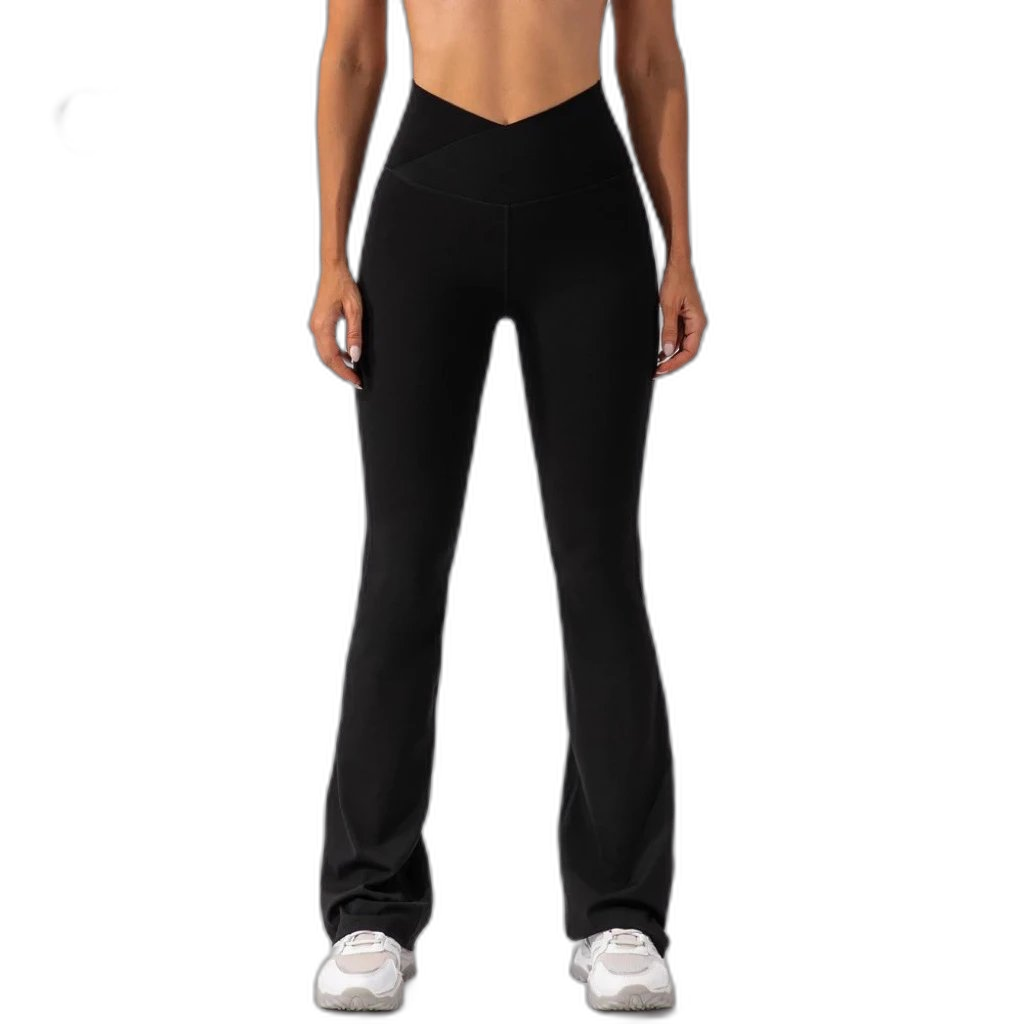
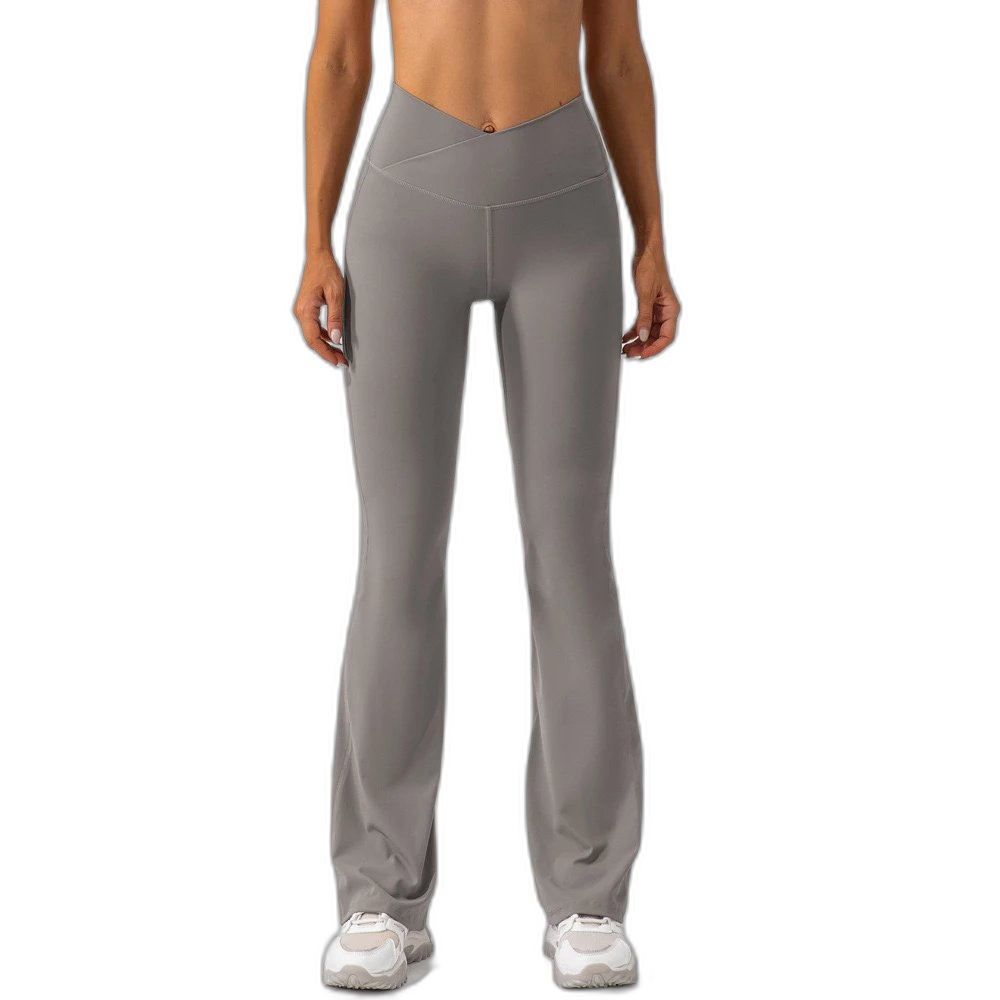
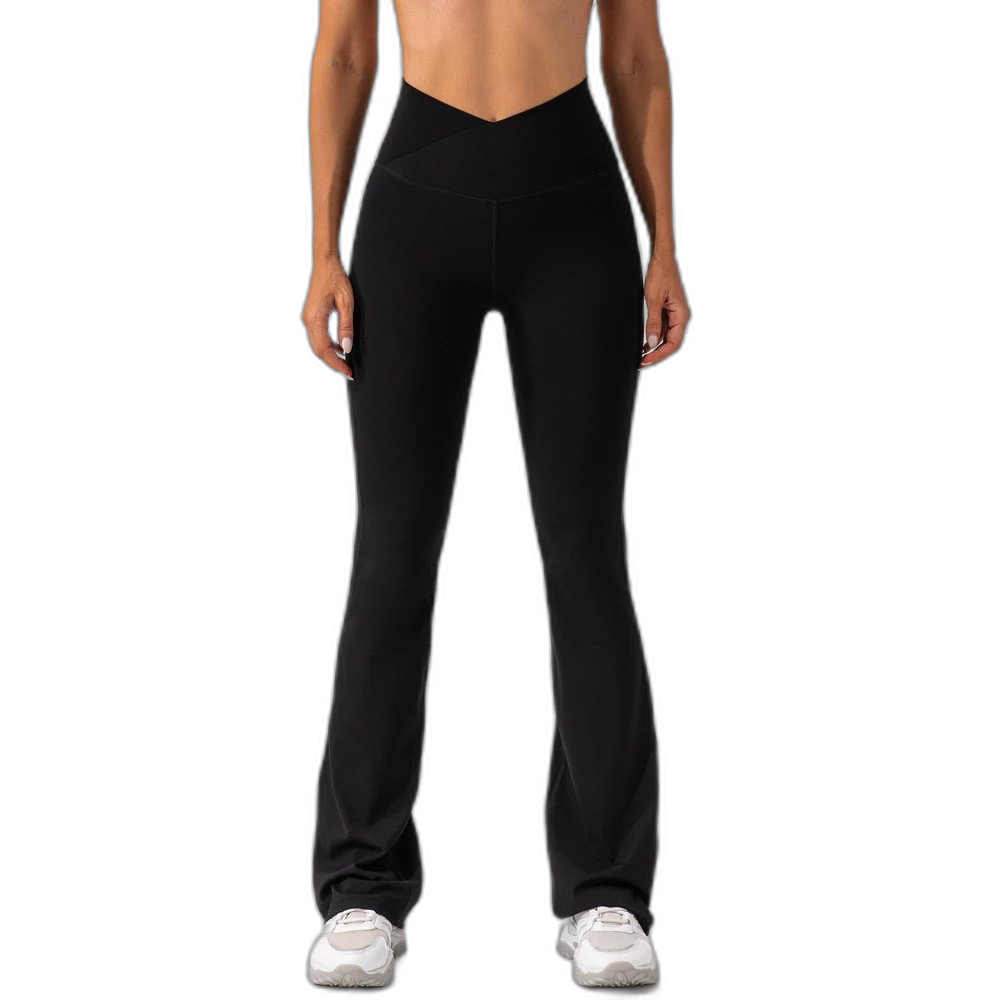
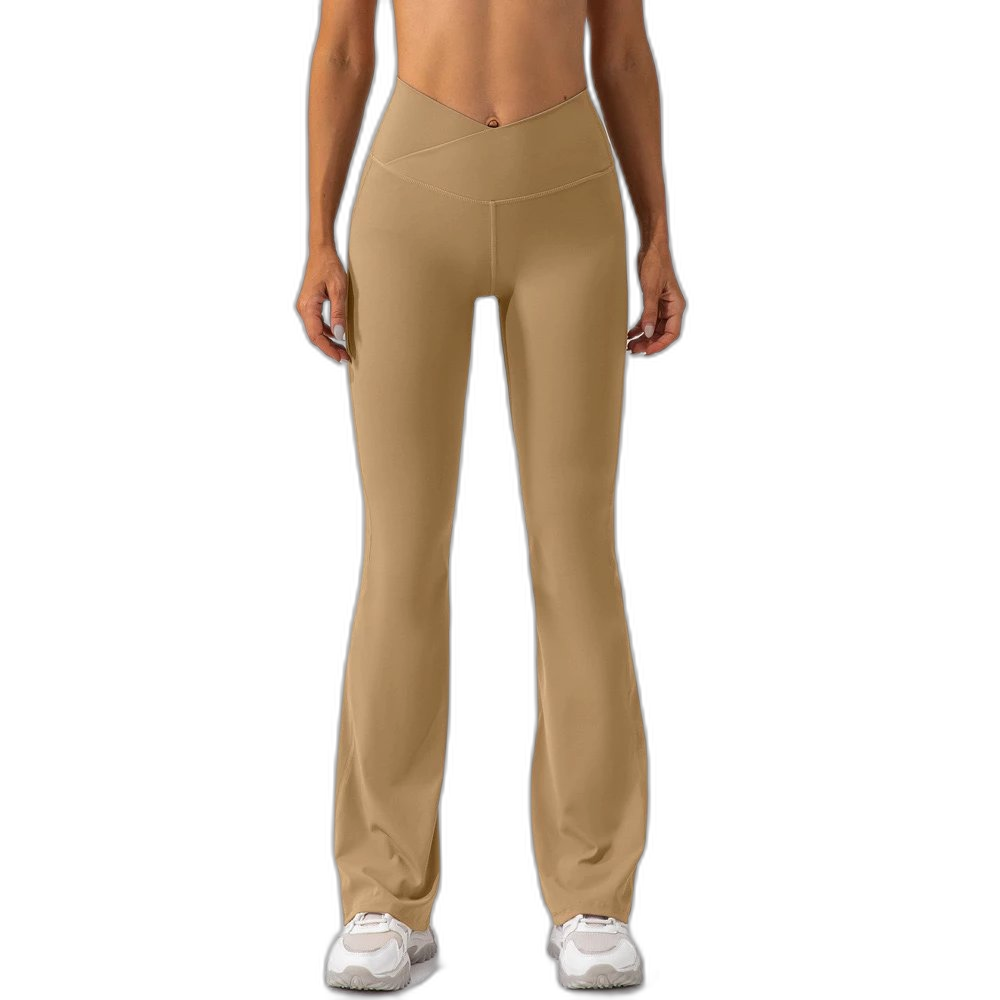
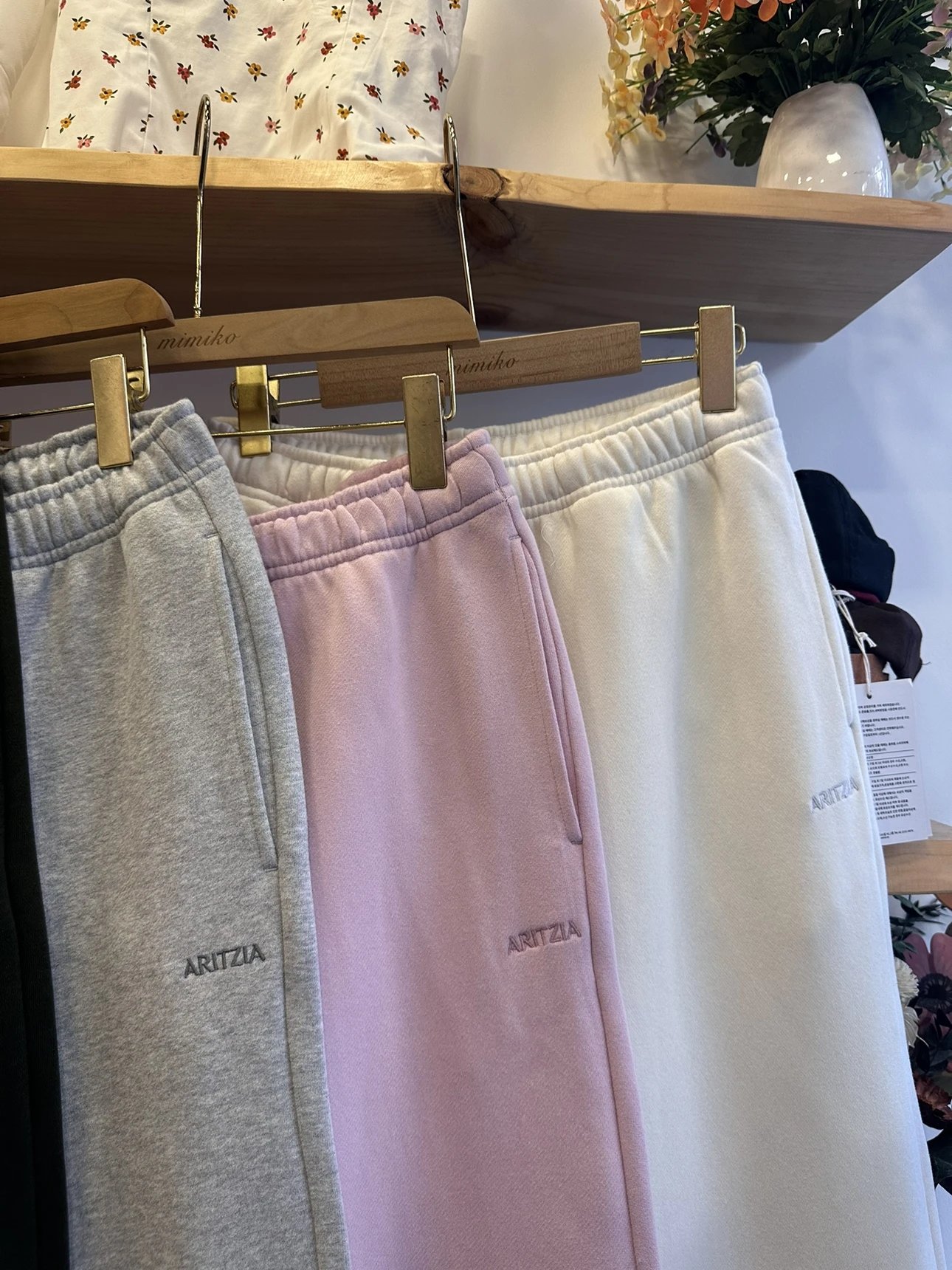
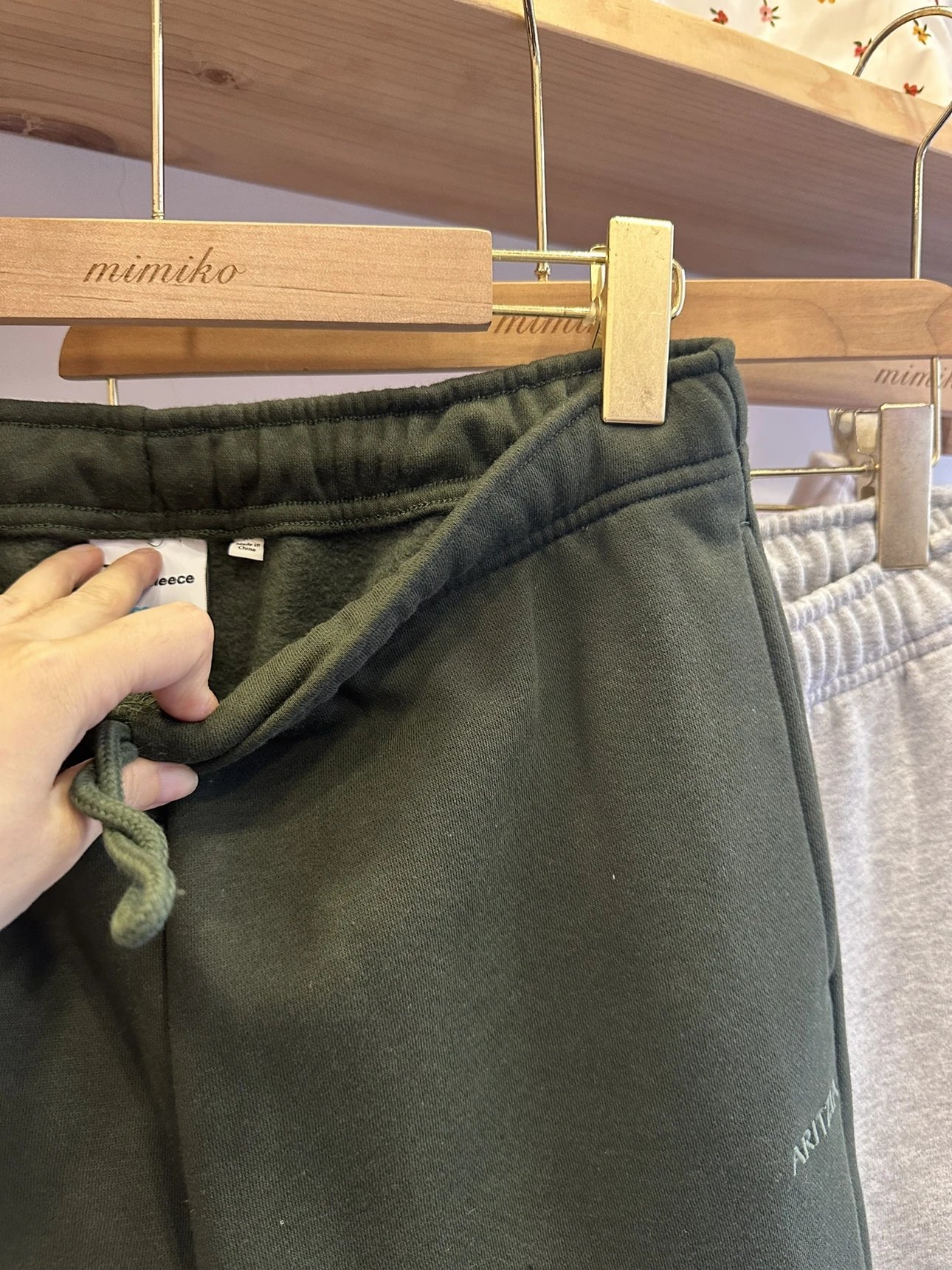
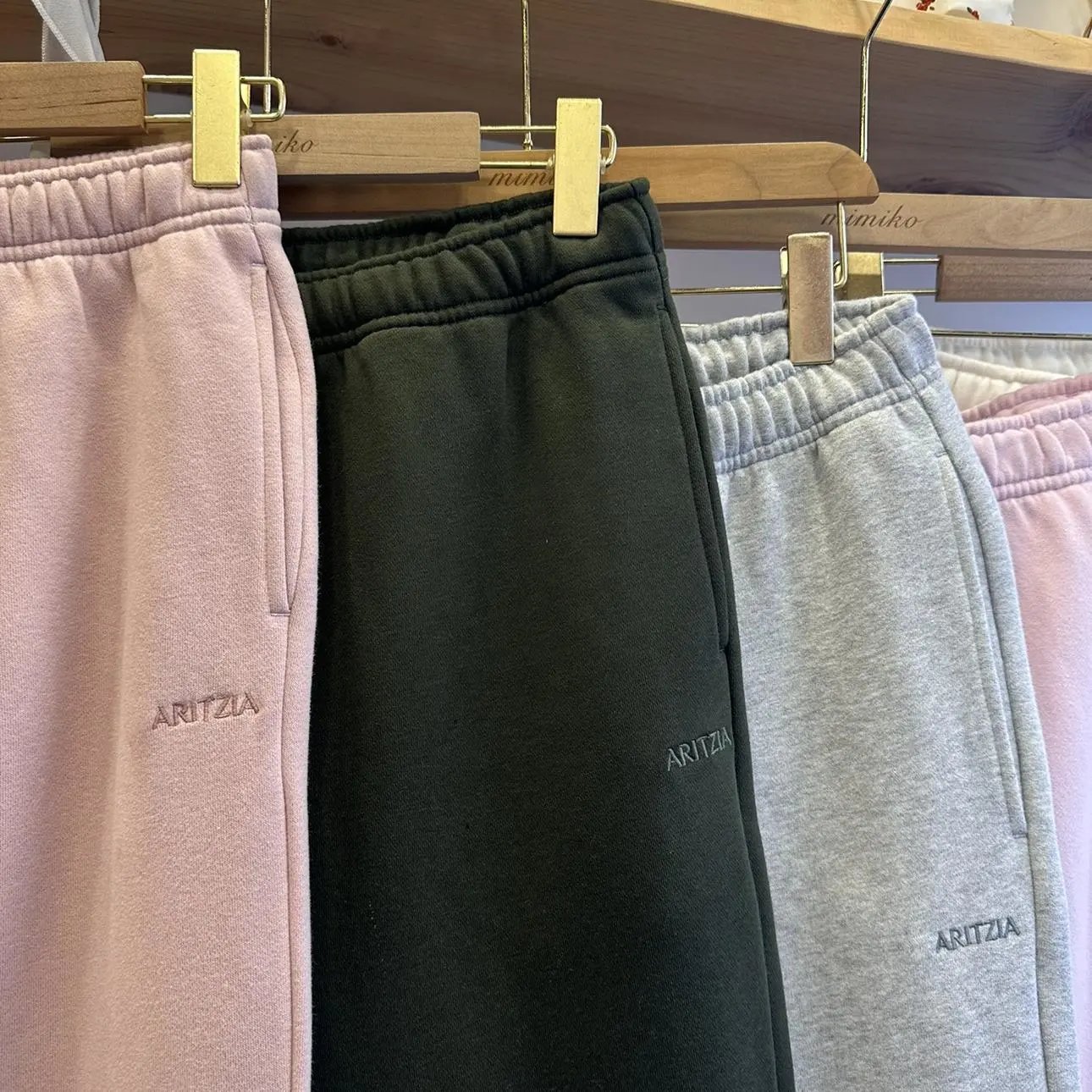
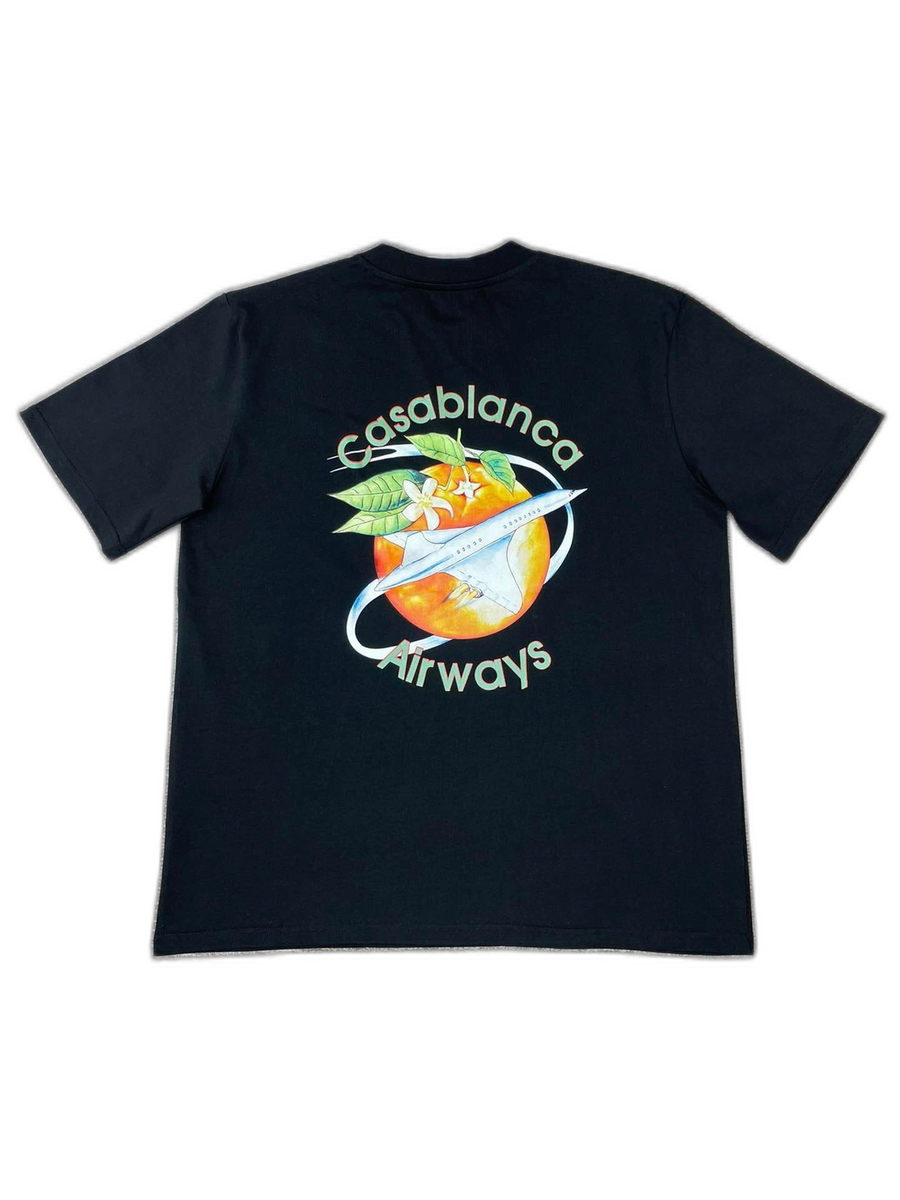
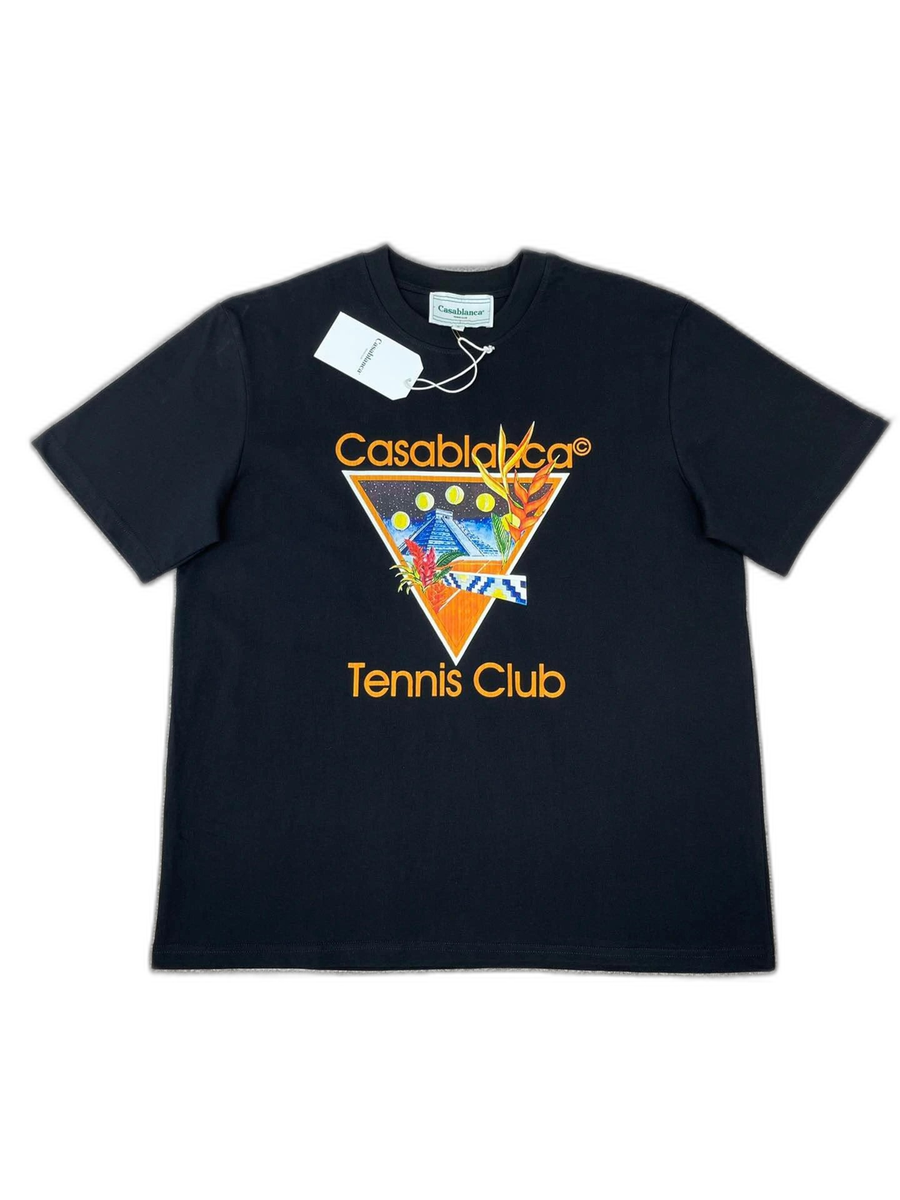
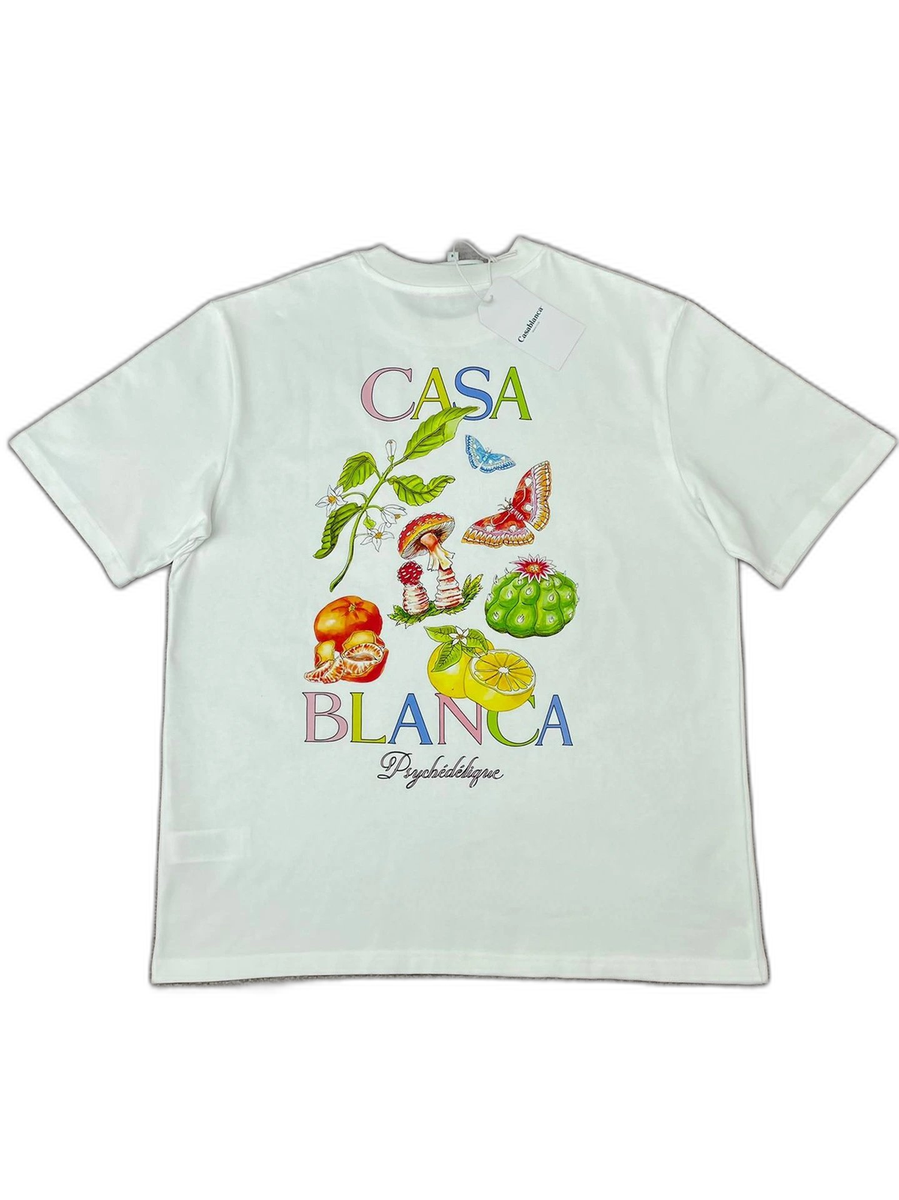
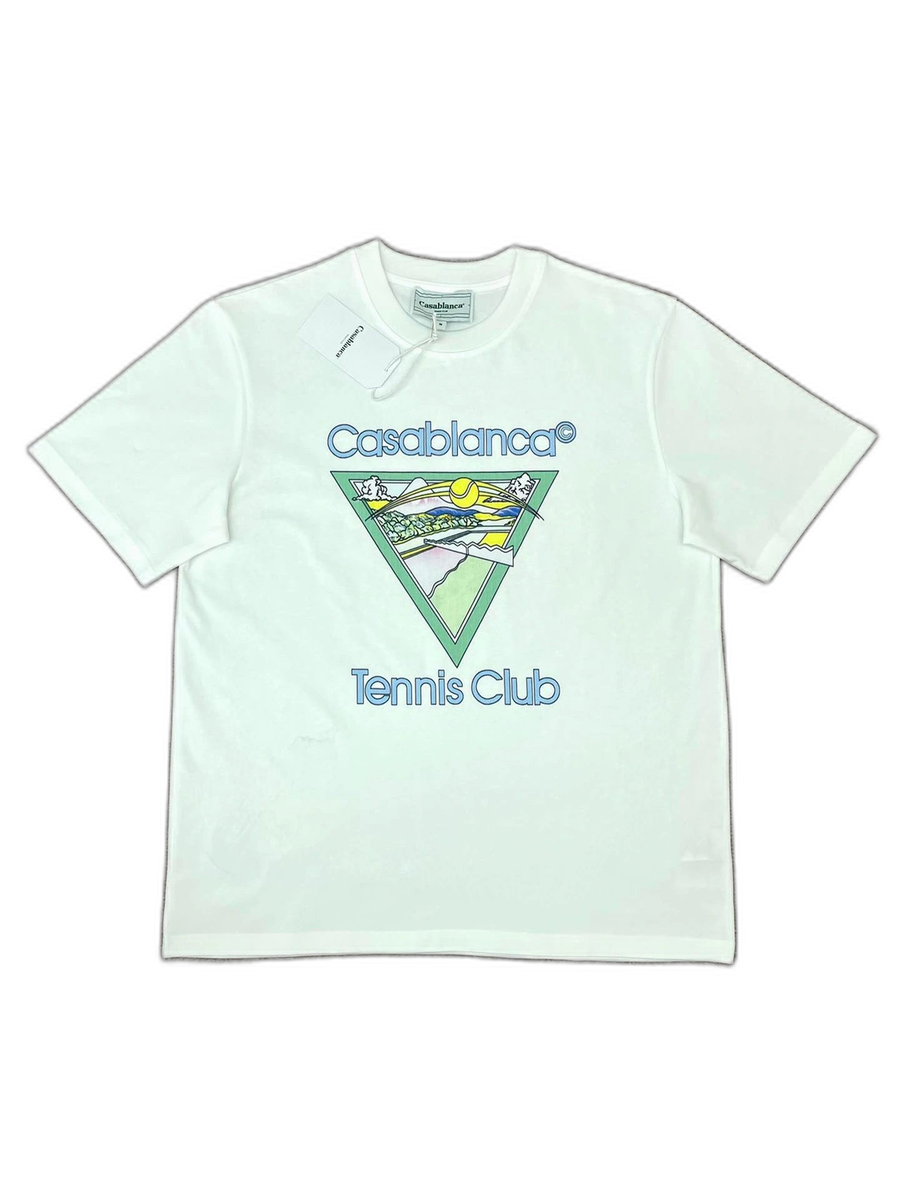
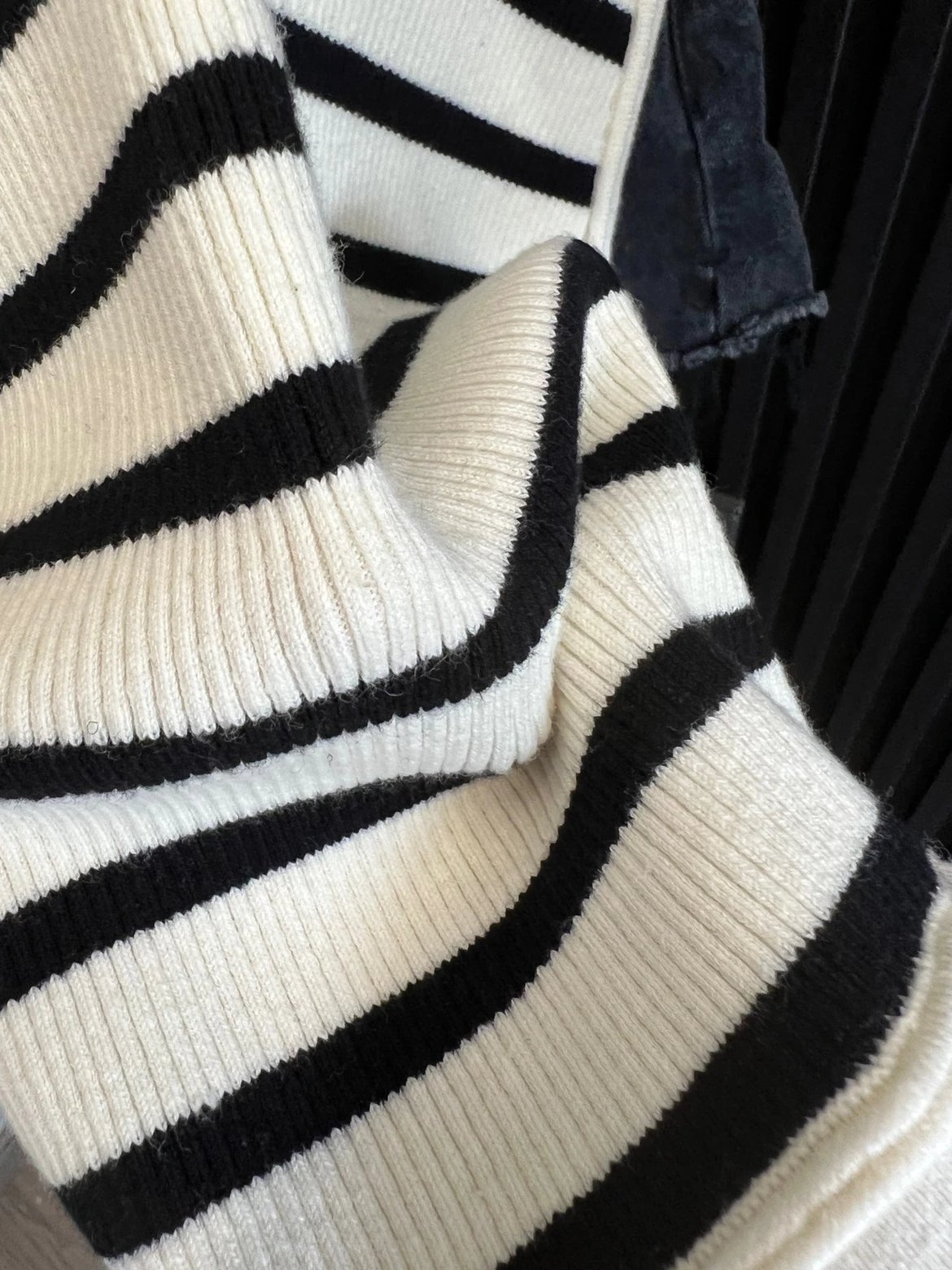
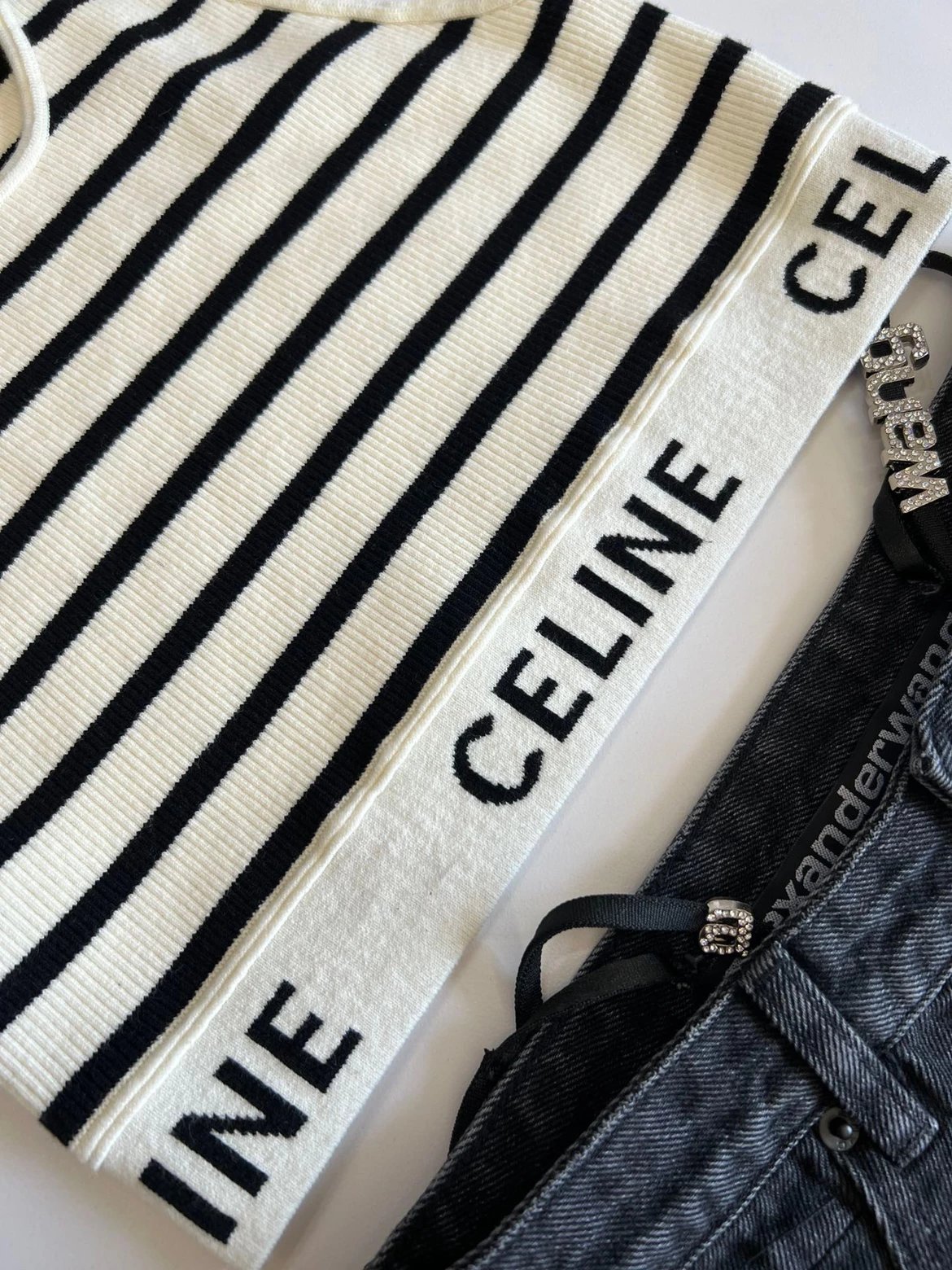
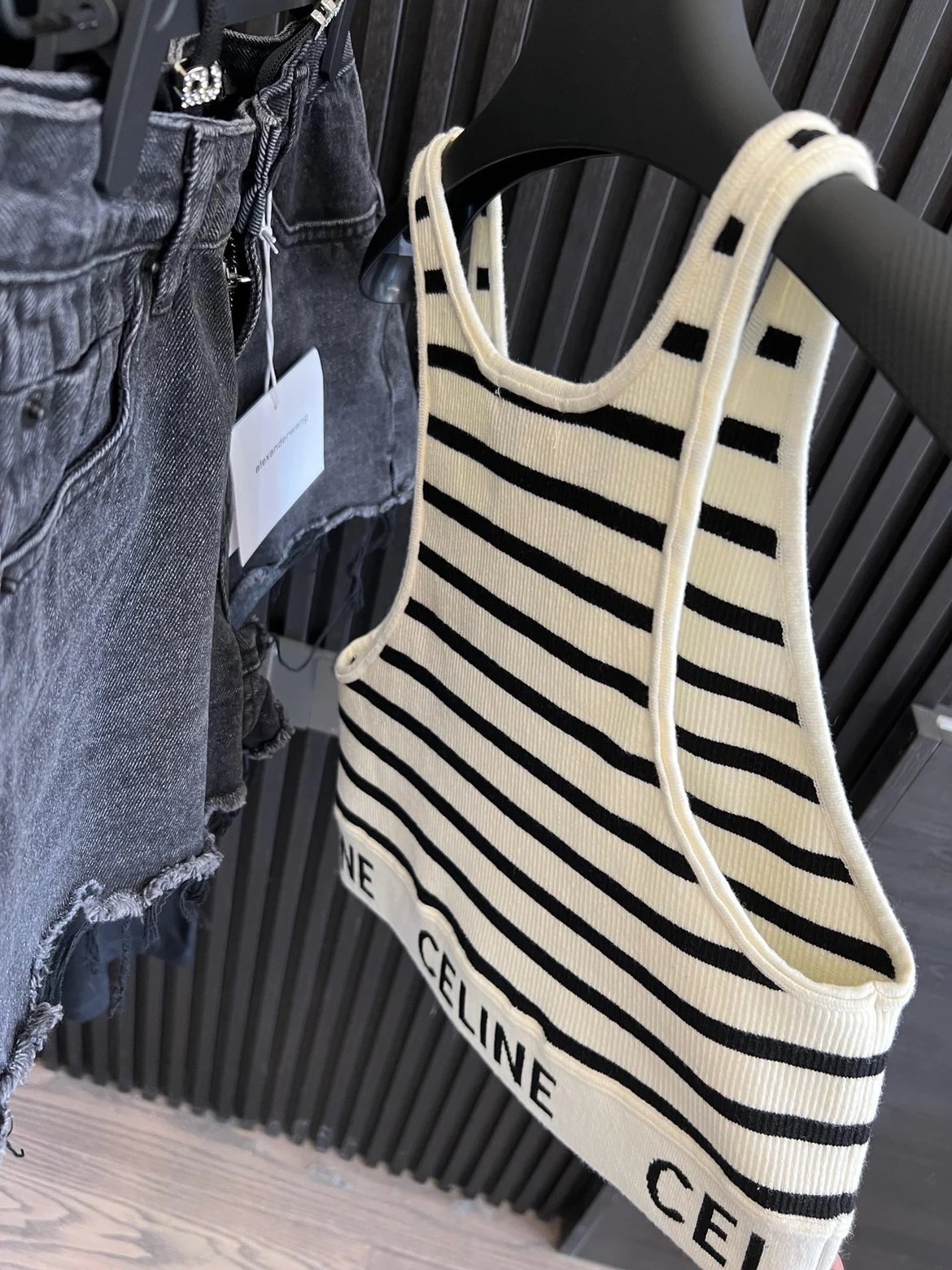
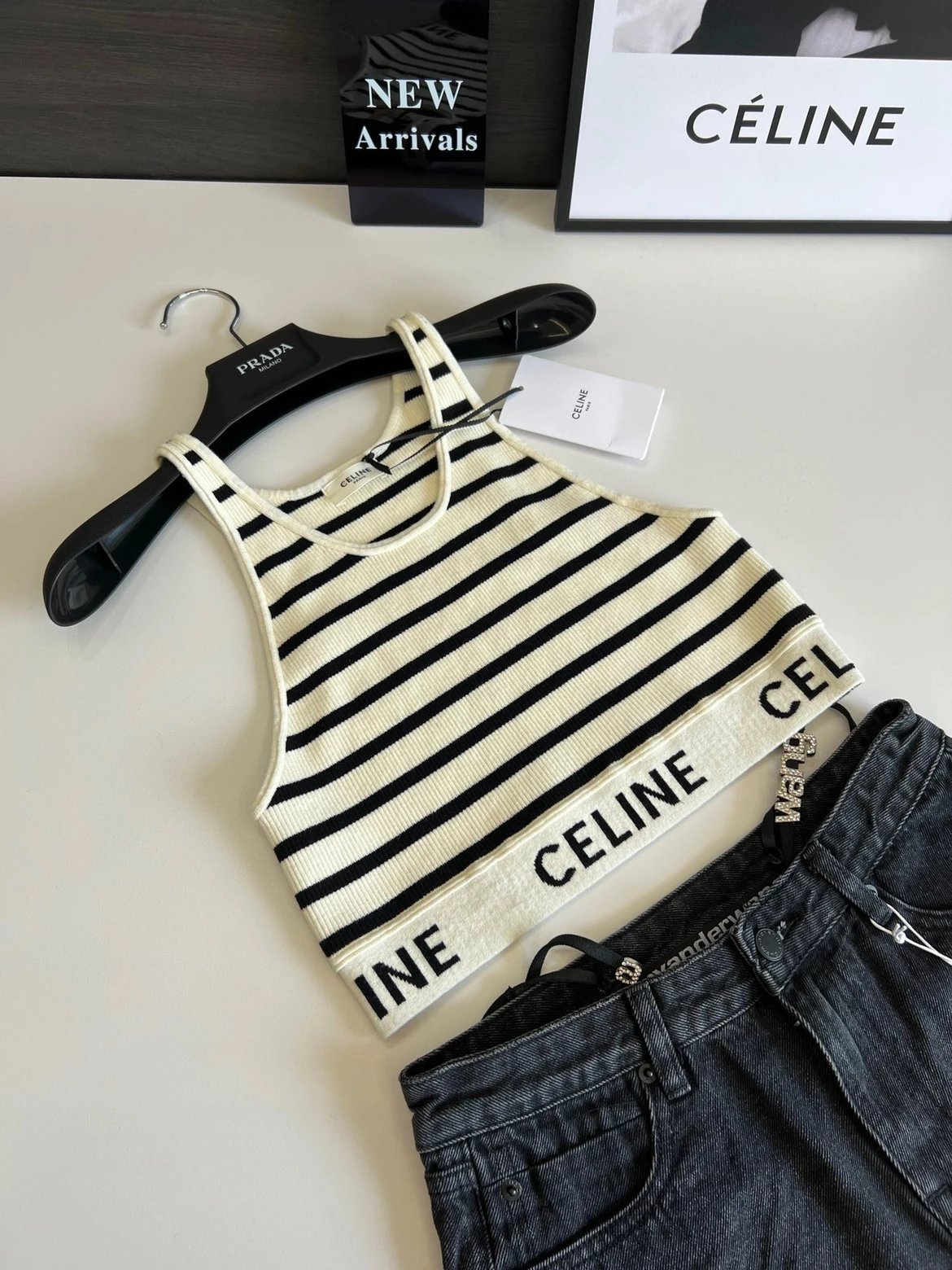
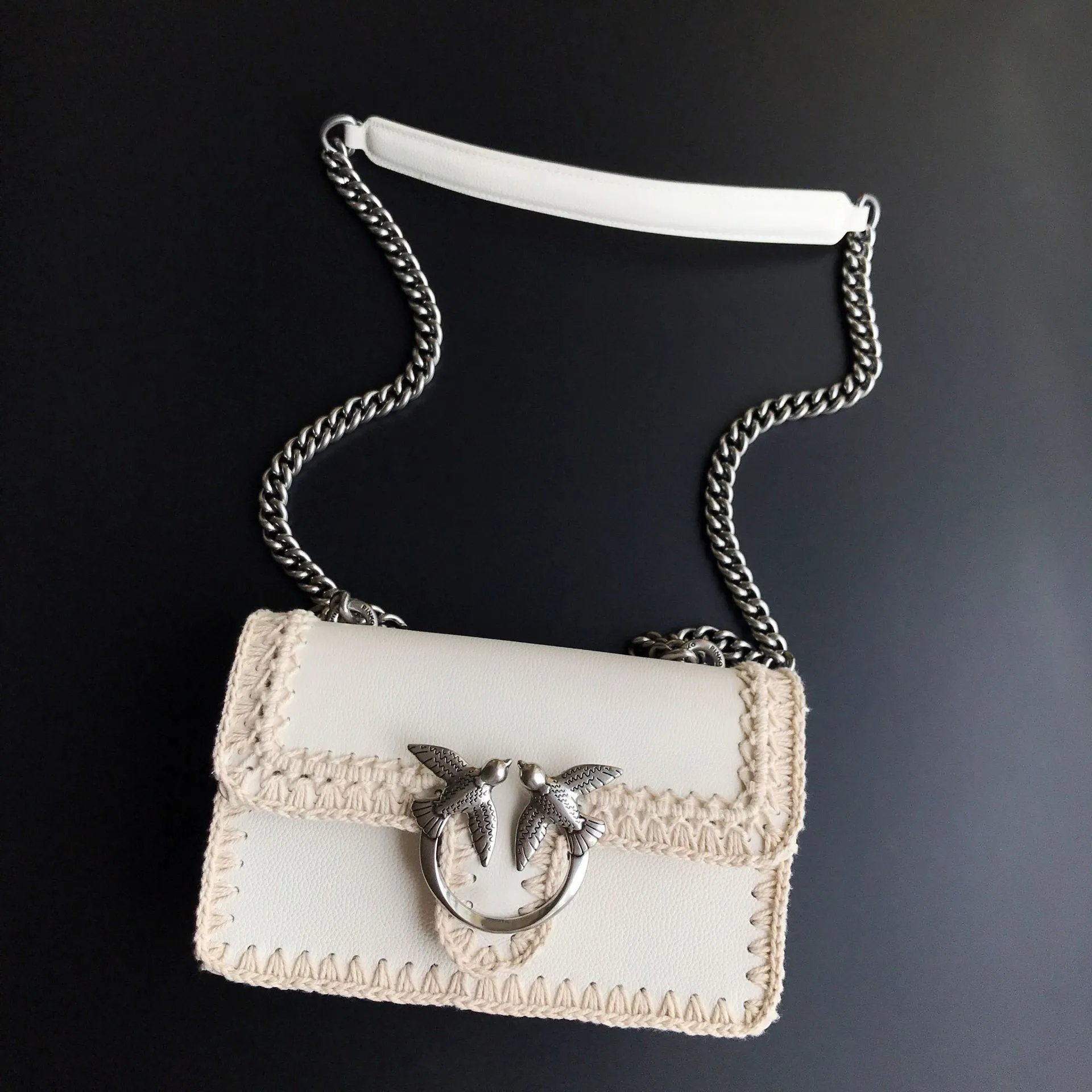
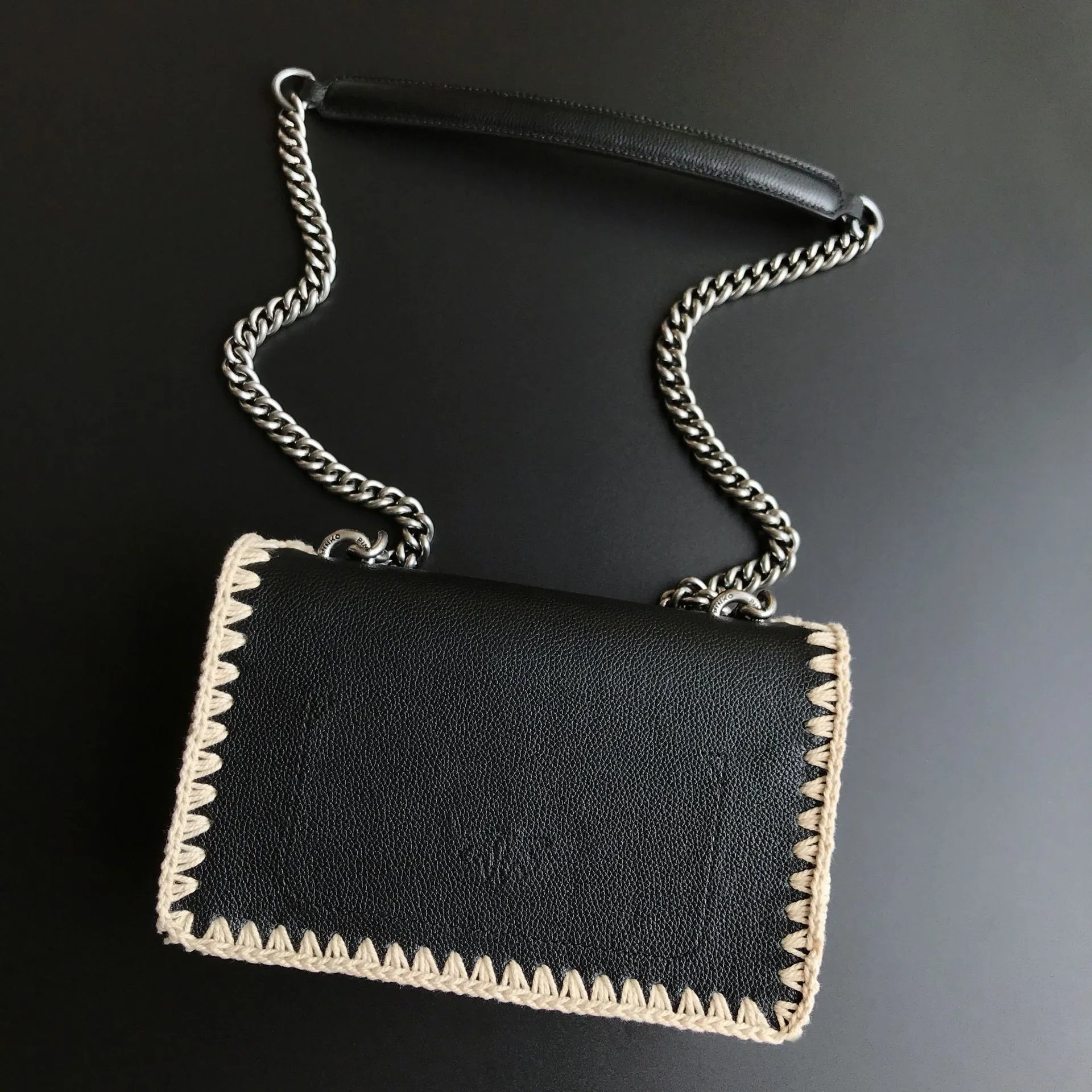
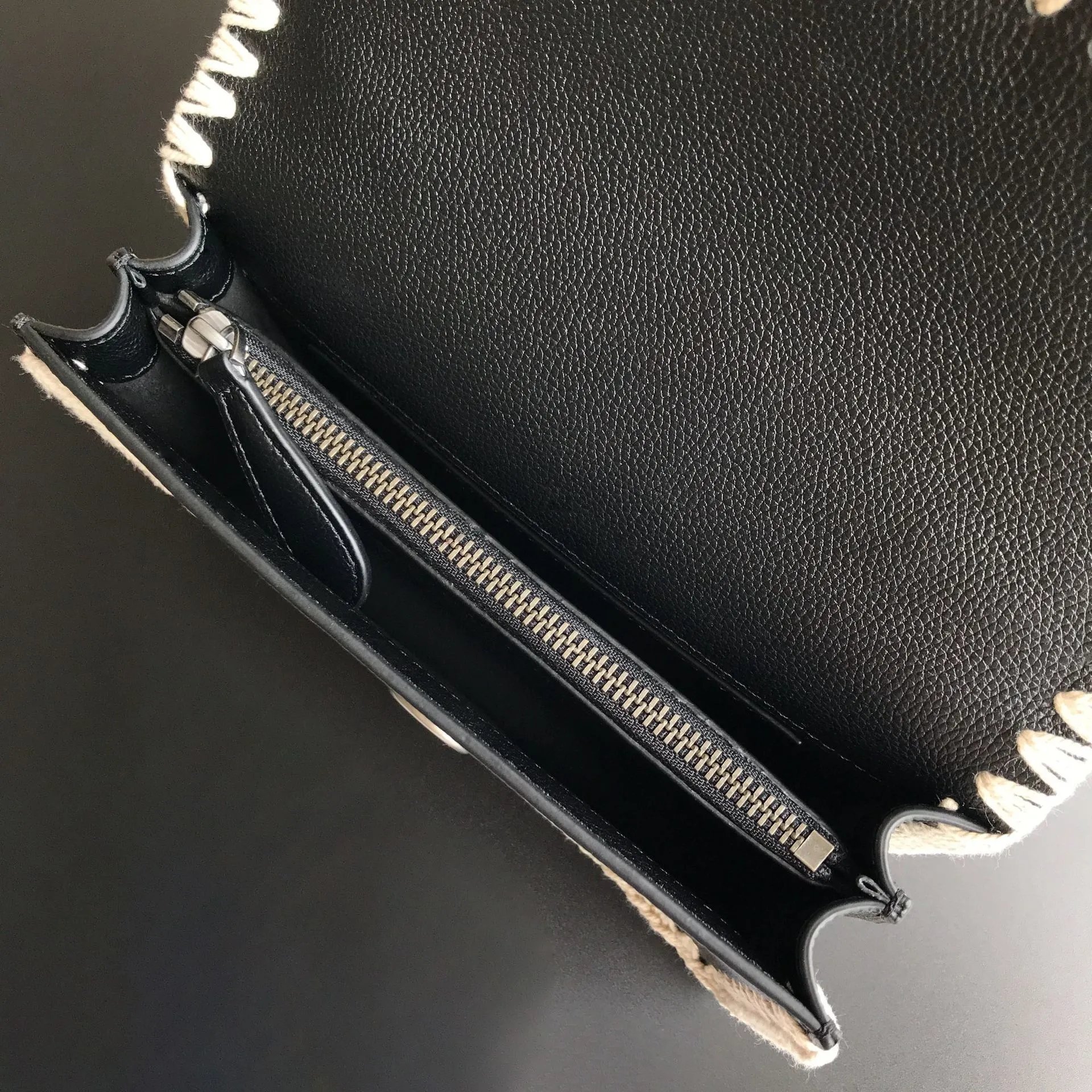
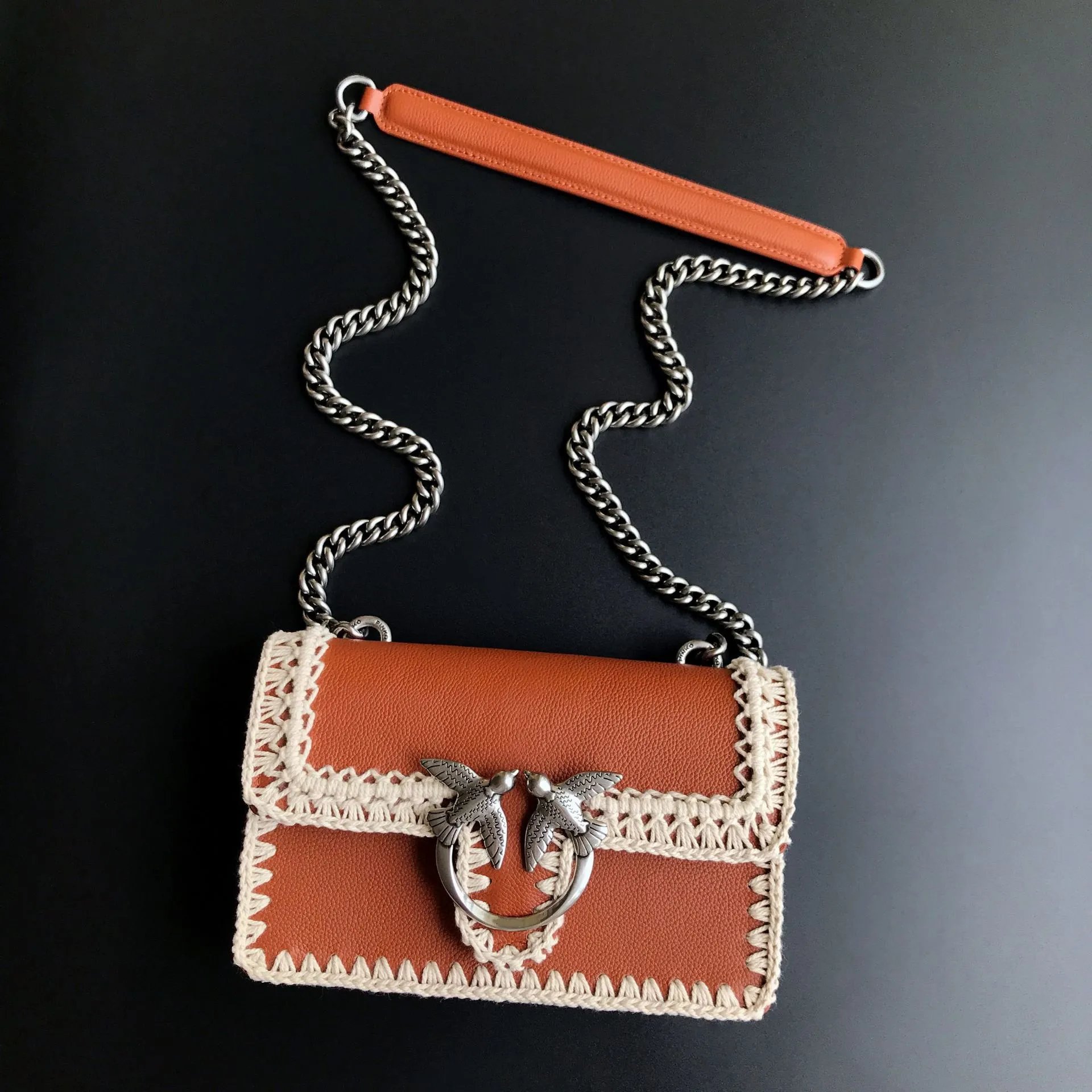
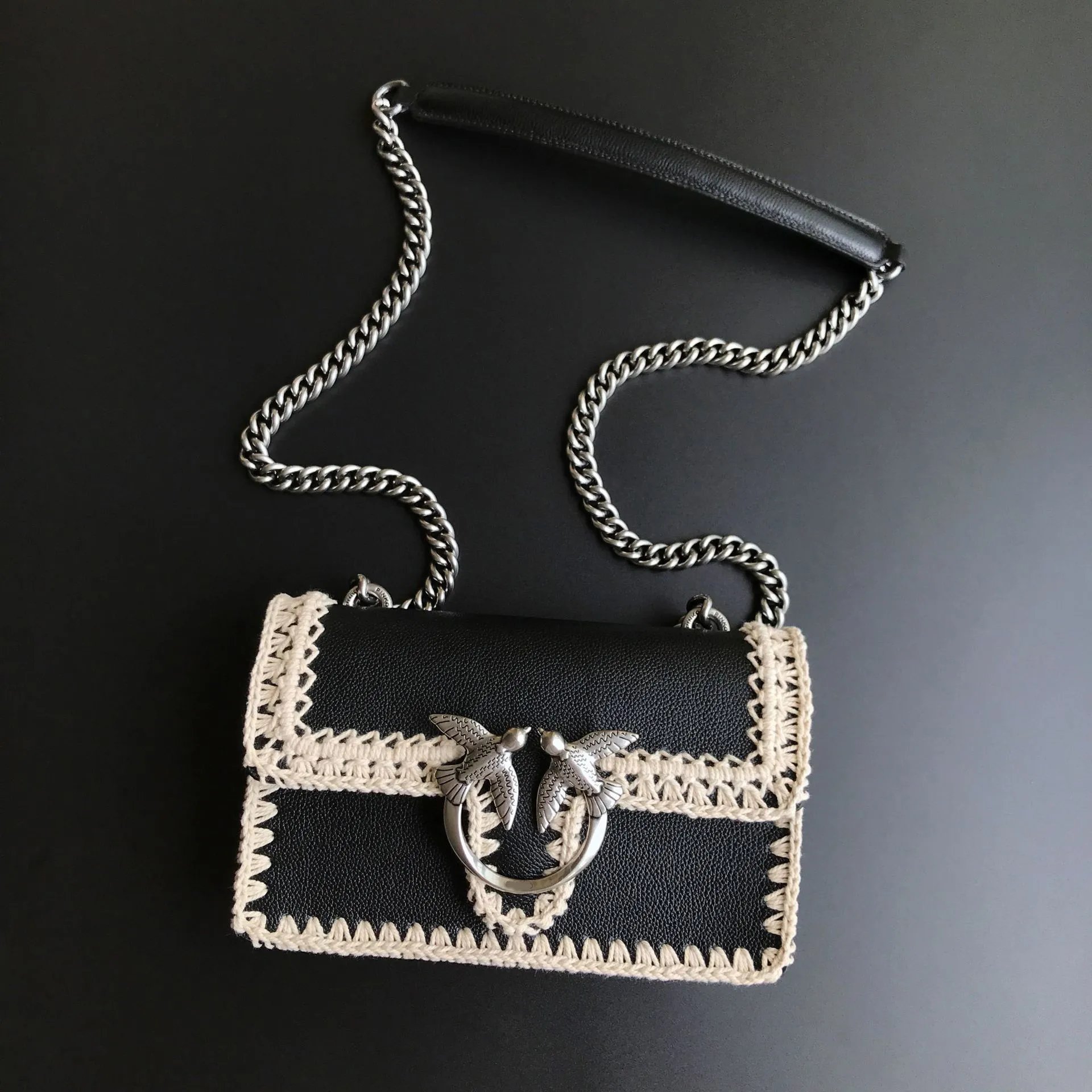
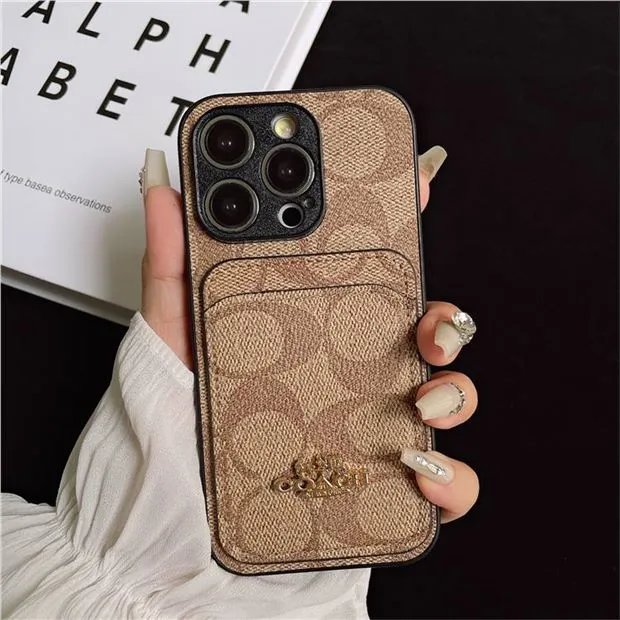
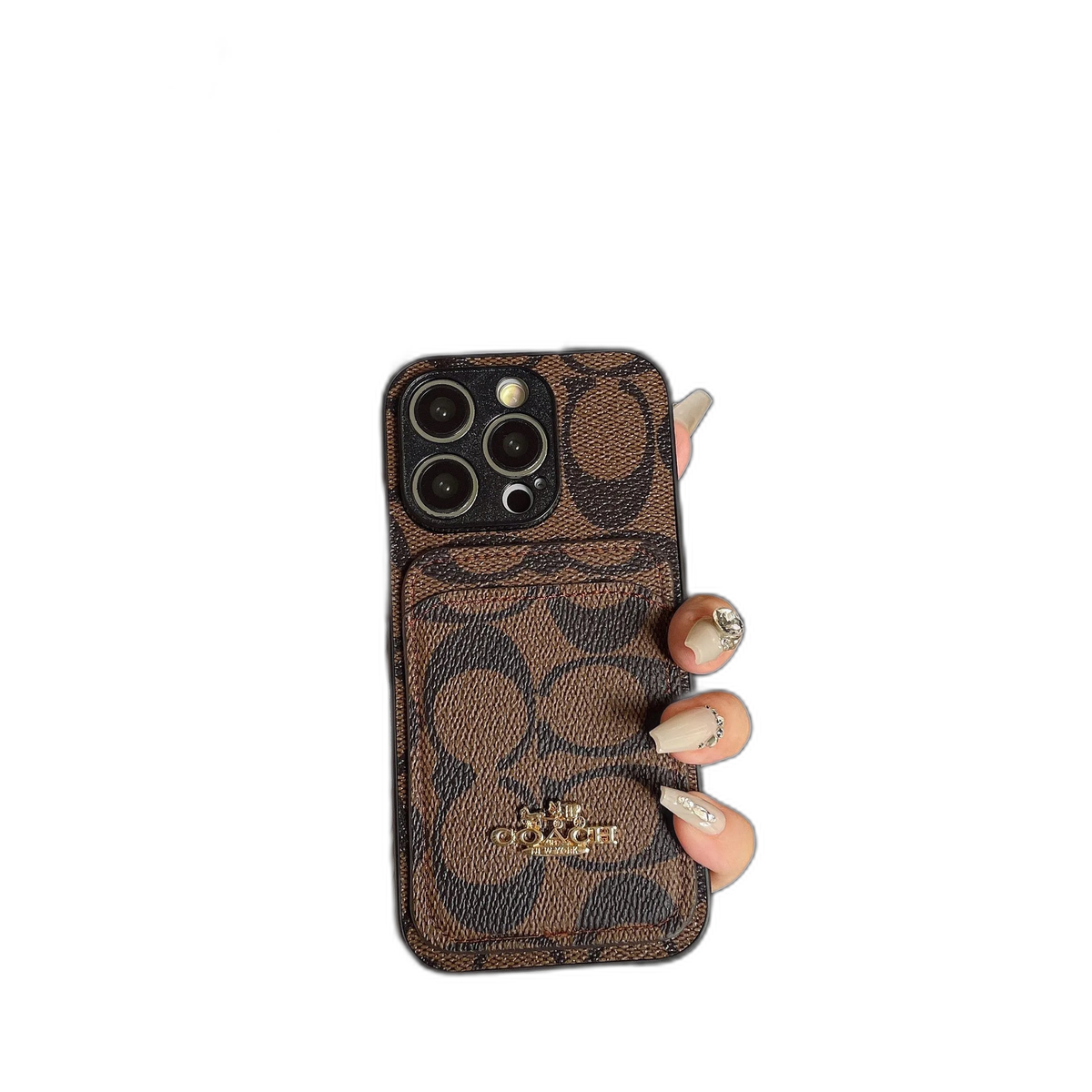
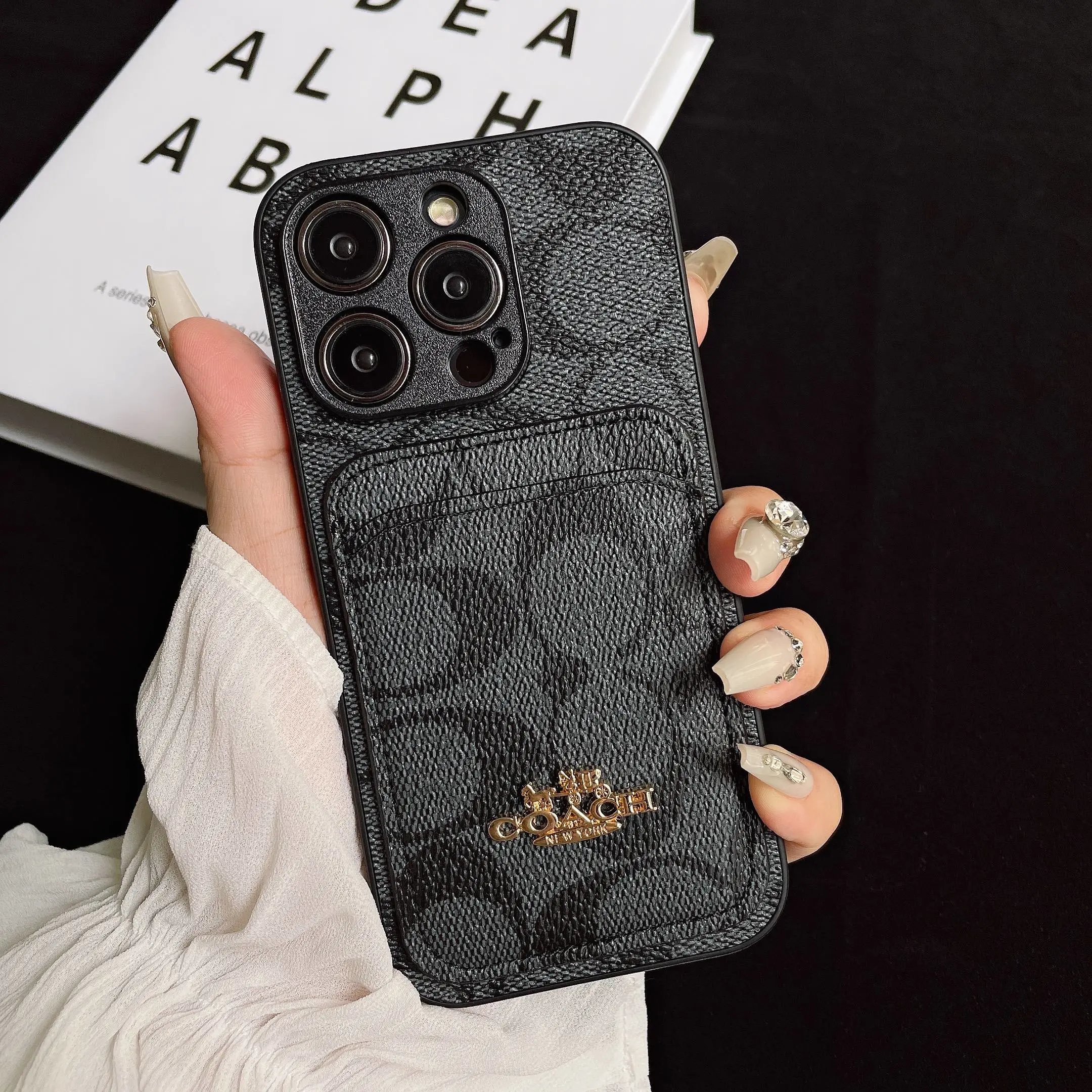
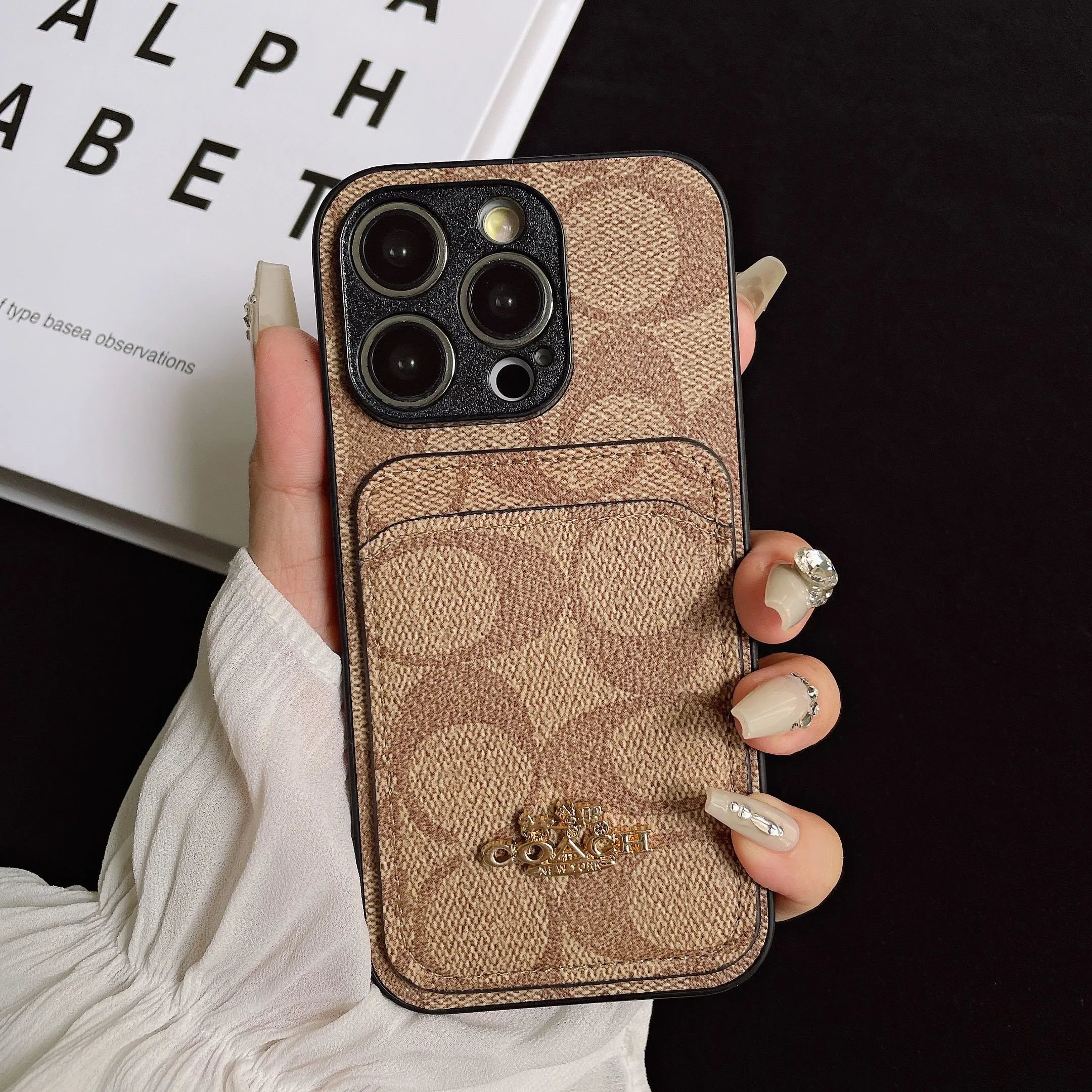
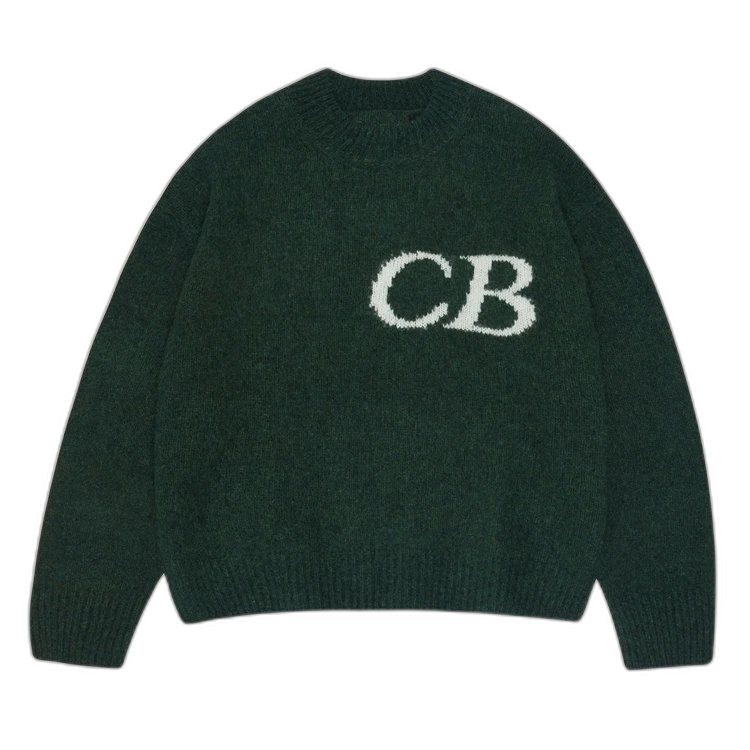
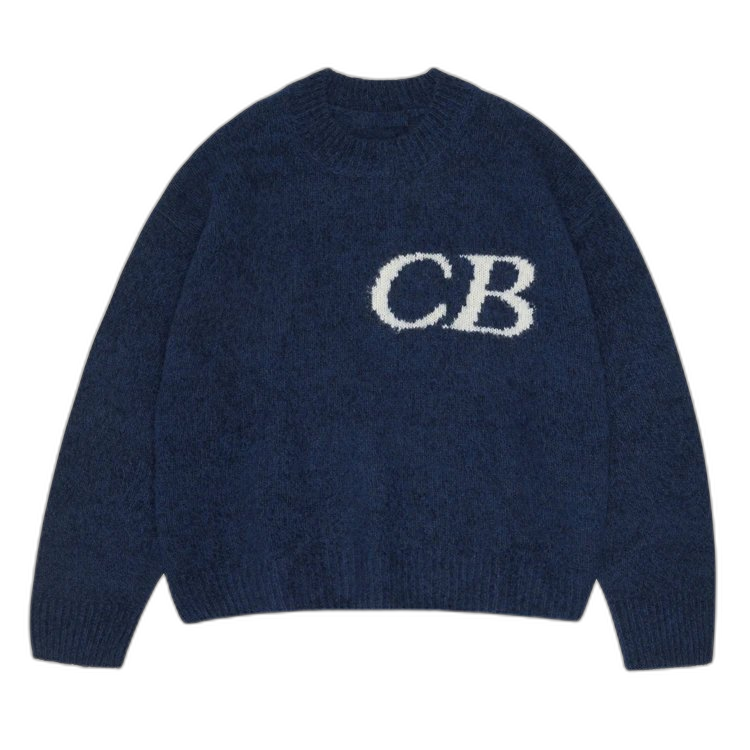
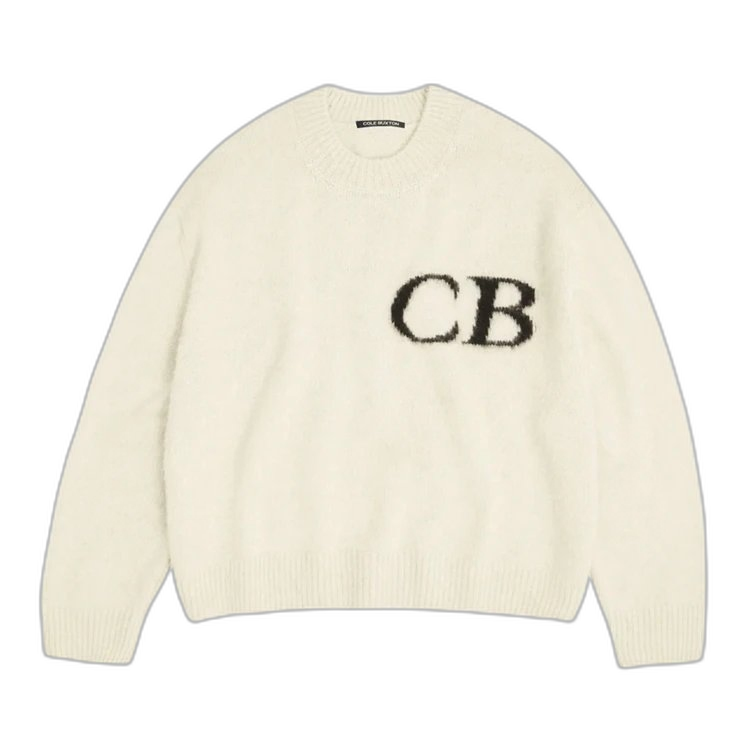
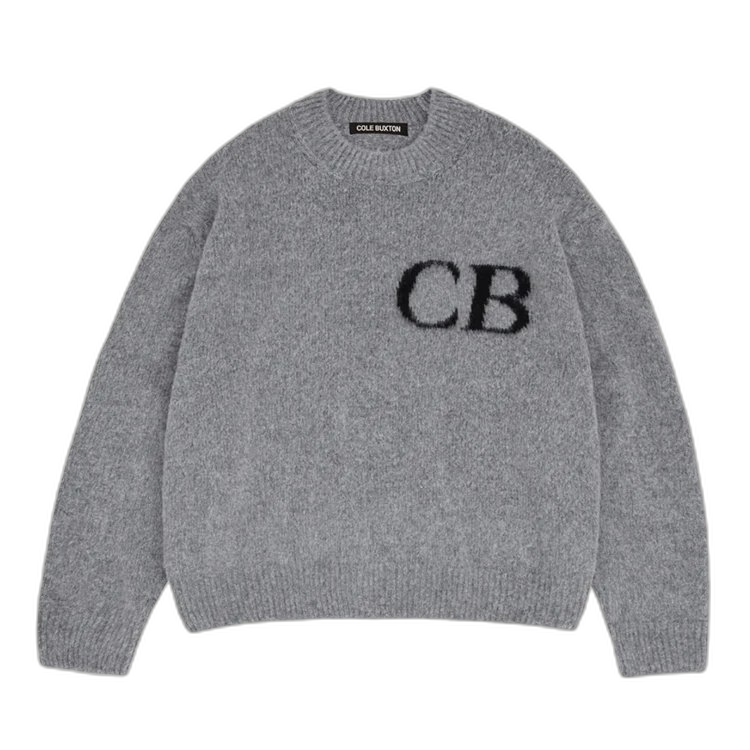
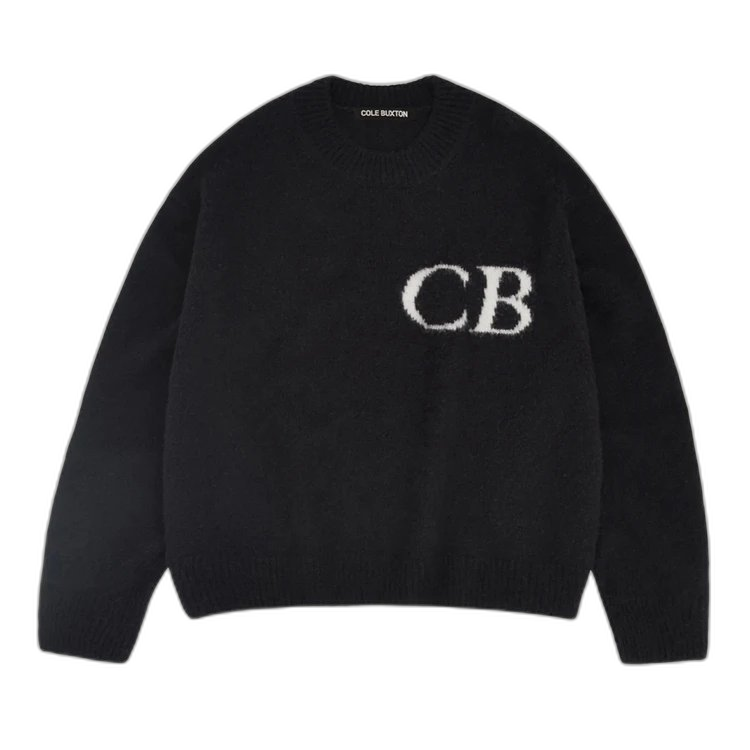
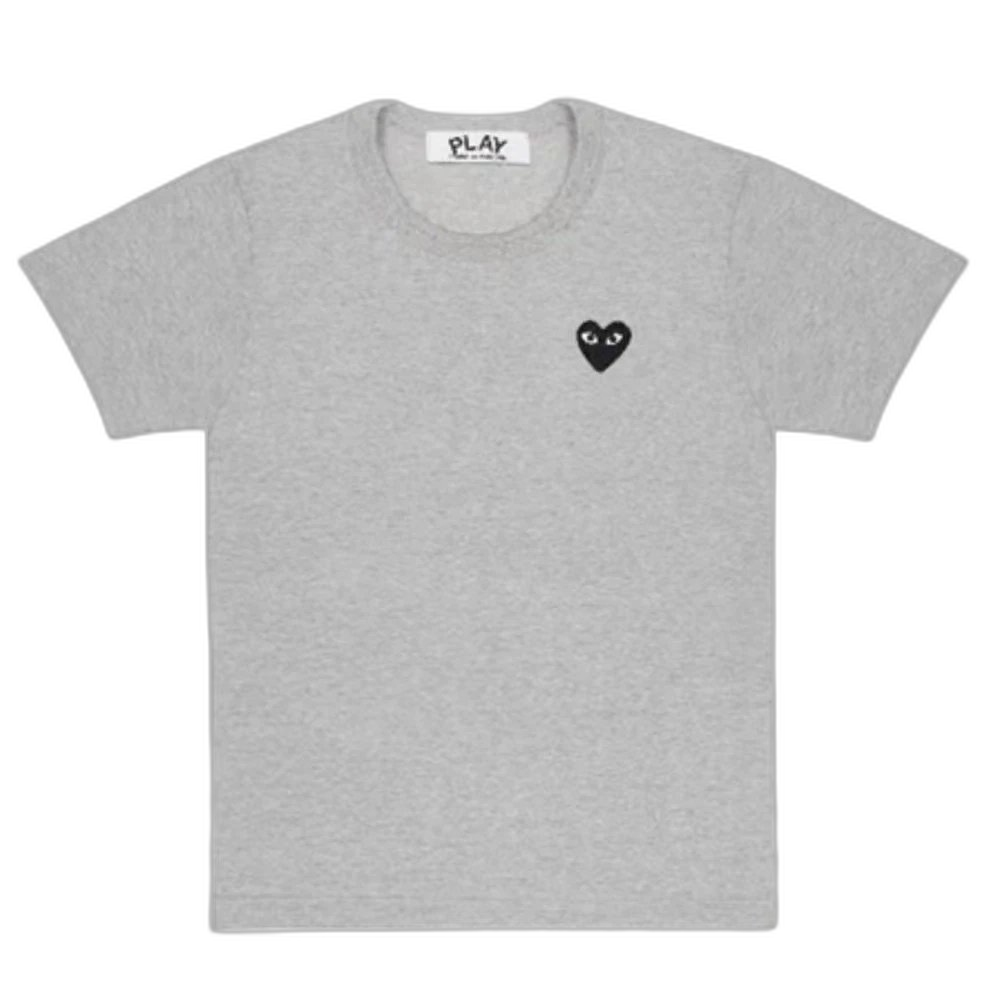
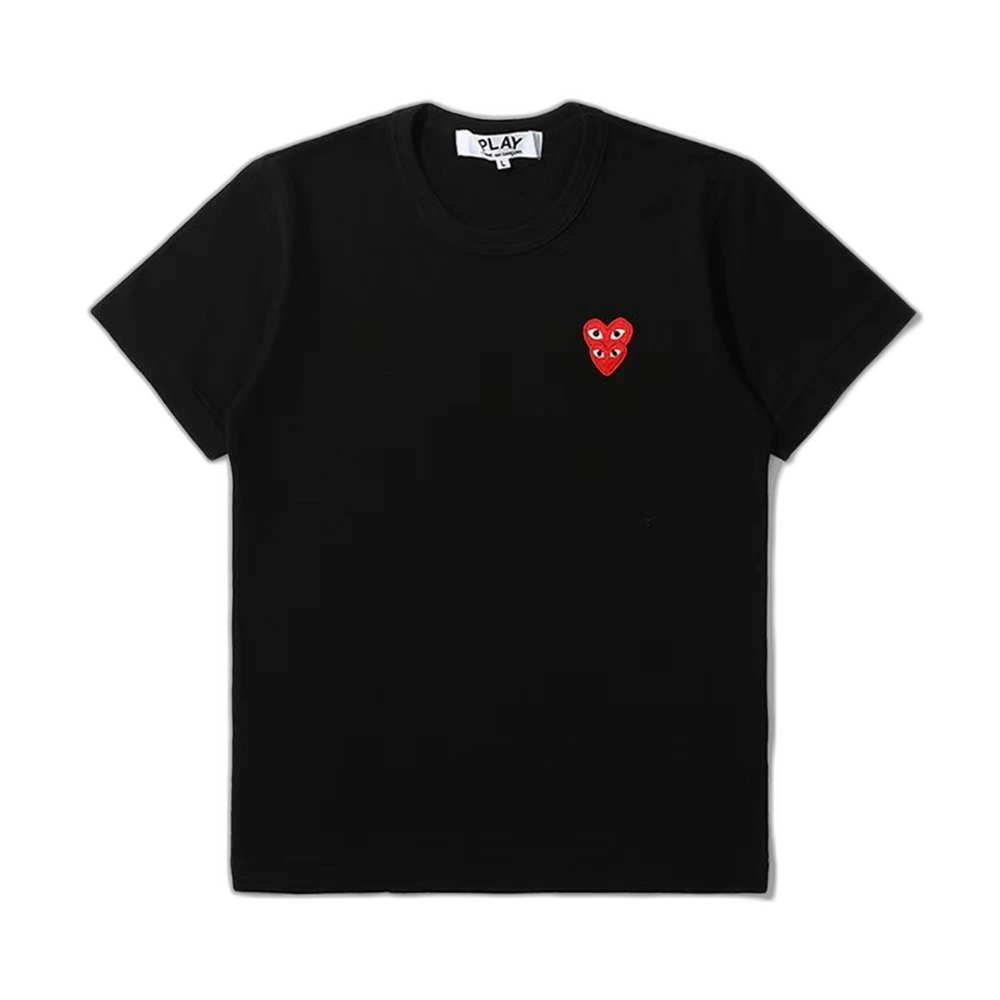
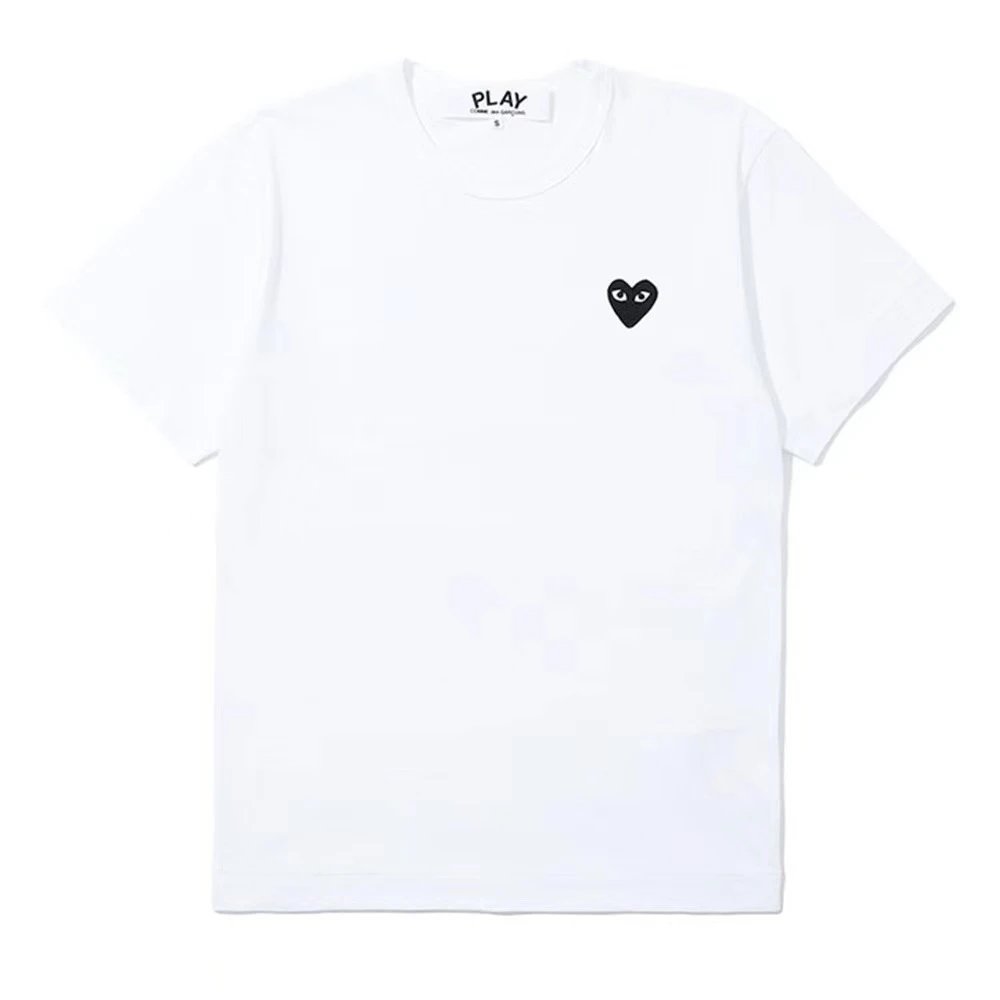
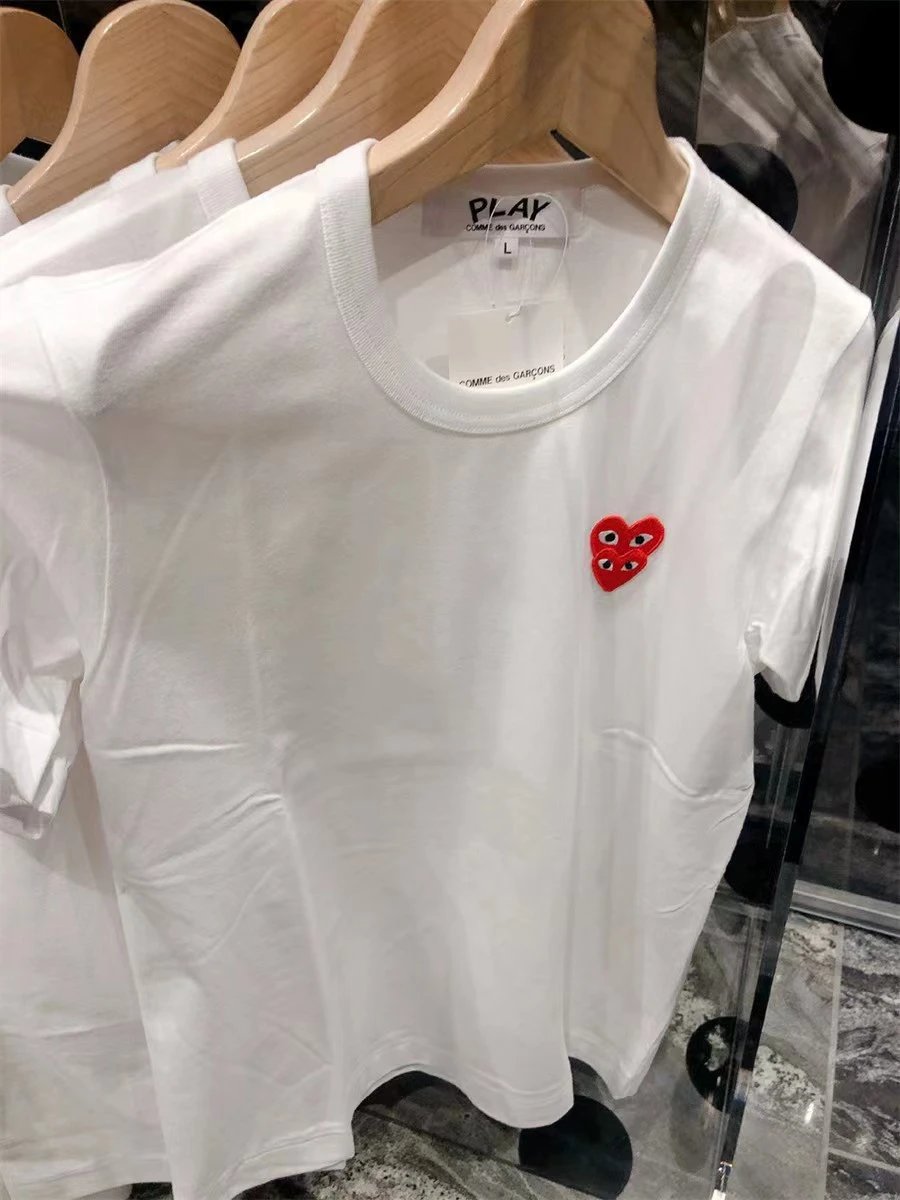
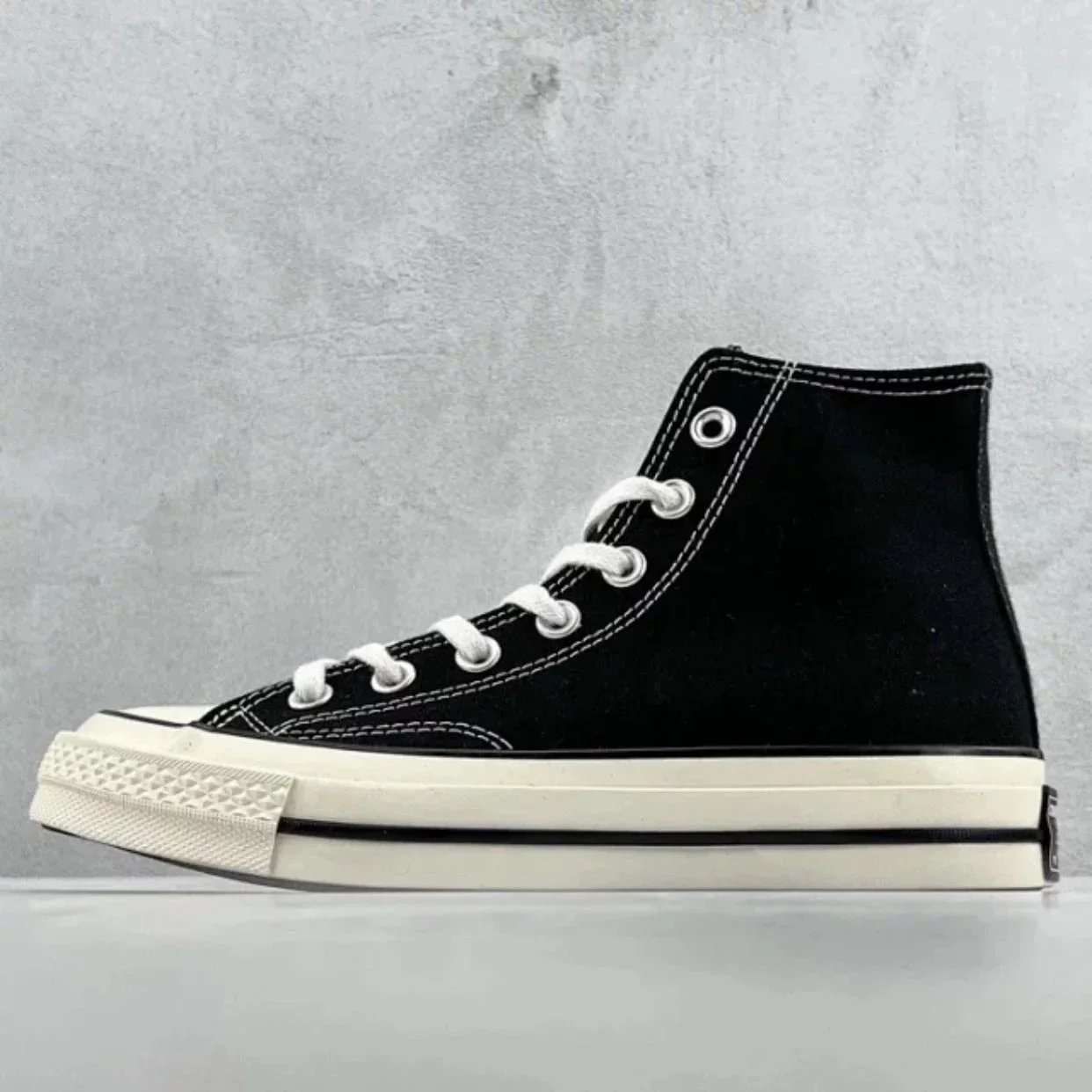
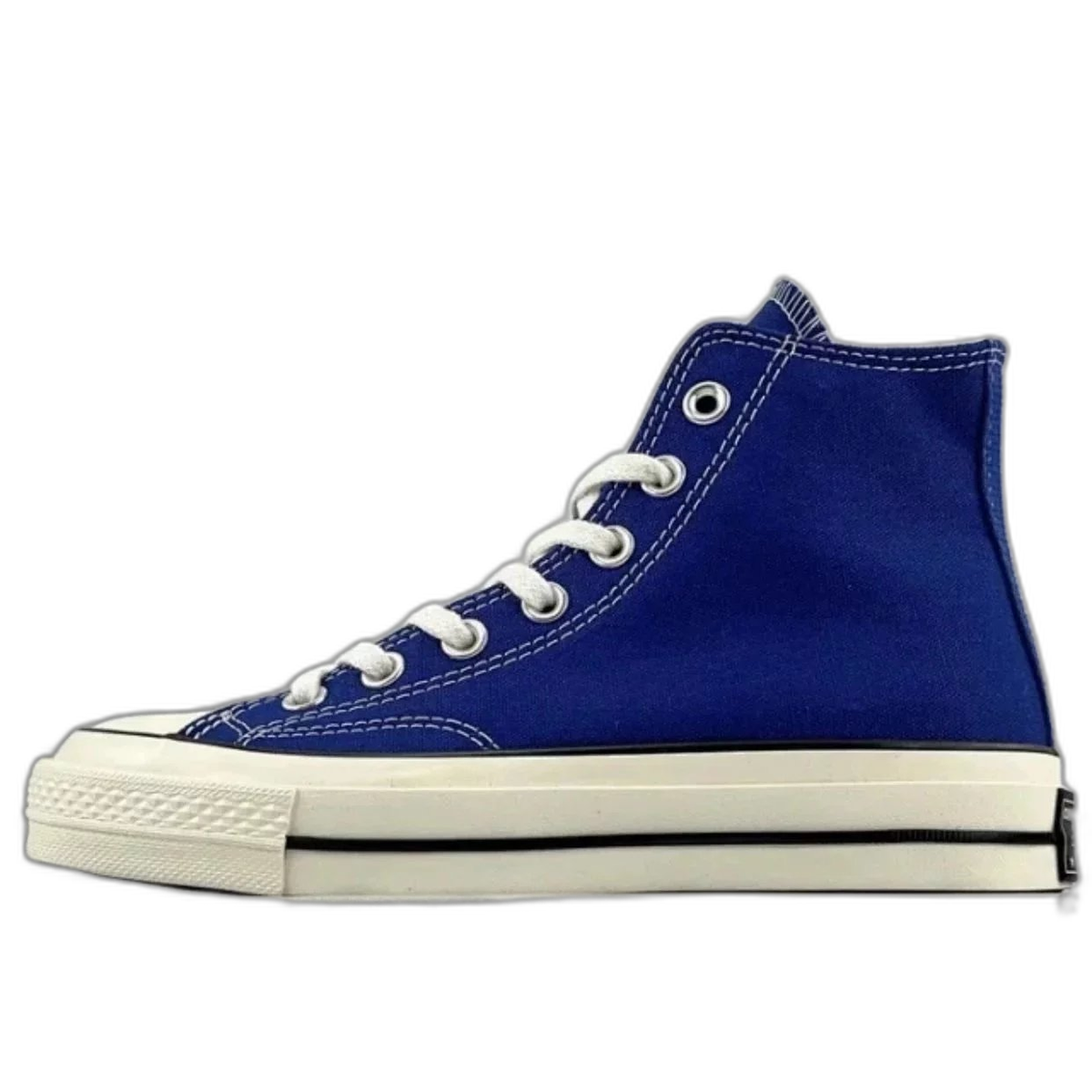
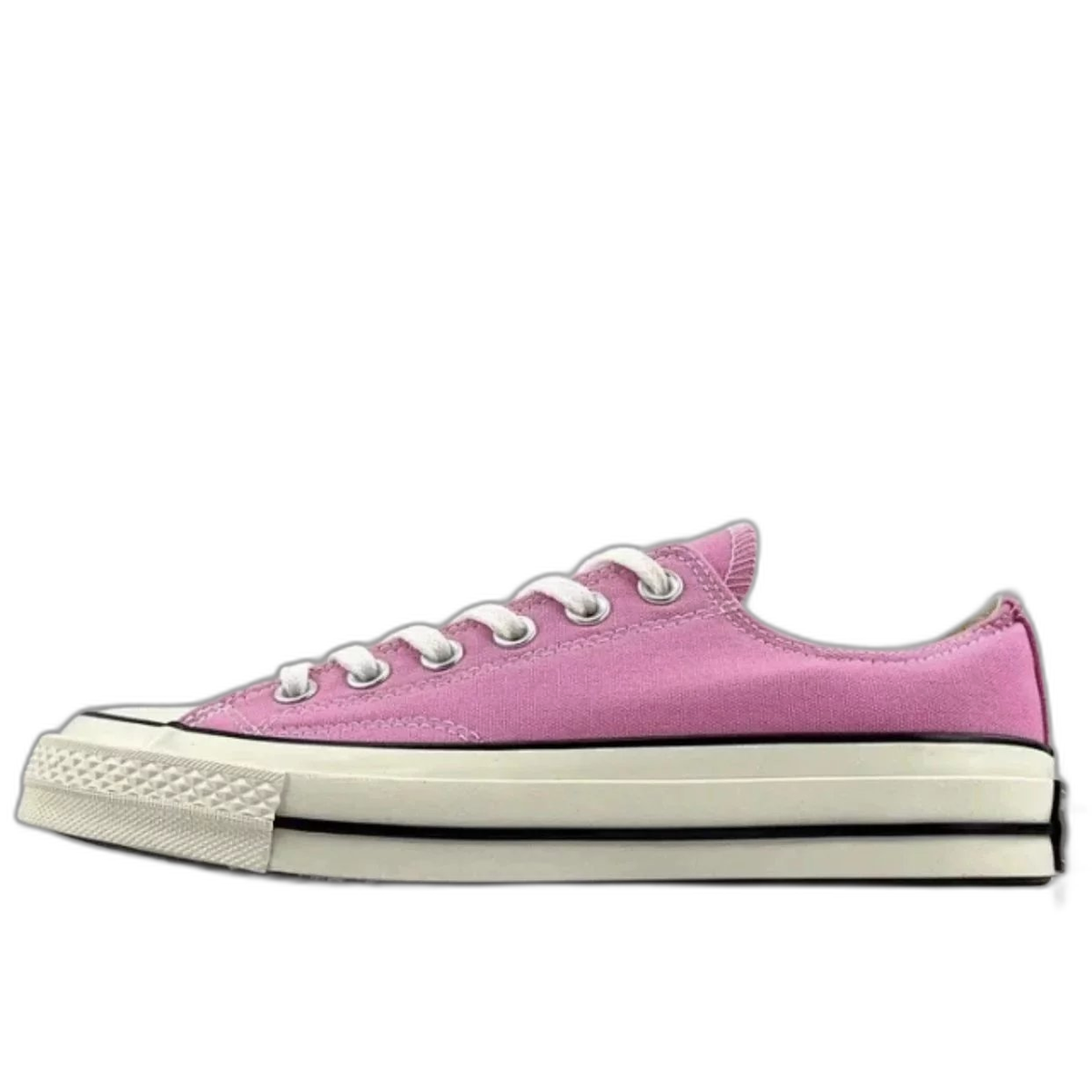
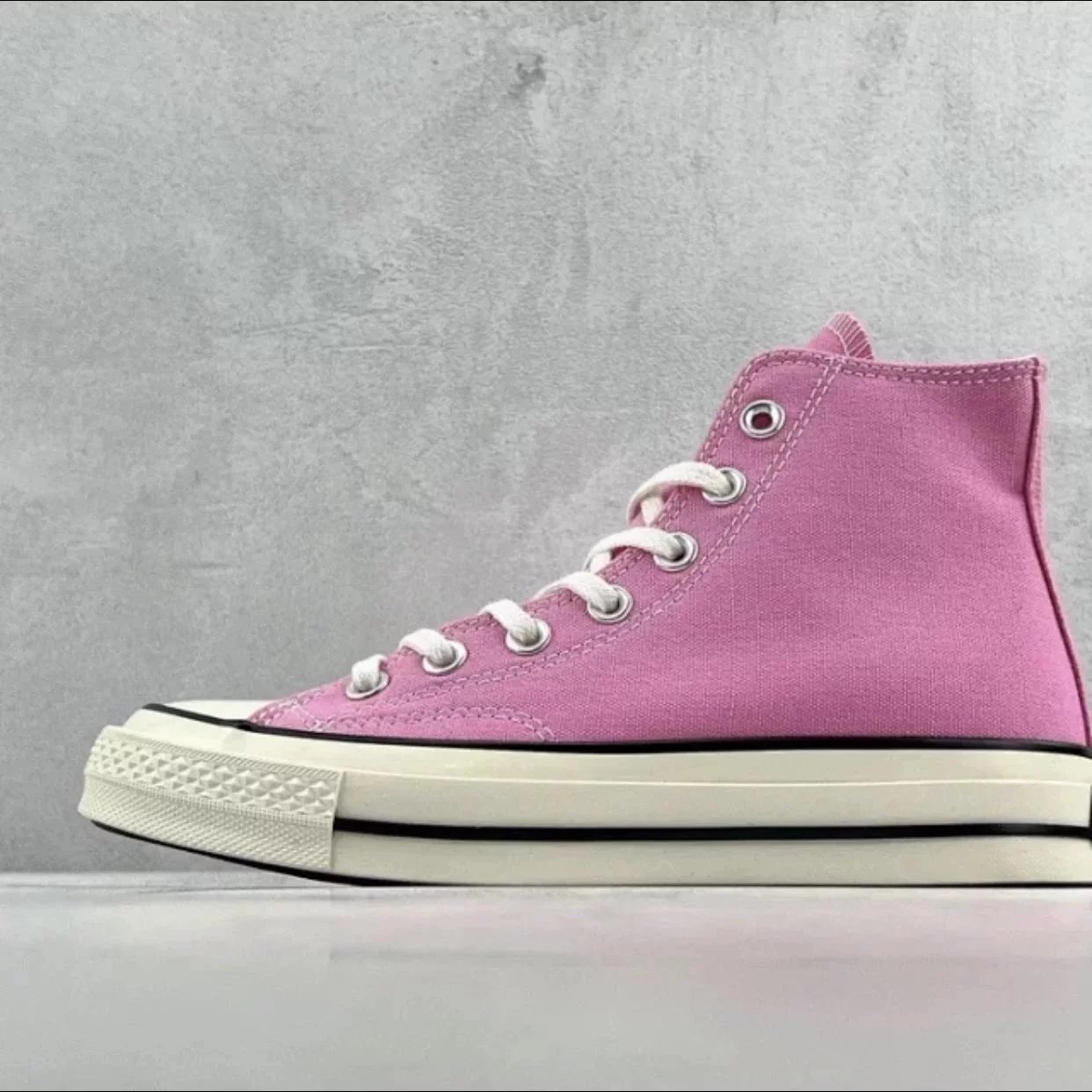
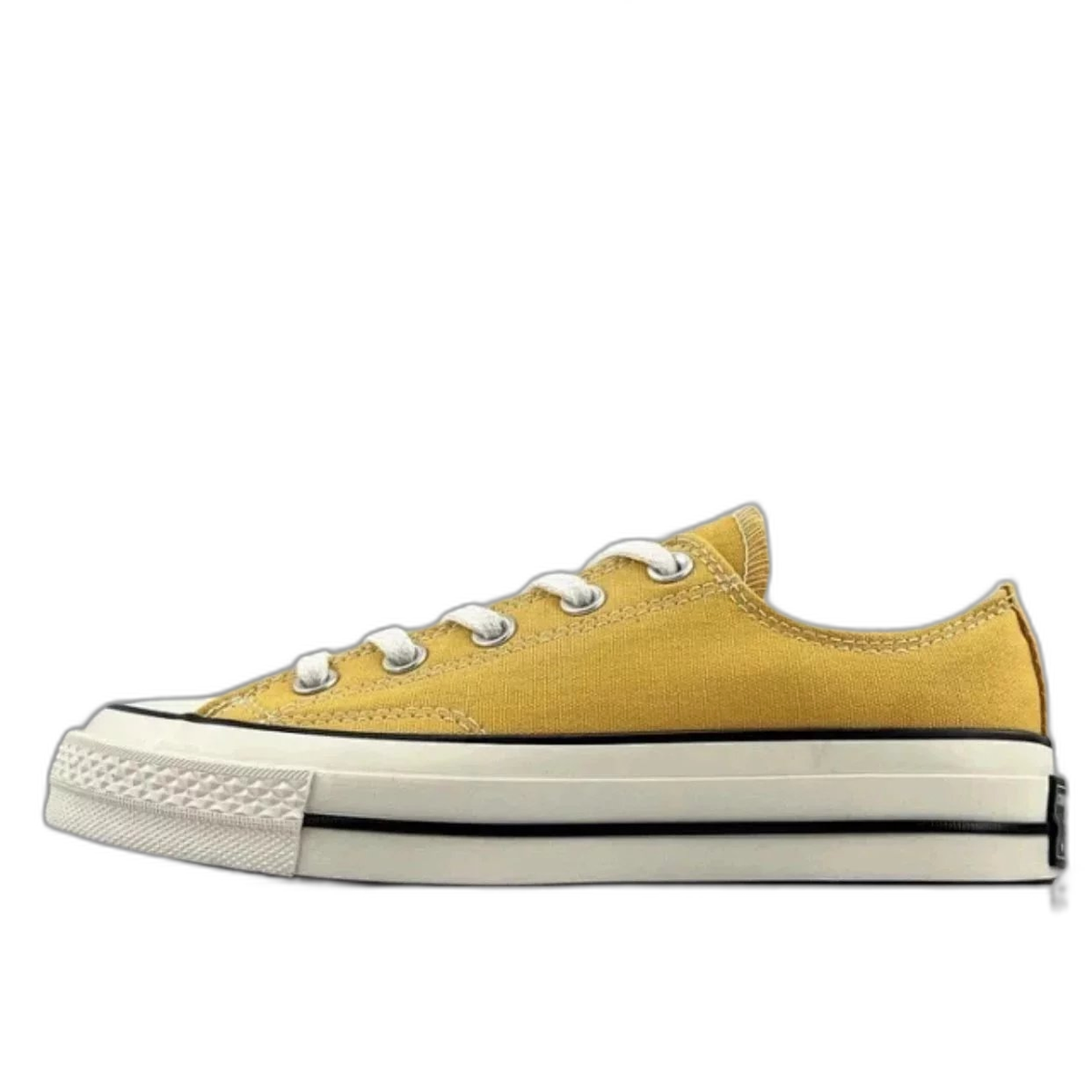
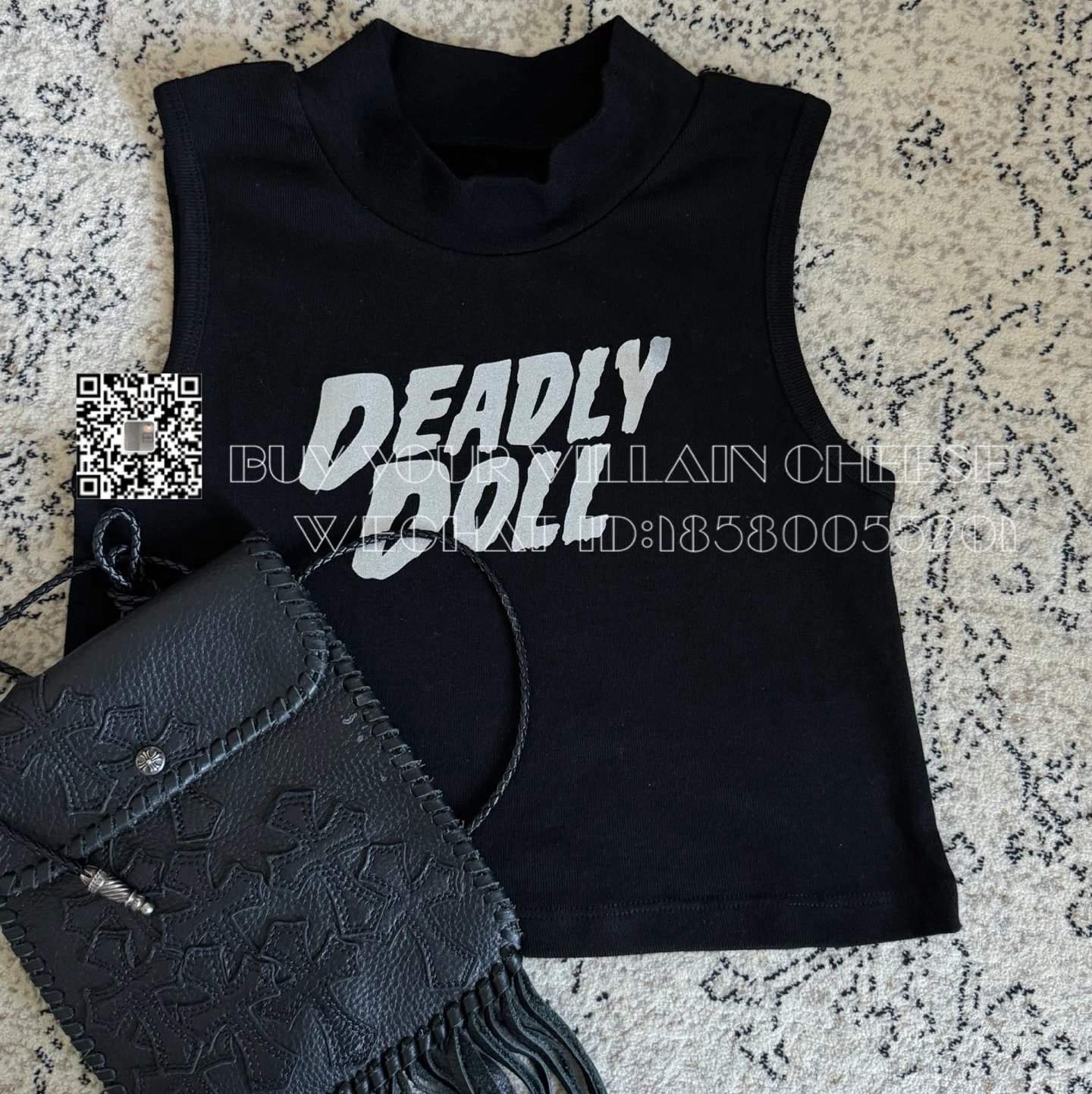
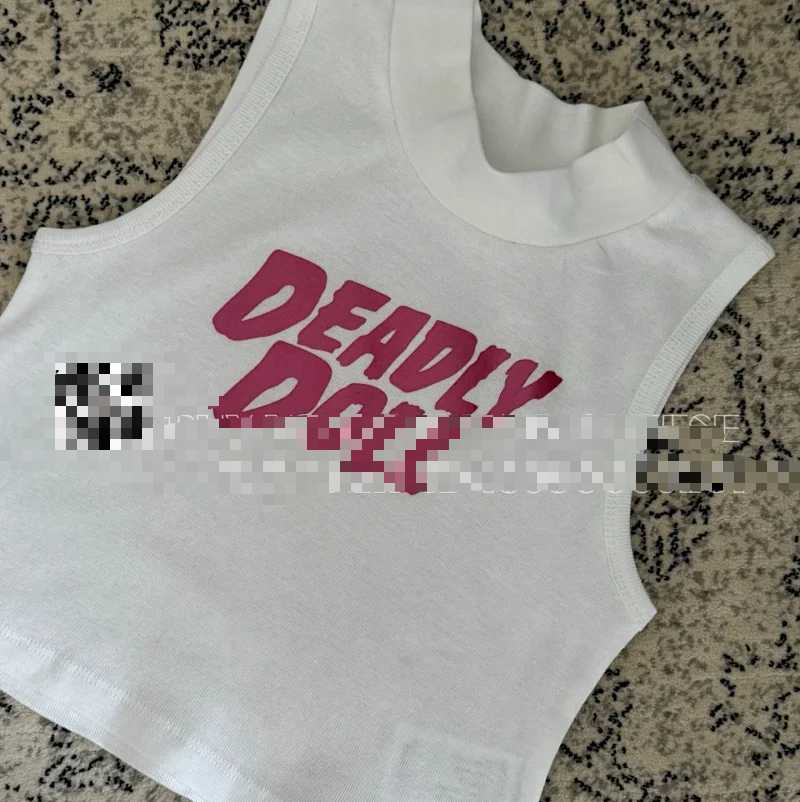
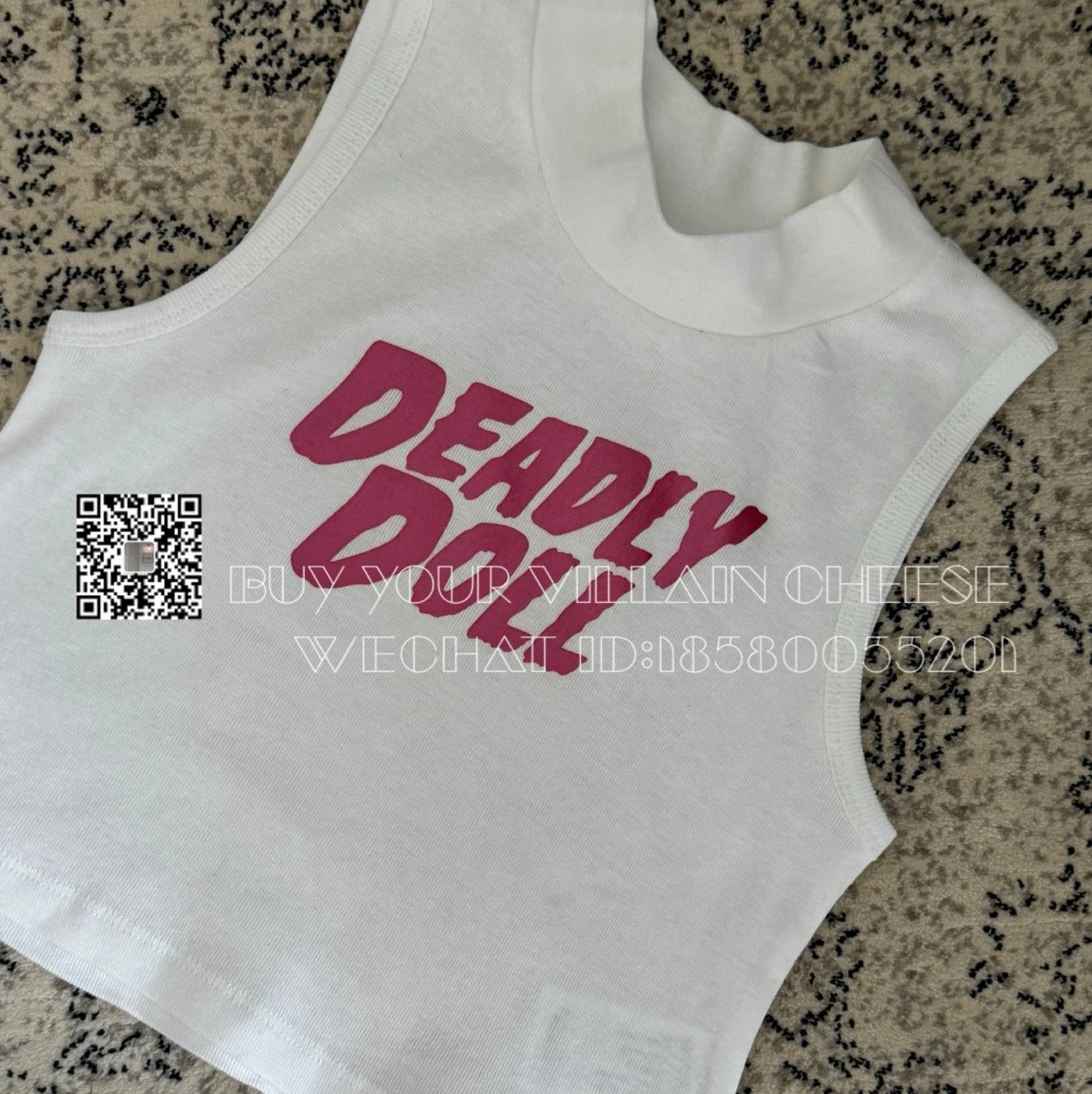
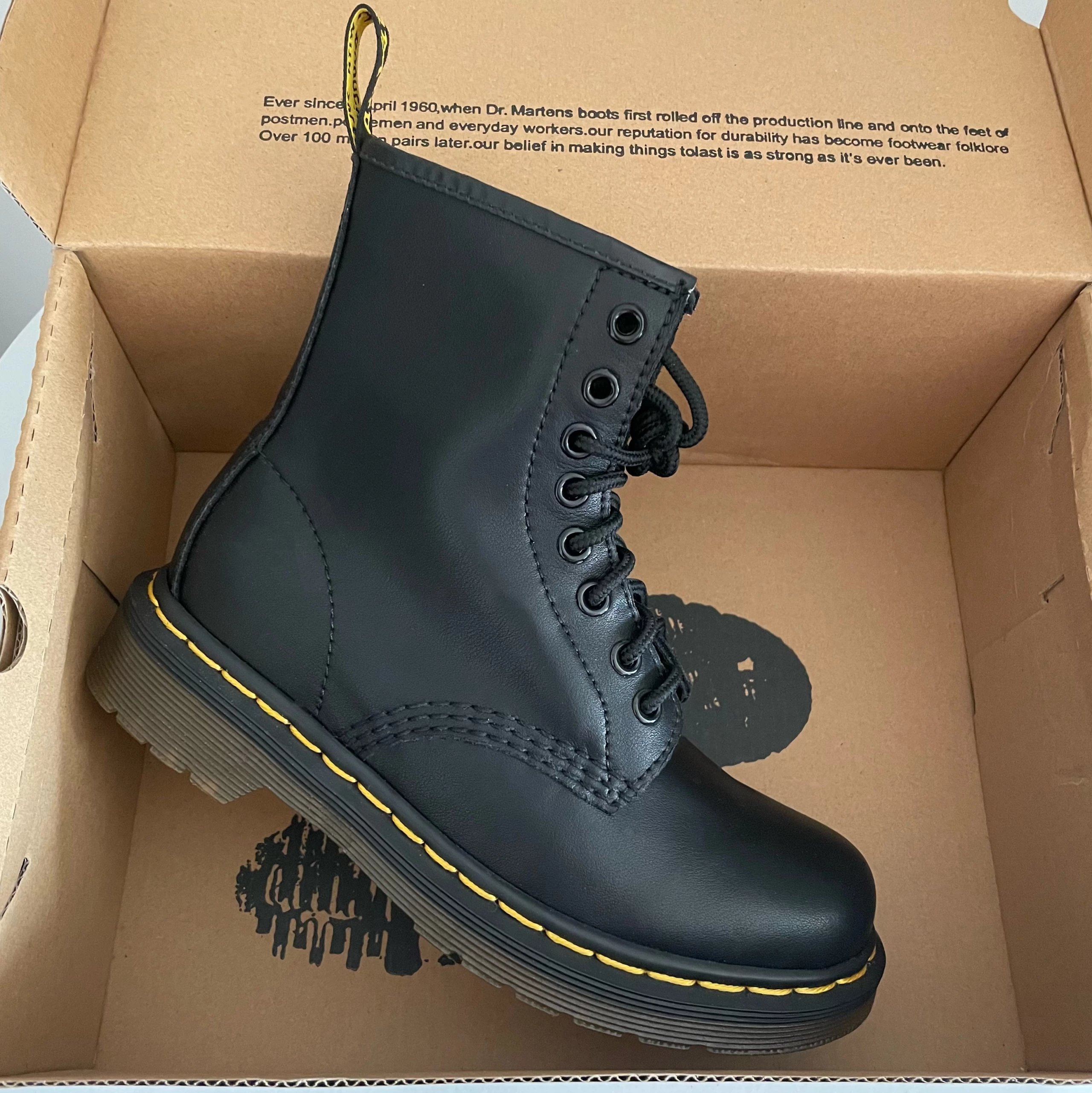
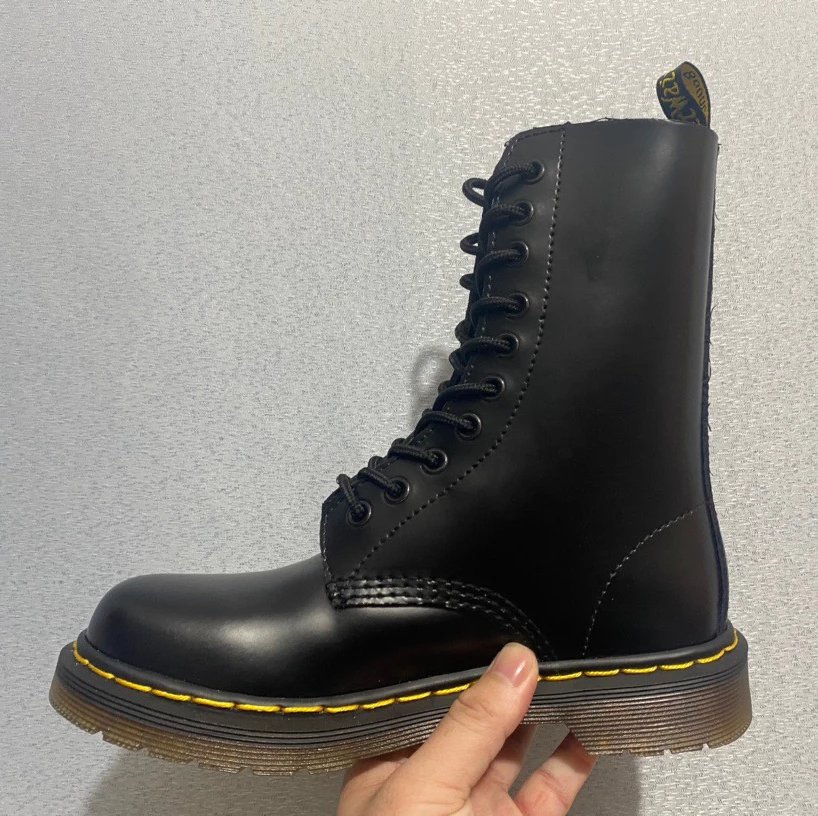
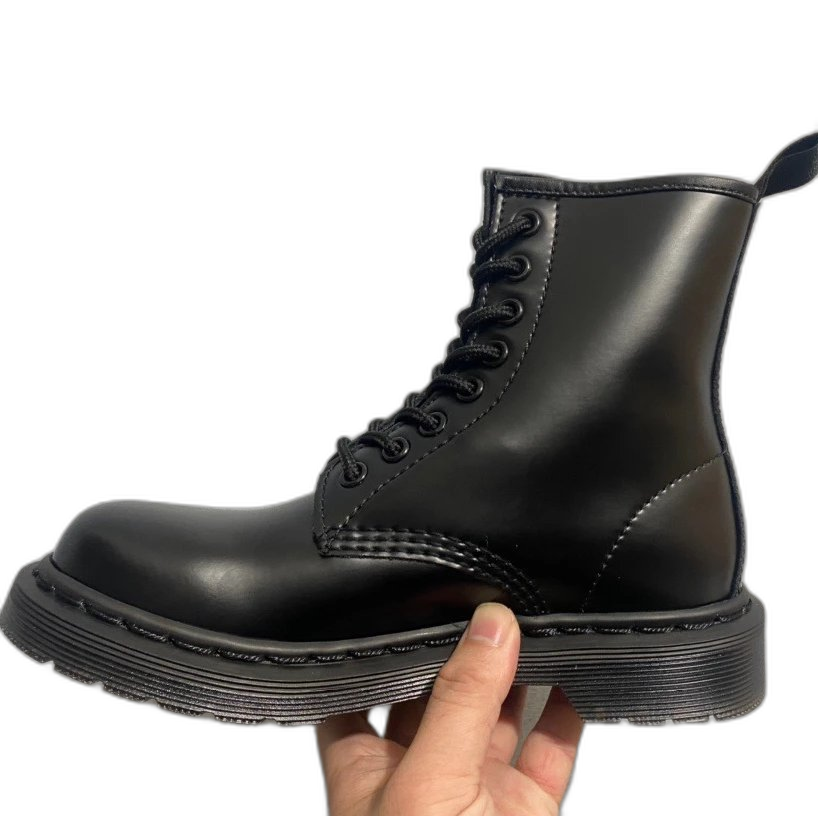
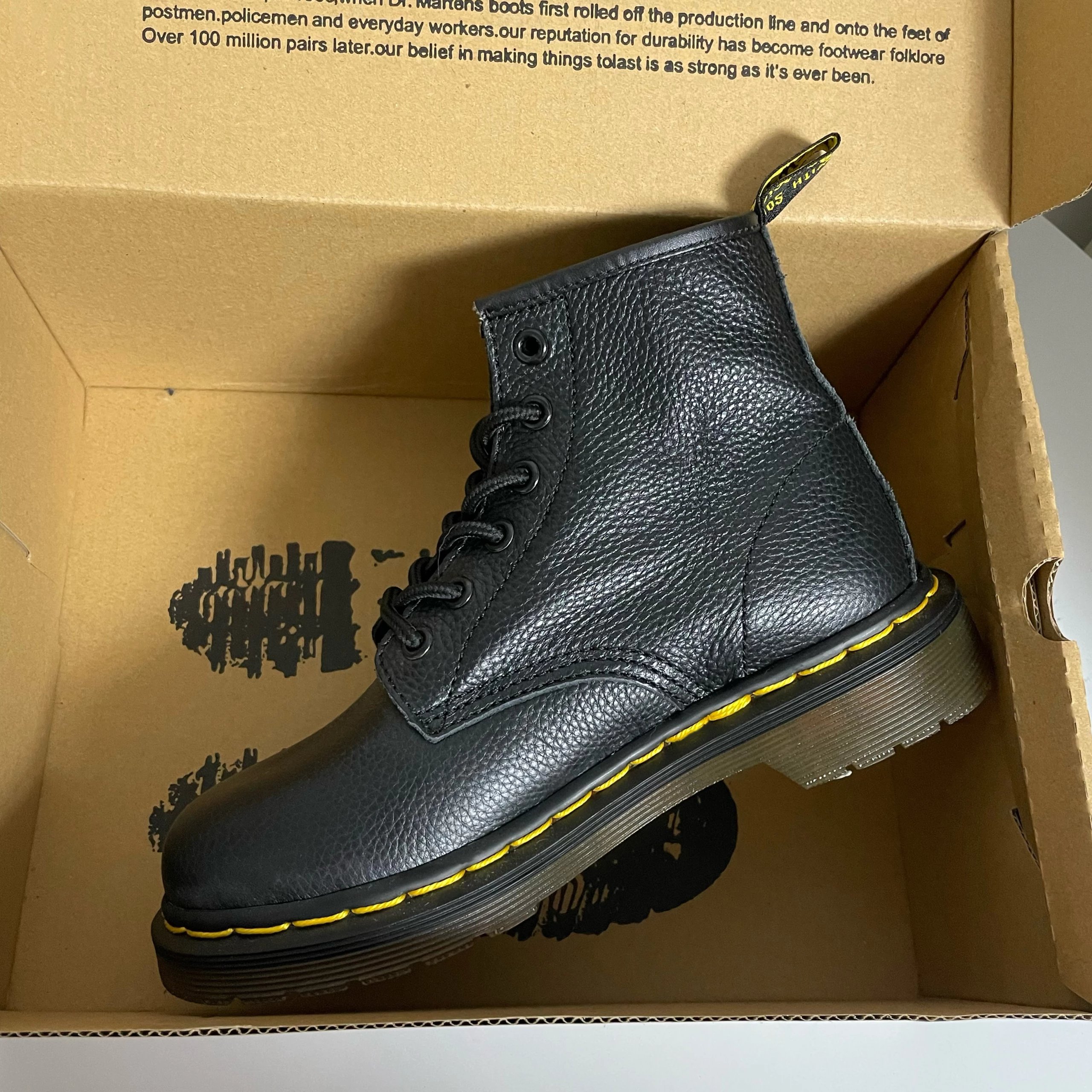
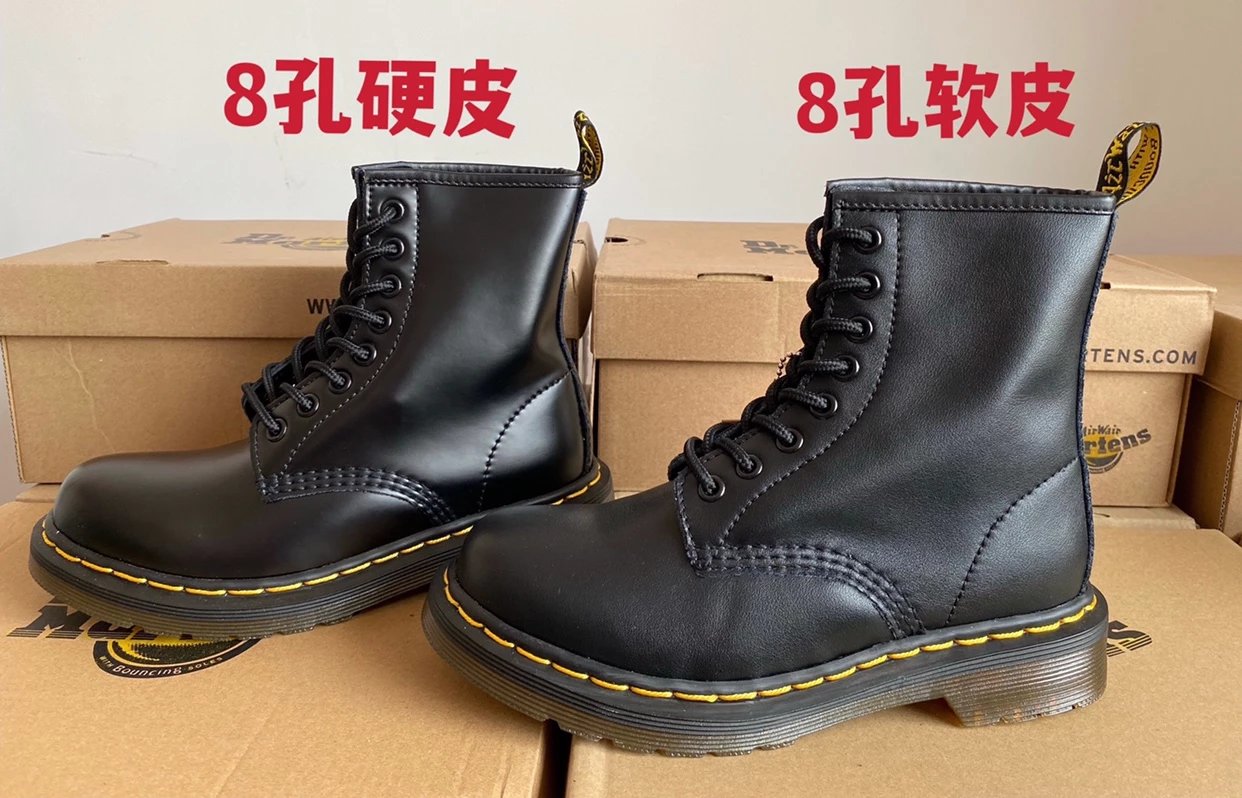
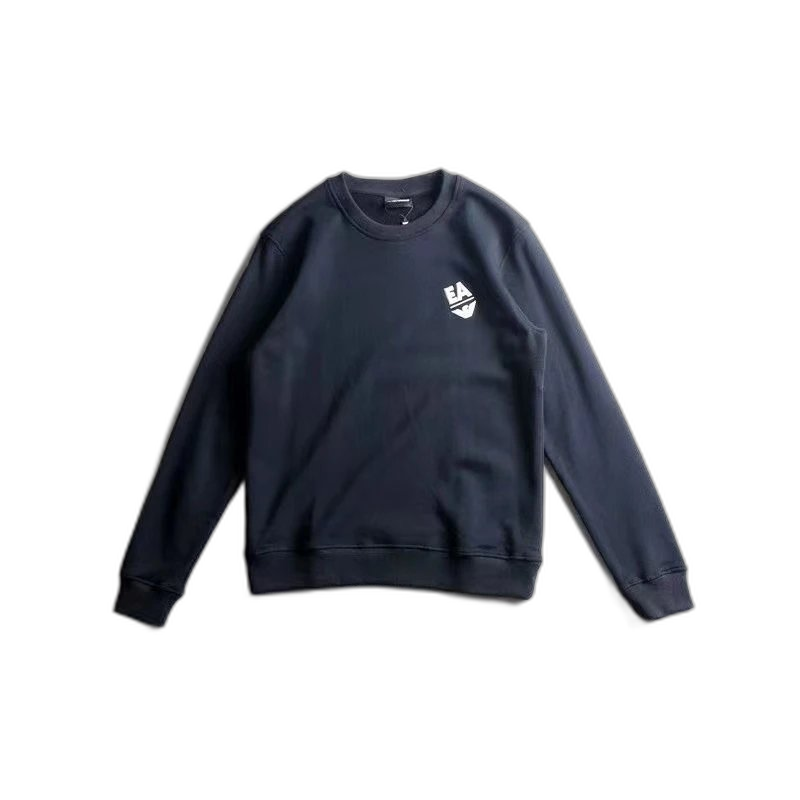
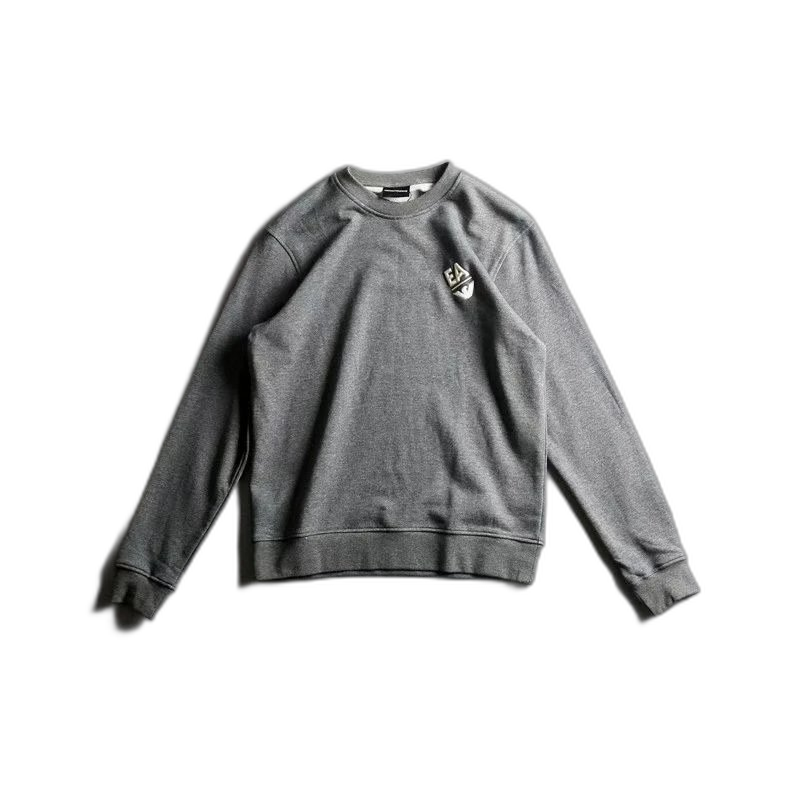
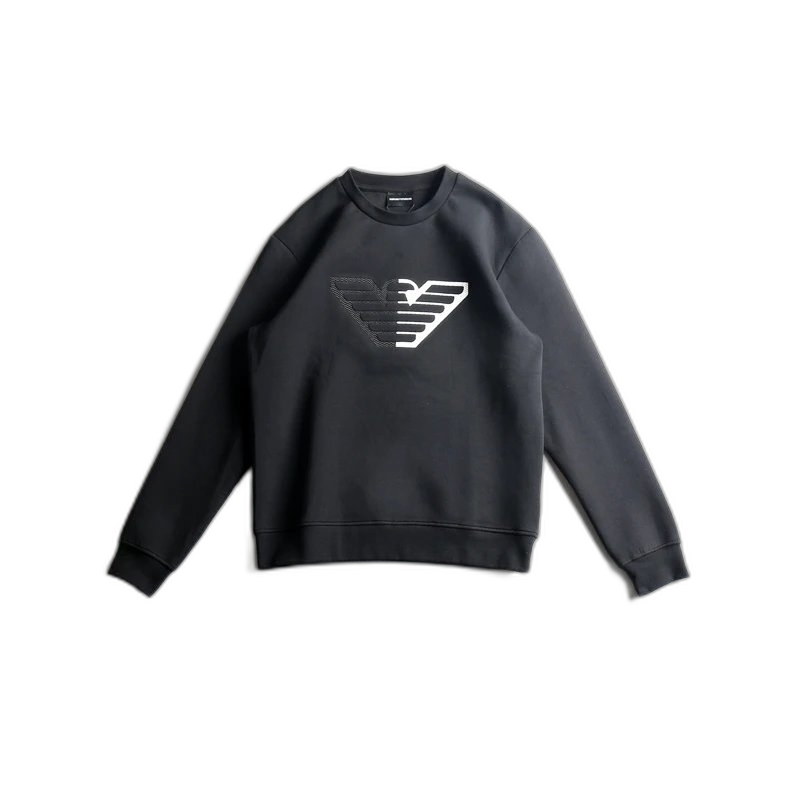
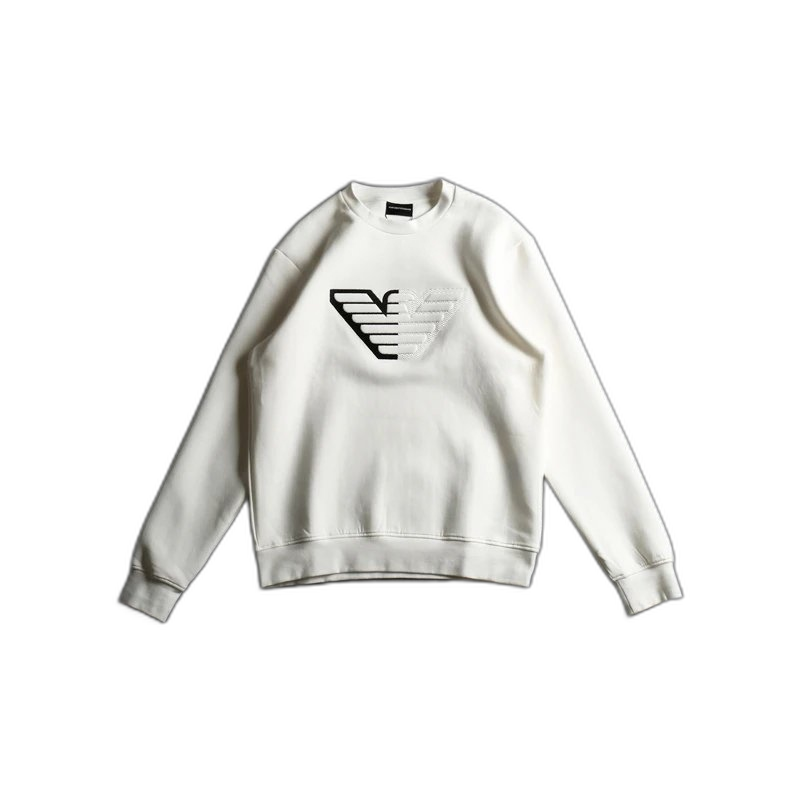
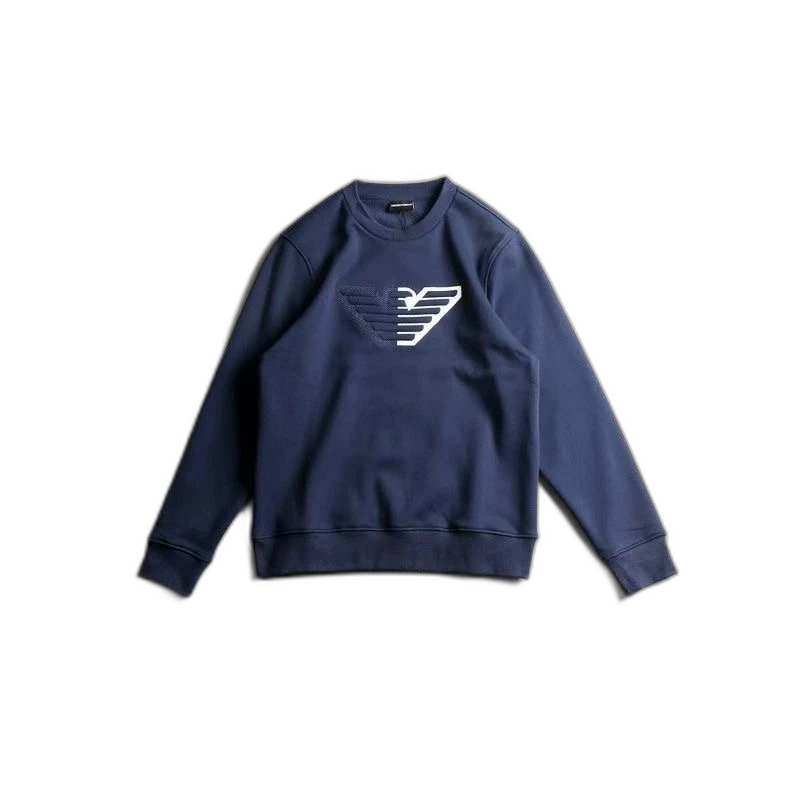
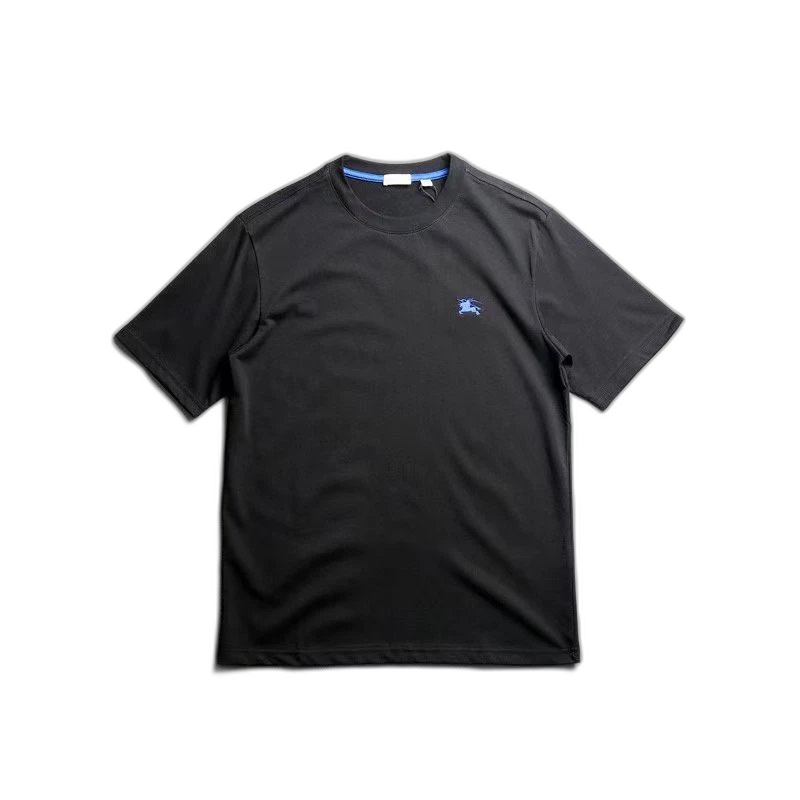
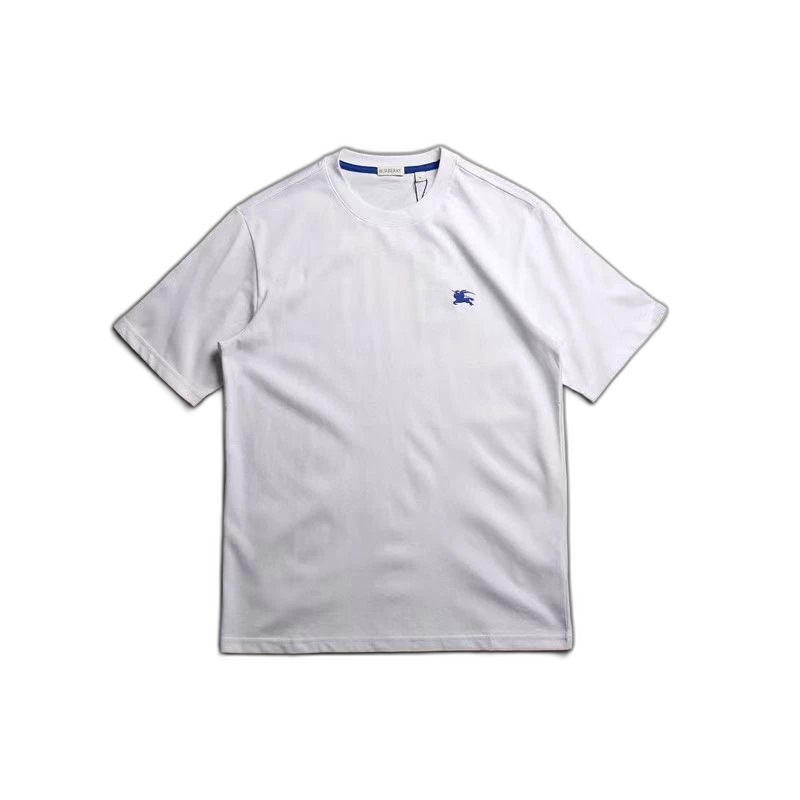
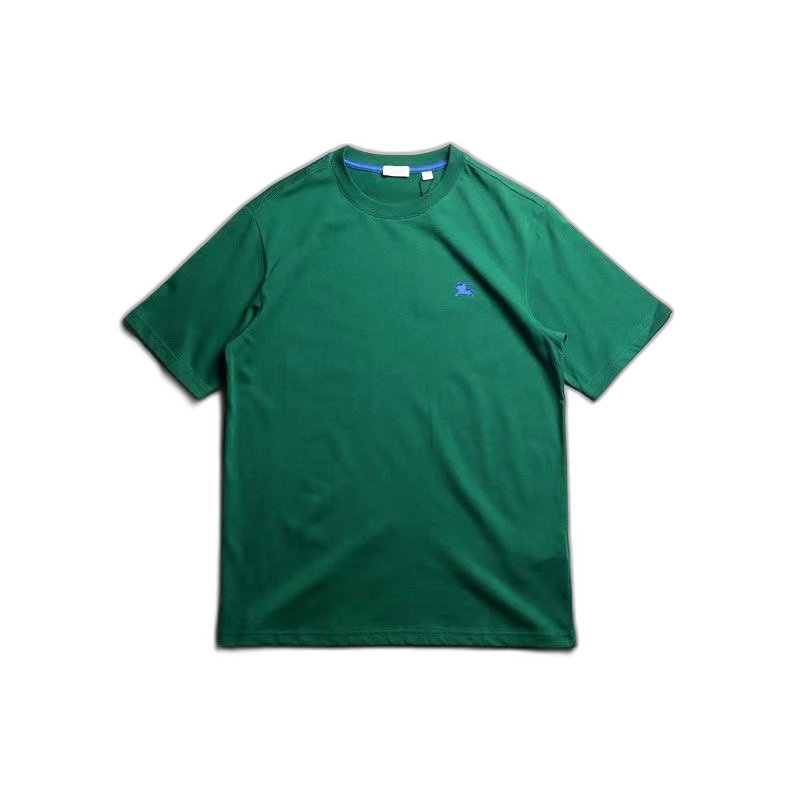
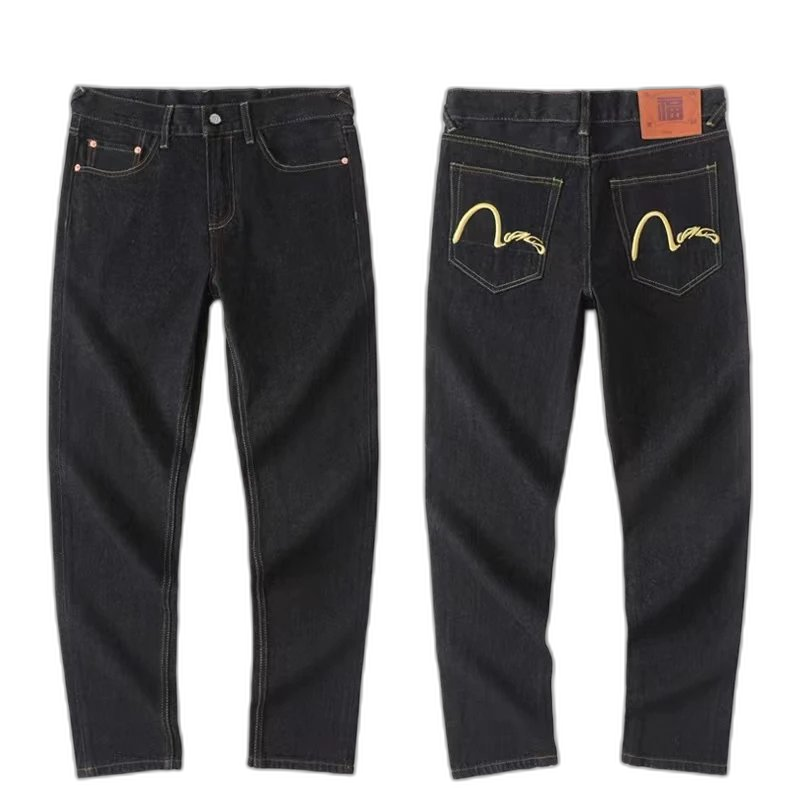
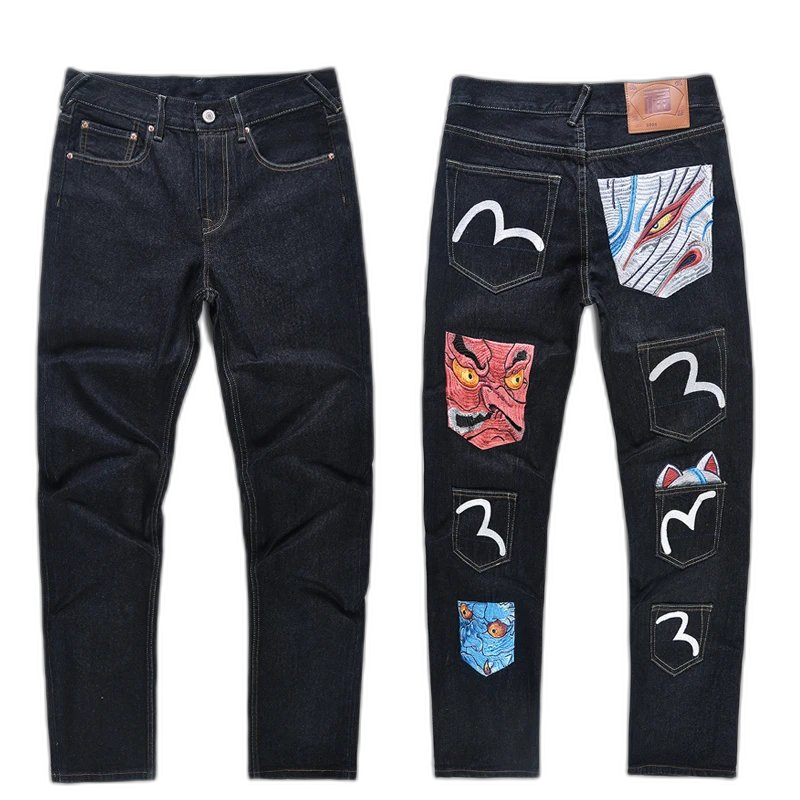
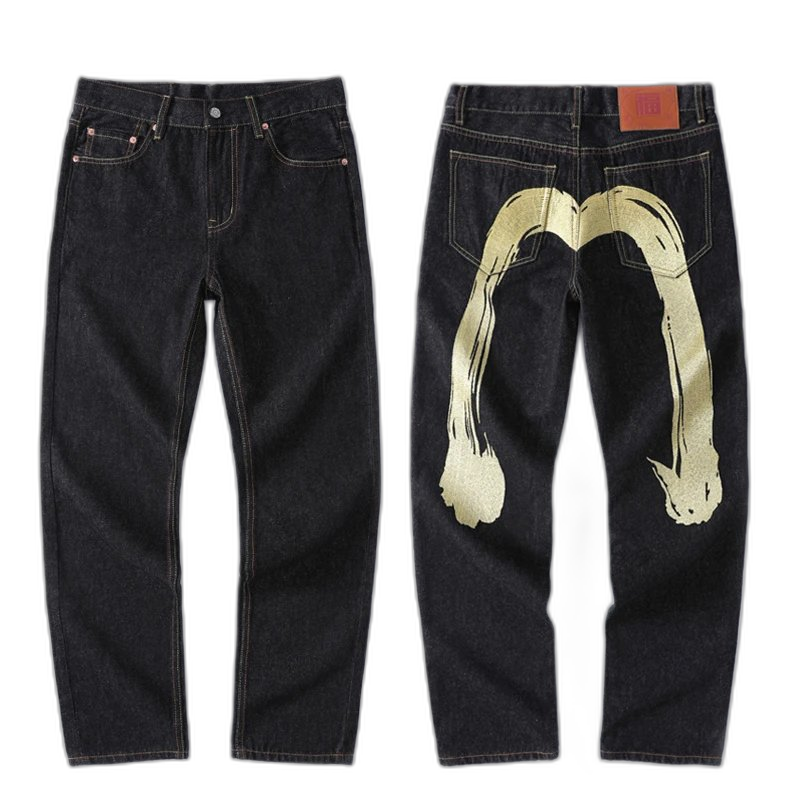
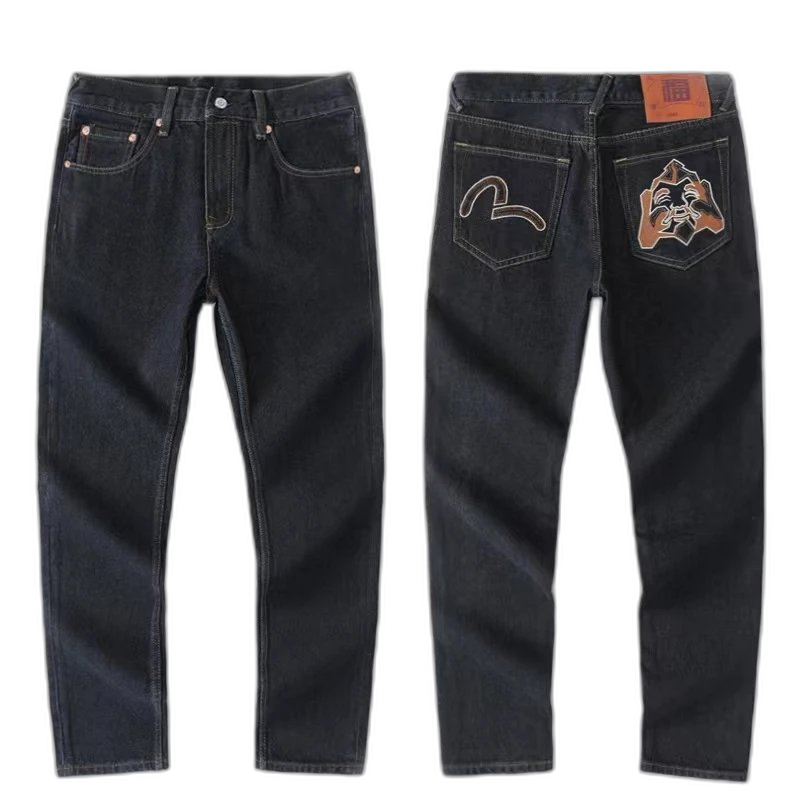
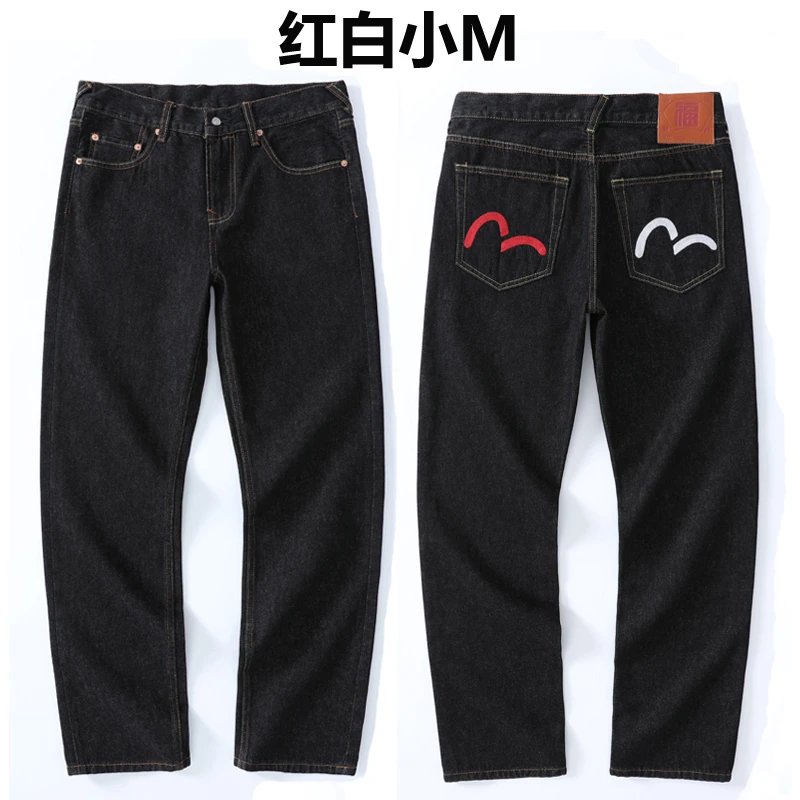
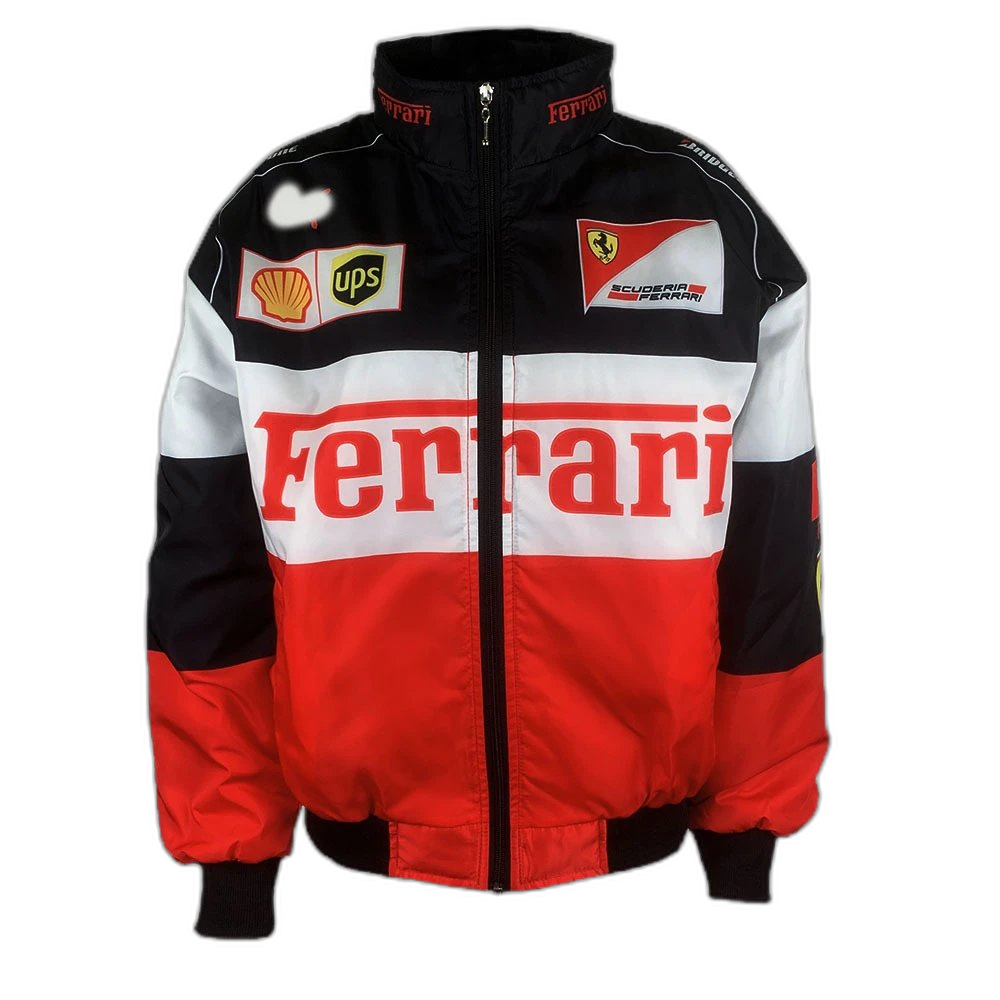
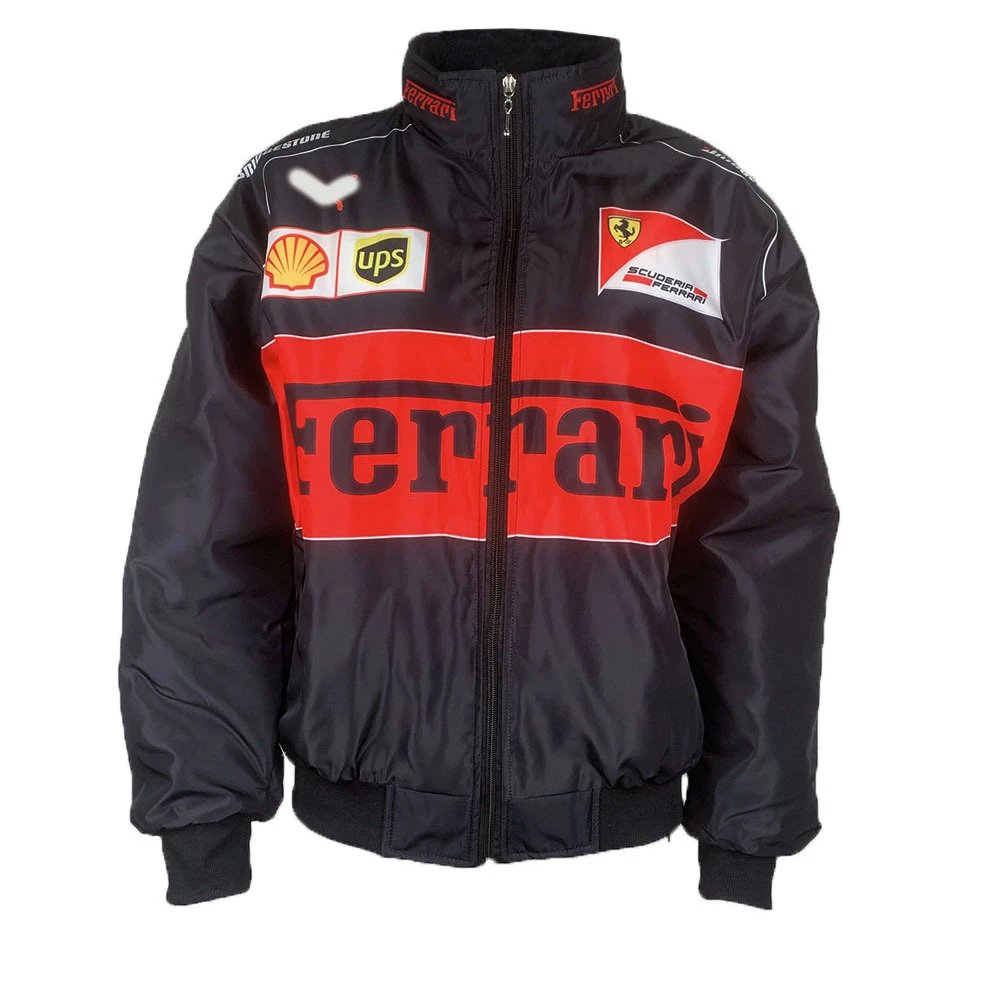
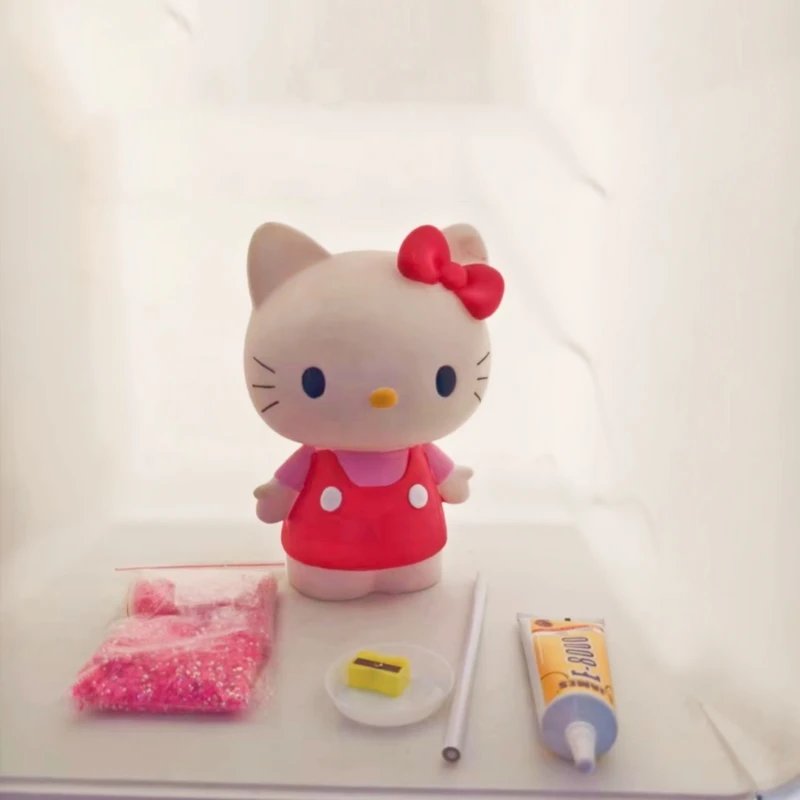
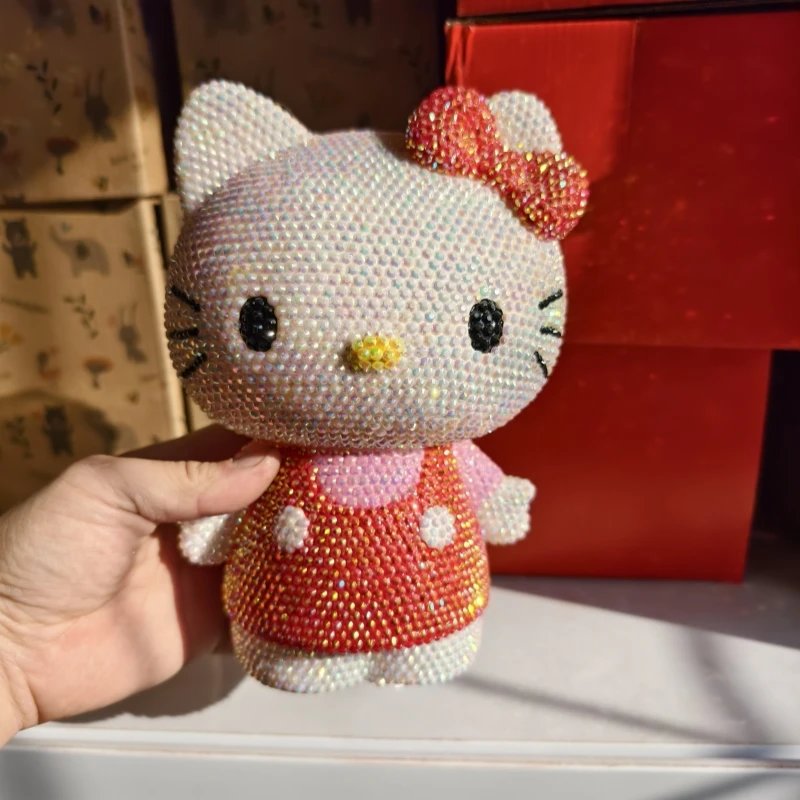
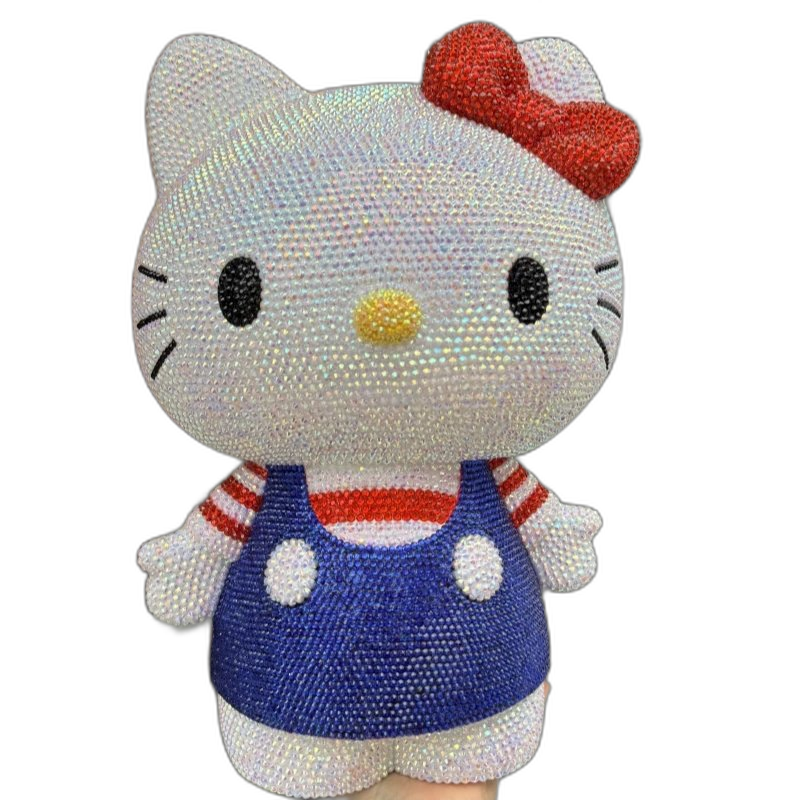
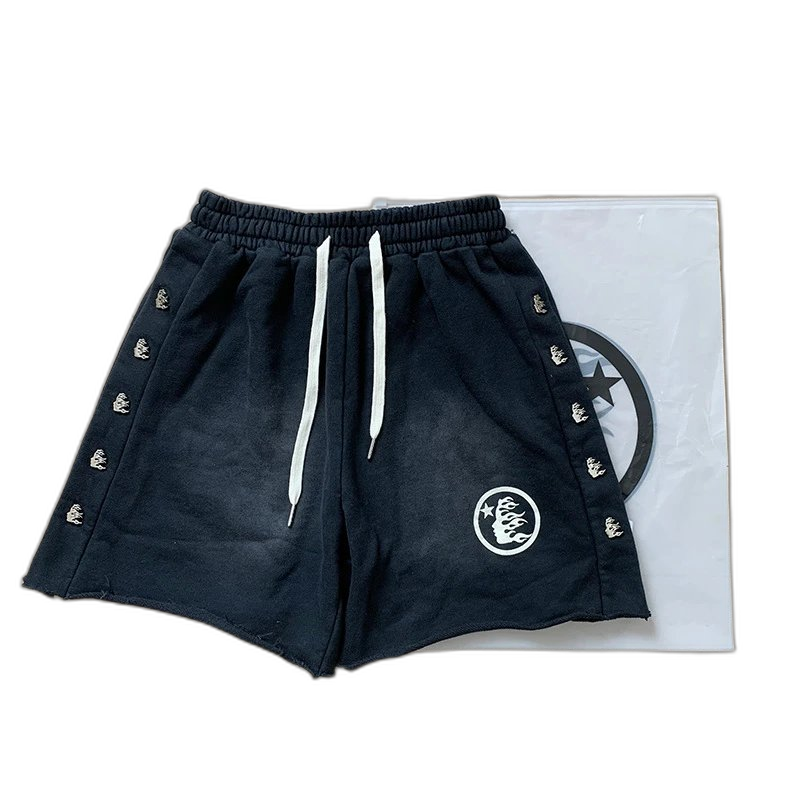
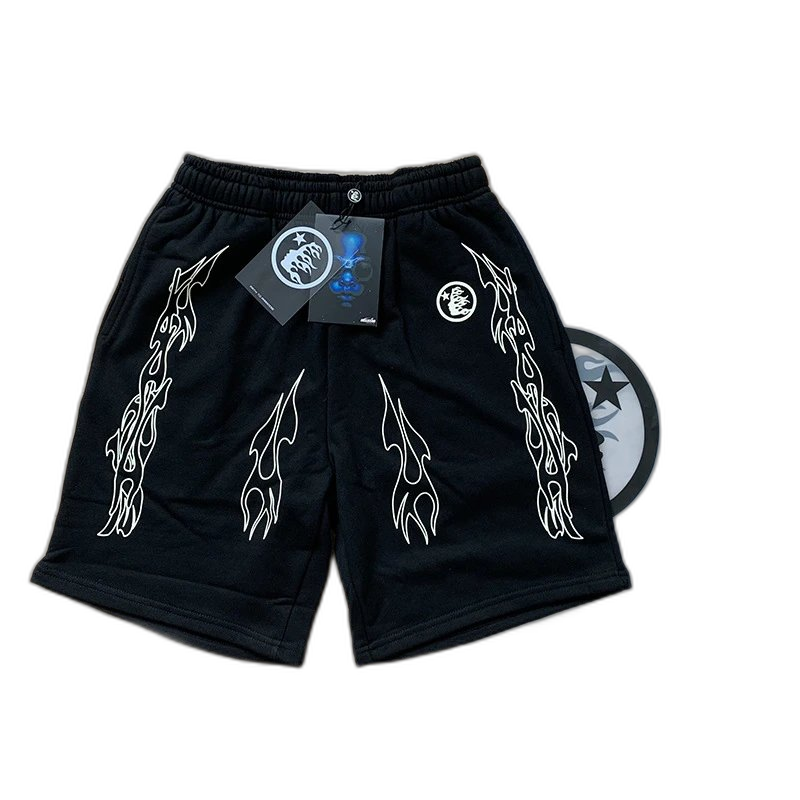
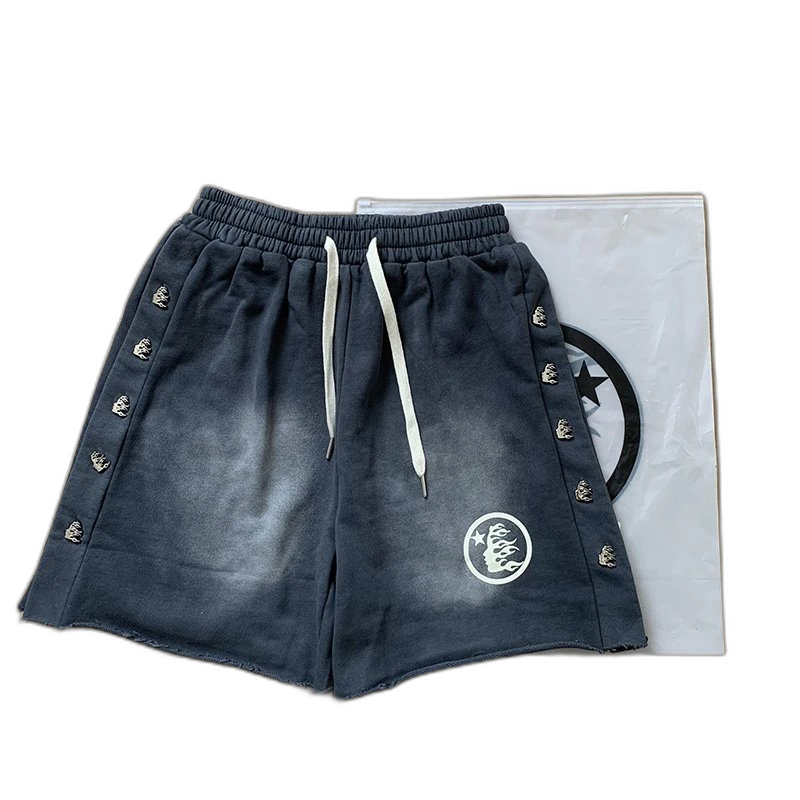
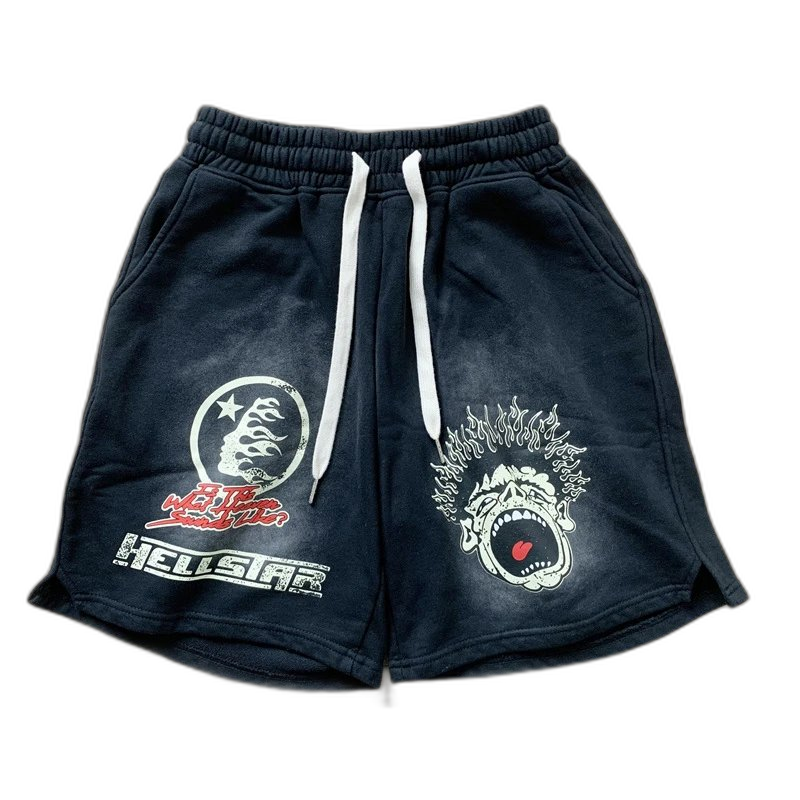
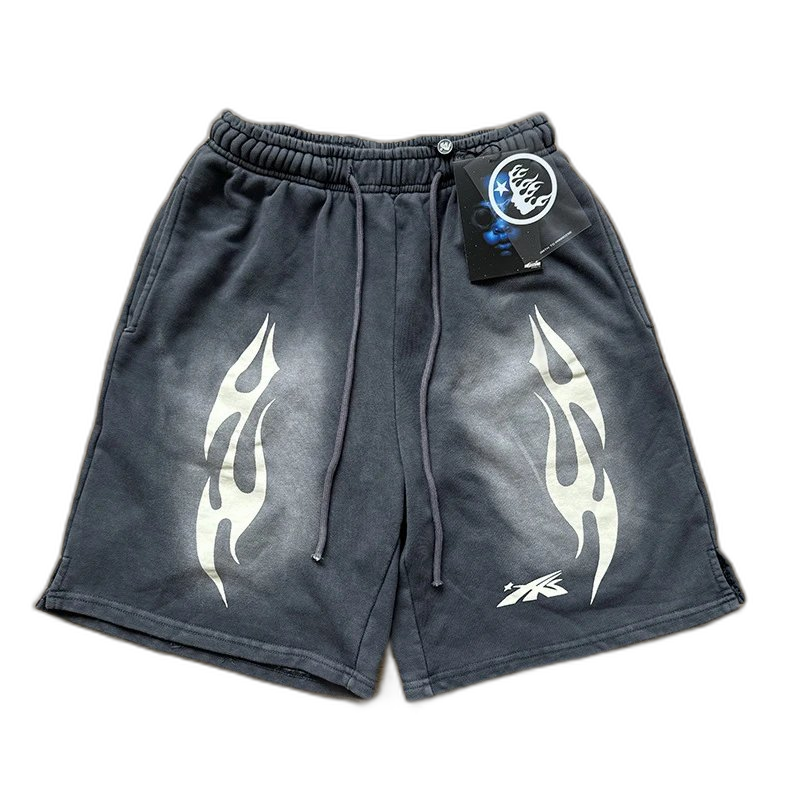
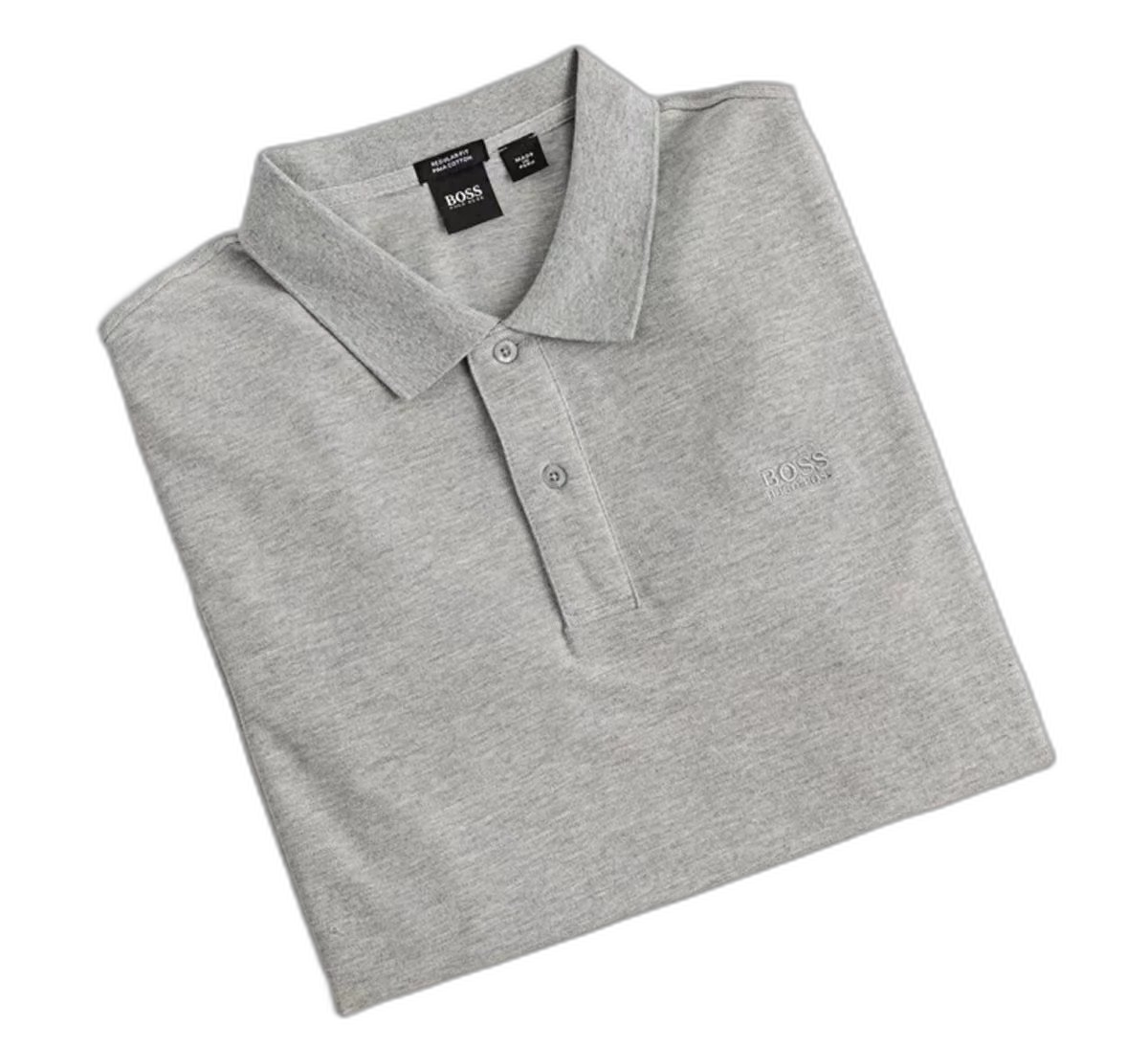
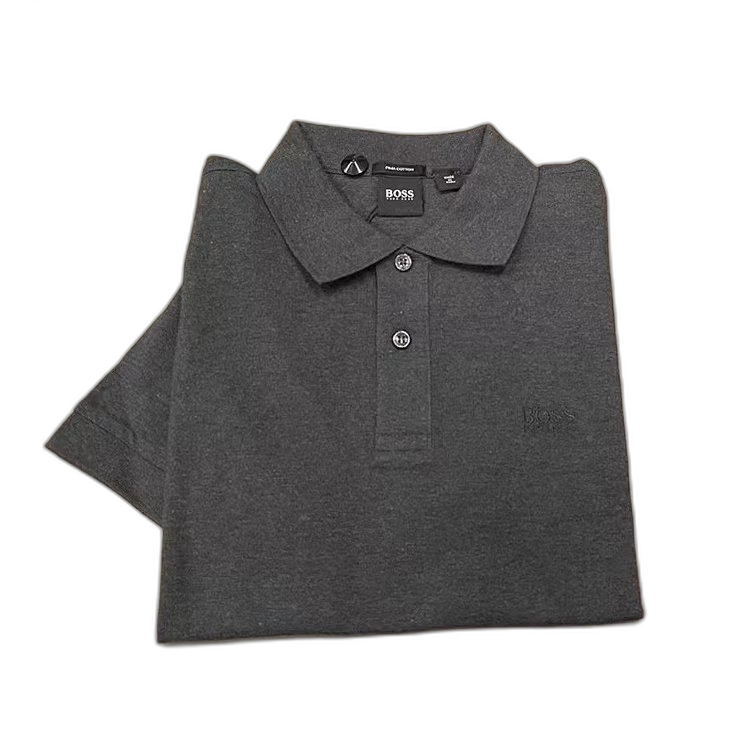
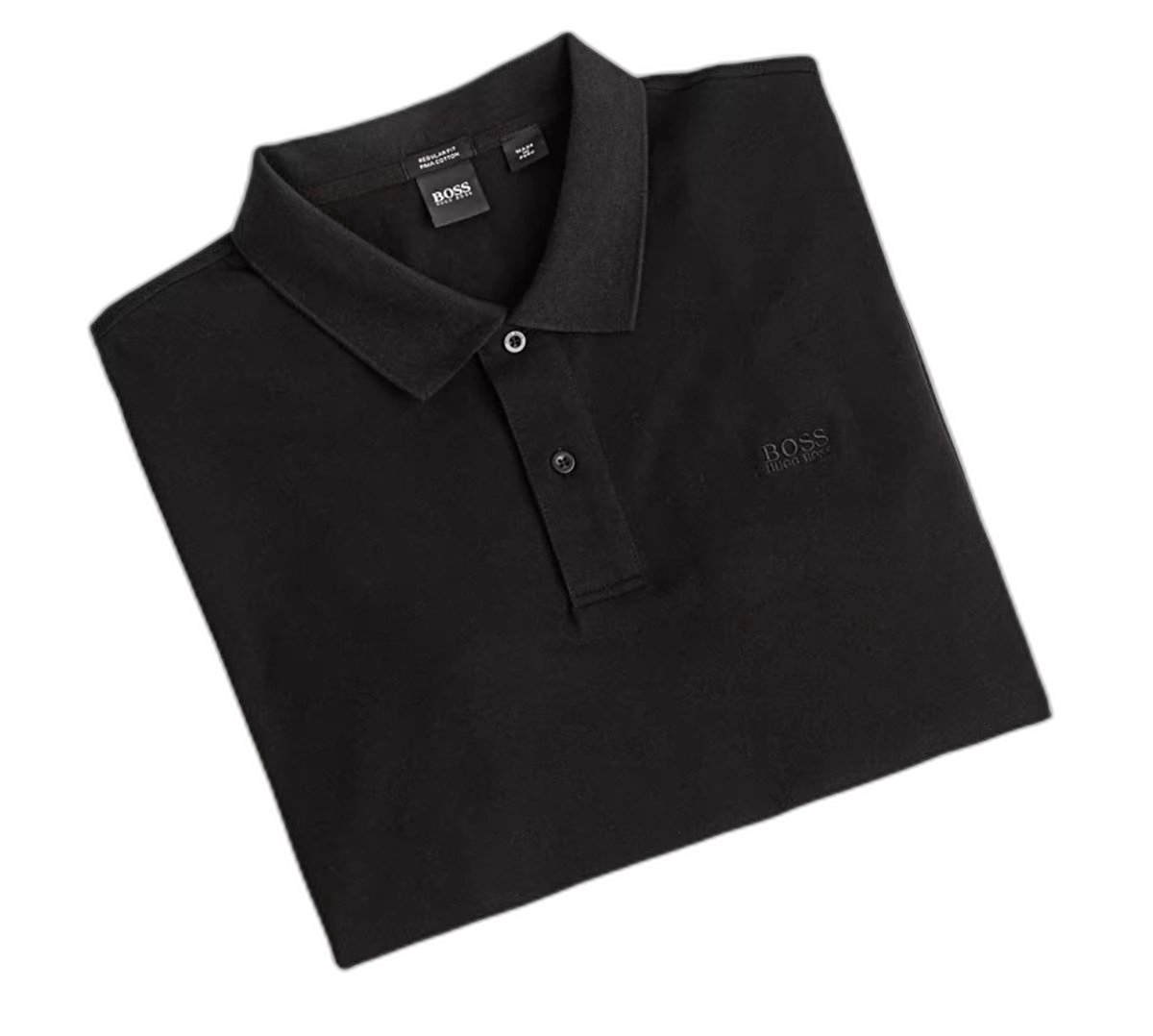
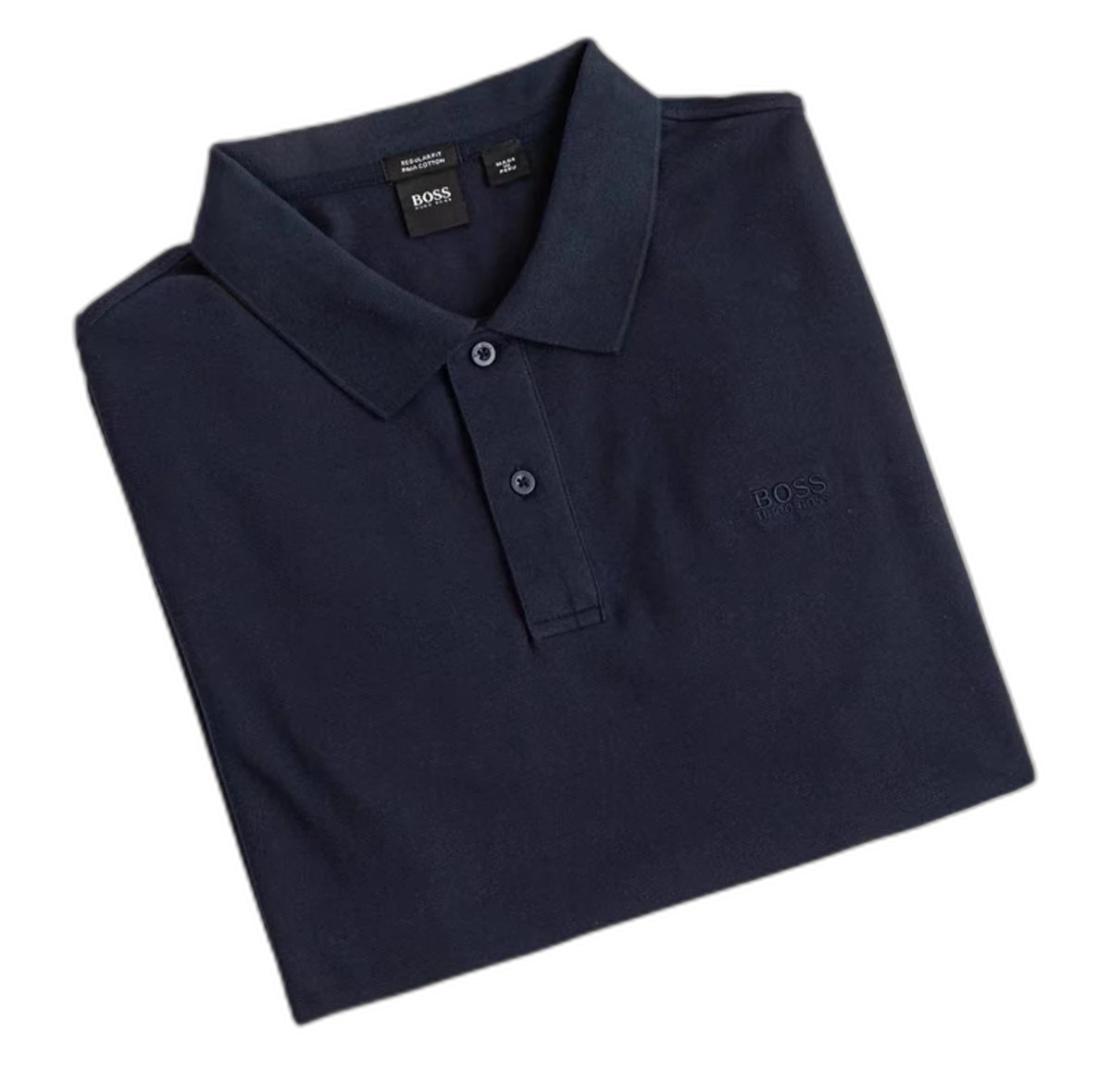
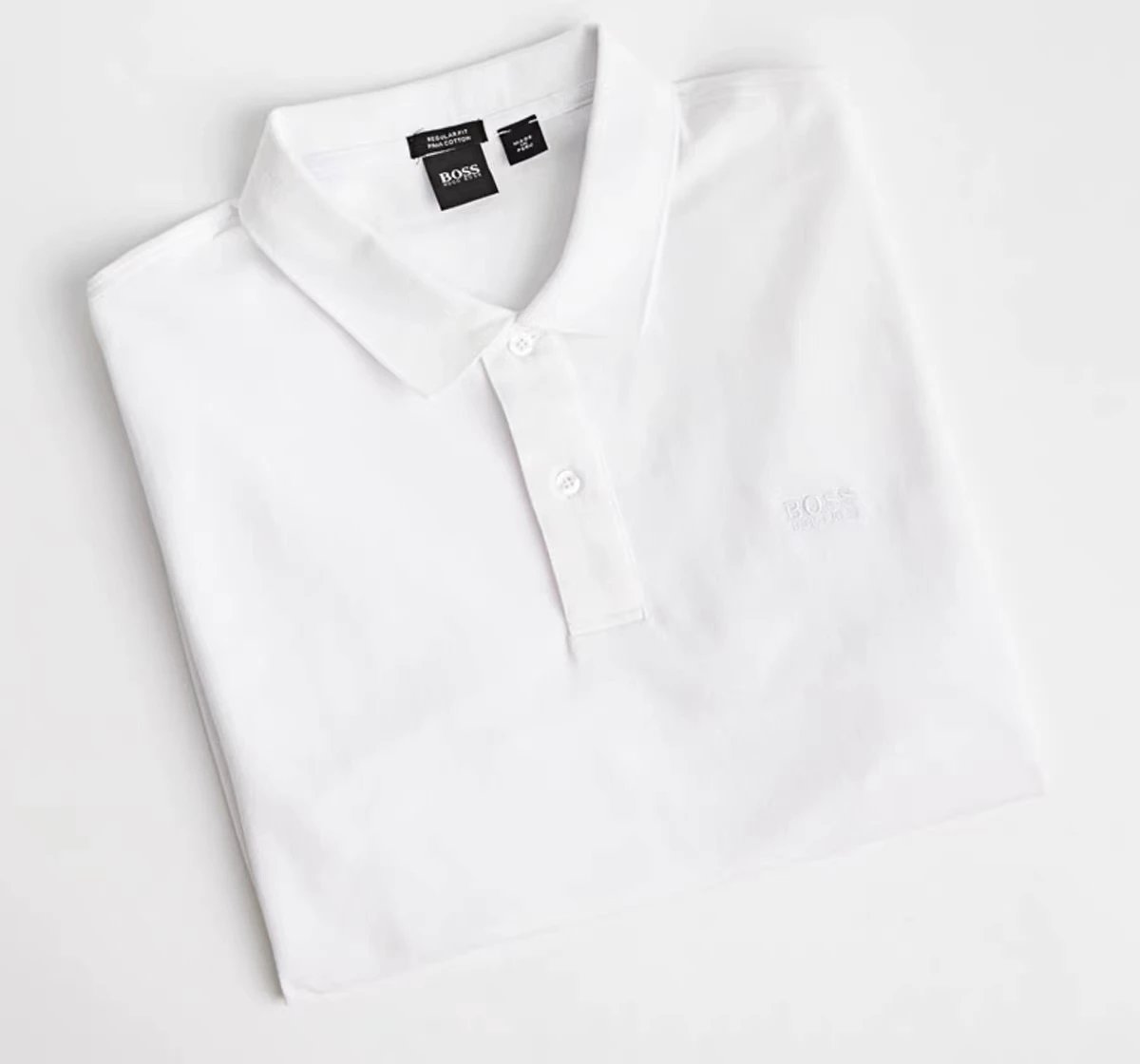
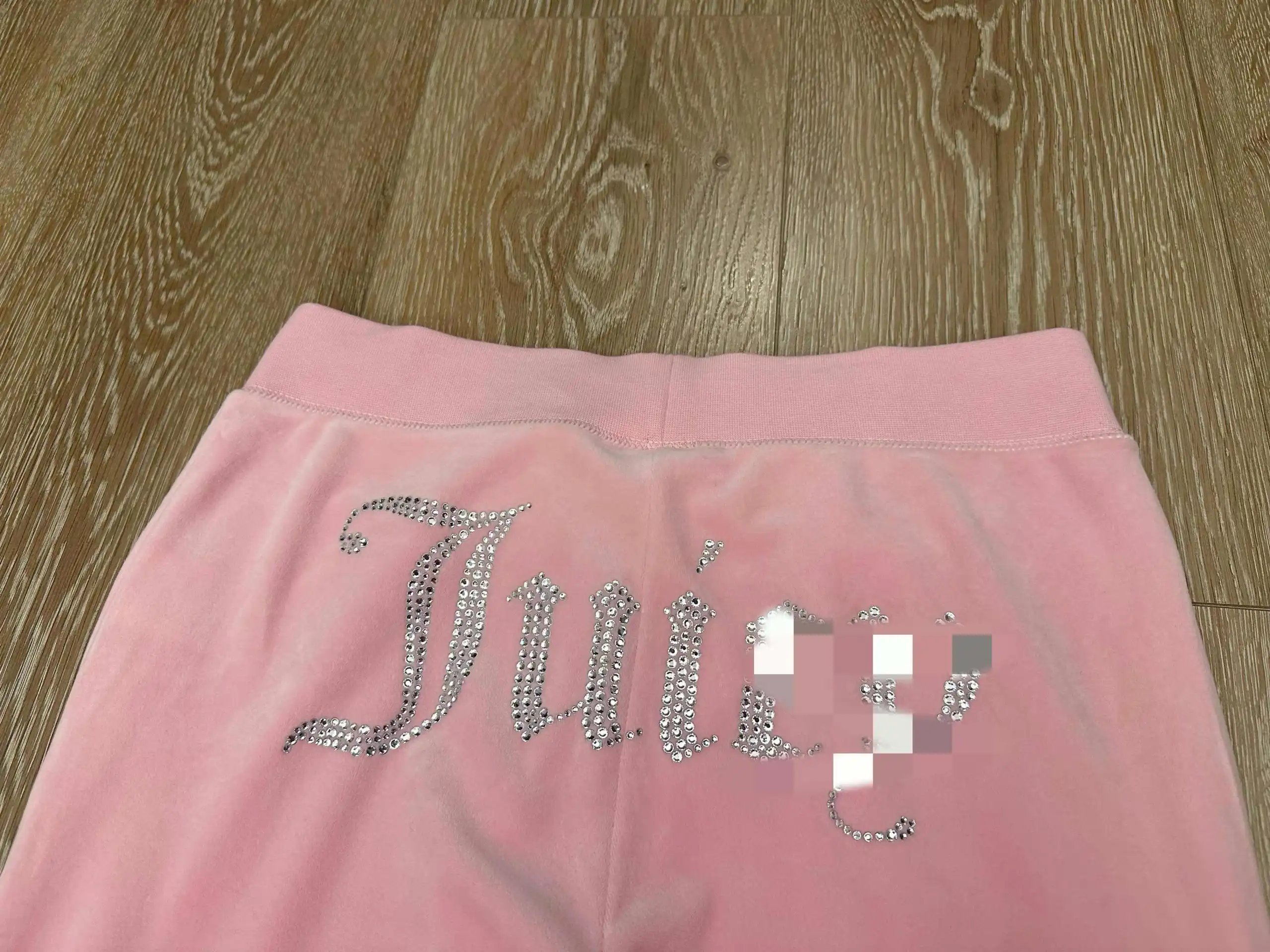
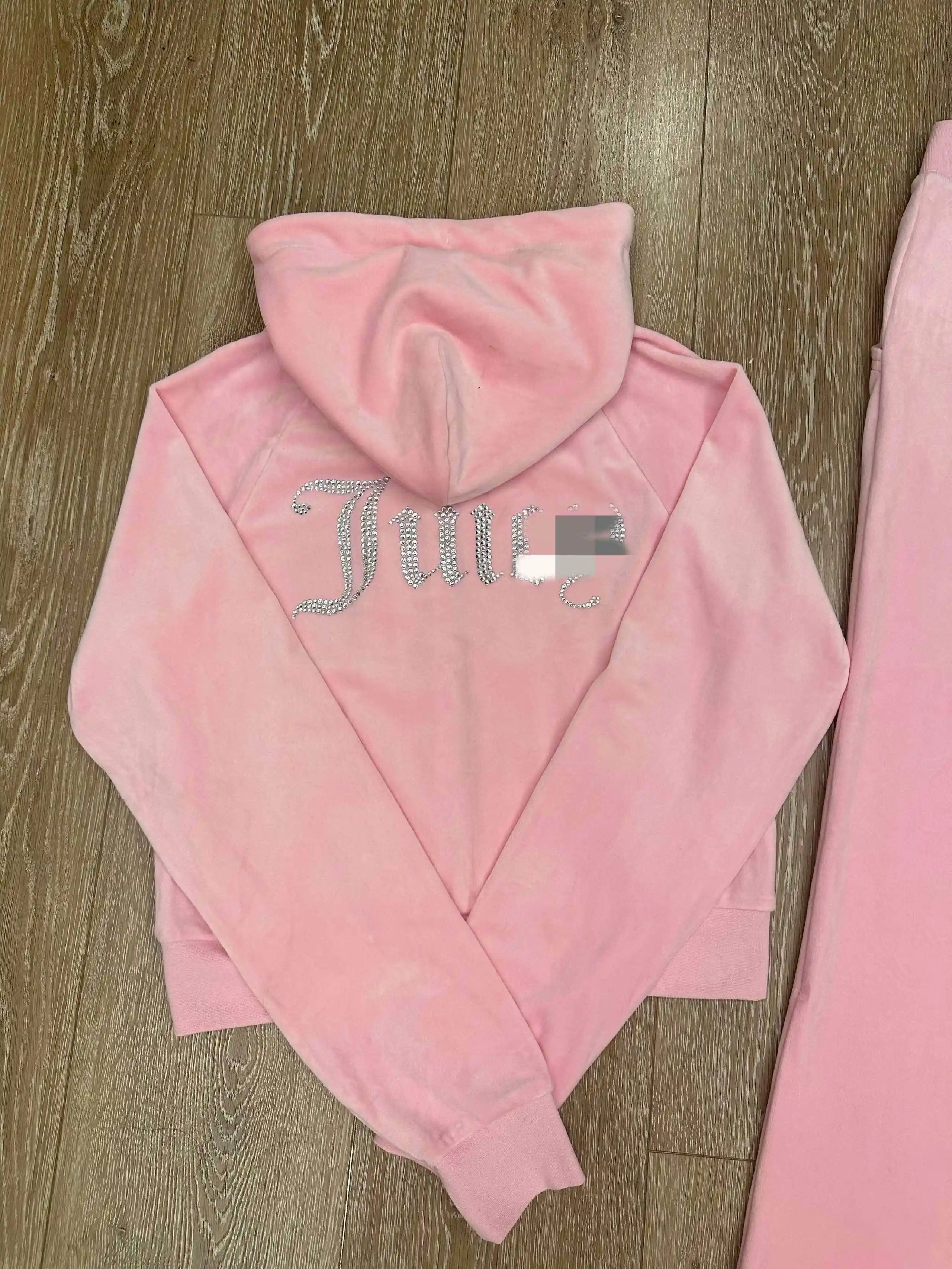
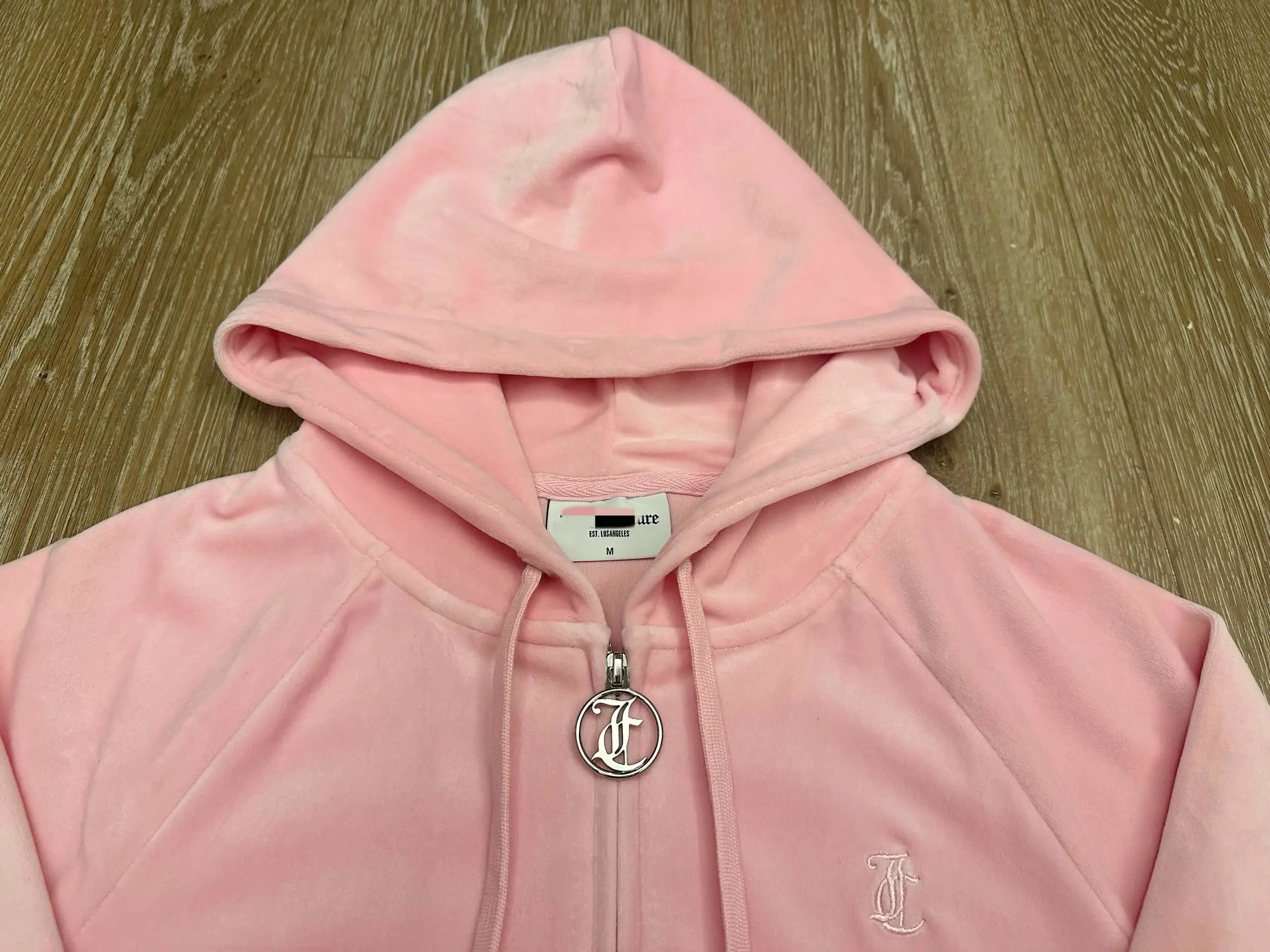
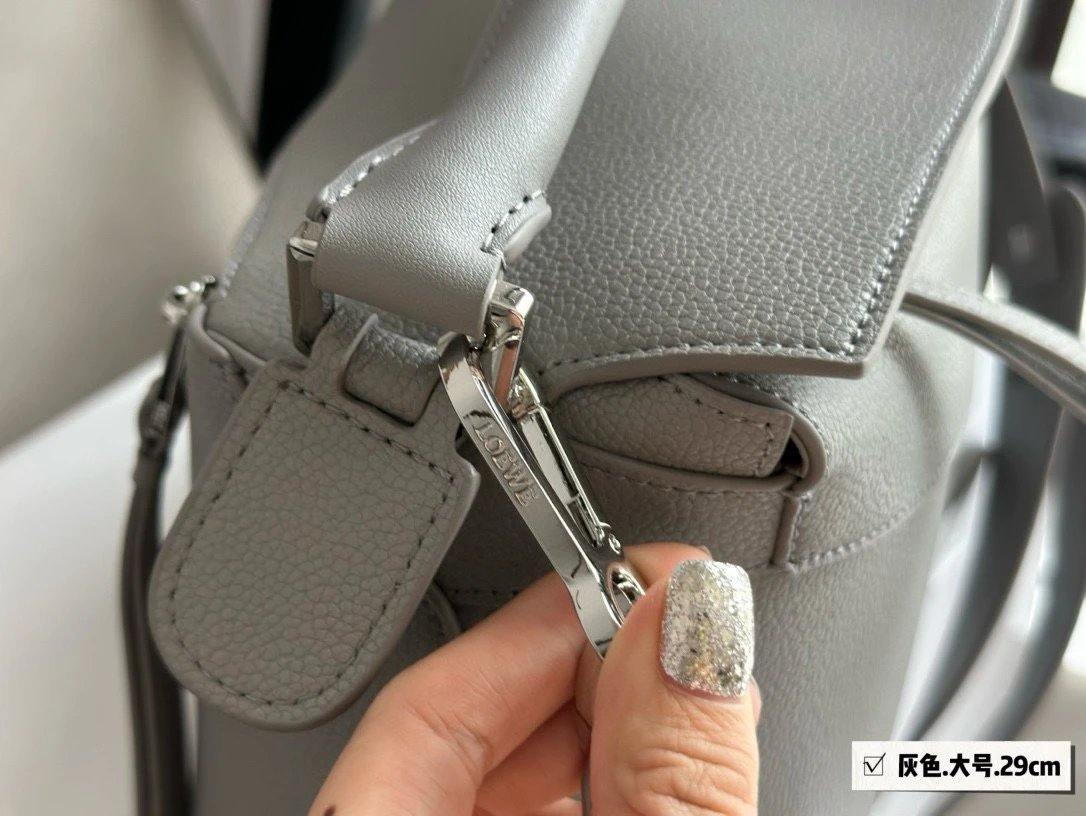
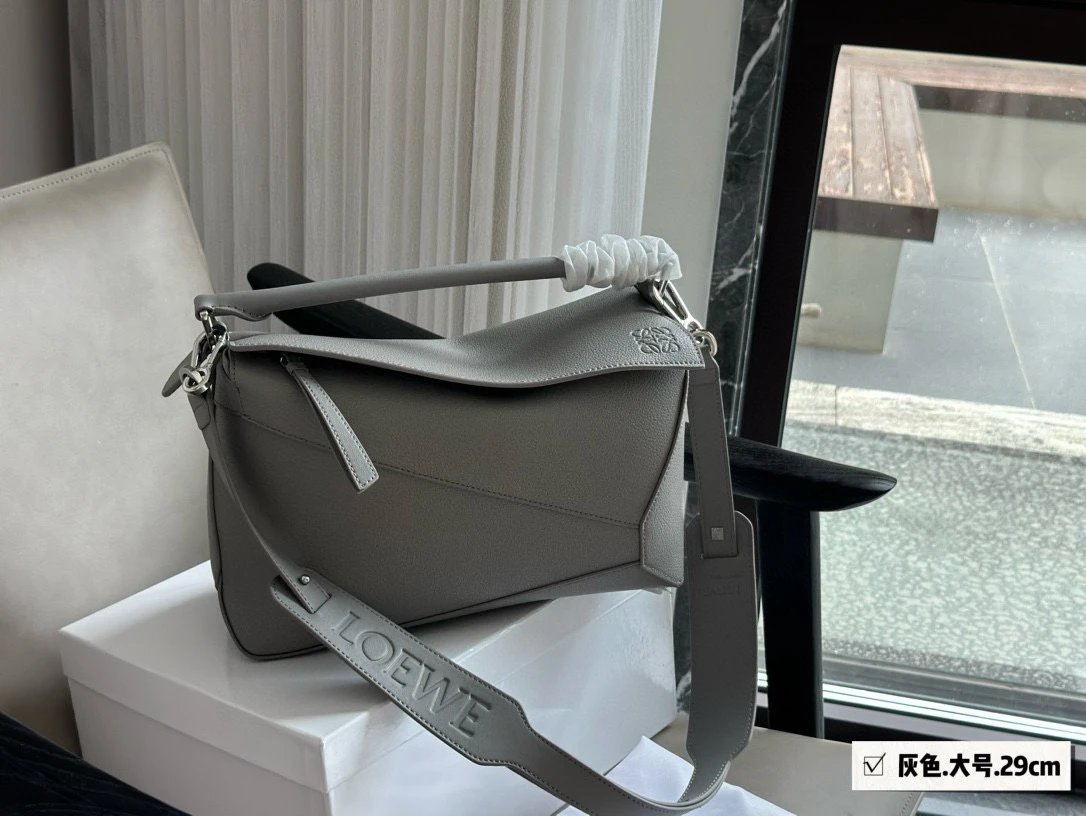
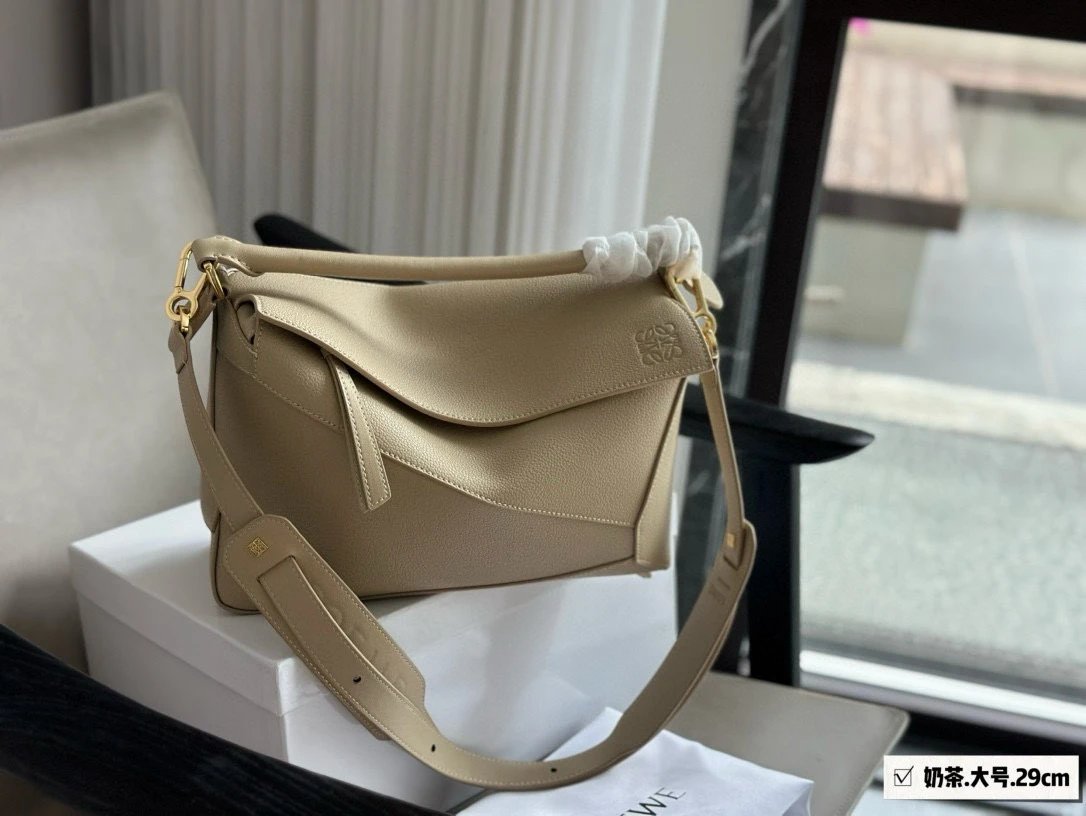
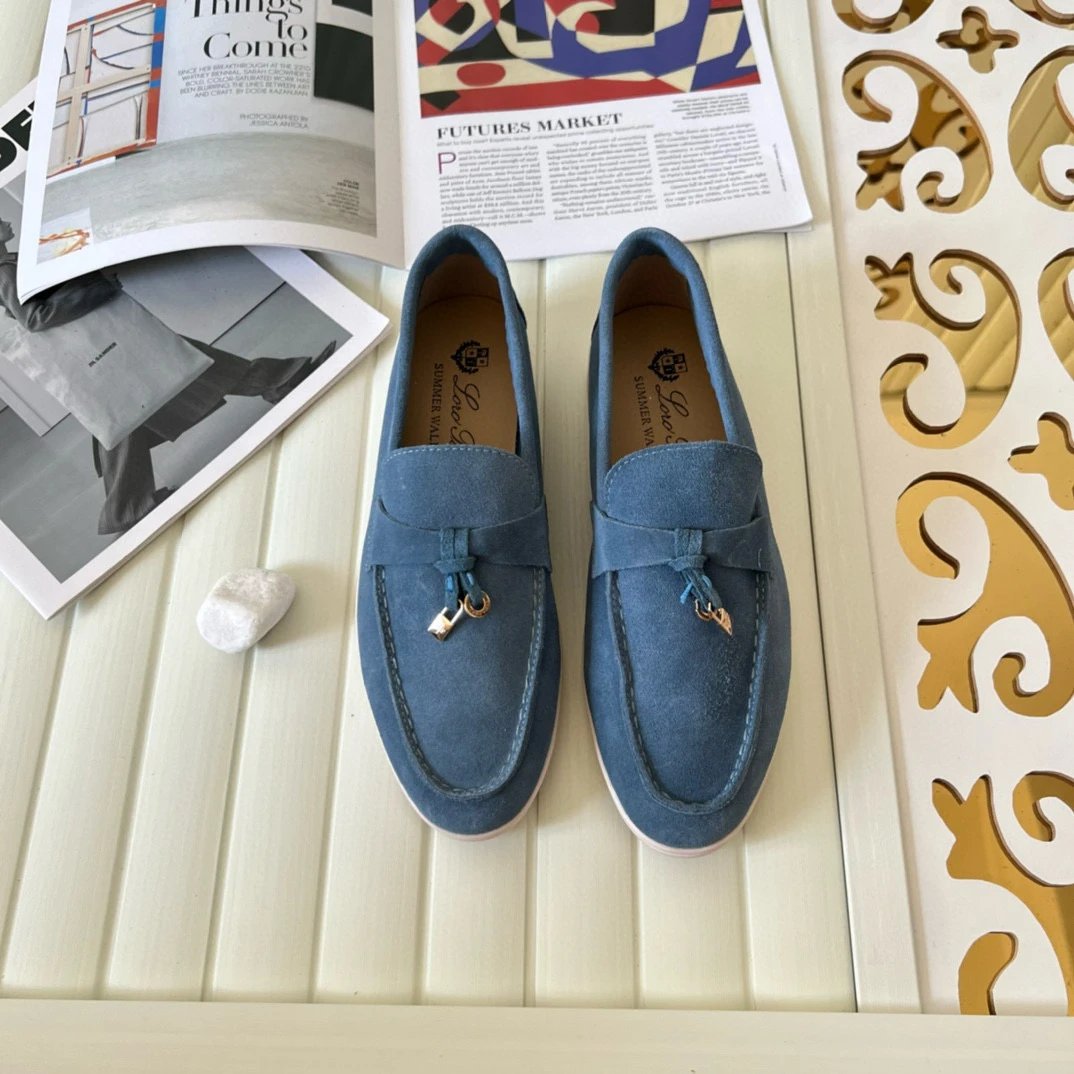
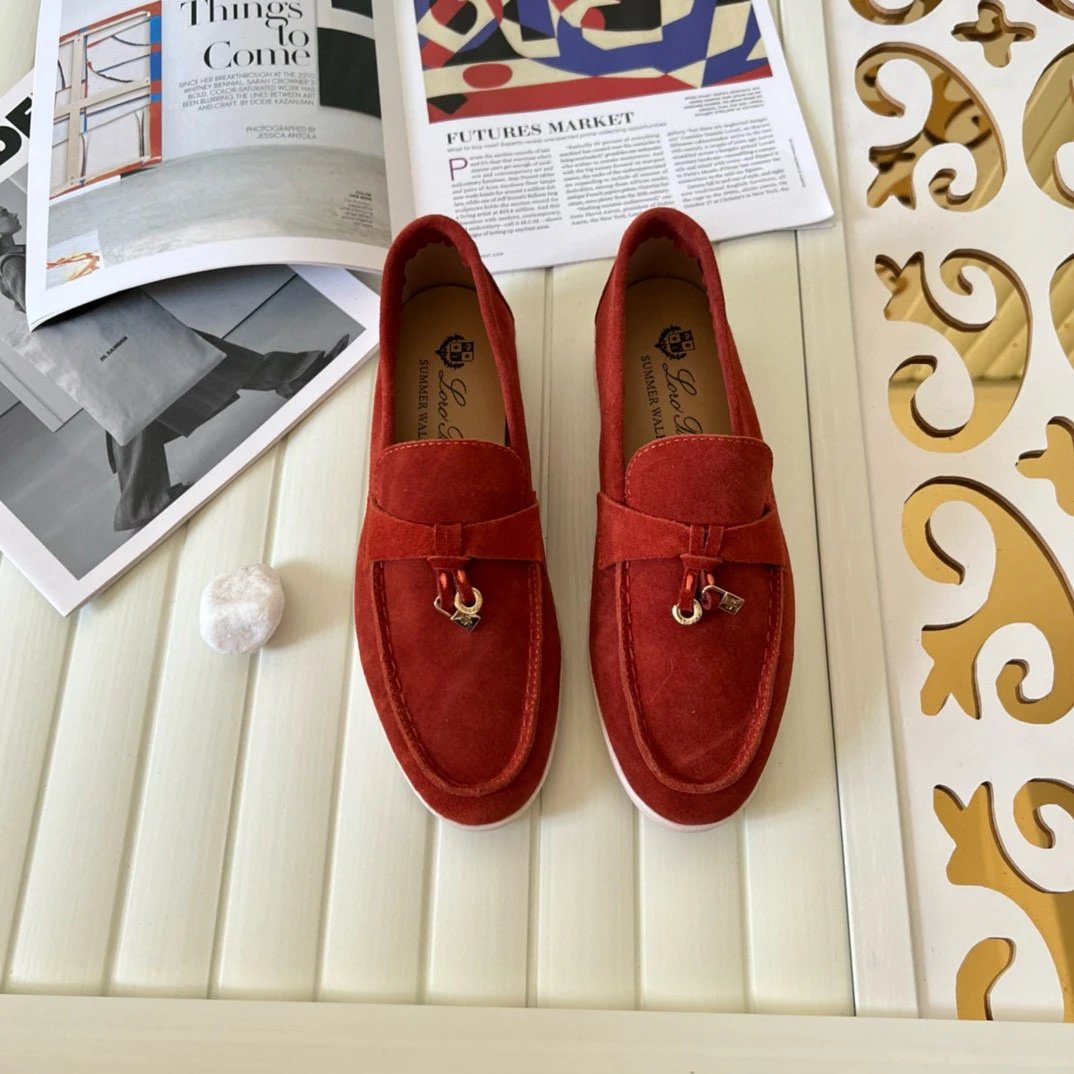
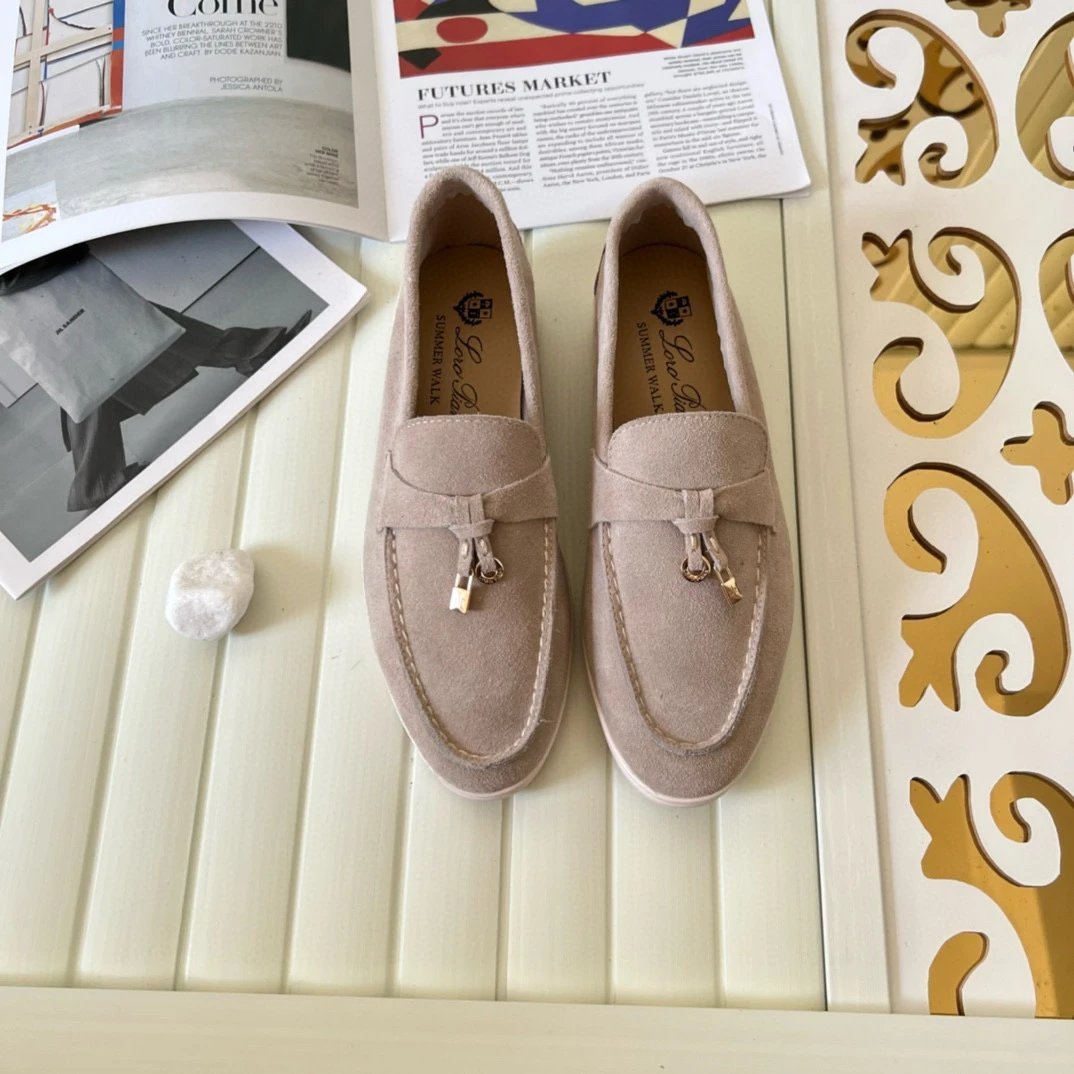
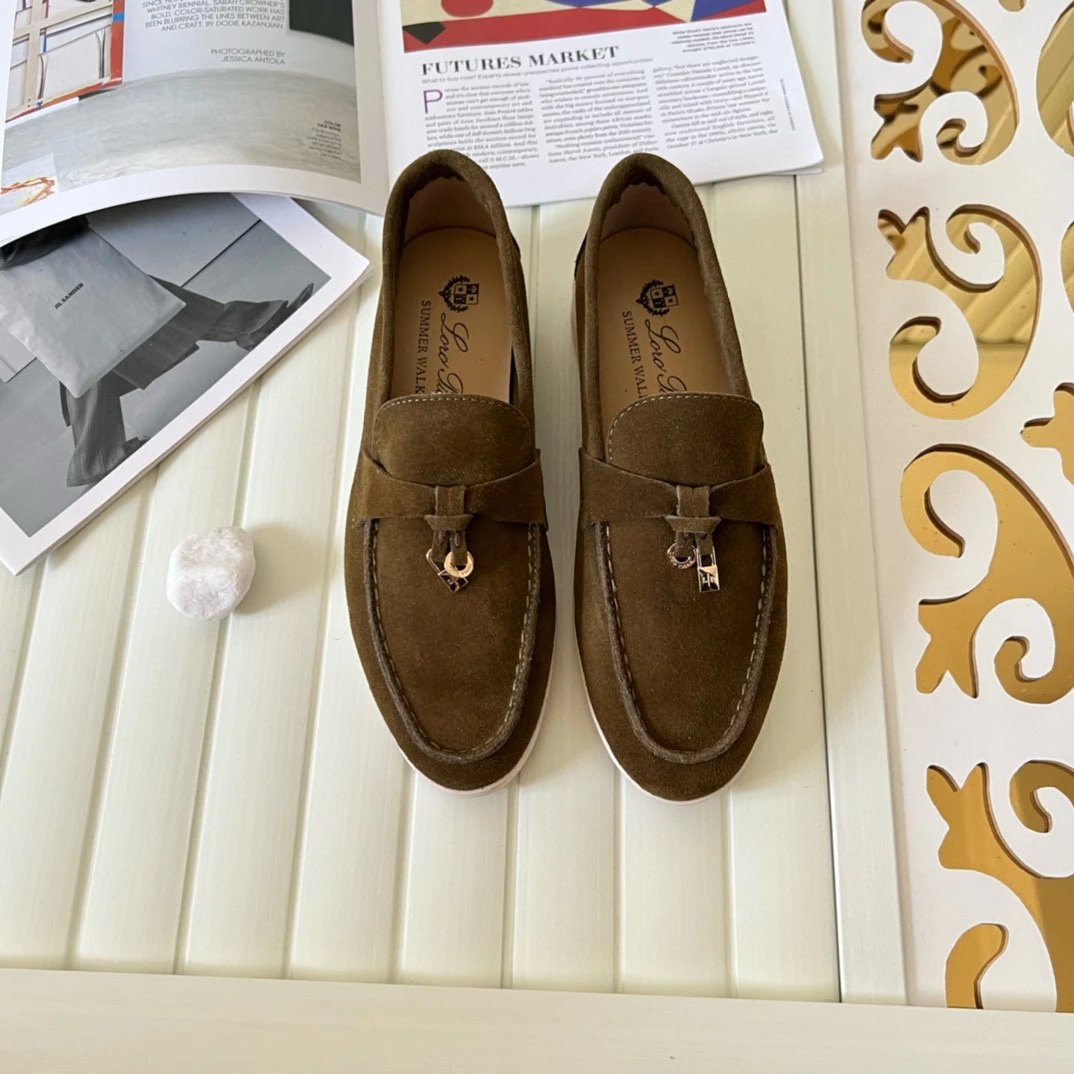
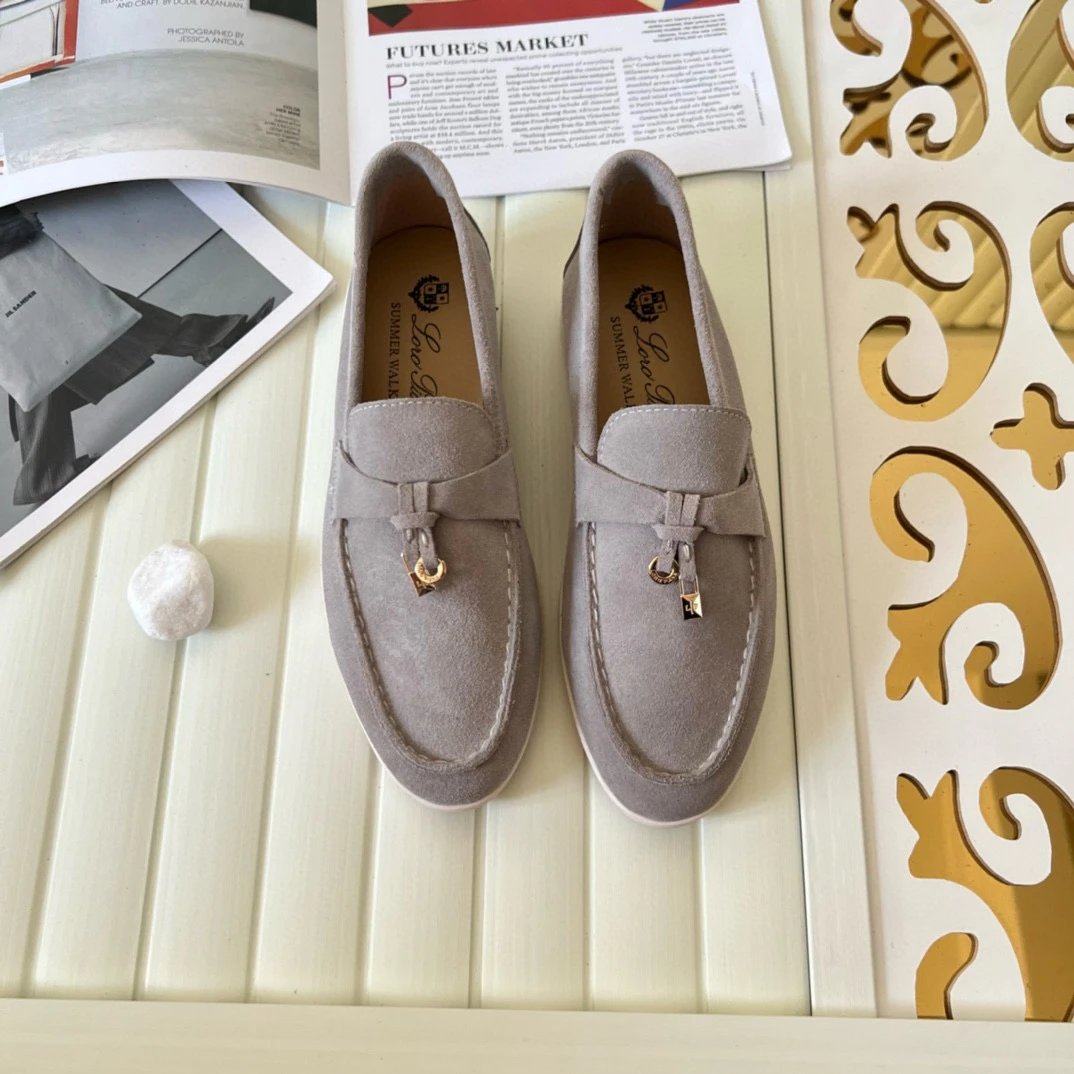
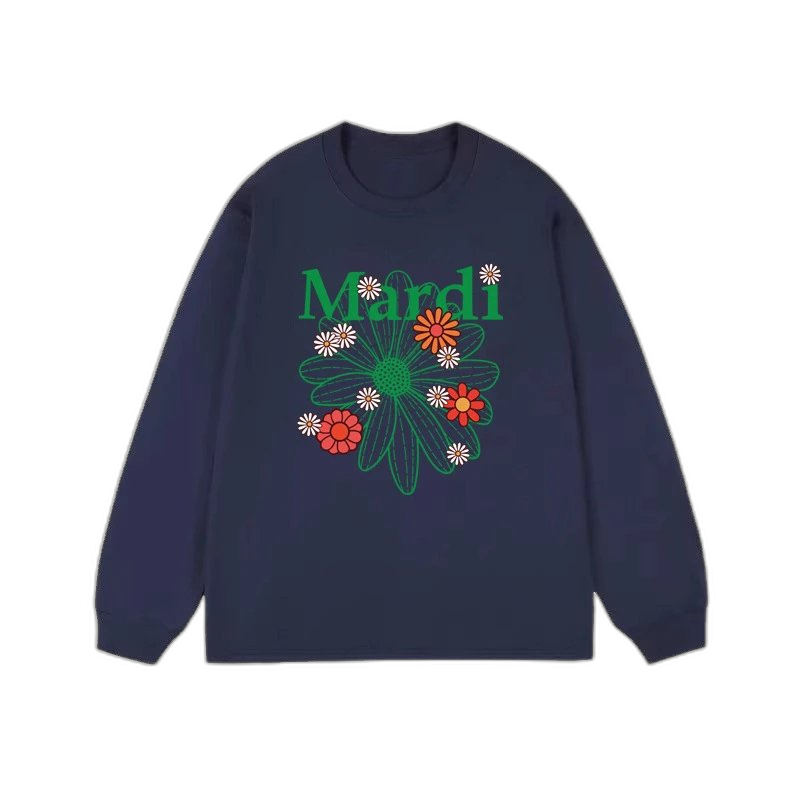
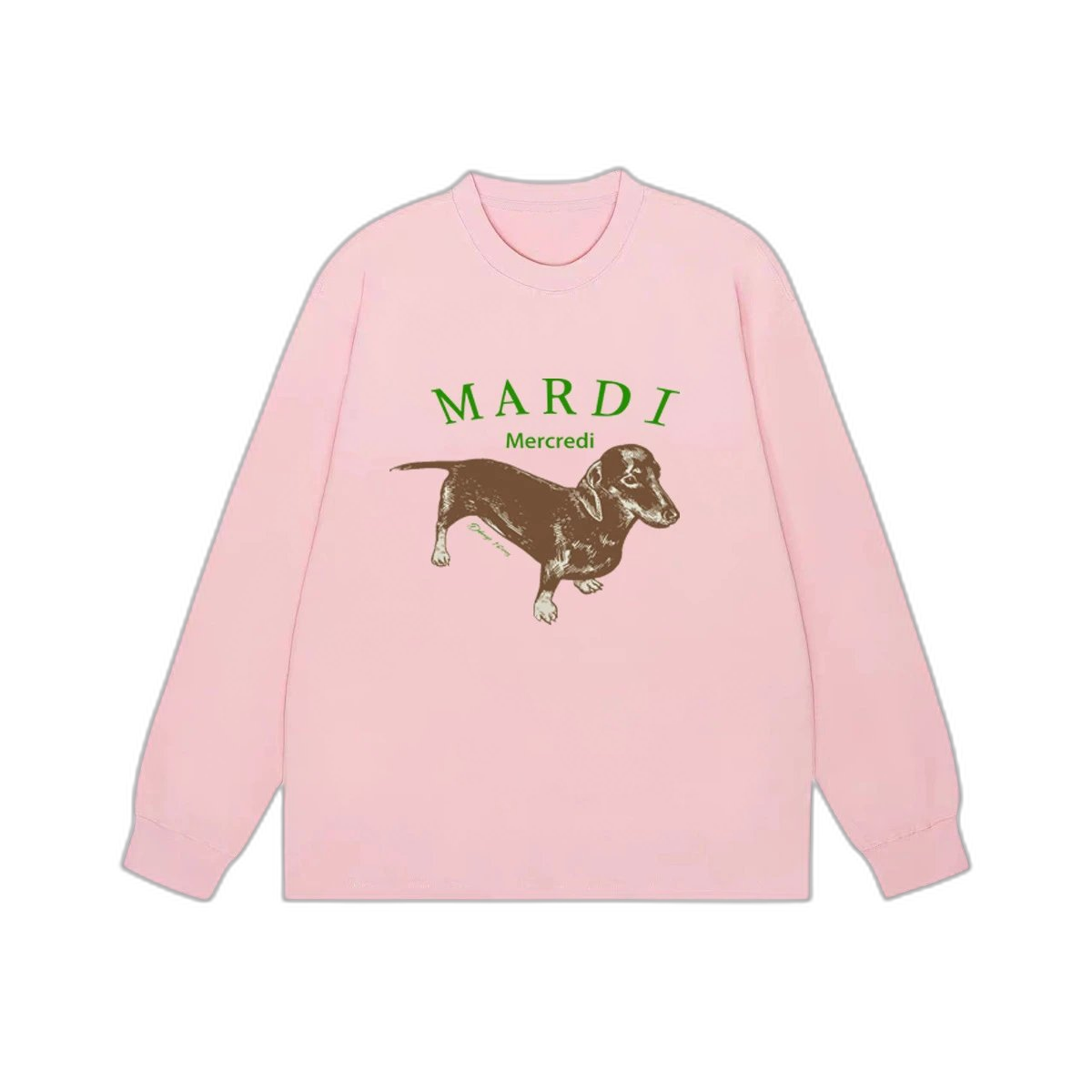
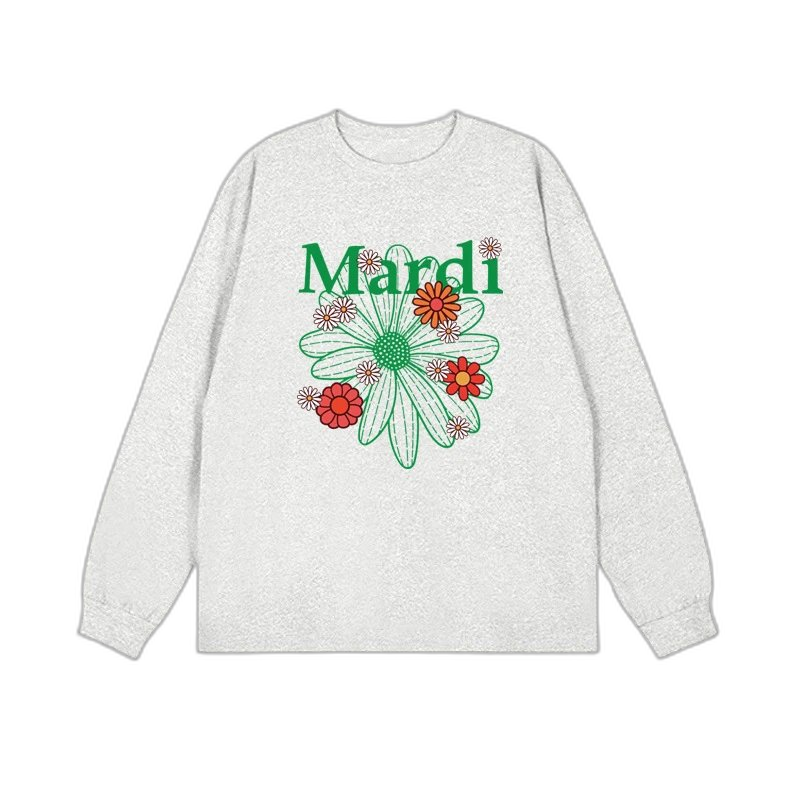
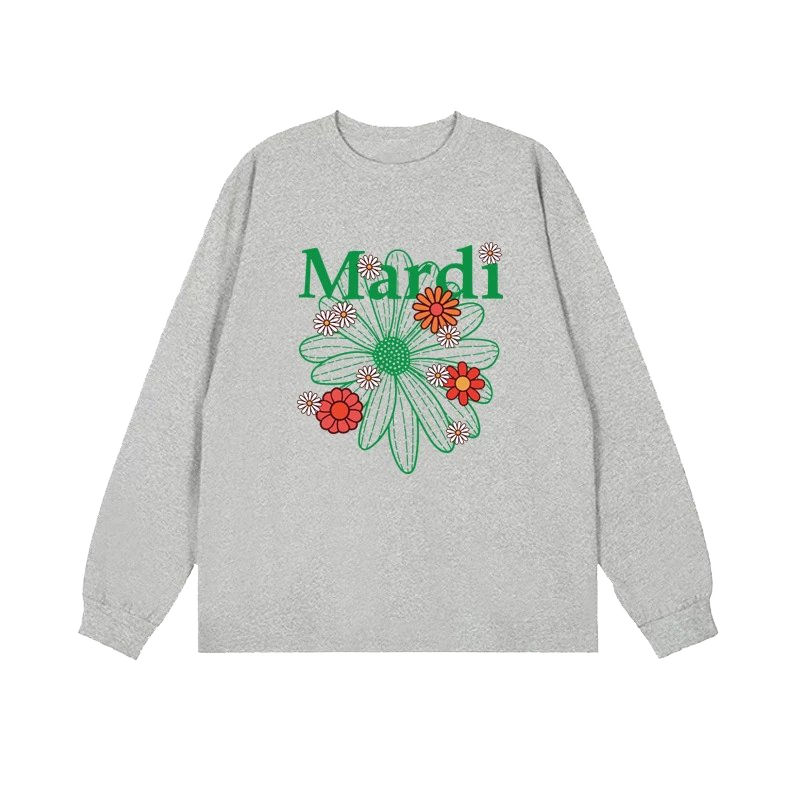
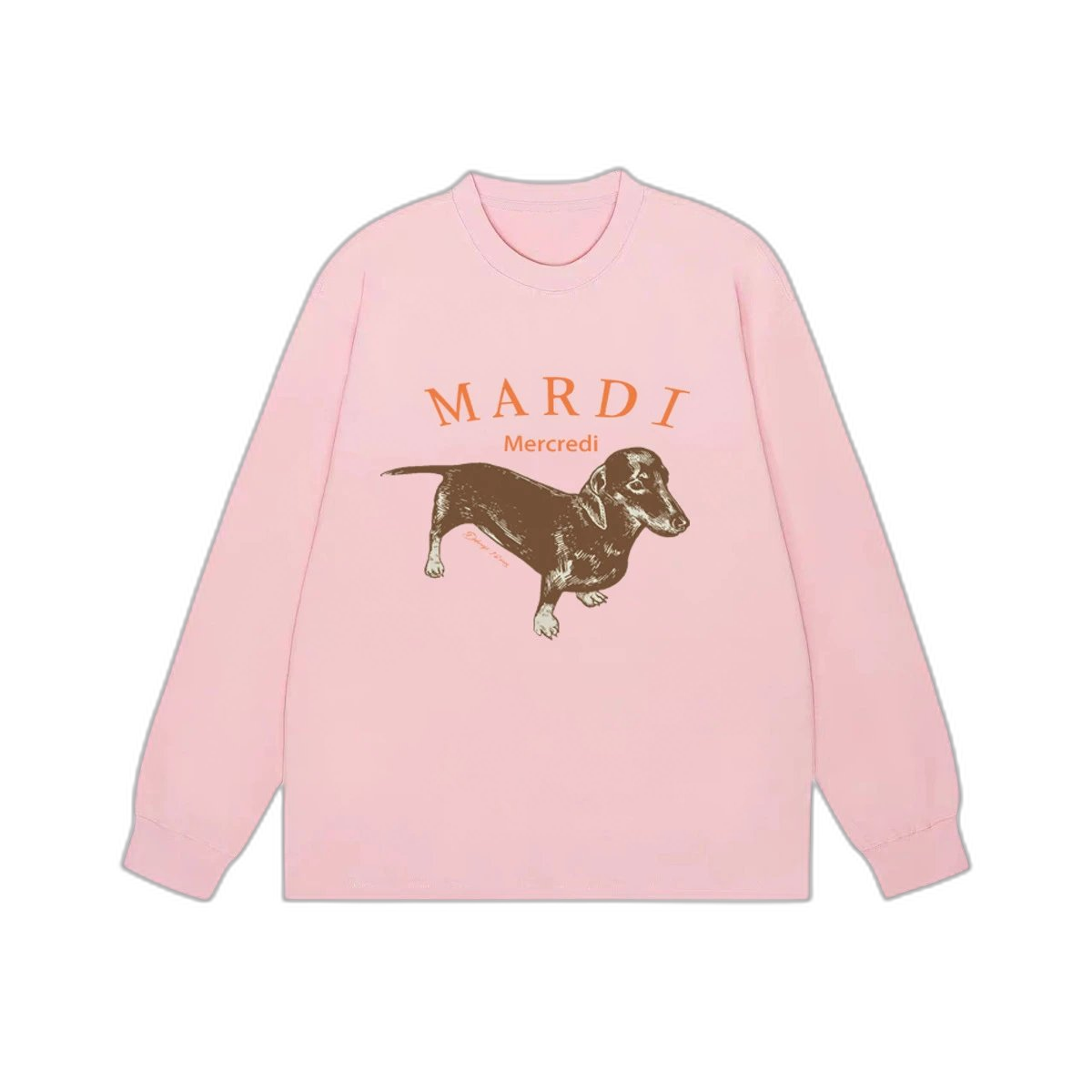
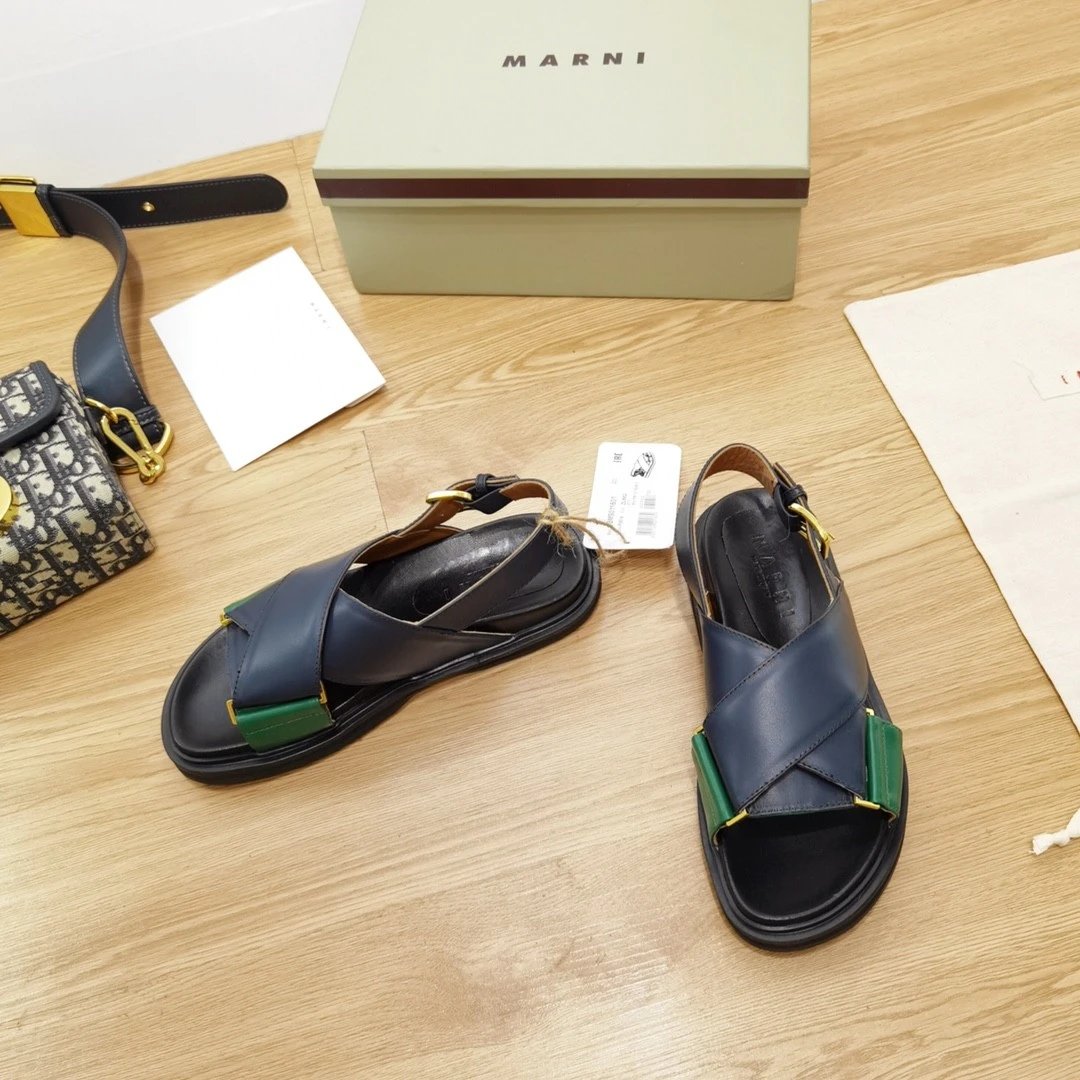
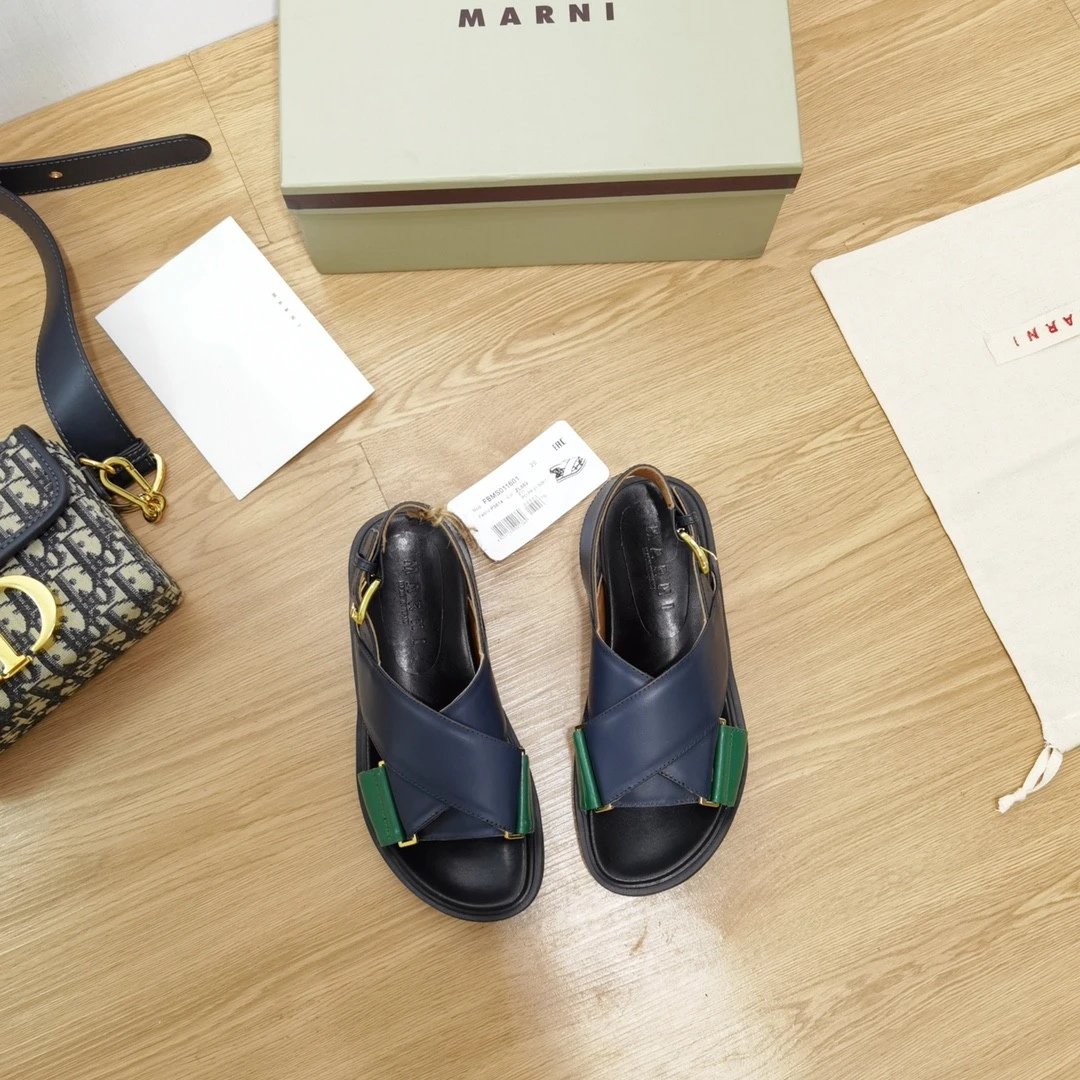
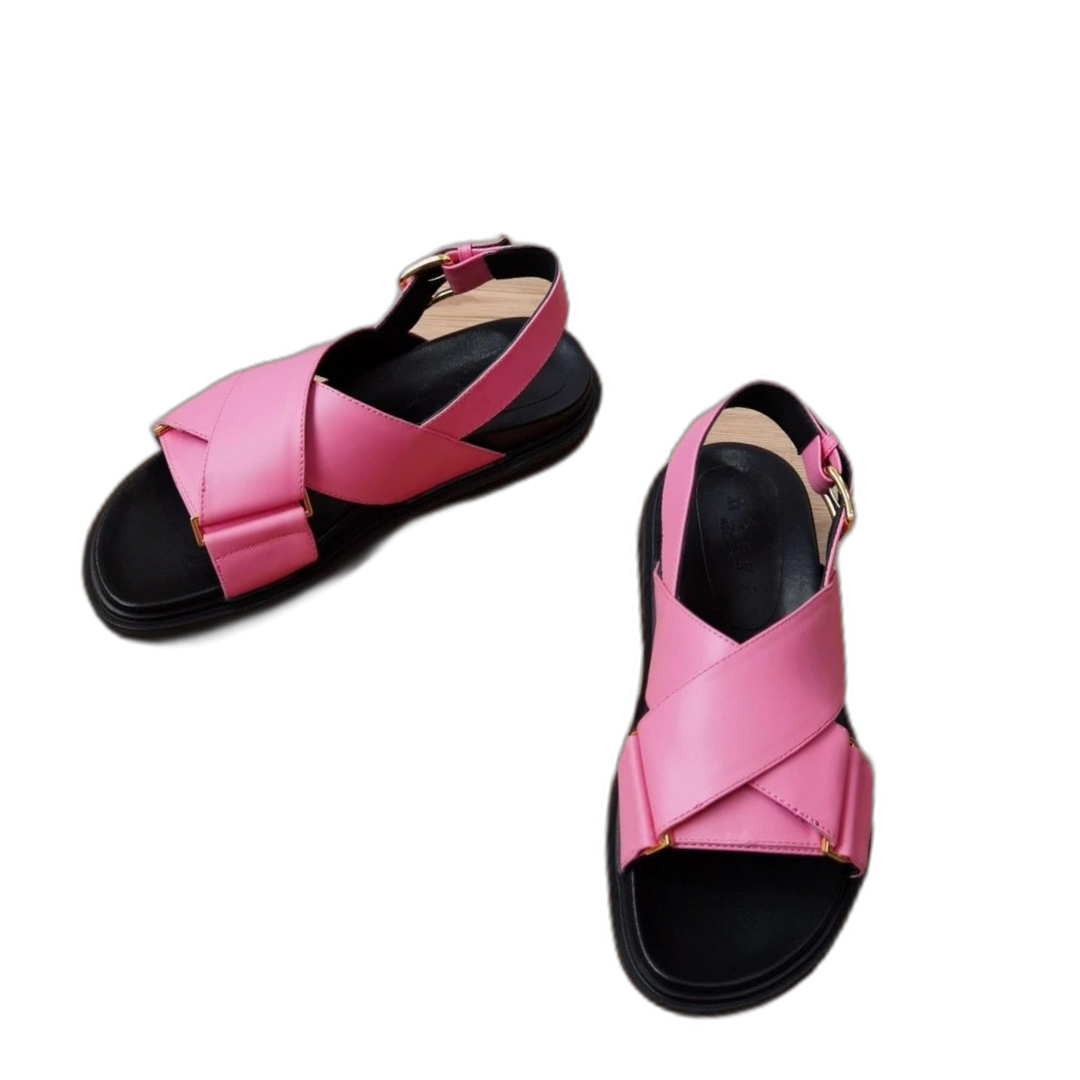
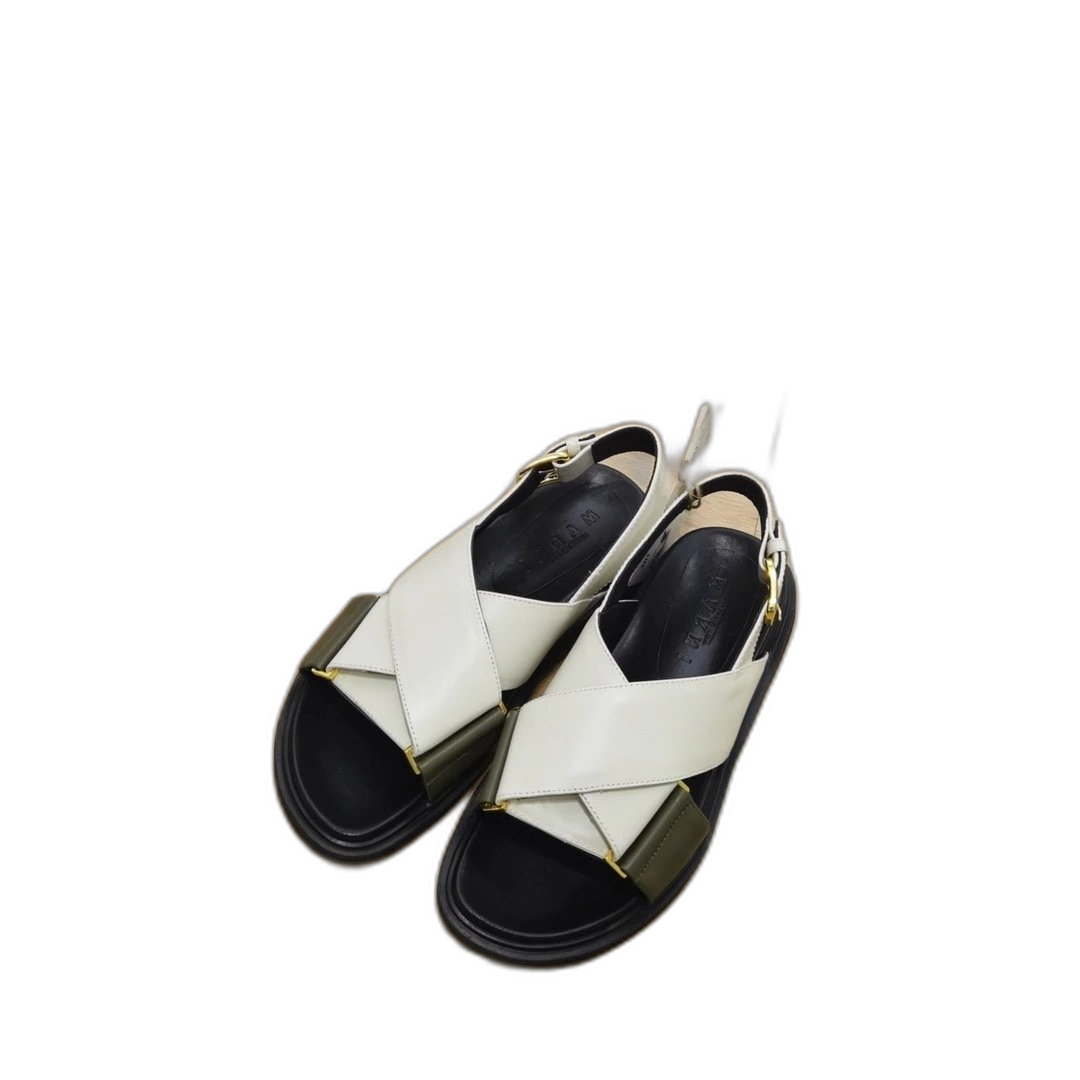
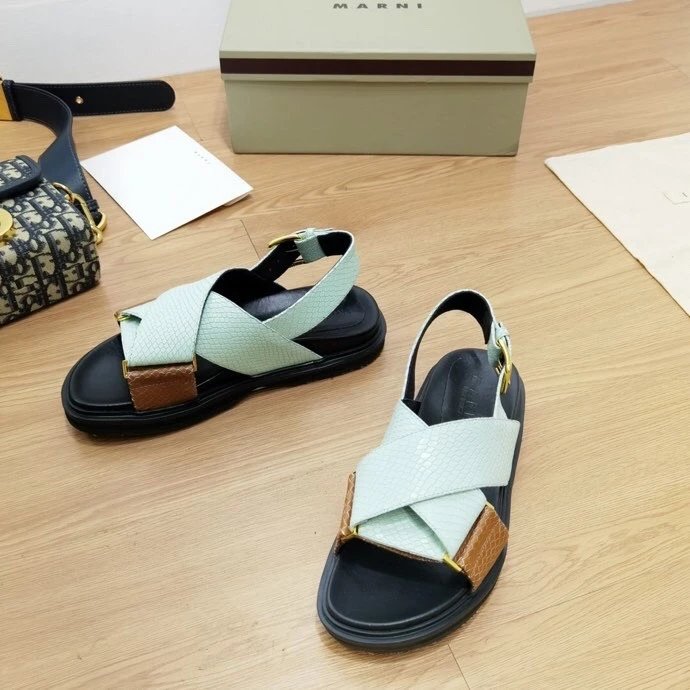
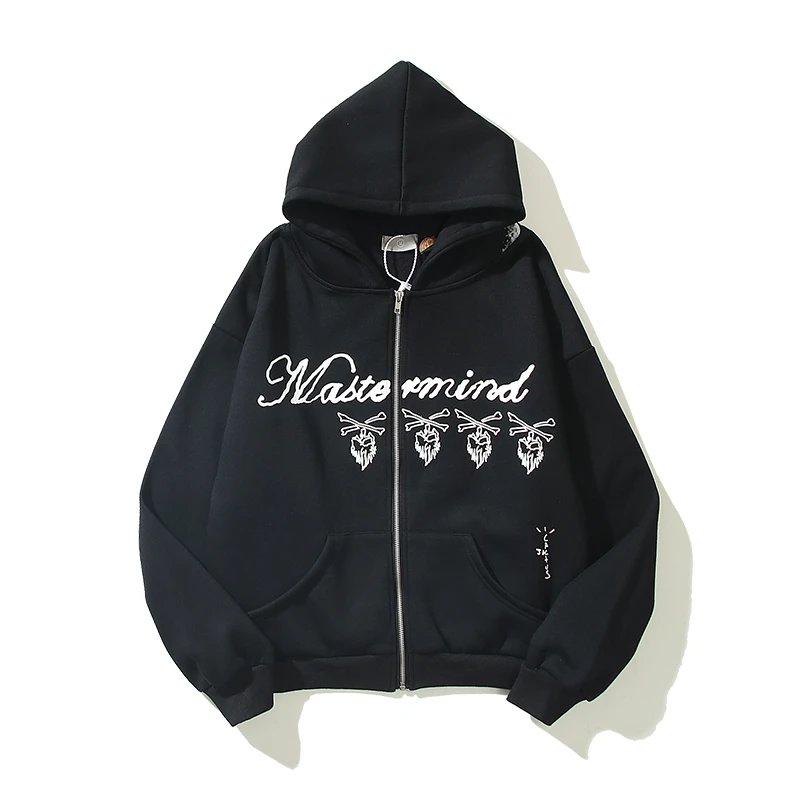
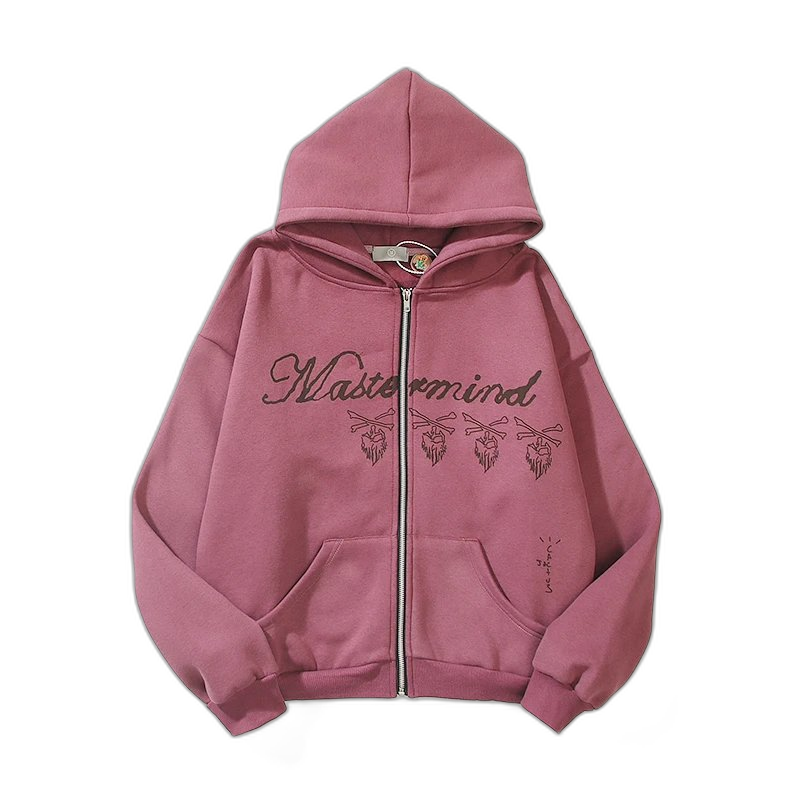
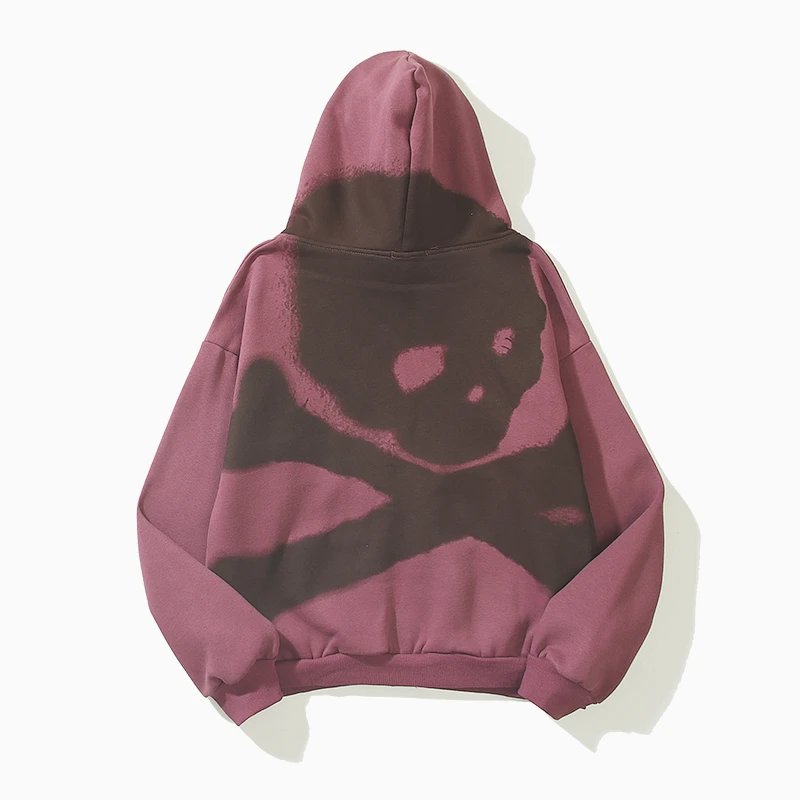
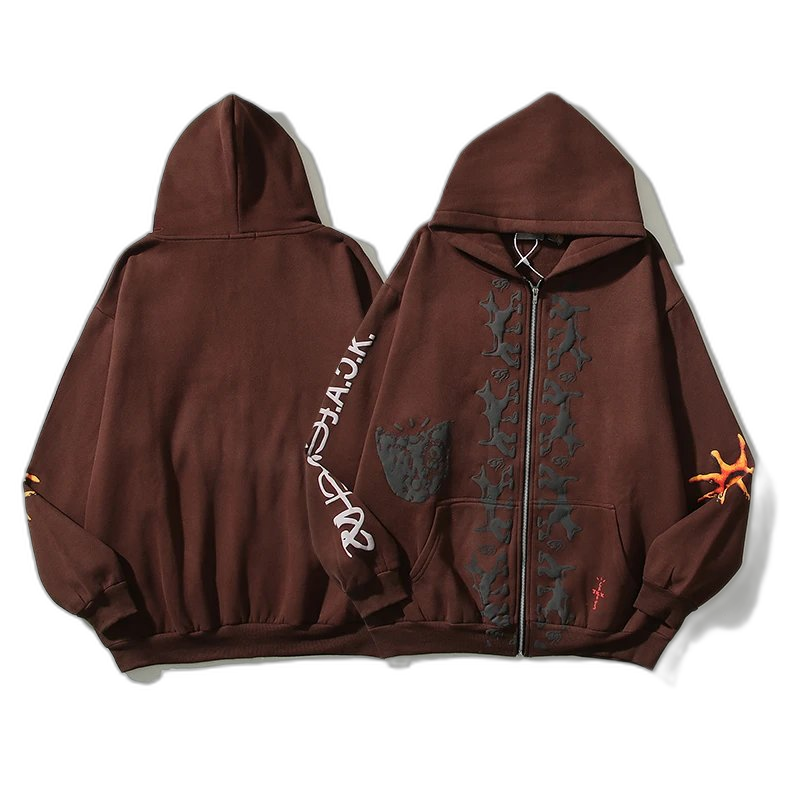
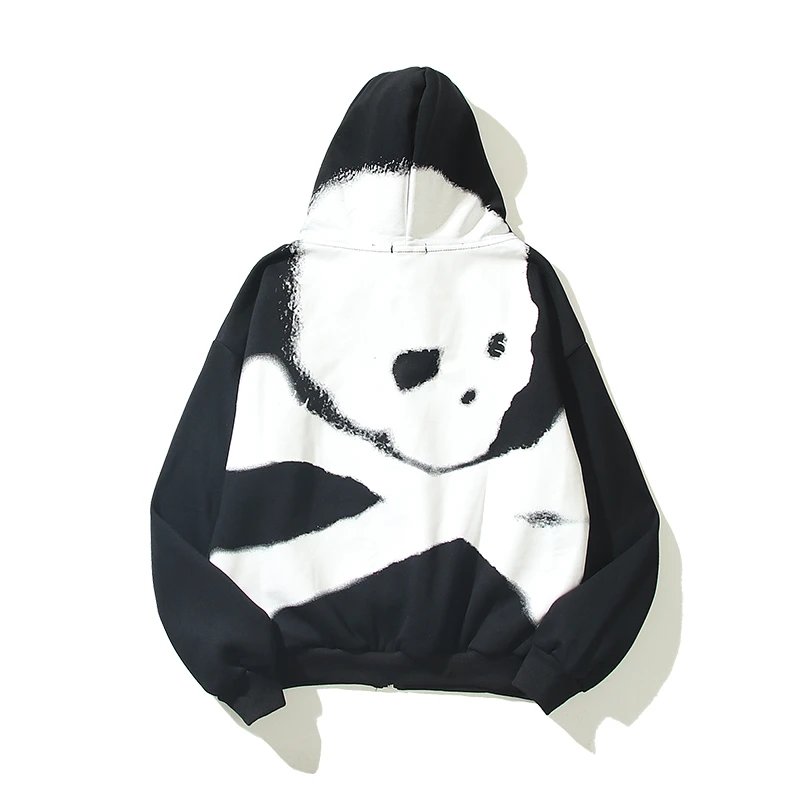
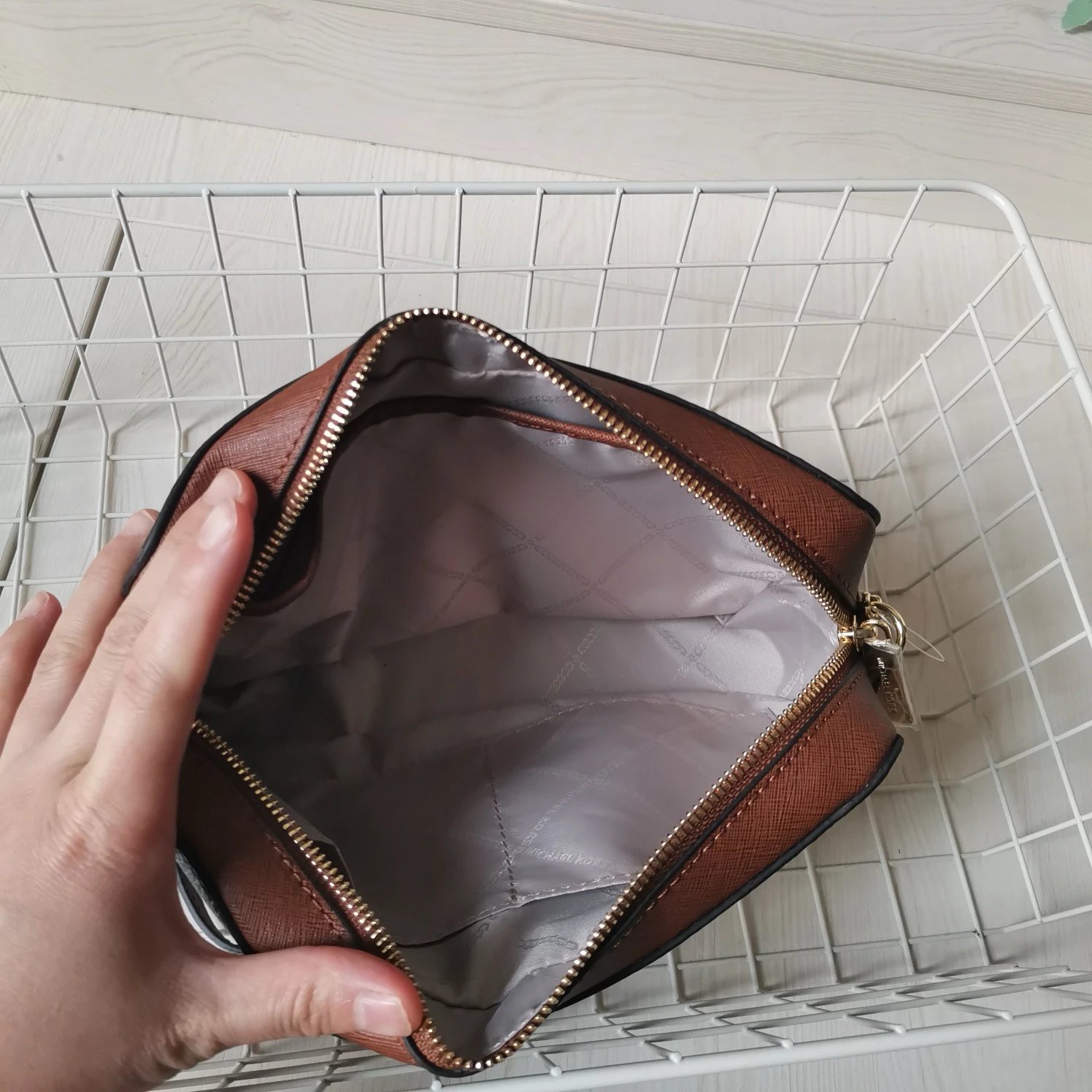
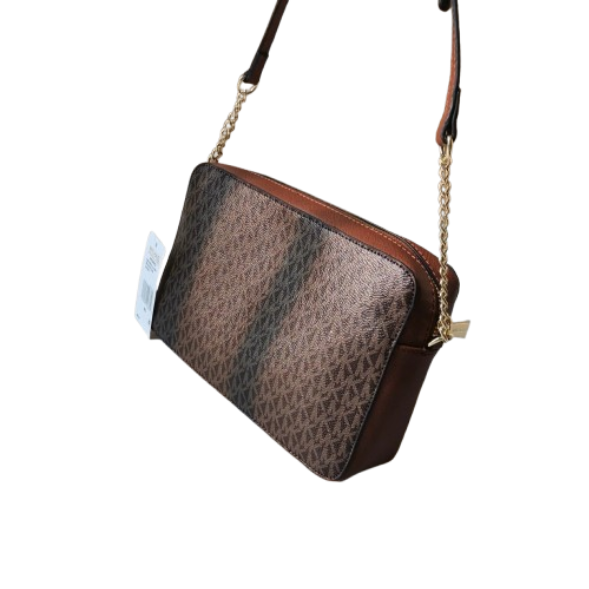
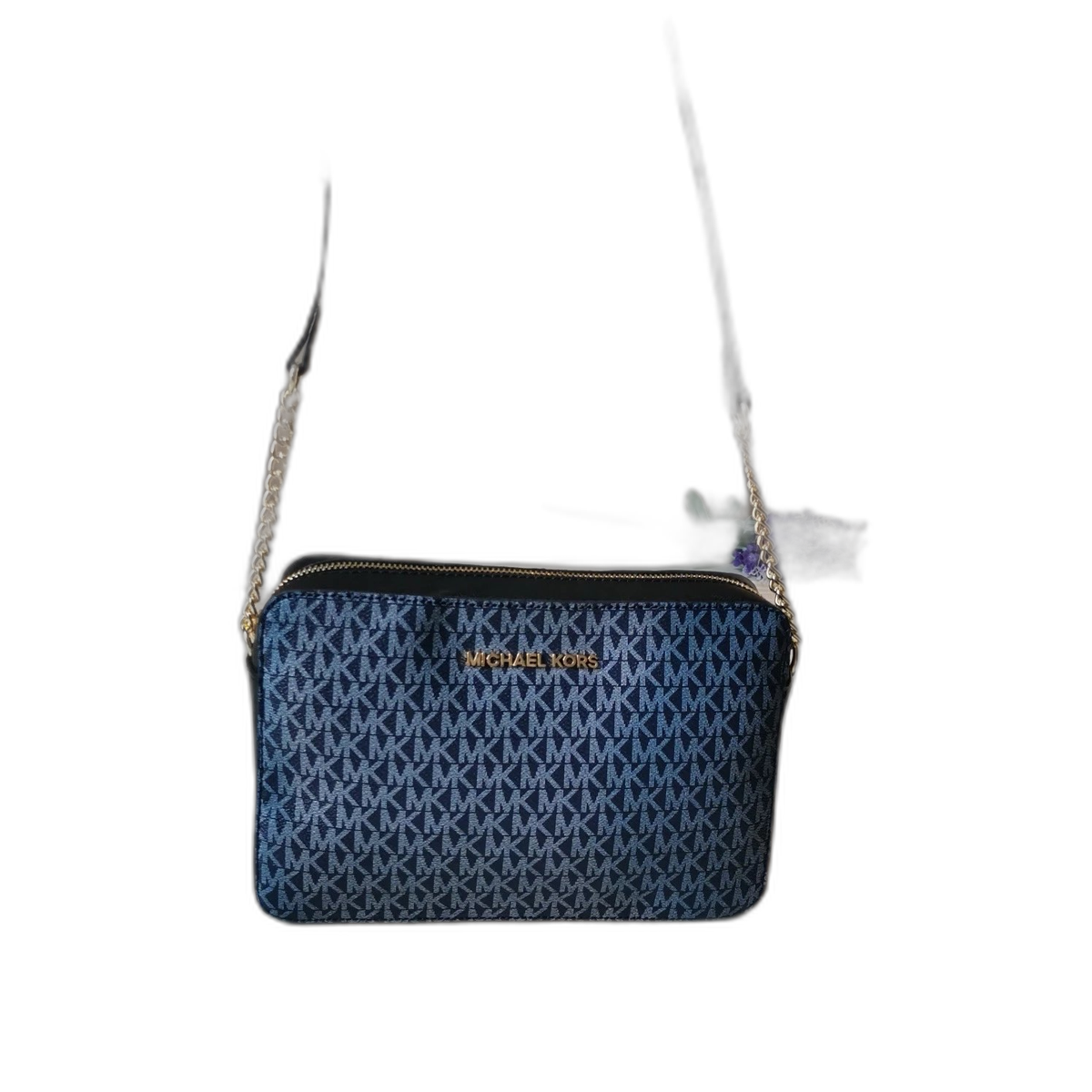
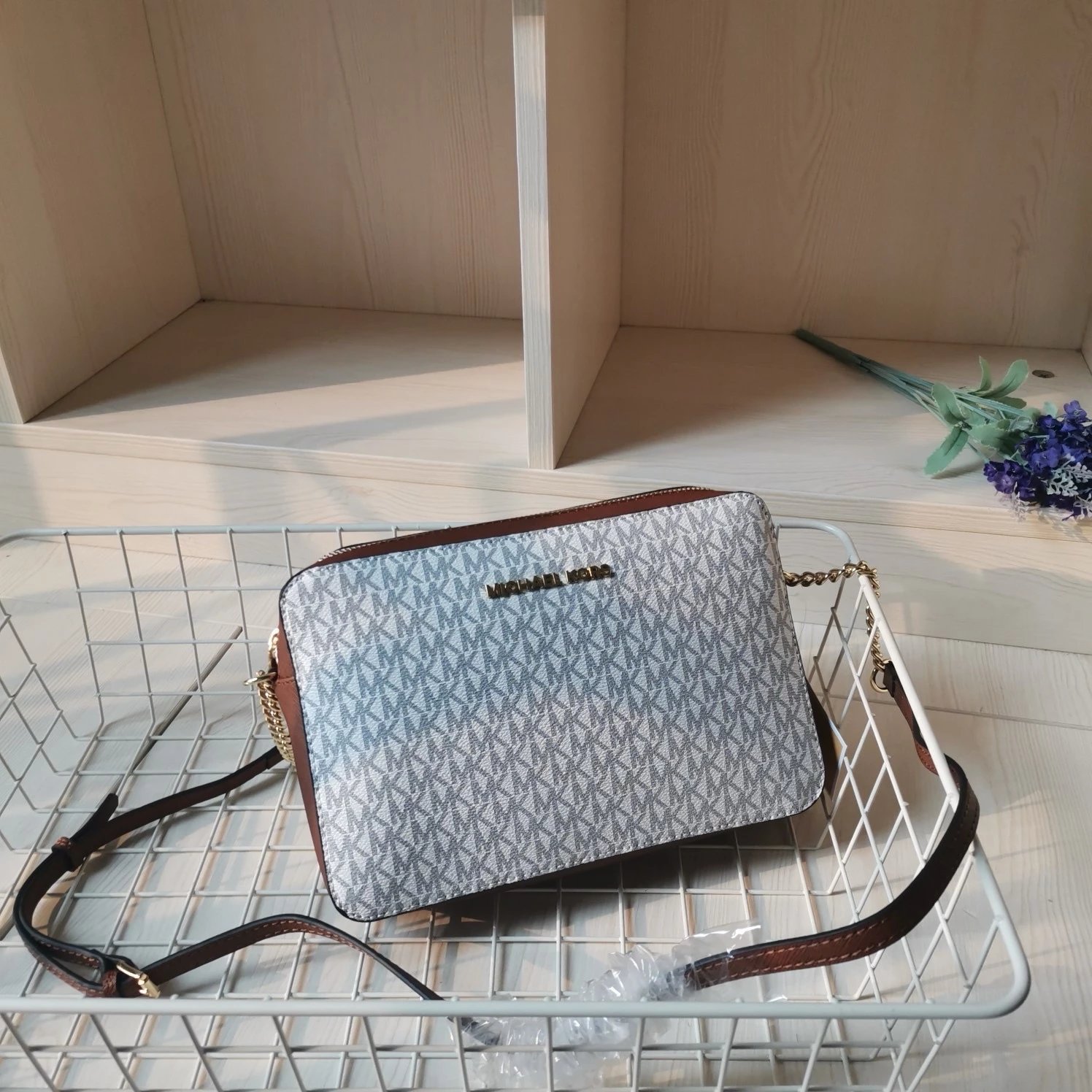
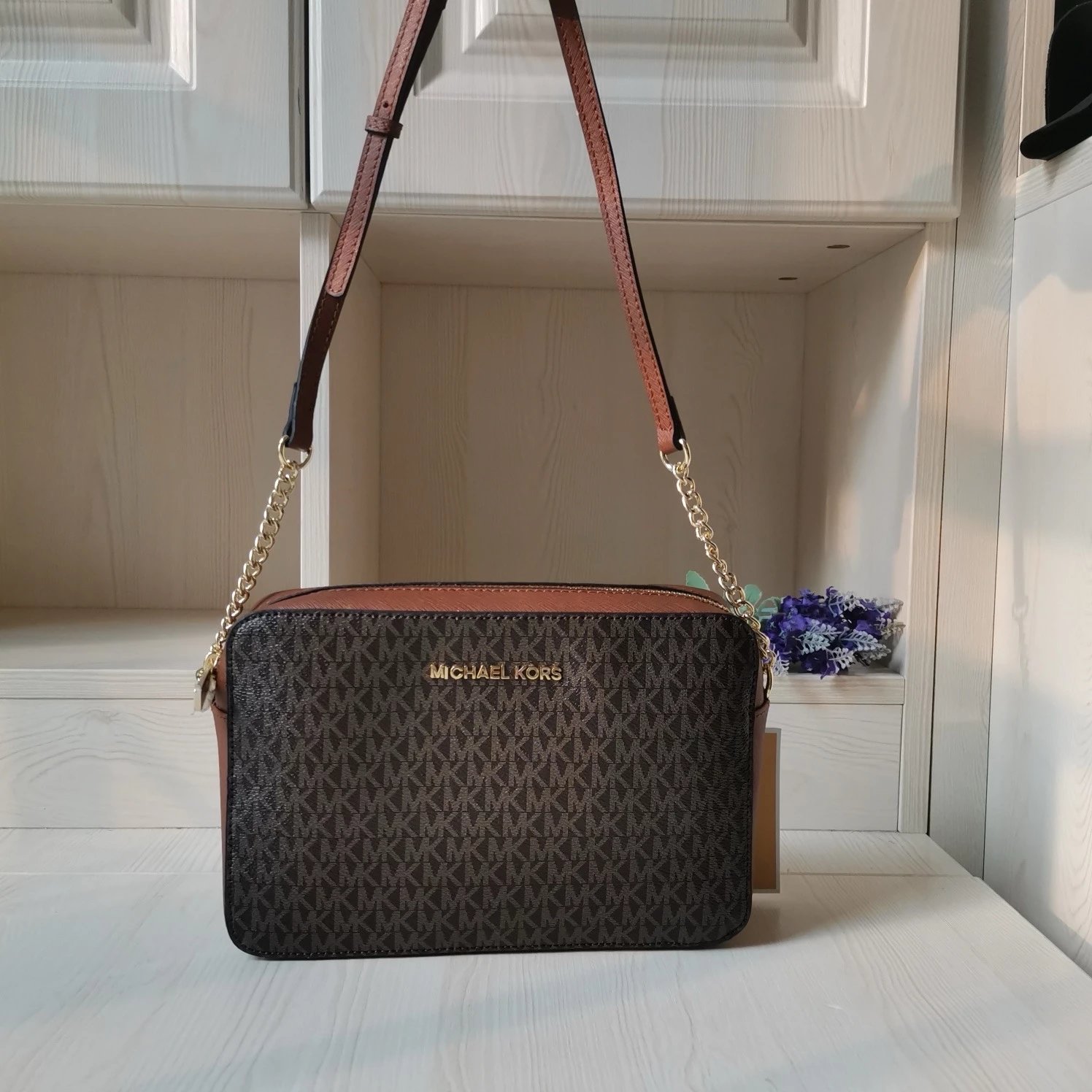
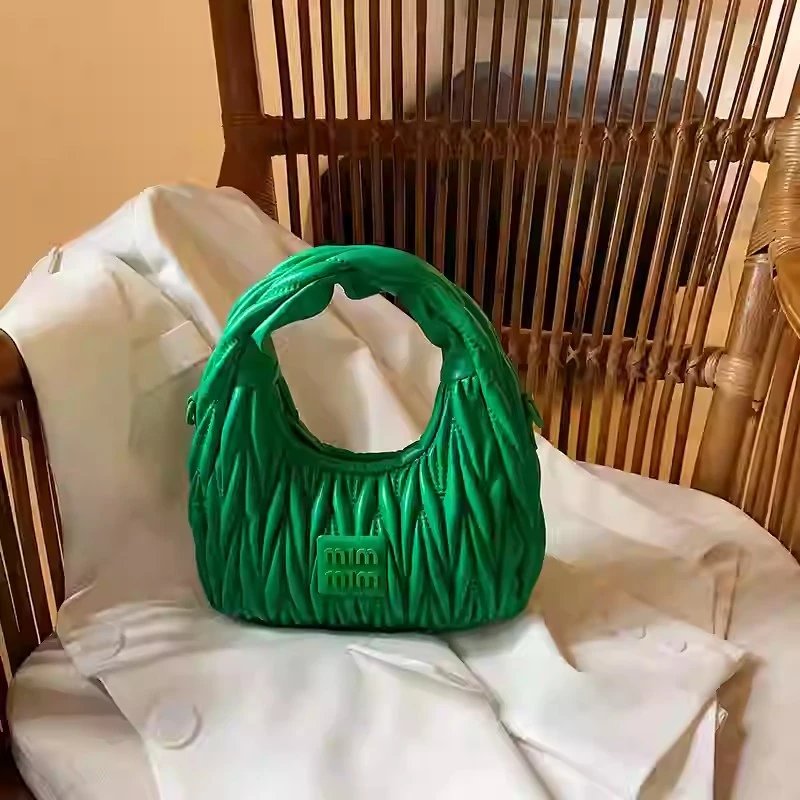
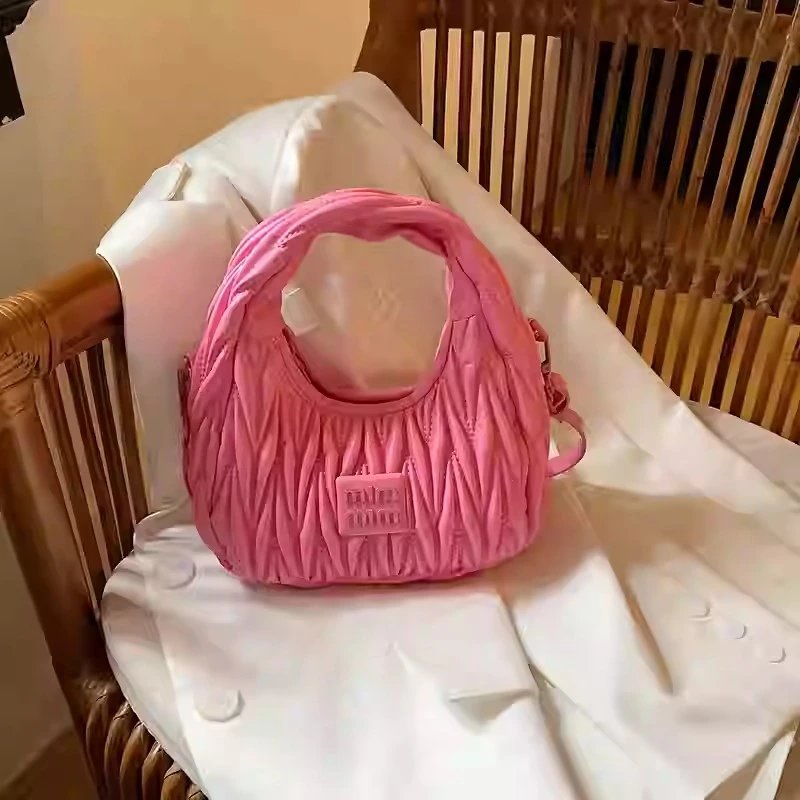
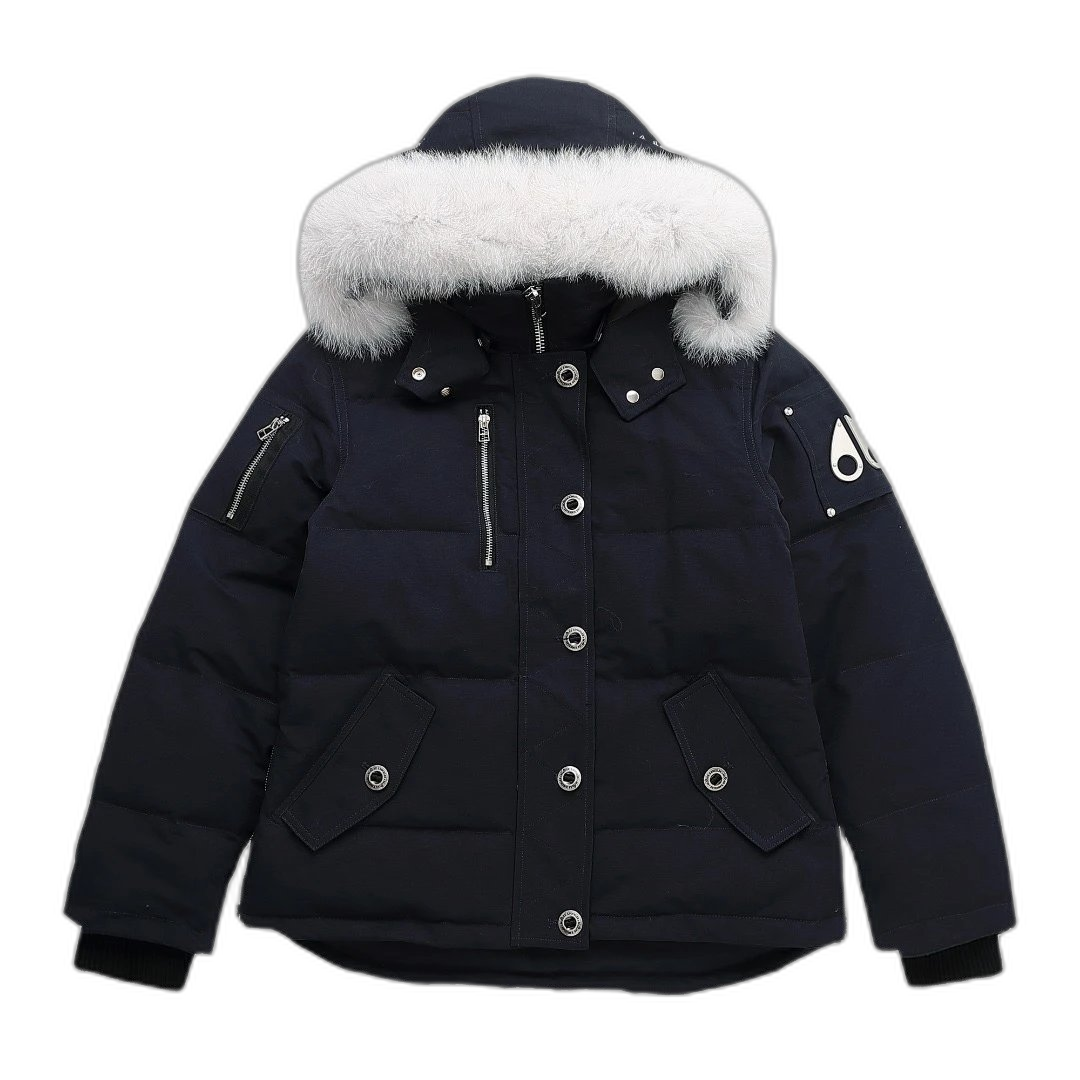
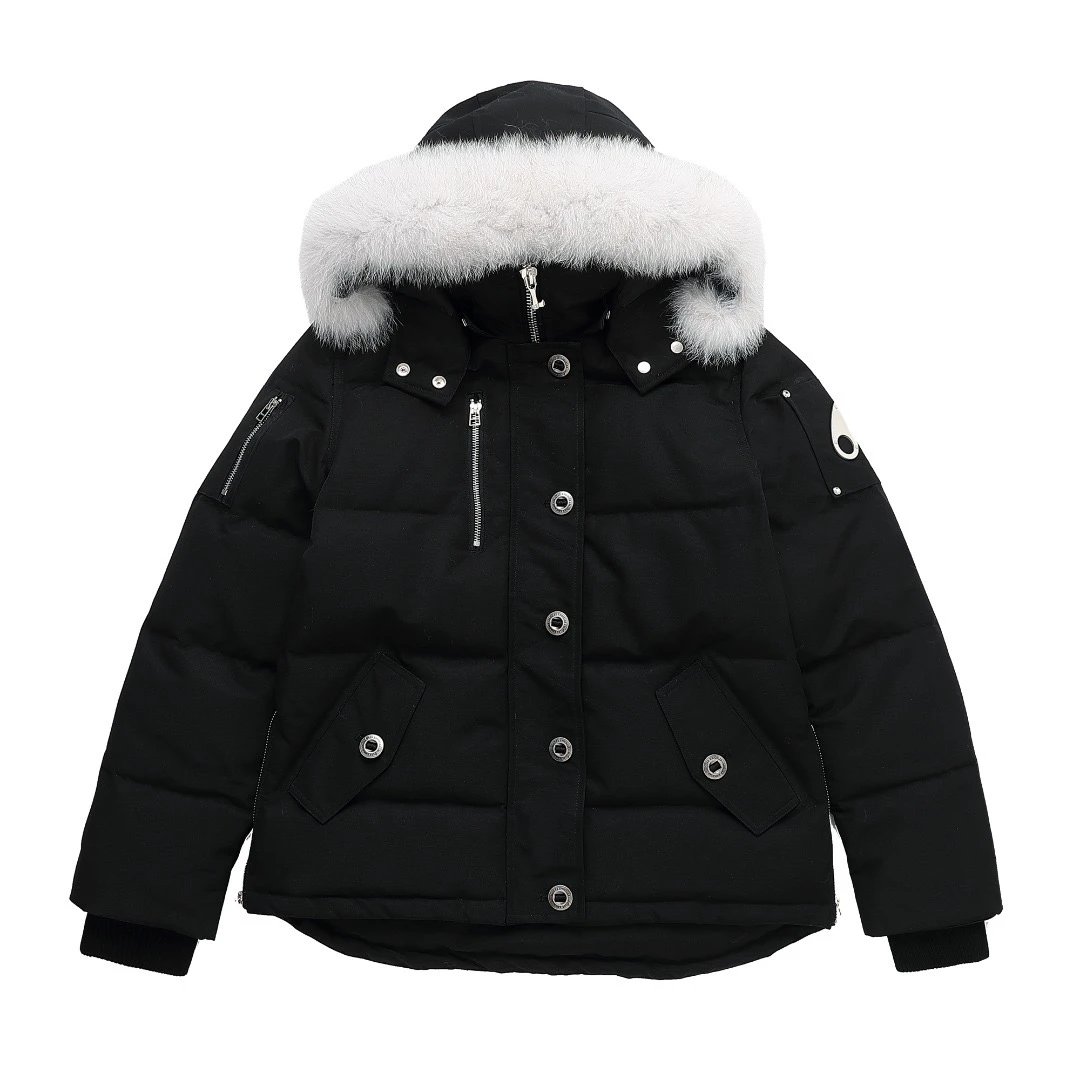
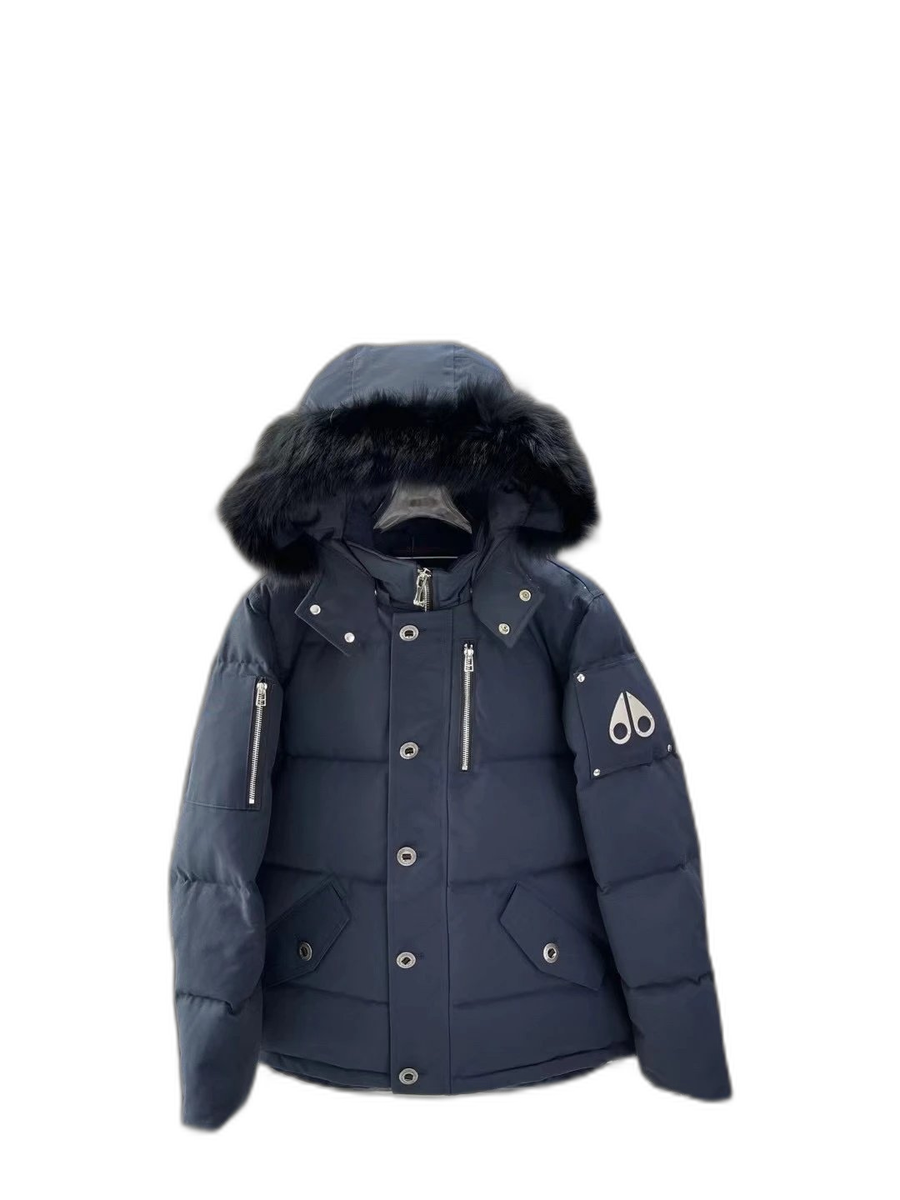
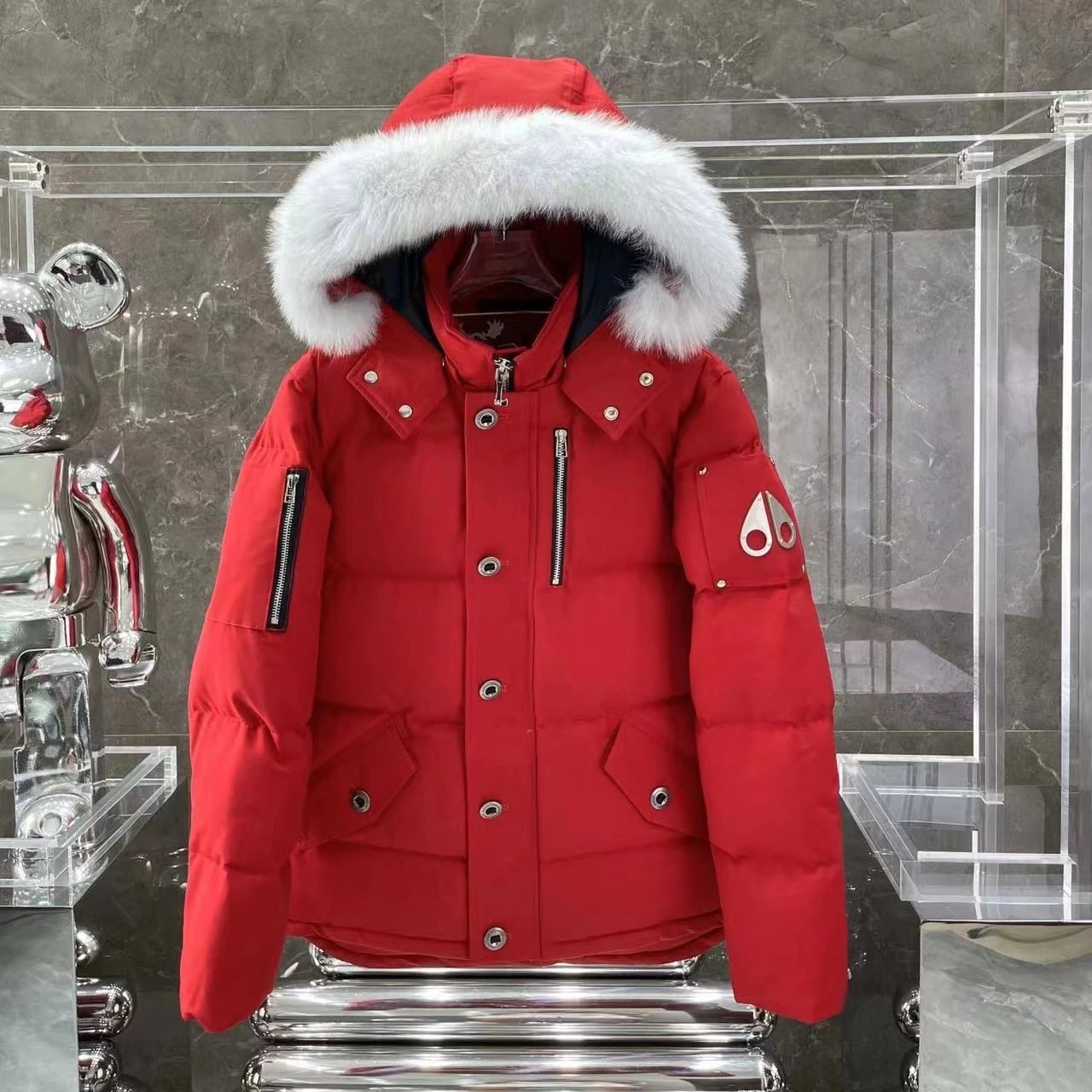
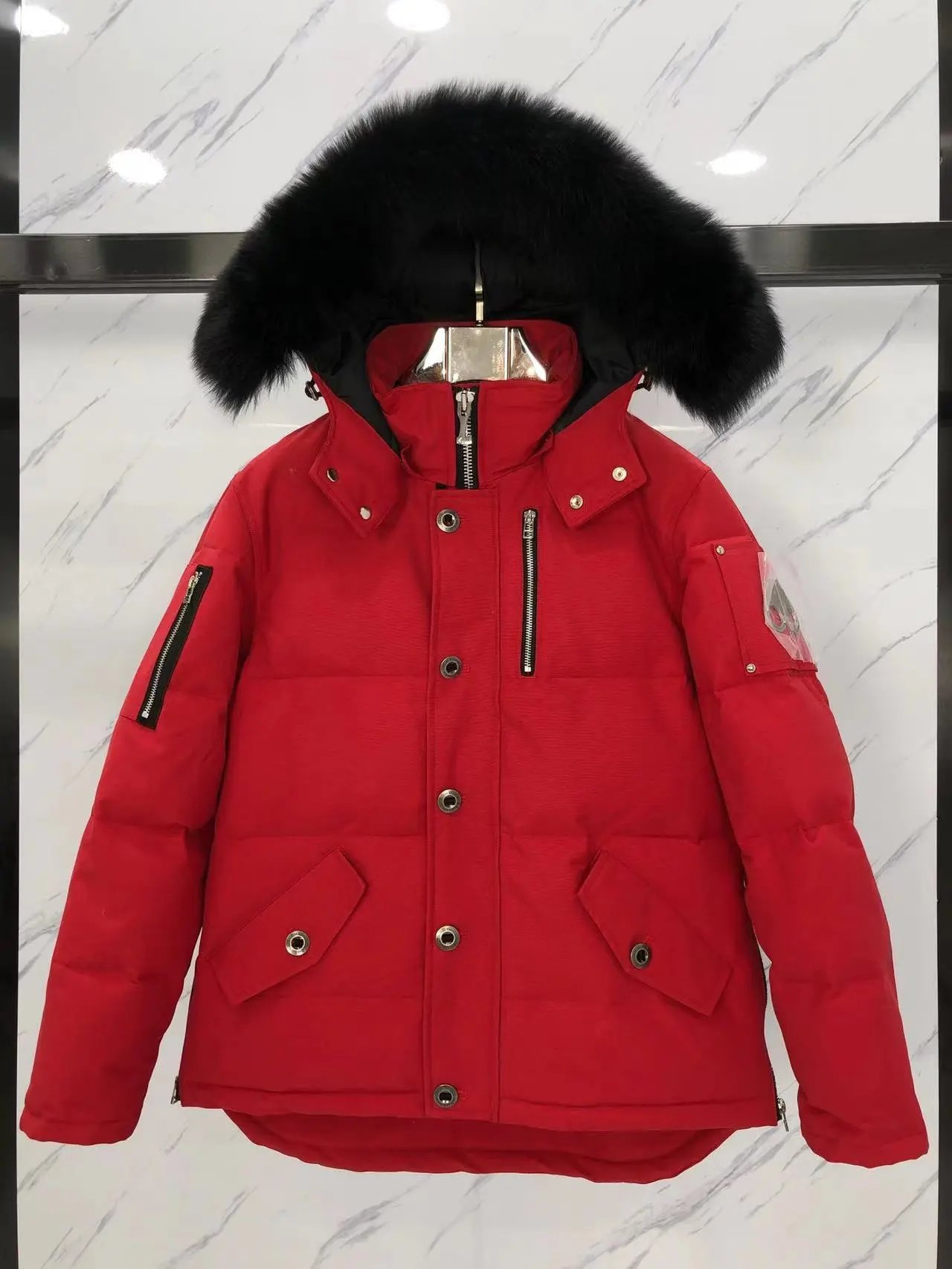
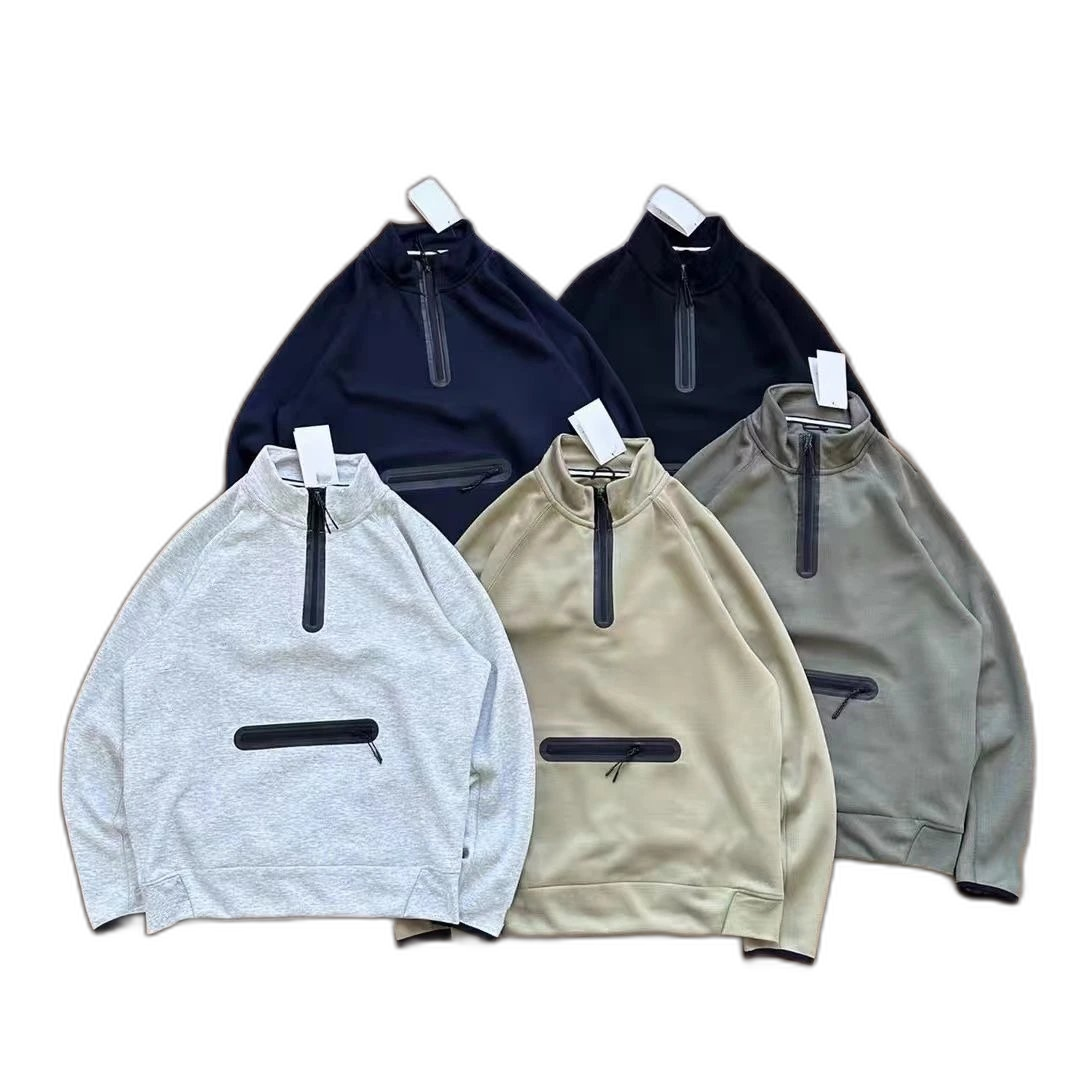
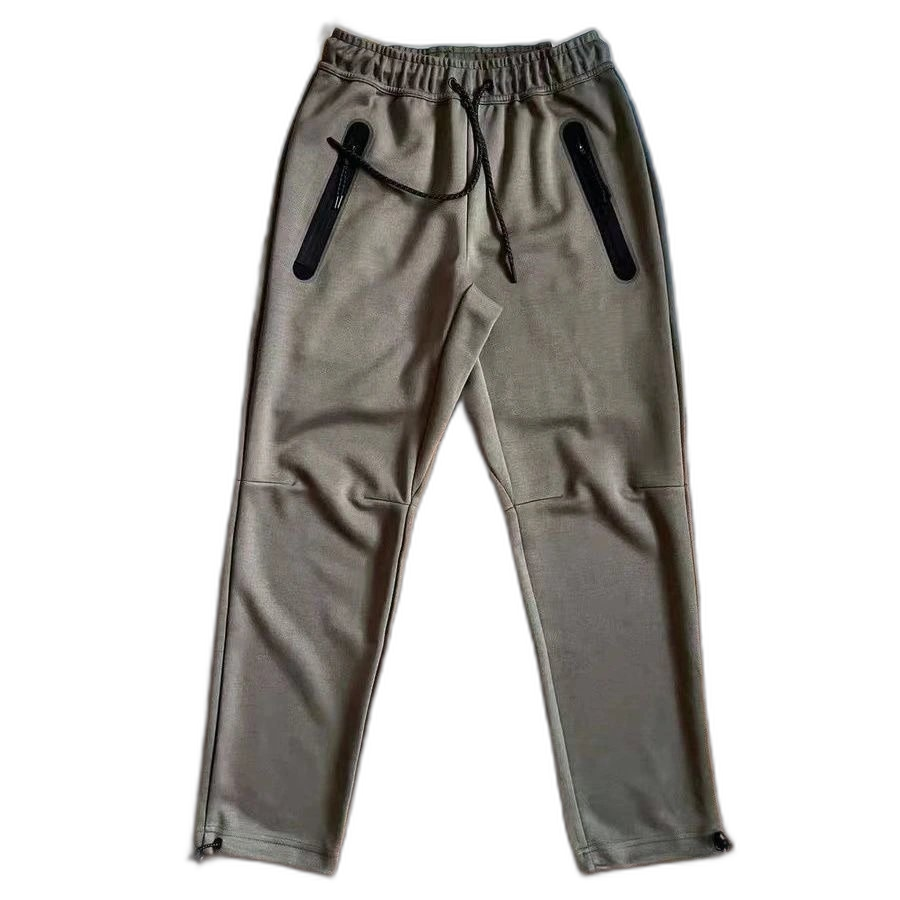
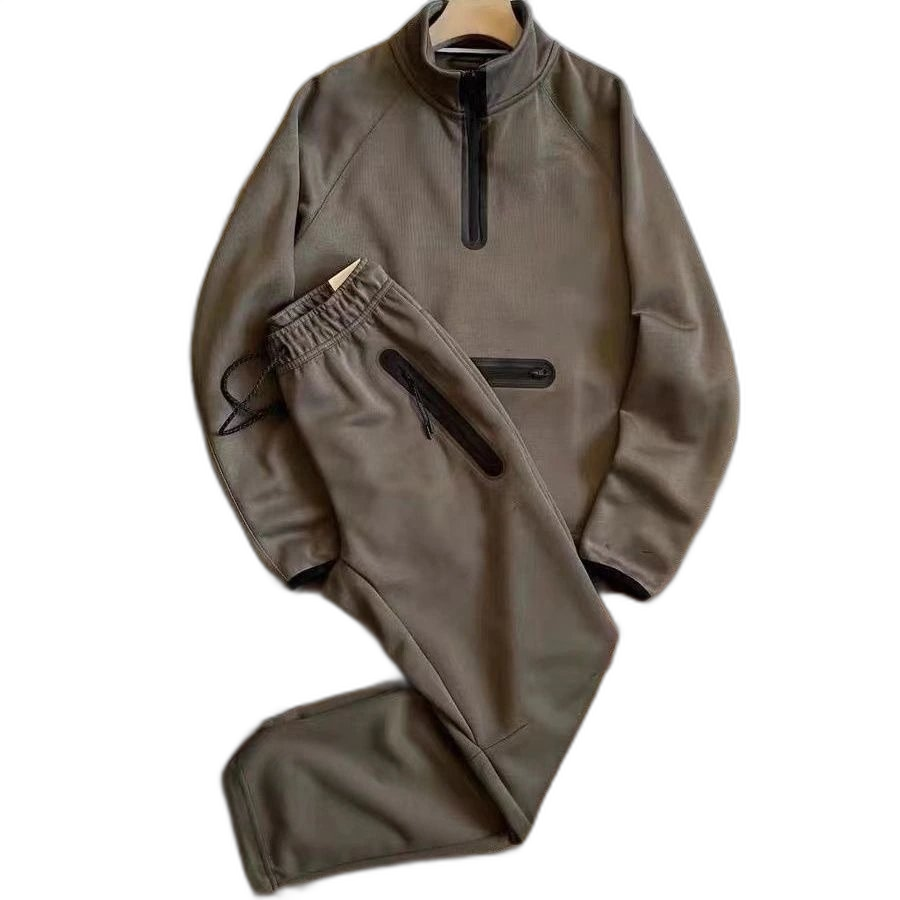
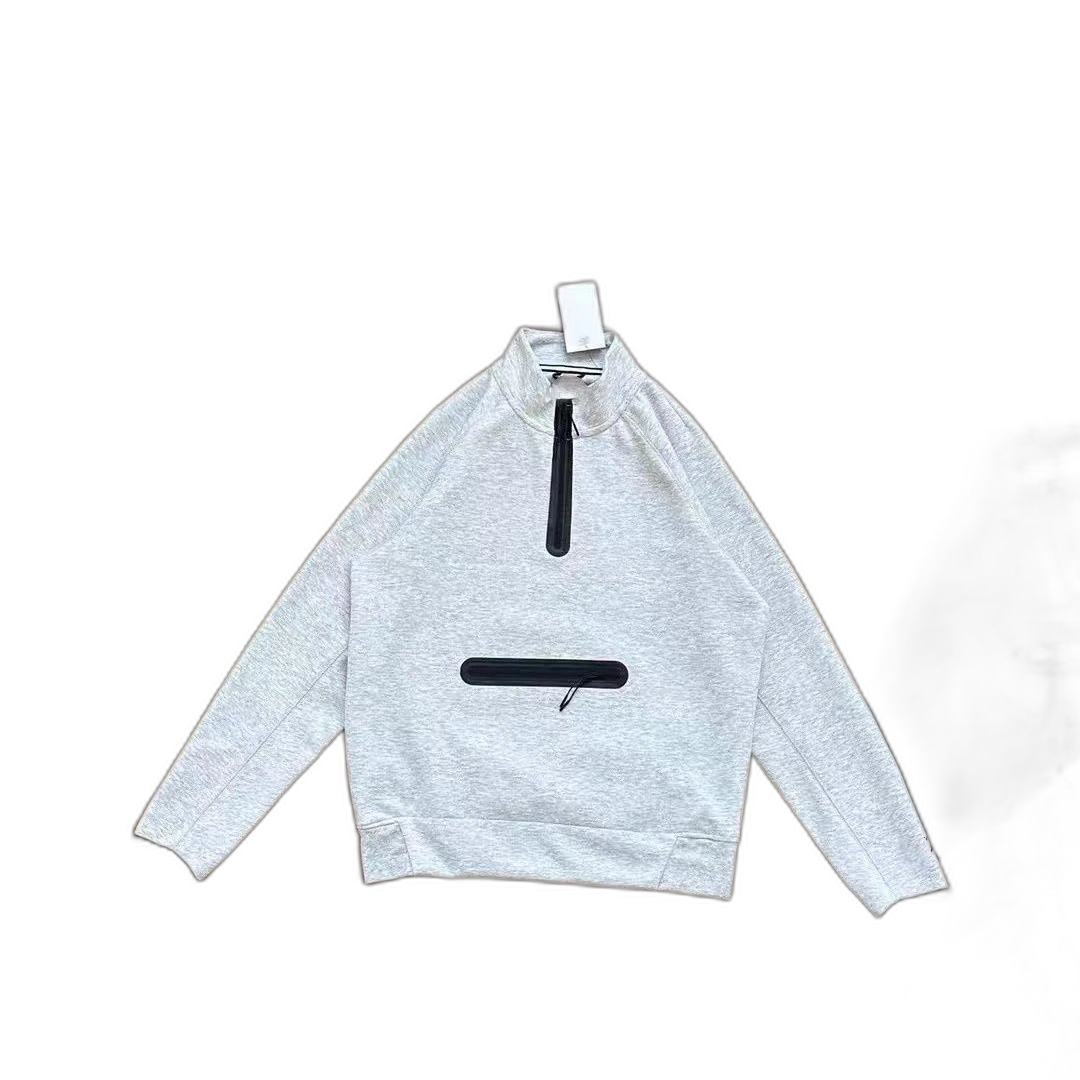
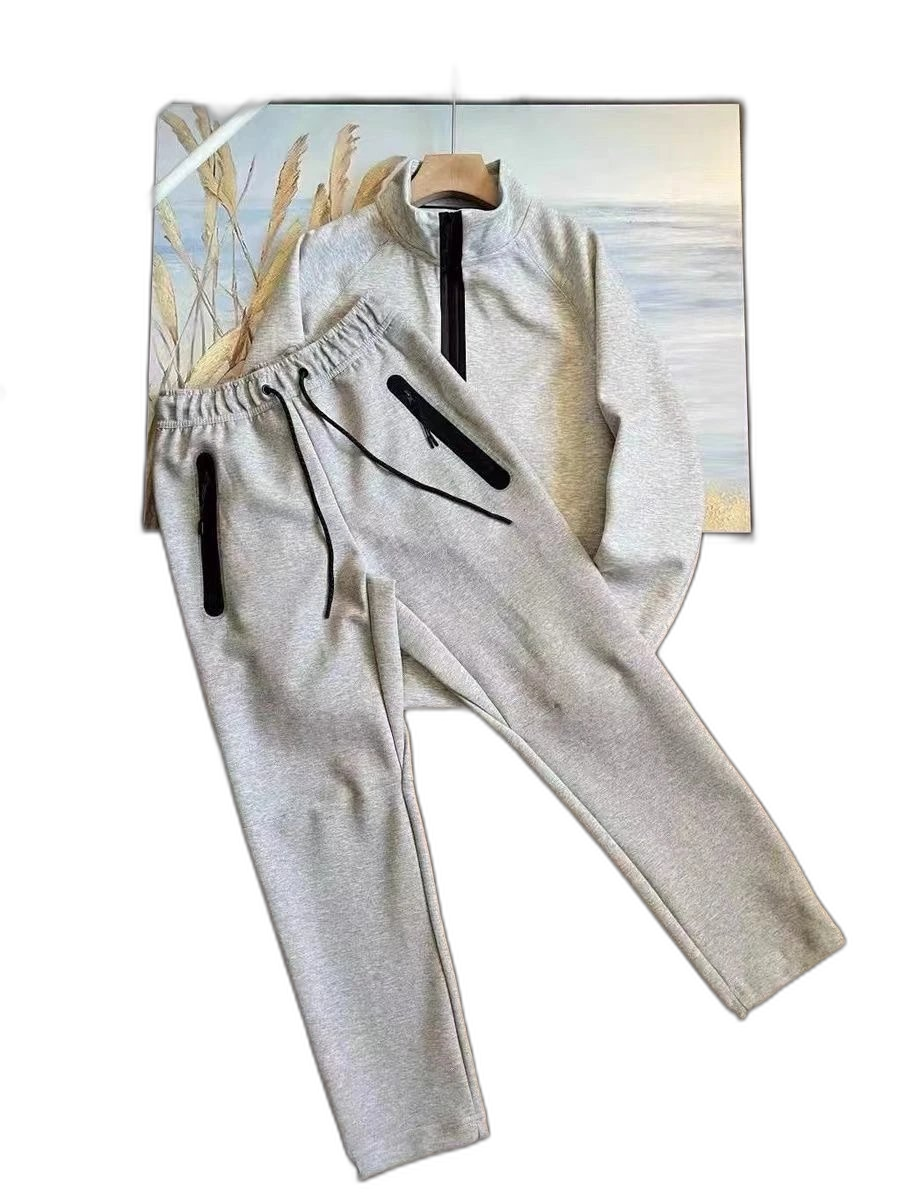
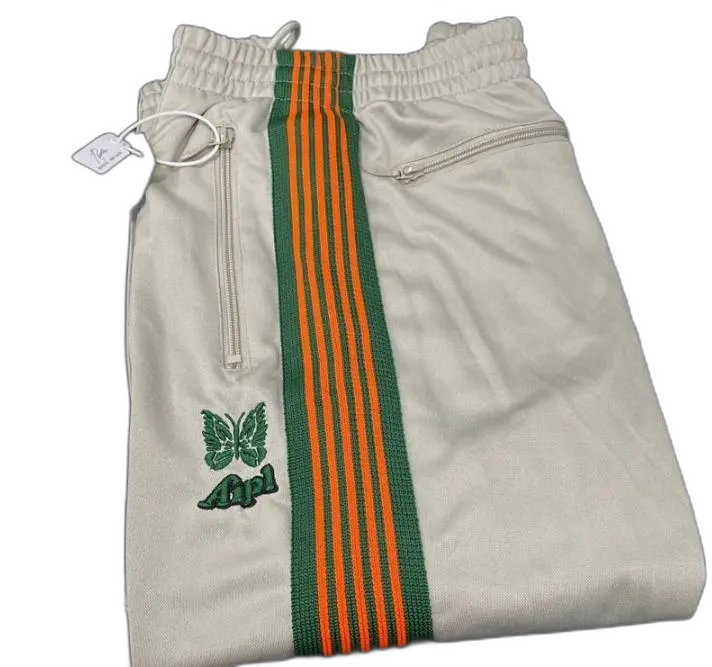
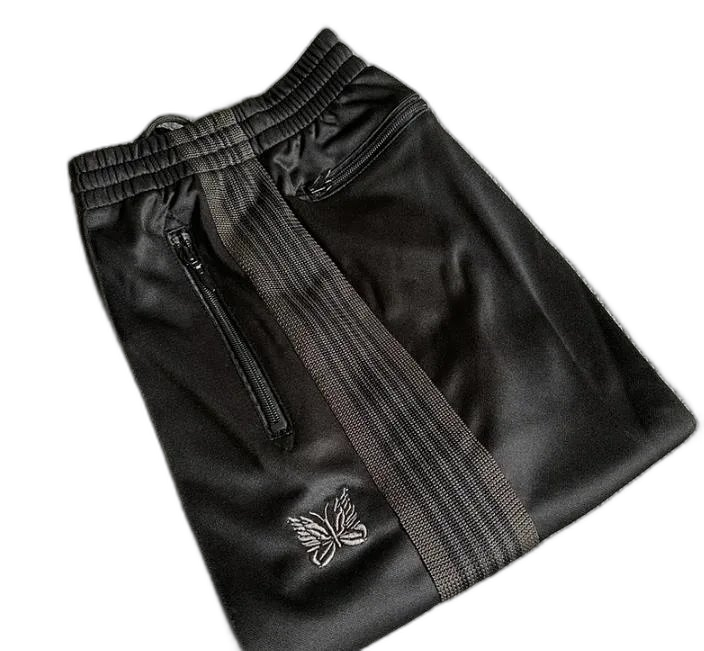
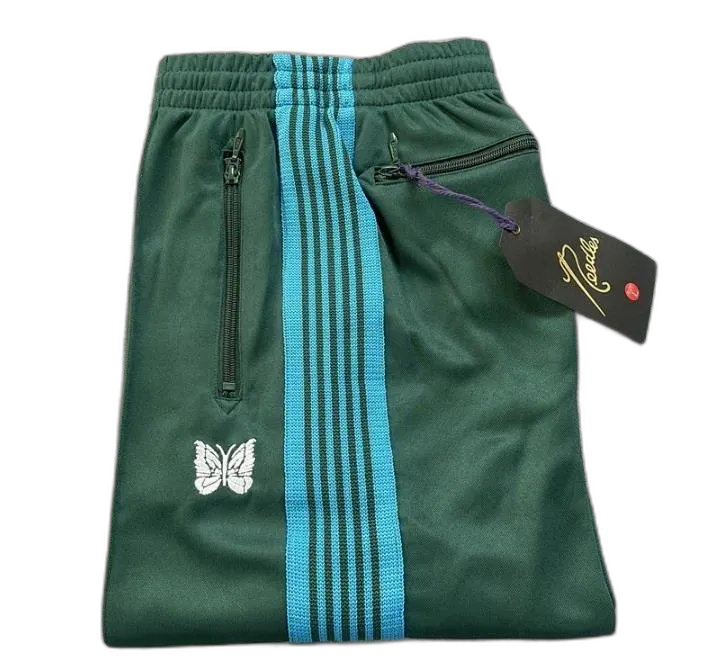
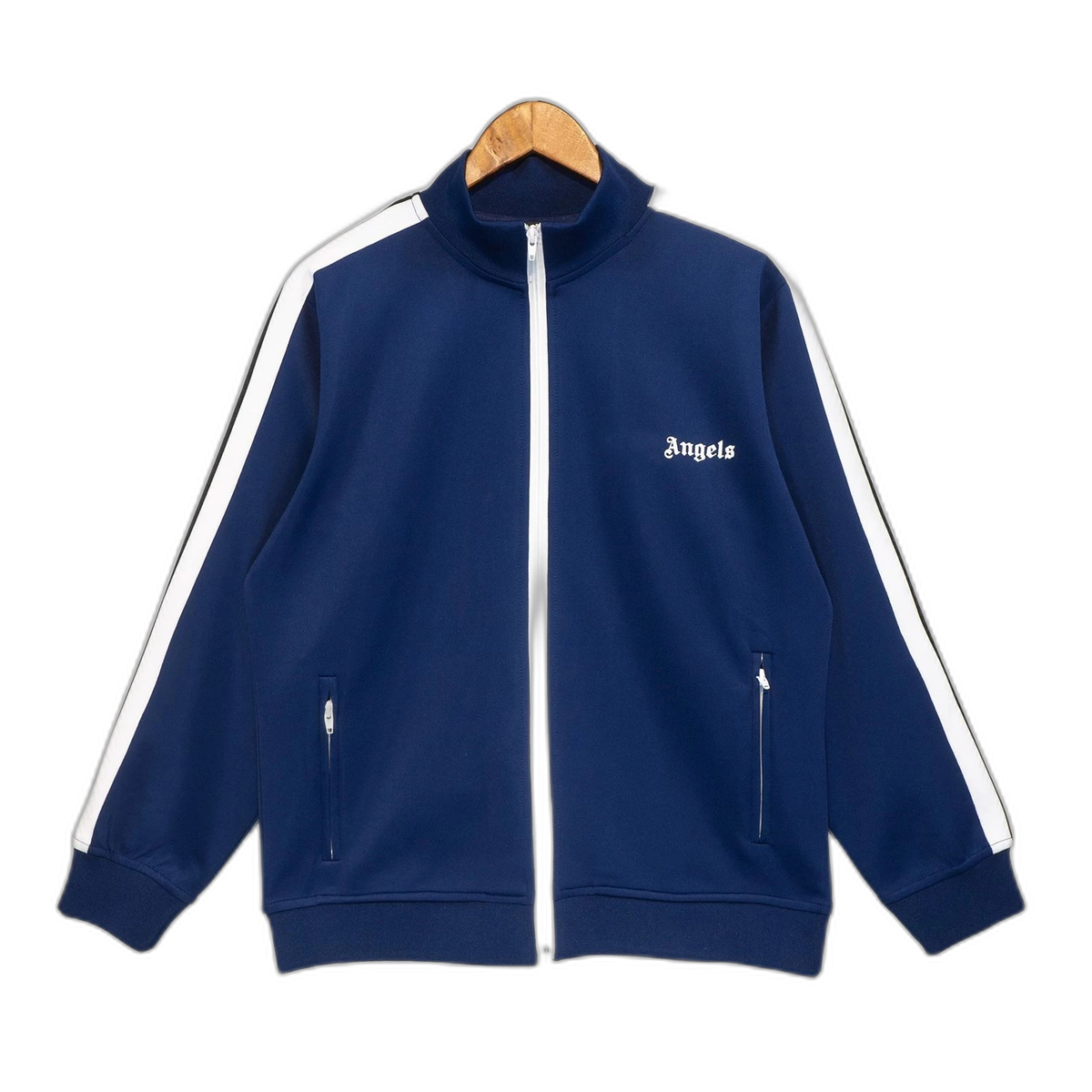
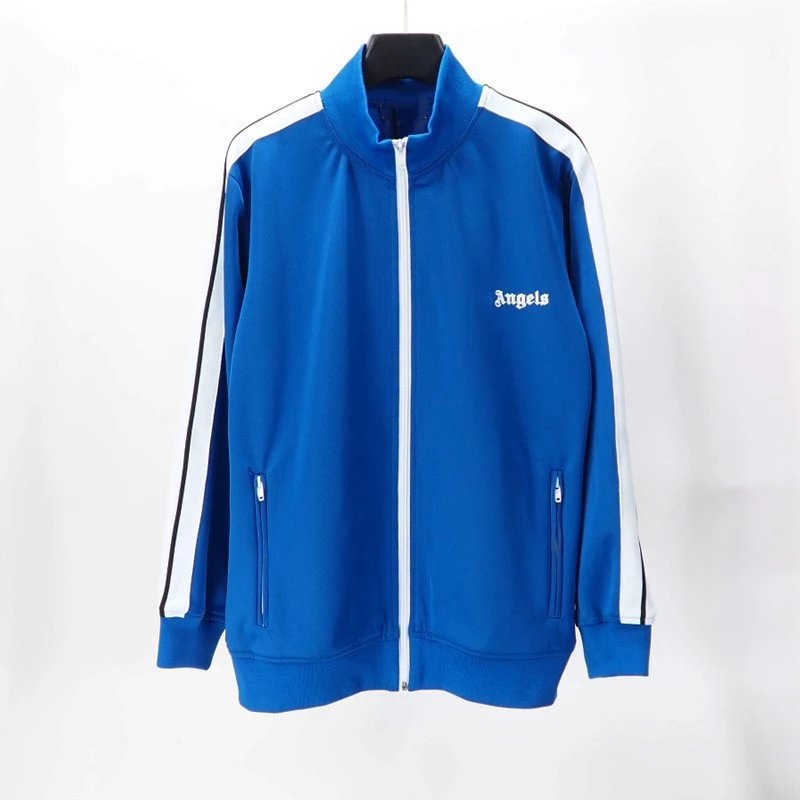
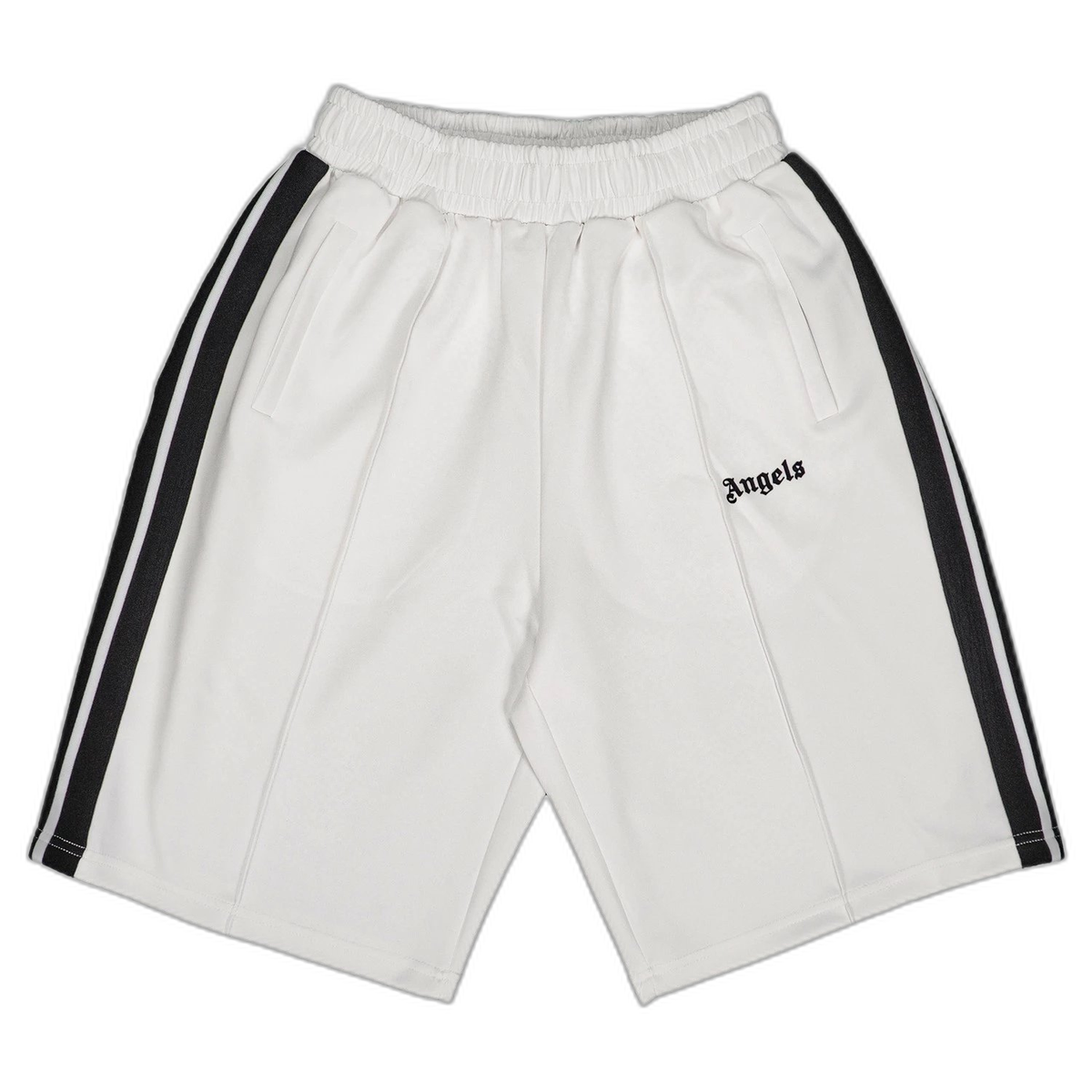
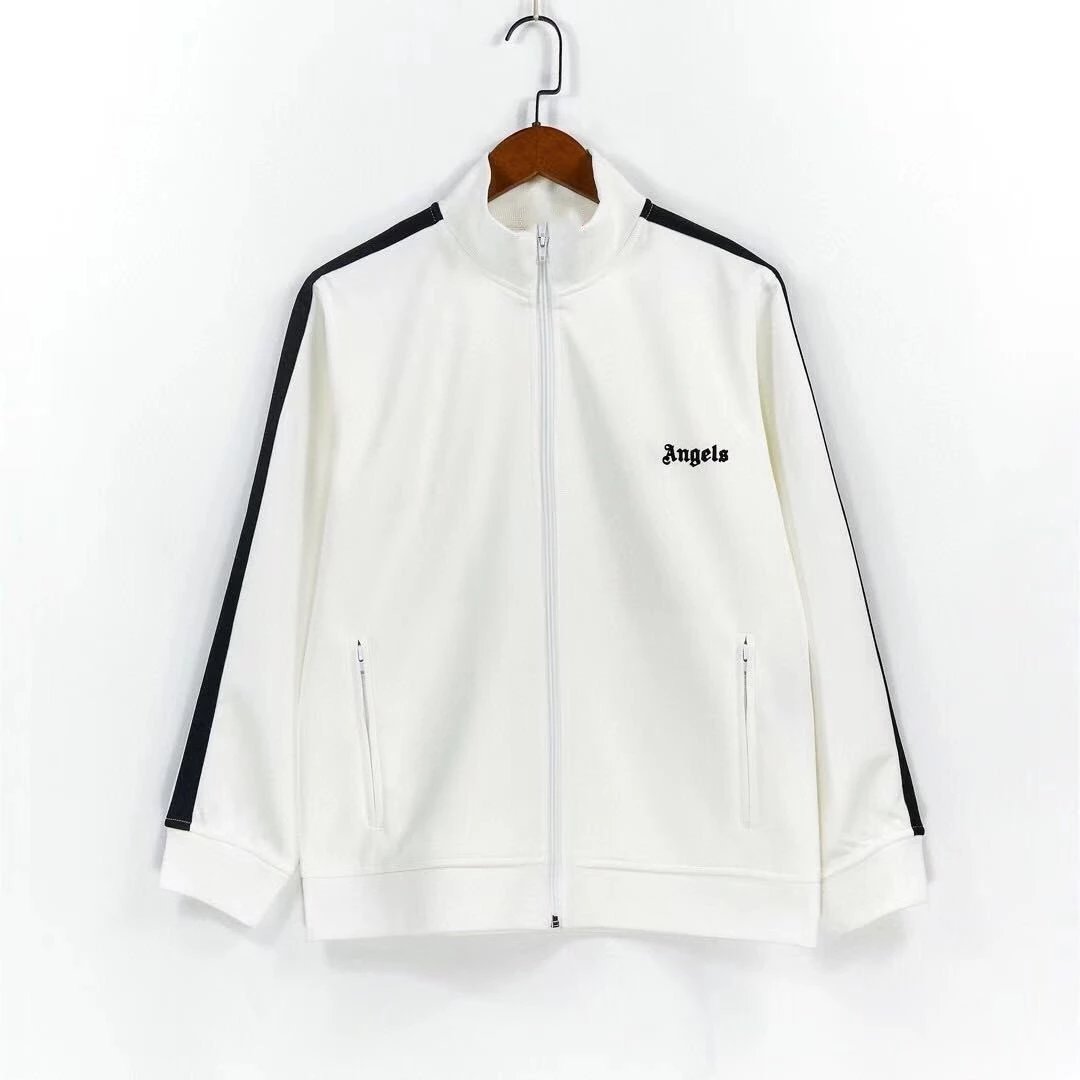
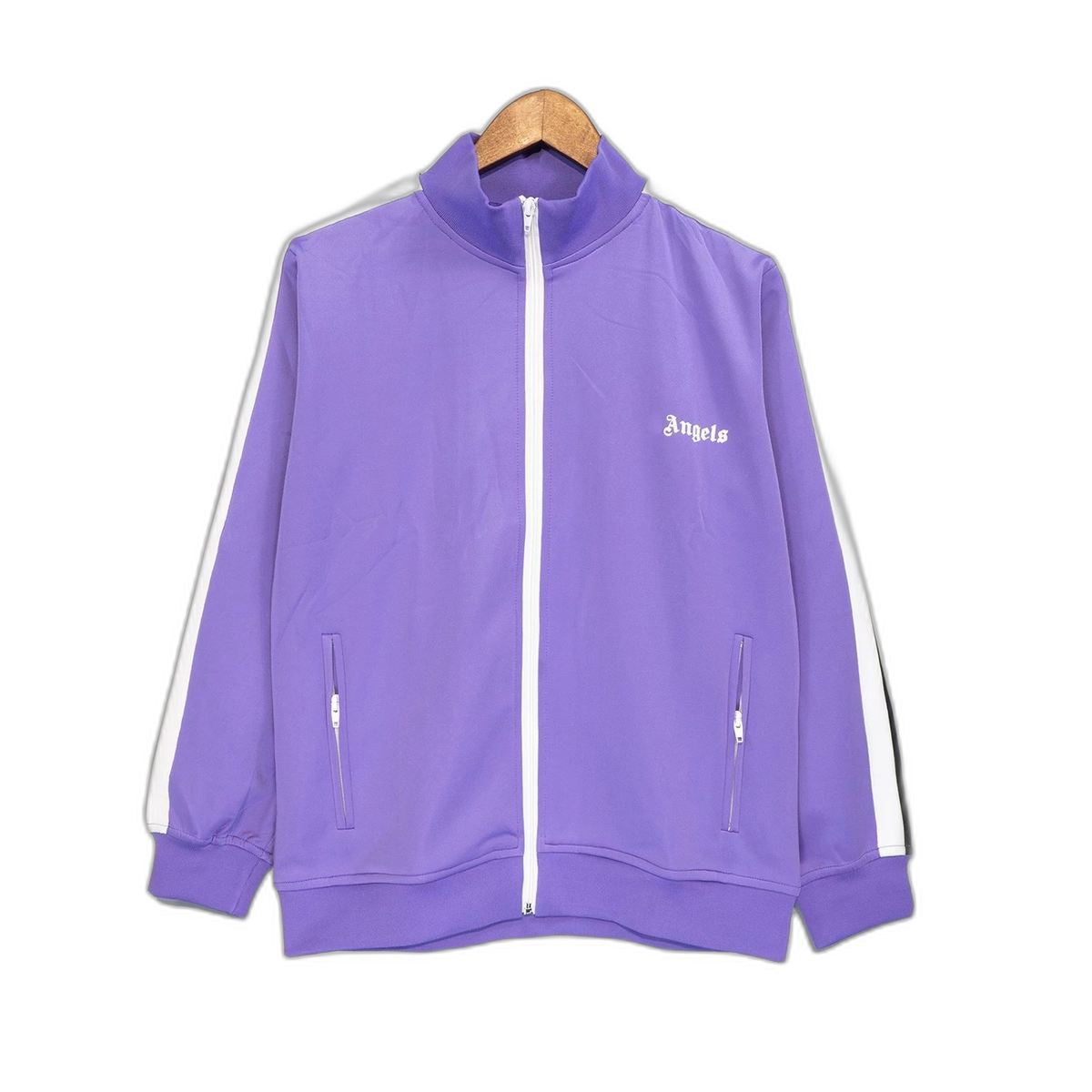
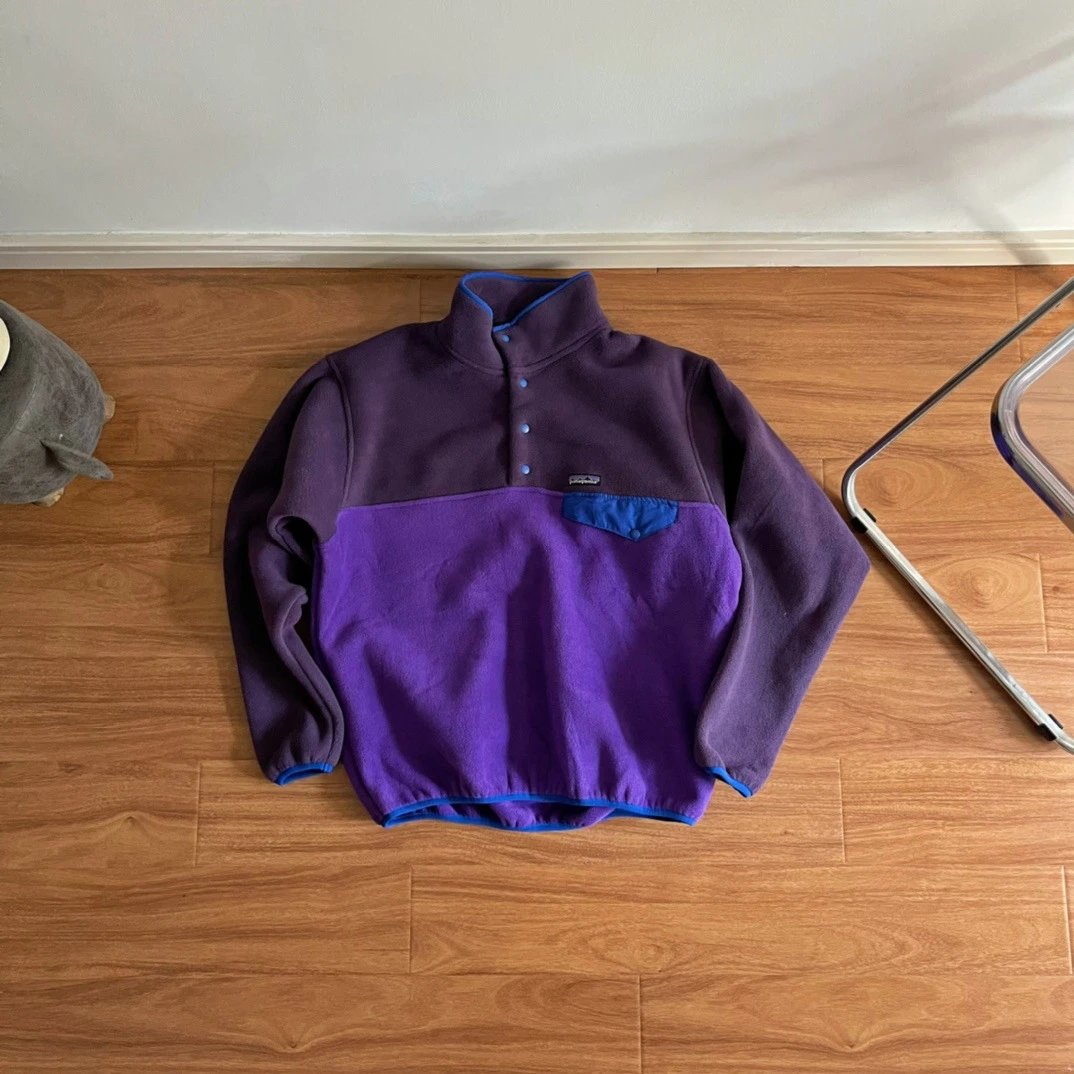
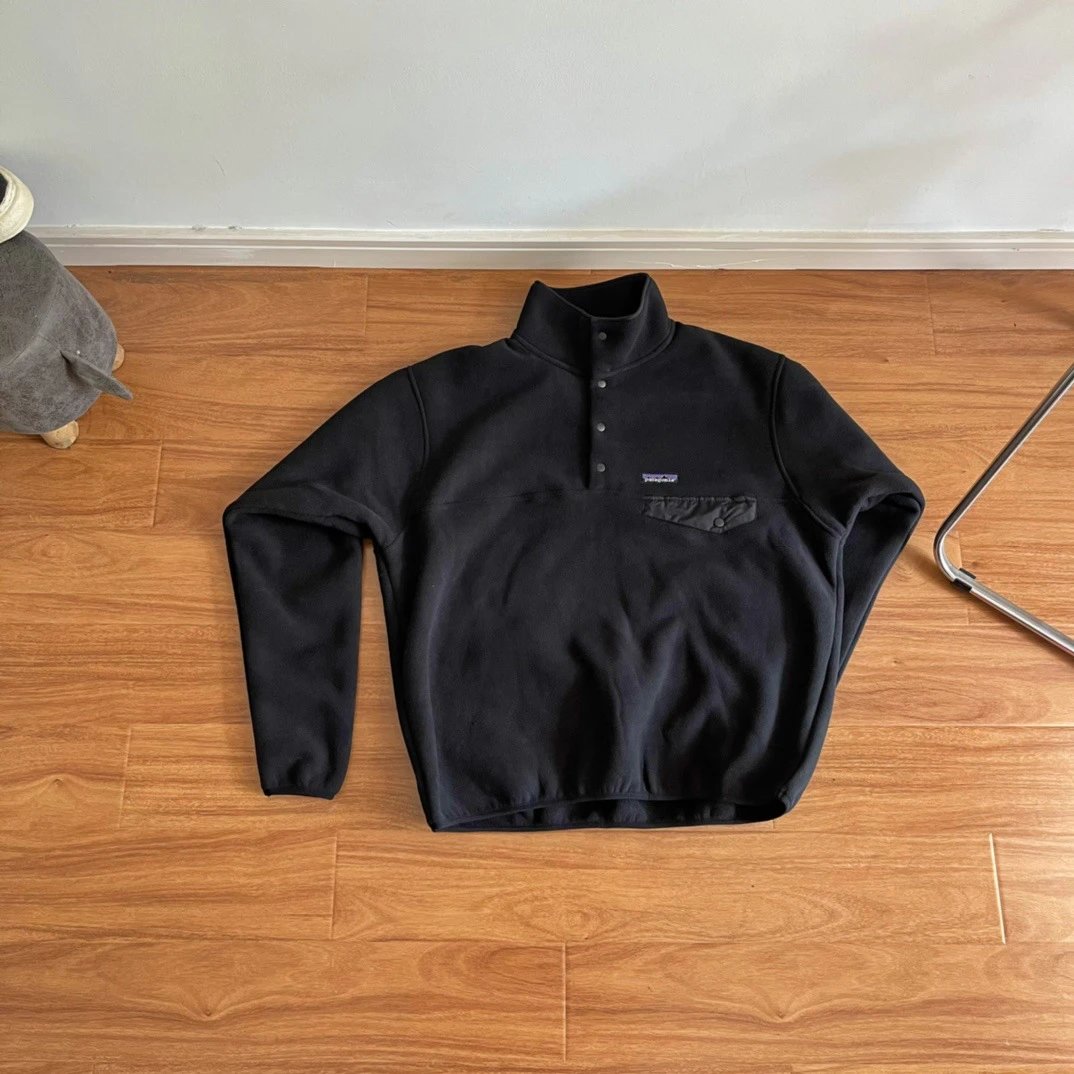
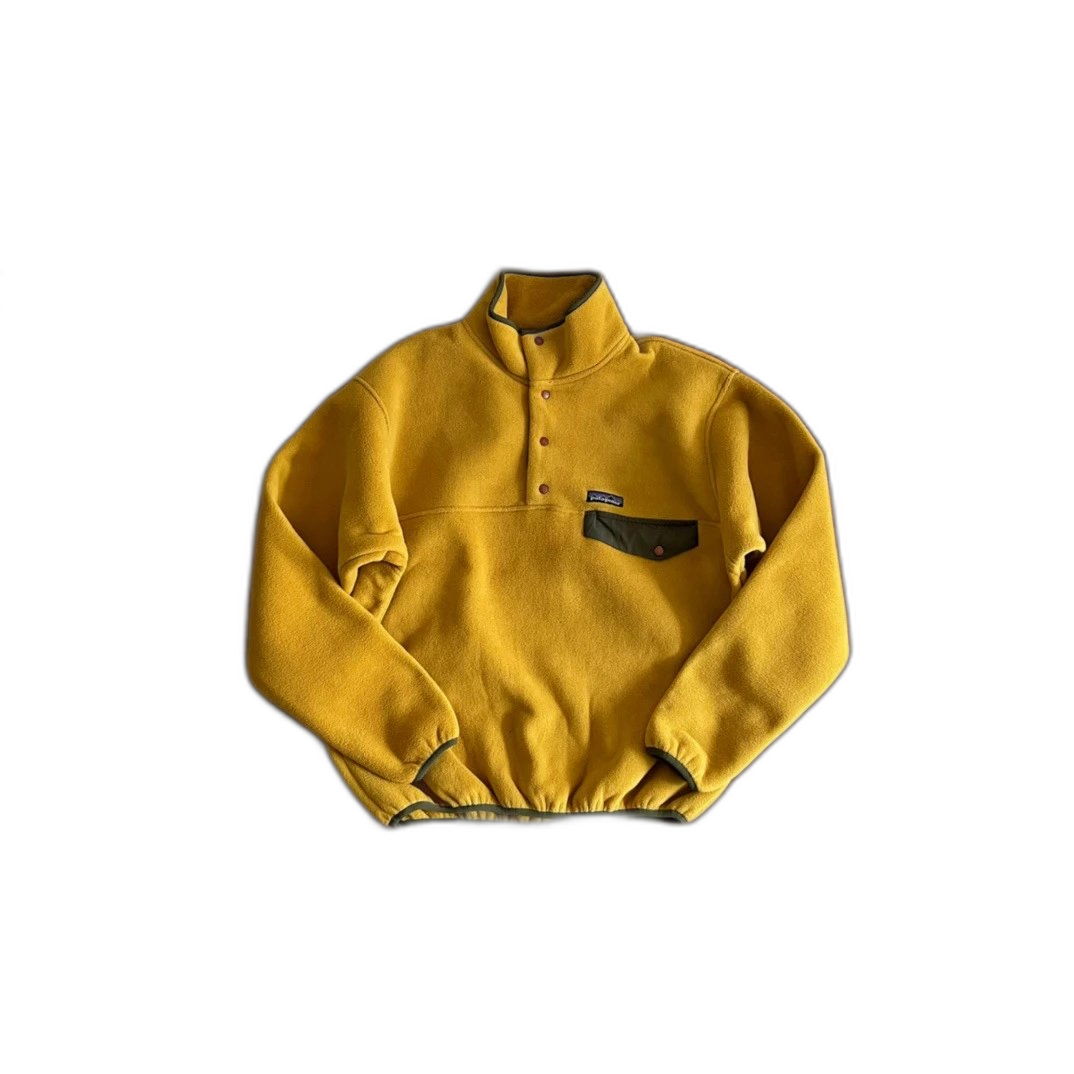
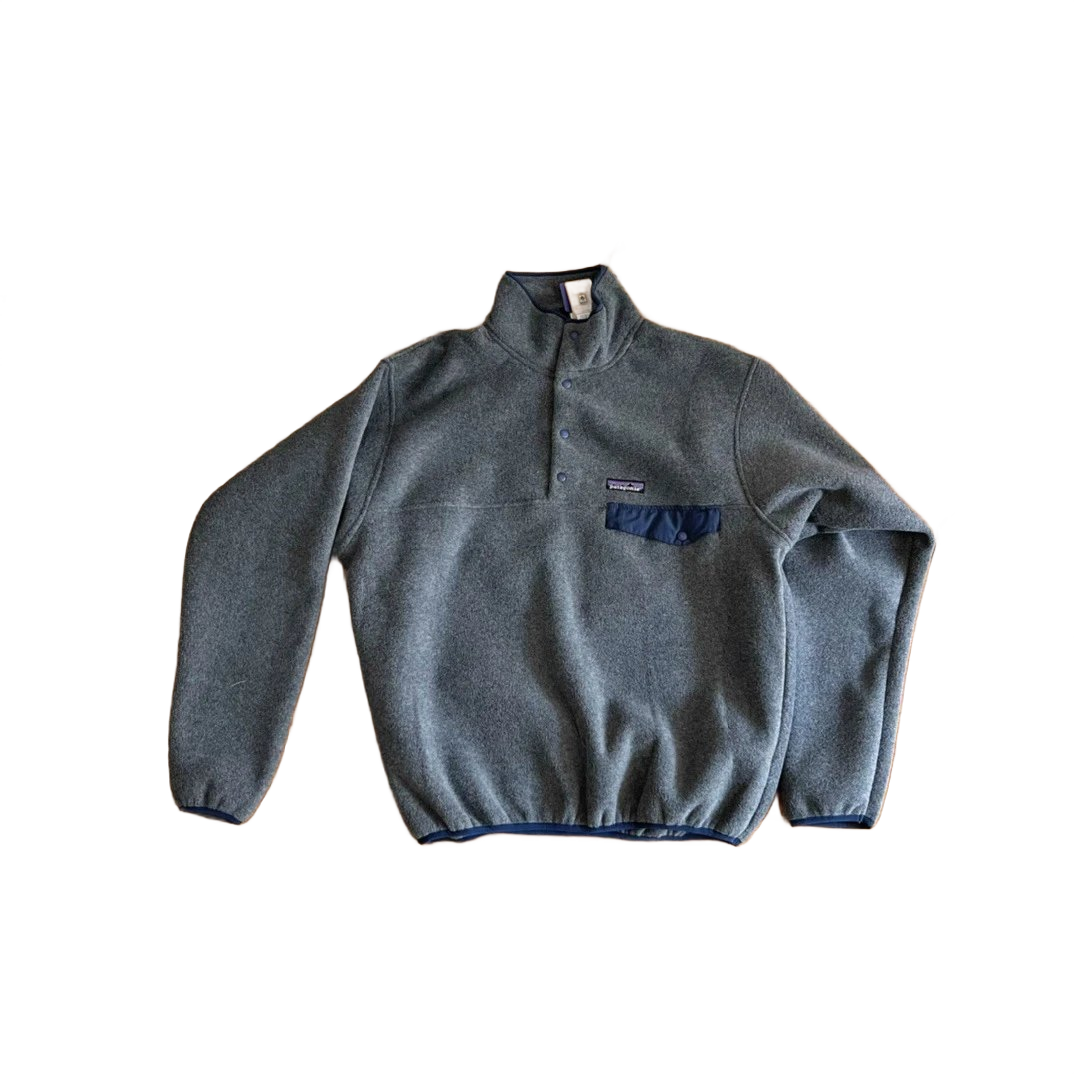
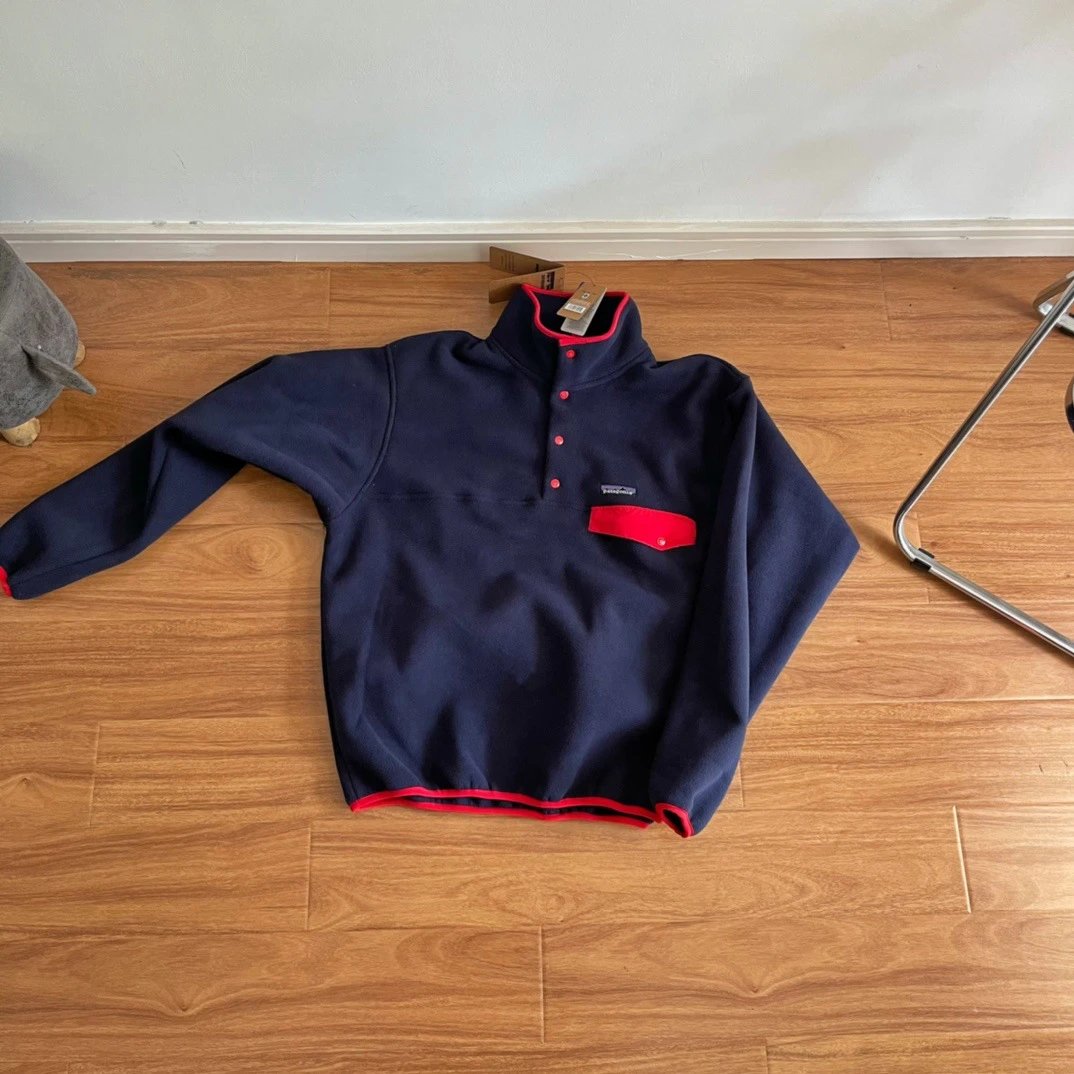
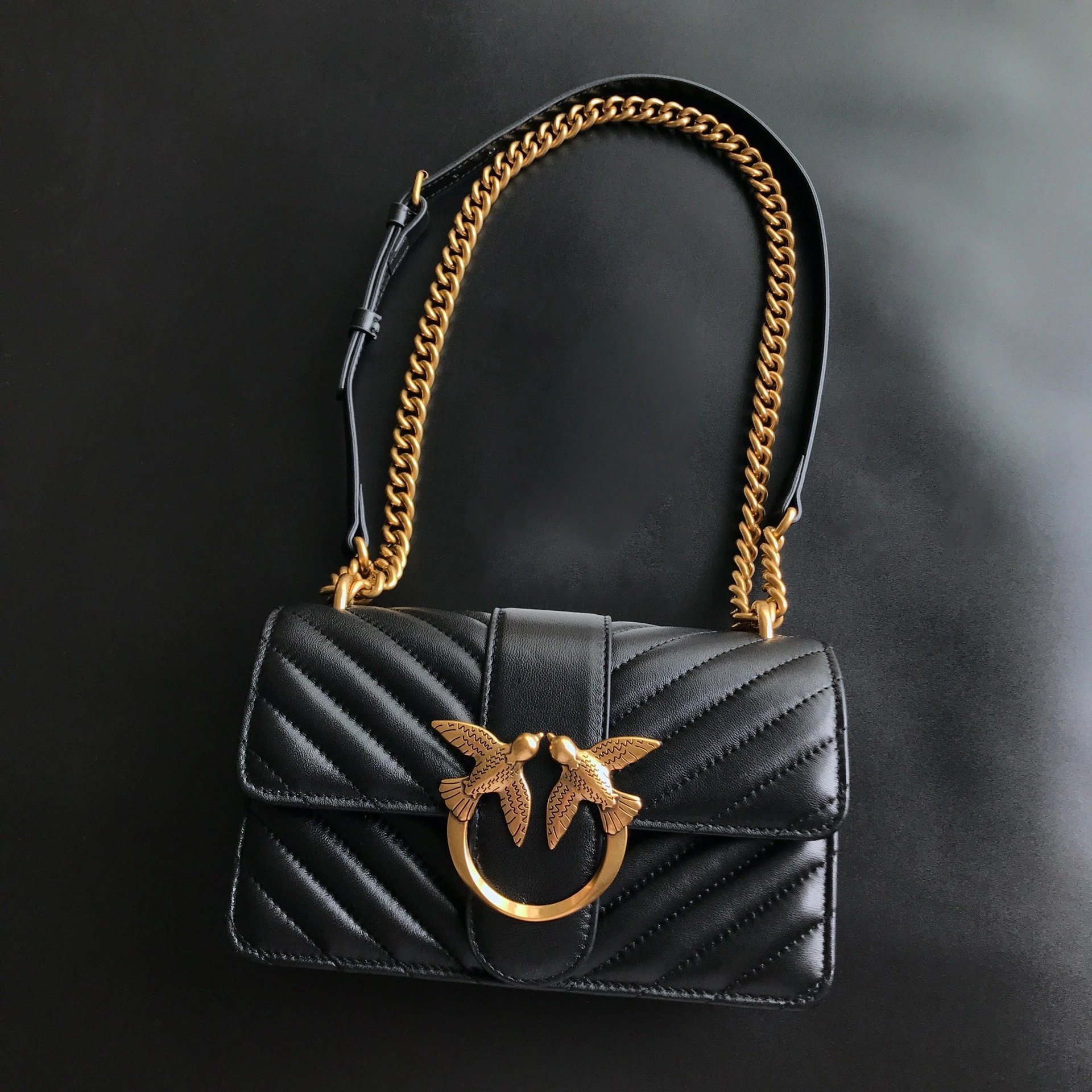
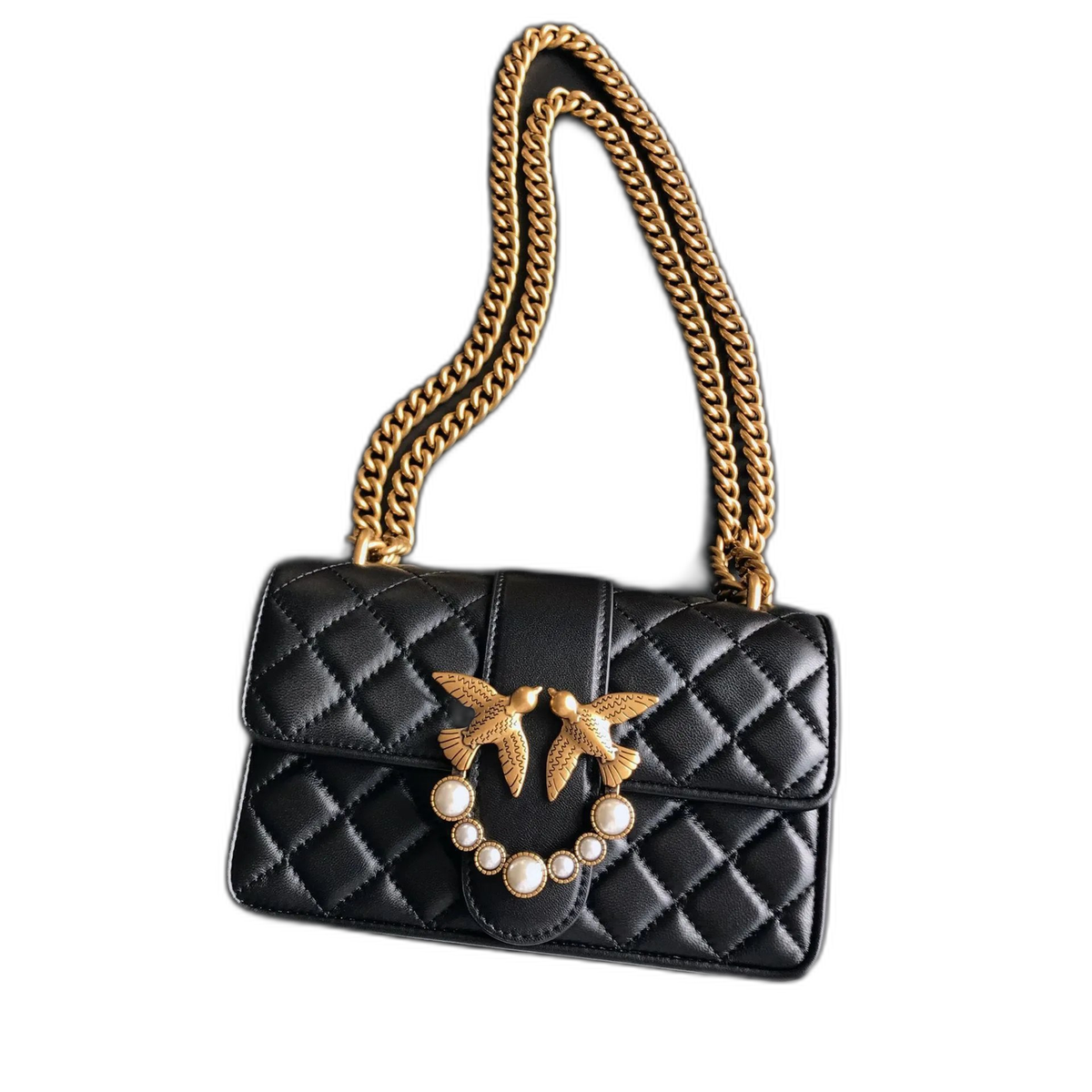
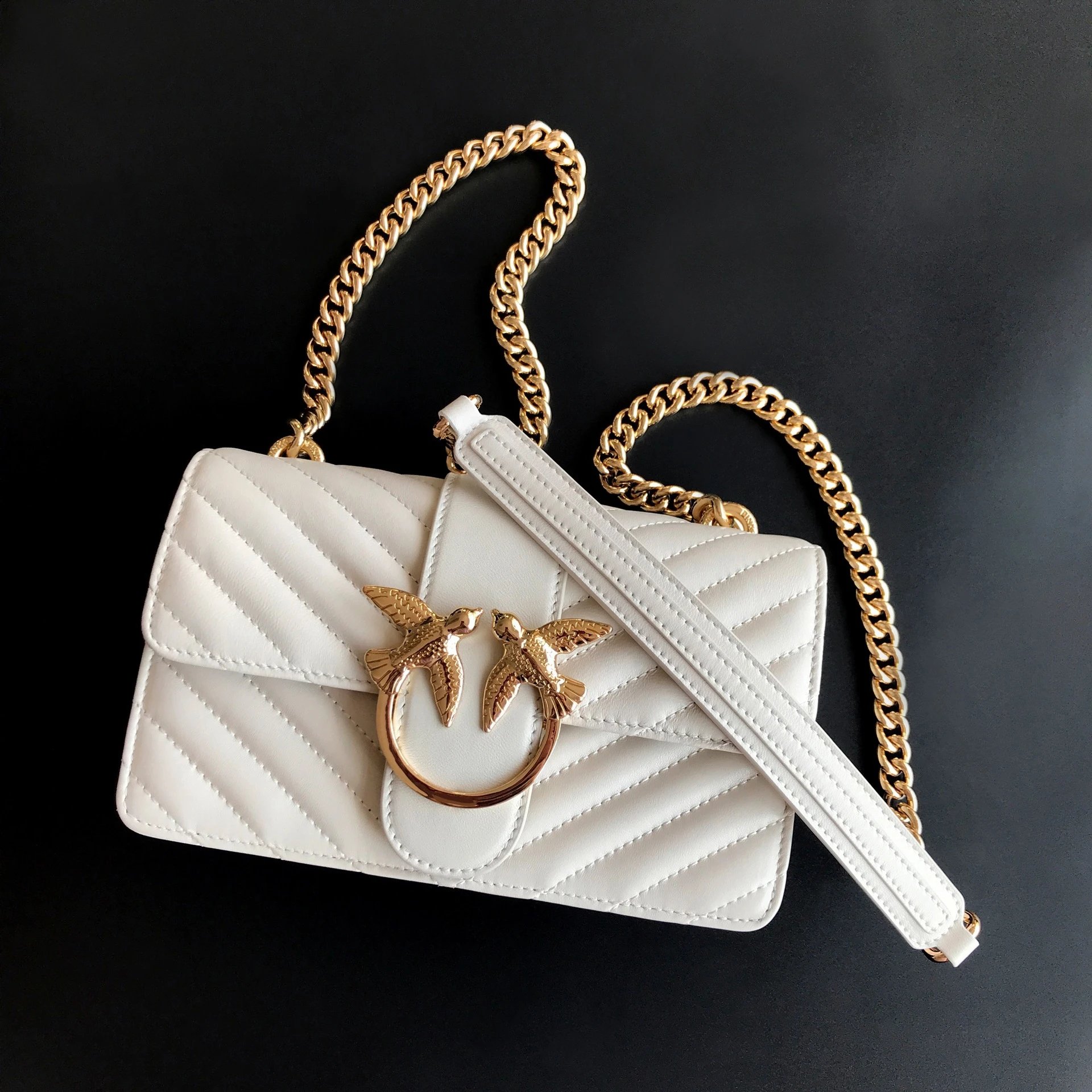
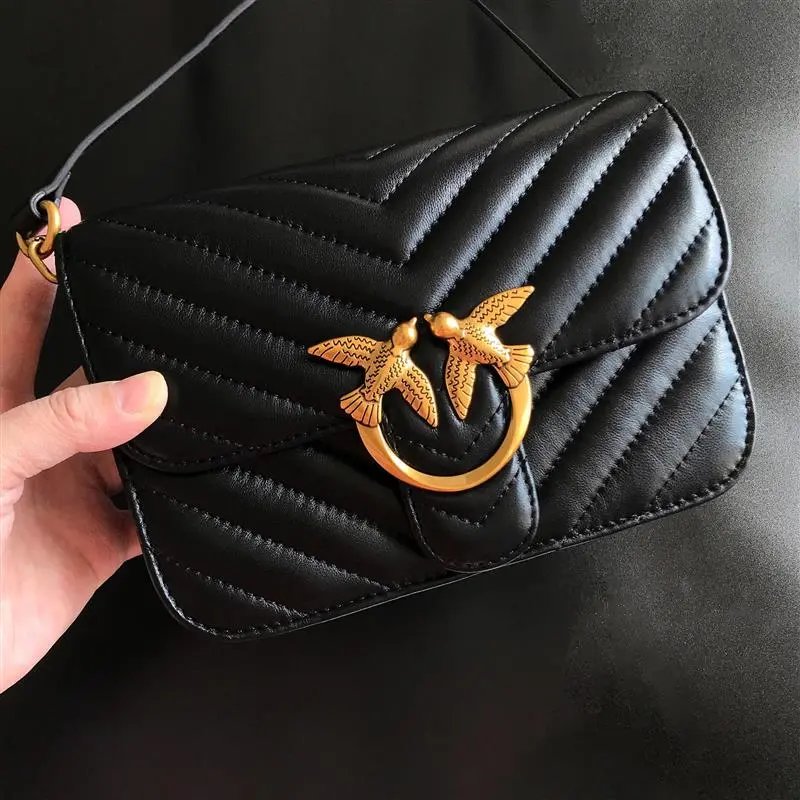
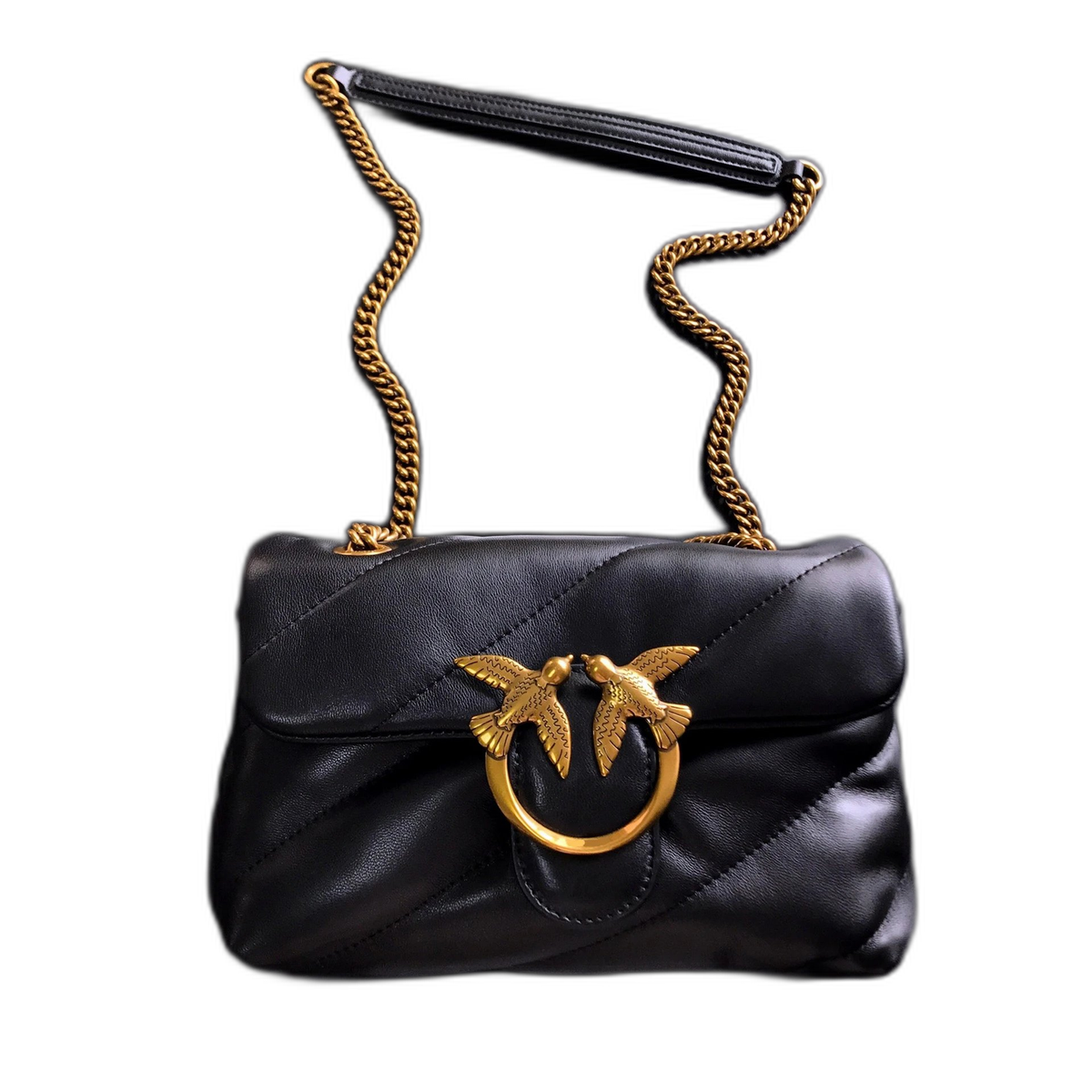
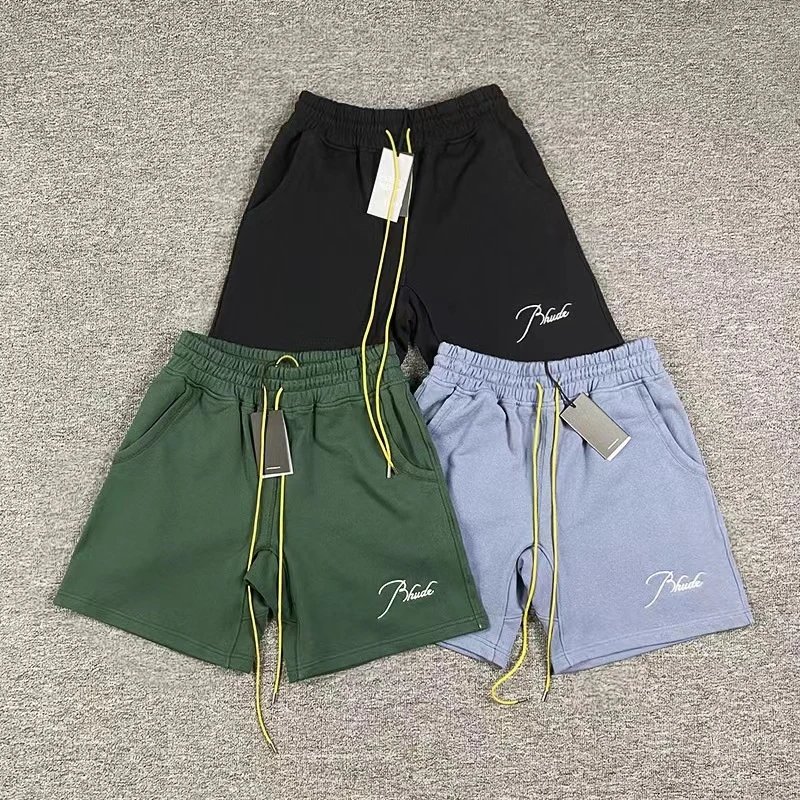
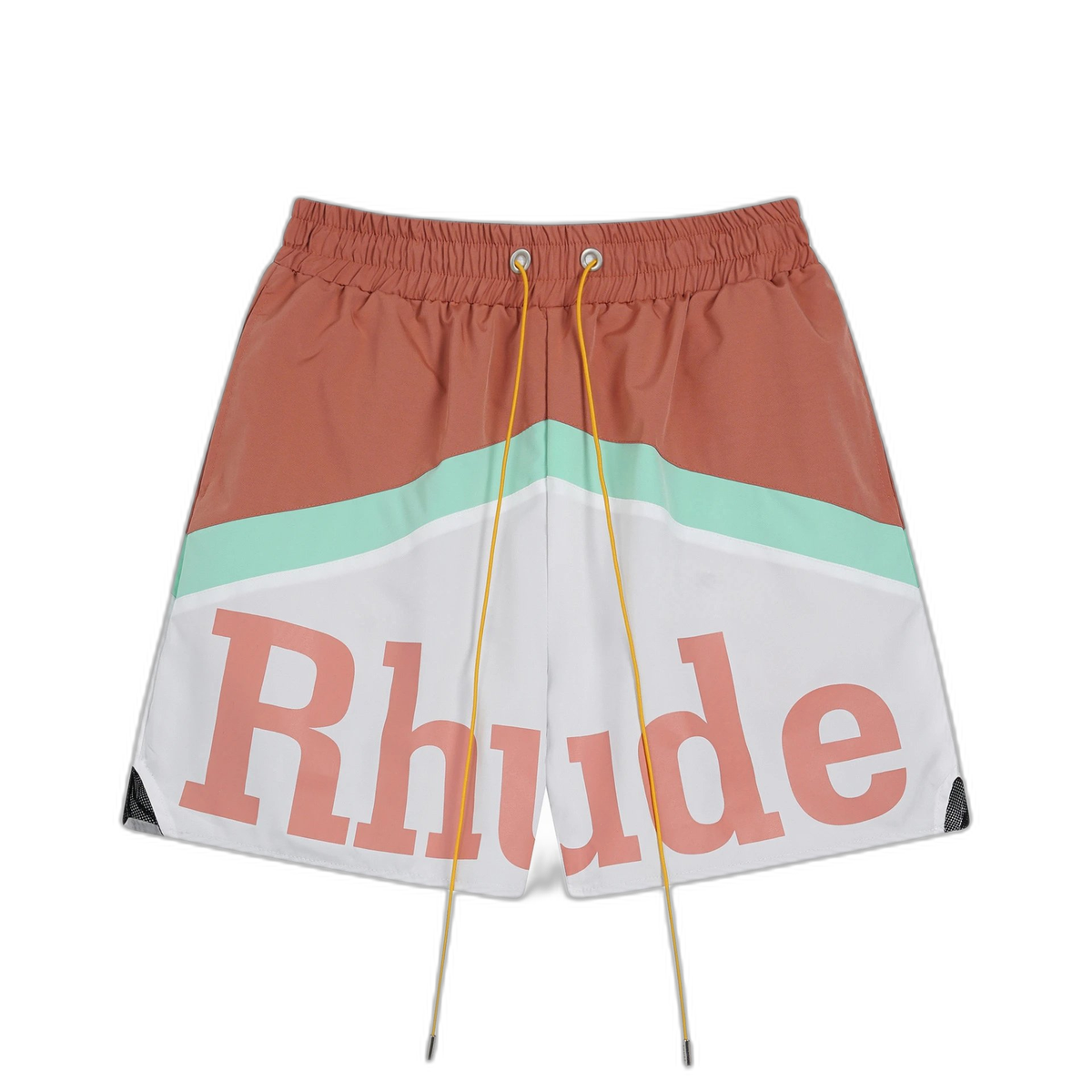
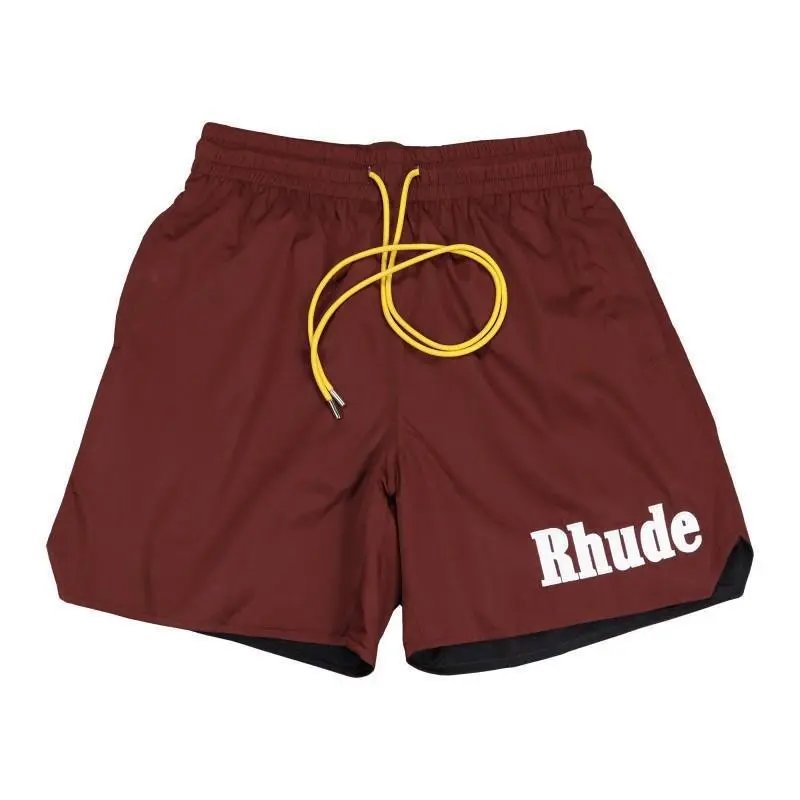
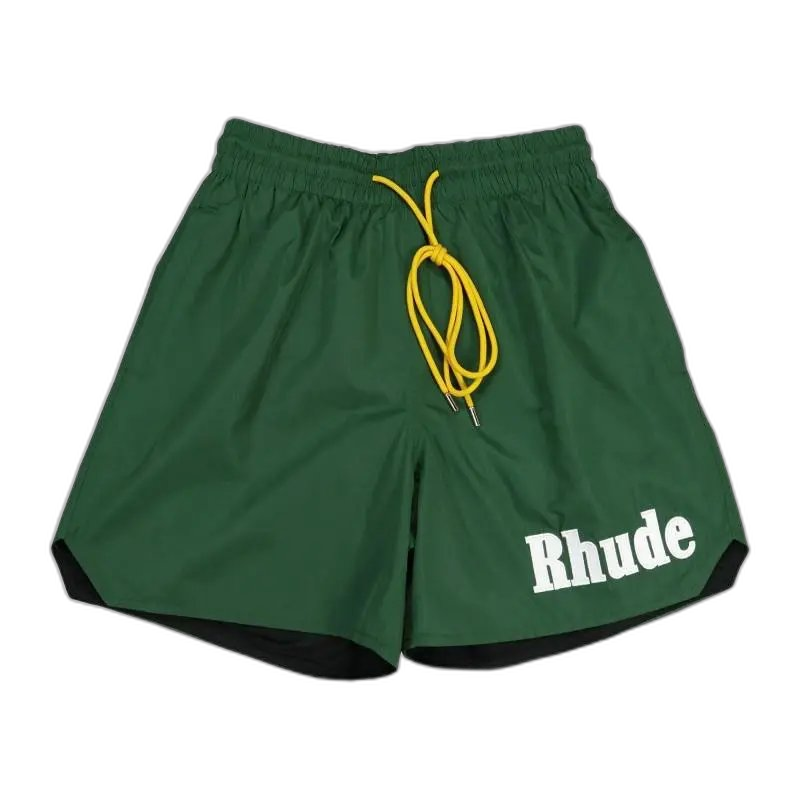
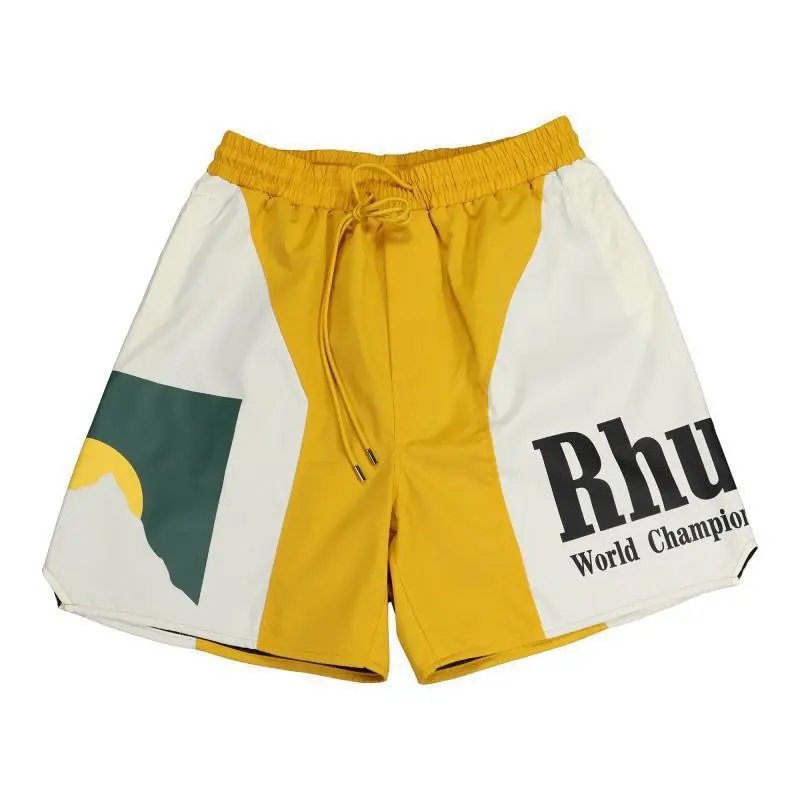
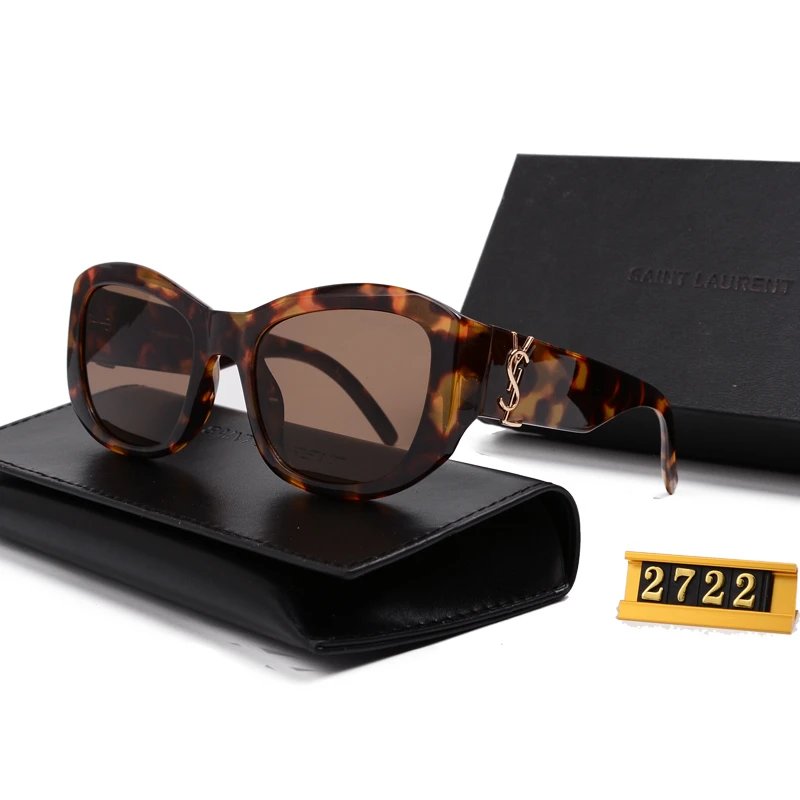
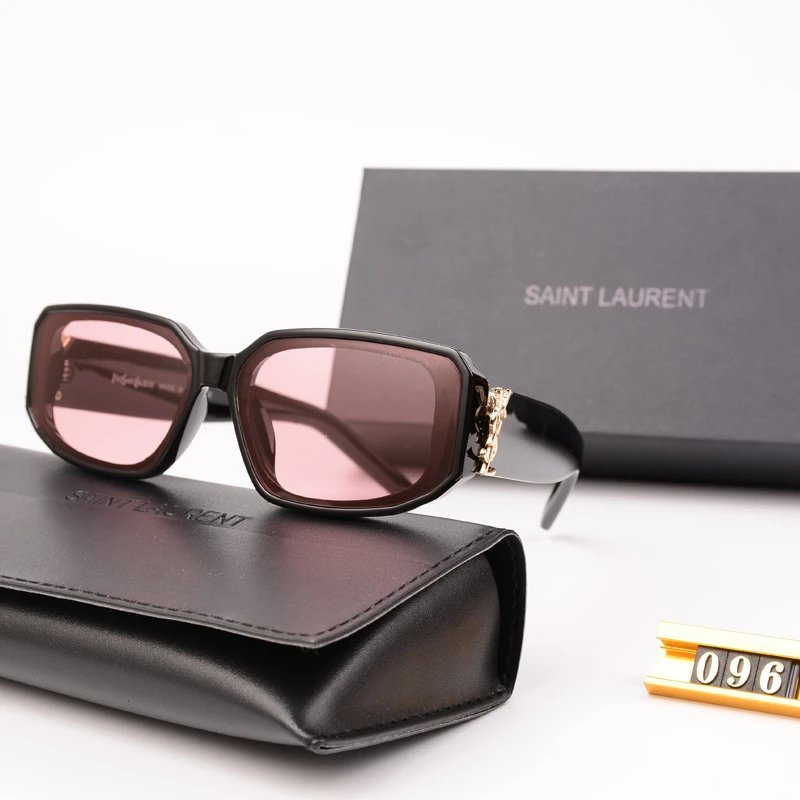
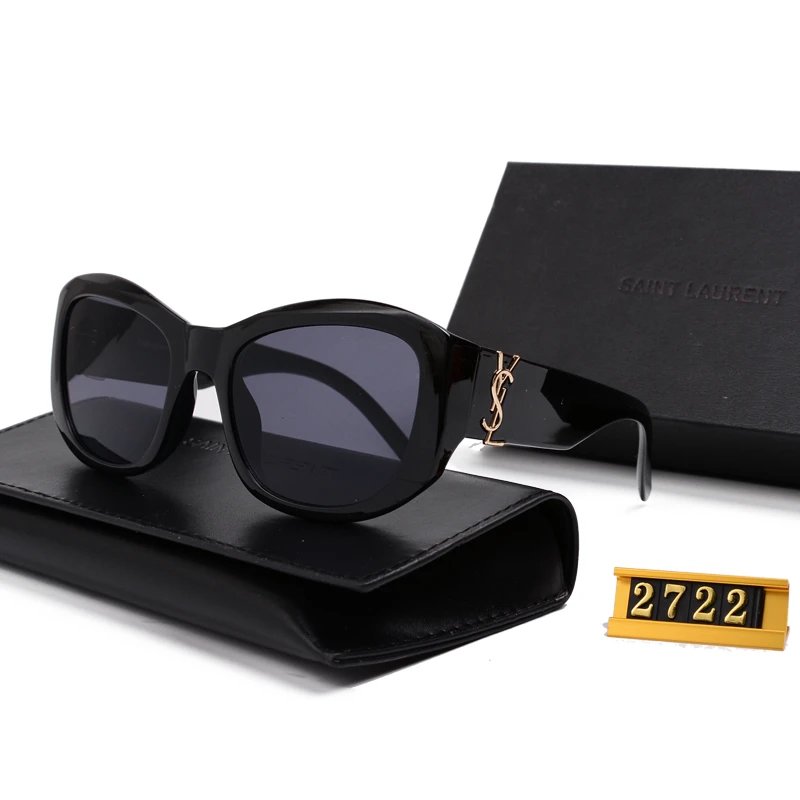
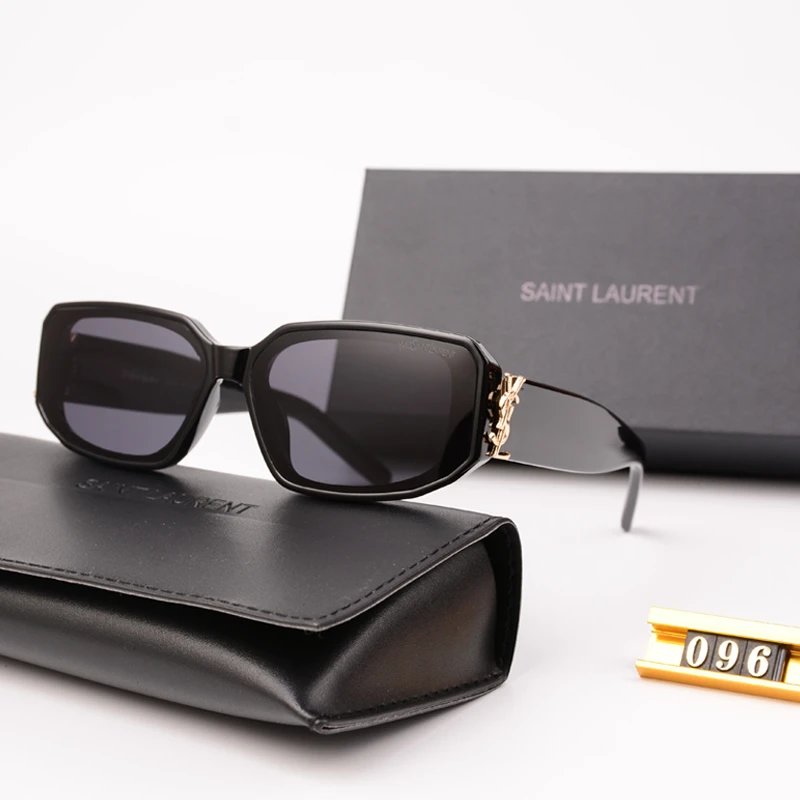
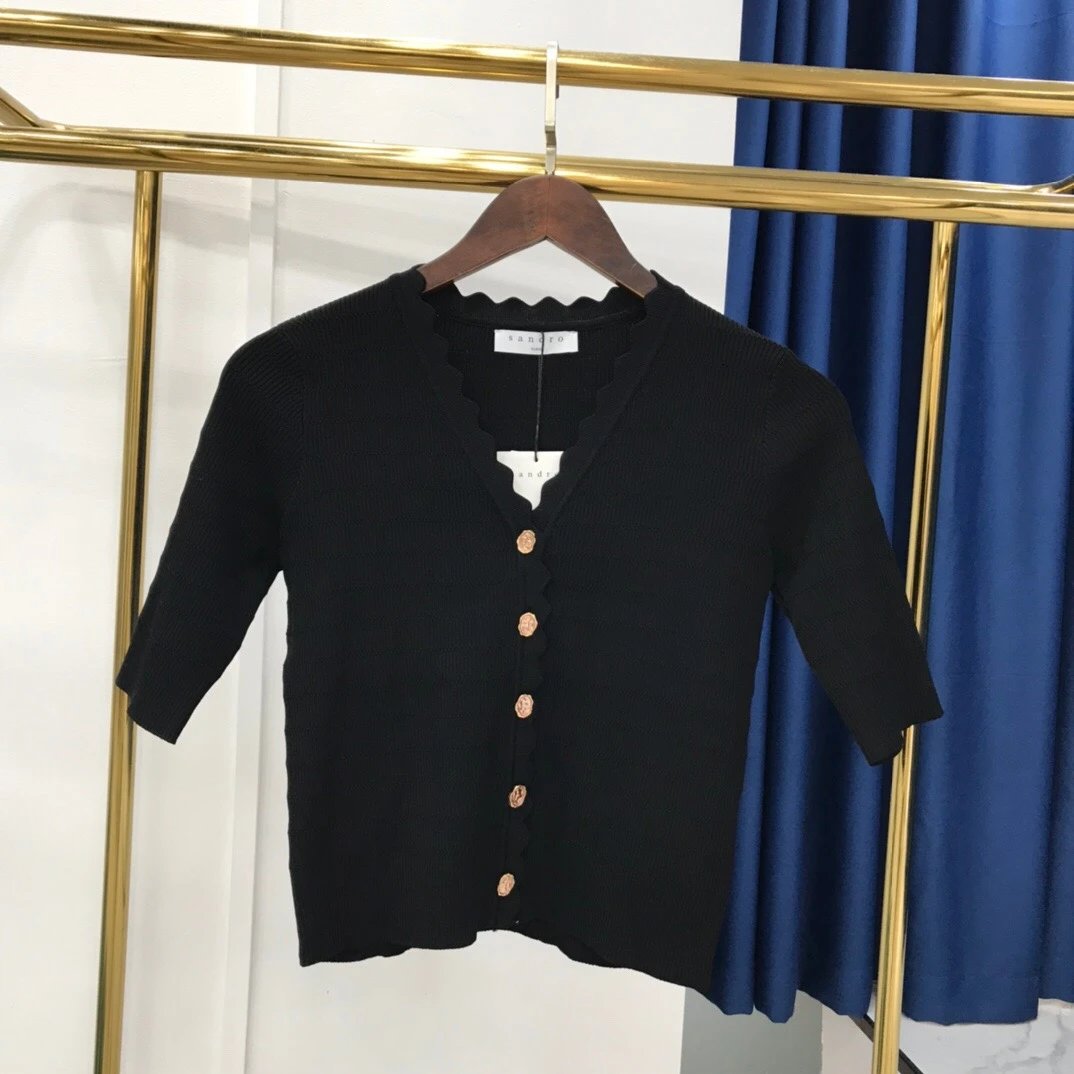
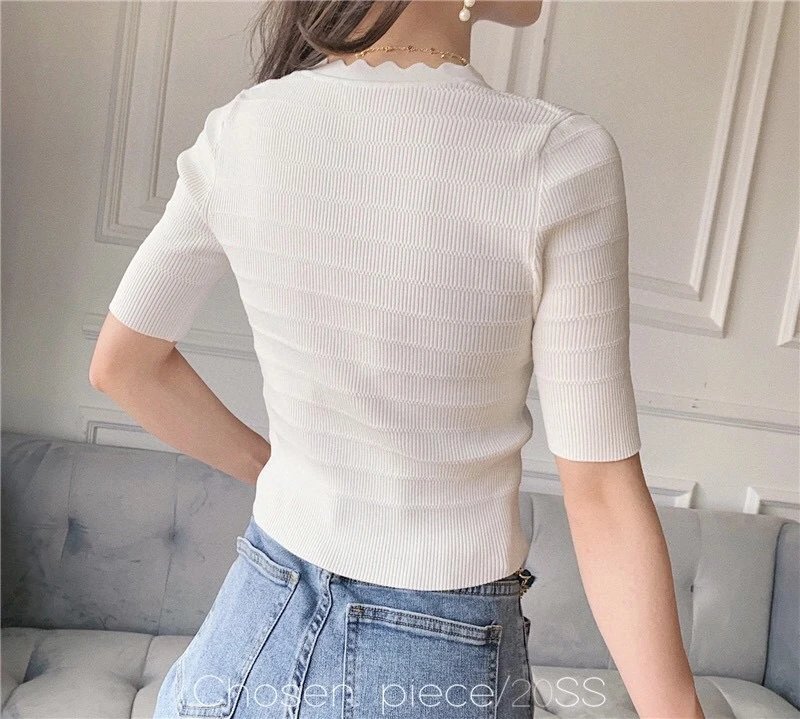
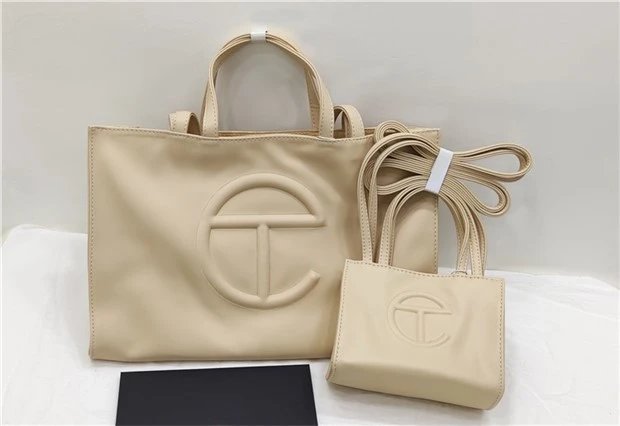
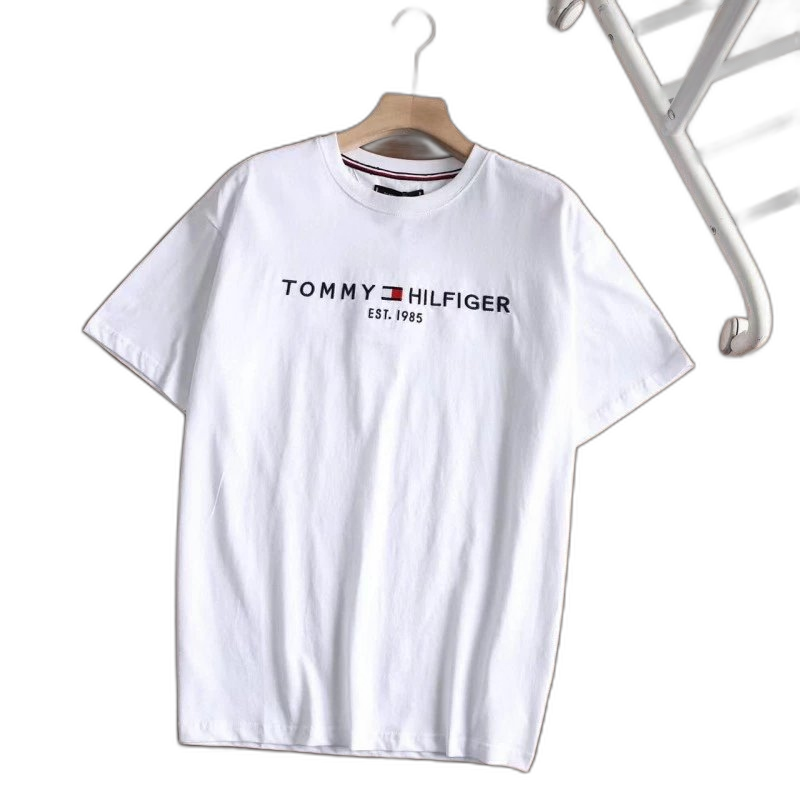
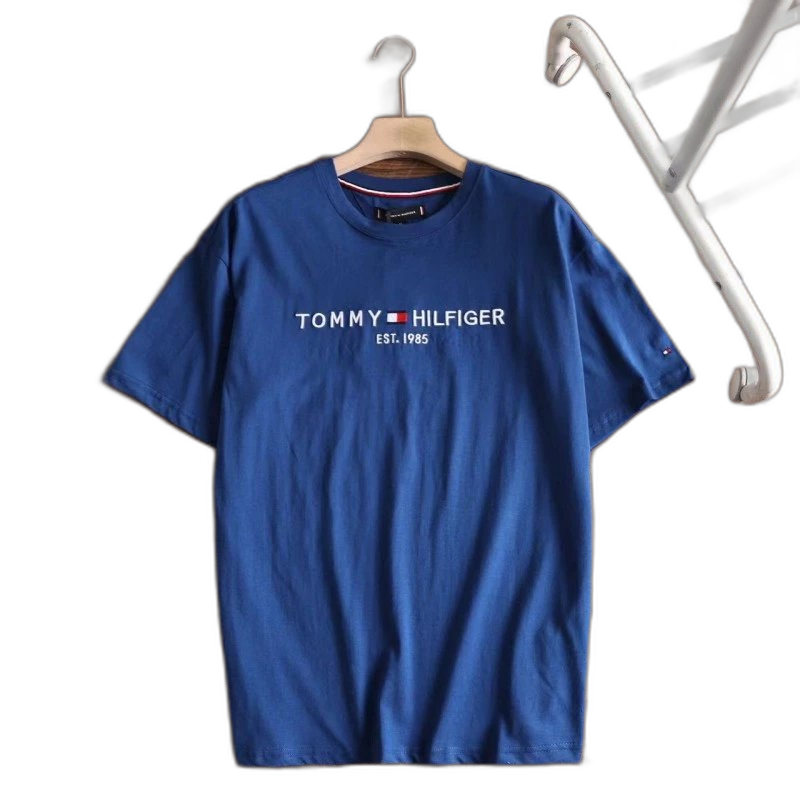
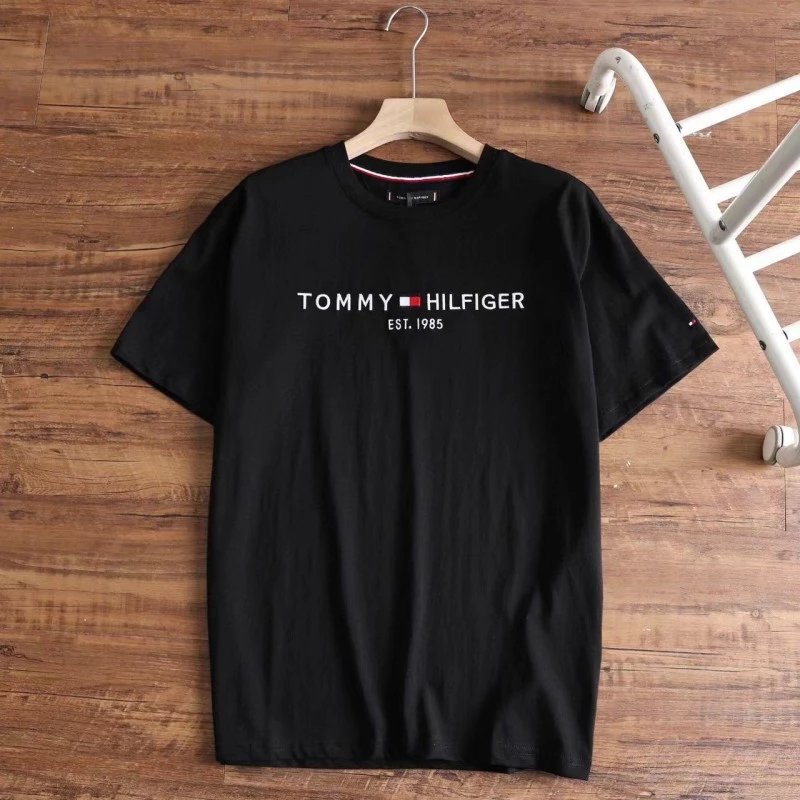
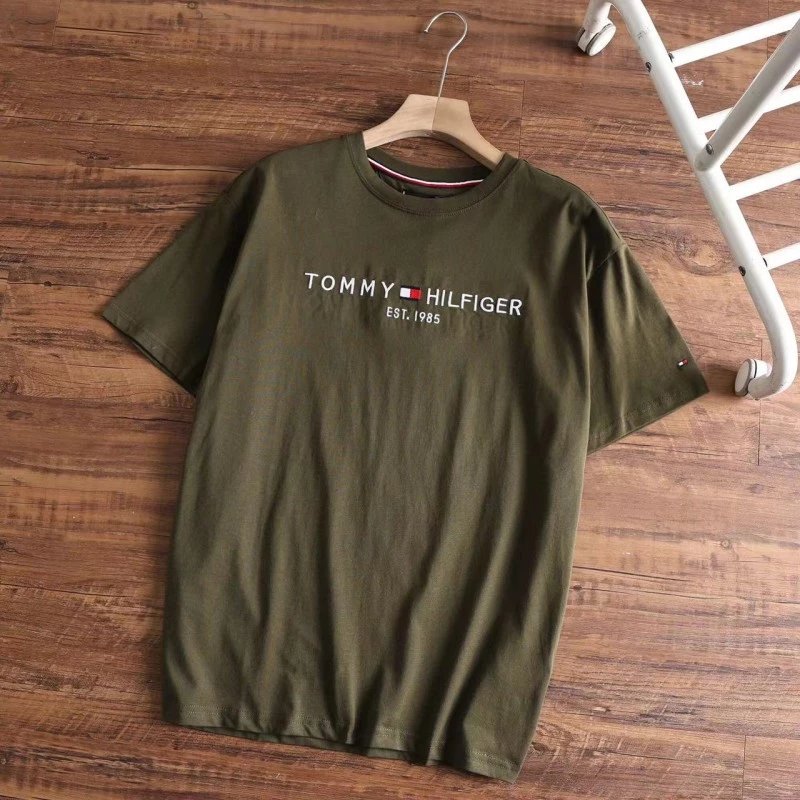
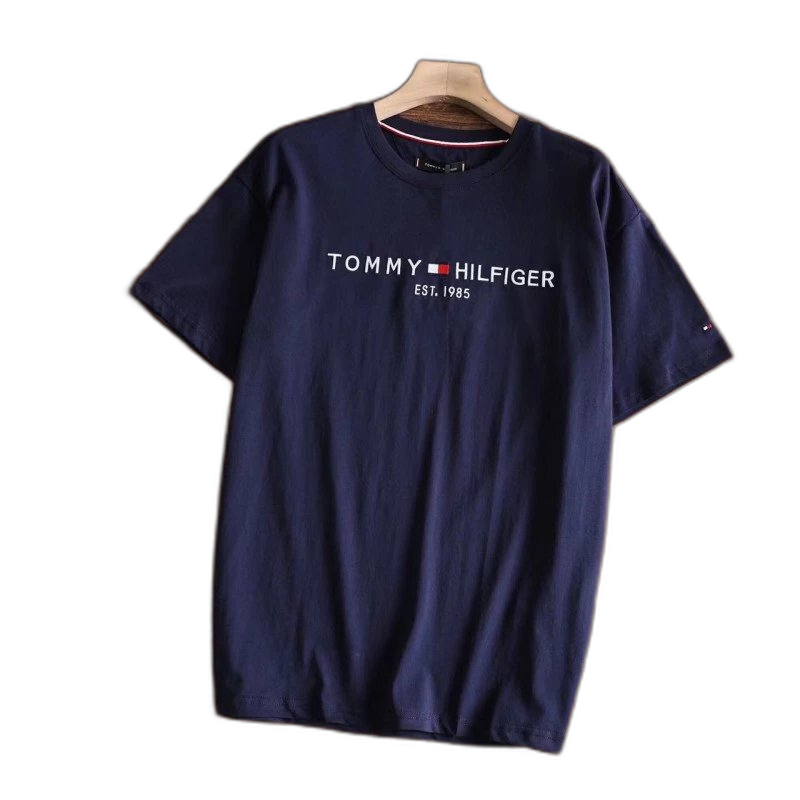
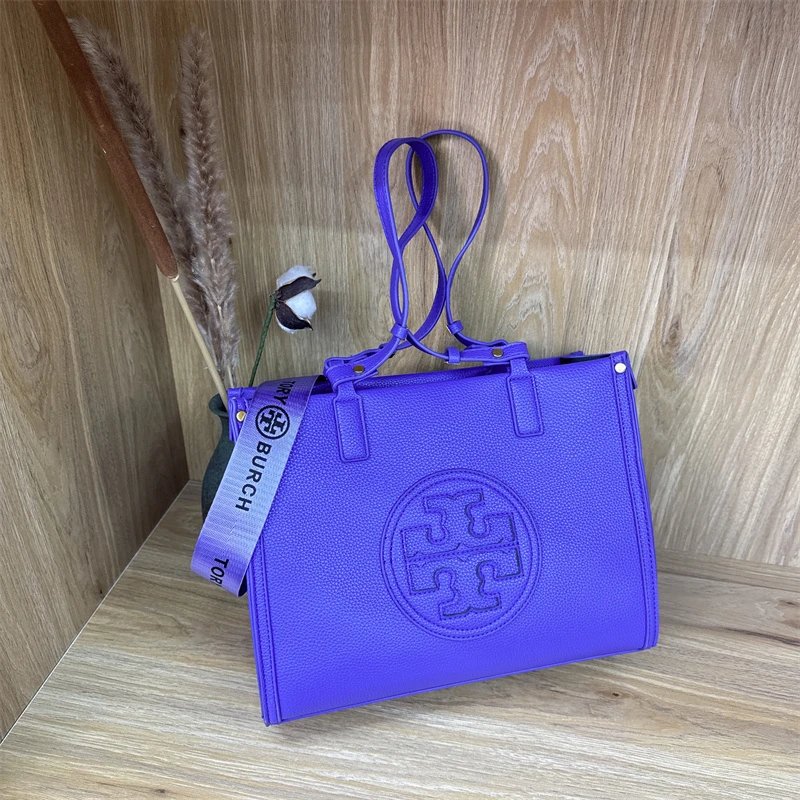
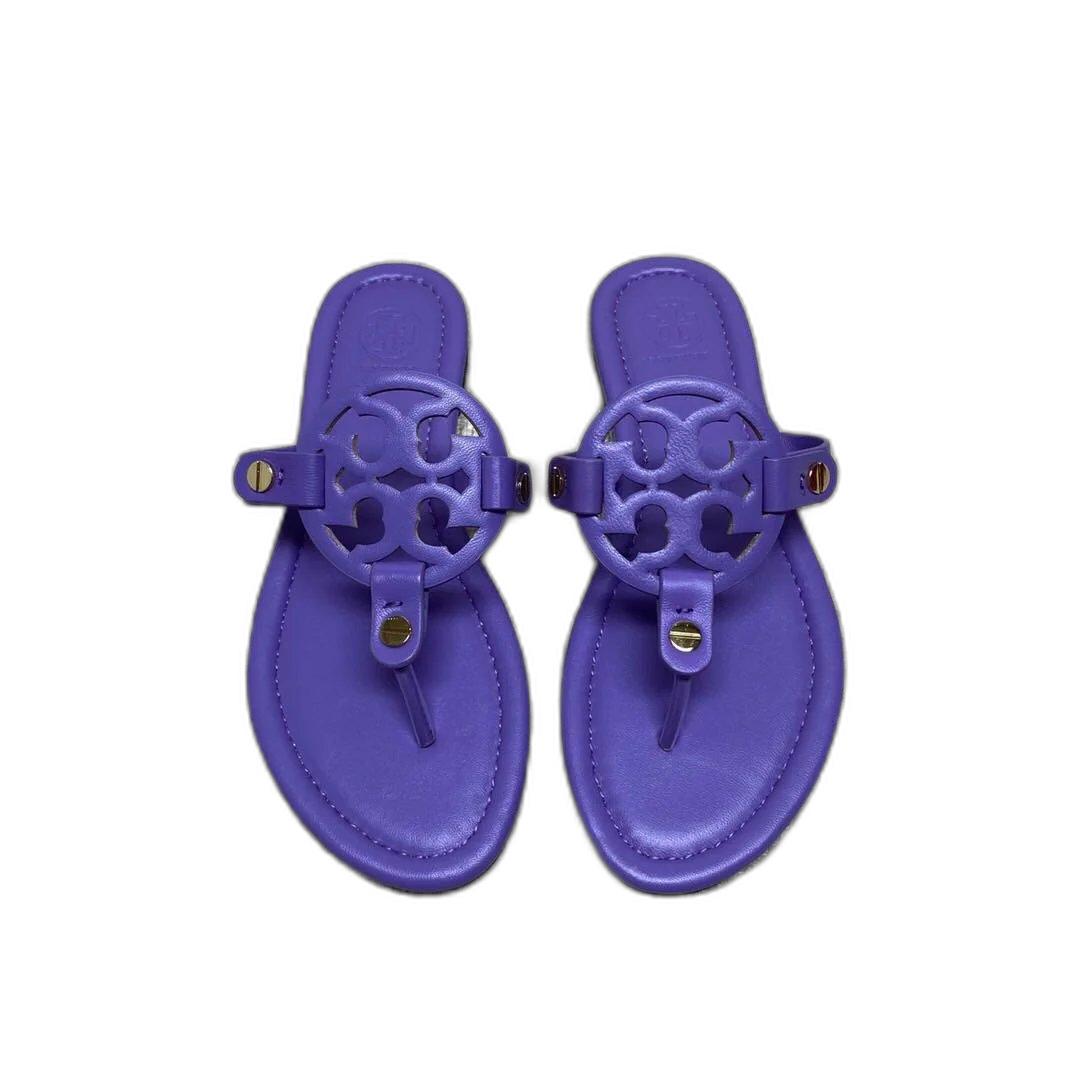
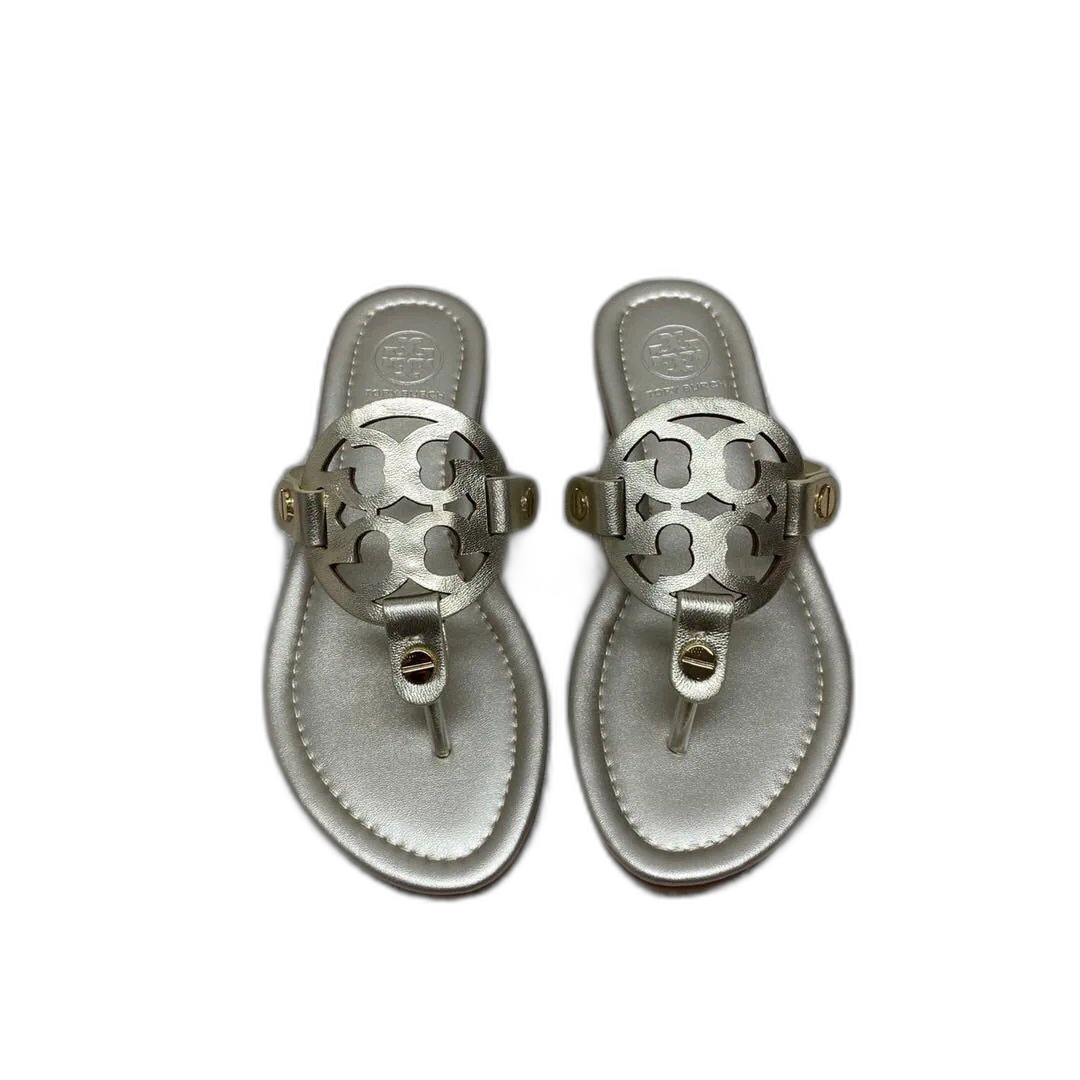
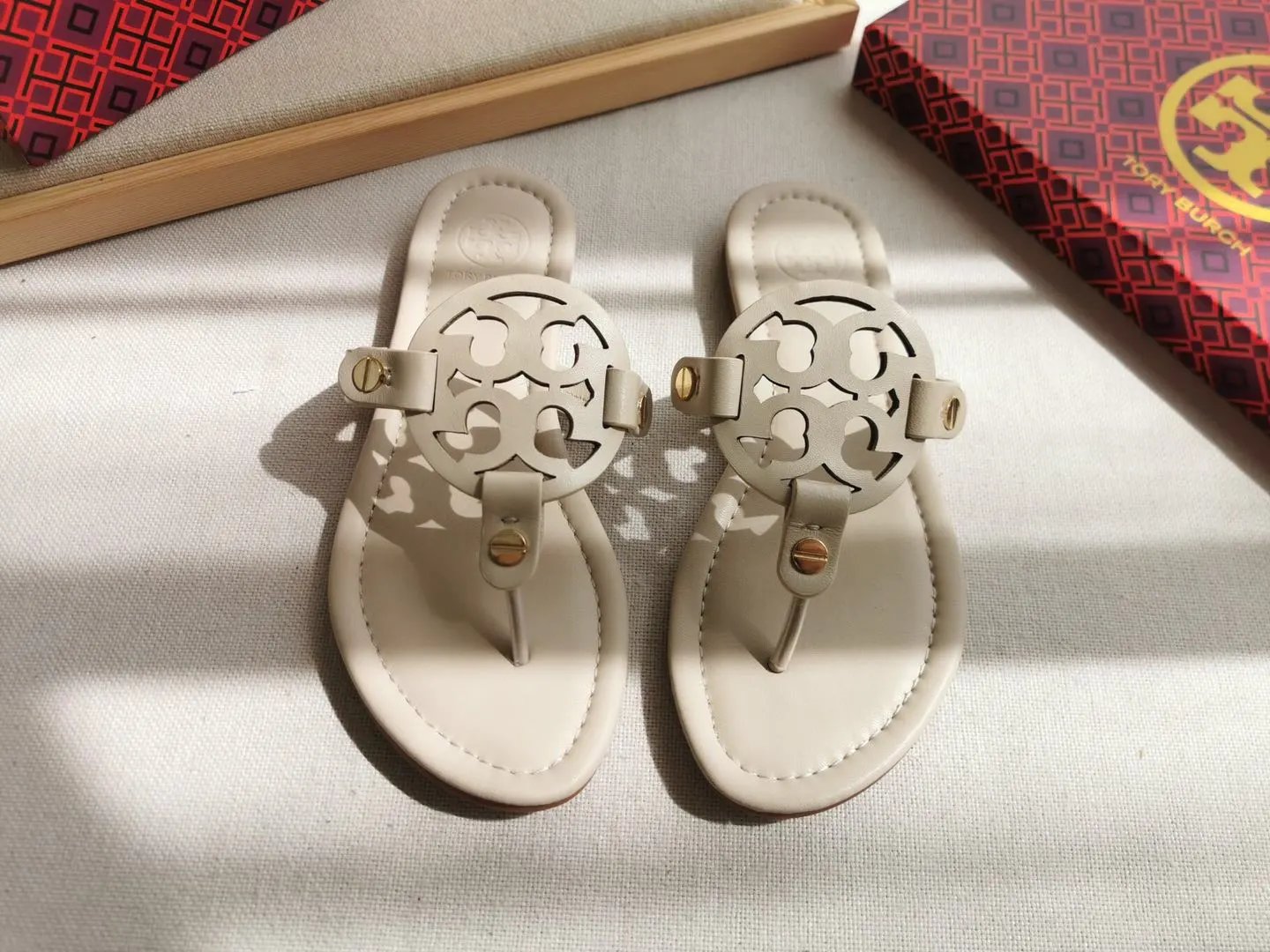
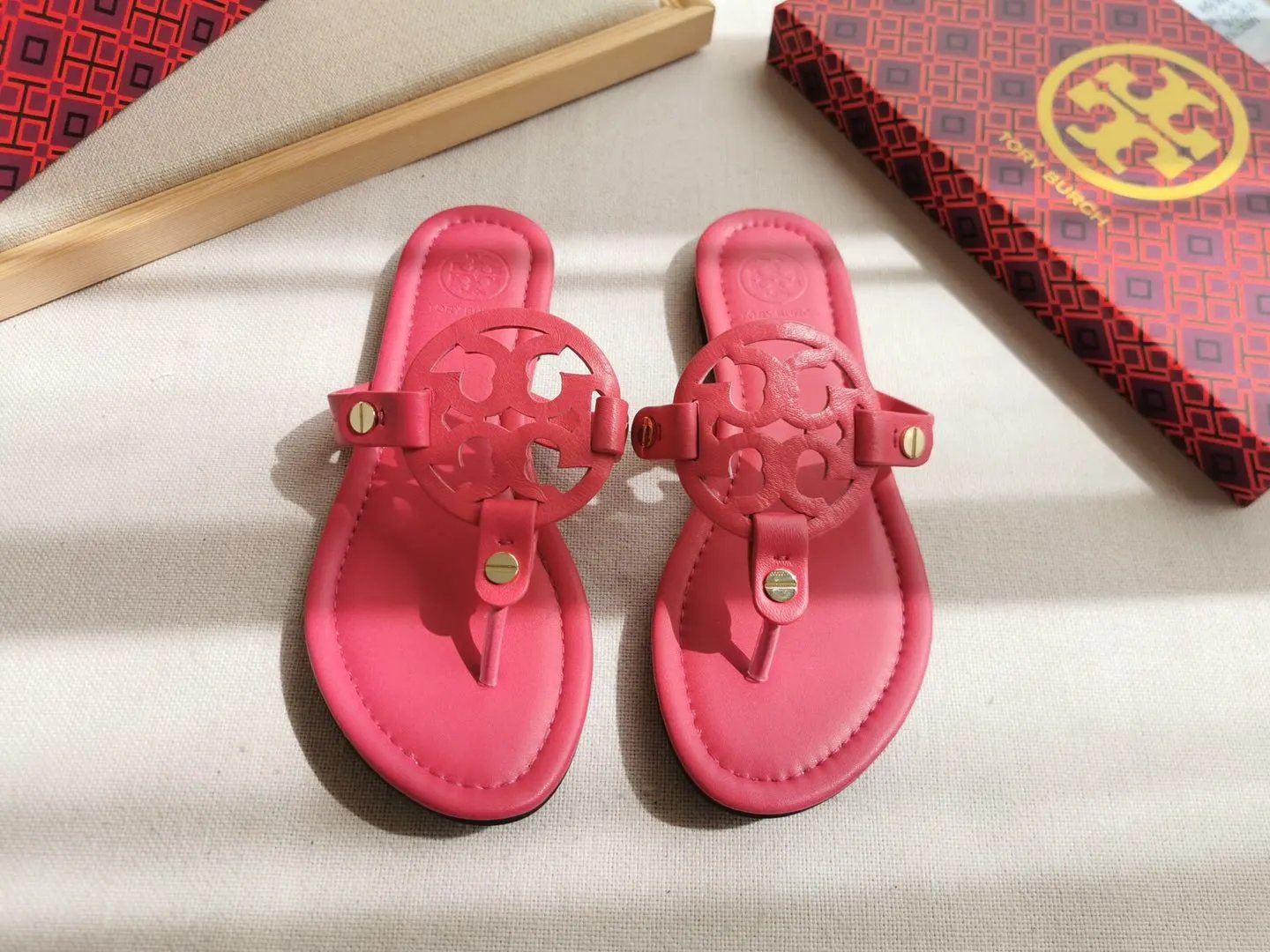
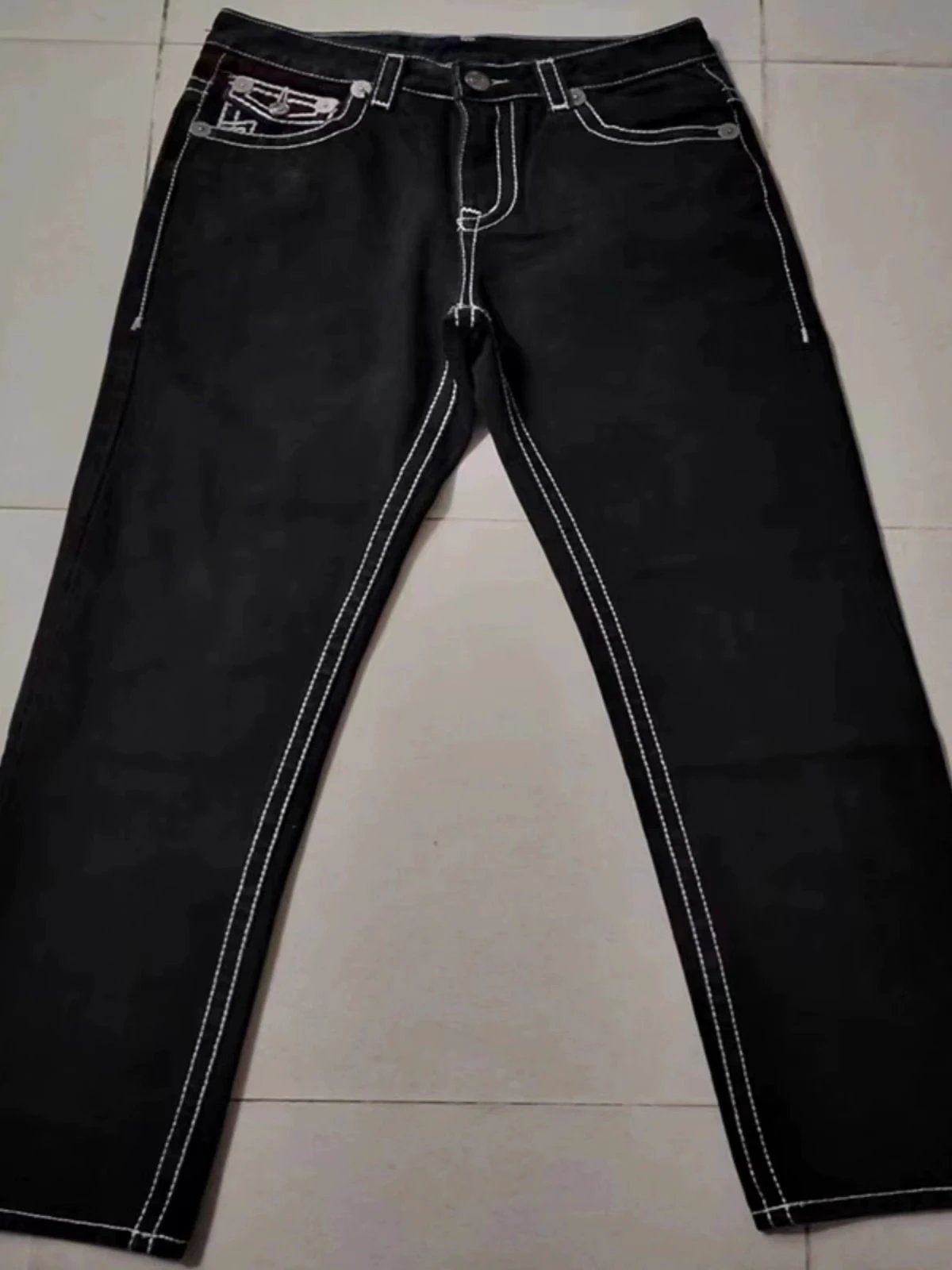
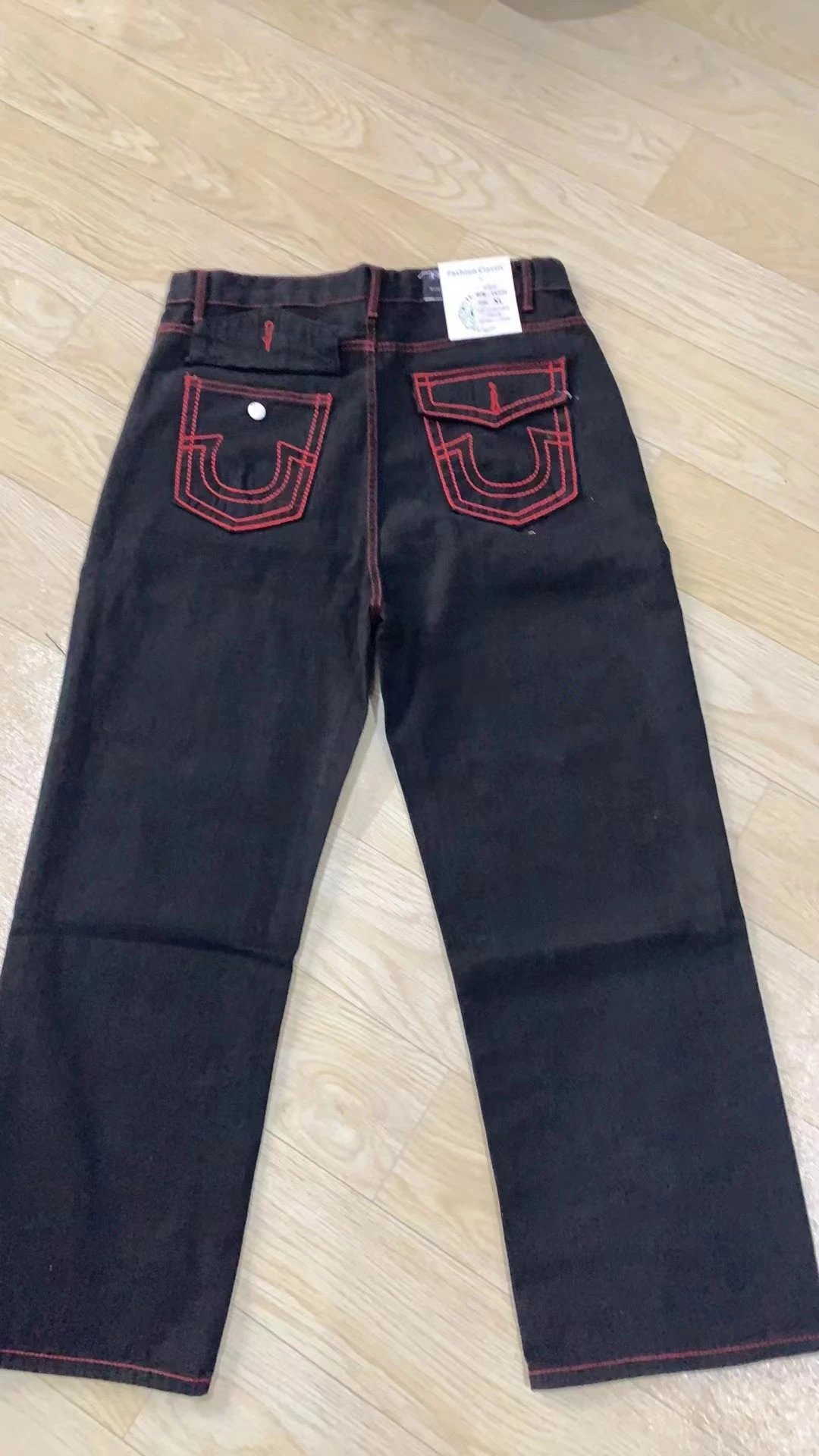
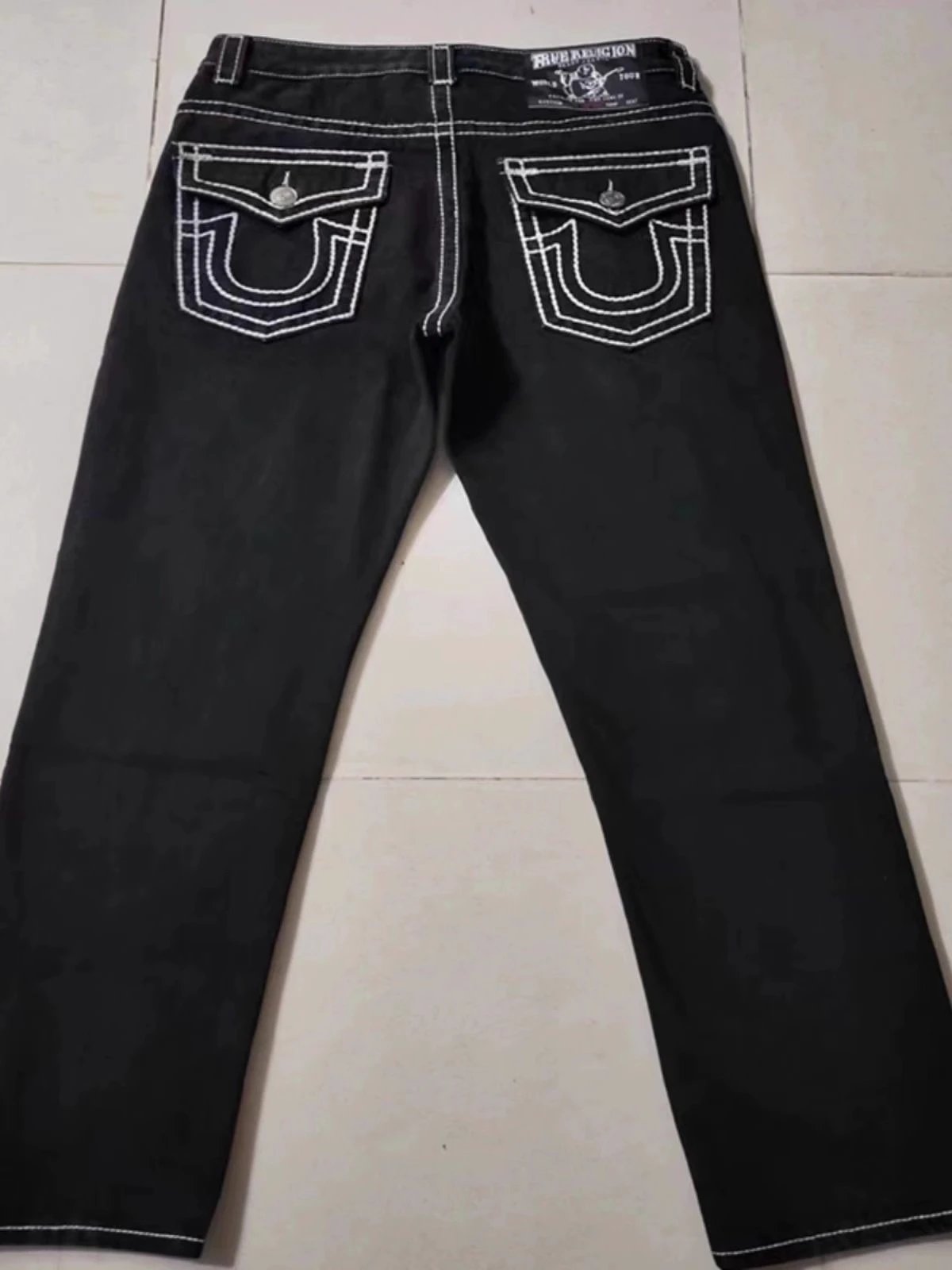
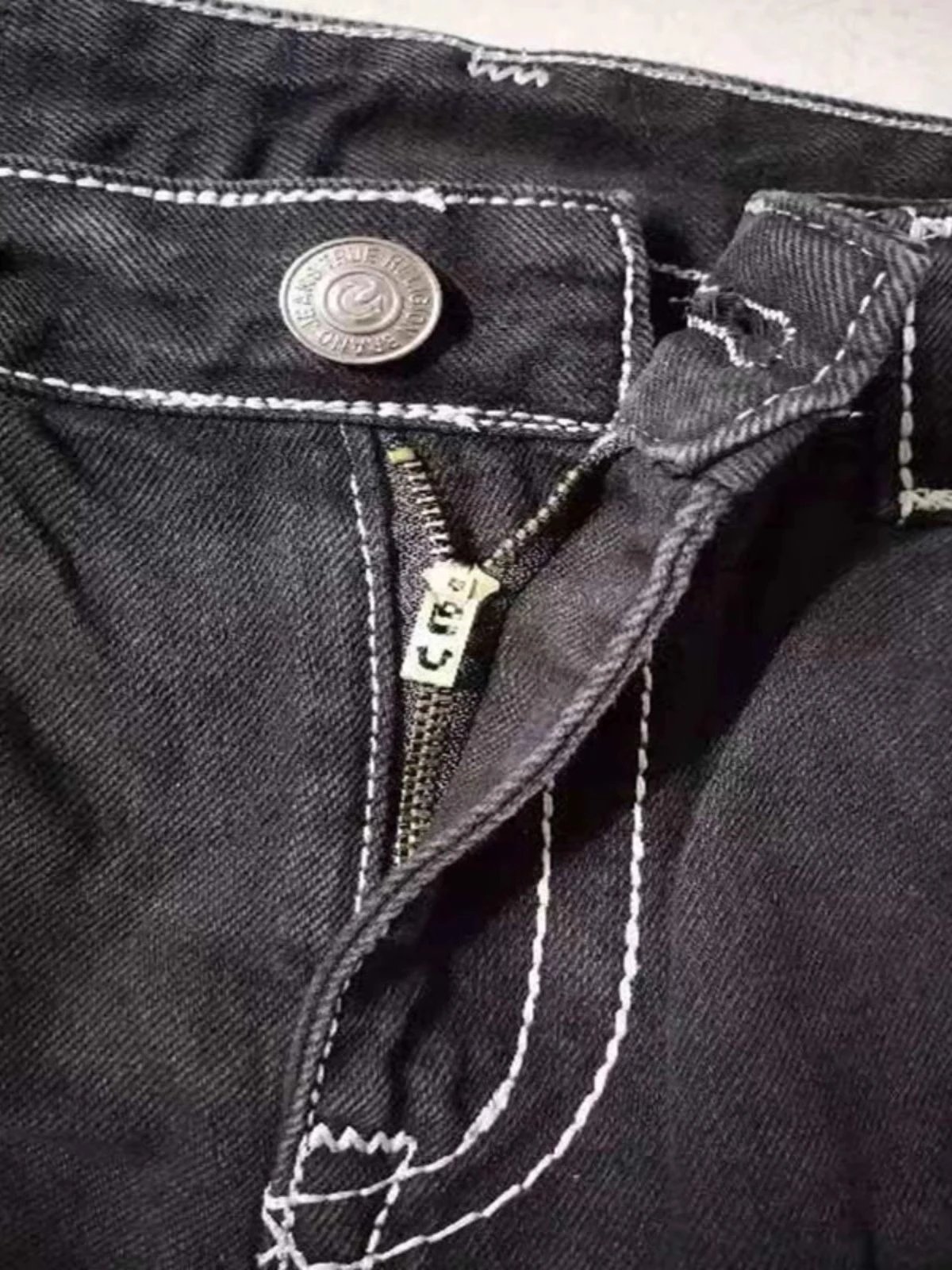
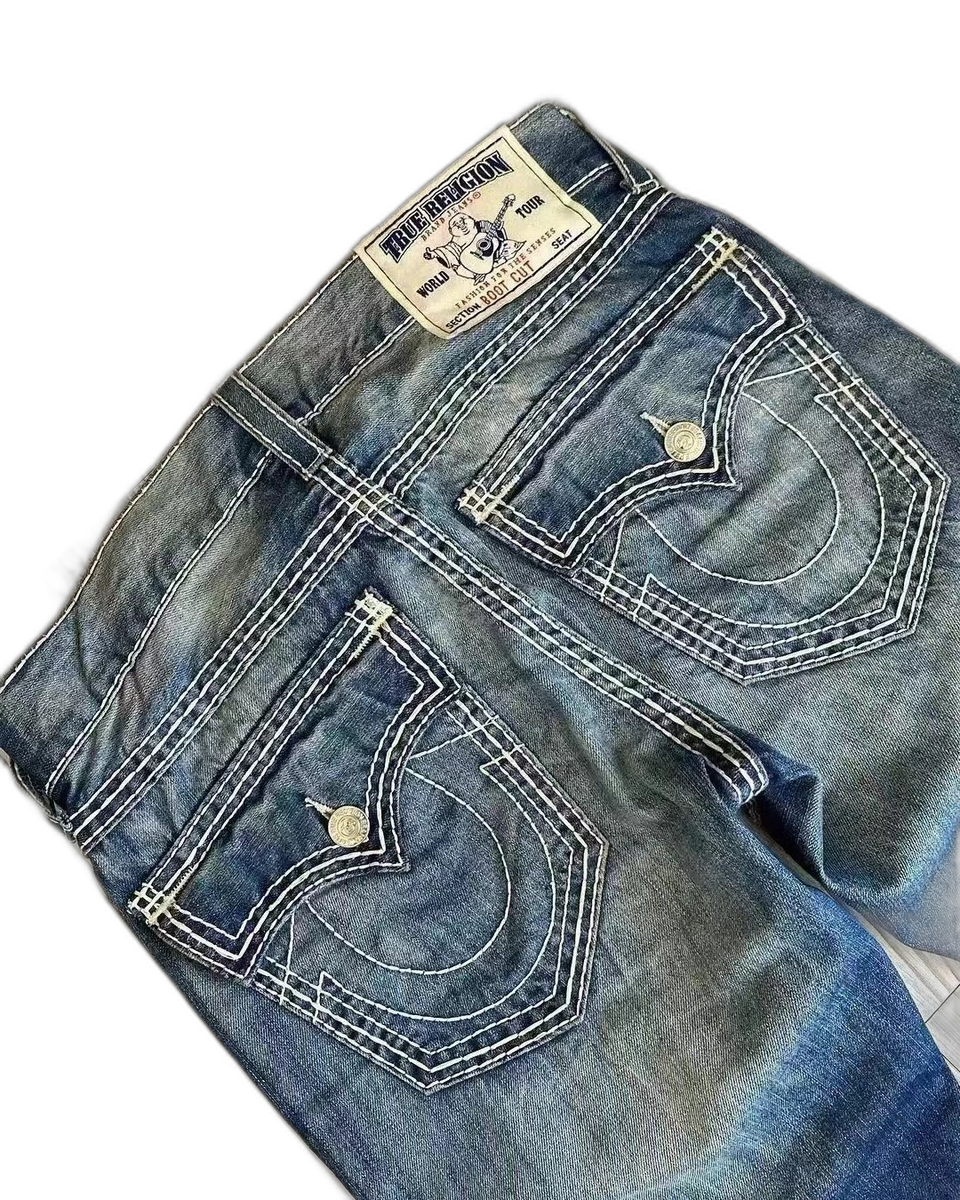
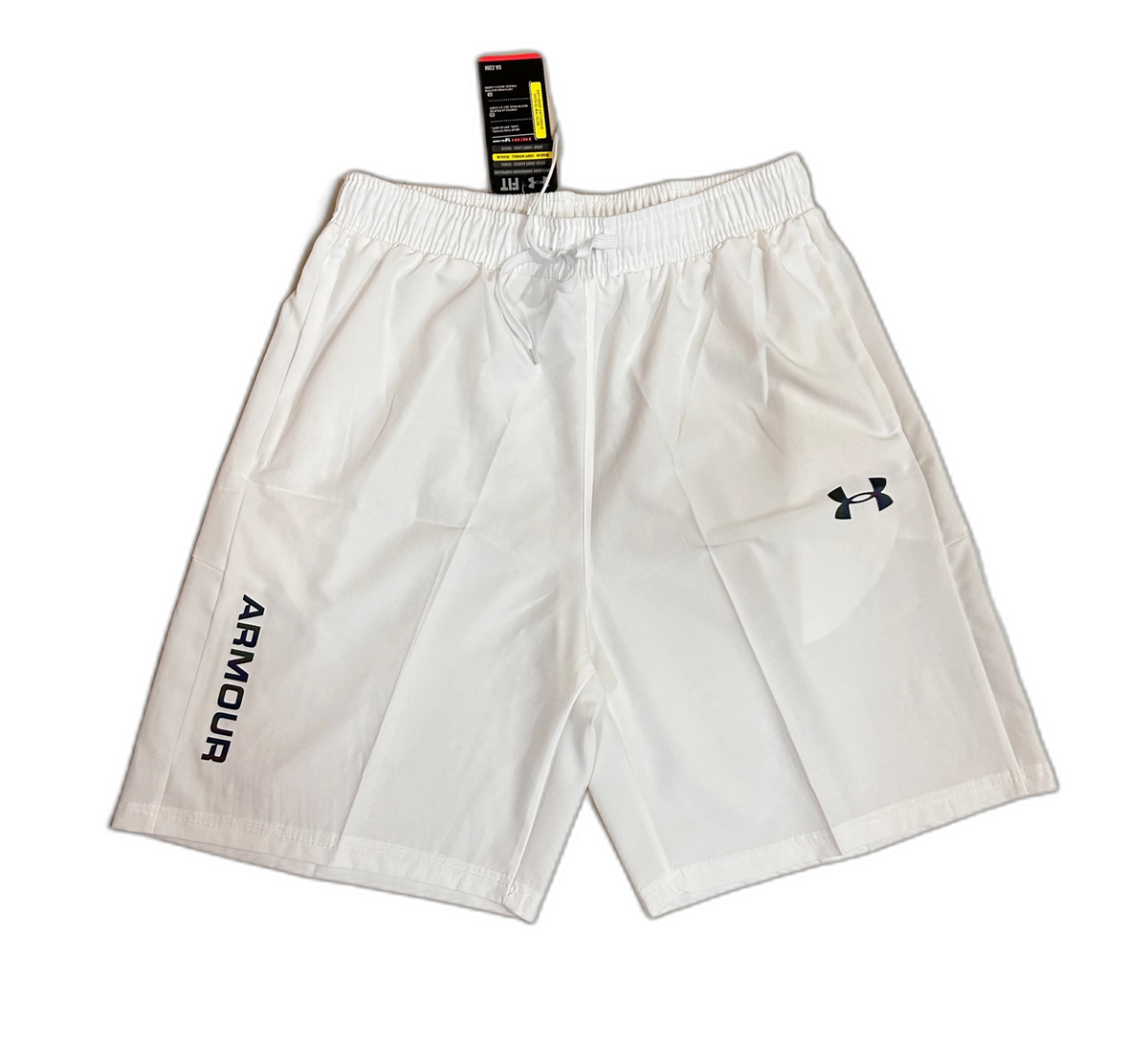
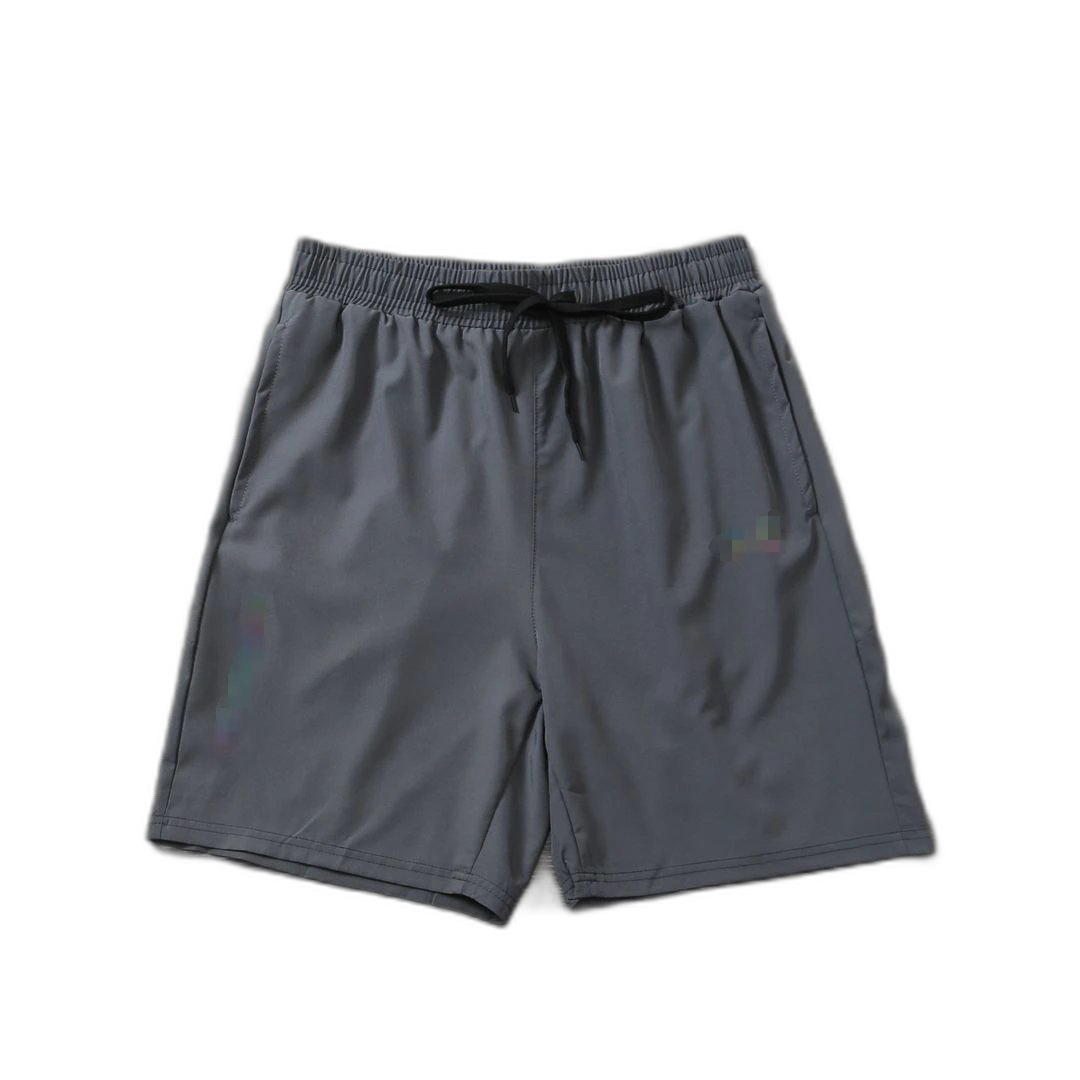
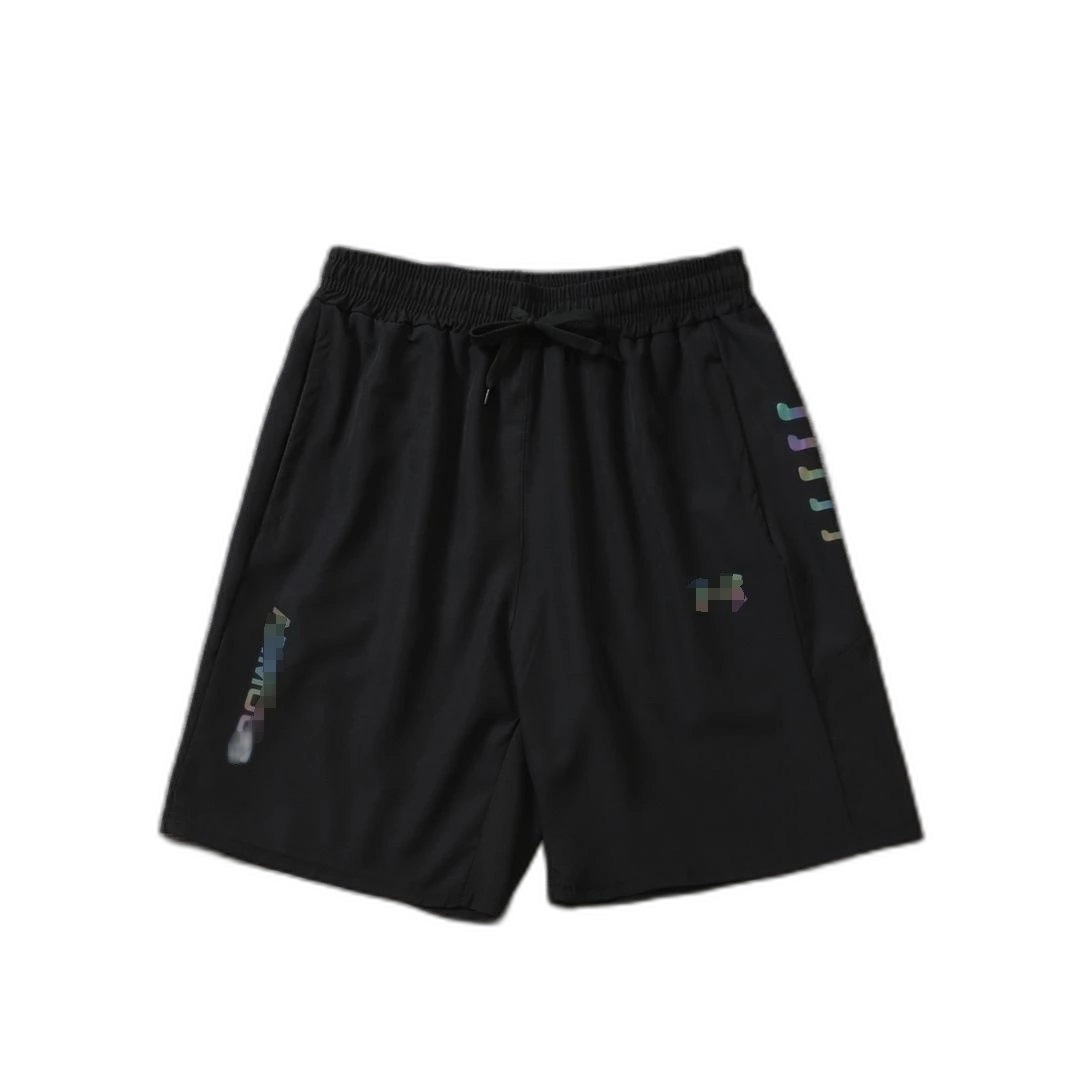
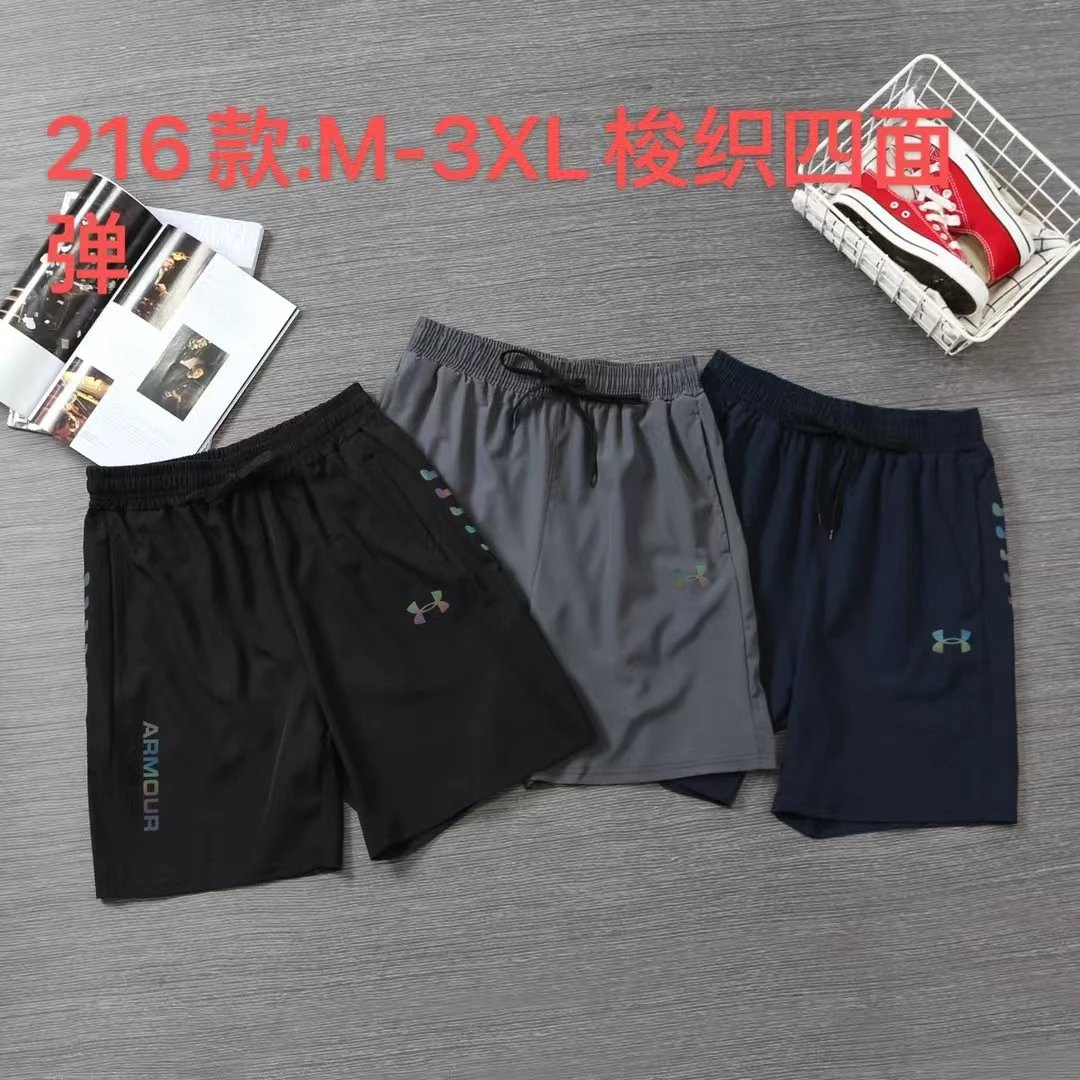
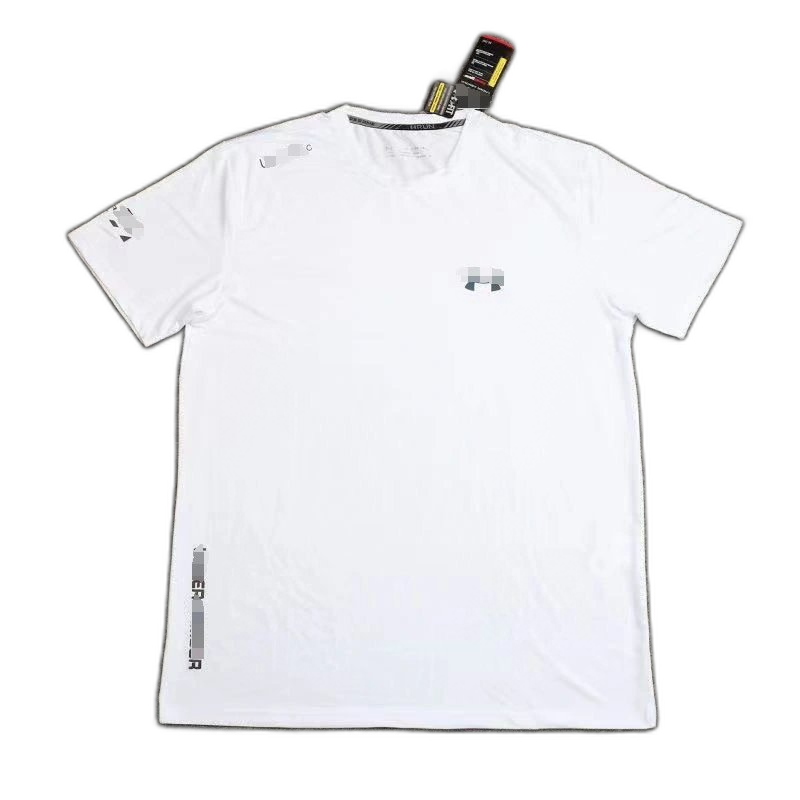
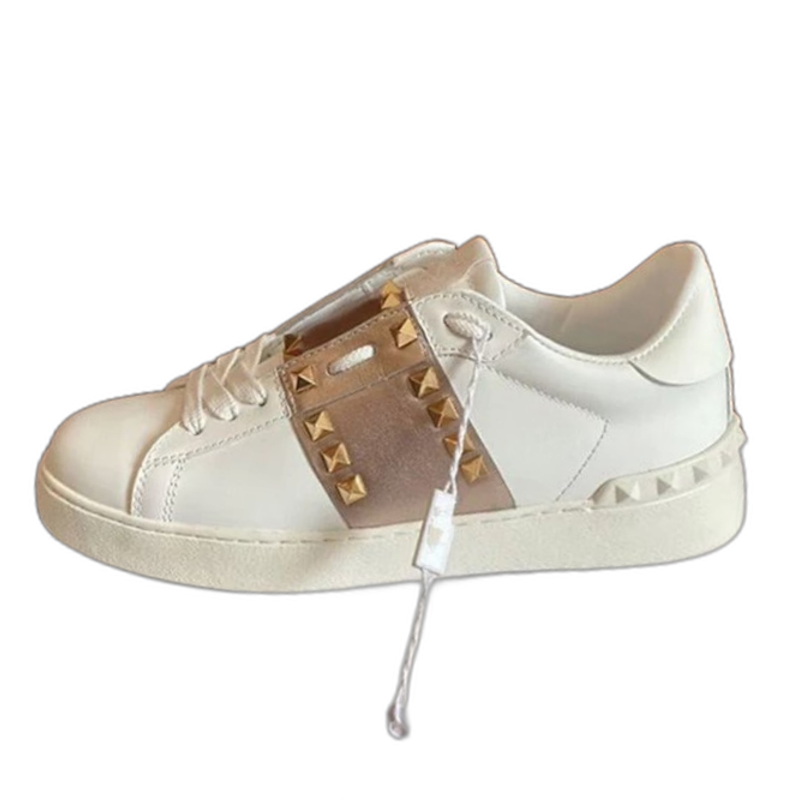
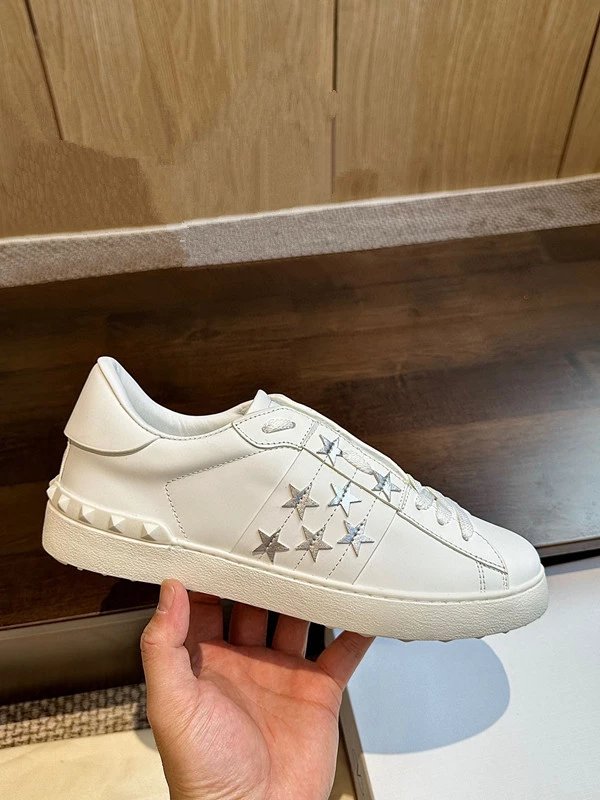
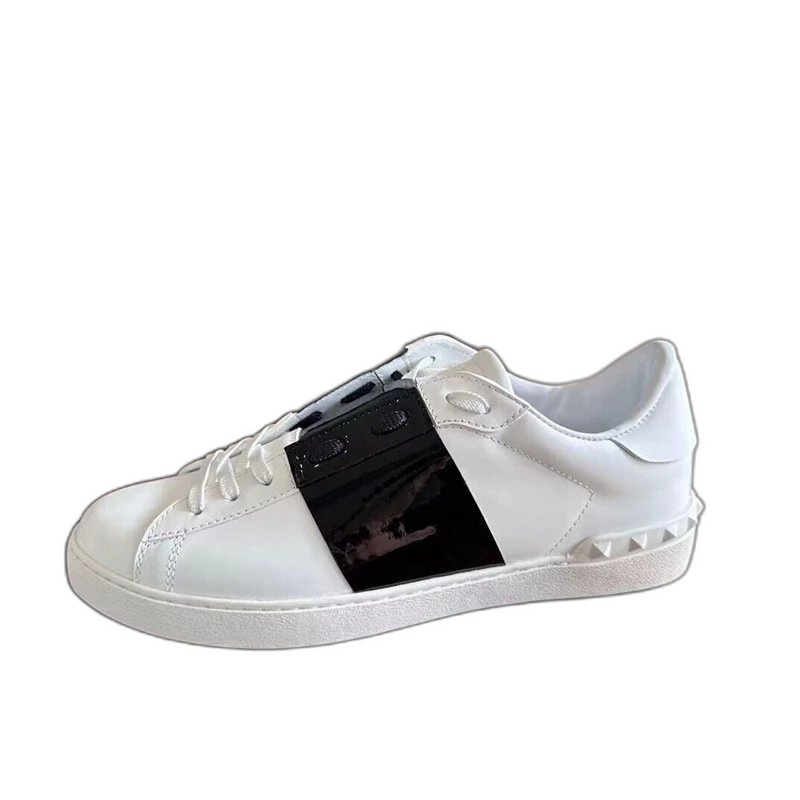
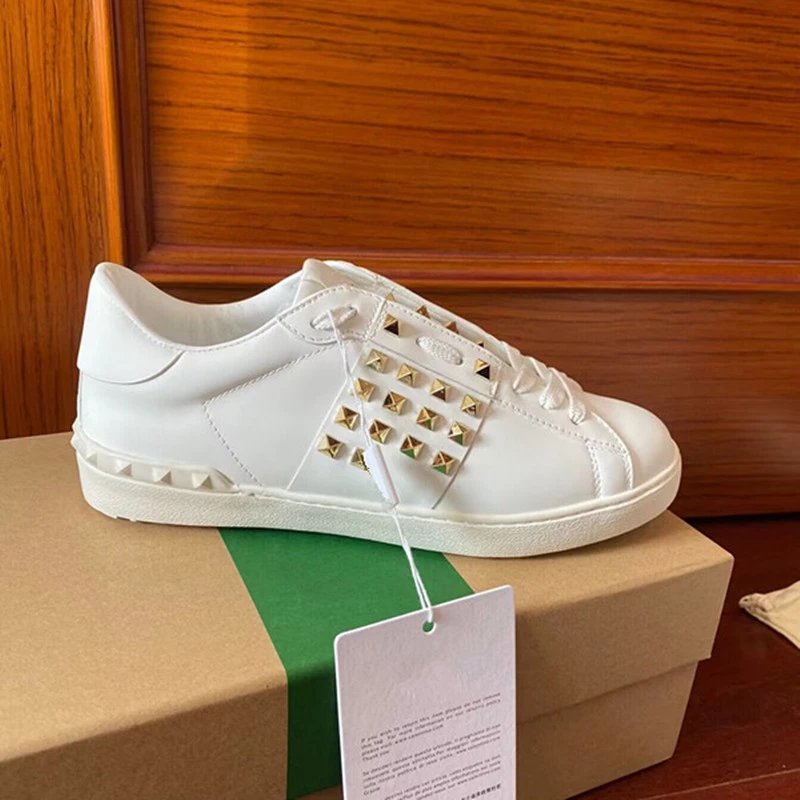
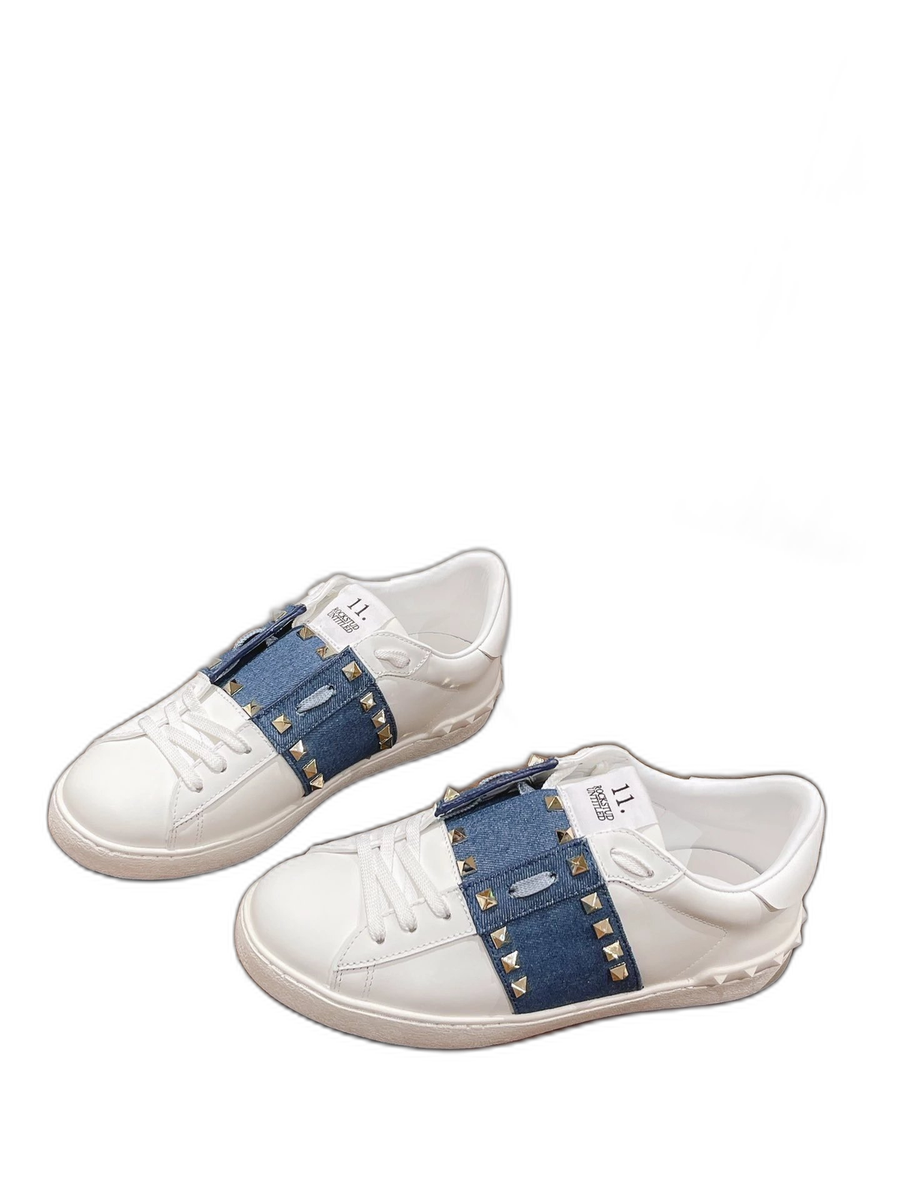
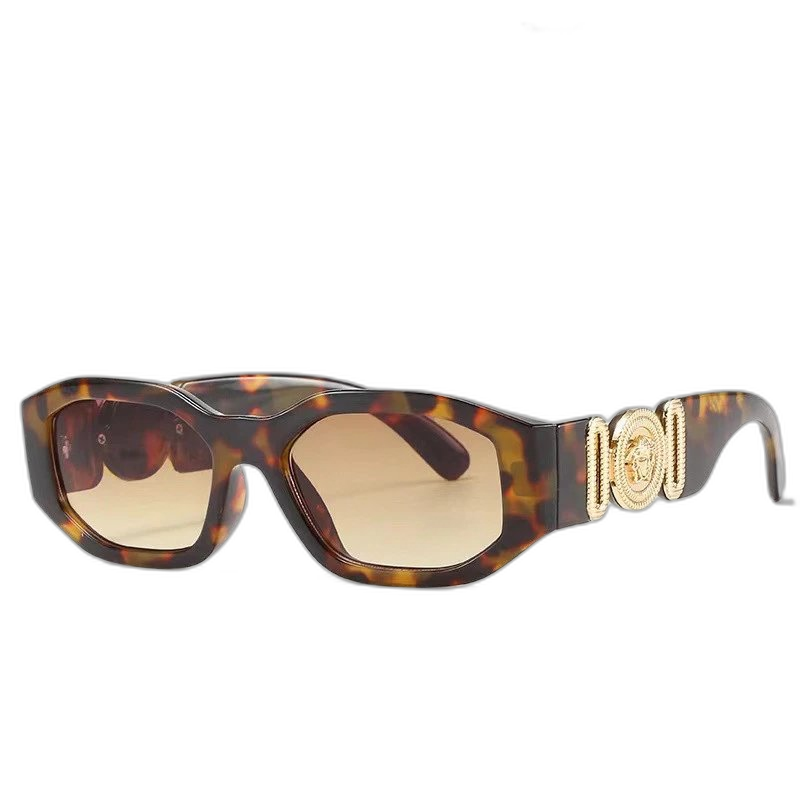
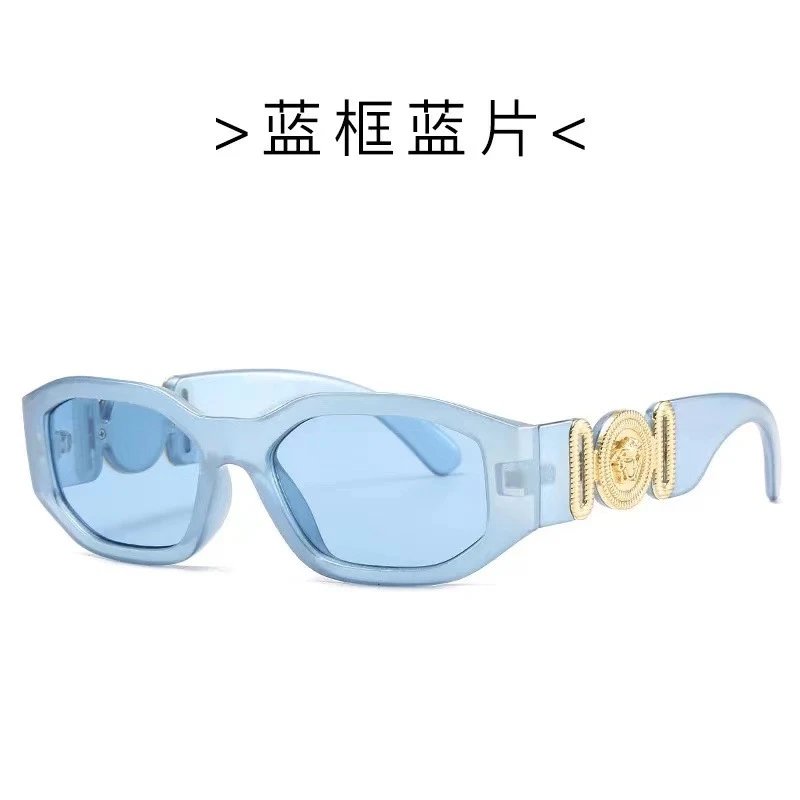
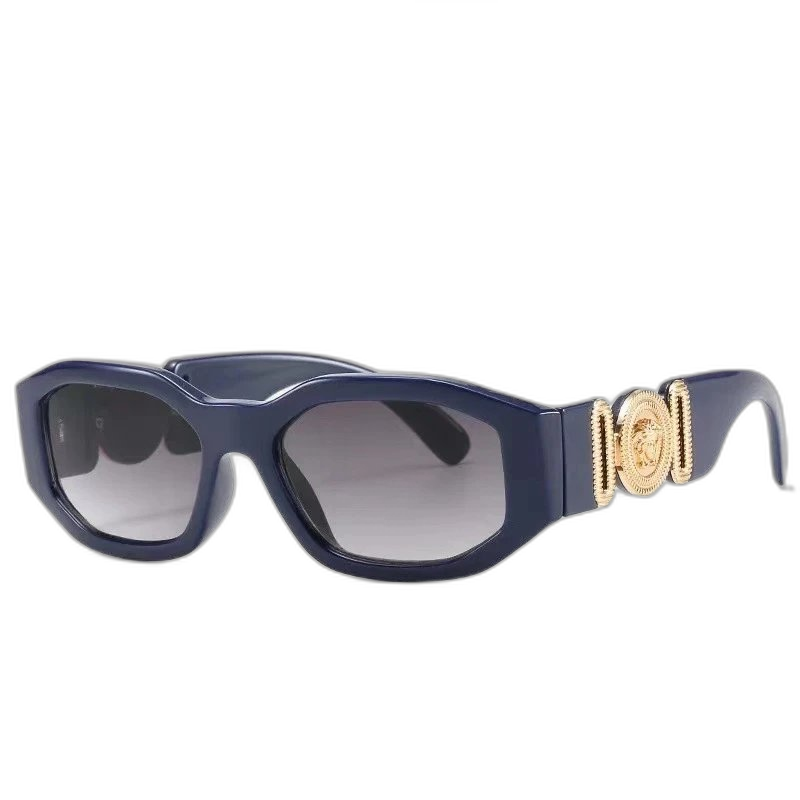
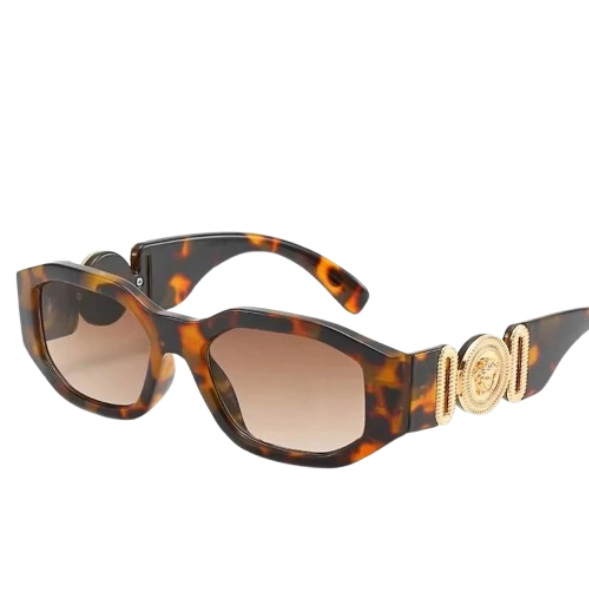
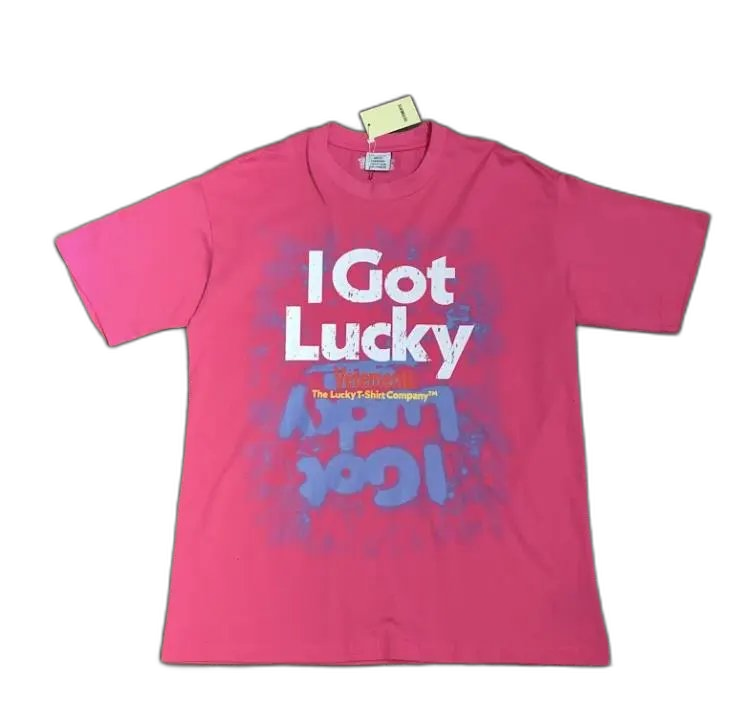
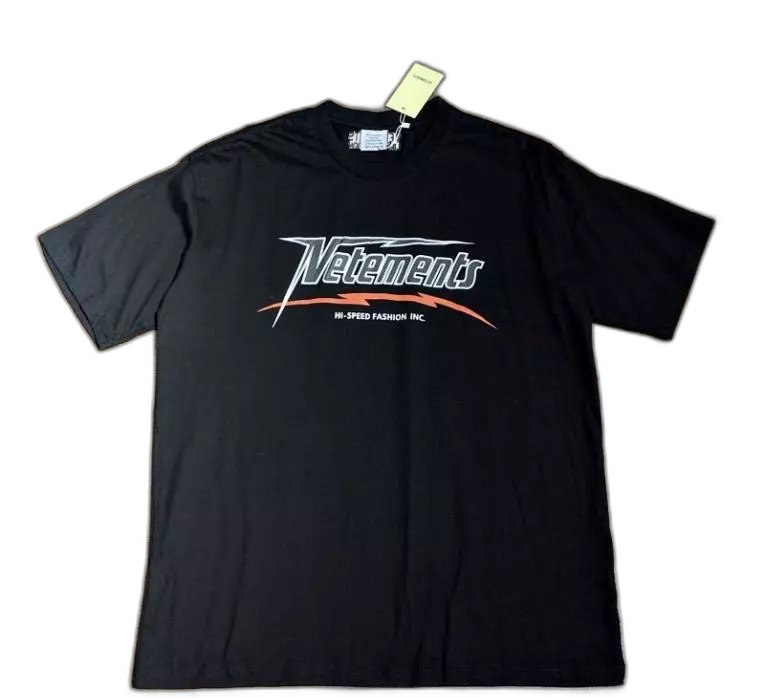
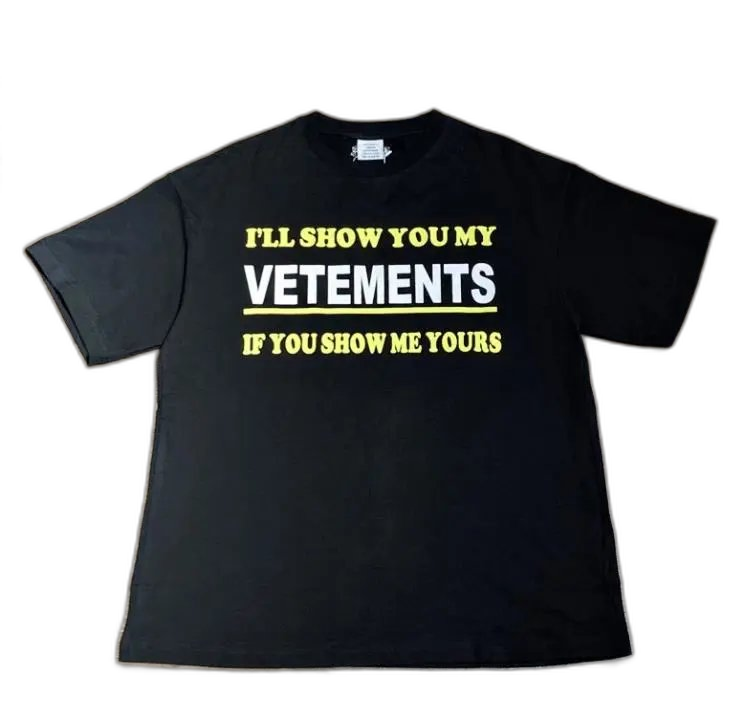
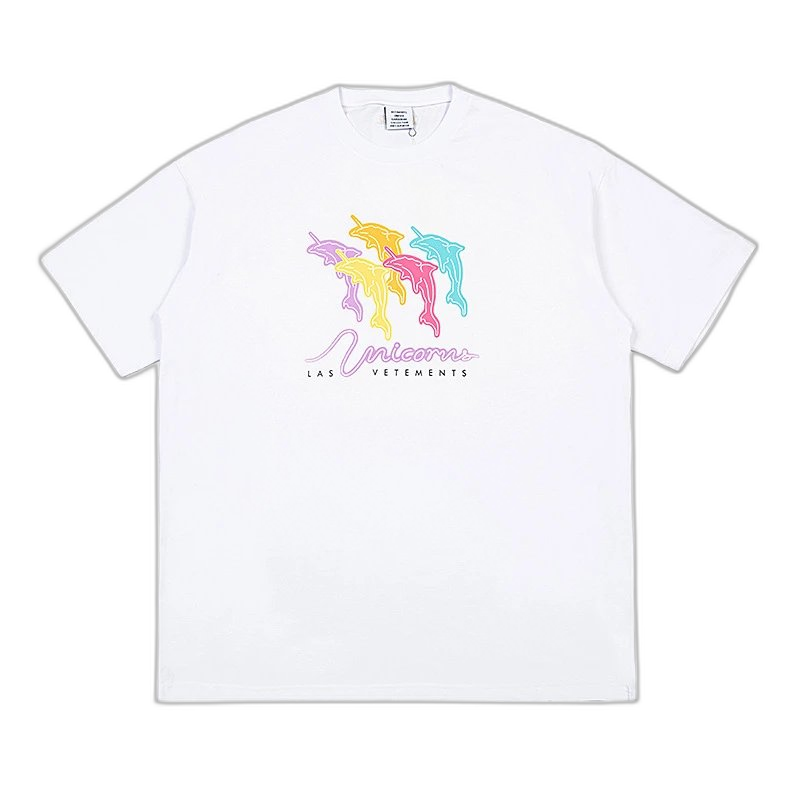
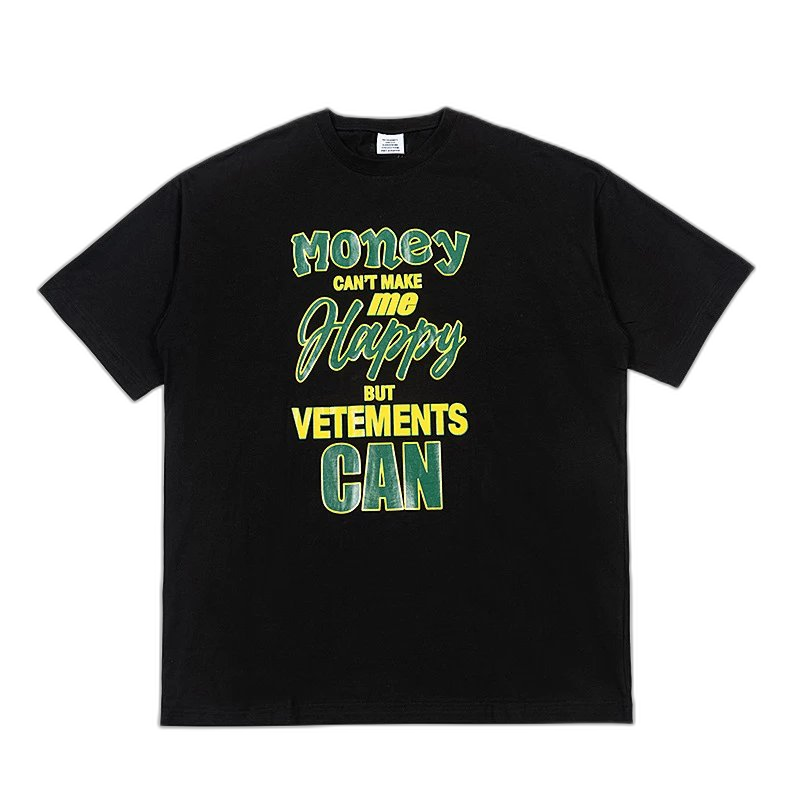
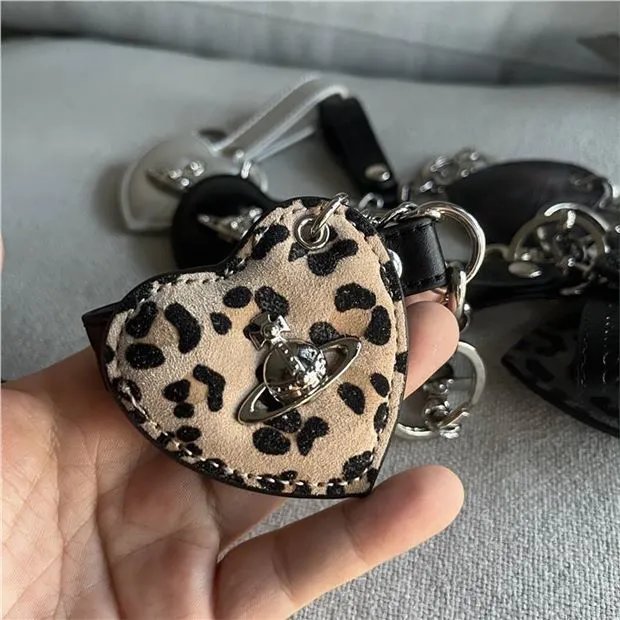
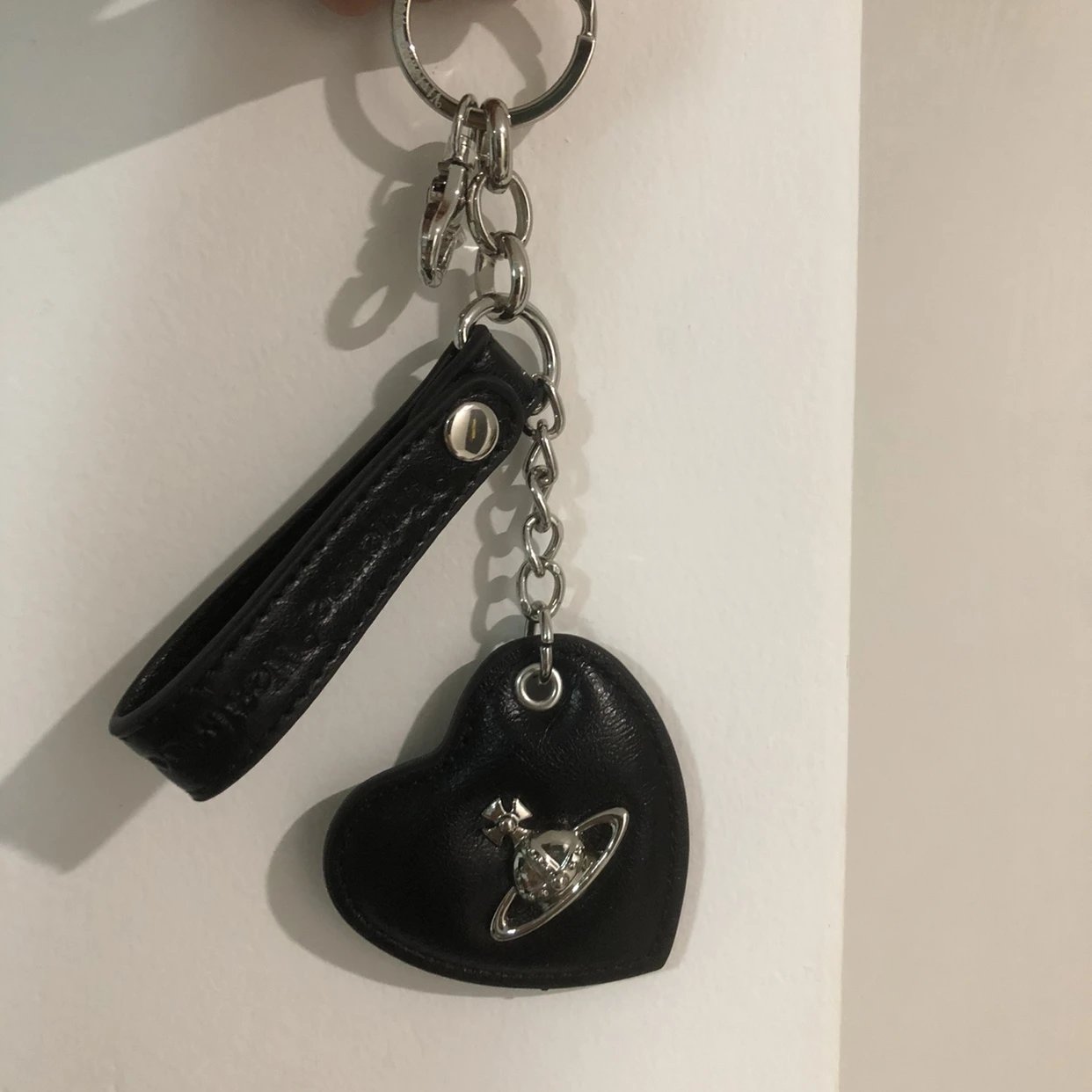
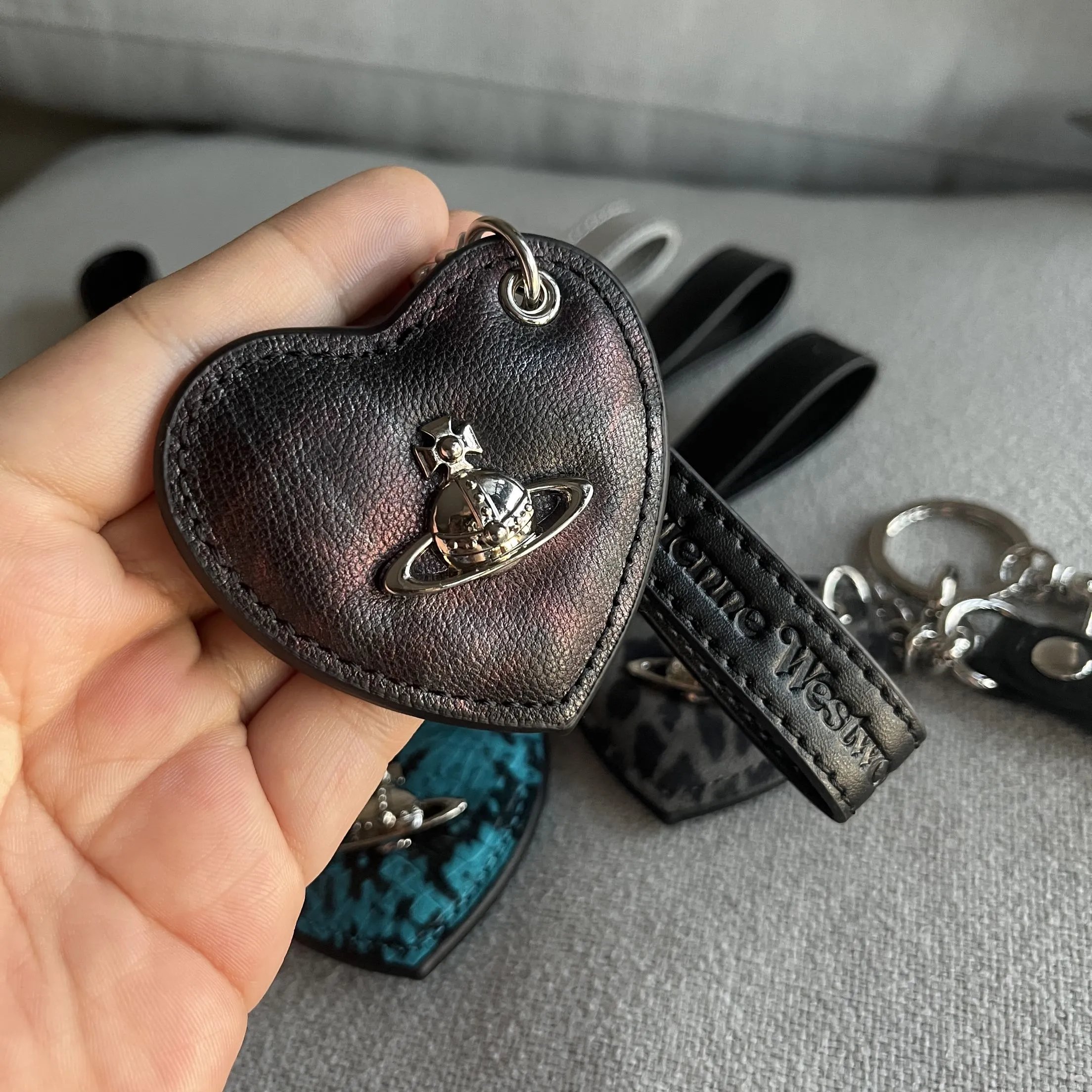
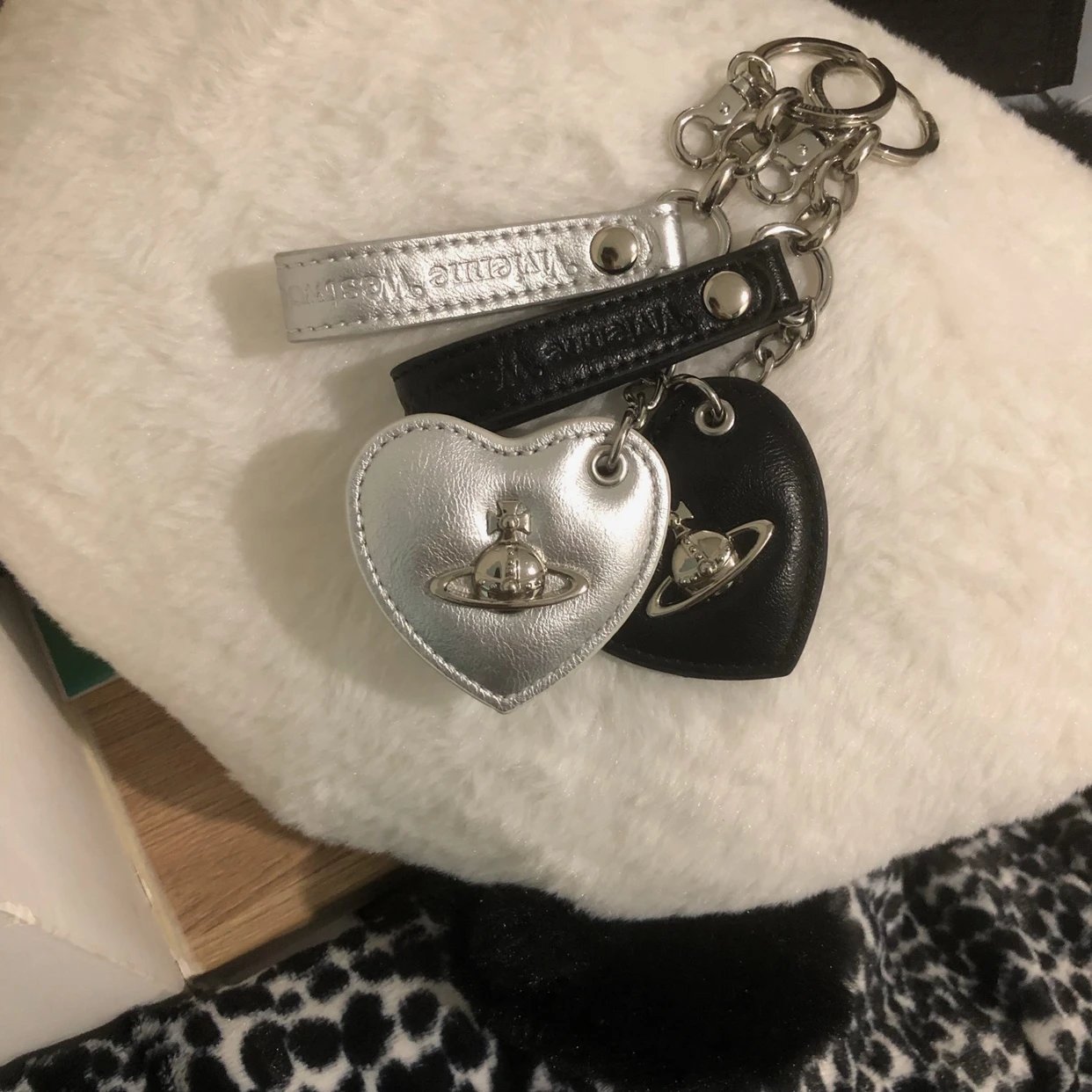
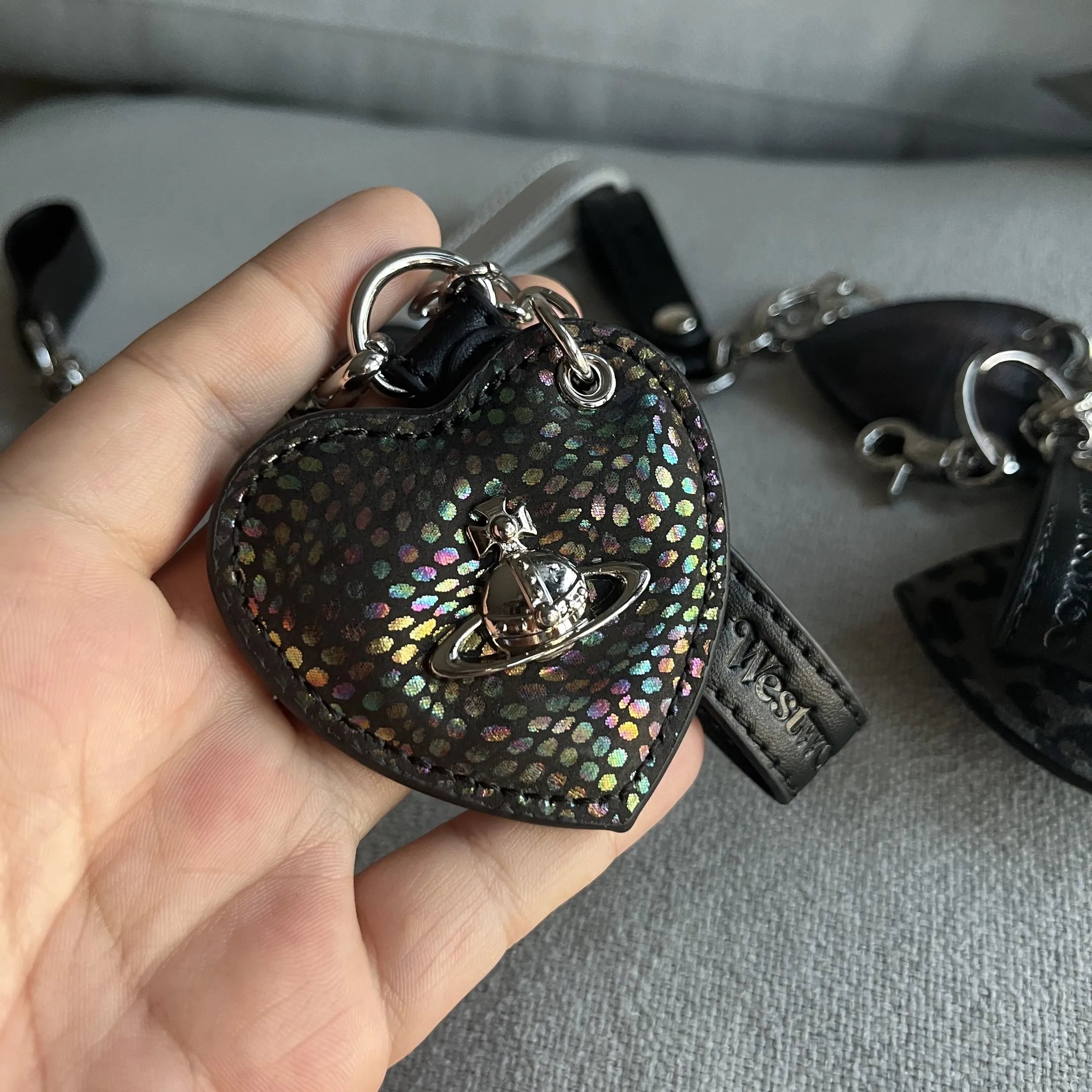
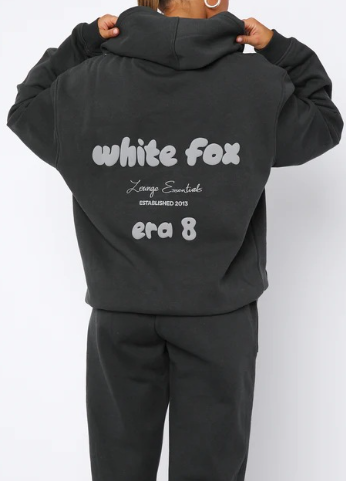
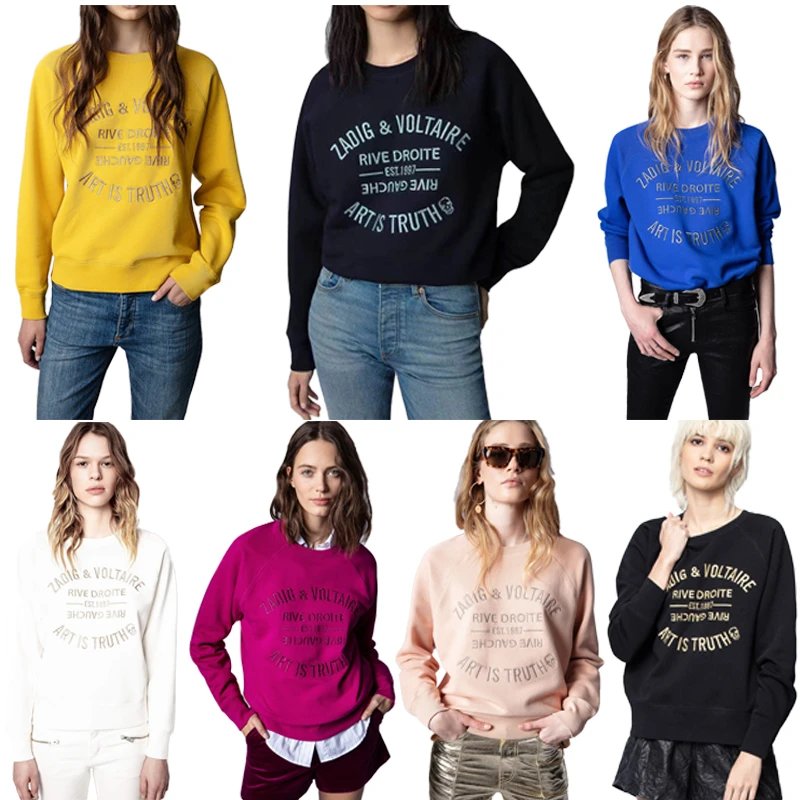
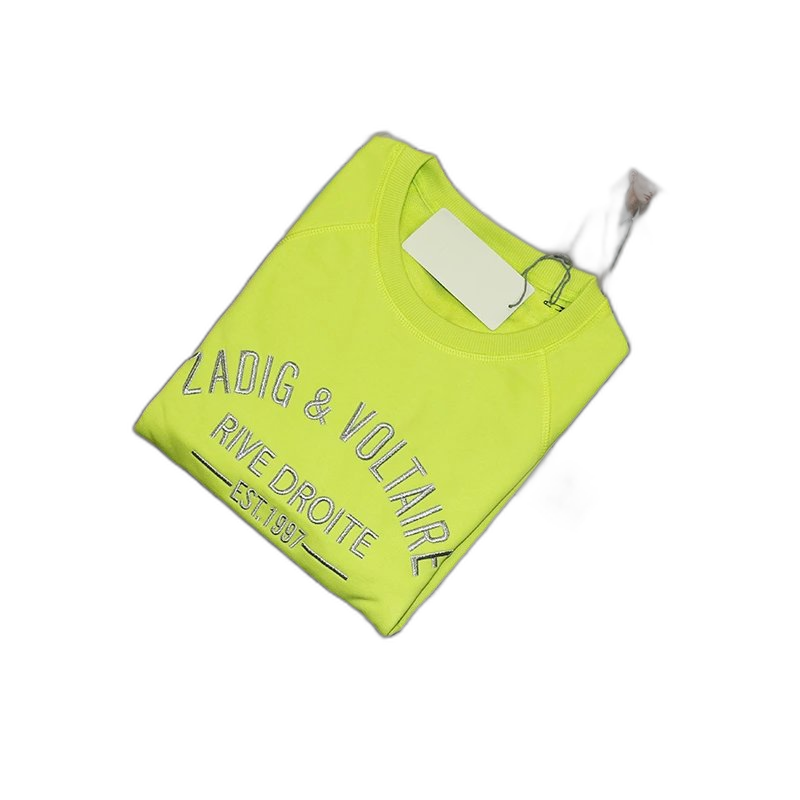
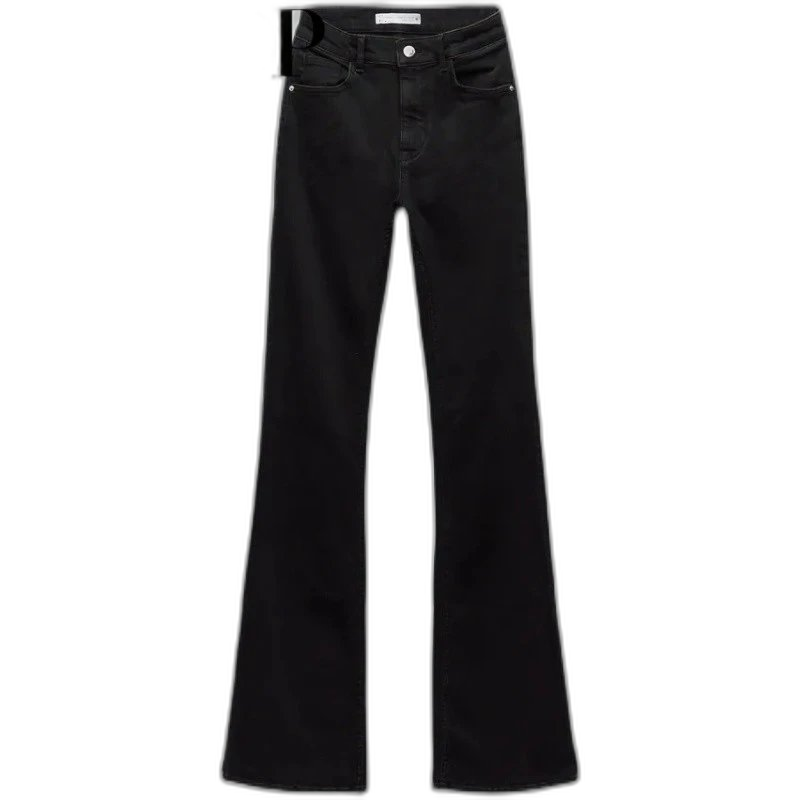
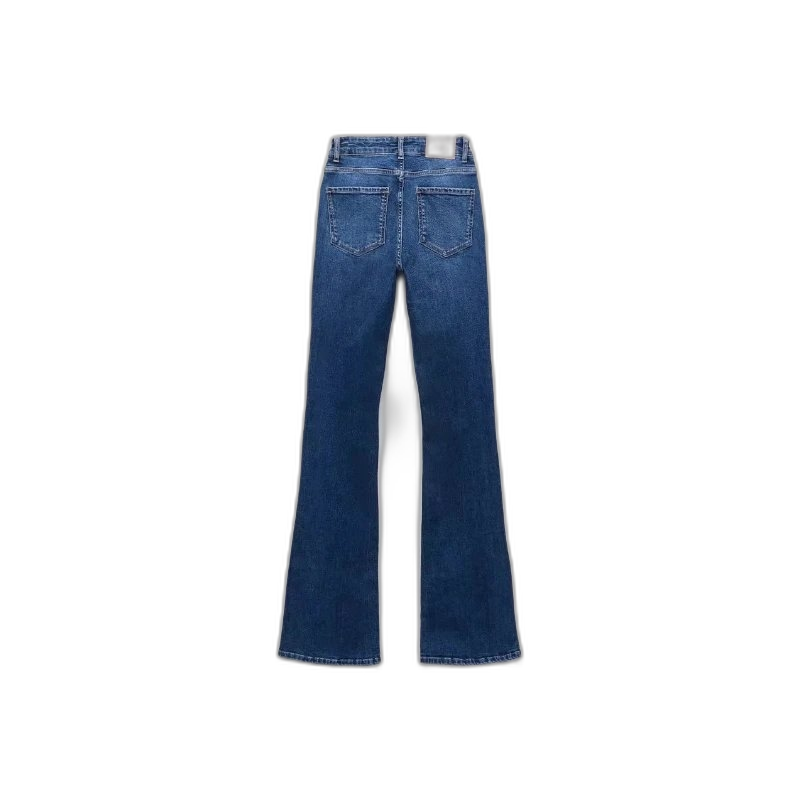
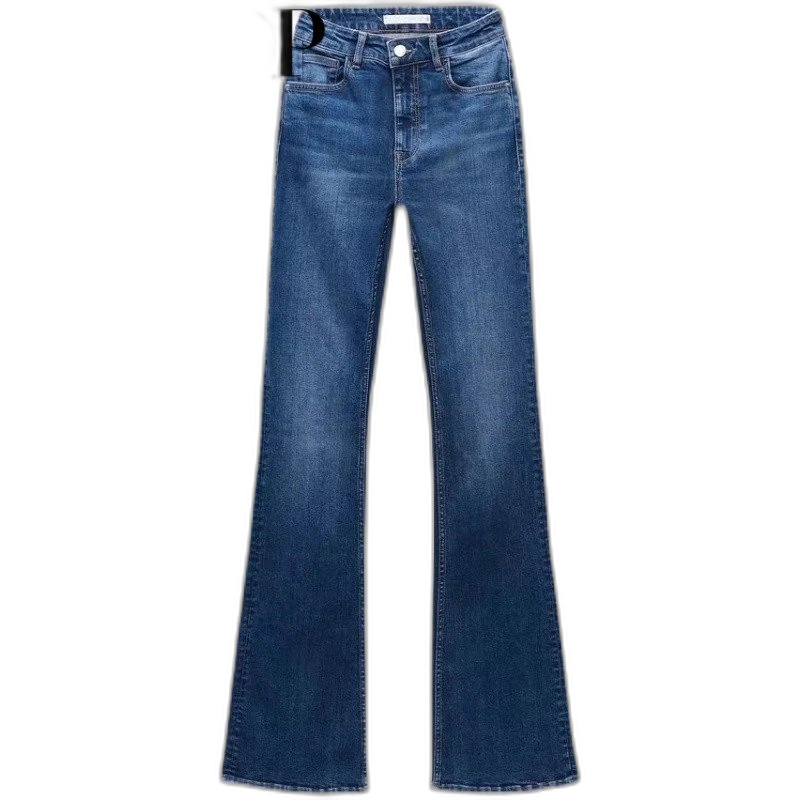
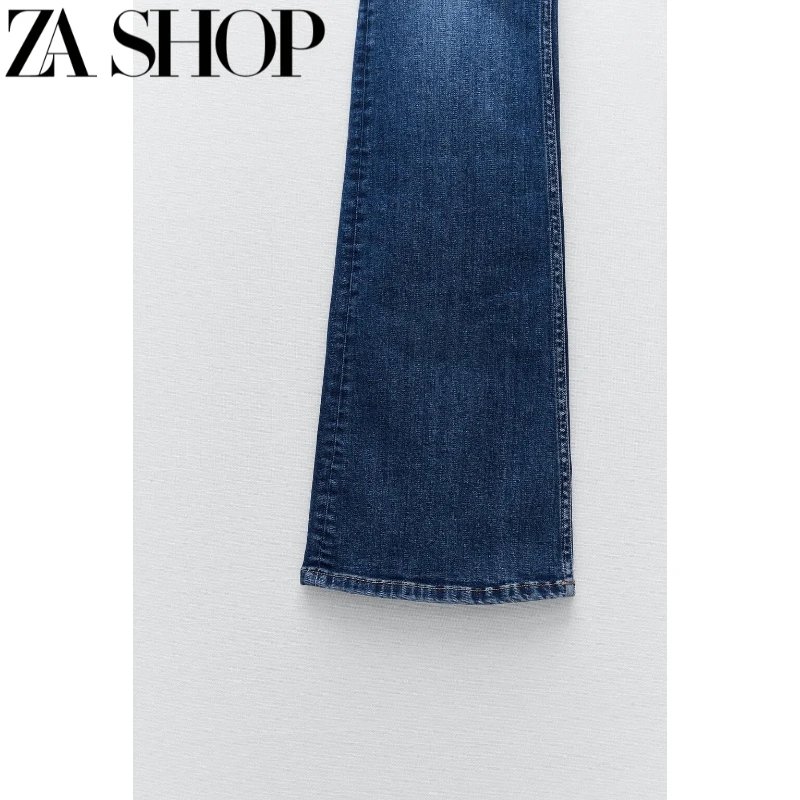
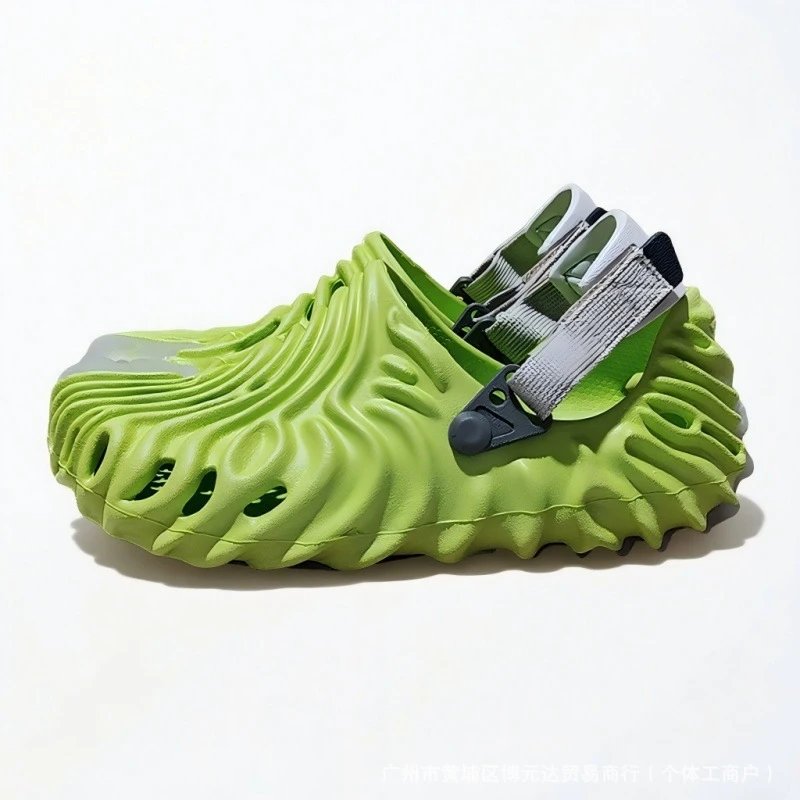
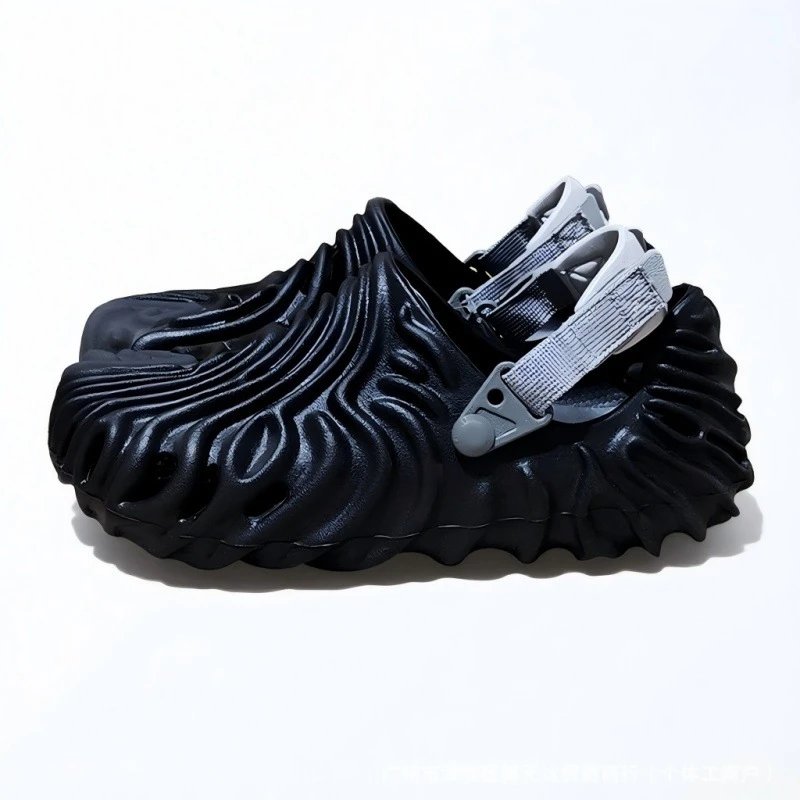
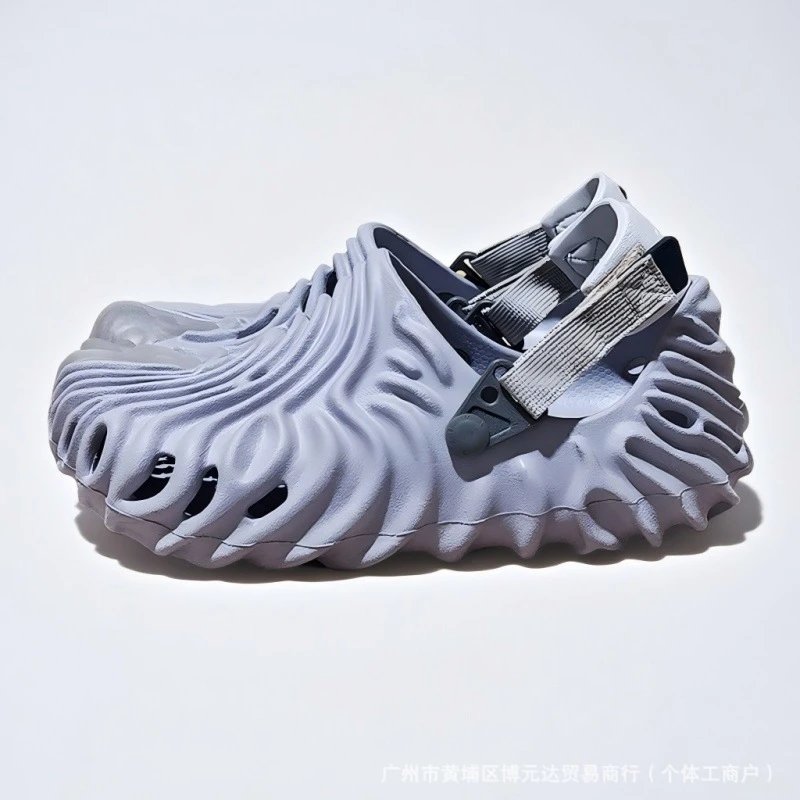
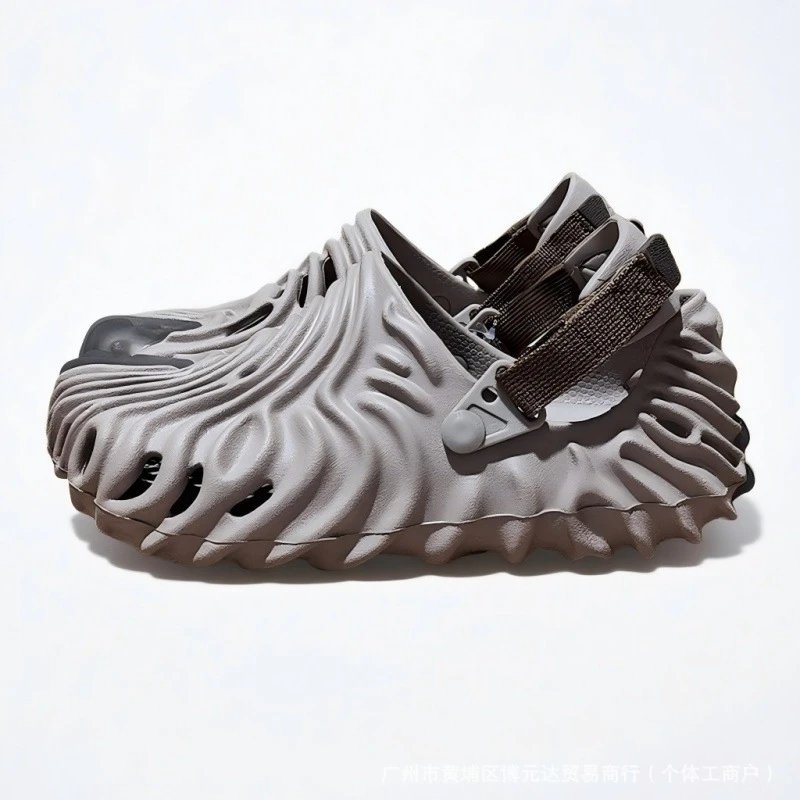
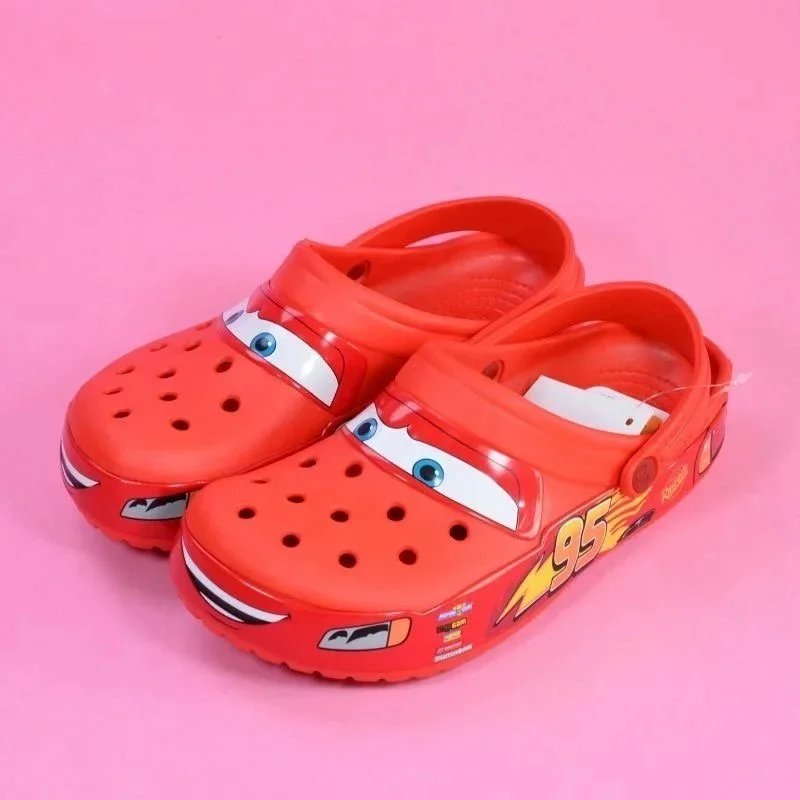
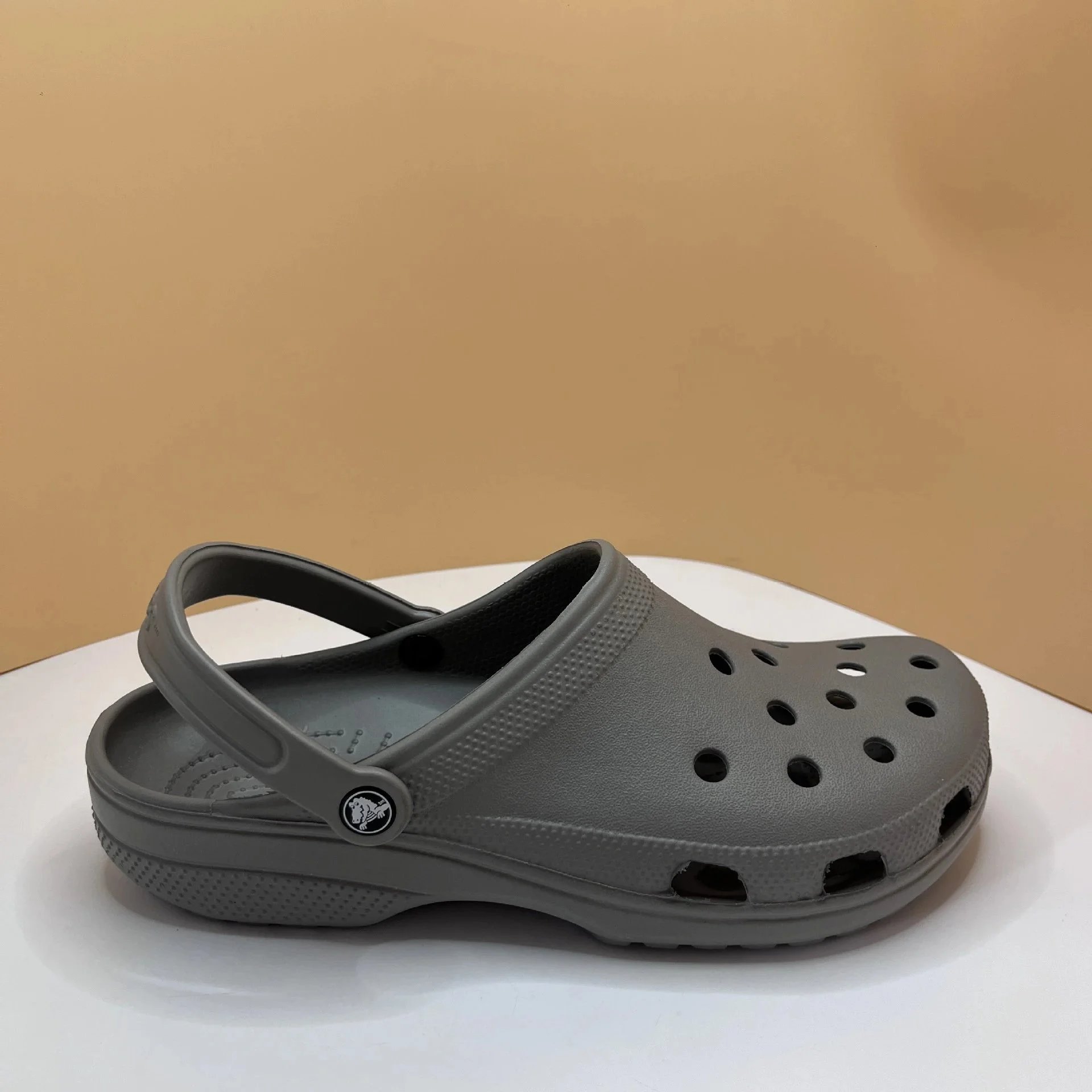
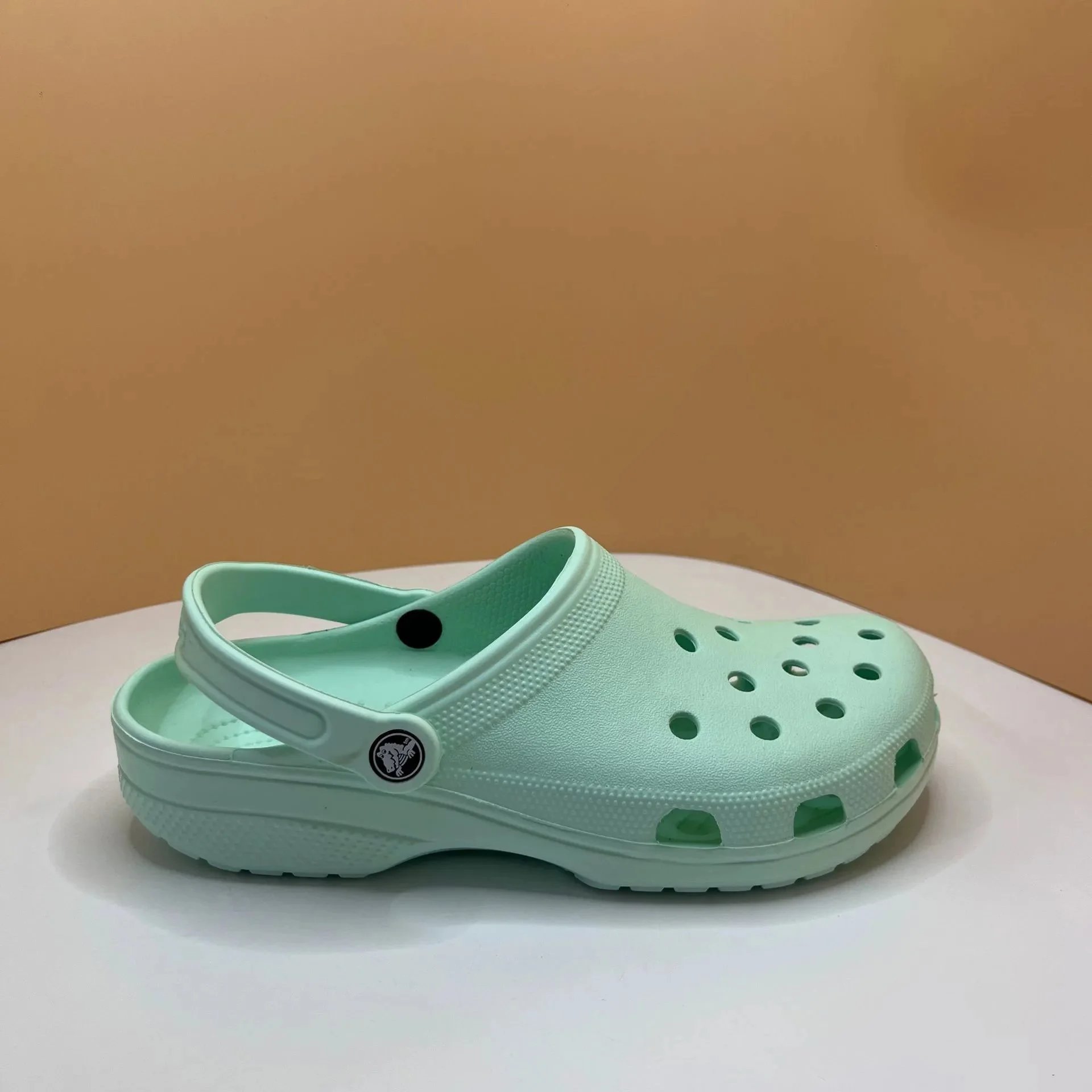
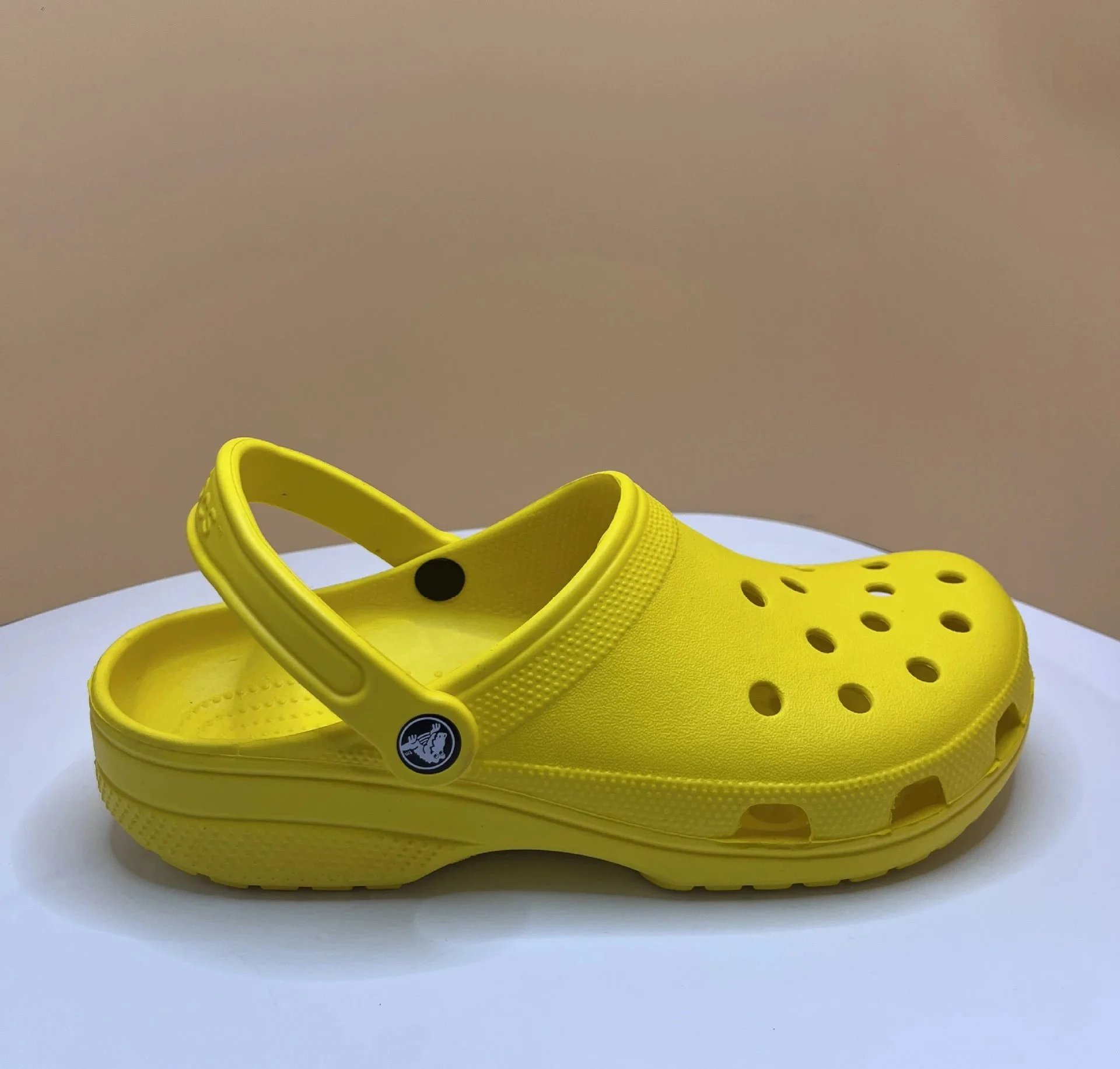
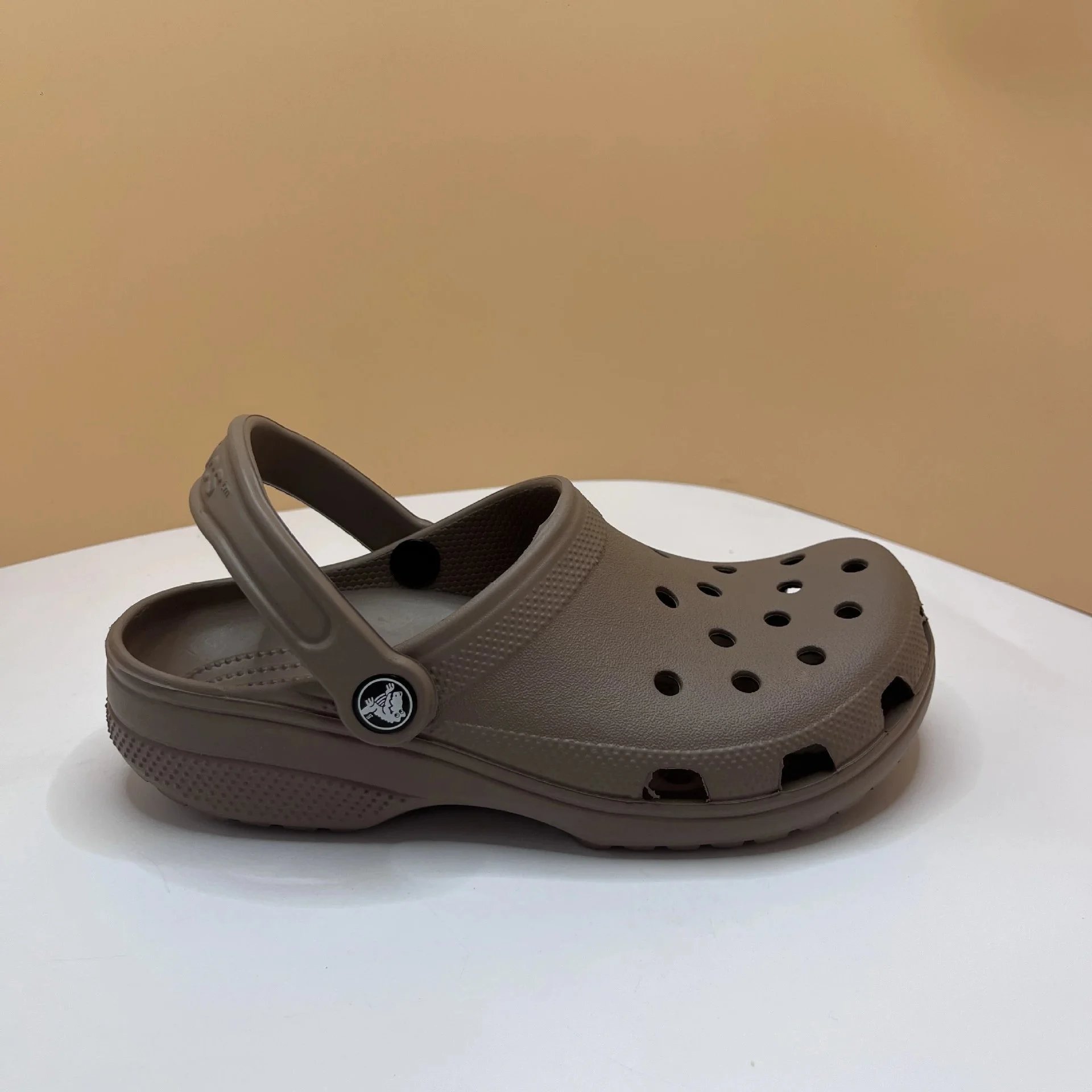
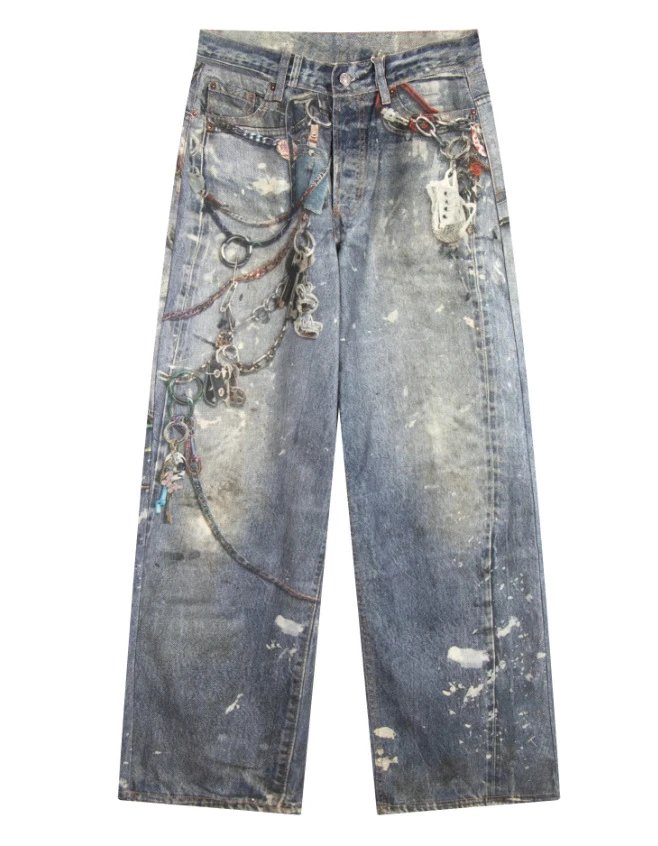
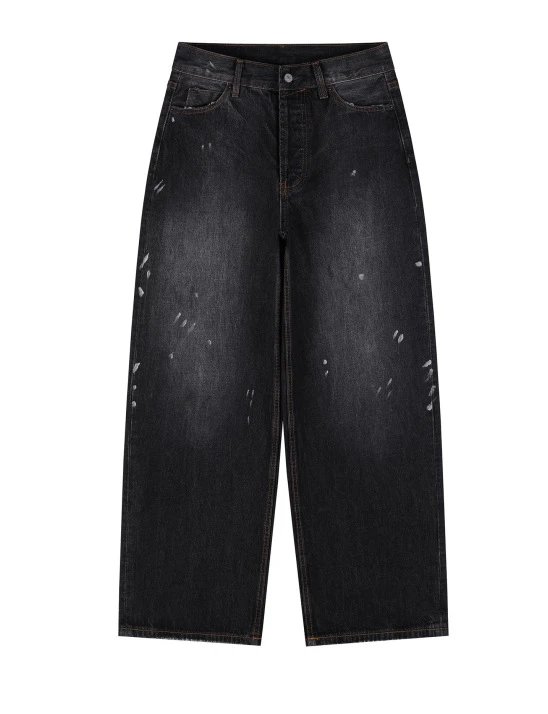
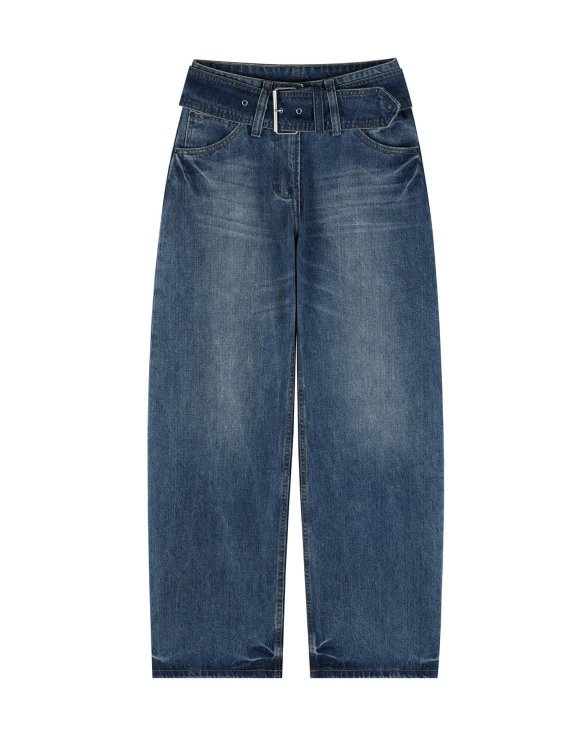
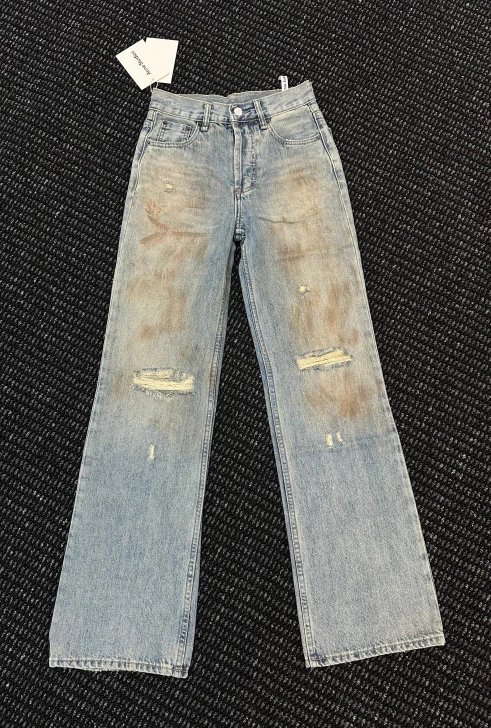
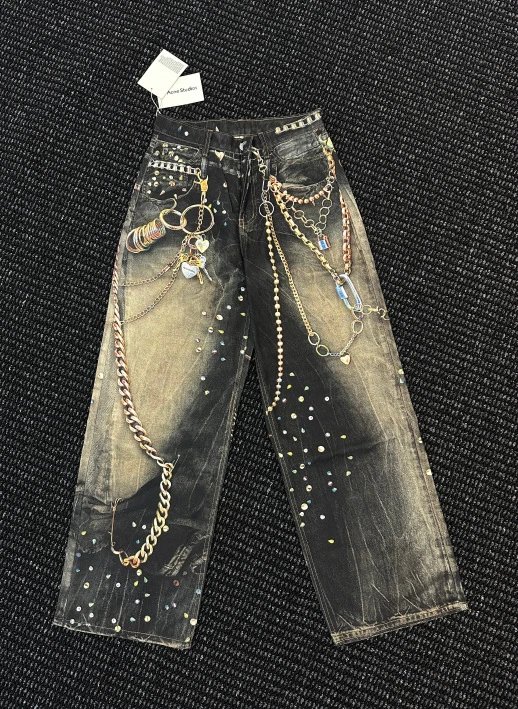
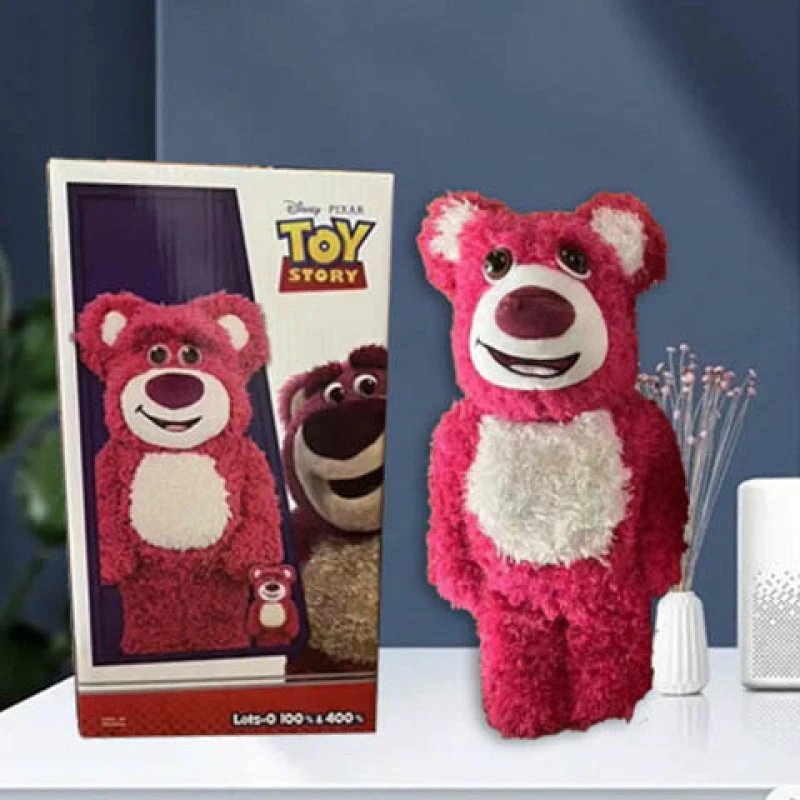
Brand pages are the quickest route through the OopBuy spreadsheet when a label, not a product type, is what you have in mind. Each one gathers all the listings tagged with that brand name, across every category, so you can scan its trainers, clothing, bags and accessories together.
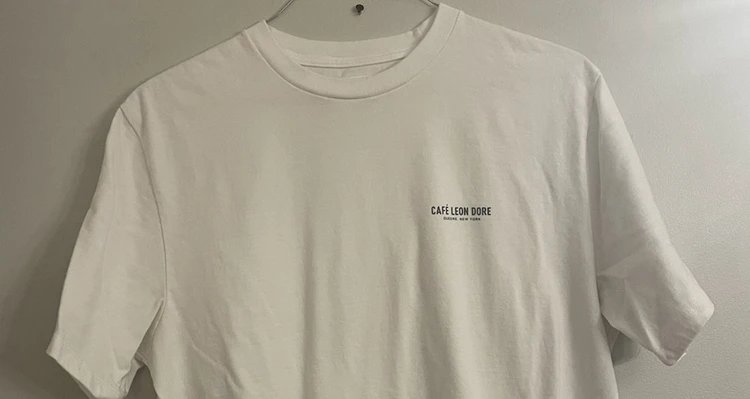
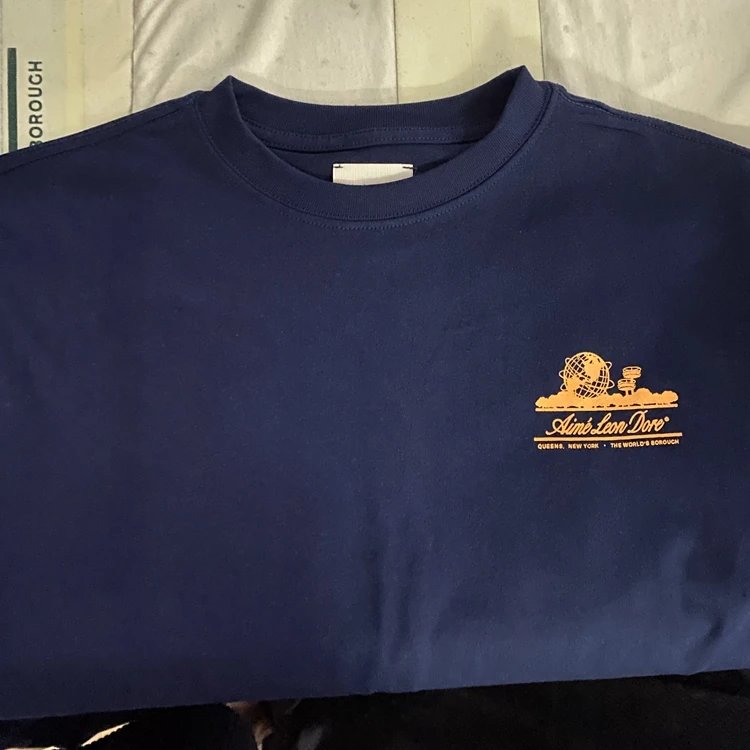
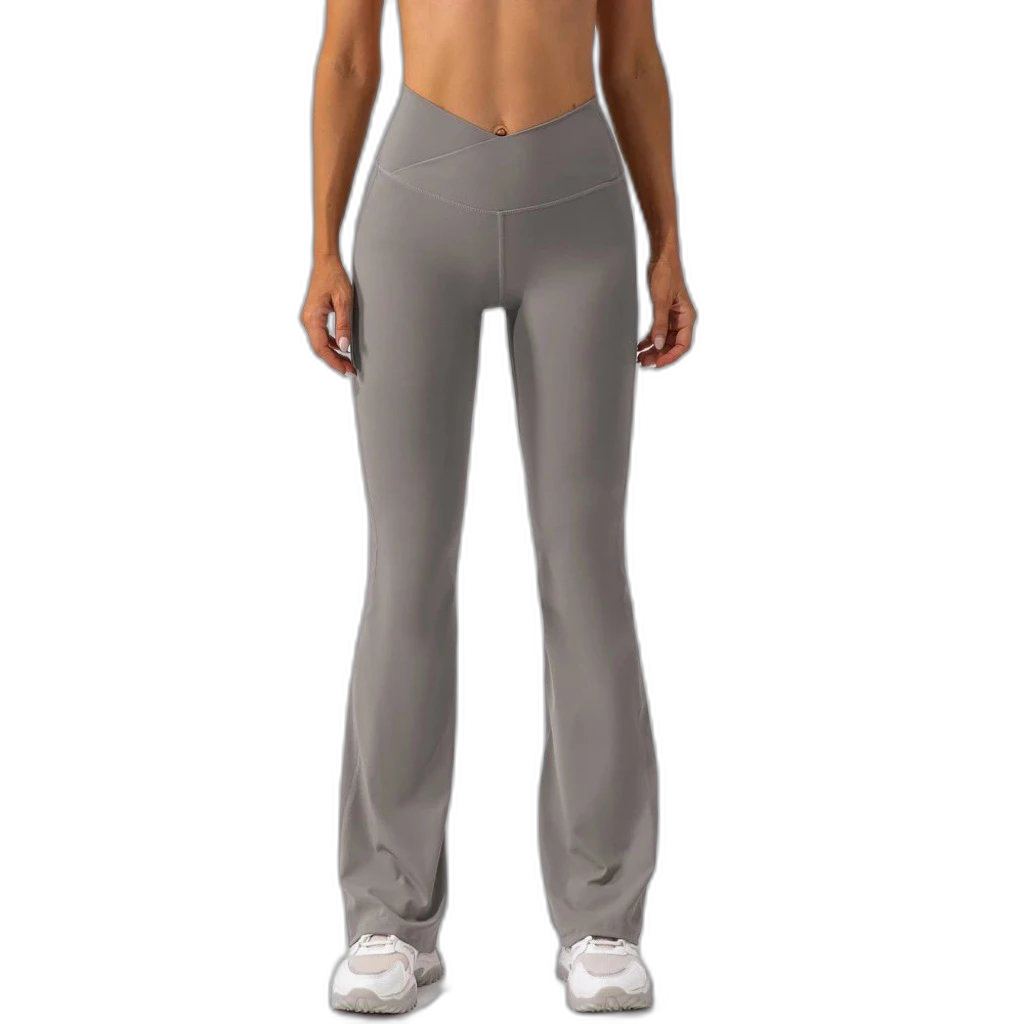
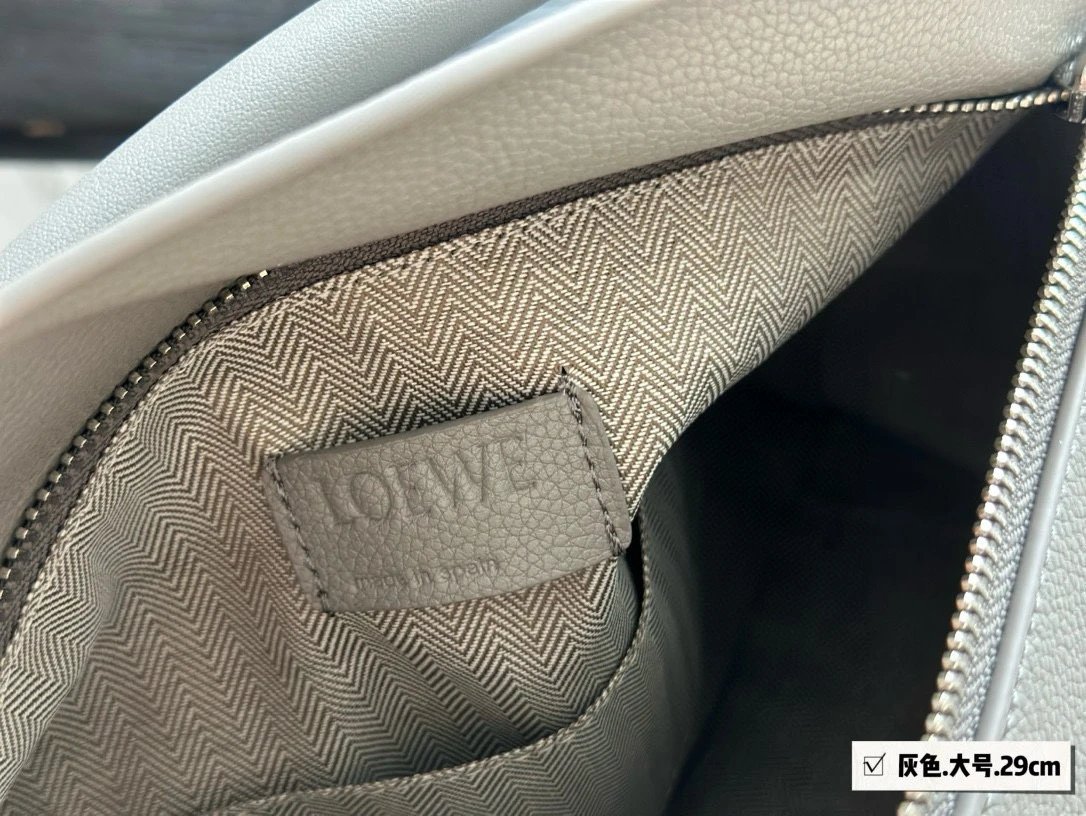
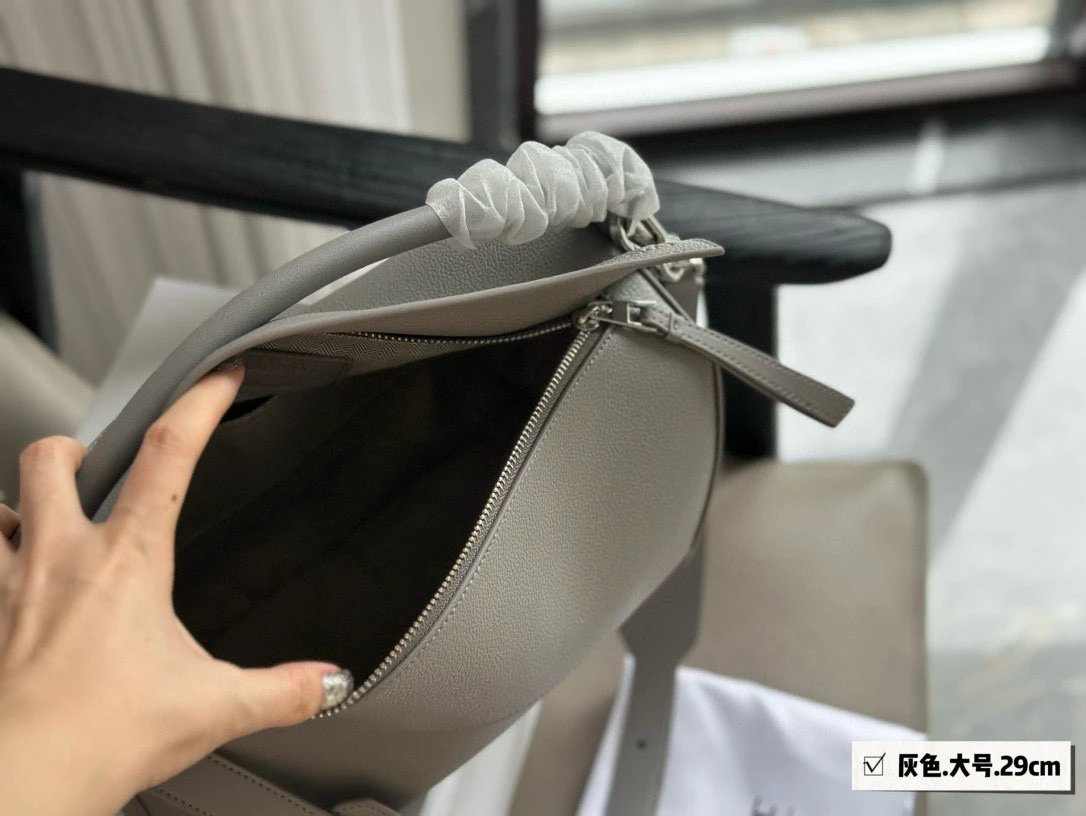
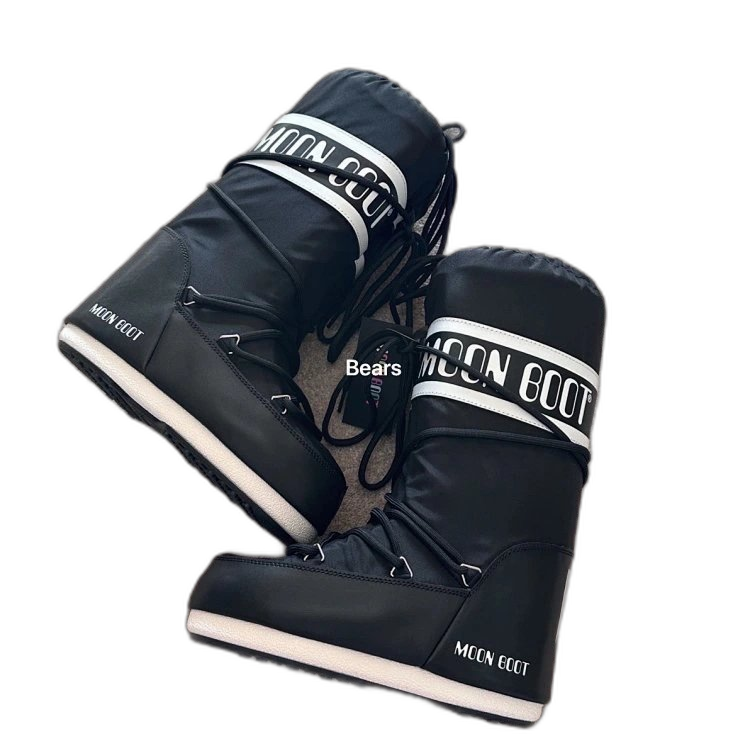
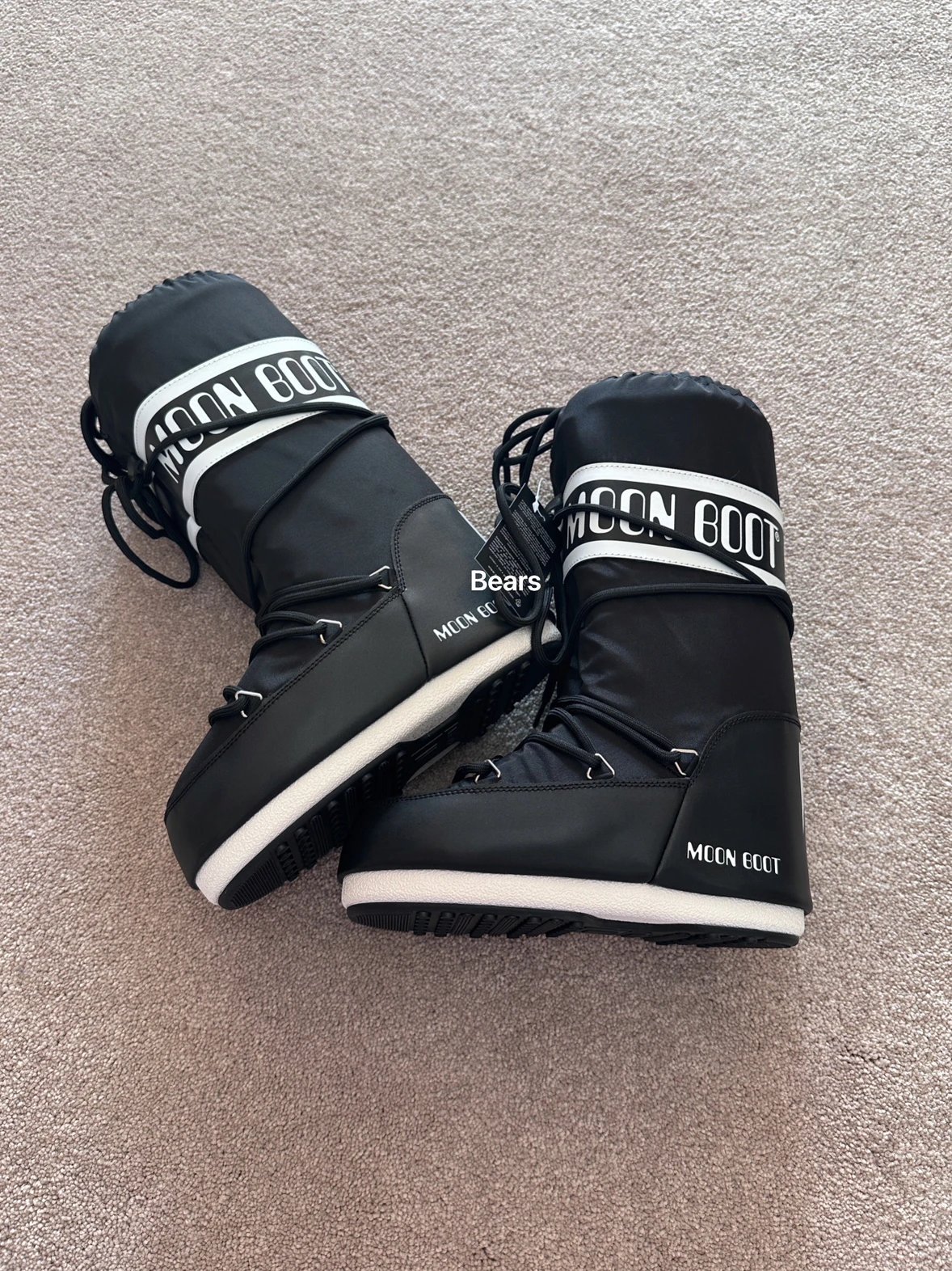
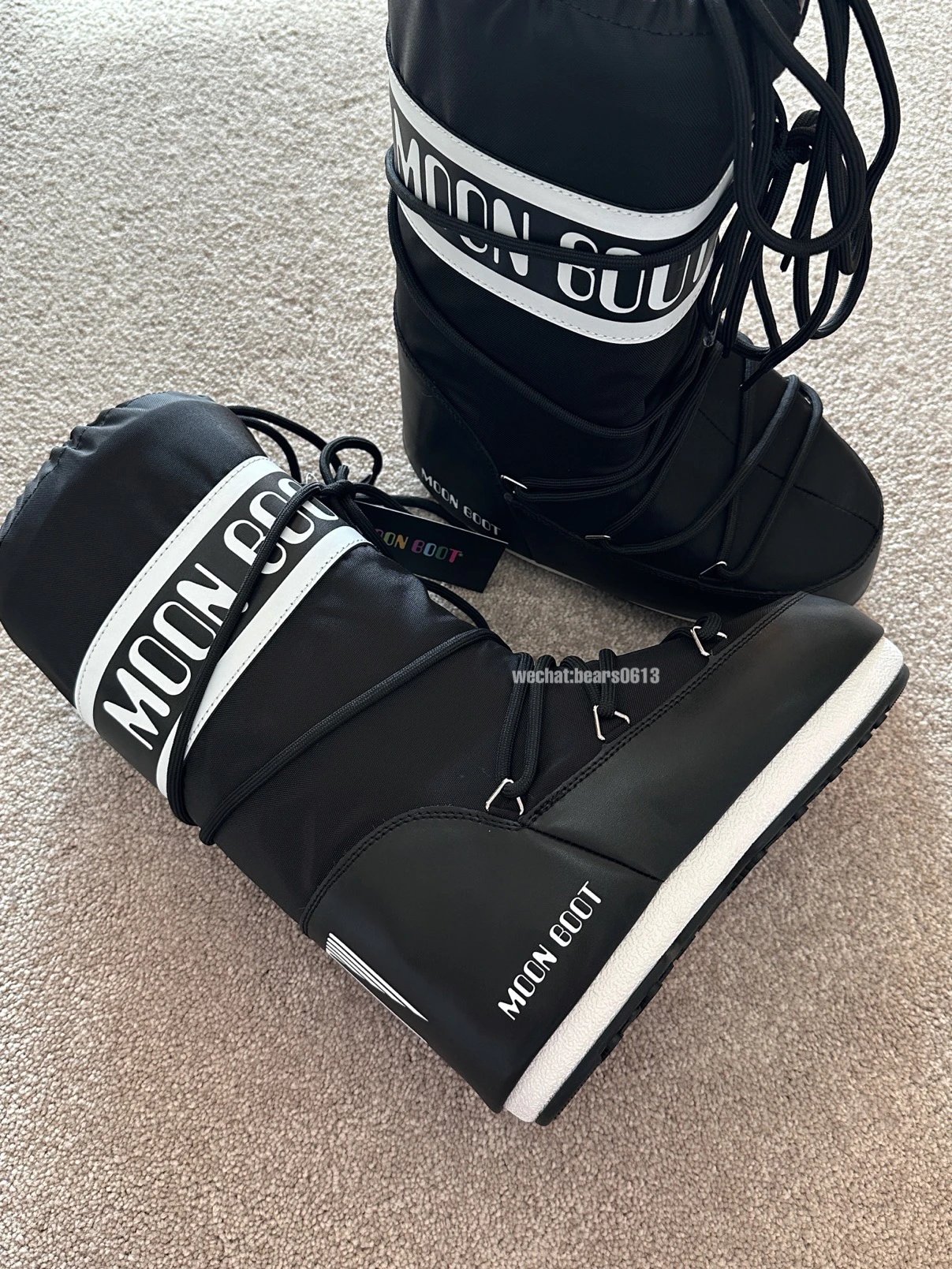
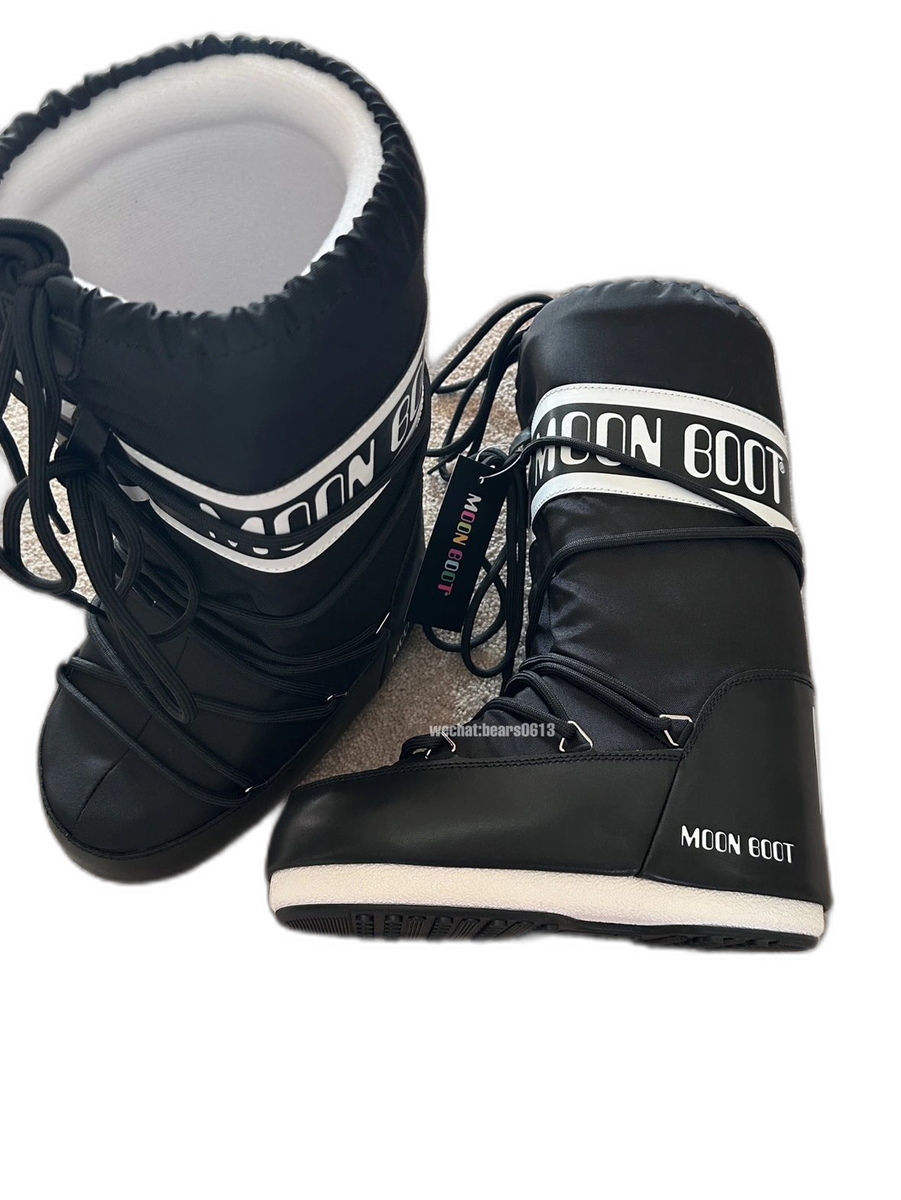
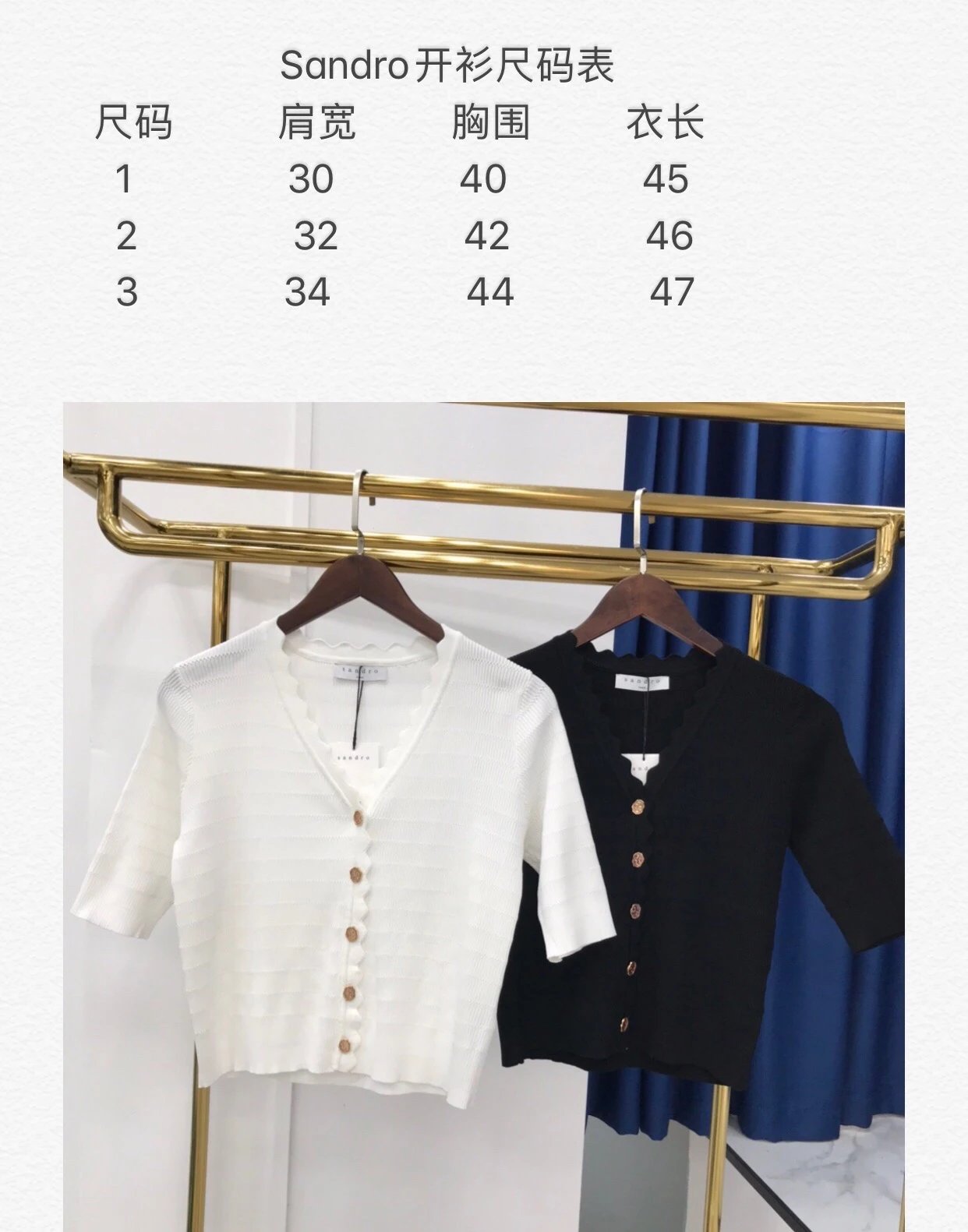
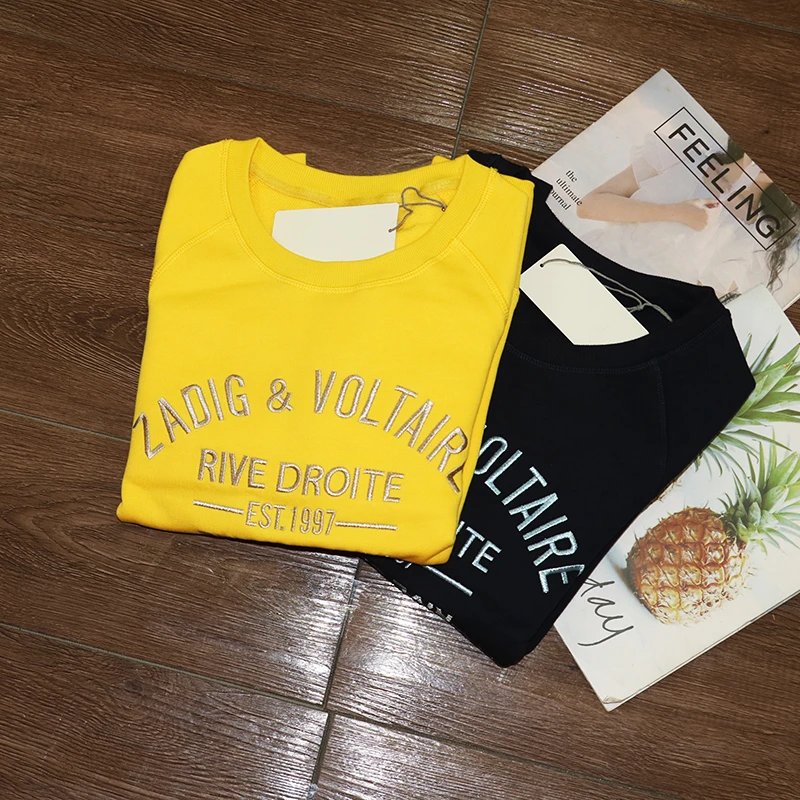
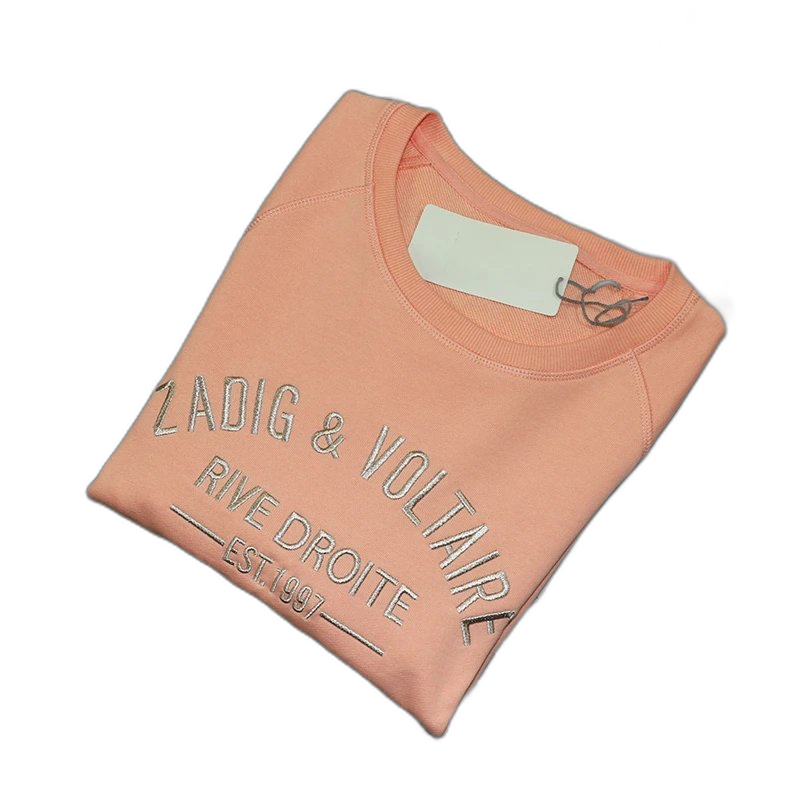
Often you will find more than one listing for a similar item, posted by different sellers. That is an opportunity rather than a complication. Line them up and compare the photo sets, the sizes and colours on offer, any measurements and materials mentioned, and the price recorded at our last check. Whichever listing best shows what you want is the one to send to OopBuy using the button on its product page.
The tags themselves come from how sellers label their listings and are there purely to help you navigate the catalog. Untagged items will not show on brand pages, so browse by category if something seems to be missing. Before your first order, it is worth reading our how-to-buy guide and claiming the $500 new-user coupons.
Disclosure: this page includes affiliate links that may earn us a commission at no extra cost to you. oopbuyspreadsheet.site is independent and not endorsed by OopBuy.